


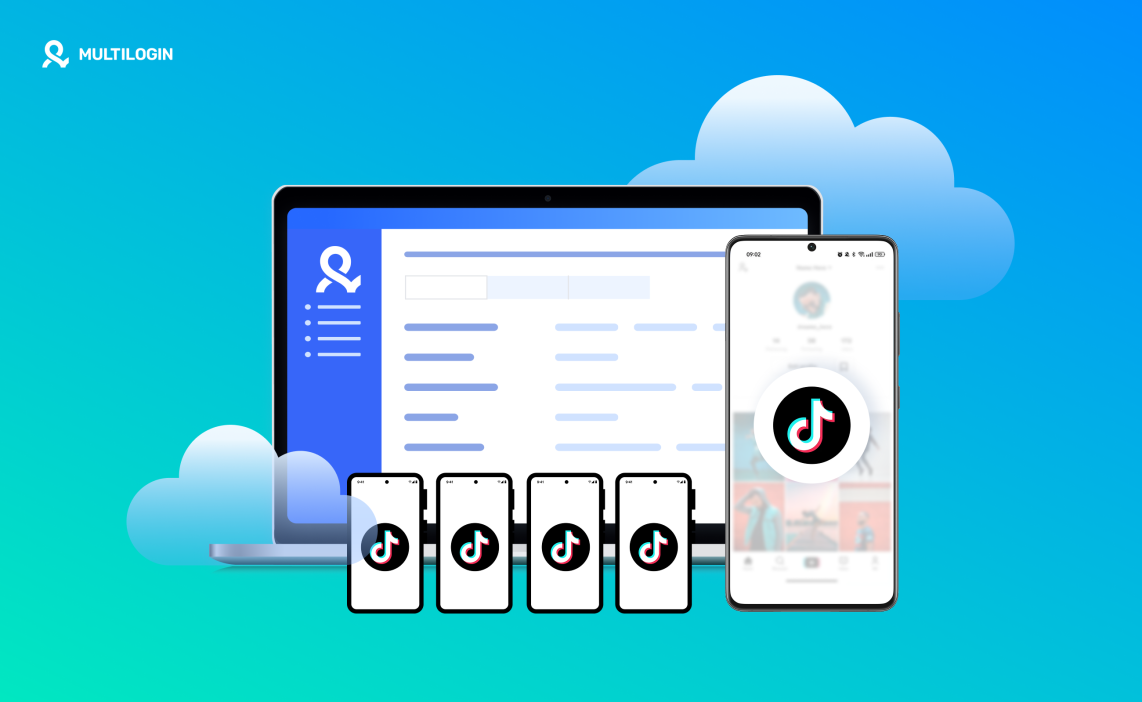

Getting a TikTok account banned often has nothing to do with your content. It happens when TikTok connects your accounts through the same mobile environment — shared app data, repeated device signals, or a reused setup. Once that link is made, new accounts usually don’t last long.
If you’re asking how can you have multiple TikTok accounts, the key is separating the mobile identities behind each account. TikTok tracks more than logins. It tracks the device itself.
- One phone means shared app storage and hidden history
- Emulators and app clones reuse detectable device signals
- VPNs change IPs, not the mobile device
Multilogin Cloud Phones fix this by running each TikTok account inside its own real Android cloud phone. Every account stays isolated with persistent app data and its own mobile identity. If one account gets restricted, the rest stay safe — because they were never connected in the first place.
Why TikTok accounts get linked without warning
TikTok is a mobile-first platform. That means the app pays close attention to the phone it runs on. When multiple accounts share the same environment, they start to look related — even if the usernames, emails, and phone numbers are different.
This usually happens because:
- App data and login history live on the same device
- The same Android identifiers appear again and again
- New accounts inherit traces from old ones
Once that connection exists, creating another account on the same phone often leads to the same outcome. If one account gets restricted, the others are already at risk.
What changes when each account has its own Android environment
To keep accounts separate, the environment behind them must stay separate too. That means each TikTok account needs its own Android system, its own app storage, and its own mobile identity.
This is where Multilogin Cloud Phones change how multi-account setups work. Instead of sharing one phone or resetting the same device, each TikTok account runs inside its own real Android cloud phone. Nothing is reused. Nothing overlaps. Each account behaves like it lives on a separate physical device.
Running TikTok accounts on real Android cloud phones
Multilogin Cloud Phones give you access to real cloud-hosted Android devices with genuine hardware identifiers. Every cloud phone comes with its own Android OS, its own IMEI, Android ID, MAC address, and system settings.
When you log into TikTok:
- The app sees a real Android device
- App data and cache stay inside that phone
- Login sessions persist naturally over time
You’re no longer forcing multiple accounts to share one mobile identity. Each account has its own space to exist and grow.
How can you have multiple TikTok accounts with Multilogin
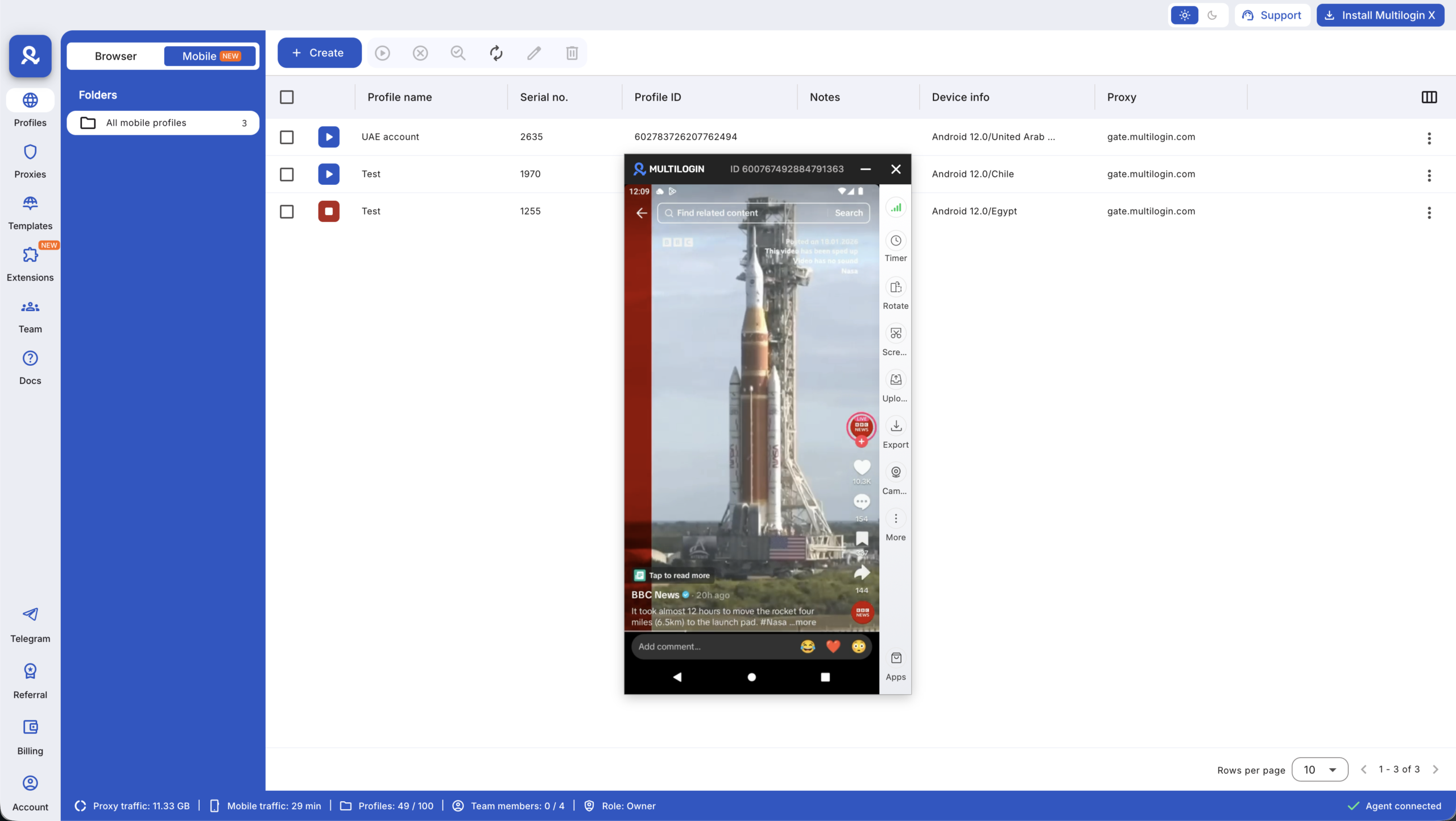
Multilogin Cloud Phones give you control over the part TikTok actually pays attention to: the mobile device behind every account. Instead of forcing multiple accounts to live on one phone, each TikTok account runs inside its own real Android cloud phone, fully separated from the others and managed from one desktop platform.
You don’t juggle phones. You don’t reset environments. You don’t hope the next account lasts longer than the previous one. Each account gets its own Android system, its own app data, and its own identity from the first login.
Run each TikTok account on its own real Android device
Every TikTok account runs inside a real Android cloud phone with genuine hardware identifiers like IMEI, Android ID, and MAC address. These devices behave like physical smartphones, not simulated environments. TikTok sees a real mobile device every time the app opens, which keeps account signals consistent instead of recycled.
Keep app data and login sessions consistent over time
Cloud phones preserve app storage, cache, and login state between sessions. When you return to an account, it opens as the same device it was before, not a fresh environment. This consistency allows accounts to warm up naturally and avoids the pattern of repeated logins and resets that often trigger restrictions.
Keep TikTok accounts fully isolated from each other
Each cloud phone is its own closed environment. No shared app data. No shared storage. No background signals crossing between accounts. If one TikTok account runs into trouble, it stays contained inside that device instead of affecting the rest of your setup.
Manage all TikTok accounts from one desktop platform
Multilogin lets you launch and control cloud phones directly from a desktop app. You can switch between TikTok accounts, organize devices, and keep everything visible in one place. This removes the confusion that comes with multiple phones or scattered tools and reduces mistakes that usually lead to bans.
Match mobile identity with built-in proxies
Each cloud phone uses built-in mobile-grade proxies matched to location, keeping IP and device signals aligned. This helps TikTok see a consistent mobile identity instead of mixed signals caused by manual proxy setups or location mismatches.
Scale TikTok accounts without physical phone farms
Cloud phones replace fragile hardware setups. You don’t charge devices, rotate phones, or maintain shelves of hardware. Each TikTok account still behaves like it’s running on its own phone — just without the physical limitations that slow teams down as they grow.
This approach works for people who can’t afford to lose accounts:
- Creators running multiple niches
- Agencies managing client profiles
- E-commerce brands testing regions
- Teams scaling posting and engagement
In each case, the goal is the same: keep accounts separate, stable, and under control.
Learn more about how to avoid getting banned on TikTok!


