Proxy browser
Work safely with full-featured proxy browser Multilogin built for isolation and anonymity .
Separate proxy and environment per profile
No shared cookies or fingerprints
Lower risk of detection and bans
Run multiple accounts safely
Work with multiple accounts in parallel without constant logouts or security checks. Keep sessions stable and operate at scale.
- Work across accounts at the same time
- Maintain consistent account behavior
- Reduce manual checks and interruptions
Stay protected from tracking
Avoid tracking beyond IP addresses. Each browser profile uses a unique fingerprint and isolated environment, reducing identification through browser, device, and session signals across accounts and locations.
Use integrated residential proxies
Route each browser profile through trusted residential IPs without manual setup.
Built-in proxy management
Easy location and IP switching
Compatible with long-term sessions
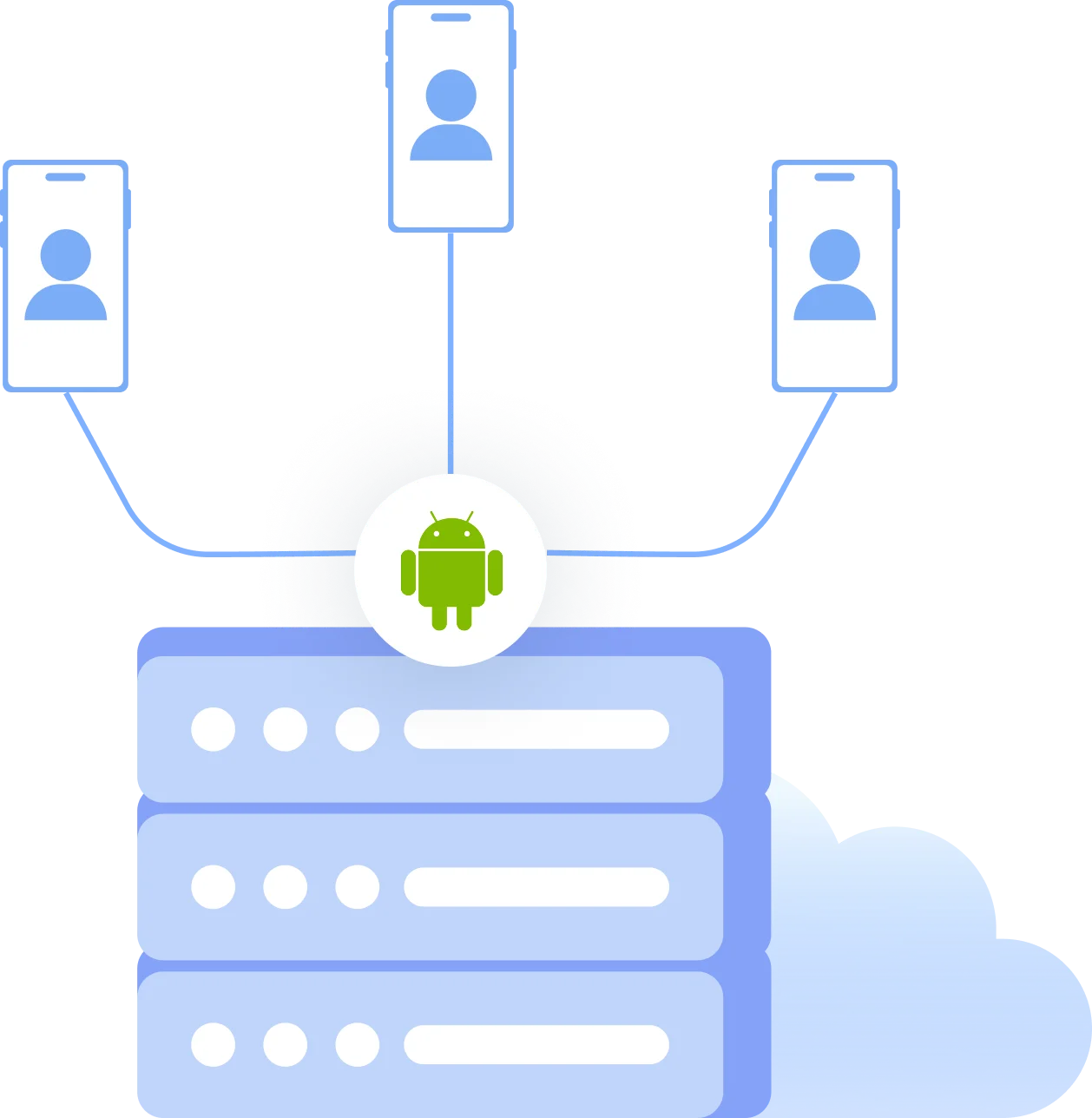
Emulate real Android Phones
Access mobile-first platforms and run apps in authentic Android environments that desktop browsers can’t replicate.
Use cloud-based Android phones, not emulators
Match mobile-only platform requirements
Work with apps and mobile web flows
Work in teams and automate actions
Collaborate securely and scale repetitive workflows across multiple accounts.
Share browser profiles with controlled access and automate actions using APIs and automation tools: Selenium, Playwright, Puppeteer.
What is antidetect browser?
Antidetect browser lets you create multiple isolated browsing sessions, each with a unique digital fingerprint and proxy-ready environment. Unlike basic proxy browsers, it isolates browser data and behavior, helping you manage multiple accounts and reduce detection across platforms.
Why choose Multilogin?
Multilogin is a full-featured antidetect browser built to work as a professional proxy browser. It is designed for professionals and teams who need more than basic proxy tools. Multilogin supports scalable multi-account workflows, long-term session stability, and automation, making it easier to operate efficiently.
Why Multilogin stands out
Fast, user-friendly UI for multitasking
Mobile Android profile emulation (cloud-synced)
Profile export & import for fast migration
Antidetect + built-in residential proxies
24/7 expert support in 5 languages
Multilogin key features
Bypass protection
55+ customizable fingerprint parameters create unique browser profiles that bypass detection. Tested daily across 50+ platforms for guaranteed stealth.
Team collaboration
Invite your entire team with role-based permissions. Share profiles, assign accounts, and run bulk operations securely.
Data sync over Cloud
Store cookies, extensions, and session data in the cloud. Access your profiles from any device or VPS instance with seamless sync.

High load supported
Scale from 10 to 10,000 browser profiles. Our platform handles enterprise operations with API rate limits up to 100 RPM for seamless performance.
All proxy types supported
Use built-in proxies or your own. Supports HTTP, HTTPS, and SOCKS5. Proxy Traffic Saver minimizes bandwidth during automation.
30M+ Built-In Residential IPs
Access rotating residential IPs across 150+ countries and 1,400+ cities. Every plan includes free proxy traffic—USA, UK, Europe and Latin America ready from day one.
Mimic and Stealthfox Browsers
Two browser engines: Mimic (Chromium) and Stealthfox (Firefox). Choose the best digital identity for your needs.
Android cloud emulation
Run native Android profiles (OS 9–15) on your PC. Simulate real mobile devices with authentic signals for mobile-first platforms.
Try Multilogin today and experience safer, smarter multi-accounting
Run unlimited accounts securely, bypass detection, and stay human-like online — all from one platform.
Multilogin: manage accounts with proxy across 25+ platforms
How to start using Multilogin
Start your business effortlessly with the industry leading antidetect browser.

Sign up
Register using a verified email address

Choose your plan
Select from various subscription plans tailored to your business needs

Download the Multilogin agent
Available for Windows, Mac, and Linux.

Access the Multilogin dashboard
Start creating and managing antidetect browser profiles

Run your accounts with proxies
Assign proxies to each browser profile and route traffic through dedicated IPs directly inside the browser.
Why people love Multilogin

Dominik

Nino Latif

George M.
Co-Founder, Small-Business
Watch the Multilogin demo
Get a 10-minute demo video on how Multilogin enhances your anonymity for robust multi-account management and data scraping activities. Just fill in your name, last name and email below, and we’ll deliver the demo in few seconds.
Proxy browsers, antidetect browsers, and modern online tracking
As websites and platforms become more sophisticated, tools designed to manage privacy, identity, and access have also evolved. Terms like proxy browser and antidetect browser are often used interchangeably, but they describe different approaches to solving online tracking and multi-account challenges.
Understanding how these tools work and where their limitations lie is essential for anyone managing multiple accounts, working across locations, or automating browser-based workflows.
What is a proxy browser?
A proxy browser is generally understood as a browser or browsing tool that routes internet traffic through a proxy server. Instead of connecting directly to a website using your real IP address, requests are sent through an intermediary server, allowing the user to appear as if they are browsing from a different location or network.
Proxy browsers are commonly used to:
- Access geo-restricted content
- Separate traffic across different IP addresses
- Mask the user’s original network location
Many proxy browsers are lightweight solutions. They may exist as browser extensions, modified browsers, or online proxy interfaces. In most cases, they focus almost exclusively on network-level routing.
The limits of IP-based browsing
While proxies can change how a website sees your network location, modern platforms rely on far more than IP addresses to identify users.
Websites analyze:
- Browser configuration and capabilities
- Stored cookies and local data
- Device characteristics such as screen resolution and system settings
- Behavioral signals across sessions
When a proxy browser does not isolate these elements, multiple sessions may still appear connected. This is why users often experience account linking, verification challenges, or restrictions despite using proxies.
How tracking works beyond IP addresses
Online tracking has shifted from simple identifiers to complex signal analysis. Platforms combine multiple data points to build a consistent picture of a user or device.
Common tracking vectors include:
- Browser fingerprints generated from APIs and rendering behavior
- Persistent storage such as cookies and local storage
- Timezone, language, and system-level parameters
- Repeated behavioral patterns across sessions
When these signals remain consistent, changing only the IP address has limited impact. This has led to the development of tools that operate at the browser environment level, not just the network level.
What is an antidetect browser?
An antidetect browser is designed to manage and isolate browser environments themselves. It is a fully-featured proxy browser. Instead of focusing solely on where traffic comes from, it focuses on how the browser appears and behaves.
Antidetect browsers typically allow users to:
- Create multiple isolated browser profiles
- Store cookies and session data separately
- Customize or manage browser fingerprints
- Reopen the same environment consistently over time
Each profile functions as an independent browser instance. From the website’s perspective, these profiles look like separate users, devices, or environments.
Antidetect browser vs proxy browser: key differences
Although the two terms are often used together, they address different layers of the same problem.
Proxy browser (basic):
- Focuses on IP routing
- Changes network location
- Often shares browser data and fingerprints
- Limited protection against advanced tracking
Antidetect browser:
- Focuses on browser environment isolation
- Manages fingerprints and session data
- Prevents cross-profile data leakage
- Designed for long-term, scalable workflows
In practice, a proxy browser without browser isolation solves only part of the problem. An antidetect browser without proxy support may still expose network-level signals. This is why modern tools increasingly combine both approaches.
Why the concepts are converging
As detection systems evolved, the distinction between proxy browsers and antidetect browsers began to blur. Users searching for a “proxy browser” are often actually looking for a way to:
- Run multiple accounts without linking
- Maintain stable sessions over time
- Avoid repeated verification and restrictions
Meeting these goals requires both:
- Network separation (via proxies)
- Environment separation (via browser isolation and fingerprint control)
As a result, full-featured tools incorporate proxy support into antidetect browsers rather than treating them as separate solutions.

FAQ
What is a proxy browser?
A proxy browser routes your internet traffic through a proxy server so websites see a different IP address or location. It is commonly used to access region-restricted content or separate traffic across accounts, but it may not isolate browser data by itself.
How is a proxy browser different from an antidetect browser?
A proxy browser focuses on changing IP addresses, while an antidetect browser isolates browser environments. Antidetect browsers manage fingerprints, cookies, and session data, reducing tracking that goes beyond IP-based identification.
Can I use a proxy browser to manage multiple accounts?
Basic proxy browsers may work for limited use, but they often reuse browser data across sessions. For long-term multi-account work, isolated browser profiles are needed to prevent account linking and repeated security checks.
Why do websites still detect me when I use a proxy?
Websites analyze many signals beyond IP addresses, including browser fingerprints, stored data, and behavior patterns. If these signals remain consistent, changing only the IP address may not prevent detection or restrictions.

Do I need an antidetect browser if I already use proxies?
If you manage multiple accounts, reuse sessions, or automate workflows, proxies alone are usually not enough. Antidetect browsers add browser-level isolation that complements proxy usage and reduces tracking risks.
Are proxy browsers suitable for automation and scraping?
Proxy browsers can be used for automation, but reliable workflows require stable browser environments. Tools that support profile isolation and automation frameworks help reduce interruptions, verification challenges, and environment inconsistencies.