





The best social media management tool in 2026 depends entirely on what a social media manager is optimizing for. A solo creator looking for something free lands on a completely different answer than an agency comparing AI features across ten platforms, or a small business trying to keep scheduling costs under control.
Rather than pretend there’s one universal winner, this guide breaks the question down the way social media managers actually search for it: free options, small business picks, AI-powered tools, what Reddit recommends, and a full top 10 roundup.
One thing worth knowing before you pick a tool: scheduling software and account safety are two separate jobs. Most of the tools below handle the first one well.
None of them are built to handle the second, which is why a growing number of social media managers pair their scheduler of choice with a cloud phone to keep multiple accounts safely isolated. More on that later in this guide, but it’s worth having in mind as you read through the rest.
What Social Media Managers Should Look For in a Tool
Before ranking anything, it helps to be clear on what “best” should mean for your situation. The tools below get judged on:
- Scheduling and publishing across the platforms you actually use, not just the ones a vendor lists on their homepage
- Content creation support, including AI drafting, image editing, or video tools built into the platform
- Analytics depth, since a tool that can’t show what’s working isn’t saving you time, just moving the work around
- Collaboration features, which matter a lot more once you’re on a team or managing client accounts
- Account handling, meaning how many social accounts you can realistically connect and manage without hitting a ceiling
- Price relative to what you actually need, since paying for enterprise features you’ll never touch is its own kind of waste
With that in mind, here’s how the major players stack up.
Social Media Management Tools: Quick Comparison Table
| Tool | Starting Price | Free Tier | AI Features | Analytics Depth | Best For |
| Buffer | Free, paid from ~$6/mo per channel | Yes | Yes (AI Assistant) | Basic to moderate | Solo creators, small teams |
| Hootsuite | ~$99/mo | Limited trial only | Yes (basic) | Strong | Mid-size teams, agencies |
| Social Champ | Free (3 accounts), paid from ~$4/profile/mo or bundles from $23.20/mo | Yes | Yes | Moderate | Agencies, small businesses, approval workflows |
| Sprout Social | ~$199/mo | No | Yes | Very strong | Agencies, enterprise |
| SocialBee | ~$29/mo | No, free trial | Yes | Moderate | Small business, content recycling |
| PostPlanify | ~$99/mo ($79/mo billed yearly) | No, free trial | Yes | Strong | Agencies, marketing teams, multi-brand businesses |
| Later | Free, paid from ~$25/mo | Yes | Limited | Moderate | Visual-first brands, Instagram |
| Metricool | Free, paid from ~$18/mo | Yes | Yes | Strong | All-in-one, budget-conscious teams |
| Agorapulse | ~$69/mo | No, free trial | Limited | Strong | Community and inbox management |
| Publer | Free, paid from ~$10/mo | Yes | Limited | Basic | Freelancers, budget scheduling |
| Loomly | ~$42/mo | No, free trial | Limited | Moderate | Approval workflows, agencies |
| Sprinklr | Custom enterprise pricing | No | Yes | Very strong | Large organizations, multi-brand |
| Vendasta Social AI | From $99/mo (Marketplace spend can offset the platform fee) | No, free trial | Yes (AI Employees) | Moderate | Agencies, multi-location brands, local businesses |
Exact pricing shifts often, so treat these as directional and verify current numbers before committing to any single platform.
Top 10 Social Media Management Tools in 2026
Buffer
Overview: Buffer is the most commonly recommended starting point for solo creators and small teams, thanks to a clean interface and a genuinely usable free tier. Read the full Buffer review for more detail.
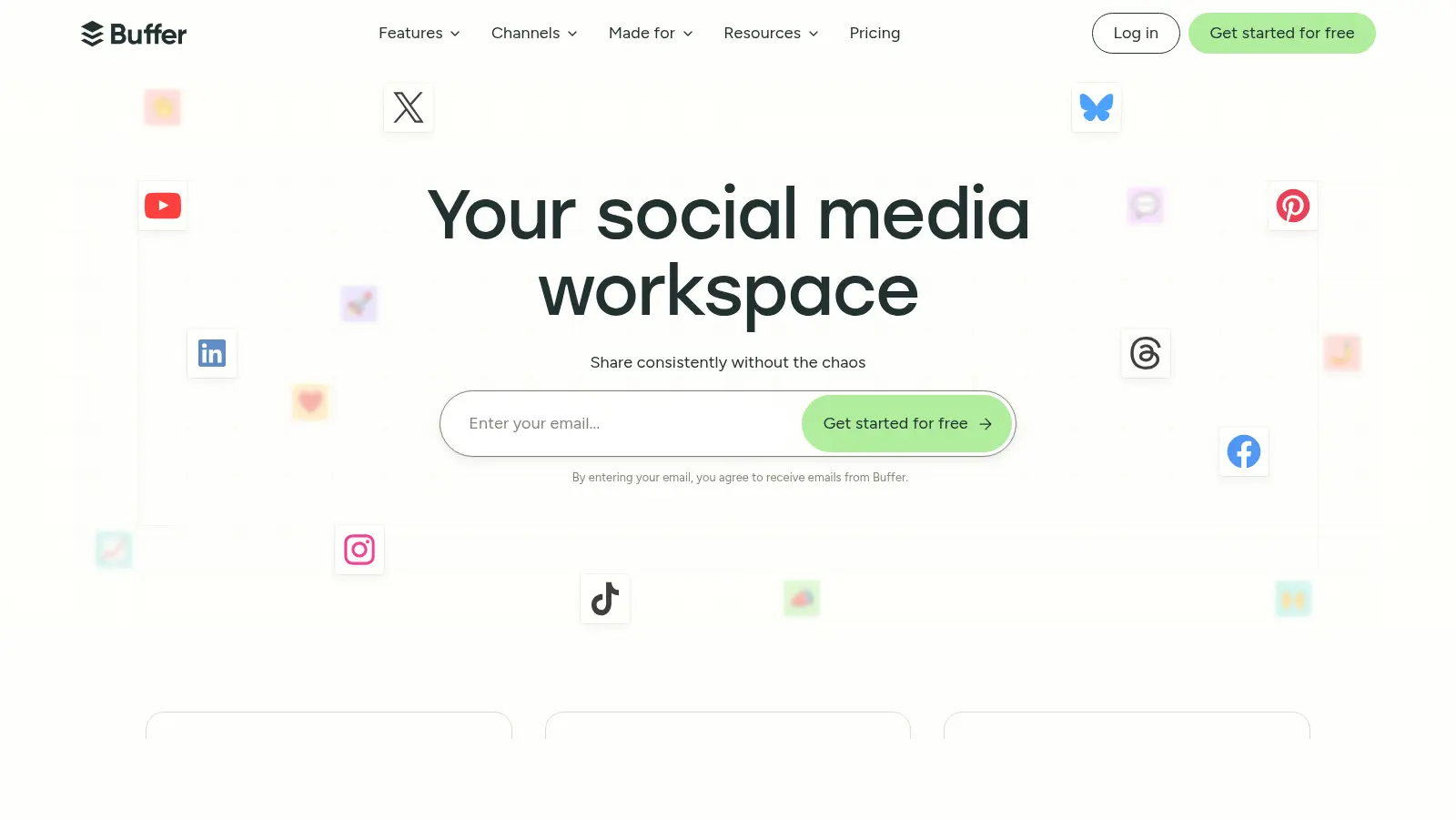
Key features: post scheduling across major platforms, an AI Assistant for caption drafting, basic analytics, browser extension for quick sharing, and a simple content calendar view.
Pricing: free plan for a small number of channels, paid plans from around $6 a month per channel.
Pros: short learning curve, reliable scheduling, honest free tier, clean design that doesn’t overwhelm new users.
Cons: analytics and team collaboration features are lighter than pricier competitors, and it can feel underpowered once you’re managing many accounts.
Best for: solo social media managers, freelancers, or small businesses running one to a handful of accounts without complex reporting needs.
Hootsuite
Overview: One of the longest-standing names in the category, and still a solid pick for social media managers needing broad platform coverage and bulk scheduling. See the Hootsuite review and Buffer vs Hootsuite comparison for more.
Key features: bulk post scheduling, a unified social inbox, team collaboration and approval workflows, broad platform support, and built-in analytics reporting.
Pricing: plans typically start around $99 a month, climbing quickly with more users or accounts.
Pros: wide platform support, solid bulk scheduling, mature feature set built for teams.
Cons: the interface feels denser than newer tools, and pricing scales fast once you add users or accounts.
Best for: mid-size agencies and internal marketing teams that need broad platform coverage and don’t mind a steeper learning curve for more capability.
Social Champ
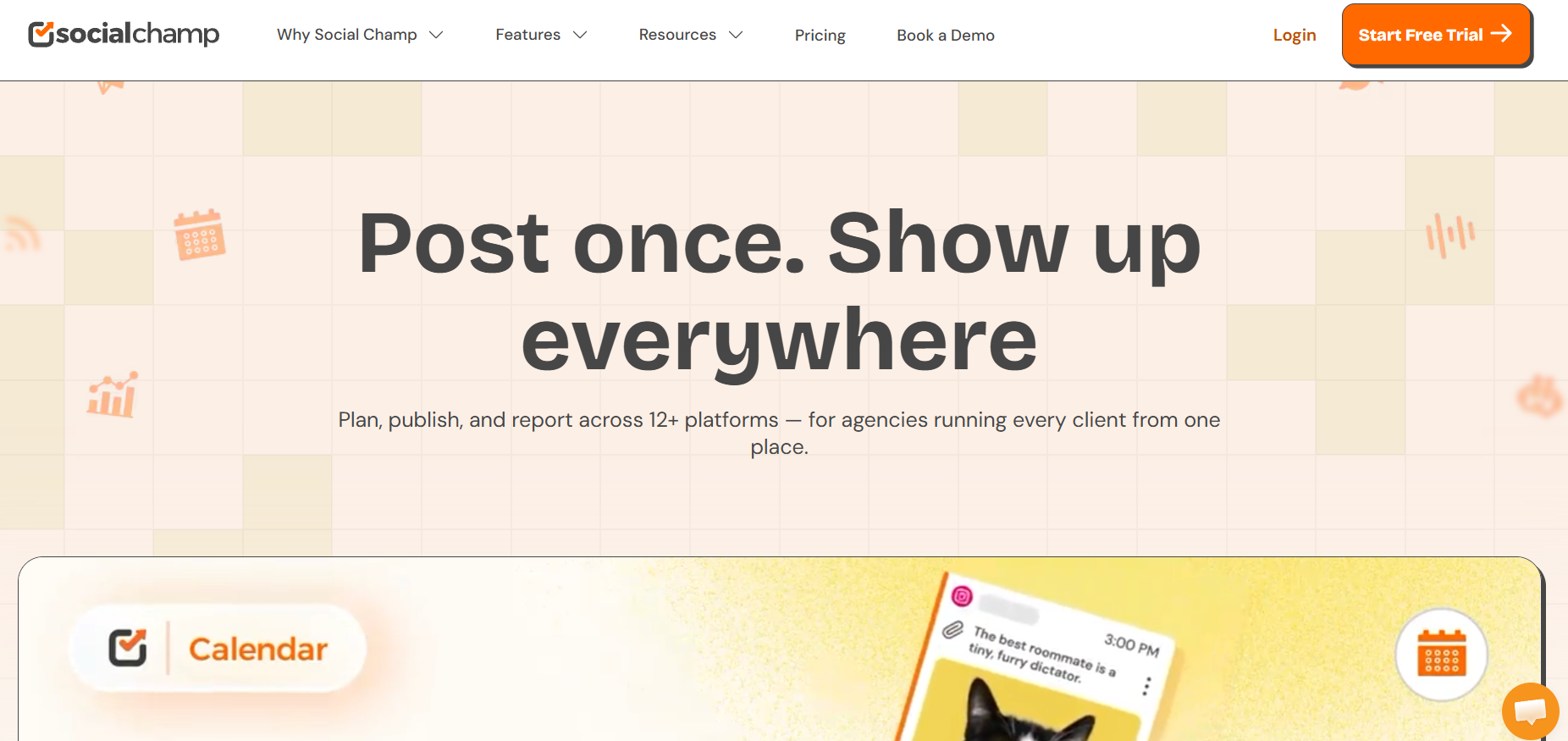
Overview: Social Champ packs enterprise-grade features such as social listening, competitor analysis, and multi-step approvals into a platform priced closer to entry-level tools. For teams already evaluating SocialBee, it is one of the more capable alternatives to SocialBee at a lower price point.
Key features: scheduling across 12+ platforms, AI-assisted content generation, social listening, sentiment analysis, multi-step approval workflows, bulk upload, unified inbox, and white-label reporting.
Pricing: free forever plan for 3 social accounts; paid plans start around $4/profile/month, or bundled plans from $23.20/month.
Pros: dual pricing structure suits both solo users and agencies; white-label reporting and client management tools are genuinely useful for agencies.
Cons: the two-track pricing can be confusing until you map your account count; analytics depth doesn’t yet match other enterprise-grade tools.
Best for: agencies managing multiple client accounts, small businesses wanting advanced features without enterprise rates, and teams needing approval workflows on a budget.
Sprout Social
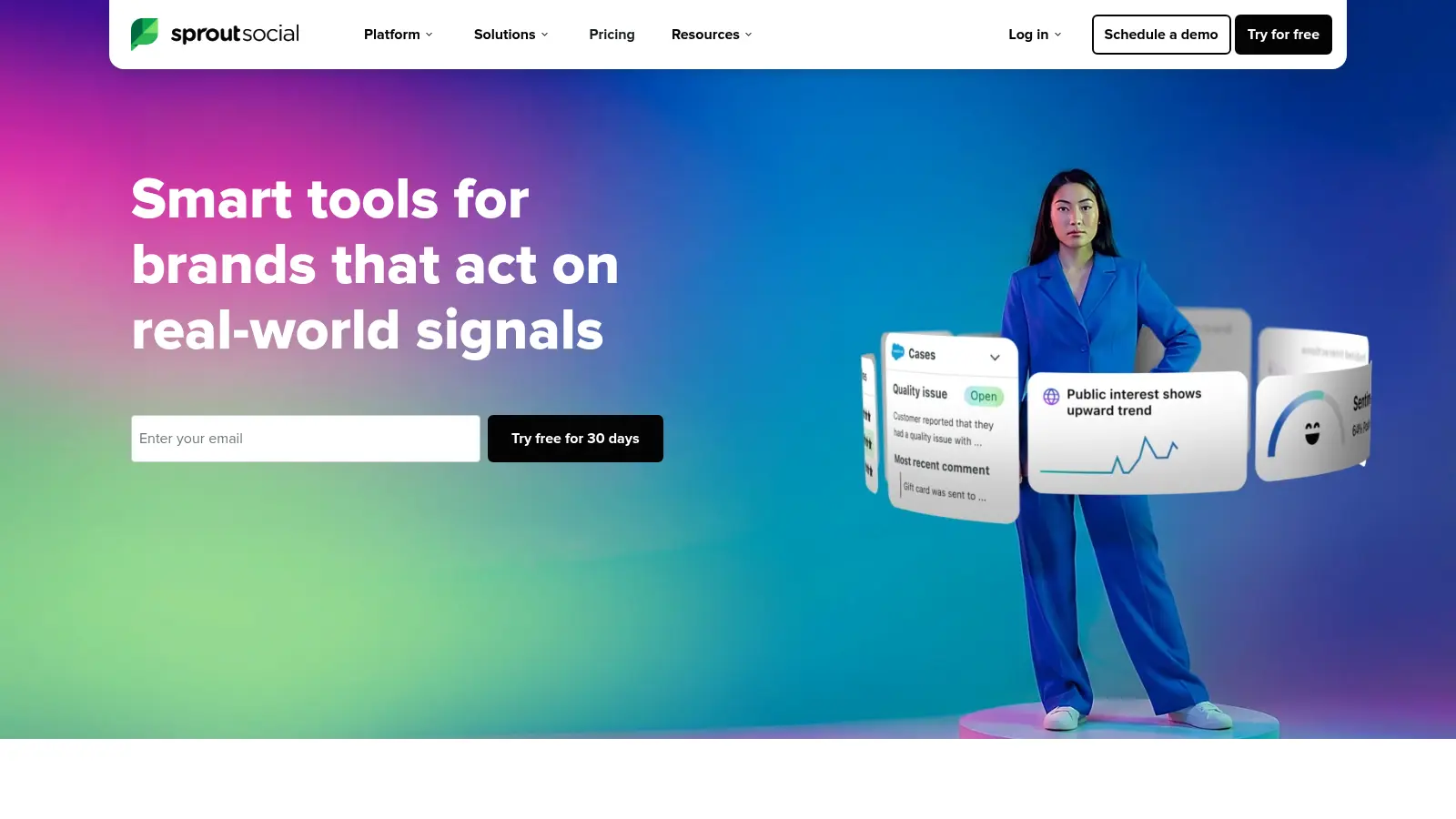
Overview: Sprout Social sits at the premium end of the category, and the analytics and reporting depth reflect that price point. Full breakdown in the Sprout Social review.
Key features: deep analytics and custom reporting, social listening tools, a shared inbox with tagging and assignment, and strong collaboration features for larger teams.
Pricing: plans typically start around $199 a month.
Pros: genuinely strong analytics, solid social listening, good for proving ROI with real data.
Cons: priced well above what solo managers or small agencies usually want to spend, and the extra depth can be more than a smaller account roster needs.
Best for: agencies and enterprise marketing teams that need to justify social media spend with detailed reporting across many accounts.
SocialBee
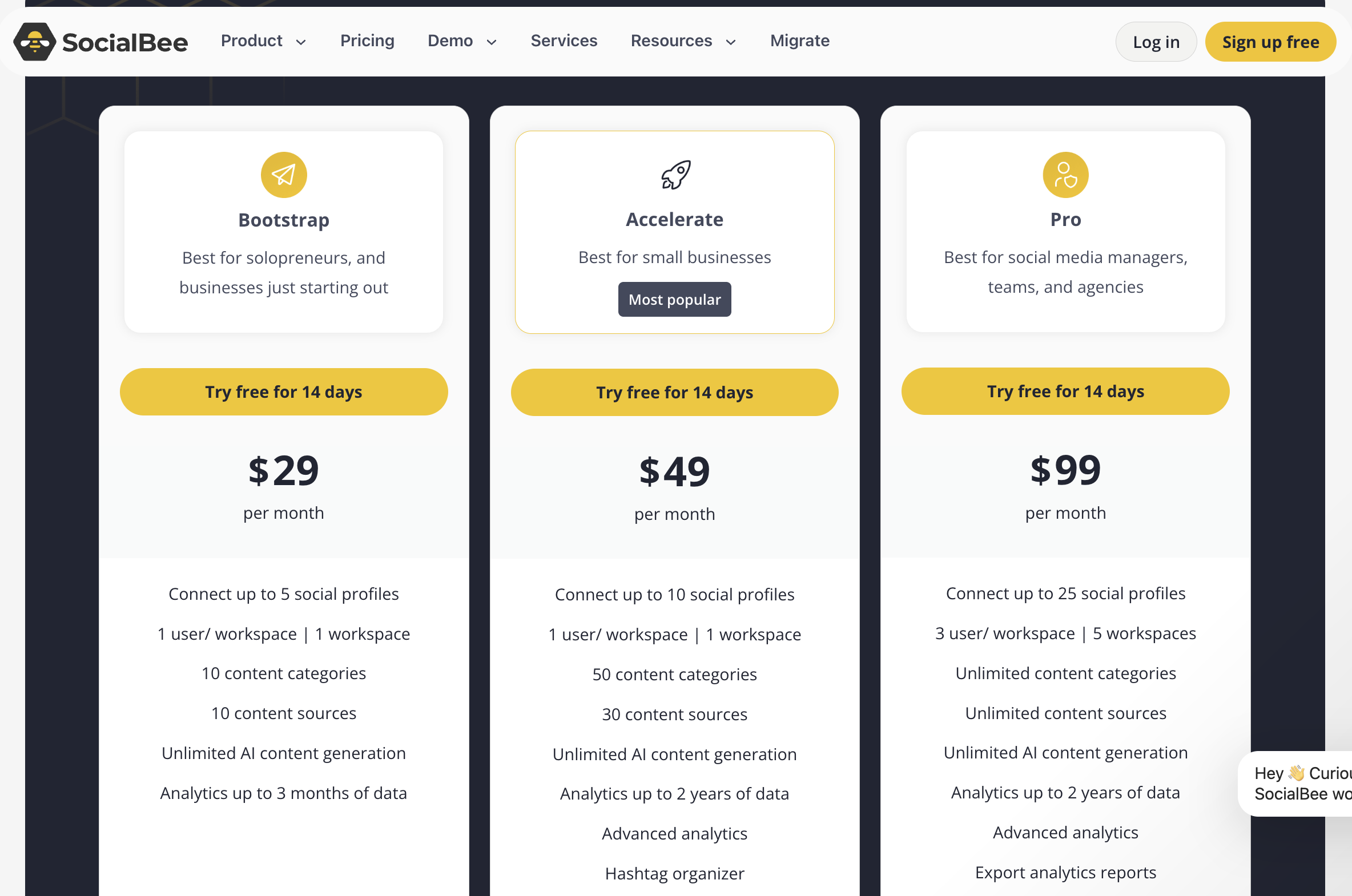
Overview: SocialBee leans into content categorization and recycling evergreen posts, making it a strong fit for brands that publish a lot of content that doesn’t go stale quickly. Read the SocialBee review for the full picture.
Key features: content categories for organizing post types, an evergreen content recycling system, AI-assisted caption suggestions, and multi-platform scheduling.
Pricing: plans typically start around $29 a month.
Pros: content categories genuinely save time on repeat posting, reasonable pricing for the feature set, straightforward setup.
Cons: analytics are lighter than Sprout Social’s, and it’s less suited to agencies juggling a large number of client accounts with very different content needs.
Best for: small businesses and solo marketers who want a repeatable content rotation without manually rebuilding it every week.
AdaptlyPost
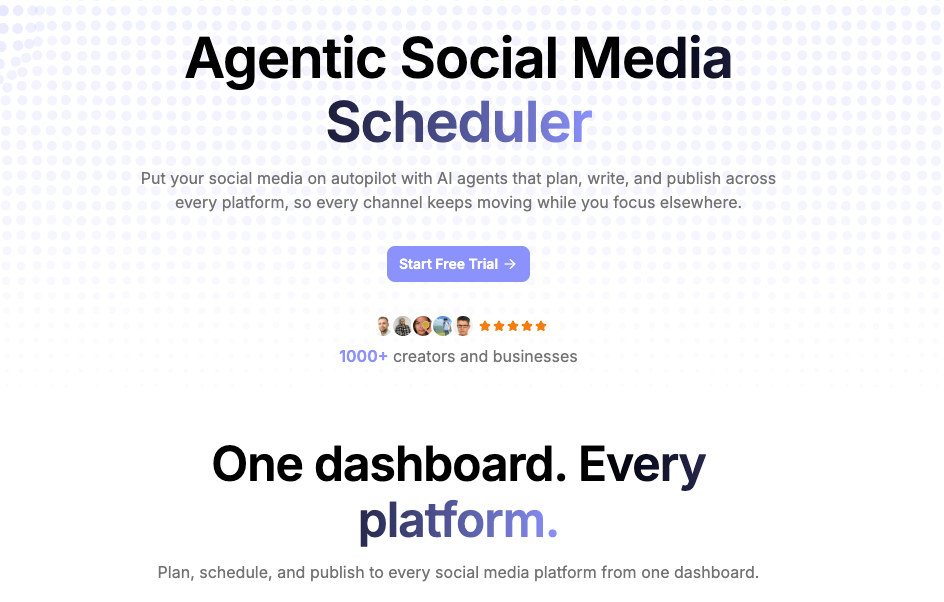
Overview: AdaptlyPost is an AI-first scheduler built for creators, agencies, and teams who want one workflow across every major network without per-account or per-seat pricing. It covers 9 platforms and adds AI caption and image generation on top of standard scheduling.
Key features: scheduling and publishing to Instagram, TikTok, YouTube, X, Facebook, LinkedIn, Pinterest, Threads, and Bluesky; AI caption generation adapted per platform; AI image studio; visual content calendar; bulk upload; API access and MCP integration, so an AI assistant like Claude can draft and schedule posts directly.
Pricing: 7-day free trial, paid plans from around $19 a month.
Pros: unlimited scheduling with no per-account or per-user charges, genuinely useful AI generation rather than a bolt-on, MCP support that lets an AI assistant handle the whole posting flow.
Cons: lighter on inbox and community management than Agorapulse or Sprout Social, and reporting is less deep than premium tools.
Best for: creators, small agencies, and lean teams who want multi-platform scheduling plus AI content generation without pricing that scales per seat.
PostPlanify
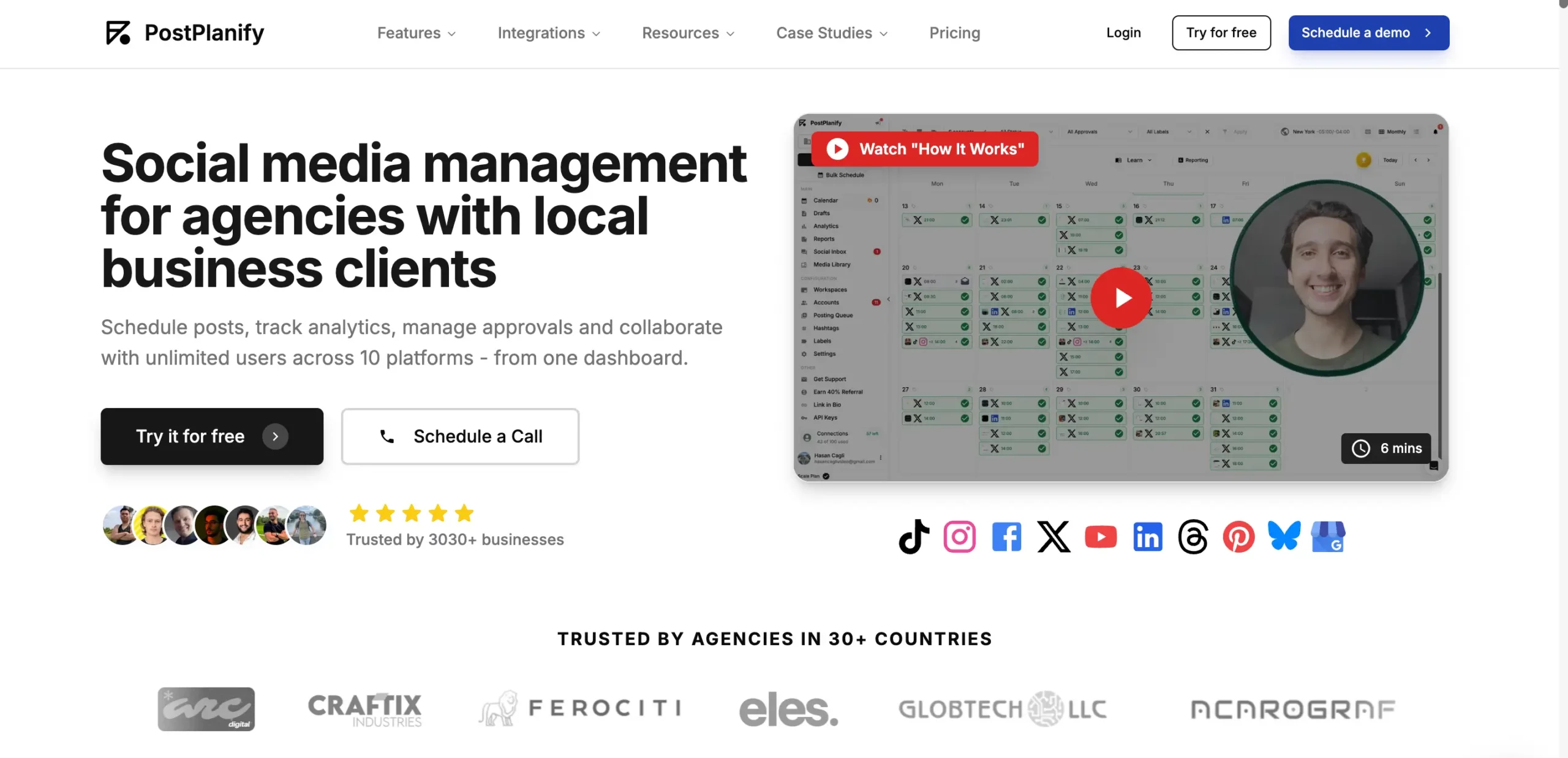
Overview: PostPlanify is an all-in-one social media management platform built for agencies, marketing teams, and businesses running multiple brands. It combines scheduling across 10 platforms with AI assistant, client approvals, a unified inbox, and white-label reporting, all at a flat price with no per-seat fees.
Key features: cross-platform scheduling to 10 networks (including Facebook, TikTok, and Google Business Profile), full analytics, bulk scheduling, client approval workflows, unified social inbox, white-label PDF and live reports.
Pricing: no free plan; 7-day free trial, plans from $99 a month, flat-rate regardless of team size.
Pros: flat pricing that doesn’t grow with your team, approvals and white-label reporting included rather than gated to top tiers, wide platform coverage, AI assistant that understands your brand.
Cons: no forever-free tier and the feature set is aimed at teams, so solo creators managing one or two accounts may find it more than they need.
Best for: marketing agencies, in-house teams, and multi-brand businesses that want scheduling, approvals, and client reporting in one flat-priced tool.
Later
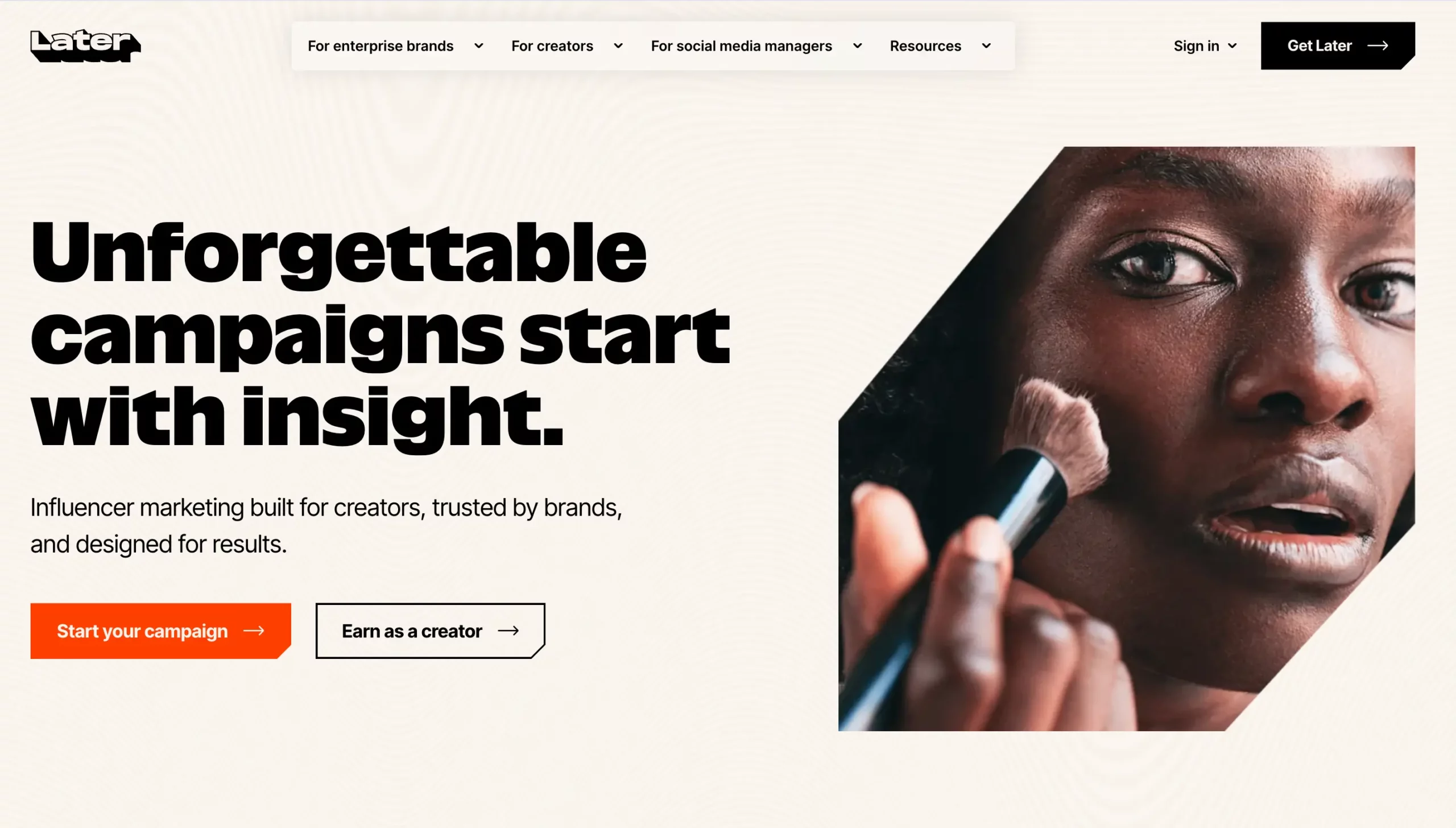
Overview: Later started as an Instagram-first scheduler and has grown into a broader visual planning tool, popular with brands that think in terms of a visual content calendar.
Key features: a visual content calendar with grid preview, Instagram-first scheduling tools, hashtag suggestions, and a media library for organizing assets.
Pricing: free tier available, paid plans from around $25 a month.
Pros: genuinely strong for visual planning, easy to preview how a grid will look before publishing, solid free tier for Instagram-focused accounts.
Cons: less robust for platforms outside the visual-first space, and deeper analytics require higher-tier plans.
Best for: visually driven brands, like retail, food, or lifestyle businesses, where Instagram and Pinterest carry most of the marketing weight.
Metricool
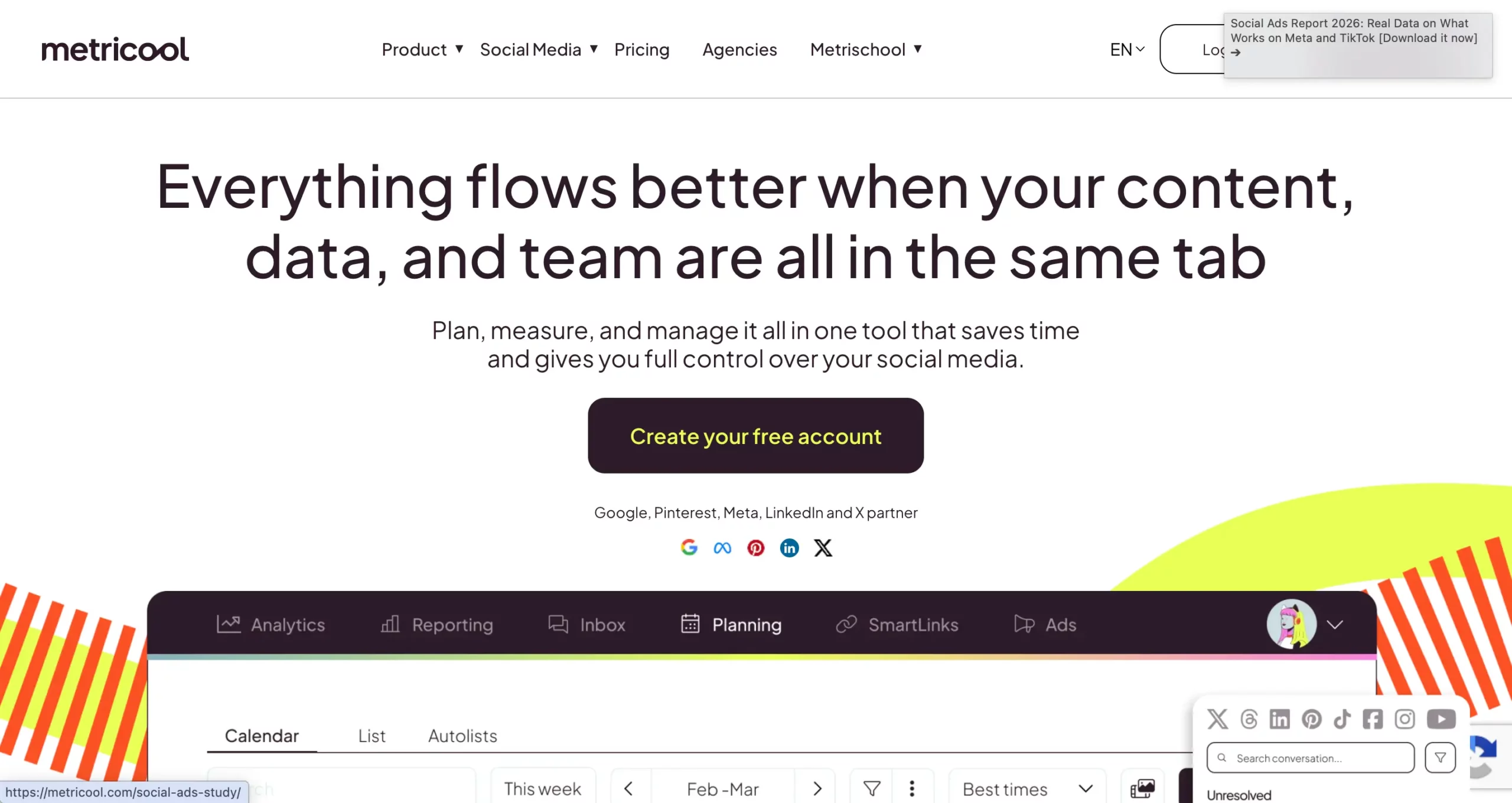
Overview: Metricool has gained real traction as an all-in-one option, combining scheduling, analytics, and even basic website analytics in one dashboard.
Key features: multi-platform scheduling, competitor tracking, AI-assisted captions and insights, website traffic analytics alongside social data, and a generous free tier.
Pricing: free tier available, paid plans from around $18 a month.
Pros: strong value for the price, combines social and web analytics in one place, generous free plan.
Cons: interface can feel busier than simpler tools like Buffer, and some advanced features take time to learn.
Best for: budget-conscious teams and small businesses that want scheduling and real analytics without jumping straight to Sprout Social pricing.
Agorapulse
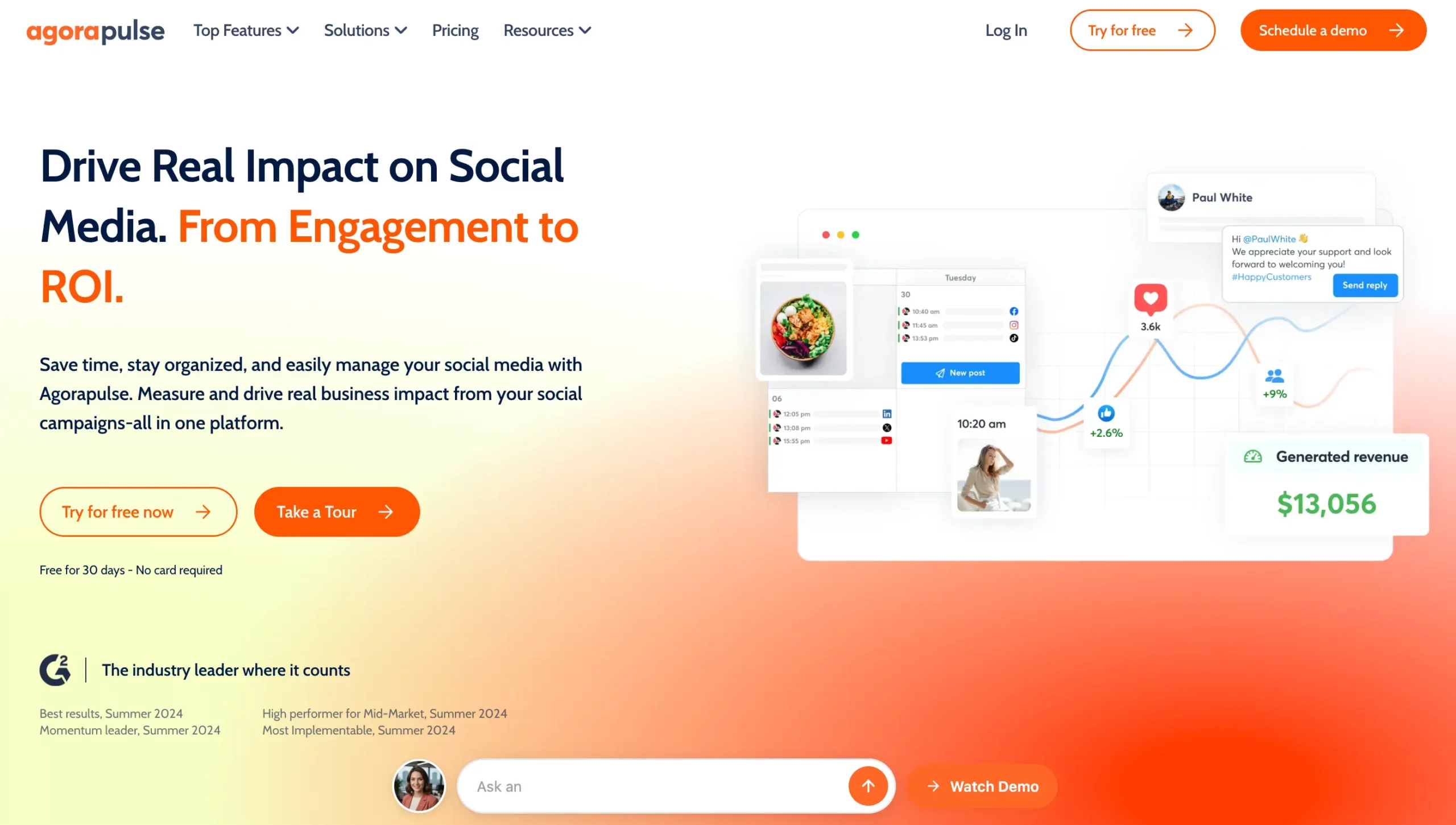
Overview: Agorapulse is known for genuinely strong inbox and community management features, making it a good pick for brands where responding to comments and messages is as big a job as posting content.
Key features: a unified social inbox, comment and message tagging and assignment, scheduling and publishing, and solid reporting for community metrics.
Pricing: plans typically start around $69 a month.
Pros: community management tools are genuinely ahead of most competitors, good for teams handling high engagement volume.
Cons: pricing sits above budget tools like Buffer or Publer, and the scheduling features aren’t the main draw compared to the inbox tools.
Best for: brands and agencies where community management and response time matter as much as posting cadence.
Publer
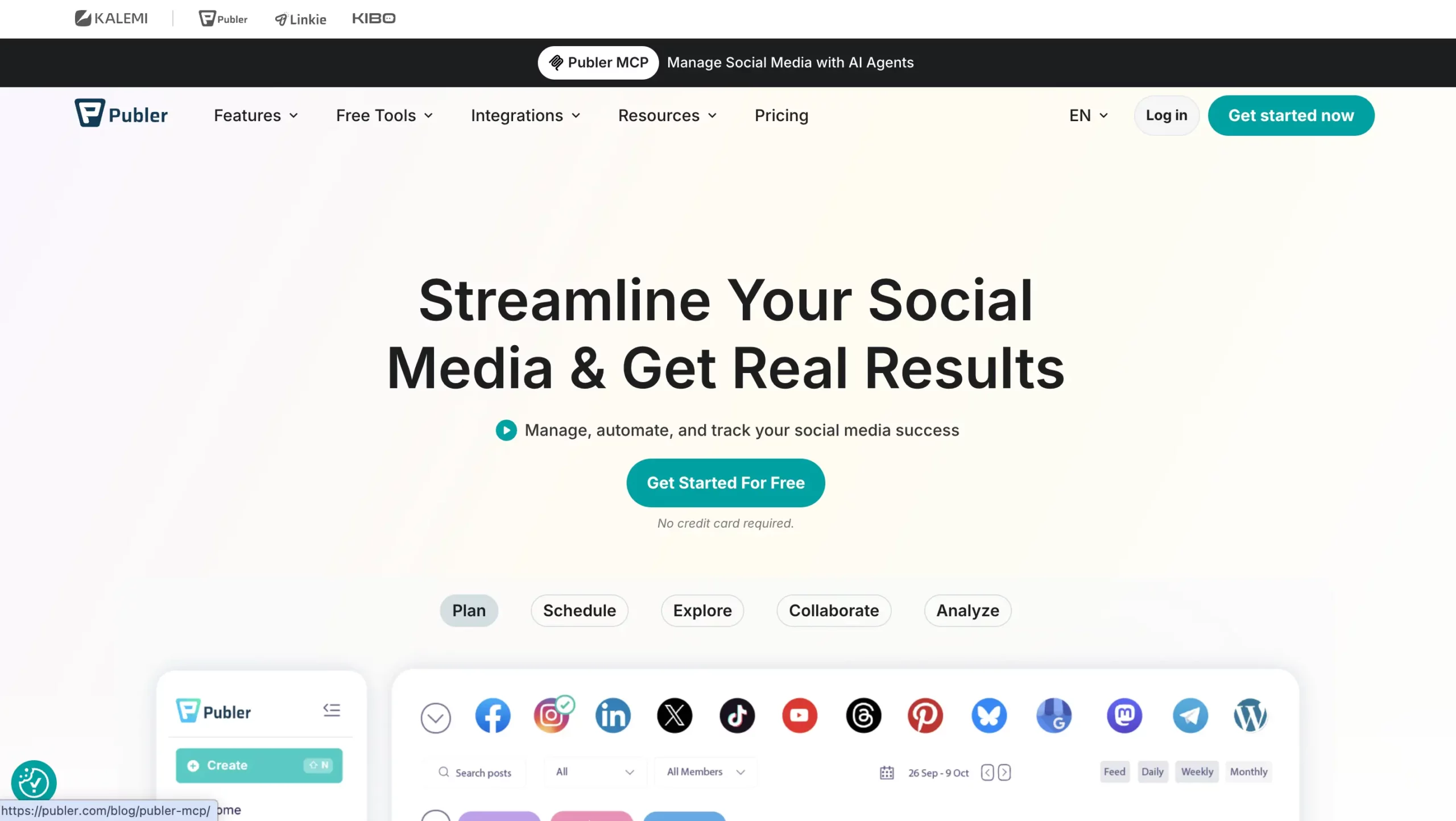
Overview: Publer is a budget-friendly scheduler that’s picked up a loyal following among small businesses and freelancers for covering most of the essentials without an enterprise price tag.
Key features: multi-platform scheduling, a free tier covering several networks, basic analytics, and a straightforward content calendar.
Pricing: free tier available, paid plans from around $10 a month.
Pros: genuinely affordable, covers the core scheduling essentials well, good entry point for freelancers.
Cons: analytics and AI features are lighter than mid-tier competitors like Metricool or SocialBee.
Best for: freelance social media managers and small businesses on a tight tool budget.
Loomly
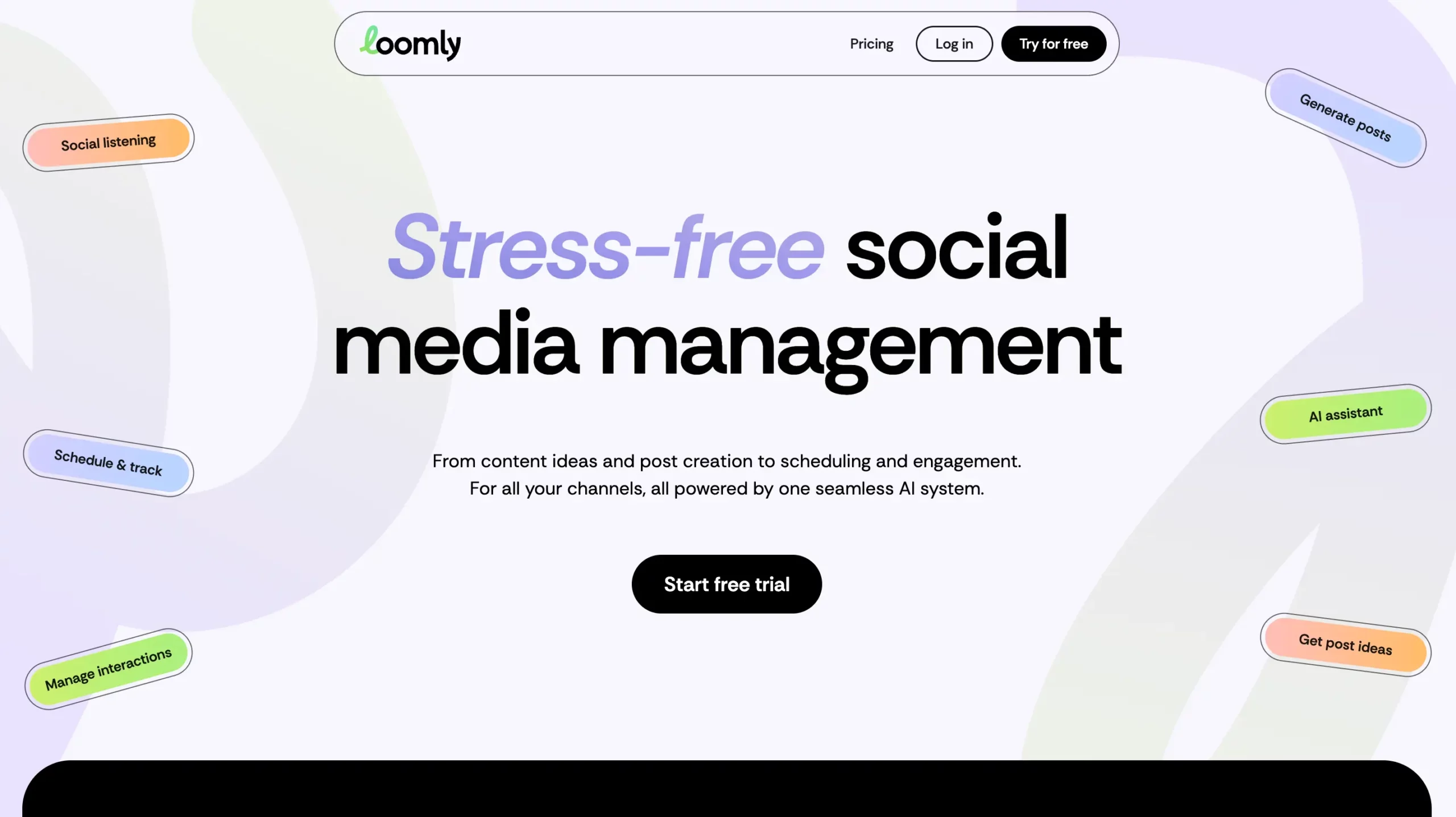
Overview: Loomly leans into content approval workflows, which suits teams and agencies where multiple people need to sign off before anything goes live.
Key features: approval workflows with role-based permissions, post ideas and content suggestions, multi-platform scheduling, and calendar collaboration.
Pricing: plans typically start around $42 a month.
Pros: approval workflows are genuinely useful for teams with a review step, good collaboration features for content planning.
Cons: less focused on deep analytics compared to Sprout Social or Metricool.
Best for: agencies and marketing teams with a multi-person approval process before content publishes.
Sprinklr
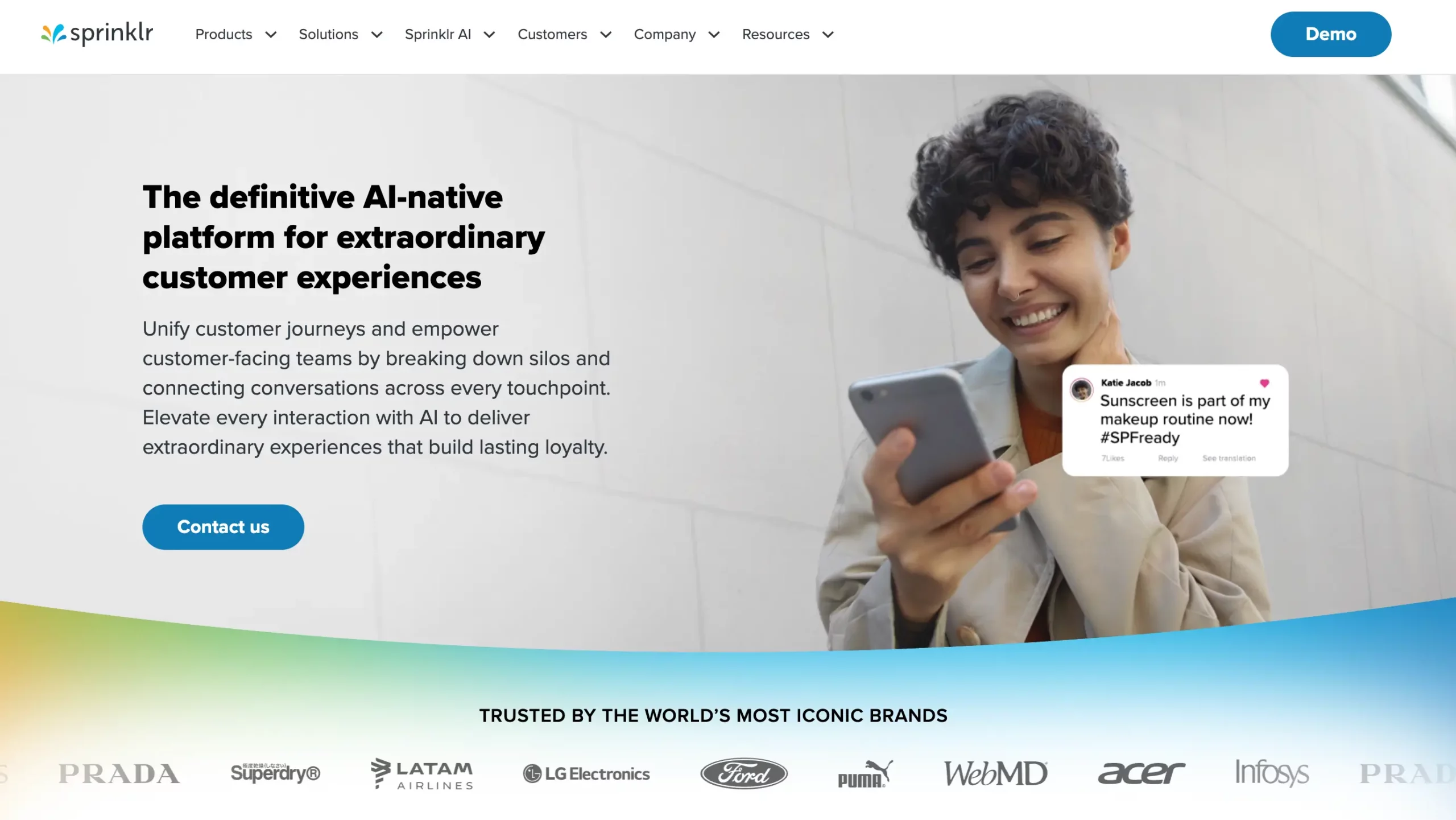
Overview: Sprinklr sits at the enterprise end of the spectrum, built for large organizations managing social presence across many brands, regions, and departments at once.
Key features: enterprise-grade analytics and listening, cross-department collaboration tools, extensive platform and integration support, and advanced governance controls.
Pricing: custom enterprise pricing, typically well above the other tools on this list.
Pros: built for scale across large, complex organizations with multiple brands or regions.
Cons: overkill and cost-prohibitive for small businesses, freelancers, or small agencies.
Best for: large enterprises managing social media across multiple brands, markets, or departments.
Vendasta Social AI
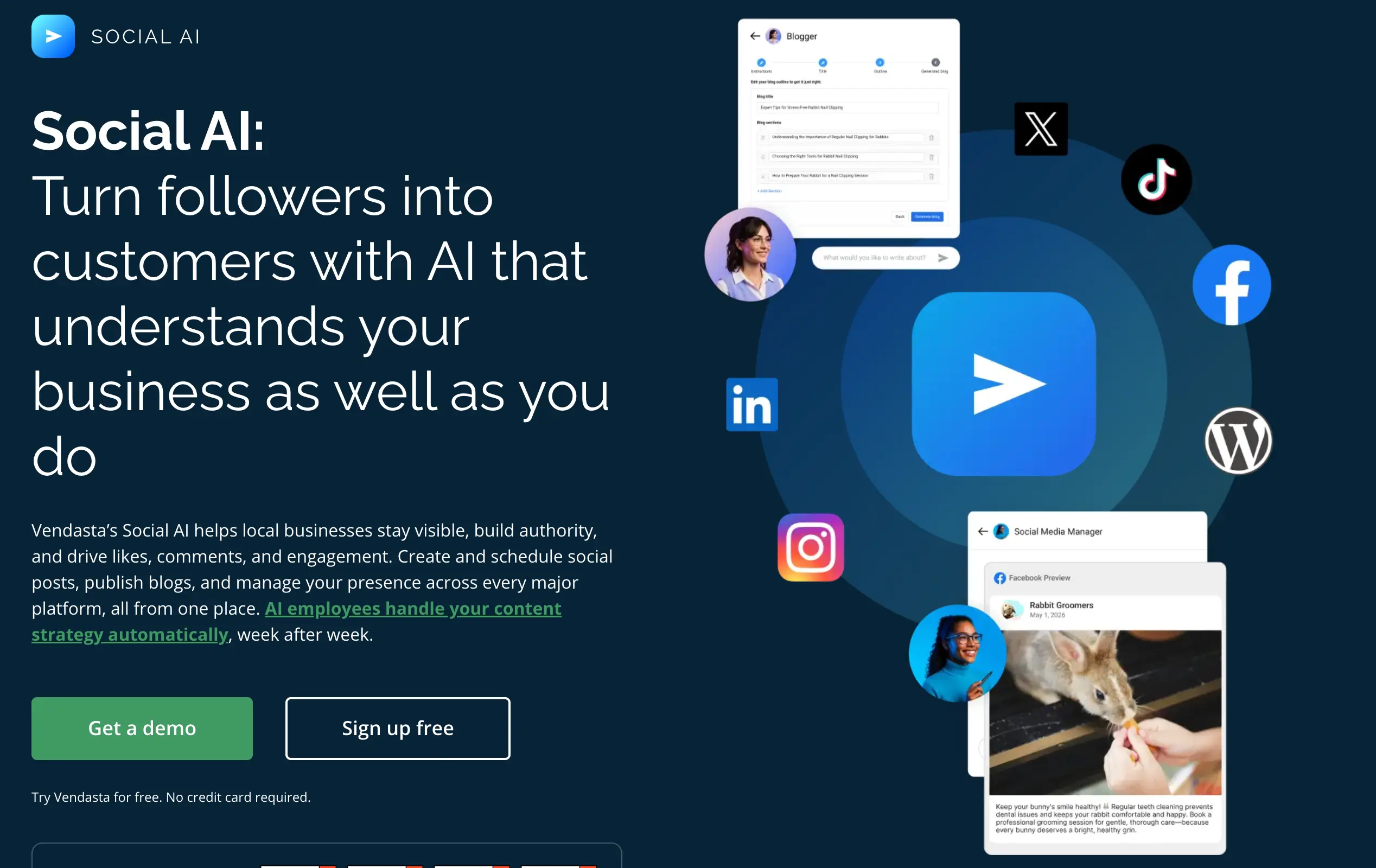
Overview: Vendasta Social AI fits agencies and multi-location businesses that want social content created for them, not just scheduled. AI Employees draft, schedule, and publish posts across client or location accounts, so the calendar fills itself.
Key features: an AI Social Media Manager that writes platform-specific posts with visuals in your brand voice, an AI Blogger that publishes a weekly SEO blog and turns it into social posts, a unified inbox for Facebook, Instagram, and X comments, approval workflows, and white-label client reporting.
Pricing: plans start at a $99 monthly minimum, and Marketplace spend can offset the platform fee. Multi-location posting starts on the Premium tier, and there’s a free trial with no credit card.
Pros: AI Employees handle content creation as well as scheduling; it covers Google Business Profile, TikTok, YouTube, and WordPress; it scales across many clients or locations, and every post can be reviewed before it goes live.
Cons: analytics are lighter than dedicated reporting tools like Sprout Social, multi-location posting needs a higher tier, and the pricing model takes a little more effort to understand than a flat per-channel fee.
Best for: agencies managing social for many local clients, and franchise or multi-location brands that want consistent posting without hiring more staff.
Best Free Social Media Management Tools
If budget is the main constraint, a handful of tools genuinely deliver on a free tier rather than just offering a token trial:
- Buffer’s free plan covers a small number of channels with core scheduling, which is enough for many solo creators just getting started.
- Later’s free tier works well specifically for Instagram-first accounts that want a visual calendar without paying upfront.
- Metricool’s free plan is one of the more generous options, bundling scheduling and analytics for a single user across multiple platforms.
- Publer’s free tier covers basic scheduling across several networks, making it a reasonable no-cost starting point.
The honest caveat with any free social media scheduling tool is that you’ll eventually hit a ceiling, usually around the number of connected accounts, posts per month, or analytics depth. Free tools are genuinely useful for testing a workflow or running one small account, but agencies and growing brands tend to outgrow them within a few months.
Best Social Media Management Tools for Small Business
Small businesses usually want a specific combination: solid scheduling, reasonable pricing, and just enough analytics to show what’s working, without paying for agency-scale features.
Buffer and SocialBee consistently come up as the strongest fits here. Buffer’s simplicity keeps onboarding fast for a business owner who’s also handling marketing themselves, while SocialBee’s content categories help small businesses maintain a consistent posting rhythm without constantly generating brand-new content ideas.
Later works well for small businesses that are especially visual, like retail, food, or lifestyle brands where Instagram and Pinterest carry most of the marketing weight.
Metricool is worth a look for small businesses that want scheduling and real analytics in one place without jumping straight to Sprout Social pricing.
A general rule that holds up well for social media managers working with small business clients: if the account has one to three social profiles and a modest posting schedule, you almost never need the top-tier enterprise tools. Save that budget for content creation or paid ads instead.
Best AI-Powered Social Media Management Tools
AI has moved from a nice-to-have to a genuinely expected feature across this category in 2026. A few tools stand out specifically for how they’ve built AI in:
- Buffer’s AI Assistant helps draft captions and repurpose existing content into new posts, which is useful for solo managers without a dedicated writer.
- Metricool’s AI features extend into caption suggestions and performance insights that translate raw numbers into plain-language takeaways.
- Vista Social has leaned into AI-assisted content creation and reporting summaries as a core differentiator against older competitors.
- Ocoya was built AI-first from the start, combining scheduling with AI copywriting and even basic design generation in one workflow.
Beyond these built-in features, many social media managers pair their scheduling tool with a general-purpose AI assistant like Claude or ChatGPT for first-draft captions, content repurposing, and idea generation, then paste the finished copy into whichever scheduler they use. This hybrid approach is arguably more common in practice than relying entirely on a single platform’s built-in AI.
What Reddit Says About Social Media Management Tools
Search “best social media management tool reddit” and a few consistent themes show up across those threads. Solo creators and freelancers overwhelmingly point new users toward Buffer or Later first, specifically because the free tiers are usable without a credit card and the learning curve is short. Hootsuite comes up often too, but usually paired with complaints about pricing jumps once you need more than a couple of accounts or users.
Sprout Social gets genuine praise for analytics depth, but the recurring pushback is that it’s priced well above what solo managers or small agencies want to spend, which pushes a lot of that crowd toward Metricool or Agorapulse as a middle ground. SocialBee shows up frequently in small business and solopreneur threads specifically for its content recycling feature, since a lot of people managing social media alongside another job value not having to generate fresh content constantly.
One pattern that comes up less officially but consistently in these discussions: social media managers handling more than one client or brand account often mention running into account restrictions or temporary locks, especially on Instagram and TikTok, and trace it back to logging into multiple accounts from the same browser or device rather than anything about the scheduling tool itself. That distinction matters, and it leads directly into the gap covered next.
Multilogin Cloud Phone: The Missing Piece for Social Media Managers
Every tool covered so far solves one problem well: getting content scheduled, published, and reported on. None of them are built to solve a separate problem that shows up the moment a social media manager is handling more than one account, especially across different clients or brands: keeping each account’s login activity separate enough that platforms don’t flag it as suspicious.
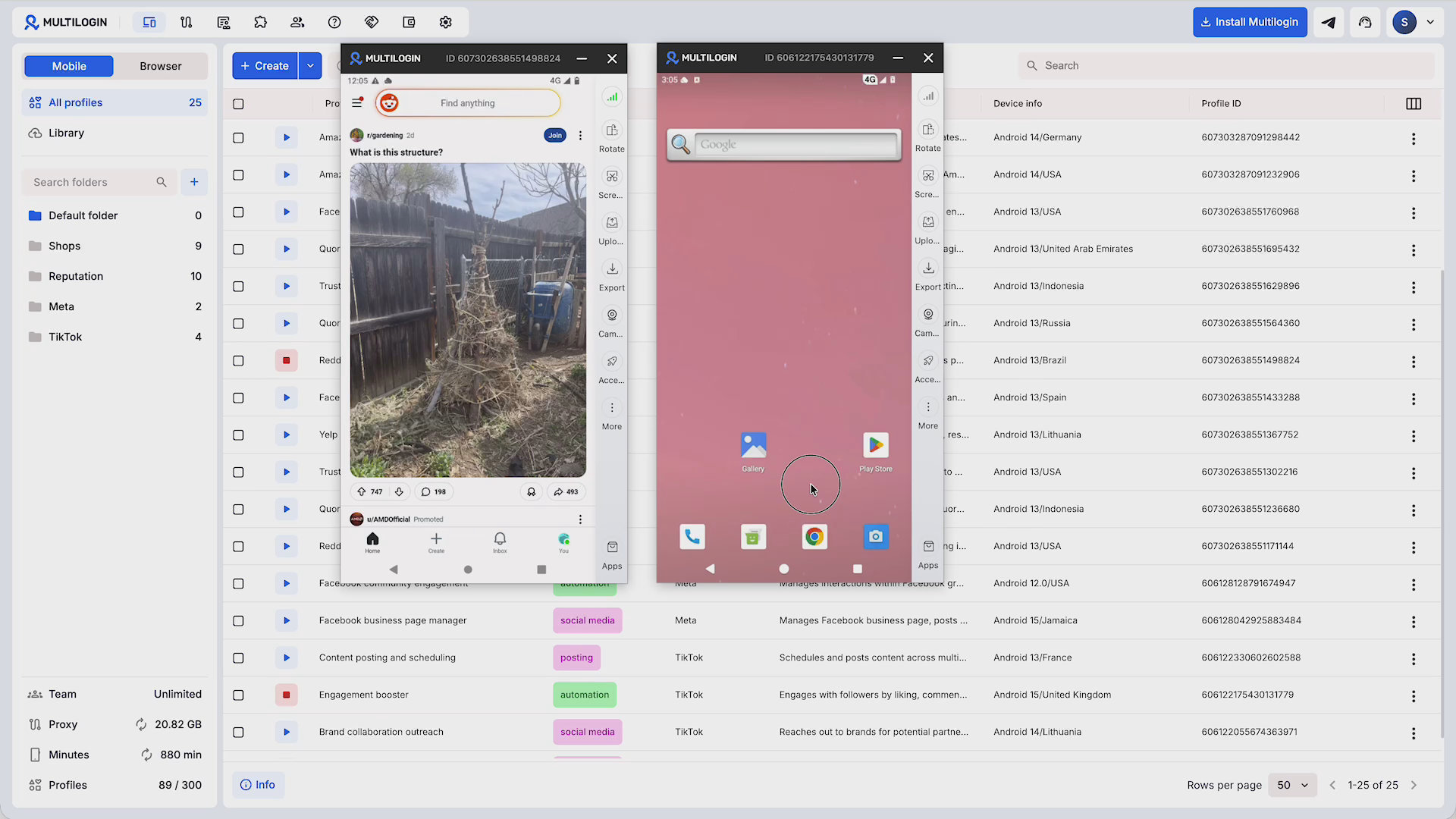
Instagram, TikTok, and Facebook all run detection systems looking for patterns that suggest one person or device is quietly controlling multiple accounts. Logging into 10, 15, or 20 client accounts from the same browser, even through a scheduling tool’s official integration, can still trigger those systems, because the underlying device and browser fingerprint often stays the same across every login. This is a genuinely common way agencies lose access to client accounts, and it has nothing to do with which scheduler they picked.
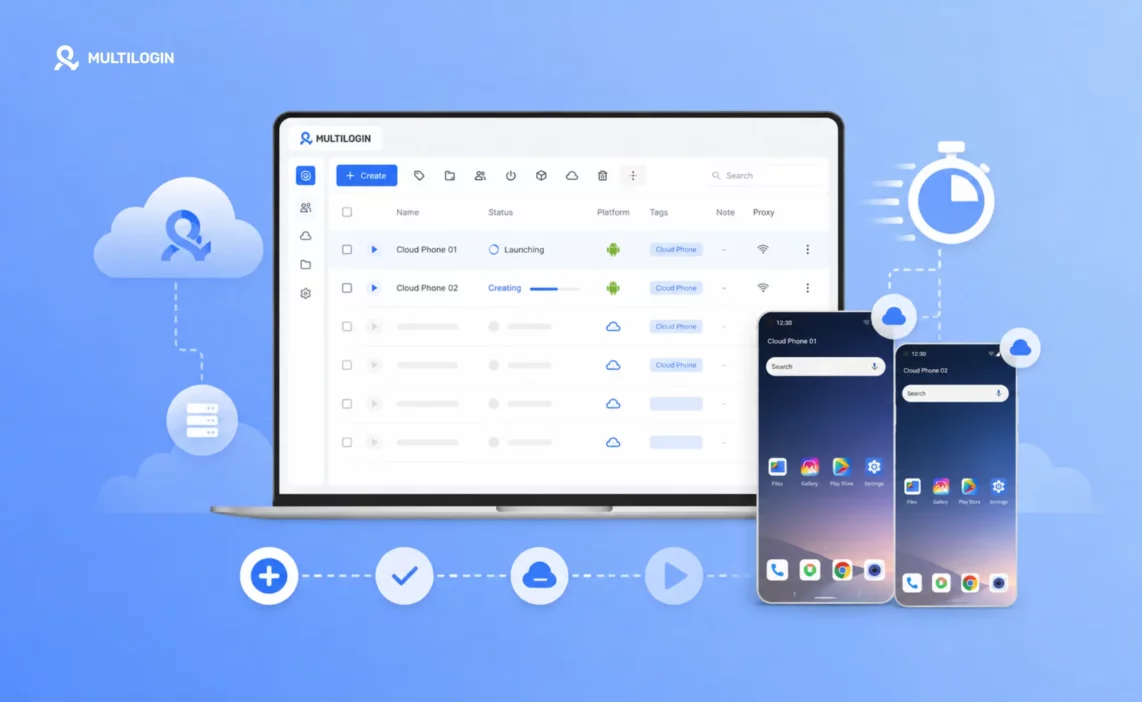
This is exactly the gap Multilogin’s cloud phone is built to close. Instead of every client account sharing the same browser fingerprint, a cloud phone gives each social media account its own real Android environment running in the cloud, accessible from a browser without installing anything locally. Here’s what that looks like in practice for a social media manager:
- Each client account gets its own environment. Every Instagram, TikTok, or Facebook profile behaves like it’s running on a separate physical phone, with no shared device fingerprint linking one account to another.
- No more juggling logins. Instead of logging out of one client’s account to log into the next, each account has its own persistent, isolated session ready whenever you need it.
- Built for agencies at scale. Managing dozens of client accounts side by side becomes a matter of switching between environments rather than repeatedly authenticating and risking a flag.
- Runs from a browser. There’s no local software to install or manage across a team, which keeps onboarding new team members simple.
- Pairs with any scheduling tool. A cloud phone doesn’t replace Buffer, Hootsuite, or any other tool on this list. It handles the account safety layer underneath whichever scheduler you’re already using for content.
For a social media manager or agency juggling multiple accounts, the split becomes clear: the scheduling tool handles what to post and when, while the cloud phone handles keeping every client account safely separated from the others. Multilogin’s cloud phone starts at a $2 three-day trial, with usage-based pricing from $0.0073 per minute and Pro plans from $7.08 a month billed annually, which is a fairly small addition next to the cost of losing a client account mid-contract.
Common Questions Social Media Managers Ask When Choosing a Tool
What do most social media managers actually use day to day? Buffer and Hootsuite remain the two most widely used tools across solo managers and agencies respectively, though Metricool and SocialBee have gained significant ground in the last couple of years for offering a strong middle ground on price and features.
Can one tool manage all of a social media manager’s accounts? Most tools on this list support connecting multiple accounts across platforms, but “managing” still means the accounts are logged into from the same browser environment, which is where account safety tools like a cloud phone become relevant for agencies handling many client accounts.
Is there a difference between a scheduling tool and a full management tool? Scheduling tools focus narrowly on queuing and publishing posts, while full management tools typically add analytics, inbox and community management, and team collaboration features on top of scheduling.
Do agencies need different tools than solo social media managers? Not necessarily different tools, but agencies typically need the account volume, team permissions, and reporting depth that come with mid-tier and enterprise plans, which solo managers rarely need to pay for.
How to Actually Choose
A practical way to narrow this list down to one tool:
- Count your accounts honestly. One to three favors Buffer, Later, or Publer. Five to fifteen favors Metricool, SocialBee, or Agorapulse. Beyond that, Hootsuite or Sprout Social start to make more sense.
- Decide how much analytics actually matters. If a client or your leadership needs detailed reporting to justify spend, Sprout Social’s depth earns its price. If you mostly need to know whether engagement is trending up, lighter tools are enough.
- Check the AI features against how you actually write. If you already lean on Claude or ChatGPT for drafting, a tool’s built-in AI matters less than its scheduling reliability.
- Price out the free tier honestly. Test it against your real account count and posting volume before assuming it’ll cover you long term.
- Separate scheduling from account safety in your budget. If you’re managing multiple client or brand accounts, plan for a cloud phone or similar account isolation tool as its own line item, not an afterthought.


