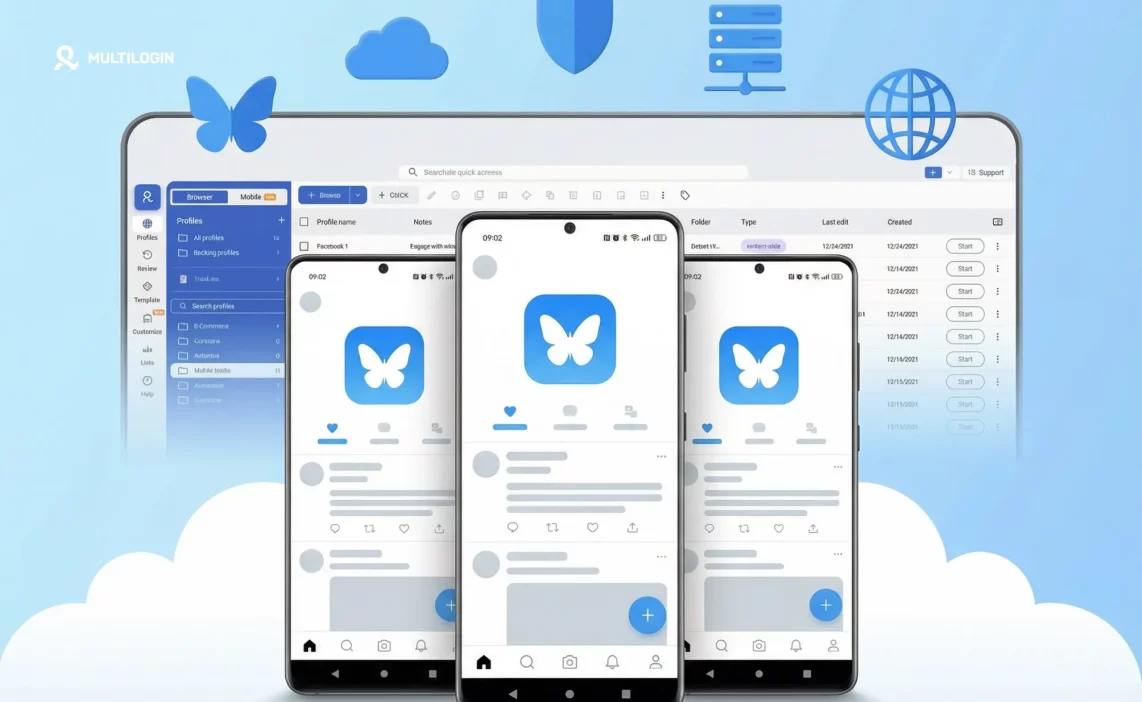

Bluesky is growing fast. What started as an invite-only Twitter alternative has opened up into one of the more interesting social platforms of 2026 — decentralised, customisable, and notably more flexible than X when it comes to account creation.
One question that comes up constantly: can you have multiple Bluesky accounts? The short answer is yes. Bluesky doesn’t restrict you to one account per person, one account per email, or one account per phone number. Its architecture actually makes multi-account use easier than most platforms.
But “can you” and “should you” and “how do you manage them without everything getting messy” are three different questions. This guide answers all three — including how cloud phones make Bluesky multiple accounts genuinely easy to operate at scale.
Start your Multilogin plan to run each Bluesky account from its own isolated cloud Android device — no session crossover, no device sharing, no linking risk.
Can You Have Multiple Bluesky Accounts?
Yes, and more easily than you’d expect. Bluesky’s account model is built on the AT Protocol — a decentralised identity system where your account is tied to a handle (like @yourname.bsky.social or a custom domain) rather than a phone number or a single email address.
What this means practically:
- You can create multiple accounts with different email addresses
- You can use the same email for multiple accounts by adding a +tag suffix (e.g., [email protected], [email protected])
- No phone number verification is required — just an email and a password
- Each account gets its own independent handle and profile
Bluesky doesn’t currently have an explicit policy banning multiple accounts in the way that Twitter/X or Instagram do. The platform’s decentralised philosophy actually leans toward user sovereignty — you own your identity, and if you want multiple identities, that’s your business.
That said, operating multiple accounts does come with practical challenges. Staying logged in to five different Bluesky profiles on a single phone is clunky. Keeping content, personas, and audiences separated takes infrastructure. And if you’re managing accounts for clients or across different brands, you need a reliable system.
Why People Run Multiple Bluesky Accounts
Understanding the use case shapes the right setup. People running managing multiple Bluesky accounts typically fall into one of these patterns:
Personal and professional separation. The most common reason. One account for personal thoughts, one for work-related content or a professional brand. Bluesky’s custom domain handles make this clean — @yourname.com for your personal account, @yourcompany.com for your business presence.
Niche topic accounts. Bluesky’s feed and starter pack system rewards niche specificity. A creator covering both tech and cooking gets better engagement running two focused accounts than one unfocused one. Each account builds its own relevant following without polluting the other’s feed.
Social media agencies and managers. Agencies managing Bluesky presence for multiple clients need separate accounts per client. Managing multiple social media accounts across platforms — Bluesky, X, Instagram, TikTok — is the daily reality for social media marketing workflows at any scale.
Brand and persona accounts. Brands running community accounts, product-specific handles, or regional presences operate multiple Bluesky profiles as a matter of course.
Testing and development. Developers building on the AT Protocol or testing Bluesky integrations use separate accounts to keep test activity clean from live profiles.
How to Create Multiple Bluesky Accounts
The process is straightforward. Here’s how it works:
Step 1 — Prepare separate email addresses
Each Bluesky account needs its own unique email. Options:
- Create separate Gmail, Outlook, or ProtonMail addresses per account
- Use the +tag trick: [email protected] routes to the same inbox but registers as a different email on Bluesky
- Use a custom domain email if you’re setting up branded accounts (e.g., [email protected])
Step 2 — Sign up at bsky.app
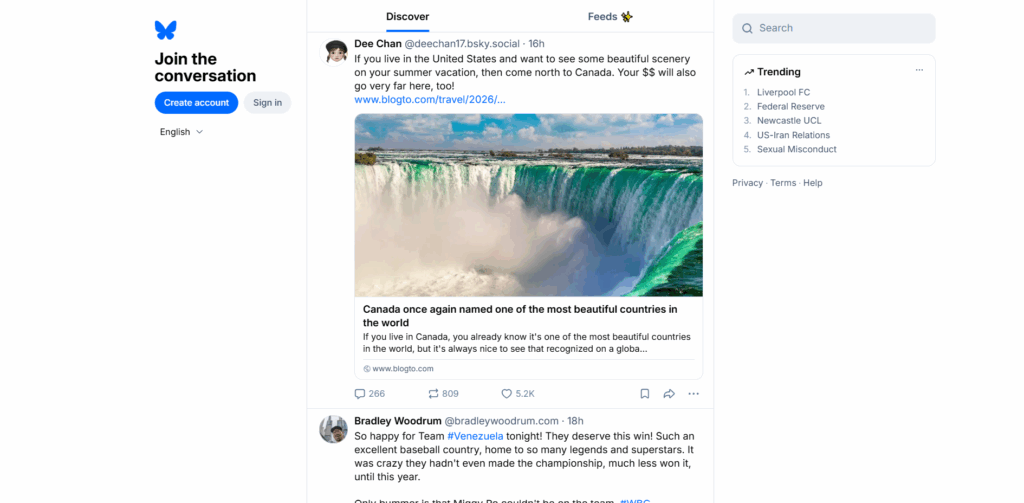
Go to bsky.app, select “Create account,” and complete registration with each email. No phone number needed — email and password only.
Step 3 — Set your handle
Bluesky assigns a default @username.bsky.social handle. You can keep this or change it to a custom domain you control by verifying via DNS TXT record. Custom domain handles (@yourbrand.com) look more professional and double as built-in verification — Bluesky treats owning the domain as proof of identity.
Step 4 — Switch between accounts
The Bluesky app supports multiple account sign-ins. On mobile, tap your avatar and select “Add account” to log in to additional profiles. You can then switch between them from the same screen.
The limitation: you’re still using the same device. Sessions share the same mobile environment. For casual use between a personal and work account, that’s fine. For agencies managing dozens of accounts, or anyone keeping personas strictly separated, it’s not sufficient.
Can You Have Multiple Bluesky Accounts on One Email?
Technically, no — each account requires a unique email address at registration. But practically, yes — the +tag method means one inbox can support as many accounts as you need.
If you send from [email protected], all of these reach the same inbox:
Each is treated as a distinct address by Bluesky’s registration system. The confirmation emails all land in your primary inbox. This approach works well for managing a moderate number of accounts without creating dozens of separate email inboxes.
For larger operations, a dedicated email domain with catch-all routing is cleaner — every email sent to [email protected] lands in one inbox, giving you unlimited unique addresses with no setup per account.
The Real Challenge: Keeping Multiple Bluesky Accounts Separate
Creating multiple accounts is easy. Keeping them genuinely separate is where most people hit friction.
On a single device, switching between Bluesky accounts means all sessions run in the same environment. The same IP address, the same device fingerprint, the same cookies and app data. For casual personal/work splits, this is fine. For anyone who needs strict separation — different brand voices, different audiences, client work where accounts must not appear connected — it’s a real problem.
The same issue that affects managing multiple Twitter accounts or running multiple TikTok accounts applies here: platforms and third-party tools can detect when multiple accounts share the same digital environment, even if the content and personas are different.
Bluesky is currently more permissive than X or Instagram about multiple accounts. But as it scales, detection and policy enforcement will likely tighten — it’s the natural pattern for any platform that reaches significant user volume.
The right time to build a clean multi-account setup is before you need it, not after the first flag.
Best Way to Manage Multiple Bluesky Accounts: Three Approaches
Approach 1: Native App Switching (Good for 2–3 Accounts)
For personal/professional splits or a small number of accounts, the built-in Bluesky multi-account feature works fine. Tap your avatar, switch profiles, done. Sessions are separated by login but share the same device environment.
Works well for: individual users keeping a personal and a work account separate, light content creators managing two niche accounts.
Breaks down at: agencies, brand managers, or anyone needing strict session isolation or managing more than 3–4 accounts.
Approach 2: Browser Profiles with an Antidetect Browser (Good for Web-Based Management)
For web-based Bluesky management, each browser profile in an antidetect browser runs as a fully isolated session — separate fingerprint, separate cookies, separate proxy if needed. You switch between profiles in the same dashboard without logging out of any account.
This is the standard setup for multi-account management on desktop-first platforms. It works well for Bluesky’s web interface and integrates with scheduling tools that use browser sessions.
Works well for: social media managers, agencies, developers, anyone doing desktop-first Bluesky work across multiple accounts.
Breaks down at: native app features that only exist in the Bluesky mobile app, or workflows that require mobile-app-level account activity.
Approach 3: Cloud Phones (Best for Mobile-First and Scale)
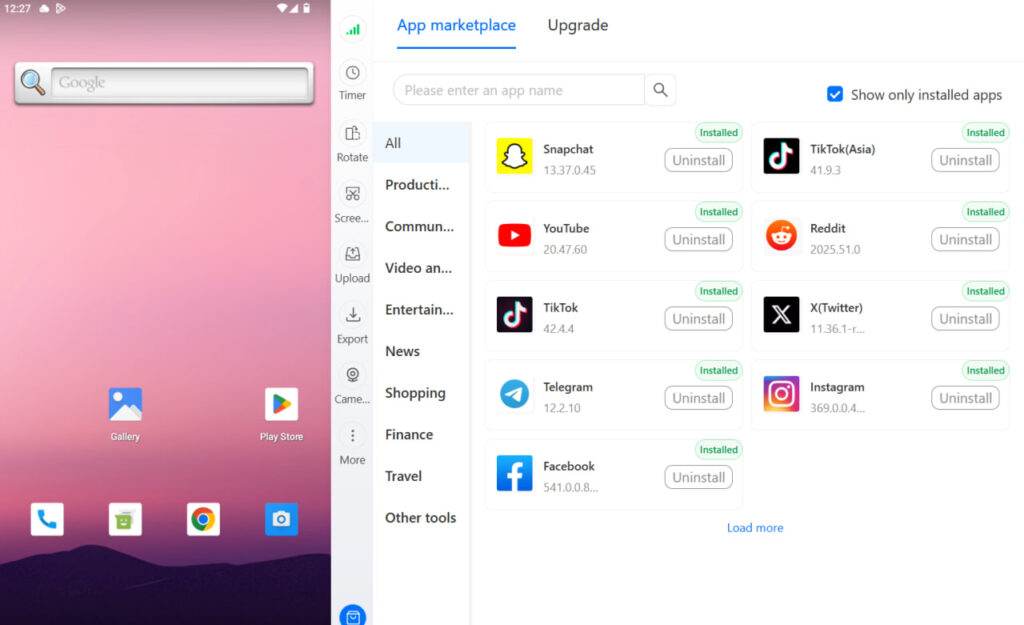
For anyone managing Bluesky alongside other social platforms in their native mobile apps — TikTok, Instagram, Snapchat, X — or running accounts at volume, cloud phones are the cleanest solution.
A cloud phone is a real Android device hosted remotely. Not an emulator. Not a virtual machine. A genuine Android environment with real hardware identifiers — IMEI, Android ID, MAC address — that persists between sessions. You run the Bluesky app natively, just like a real phone. The difference is you control it from your desktop, and each cloud phone is completely isolated from every other one.
Each account gets its own cloud phone. Its own device identity. Its own app session. Its own IP through built-in mobile-grade proxies. Nothing crosses between accounts because nothing is shared.
Cloud Phones for Bluesky: How It Works in Practice
Here’s what the setup looks like for a social media agency managing Bluesky accounts for five clients:
Without cloud phones: Five Bluesky accounts on one phone or one desktop browser. Switching between them manually. Sessions technically isolated by login but sharing the same device signals and IP. Risk increases as account volume grows.
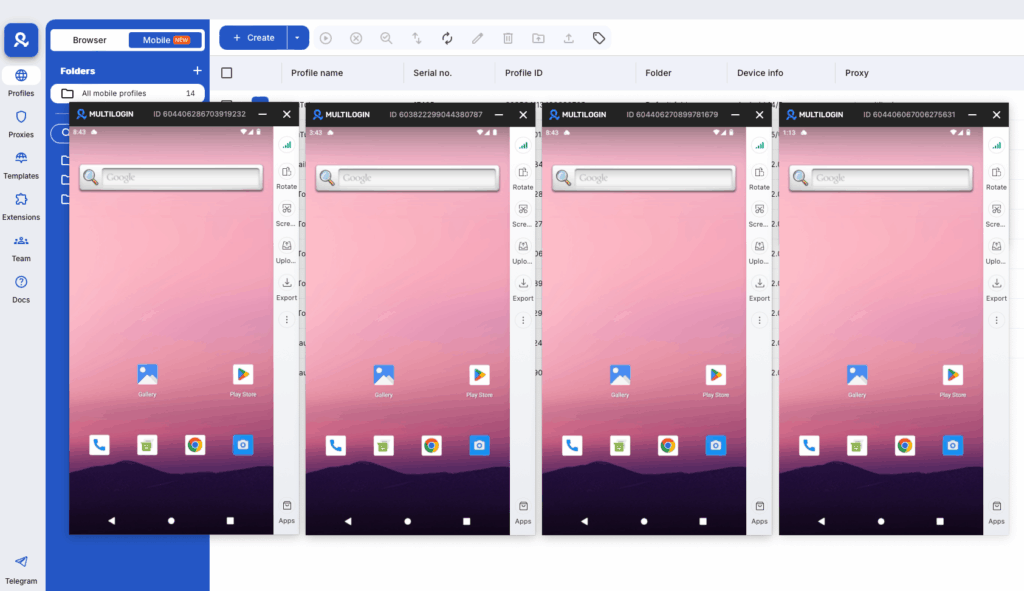
With cloud phones: Five cloud phones in the Multilogin dashboard. Each one runs the Bluesky app logged into one client account. App data, login state, and session history persist between uses — the account never looks “freshly logged in” from a new device. Each cloud phone has its own device identity and proxy-matched location.
Multilogin’s cloud phones are real Android devices in the cloud, running Android 10–15 across approximately 30 device types (Samsung, Google, OPPO, Vivo, OnePlus, Redmi). Built-in mobile-grade proxies with city-level geolocation matching mean each device presents consistent, location-accurate signals. No hardware to buy. No SIM cards to manage. No factory resets when you need a fresh environment.
You launch, operate, and close each Bluesky account from the same dashboard. Scale from 5 accounts to 50 without adding physical devices. This is what phone farming setups look like when they’re built for professional social media operations rather than patched together.
It also pairs cleanly with Multilogin’s antidetect browser — the same dashboard gives you browser profiles for web-based platforms and cloud phones for native app platforms. Create multiple social media accounts across every platform and manage them all from one place.
Start your Multilogin plan and manage every Bluesky account from its own isolated cloud Android device.
Bluesky vs X: Which Platform Is Better for Multiple Accounts?
This comparison comes up often for social media managers deciding where to invest their multi-account operations.
Bluesky advantages for multiple accounts:
- No phone number requirement — email only makes account creation simpler
- Custom domain handles provide built-in identity separation
- More permissive current stance on multiple accounts
- The AT Protocol’s decentralised architecture means you can theoretically self-host if needed
- Less aggressive bot and multi-account detection (for now)
X (Twitter) challenges for multiple accounts:
- Phone number verification required per account
- Stricter multi-account policies
- More developed bot detection that flags shared device signals quickly
- Managing multiple Twitter accounts requires more infrastructure from the start
For agencies and managers already running multi-platform operations, Bluesky’s current flexibility is an advantage worth using. The window where multi-account management on Bluesky is operationally straightforward may not stay open forever.
Need to make extra money online? Try Multilogin Cloud Phones.
Frequently asked questions About Bluesky Multiple Accounts
Yes. Bluesky allows multiple accounts per person. You need a unique email address for each account, but the platform doesn’t require phone verification and doesn’t currently restrict multi-account use. You can sign into multiple accounts in the Bluesky app and switch between them from your profile menu.
Not with the exact same email — each account needs a unique address at registration. But the +tag method (e.g., [email protected], [email protected]) lets you create multiple distinct email addresses that all route to the same inbox. Each one registers as a separate email on Bluesky.
Yes — the Bluesky app supports adding multiple accounts and switching between them. The limitation is that all accounts share the same device environment (same IP, same device fingerprint, same app data layer). For casual personal/work splits this is fine. For agencies or anyone needing strict account isolation, a cloud phone per account provides a fully separate mobile environment for each.
It depends on scale. For 2–3 accounts, the native app’s account-switching feature works fine. For agencies or operators managing 5+ accounts, cloud phones give each account its own isolated Android environment — separate device identity, persistent sessions, and built-in proxies — all controlled from one desktop dashboard.
Bluesky doesn’t explicitly restrict agency use or multi-account management for professional purposes. Its current policy environment is more permissive than X or Instagram on this point. That said, best practice for agency operations is to keep each client account in its own isolated environment regardless of platform policy — it protects both you and your clients.
The key is genuine environment isolation. If multiple accounts share the same device, IP address, or app session, they share detectable signals that can link them — even if the content and handles are completely different. Cloud phones solve this by giving each account its own real Android device identity, its own proxy-matched IP, and persistent session data that doesn’t cross between accounts.
Yes, but each domain handle requires a domain you control. You can use subdomains — @personal.yourdomain.com and @work.yourdomain.com — as handles for different accounts on the same root domain. Each subdomain needs its own DNS TXT verification. Custom handles are worth setting up for professional accounts as they provide built-in identity verification on Bluesky.
Key takeaways
Bluesky’s architecture makes multiple accounts easier to create than almost any other major social platform. No phone verification, flexible email options, custom domain handles, and a current policy environment that doesn’t actively restrict multi-account use.
The gap that matters isn’t creation — it’s management. Two accounts on one phone is fine. Five client accounts across an agency is where you need a real system. Ten accounts across different niches and brands is where improvised setups break down.
Cloud phones close that gap. Each Bluesky account gets its own real Android environment, its own persistent session, its own device identity. Nothing is shared between accounts. You manage everything from one dashboard. And when you add a new client or launch a new brand, you add a cloud phone — no new hardware, no SIM cards, no resets.
For agencies, content teams, and operators who are serious about Bluesky as a platform, this is the infrastructure that makes it manageable at scale. Multilogin is built for exactly this — as the dedicated social media management tool for multi-account operations across mobile and web platforms.
Ready to run multiple Bluesky accounts from isolated cloud Android devices? Start your Multilogin plan and manage every account cleanly from one dashboard.

