
Account bans rarely happen out of nowhere. One small signal — a repeated fingerprint, a recycled IP, a profile that looks too close to another — and everything you built can freeze in a second. If you’ve ever had an ad account collapse or a store get flagged, you know the feeling.
That’s where antidetect browsers come in. They separate identities, keep fingerprints apart, and give you room to run multiple accounts without worrying about instant linkage. GoLogin and GhostBrowser are two names people often try when they want more control and fewer bans.
But once you manage accounts tied to real revenue or clients, the cracks show. One tool feels limited, the other feels outdated, and neither is built for serious growth.
This guide breaks down both options — what they do well, where they struggle, and when it’s time to move to something more stable before another suspension lands in your inbox.
What to look for when choosing an antidetect browser
When you run accounts that can’t afford mistakes, the tool you choose decides how many nights you lose to bans, resets, or broken fingerprints. A good antidetect browser shouldn’t force you to babysit profiles or pray your proxy doesn’t leak. It should keep every identity separate, predictable, and stable — even when platforms tighten their checks. If you pick the wrong one, you feel it fast: flags, captchas, sudden logouts, or full suspensions.
Here’s what actually matters:
Real fingerprint separation — not random values, but device fingerprints that hold up under stress and don’t collapse during verification.
Proxy reliability — fast setup, no leaks, and ideally built-in residential IPs so you don’t waste money testing external providers.
Stable long sessions — profiles that don’t crash, freeze, or trigger suspicion during ads, store management, or automation.
Mobile + desktop identity control — because platforms react differently when fingerprints don’t match the behaviour they expect.
Team-ready workflows — safe sharing, role control, and profile syncing if you work with VAs or multiple operators.
Automation support — the ability to scale tasks without building a maze of scripts and manual fixes.
Choose based on these, and you avoid the bans that come from shortcuts and tools that can’t keep up.
What is GhostBrowser
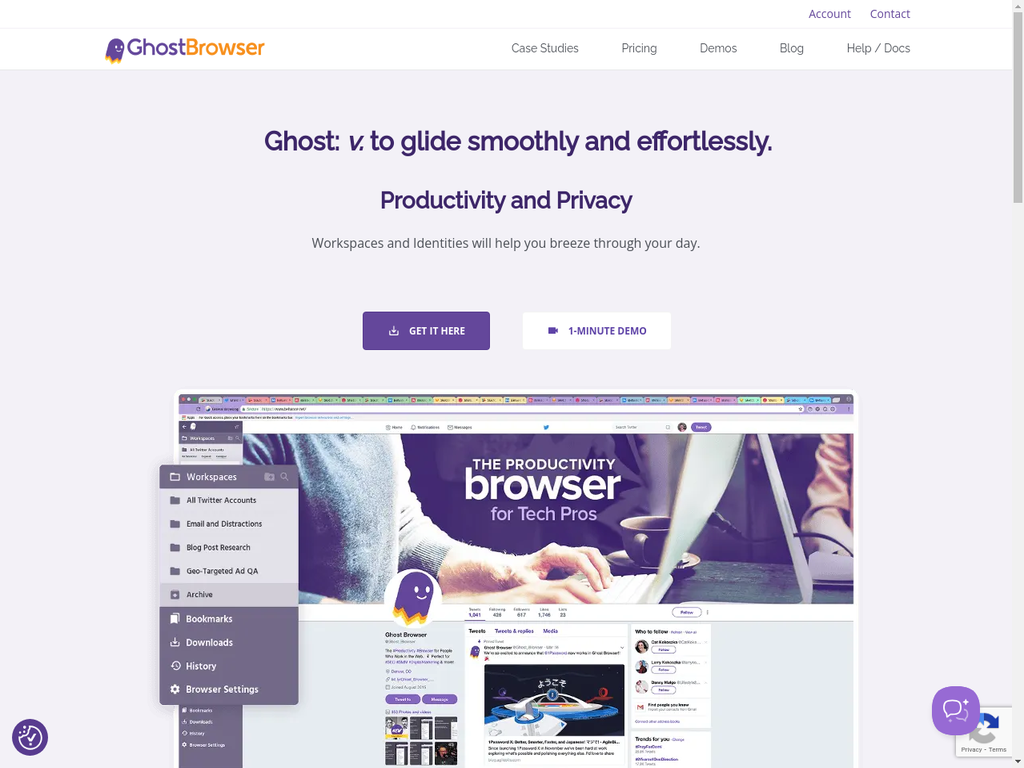
GhostBrowser is a workflow-focused browser built for people who need quick session separation without diving into technical setup. It’s useful when you’re switching between client accounts or managing light workloads. But once your accounts sit on platforms that monitor fingerprints aggressively, GhostBrowser starts to feel exposed. It isolates cookies, not identities — and that’s exactly where most bans come from.
Key features (and the weak points behind them):
Multi-session tabs — You can open several accounts on the same site, but the environment behind each tab is nearly identical, which gives detection systems an easy way to connect your activity.
Workspace organization — Handy for keeping projects separate, but it’s organizational only. It doesn’t solve fingerprint mismatches that trigger flags on platforms like Meta, Amazon, or TikTok.
Proxy-per-tab setup — Offers flexibility, but every proxy must be added manually, slowing down workflows. Since it lacks built-in residential proxies, you’re left testing and replacing external proxies constantly.
Basic isolation only — GhostBrowser separates cookies but doesn’t create real fingerprint diversity. This makes it risky for sensitive accounts where one bad match can lead to an instant suspension.
No automation support — There’s no native Selenium, Puppeteer, or Playwright integration, so scaling repetitive tasks becomes manual and time-consuming.
No mobile profile emulation — A major limitation for platforms that expect mobile behaviour, especially TikTok, Instagram, and mobile-first e-commerce flows.
Country of origin: United States — A long-running product, but its focus has always been productivity, not stealth or advanced fingerprint protection.
What is GoLogin
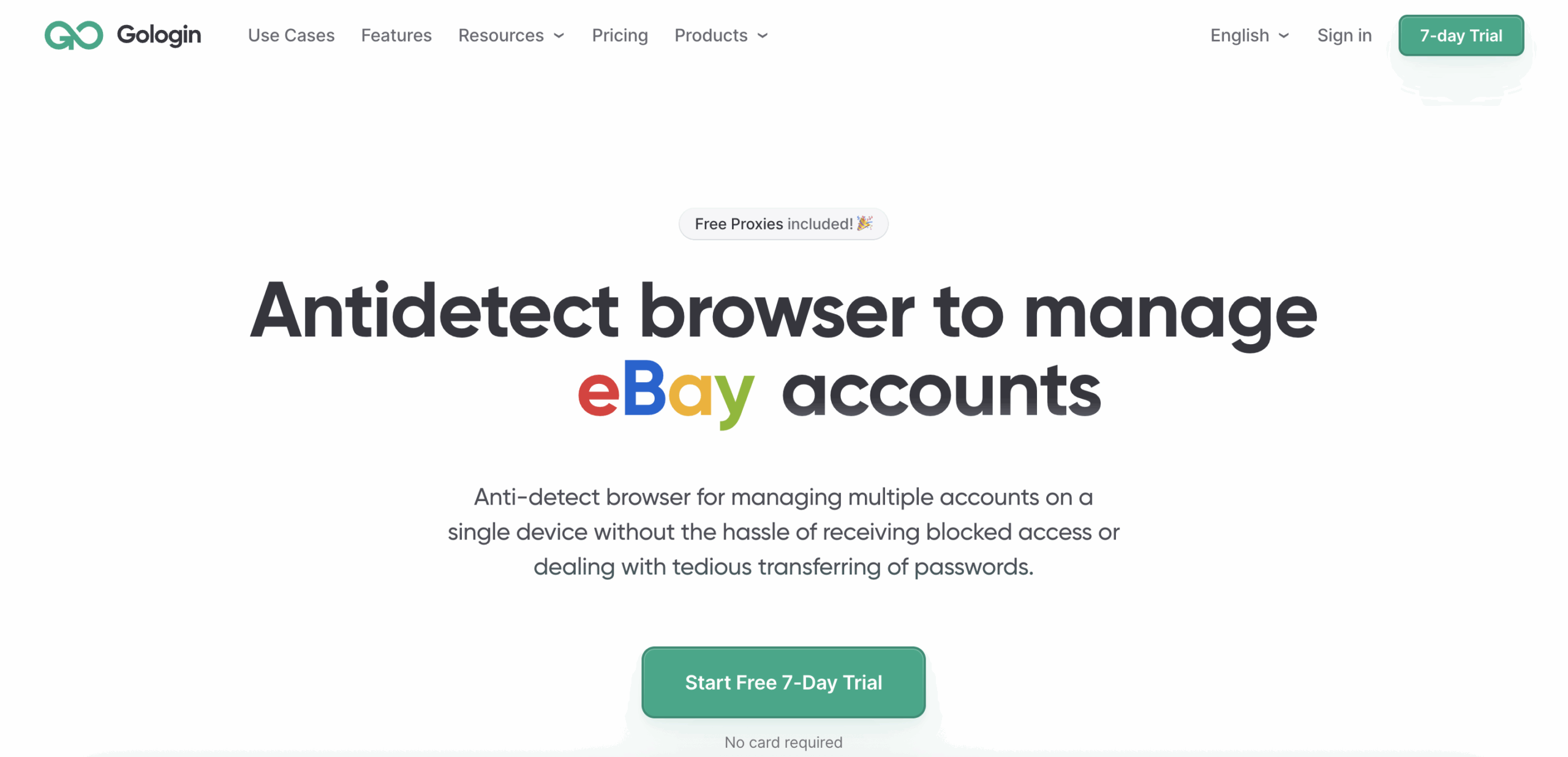
GoLogin is an antidetect browser built for people who want more stealth than basic multi-session tools but don’t want a complicated setup. It creates separate browser profiles with their own fingerprints, making it safer than productivity browsers. But once you start handling accounts that can’t afford a single misstep — paid ads, e-commerce, strict social platforms — you start noticing where GoLogin struggles. The fingerprints look cleaner than GhostBrowser’s, but not deep enough to hold up under heavy scrutiny.
Key features (and the weak points behind them):
Fingerprint customization — You can tweak user-agent, timezone, WebGL, and hardware data, but many settings are auto-generated with limited control, which can still produce detectable patterns on strict platforms.
Cloud-based profiles — Convenient, but occasionally slow to sync or recover, which can interrupt long-running sessions or create inconsistencies between devices.
Automation support — Works with Selenium and Puppeteer through workarounds, but there’s no native Playwright, Postman, or CLI support. Scaling real automation flows becomes patchy and fragile.
Proxy integration — Accepts HTTP/HTTPS/SOCKS5, but doesn’t include built-in residential proxies. You have to buy external proxies, test them manually, and replace them when they burn out — adding cost and constant maintenance.
Profile sharing for teams — Useful, but lacks the deeper role-based permissions and activity controls needed when multiple operators handle accounts tied to real money.
No true mobile emulation — A limitation for platforms where mobile identity matters. GoLogin simulates mobile in limited ways, but it’s not a full mobile environment.
Country of origin: Russia — Actively developed, but still shows maturity gaps when handling complex, multi-geo, high-pressure workflows.
Why Multilogin is the best alternative to both GoLogin and GhostBrowser

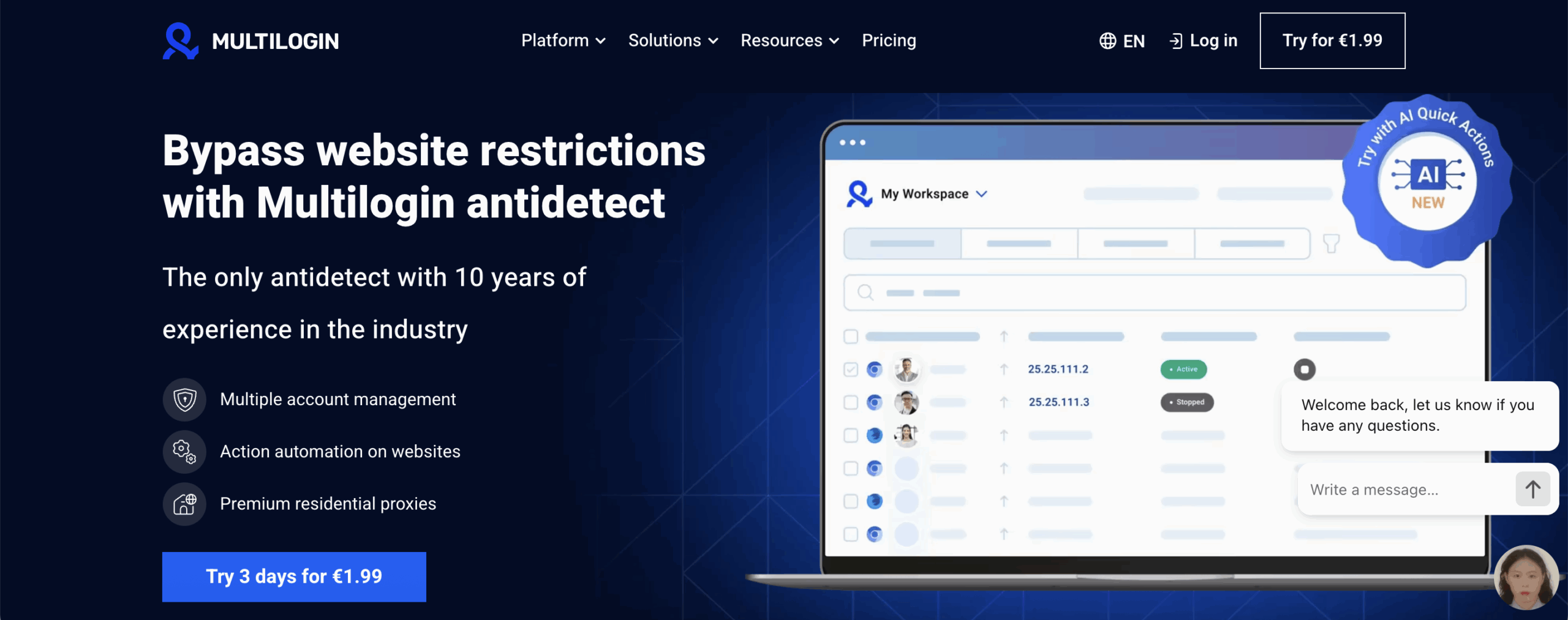
Multilogin solves the problems users keep running into with GoLogin and GhostBrowser — the instability, the fingerprint gaps, the constant proxy shopping, the guesswork that turns a simple login into a risk. Instead of patching together tools and hoping nothing breaks mid-session, you get one platform where the fingerprints hold, the proxies are already clean, and your profiles don’t collapse the moment you scale.
Multilogin works for any size of operation — solo creators who just need safe logins, small businesses running a handful of accounts, and teams managing thousands across multiple geos. You don’t need technical skills. You don’t need external tools. You don’t waste hours fixing broken setups. You open a profile and it simply stays stable.
Here’s why Multilogin stands miles ahead:
Fingerprinting & profile stability
55+ fingerprint parameters to generate natural, durable identities that stay consistent during long sessions.
Mimic (Chromium) and Stealthfox (Firefox) browsers custom-built to avoid detection traps that standard browsers fail.
Passes strict checkers like Pixelscan, Iphey, BrowserScan, BrowserLeaks, and Whoer — consistently.
Android mobile profile emulation for platforms that judge mobile behavior differently (TikTok, Instagram, Facebook Ads).
Cookie Robot warms accounts automatically by building natural browsing patterns, reducing early verification loops.
Pre-farmed cookie packs help new accounts act older and more trustworthy.
Instant external IP change detection prevents accidental identity overlap.
Built-in residential proxy network
30M+ fresh residential & mobile IPs across 195+ countries — included in every plan.
City-level geotargeting for sensitive accounts.
Up to 24-hour sticky sessions for ads, e-commerce, and automation.
Automatic filtering of flagged IPs to avoid bans caused by “dirty” networks.
Traffic saver mode for scraping and large automation jobs.
Buy, manage, and roll over proxy traffic directly inside Multilogin — no extra vendors needed.
Automation & workflow control
AI Quick Actions to batch-assign proxies, create profiles, or trigger repetitive tasks without coding.
Up to 10 chained steps for daily workflows — launches, logins, checks, and updates.
Full support for Selenium, Puppeteer, Playwright, Postman, and the Multilogin CLI.
Long-running sessions that stay stable even under heavy automation loads.
API endpoints for building fully custom toolchains.
Performance & interface
Multilogin X app (desktop) for faster loading, instant syncing, and a smooth handoff between devices.
Clean, fast UI with drag-and-drop, hotkeys, quick edits, and grouped workspaces.
Running Profiles dashboard to monitor all active sessions at once.
Profile export/import for easy migration from any competitor.
Team collaboration
Unlimited seats on Business plans with strict role-based access.
Encrypted cloud storage for profile data, cookies, and extensions.
Bulk updates and assignments for agencies handling hundreds of accounts.
Secure sharing without risking fingerprint leaks.
Security & reliability
Estonian-based company with strong GDPR compliance.
Nearly a decade of fingerprint research and testing.
Daily benchmarking across 50+ high-risk websites to stay detection-resistant.
AES, SHA-2, and MD5 encryption protecting all sensitive data.
Updates every 2–4 weeks to stay ahead of platform changes.
Pricing & support
€1.99 trial: 5 profiles + 200MB residential proxy traffic.
Plans from €5.85/month (annual) with included proxy traffic.
Scales to 10,000+ profiles for enterprise operations.
24/7 expert support in EN, RU, VN, ZH, and PT — real people, no machine-translated scripts.
Don’t risk bans: Launch stable profiles with a €1.99 trial
GoLogin vs. GhostBrowser vs. Multilogin
| Feature | GhostBrowser | GoLogin | Multilogin |
|---|---|---|---|
| Built-in proxies | None — manual setup only | None — external only | Premium residential proxies included (30M+ IPs) |
| Fingerprint protection | Very basic (mainly cookie isolation) | Moderate spoofing | Advanced real-device fingerprints, daily-tested |
| Mobile emulation | Not supported | Limited Android | Android mobile profile emulation |
| Team collaboration | Workspaces only | Basic profile sharing | Role-based access, shared storage, unlimited seats |
| Ease of use | Very simple | Simple | Easy setup with guided onboarding |
| Desktop app | No dedicated antidetect app | Basic desktop client | Multilogin X app with built-in agent and real-time sync |
| Antidetect updates | Slow and minimal | Inconsistent | Continuous releases with daily fingerprint testing |
Final verdict - GoLogin vs. GhostBrowser
GhostBrowser is simple. GoLogin is stronger. But both start to crack the moment your accounts carry real risk. When a ban can shut down a store, freeze an ad account, or break a client agreement, “good enough” stops being enough.
Multilogin gives you what the others can’t: stable profiles, real-device fingerprints, built-in residential proxies, Android mobile emulation, the Multilogin X desktop app, automation support, and team-ready workflows — all in one place, without constant fixing or proxy shopping.
If you want an antidetect setup that stays reliable as you scale, Multilogin is the choice built for that level of work. And you can test it safely with the €1.99 trial and see the difference yourself.
That’s less than the price of a cup of coffee for complete peace of mind. Don’t wait until it’s too late. Click here to start your trial today and see for yourself why Multilogin is the undisputed king of antidetect browsers.
FAQs
Is GhostBrowser safe for managing multiple accounts?
GhostBrowser is fine for light work, but it doesn’t protect your fingerprint. If the platform checks more than cookies, you can still get linked and banned. It’s not designed for long-term, high-value accounts.
Does GoLogin fully prevent bans?
GoLogin reduces some signals, but it still relies on manual proxies, limited mobile support, and fingerprint masking that doesn’t always pass strict checks. If a platform is sensitive — like Facebook Ads, Amazon, or TikTok — you’ll still face verification loops.
Why do built-in residential proxies matter so much?
Because your setup collapses the moment the IP doesn’t match the fingerprint. Built-in premium proxies remove that risk entirely. You don’t waste time testing random IPs, and you don’t pay extra every month for external providers.
Can Multilogin work for small teams, not just big agencies?
Yes. One person running a few accounts gets the same stability as a team running thousands. The workflow stays simple: create a profile, assign a proxy, launch. As you grow, you get team permissions, cloud storage, automation support, and Android mobile emulation without changing your setup.
