
When you’re managing multiple accounts, you don’t get warnings — you get bans. One fingerprint inconsistency, one recycled IP, one unstable browser core, and suddenly half your setup is restricted. That’s usually the moment people start comparing Incogniton vs GoLogin. Both promise protection. Both promise identity separation. But the moment you put real pressure on them — ads, web scraping, daily client work — their weak spots begin to surface.
- How Incogniton and GoLogin compare
- Where each one shines or falls short
- What users should consider before choosing
- And how Multilogin compares as a more powerful alternative for serious users
This comparison shows what actually matters: stability, fingerprint accuracy, proxy quality, and how well these tools protect your accounts when the platforms tighten their checks. And if you’ve ever rebuilt an account after a random flag, you’ll see exactly why the final alternative in this guide stands out across every category.
What is Incogniton?
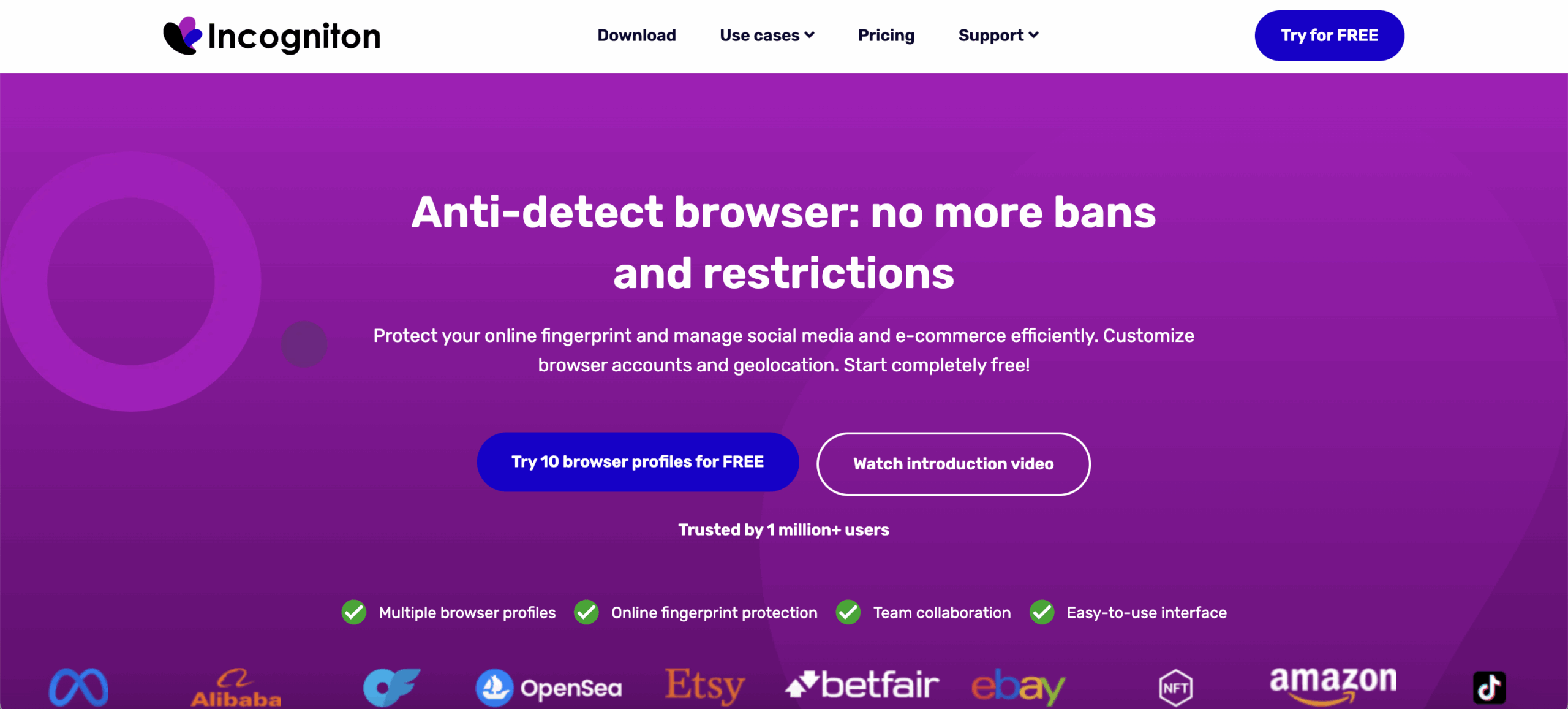
Incogniton is a lightweight Chromium-based antidetect browser used by small teams and solo marketers who only need a simple way to separate identities. It handles basic fingerprint tweaks and profile isolation well enough for low-pressure tasks. But once you start handling accounts that can’t afford mistakes — ads, clients, e-commerce, anything with platform risk — the cracks show quickly. Users often describe the experience as workable for a few profiles, but unreliable when things get busy or when detection systems tighten.
If you’ve ever lost an account because a fingerprint didn’t match or a proxy wasn’t configured right, you already understand where Incogniton feels fragile. It doesn’t break all at once — it just creates tiny gaps that eventually catch up with you.
Key features (and the weak points behind them):
Basic fingerprint editing — You can adjust canvas, WebGL, timezone, and language, but many profiles still fail common fingerprint tests, which means platforms can link or flag them faster.
Profile handling — Fine for light usage, but performance drops when you run several profiles or leave long sessions open.
Automation with Selenium & Puppeteer — Works, but needs extra setup and manual port configs, and it doesn’t support Playwright, Postman, or CLI, which makes scaling real workflows slow and restrictive.
Proxy support — Accepts HTTP/HTTPS/SOCKS5, but does not include built-in residential proxies, so every IP setup becomes manual, slower, and more expensive.
- Country of origin: Originally Russia, now the Netherlands — A fairly young product, and its maturity gaps show when running heavier workflows.
What is GoLogin?
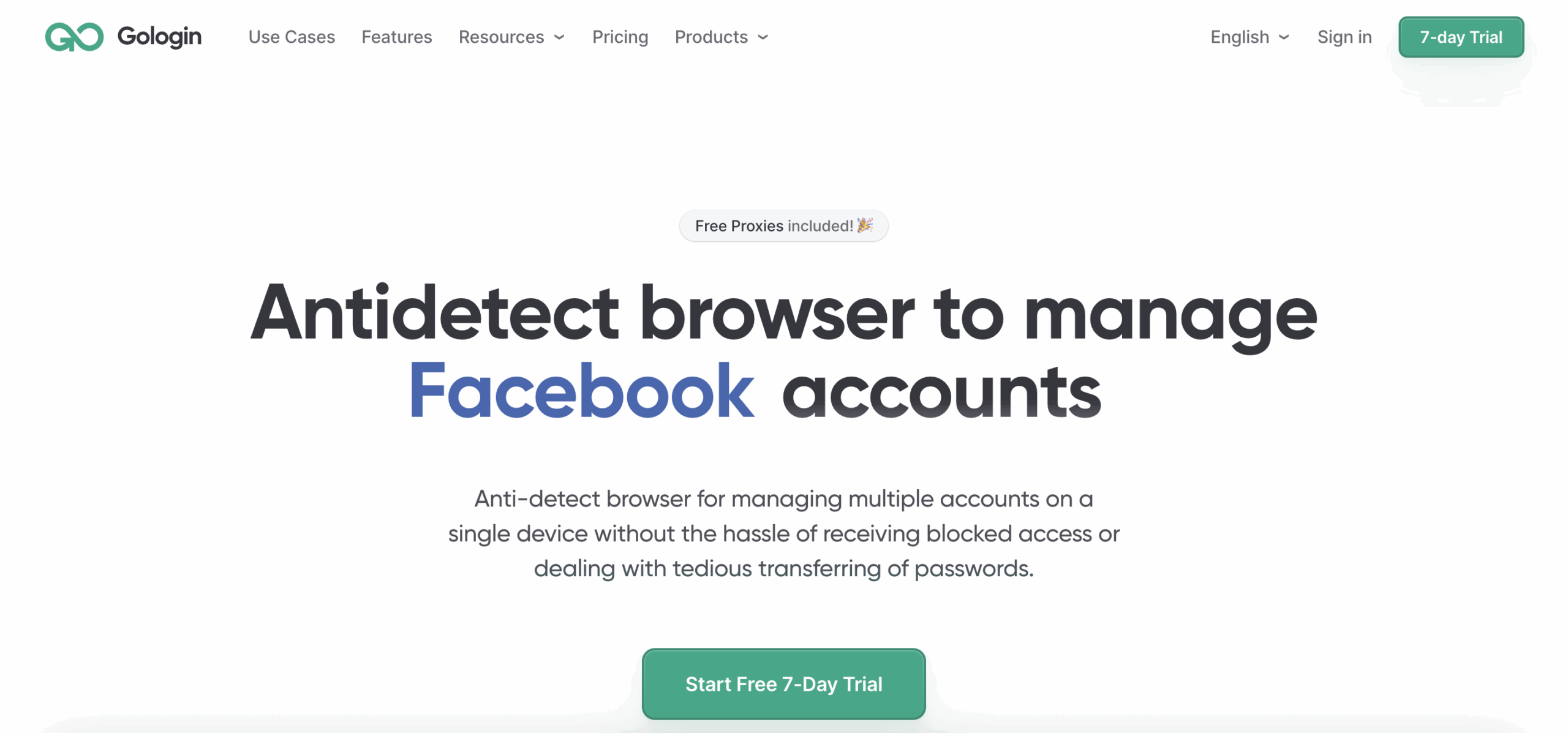
GoLogin is another Chromium-based antidetect browser aimed at beginners and mid-level operators. At first glance, it feels more polished and easier to navigate than Incogniton. But once you push it into real daily work — multiple logins, sensitive platforms, automation, region-specific accounts — its limits appear. Many users report that fingerprints repeat across devices or lean too heavily on the real hardware, and those patterns can get accounts flagged over time.
If you’ve ever opened a profile and felt that uneasy silence before a platform asks for verification, that’s the kind of tension GoLogin users talk about when fingerprinting doesn’t hold up.
Key features (and where they fall short):
JS-level fingerprint spoofing — Offers more variety than Incogniton, but still tied to your device’s real hardware, which reduces uniqueness and creates patterns platforms can catch.
Cloud sync — Handy when switching devices, but stability drops once profile numbers climb and sessions get heavy.
Automation with Puppeteer, Playwright, Selenium — Good for simple scripts, but no Postman or CLI support, which limits complex or high-volume automation.
Built-in proxy manager — Helps you organize settings, but does not include built-in residential proxies; most users rely on external IP providers with recycled or inconsistent IP quality.
Mobile fingerprints (beta) — Still unstable and often fails fingerprinting checks on platforms that watch mobile behavior closely.
- Country of origin: Russia — A detail many teams pay attention to when assessing long-term trust and compliance.
GoLogin vs Incogniton: feature-by-feature comparison
| Feature | Incogniton | GoLogin |
|---|---|---|
| Country of origin | Originally Russia, now the Netherlands | Russia |
| Browser core | Chromium | Chromium (Orbita) |
| Fingerprint depth | Basic tweaks; many profiles fail major fingerprint checkers | JS-level spoofing; still tied to hardware, creating repeating patterns |
| Mobile fingerprinting | Not available | Android (beta), often unstable and detected |
| Proxy handling | External proxies only; no built-in residential proxies | Proxy manager only; no built-in residential proxies, external IPs often recycled |
| Profile stability | Works for a few profiles; unstable with long or parallel sessions | Cleaner interface but unstable with heavy loads or long sessions |
| Automation support | Selenium & Puppeteer only; no Playwright, Postman, or CLI; manual ports required | Selenium, Puppeteer, Playwright; no Postman or CLI, limiting complex workflows |
| Team collaboration | Limited | Basic, but not reliable at scale |
| Cloud sync | Available only on higher tiers | Available, but unstable with many profiles |
| Fingerprint uniqueness | Often inconsistent; manual tweaks needed | Better variety but hardware-dependent and easier to detect |
| Built-in proxies | ❌ None | ❌ None |
Verdict: GoLogin offers slightly more advanced control over browser fingerprints, especially with custom plugin/font options and mobile support. However, neither offers the level of fingerprint independence that tools like Multilogin provide.
Pricing breakdown: Which tool offers more value
Incogniton starts at $13.99/month for 10 profiles and goes up to $104.99/month for 500 profiles. The higher tiers unlock automation tools and API access, but everything still depends on external proxies. With no built-in residential traffic, the real cost becomes the monthly proxy bill and the time spent fixing unstable or mismatched IPs. Many users find that performance issues appear long before they reach the profile limits of their plan.
GoLogin begins at $49/month for 100 profiles and reaches $199/month for 1,000 profiles. Each plan includes a small amount of residential traffic, but it burns fast during long sessions or multi-country work. Team access is also limited — even the larger plans include only one additional member. And because GoLogin doesn’t offer built-in residential proxies, users rely on external providers where recycled IPs and detection issues are common.
Both tools offer reasonable value for small setups, and GoLogin does allow more profiles at lower tiers. But neither includes fingerprinting strong enough for high-risk platforms, and neither offers the protection that comes with integrated proxy traffic.
The difference with Multilogin
Multilogin is the only browser in this comparison that includes residential proxies inside the subscription. You get access to 30M+ residential and mobile IPs through an integrated proxy network, meaning:
No time lost searching for proxy providers
No extra $50–200/month bills
No setup or compatibility issues
No risk of recycled or blacklisted IPs
Learn more about how to set up the proxy in Multilogin!
Why Multilogin is a better alternative to both
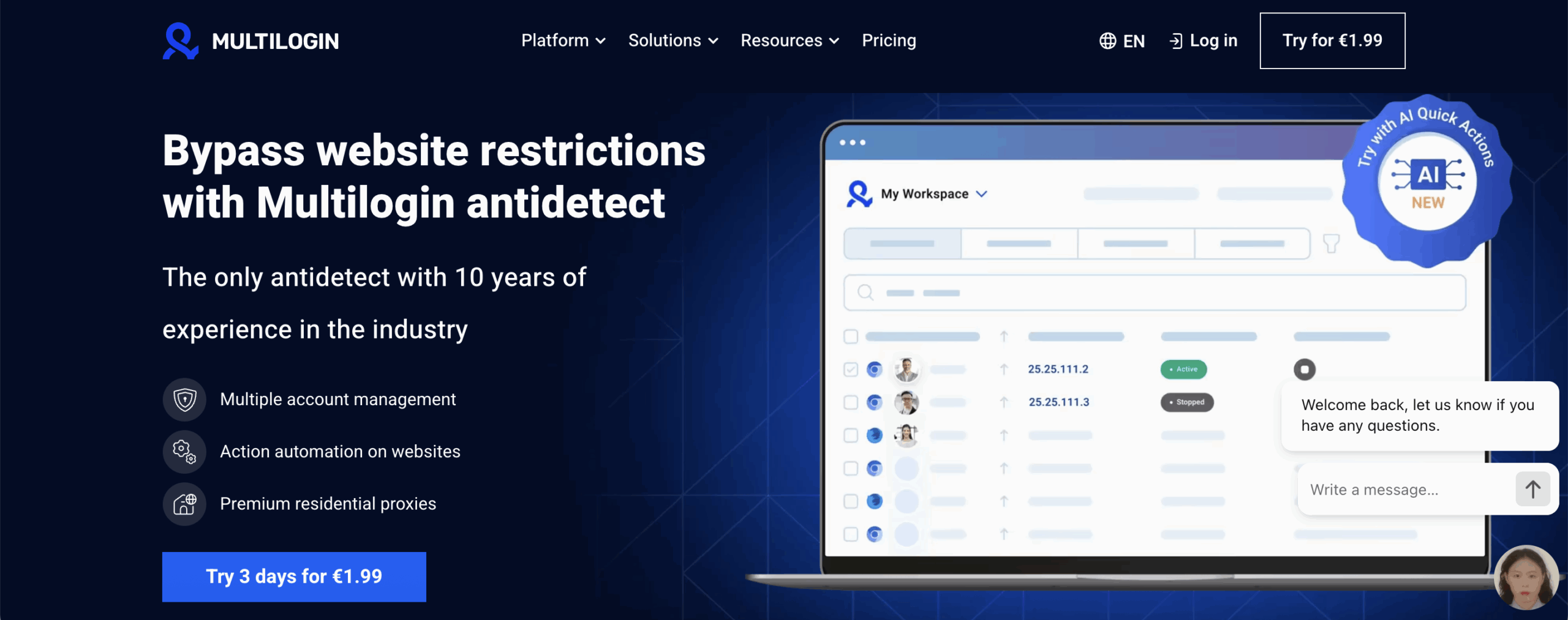
Multilogin solves the problems that slow users down on Incogniton and GoLogin. You don’t need technical knowledge, proxy shopping, or complicated setup. Everything you need — fingerprinting, browser profiles, and residential proxies — is already built into the platform. This makes it ideal for individuals and small businesses who want to get started fast without dealing with external tools or patchwork solutions. You create a profile, launch it, and it works. No hunting for providers. No constant troubleshooting.
At the same time, Multilogin scales without breaking. Teams running hundreds or thousands of profiles use it because the fingerprinting engine is strong enough to survive long sessions, multi-geo logins, and platforms with strict detection systems. The built-in proxy network gives access to 30M+ clean residential and mobile IPs, so sessions stay stable — even under heavy automation or large account batches. And since all of this is inside one platform, you save the hours normally spent fixing mismatched proxies, unstable fingerprints, or repeated verification loops.
Why Multilogin wins:
Estonian-based company with strong GDPR standards and a clean compliance track record.
Launched in 2015, making it the most established antidetect browser in this comparison.
Nearly a decade of testing, updating, and refining fingerprint protection for real multi-account workflows.
Fingerprinting & profile security
55+ fingerprint parameters to create natural, unique browser identities that hold up on strict platforms.
Custom Mimic (Chromium) and Stealthfox (Firefox) browsers, designed to avoid the detection issues found in regular browsers.
Passes all major fingerprint checkers like Pixelscan, Iphey, BrowserScan, BrowserLeaks, and Whoer.
Android mobile profile emulation for platforms that react strongly to mobile behavior.
Pre-farmed cookies for warming up accounts safely and reducing early bans.
Real-time external IP change detection to stop accidental identity overlap.
Local or encrypted cloud storage for profiles, cookies, bookmarks, and extensions.
Built-in residential proxies
30M+ residential and mobile IPs included in every subscription.
City-level and country-level targeting for location-sensitive accounts.
Up to 24-hour sticky sessions for long-running or automation-heavy tasks.
Automatic filtering of flagged IPs to reduce bans and verification spikes.
Traffic saver mode to reduce bandwidth use when scraping or automating.
Buy, manage, and roll over proxy traffic directly inside the platform.
Automation & workflow efficiency
AI Quick Actions to launch profiles, assign proxies, and batch changes without touching code.
Chain up to 10 automated steps for repetitive or daily tasks.
Full support for Selenium, Puppeteer, Playwright, Postman, and Multilogin CLI for custom automation flows.
Stable long-running sessions that survive heavy automation loads.
Robust API for building your own tools and workflows.
Performance & interface
Fast, clean UI with drag-and-drop, hotkeys, inline edits, and quick actions.
Custom workspaces to separate clients, platforms, or campaigns.
Running Profiles dashboard to see all active sessions at a glance.
Profile export/import for smooth migration from other browsers.
Team collaboration
Unlimited team seats in Business plans with role-based access control.
Shared cloud storage for profile data, cookies, and extensions.
Bulk actions and assignments for teams running large batches of accounts.
Secure sharing without exposing fingerprints or cookies.
Security & reliability
2FA protection for account security.
AES, SHA-2, and MD5 encryption to protect profile data and sessions.
Daily testing across 50+ high-risk websites to stay ahead of detection updates.
Frequent updates every 2–4 weeks.
Desktop & web app
Built-in launcher (no agent setup required).
Automatic updates in the background — nothing to install manually.
Real-time syncing across web and desktop apps.
Available on Windows and macOS with identical features.
Pricing & accessibility
€1.99 trial (5 profiles + 200MB residential traffic).
Pro plans from €5.85/month (annual) with proxy traffic included.
Scales up to 10,000+ profiles for enterprise workloads.
Support & success
24/7 expert support in English, Russian, Vietnamese, Chinese, and Portuguese.
Zero machine translation — real humans with technical knowledge.
User feedback drives development, ensuring updates stay practical and relevant.
Multilogin is trusted by growth teams, data scrapers, ad managers, and web testers around the world who need maximum reliability and performance.
