





Incogniton and GoLogin are both browser-focused multi-account management platforms, but GoLogin offers broader cloud and Android options while Incogniton focuses more closely on isolated Chromium browser profiles, automation and team workflows.
Incogniton provides separate browser profiles with proxy configuration, cookies, cloud synchronization, team access and automation through Playwright, Puppeteer, Selenium, REST API, SDKs and CLI.
GoLogin centers on its Orbita browser profiles and adds built-in proxies, cloud browser access, browser automation and Android options, including Cloud Android.
If you are comparing Incogniton vs GoLogin, the most useful differences to check are:
browser profile limits;
pricing;
included proxies;
automation;
team access;
cloud browser availability;
Android support;
and whether your workflow is browser-only or also uses native mobile apps.
This comparison uses current official Incogniton and GoLogin product pages and documentation checked in October 2026.
Incogniton vs GoLogin at a glance
| Feature | Incogniton | GoLogin |
|---|---|---|
| Primary product | Chromium-based multi-account browser | Orbita-based antidetect browser |
| Browser profiles | Yes | Yes |
| Free plan | 10 profiles for first 2 months, then 3 | 3 browser profiles |
| Paid entry plan | Starter Plus: $19.99/month | Professional: from $9/month |
| Built-in proxies | Yes | Yes |
| Third-party proxies | Yes | Yes |
| Playwright | Yes | Yes |
| Puppeteer | Yes | Yes |
| Selenium | Yes | Yes |
| REST API | Yes on eligible plans | Yes on paid plans |
| SDKs | Python and Node.js | Available |
| CLI | Yes | Browser automation options available |
| Cloud browser | Cloud-saved profiles; automation can use cloud profile copies | Yes |
| Android option | No dedicated cloud Android product listed in current product documentation | Android app and Cloud Android |
| Team features | Team dashboard and roles on Professional+ | Team Members from Business |
| Profile sharing | Yes | Yes |
What is Incogniton?
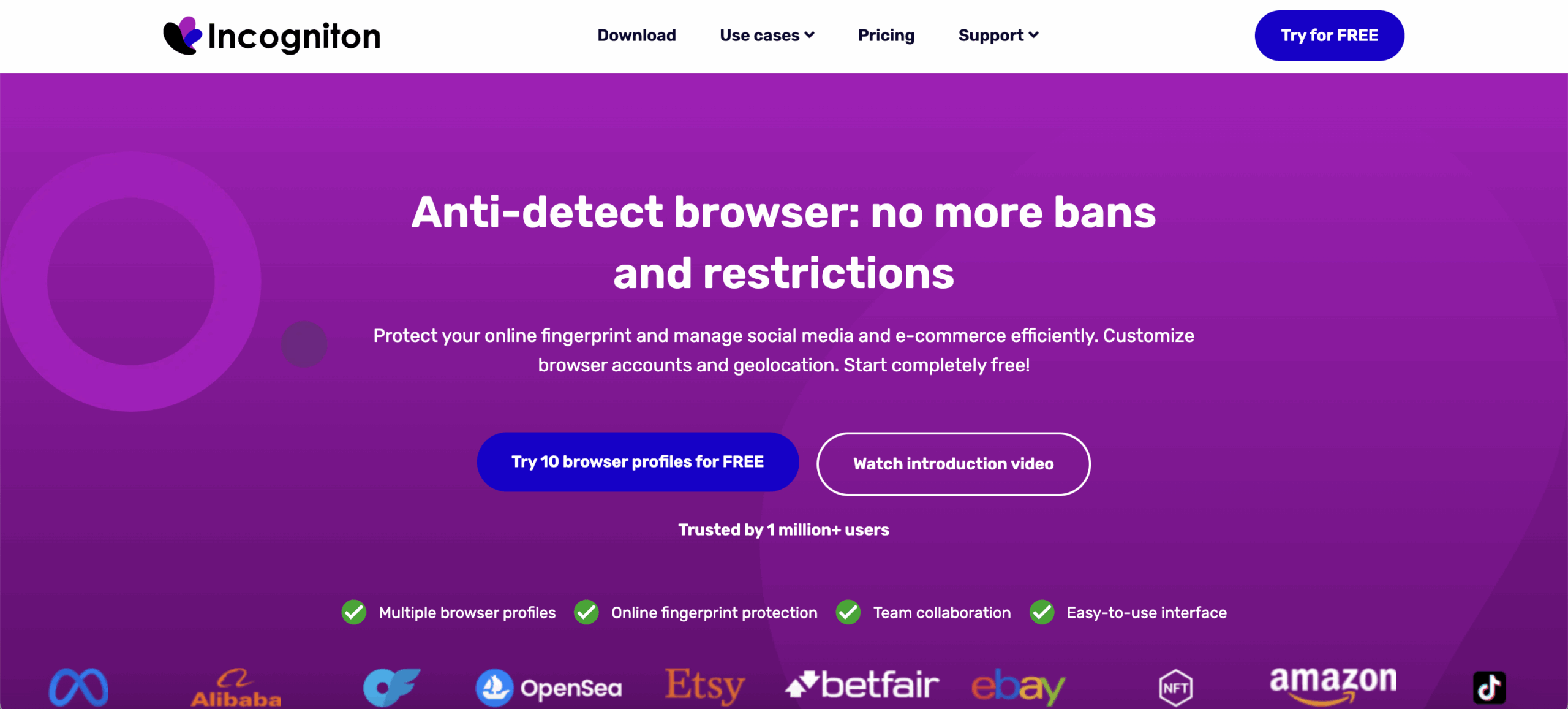
Incogniton is a Chromium-based multi-account browser that lets users create and manage isolated browser profiles from one application.
Each Incogniton browser profile can maintain its own browser state, cookies, proxy configuration and profile settings.
Its current feature set includes:
multiple isolated browser profiles;
proxy configuration;
free built-in proxies;
Incogniton Proxy Shop access;
cookie management;
Cookie Collector;
profile synchronization;
team management;
profile transfers;
bulk actions;
Cas AI assistant;
REST API;
Python and Node.js SDKs;
Playwright;
Puppeteer;
Selenium;
and CLI automation.
Incogniton also stores profile data in encrypted cloud infrastructure so profiles can be synchronized across supported computers.
What is GoLogin?
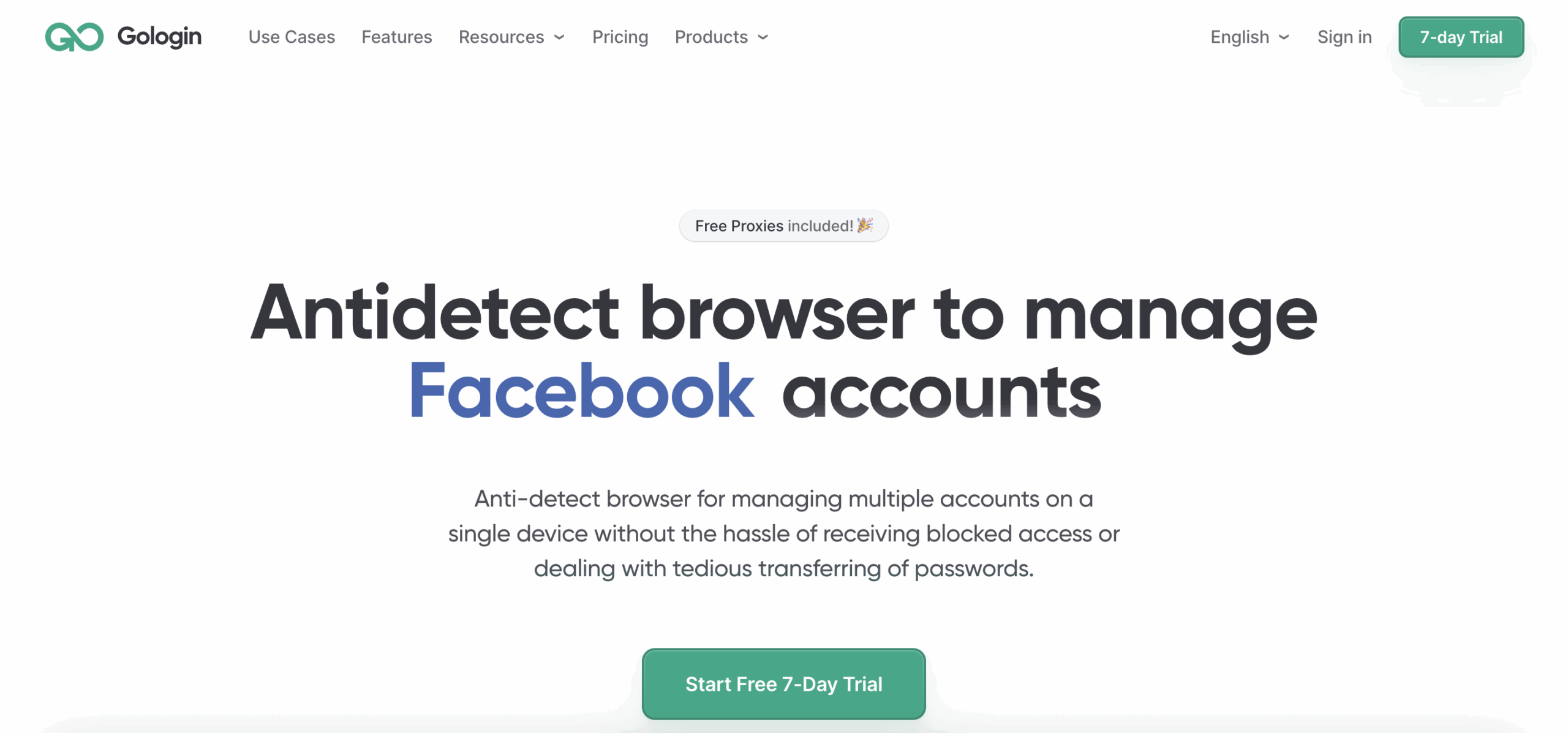
GoLogin is an antidetect browser for managing multiple accounts through separate Orbita browser profiles.
Its browser profiles can maintain separate browser settings, session data, proxy configuration and account states.
GoLogin also provides:
built-in residential proxies;
third-party proxy support;
profile sharing;
folders and workspaces;
cloud browser sessions;
REST API;
SDKs;
Selenium;
Puppeteer;
Playwright-based cloud automation;
Browser MCP;
an Android app;
and Cloud Android.
This means GoLogin now extends beyond desktop browser-profile management into remote browser and Android workflows.
Incogniton vs GoLogin: what is the main difference?
The main difference is that Incogniton remains primarily focused on isolated Chromium browser profiles, while GoLogin combines browser profiles with a broader cloud and Android product set.
Incogniton’s official product and documentation center on managing browser profiles, proxies, cookies, automation and team access.
GoLogin’s core product is also browser-first, but it now adds:
Cloud Browser;
an Android app;
and Cloud Android environments.
This difference matters most if your workflow extends beyond websites into native Android applications.
For browser-only work, profile capacity, automation, proxies, collaboration and pricing are more useful comparison points.
Which has better browser profile management: Incogniton or GoLogin?
Both provide reusable isolated browser profiles, so the better fit depends more on workflow features than on basic profile separation.
How Incogniton browser profiles work
Incogniton creates isolated Chromium browser profiles that maintain separate browser data between sessions.
Profiles can have their own:
cookies;
local storage;
proxy;
browser settings;
location settings;
and stored browsing state.
Incogniton also supports Cookie Collector, profile synchronization, bulk actions and profile transfer on eligible plans.
Its official documentation positions the product specifically around managing multiple isolated browser profiles.
How GoLogin browser profiles work
GoLogin uses its Orbita browser for separate browser environments.
Users can configure profiles individually and organize them through:
folders;
statuses;
notes;
proxy settings;
sharing;
and workspaces.
Profile data can also be synchronized for remote or cloud access.
For users mainly comparing browser-profile functionality, both platforms cover the core workflow.
Incogniton vs GoLogin: which has better automation?
Both now support substantial browser automation, so older comparisons describing Incogniton as Selenium/Puppeteer-only are outdated.
What automation does Incogniton support?
Incogniton currently supports REST API, SDKs, Playwright, Puppeteer, Selenium and CLI workflows.
Its official developer platform provides Python and Node.js SDKs for managing:
profiles;
cookies;
proxy settings;
browser sessions;
and automation.
Incogniton can launch profile-bound sessions for Playwright, Puppeteer and Selenium.
It also provides a CLI that exposes API functionality to terminal-based workflows.
See Incogniton developer documentation
What automation does GoLogin support?
GoLogin supports browser automation through APIs and common browser automation frameworks.
Its current ecosystem includes:
REST API;
SDKs;
Selenium;
Puppeteer;
Playwright-based cloud automation;
and Browser MCP.
GoLogin’s Cloud Browser product can also run remote browser automation without requiring every browser session to run locally.
Which should developers choose?
Choose based on the exact automation stack rather than whether an API exists.
Before choosing Incogniton or GoLogin, compare:
required API endpoints;
profile creation;
profile updates;
proxy assignment;
browser launch methods;
concurrency;
API rate limits;
cloud execution;
SDK language;
headless operation;
session persistence;
and error handling.
Incogniton may fit teams that prefer local-first API, SDK and CLI control around browser profiles.
GoLogin may be more relevant when remote browser execution or its Cloud Browser ecosystem is part of the workflow.
Does Incogniton include built-in proxies?
Yes. Incogniton now provides free built-in proxies and also lets users connect their own proxies or purchase proxies through its Proxy Shop.
This is an important change from older comparisons that described Incogniton as external-proxy-only.
Current Incogniton options include:
free built-in proxies;
Proxy Shop access;
HTTP proxies;
SOCKS5 proxies;
SSH proxy support;
and third-party providers.
A separate proxy can be configured for each browser profile.
See Incogniton pricing and proxy features
Does GoLogin include residential proxies?
Yes. GoLogin currently includes 2 GB of residential proxy traffic per month with paid plans.
GoLogin also provides additional residential, mobile and datacenter proxy options and allows users to configure third-party proxies.
The included 2 GB allowance refreshes monthly and does not roll over.
This means the old claim that GoLogin only provides a proxy manager and requires external residential proxies is no longer accurate.
Incogniton vs GoLogin pricing: which costs less?
GoLogin currently has the lower published entry price, while Incogniton provides more free browser profiles during its initial free period.
Pricing should be compared together with profile limits, proxies, automation and team requirements.
How much does Incogniton cost?
Incogniton has a free Starter package with 10 browser profiles for the first two months, after which the limit becomes 3 profiles.
Its current paid tiers include:
Starter Plus
10 browser profiles;
free built-in proxies;
regular support;
$19.99/month on monthly billing.
Incogniton currently advertises lower equivalent monthly prices for longer billing periods.
Entrepreneur
50 browser profiles;
API access;
Selenium and Puppeteer integration;
automation capabilities;
profile transfer;
Synchronizer;
Cookie Collector;
built-in proxies.
Professional
150 browser profiles;
3 team-member seats;
API access;
automation;
team dashboard;
roles and permissions;
built-in proxies.
Custom
starts from 500 browser profiles;
configurable additional profiles and seats;
API and automation;
team features;
premium support options.
How much does GoLogin cost?
GoLogin has a Forever Free plan with 3 browser profiles, while Professional currently starts from $9 per month on monthly billing.
Professional is available with different browser-profile limits and includes:
paid account features;
residential proxy traffic;
REST API access;
cloud launches;
and 24/7 support.
GoLogin currently advertises a 50% discount for annual billing, bringing its lowest Professional tier to an annual-equivalent price starting from $4.50 per month.
Business introduces full Team Member access and higher profile limits.
Incogniton vs GoLogin pricing summary
| Pricing factor | Incogniton | GoLogin |
|---|---|---|
| Free plan | Yes | Yes |
| Initial free profiles | 10 for first 2 months | 3 |
| Long-term free profiles | 3 | 3 |
| Entry paid profiles | 10 | 10 |
| Monthly starting price | $19.99 | $9 |
| Longer-term discounts | 30% for 6 months; 40% yearly | 50% yearly |
| Built-in proxies | Yes | Yes |
| API on entry paid tier | No on Starter Plus | Yes on Professional |
| Team members on entry plan | No | No full Team Member access |
Prices and plan features can change, so check each vendor’s pricing page before purchasing.
Incogniton vs GoLogin for teams and agencies: which is better?
Both support profile sharing and collaboration, but their full team-management features start at different plan levels.
How does Incogniton team management work?
Incogniton’s Professional plan currently includes:
3 team-member seats;
a team dashboard;
user roles;
permissions;
profile sharing;
and profile synchronization.
Its Custom plan starts with 10 seats and allows larger team configurations.
The Entrepreneur plan supports profile transfers but does not include the full team dashboard offered on Professional.
How does GoLogin team management work?
GoLogin allows profile sharing, while its full Team Members feature starts with Business.
Business, Enterprise and Custom currently include one additional Team Member slot by default, and additional seats can be purchased.
Team Members can receive:
workspace access;
folder access;
and access to assigned browser profiles.
What should agencies compare?
Agencies should compare seat costs and permissions together with profile capacity.
Important questions include:
How many operators need access?
Can accounts be grouped by client?
Can profiles be transferred?
Can access be limited by folder?
How much does each additional seat cost?
Are browser sessions synchronized between operators?
Do you also need mobile-app environments?
Profile count alone does not show how practical a platform will be for a multi-person agency.
Incogniton vs GoLogin for managing multiple social profiles
Both can manage multiple social accounts through separate browser profiles, but GoLogin also provides Android options for workflows that extend beyond the web.
Incogniton can create separate browser profiles for web versions of platforms such as:
Facebook;
Instagram;
Reddit;
YouTube;
LinkedIn;
X;
and other websites.
GoLogin can also manage these through browser profiles.
The difference becomes more relevant when a workflow requires Android.
GoLogin offers Android options alongside browser profiles.
Incogniton’s current official product and documentation remain focused on browser environments and do not list an equivalent dedicated cloud Android phone product.
For teams that primarily use web versions of social platforms, compare browser features directly.
For mobile-first workflows, include native Android capability in the evaluation.
Does Incogniton work on Android?
Incogniton’s current official product documentation focuses on desktop browser profiles and does not list a dedicated cloud Android phone environment comparable to GoLogin Cloud Android or Multilogin cloud phones.
Its core workflow is creating and managing Chromium browser profiles.
If your search for Incogniton Android is about running native Android applications rather than creating a browser profile that represents a mobile configuration, check this distinction carefully.
A browser environment and a native Android device are different products.
Does GoLogin work on Android?
Yes. GoLogin currently offers both an Android app and a separate Cloud Android product.
The GoLogin Android app can be used on supported Android devices, although its functionality differs from desktop and cloud environments.
GoLogin also documents Cloud Android as a separate option for running isolated Android environments remotely.
Incogniton vs GoLogin for affiliate marketers
Both can support browser-based affiliate workflows, so the choice depends mainly on profile volume, automation, proxies and team access.
Affiliate operations may use separate browser profiles for:
advertising dashboards;
affiliate platforms;
analytics tools;
client accounts;
social platforms;
and reporting tools.
Incogniton offers browser profiles, built-in proxies, automation, SDKs and team features.
GoLogin provides similar browser capabilities and additionally offers Cloud Browser and Android options.
If the workflow remains entirely browser-based, compare:
number of profiles;
proxy requirements;
automation stack;
API access;
team seats;
and subscription cost.
Incogniton vs GoLogin for ad accounts
Both provide separate browser environments that can be used for legitimate advertising account workflows, but neither can guarantee account outcomes or prevent platform enforcement.
The relevant differences are operational:
profile organization;
proxy configuration;
browser automation;
account handover;
team permissions;
and total cost.
Incogniton provides browser profiles, proxy configuration, cookie management and team tools.
GoLogin provides browser profiles, built-in proxy traffic, profile sharing and cloud browser options.
Advertising platforms still control their own verification, eligibility and account policies.
Which is safer: Incogniton or GoLogin?
There is not enough independent evidence to say that Incogniton or GoLogin is universally safer for every platform or account type.
Both products are designed to keep browser profiles separate and provide controls for browser state, proxies and sessions.
Actual account outcomes can also depend on:
platform policies;
account history;
verification;
IP quality;
user behavior;
content;
payment information;
and account activity.
Claims that one product guarantees accounts will remain unrestricted should be treated cautiously.
The practical approach is to compare documented security features, data handling and the requirements of the platforms you use.
Incogniton vs GoLogin for ecommerce and marketplace accounts
Both can support multiple browser-based marketplace accounts, while GoLogin adds Android options for workflows that require native marketplace apps.
Browser profiles can be used for legitimate web-based tasks such as:
seller dashboards;
inventory management;
order administration;
customer support;
reporting;
and marketplace back-office work.
Incogniton focuses on browser profiles for these workflows.
GoLogin also provides browser profiles but can extend a workflow into Android environments.
If your operation uses native marketplace apps as well as web dashboards, that mobile capability becomes an important distinction.
Marketplace verification, seller eligibility and marketplace policies remain independent of either tool.
Incogniton vs GoLogin for dropshipping
Both can support the browser environments used by a dropshipping business, but the right choice depends on the platforms and accounts involved.
A dropshipping workflow may include:
e-commerce dashboards;
marketplace accounts;
supplier portals;
advertising platforms;
analytics;
social platforms;
and native mobile apps.
If nearly all work happens in a browser, Incogniton and GoLogin can both cover the central browser-profile requirement.
If Android apps are also important, GoLogin currently offers additional mobile options that Incogniton does not list as part of its core product.
Incogniton vs GoLogin for media buyers
Media buyers should compare browser profiles, team access, proxies and automation rather than choosing based on the antidetect-browser label alone.
A media-buying team may need:
separate client environments;
browser profile sharing;
proxy assignment;
permission controls;
automation;
and structured handover between operators.
Incogniton’s Professional plan provides three team seats and roles and permissions.
GoLogin’s full Team Members feature begins on Business.
The more useful cost comparison is therefore:
subscription + required profiles + proxies + team seats + automation requirements
rather than the headline subscription price alone.
Incogniton vs GoLogin for web scraping and browser automation
Both support automated browser workflows, including common frameworks such as Playwright, Puppeteer and Selenium.
Incogniton provides:
REST API;
Python SDK;
Node.js SDK;
CLI;
Playwright;
Puppeteer;
Selenium;
and headless workflows.
GoLogin provides:
browser APIs;
Selenium;
Puppeteer;
Playwright-based cloud workflows;
SDKs;
Cloud Browser;
and Browser MCP.
For web automation, compare the technical details that affect the actual project:
API limits;
browser concurrency;
local versus cloud execution;
proxy configuration;
session persistence;
headless support;
required SDK language;
and operating cost.
Always follow the applicable websites’ terms and access rules.
Which should you choose: Incogniton or GoLogin?
Incogniton is a browser-focused option with strong current automation tooling, while GoLogin combines browser profiles with broader cloud and Android functionality.
Consider Incogniton when the workflow is primarily browser-based and you value:
isolated Chromium browser profiles;
Playwright, Puppeteer and Selenium;
Python or Node.js SDKs;
CLI access;
Cookie Collector;
Synchronizer;
built-in proxy options;
and team management on higher tiers.
Consider GoLogin when you value:
Orbita browser profiles;
a lower published entry price;
included residential proxy traffic;
cloud browser execution;
Browser MCP;
profile sharing;
and Android options.
Neither choice should be based on promises of guaranteed account outcomes.
Choose based on the environment, profile volume, automation stack and collaboration model your operation actually requires.
What if you need both real Android cloud phones and browser profiles?
Multilogin is a cloud Android phone platform for multi-account management that also includes isolated browser profiles for web-based workflows.
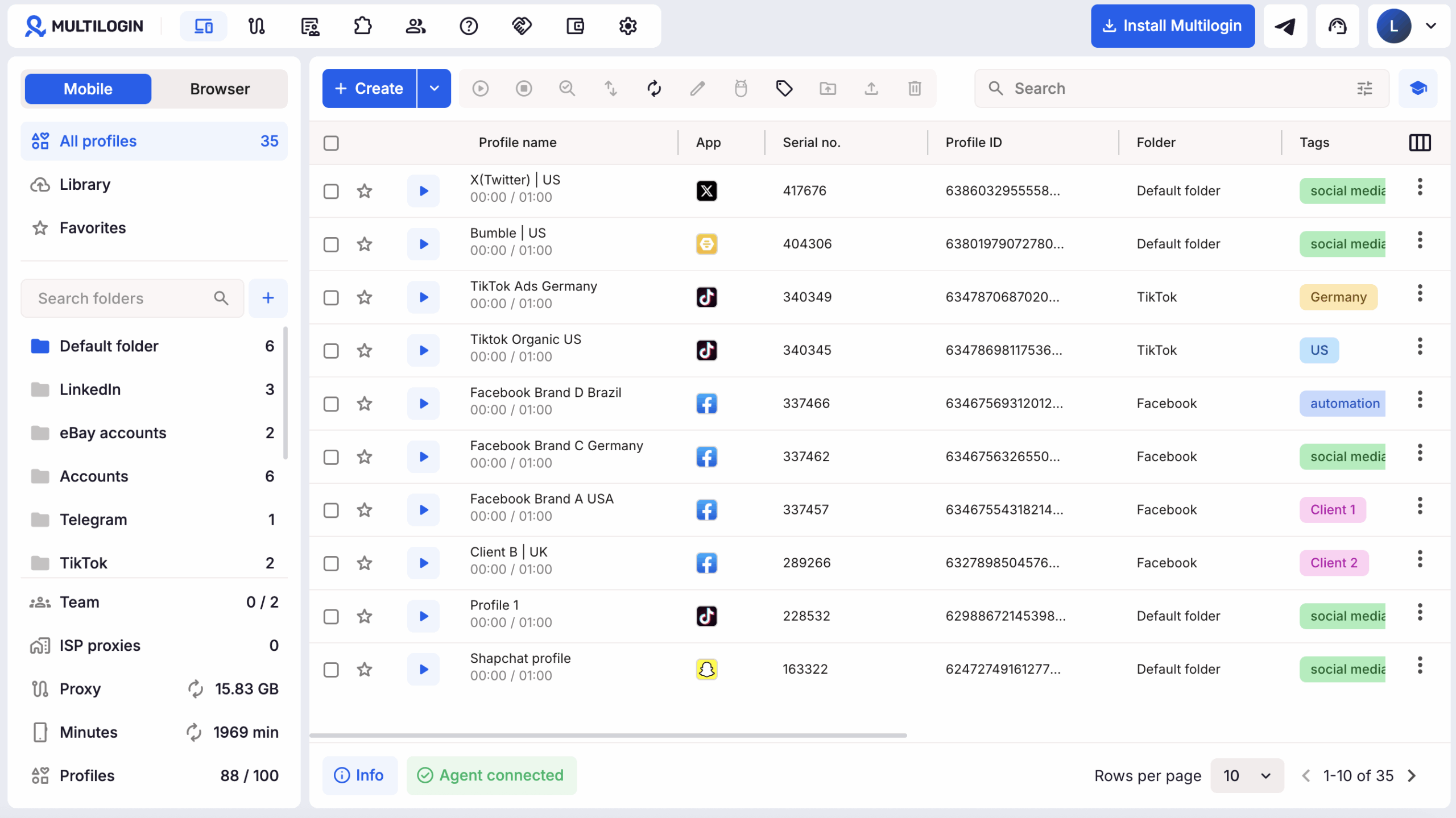
This is a different product structure from both Incogniton and GoLogin.
With Multilogin, users can run mobile-app accounts on real Android devices in the cloud and web-based accounts in browser profiles from one platform.
A workflow might use:
a cloud phone for Instagram or TikTok;
a browser profile for Facebook Business Manager;
another browser profile for a marketplace seller dashboard;
and API or ADB automation for repeatable workflows.
Multilogin plans combine mobile and browser profile slots rather than treating them as completely separate products.
How is Multilogin different from Incogniton and GoLogin?
Multilogin leads with cloud Android phones, while isolated browser profiles provide the web layer of the same multi-account platform.
Multilogin cloud phones run native Android apps on real Android devices in the cloud.
Users can select from multiple Android versions and device models, install supported applications and maintain app data and login states between sessions.
For browser tasks, Multilogin includes isolated browser profiles.
Built-in residential proxy traffic and mobile minutes are included in every plan.
Does Multilogin include built-in proxies?
Yes. Multilogin includes built-in proxy traffic in every plan and allows third-party proxies when required.
Paid plans currently include monthly proxy allowances that increase with the plan:
Pro 10: 1 GB;
Pro 20: 2 GB;
Pro 50: 3 GB;
Business: 5 GB+.
Unused paid proxy traffic can roll over while the applicable subscription remains active.
Does Multilogin support browser and Android automation?
Yes. Multilogin supports both browser automation and Android cloud-phone automation.
Browser workflows can use:
API;
Selenium;
Puppeteer;
Playwright;
Postman;
and CLI tools.
Cloud phones on paid plans can use ADB on supported Android versions, and Multilogin also supports Appium-compatible Android workflows.
This creates separate automation paths for web and native mobile applications.
Learn about Multilogin automation
What should you check before choosing Incogniton, GoLogin or Multilogin?
Choose according to where your accounts actually run: browser, Android apps or both.
Ask these questions before subscribing:
Do I only need browser profiles?
Do I need native Android apps?
How many account profiles do I need?
How many need to run simultaneously?
Do I need built-in proxies?
How much proxy traffic will I use?
Which automation framework do I use?
Do I need local or cloud automation?
Do I need ADB or Appium?
How many team members need access?
Do profiles need to be transferred between users?
Do I need cloud browser execution?
Testing the same real workflow on each platform provides a more useful comparison than counting features in isolation.

