


Create multiple Telegram accounts
Run and manage Telegram directly with browser profiles or cloud phones. Post content, manage channels and group chats without physical devices.
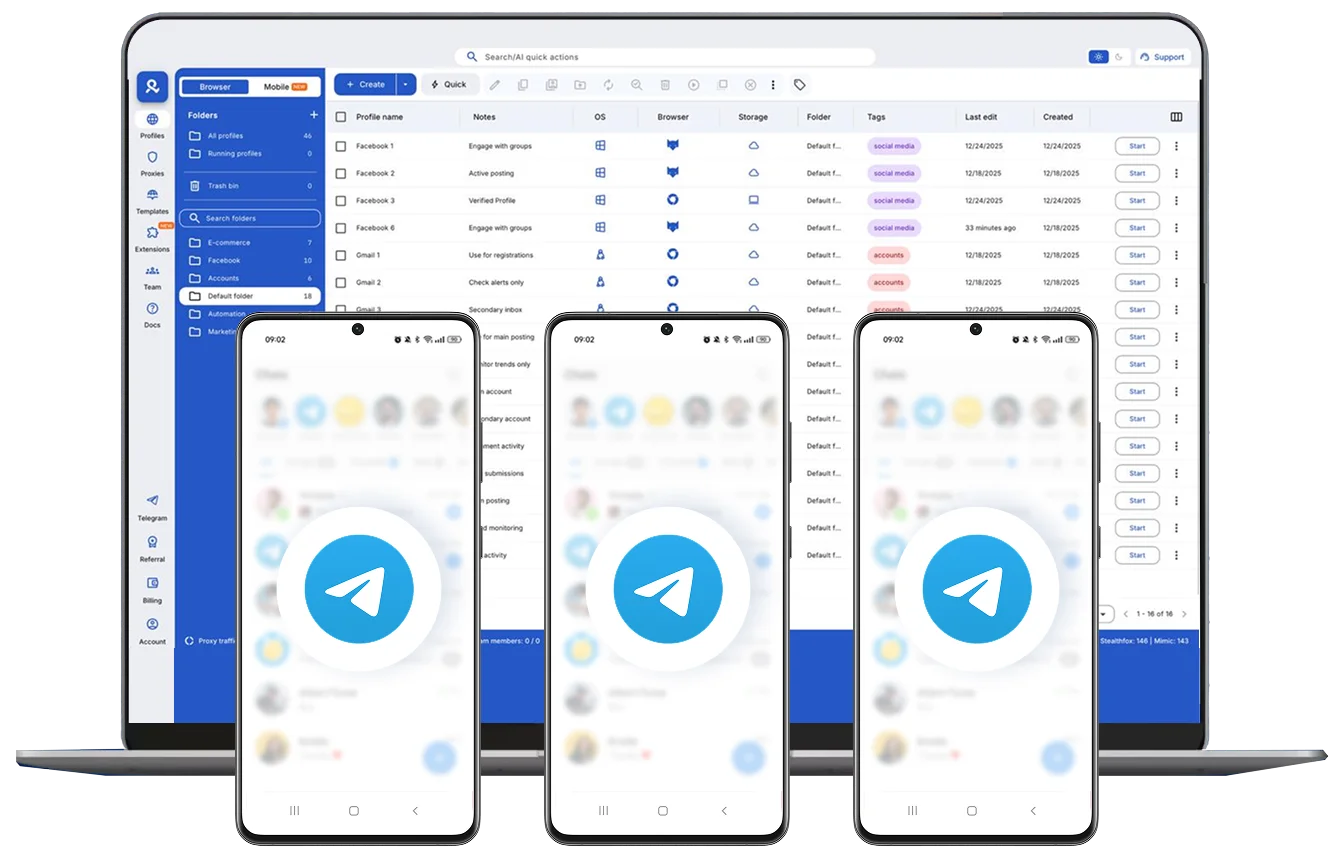
Manage multiple Telegram accounts at the same time
Sign in to as many Telegram accounts as you need. Open browser profiles or cloud phones in one click, and organize everything with folders and tags in one dashboard.
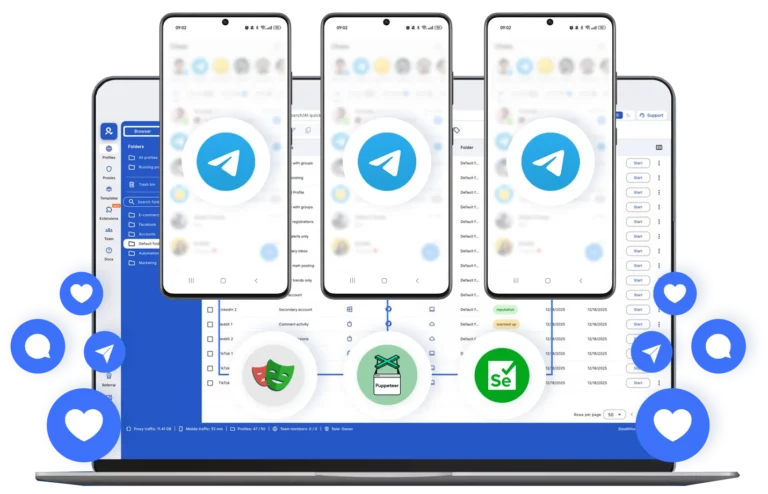
Automate actions to save time
Automate posts, likes, and comments, and streamline engagement using tools like Puppeteer, Selenium, Playwright, or Postman.
Get unique cloud phones or browser profiles for Telegram
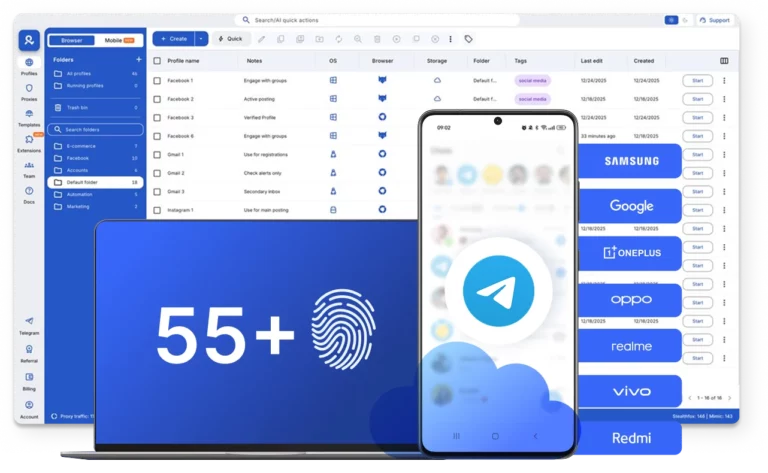
Use a unique setup for each Telegram account. Customize browser profiles or connect real Android cloud phones to avoid flags and reduce the cost of buying physical devices.
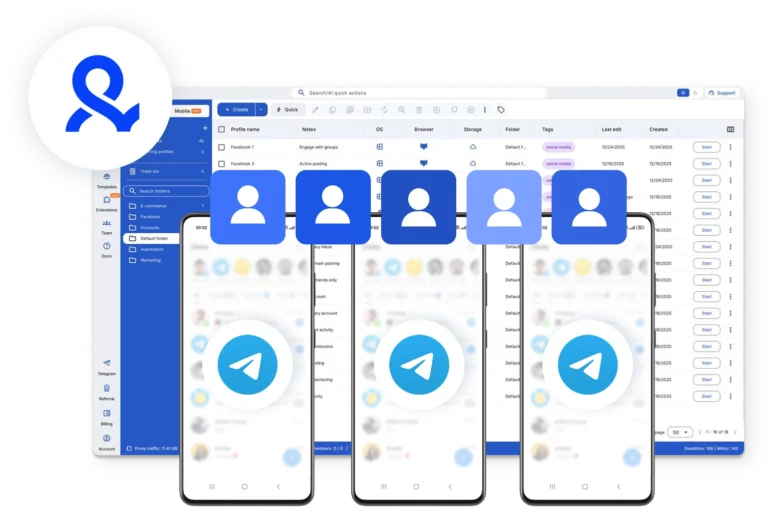
Share your Telegram accounts with your team
Work with your team on Telegram accounts. Share access and permissions, and manage everything together more efficiently.
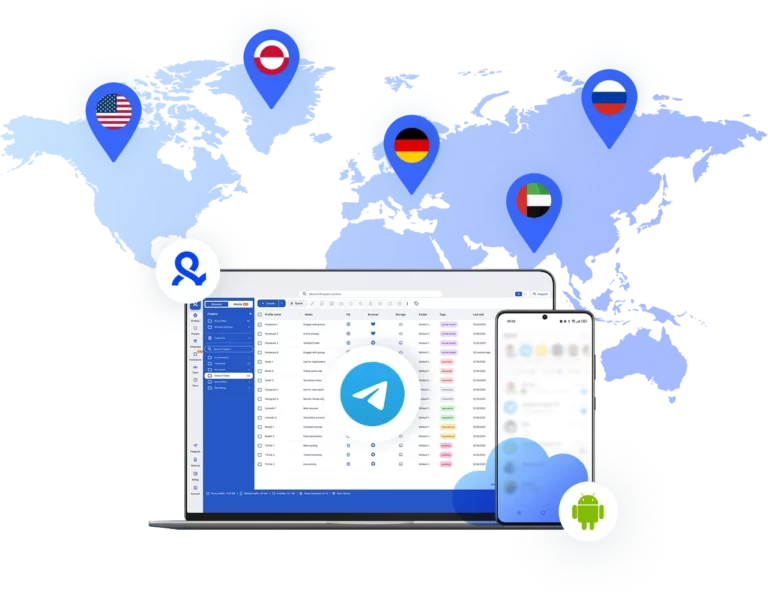
Run Telegram accounts from any location
Get stable connections to your Telegram accounts with 150+ locations using built-in residential and mobile proxies.
Manage Unlimited Mobile and & Web Accounts
-
3-day access to Multilogin
-
5 cloud or local profiles
-
200 MB proxy traffic included
-
3-day access to Multilogin
-
5 cloud or local profiles
-
200 MB proxy traffic included
What is Multilogin?
Multilogin is a unified platform for multi-account management. It provides browser profiles with advanced fingerprint technology and cloud phones for mobile workflows.
Why use Multilogin to manage multiple Telegram accounts?
Multilogin provides everything you need to manage Telegram accounts: browser profiles for the web, cloud phones for mobile apps, built-in proxies, and team collaboration features.

Multilogin features for creating multiple Telegram accounts
2-in-1 solution: browser + cloud phones
Manage web accounts in the browser and mobile accounts on cloud phones. One app, one dashboard, full control.
Built-in proxy integration
Residential IPs are included by default. 150+ countries and 1,400+ cities with daily quality testing.
Passes all fingerprint checkers
Daily testing on 50+ platforms ensures your profiles stay undetected. Passes all major fingerprint checkers including Pixelscan.
Real brands and devices
Support for 7 real Android device brands (Samsung, Google, OnePlus etc.) with genuine hardware identifiers (IMEI, Android ID, MAC). Android versions 10–15.
Full app compatibility
Install any Android app via the built-in store without Google Play or upload APKs directly. Telegram, TikTok, Instagram, Reddit, and others run natively.
Instant one-click profile launch
Start any profile instantly with one click. Organize profiles using folders and tags. Manage team workflows with ease.
Enterprise-grade security
Profile encryption, 2FA, access control, and compliance-ready security for safe operations.
Related solutions you might like
Try Multilogin today and experience safer, smarter Telegram multiple accounts
Run unlimited accounts securely, bypass detection, and stay human-like online — all from one platform.
Multilogin competitive advantages
Cloud Android phones included in every plan
No need to purchase separately. Get access to real cloud phones with any subscription.
Built-in cookie management with CookieRobot
Edit cookies directly from the dashboard using CookieRobot. Start with pre-farmed cookies for natural account warm-up.
Local or cloud profile storage
Premium proxies included
24/7 support in 5 languages
Multilogin: manage multiple accounts across 25+ platforms













How to start using Multilogin
Start collecting data effortlessly with the industry leading antidetect browser.

Sign up
Register using a verified email address.

Choose your plan
Select from various subscription plans tailored to your business needs.

Download Multilogin agent
Available for Windows, Mac, and Linux.

Access the Multilogin dashboard
Start creating and managing antidetect browser profiles.

Run multiple Telegram accounts on desktop or mobile
Set up and manage multiple Telegram accounts in separate browser profiles or on real Android cloud phones.
Why people love Multilogin

Dominik


Nino Latif


George M.
Co-Founder, Small-Business

Award winning multiple account management platform













Watch the Multilogin Demo
Multiple telegram accounts guide in 2026
Managing multiple Telegram accounts in 2025 is harder than it looks. If you’re using the same browser or IP, Telegram can link your sessions and lock you out. This guide shows how to keep your accounts separate, stable, and safe — so you can work without limits.
Use cases for multiple Telegram accounts
Running multiple Telegram accounts isn’t just about convenience — it’s about working smarter. Whether you’re managing campaigns, handling client work, or automating tasks, keeping accounts separate helps you stay organized and avoid bans. Here’s how different users benefit:
- Marketers run group promotions, broadcast messages, and niche campaigns across separate accounts
- Affiliate teams test offers across personas without risking account links
- Crypto and NFT projects manage drops, announcements, and support chats in parallel
- Automation experts run bots for scraping, messaging, and community tracking
- Agencies or VAs handle Telegram profiles for multiple clients without overlap
Use cases of managing multiple Telegram accounts
It’s not just easier to have more than one Telegram account; it’s also smarter. Keeping your accounts distinct helps you stay organized and prevent bans, whether you’re running advertisements, doing client work, or automating chores. Different users have different benefits:
- Marketers run group promotions, send out messages, and run specialist campaigns on several accounts.
- Affiliate teams can test offers on several personas without putting their account links at danger.
- Crypto and NFT projects handle drops, announcements, and support chats all at the same time.
- Bots that scrape, message, and track communities are run by automation professionals.
- Agencies or VAs take care of several clients’ Telegram profiles without any overlap.
Limits on creating multiple Telegram accounts
Telegram doesn’t set a hard cap on how many accounts you can create — but there are limits that slow you down. Each account needs a unique phone number, and Telegram doesn’t allow you to reuse the same email or number across accounts. That means the more accounts you create, the more friction you face.
If you try to run several accounts on the same device without isolation, Telegram may flag your sessions. It’s not about how many accounts you can create — it’s about how you manage them safely.
Here’s what to keep in mind:
- You can create up to 3 accounts per Telegram app (using different phone numbers)
- Every new account must be linked to a unique phone number
- There’s no built-in support for advanced multi-account workflows
- Switching accounts on the same device shares cookies, cache, and IP
- Telegram may prompt extra verification or flag your accounts if they appear linke
How Telegram detects multiple accounts
Telegram doesn’t need to tell you there’s a limit — it just flags the behavior. If you’re logging into several accounts from the same setup, Telegram can link them. And once it does, you’re more likely to get blocked, verified, or banned.
Here’s how it happens:
- IP addresses that are shared: It’s easy to group all of your accounts when they all use the same IP. Telegram might think that they are related or automated.
- Overlap of fingerprints: Fonts, screen size, language, and system details are all part of your browser fingerprint. Telegram can identify whether more than one account has the same fingerprint.
- Behavior during a session: Cookies, cache, and local storage stay the same across tabs and sessions. Your data leaks when you switch accounts in the same browser, and Telegram sees it.
Why regular browsers don’t work for Telegram scaling
Using Incognito mode, switching browsers, or turning on a VPN might seem like enough — but it’s not. Telegram Web tracks more than your IP. It reads your browser fingerprint, cookies, and session behavior. If you’re running multiple accounts from the same environment, Telegram can still link them.
Here’s why it fails:
- Incognito doesn’t change your fingerprint — it only hides history
- VPNs may rotate IPs, but your device and browser still look the same
- Multiple browsers still share system-level data, like fonts, screen size, and language
- Session bleed happens — cookies and cache link accounts across tabs
That’s why users trying to scale with regular tools keep running into bans or re-verification prompts. To run Telegram accounts safely, each one needs to look like it’s coming from a different person — not the same browser in disguise.
Automating multiple Telegram accounts safely
Automation is a big part of how people use Telegram — for scraping, messaging, or managing group activity. But running bots across multiple accounts without isolation is risky. If Telegram detects overlapping sessions or unusual patterns, your accounts can get flagged fast.
Multilogin works with tools like Telethon, MadelineProto, and custom scripts, giving each bot a clean, isolated environment. Every account runs with a unique fingerprint and IP, keeping your sessions stable and trusted. You can automate at scale without setting off alarms.
Managing Telegram accounts for clients
If you’re running Telegram accounts for clients, you need to keep everything separate, secure, and easy to access. Sharing passwords or switching devices isn’t safe — and it slows you down.
With Multilogin, you can store each client’s Telegram profile in the cloud and give your team access without ever sharing logins. Use role-based permissions to control who can view, run, or edit each account. It’s simple to pause and resume work, and every session stays clean and separate.
How many Telegram accounts can you use with one SIM?
Telegram lets you link up to three accounts per app — but each one needs a unique phone number. That means one SIM = one Telegram account. If you want more, you’ll need extra numbers.
For scaling beyond a few accounts, most users rely on virtual numbers or SMS services. But even with fresh numbers, using the same browser or IP can still link your accounts.
Multilogin keeps each account clean and separate, so even if they were created with virtual numbers, they won’t be flagged for running on the same device. Every session has its own fingerprint, IP, and storage — no links, no bans.
Setup guide: Multilogin for Telegram accounts
If you’ve tried using more than one Telegram Web account in the same browser, you’ve probably been logged out. Opening a second tab or switching profiles just doesn’t work — Telegram flags the session, and you lose access.
Multilogin fixes that. It lets you run multiple social media or Telegram accounts in fully isolated browser profiles. Each one has its own login, cookies, and fingerprint, so they never interfere with each other.
Step 1: Create a Multilogin Account
Sign up at multilogin.com, and choose a plan that fits the number of profiles you need.
Step 2: Install the Multilogin X App
Download the desktop app for Windows, macOS, or Linux. It’s built for managing multiple accounts and keeping them separate.
Step 3: Create Browser Profiles
From your dashboard, create one profile per Telegram account.
- Assign a unique fingerprint and user agent
- Set screen size, OS, and language
- Add a residential or mobile proxy for a clean IP
Each profile now has its own online identity.
Step 4: Launch and Log In
Open a browser profile. Go to web.telegram.org and log in using your QR code or phone number. Multilogin saves the session — so next time, you won’t need to verify again.
Step 5: Manage and Organize Profiles
- Group profiles by project, client, or campaign
- Add teammates and assign access to specific profiles
- Pause and resume sessions anytime — no loss of data
Step 6: Automate If Needed
Multilogin works with automation tools like Puppeteer, Selenium, and Playwright. You can also use the API to launch and control profiles at scale.
Tips for Long-Term Use
- Use a unique phone number for each account
- Don’t reuse cookies or browser storage
- Let each profile collect cookies and browsing behavior over time — this builds trust
With Multilogin, you can manage 5, 10, or 100+ Telegram accounts — all from one device, with no bans and no mix-ups.
Conclusion
If you have more than one Telegram account, you don’t have to switch tabs, log in and out, or worry about getting banned. You can manage all of your accounts from one device with Multilogin. It’s safe, separate, and has no limits. Multilogin gives you the control and stability you need to grow without problems, whether you’re sending campaigns, running bots, or working with clients. One tool. You can have as many Telegram accounts as you like. No stress.
FAQ about Telegram multi-account management
Not anymore. With Multilogin cloud phones, you can run as many Telegram accounts as you need: each on its own virtual Android device.
Browser profiles run Telegram Web with unique fingerprints and IPs. Cloud phones run the actual Android Telegram app on real smartphone hardware with genuine device IDs, network parameters, and GPS data matched to your proxy location.
Use browser profiles for speed and simplicity. Use cloud phones when you need native mobile behavior or want to avoid “unusual login” warnings on accounts that are normally accessed from phones.
Yes. Telegram allows you to use up to 3 accounts on the same device, but each account must be linked to a different phone number. You can easily switch between accounts without logging out.
You can only create one account per phone number. If you need multiple accounts, you’ll need additional phone numbers or virtual numbers.
No, Telegram requires a phone number for account creation. However, you can use virtual numbers or online SMS services if you don’t want to use your personal number.
To avoid bans:
Use a unique phone number, IP address and browser fingerprint for each account.
Avoid sending spam or mass messages immediately after creating a new account.
Build account activity gradually to look natural.
Yes. Use dedicated tools like Multilogin to isolate sessions, avoid logging into all accounts from the same IP, and don’t use agressive automated scripts that violate Telegram’s terms.
No — the process is the same. However, business accounts often require more strict compliance, such as verified numbers, consistent branding, and careful message automation.
Create a separate account for each client or project and manage them using Multilogin to separate sessions. This prevents cross-contamination of cookies, sessions, and login fingerprints.
This usually happens if Telegram detects suspicious activity, like frequent switching from the same IP, or if you’re using unofficial tools. Use a clean environment and ensure each account follows Telegram’s security standards.
Yes. You can run multiple Telegram sessions by using different browsers, desktop apps, or isolated environments. Multilogin the easiest way to manage several sessions simultaneously.