


150+ Claude Prompts to Grow Your Social Media Accounts in 2026
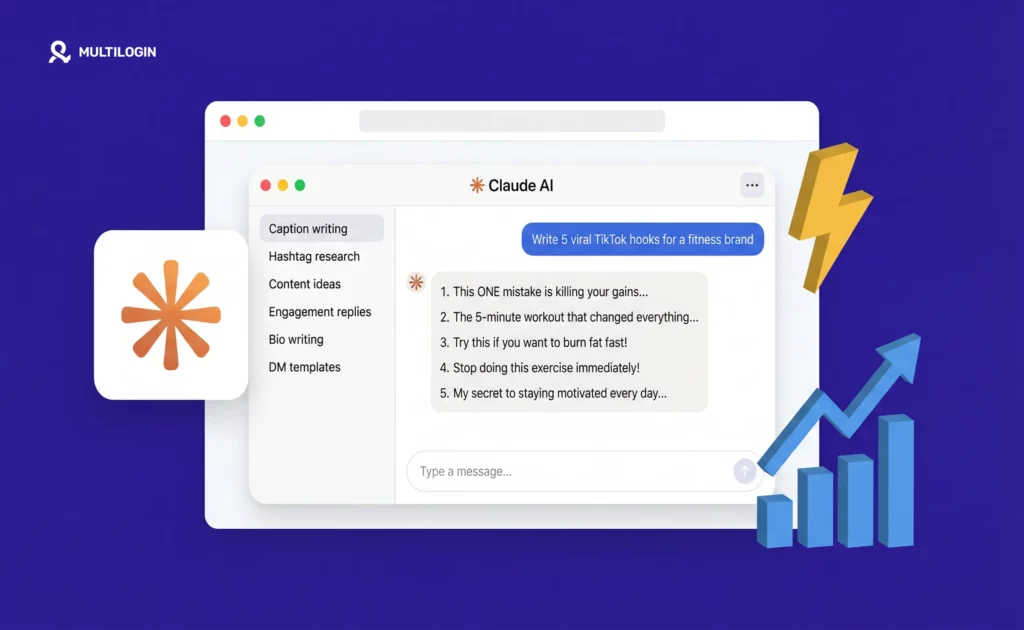
Most people using Claude for social media are doing it wrong. They type “write me an Instagram caption” and get something generic, forgettable, and indistinguishable from a thousand other posts in the same niche. Then they blame the AI. The problem is never the AI. The problem is the prompt. Claude is one of the […]
How to Get Followers on TikTok Organically in 2026
TikTok is the only platform where a brand new account with zero followers can reach a million people on the first video. No ad budget. No existing audience. No algorithm history. Just a video that holds attention. That is what makes TikTok genuinely different from every other platform. Instagram, YouTube, and LinkedIn all show you […]
Google Voice Review 2026: Is It Still Worth Using?
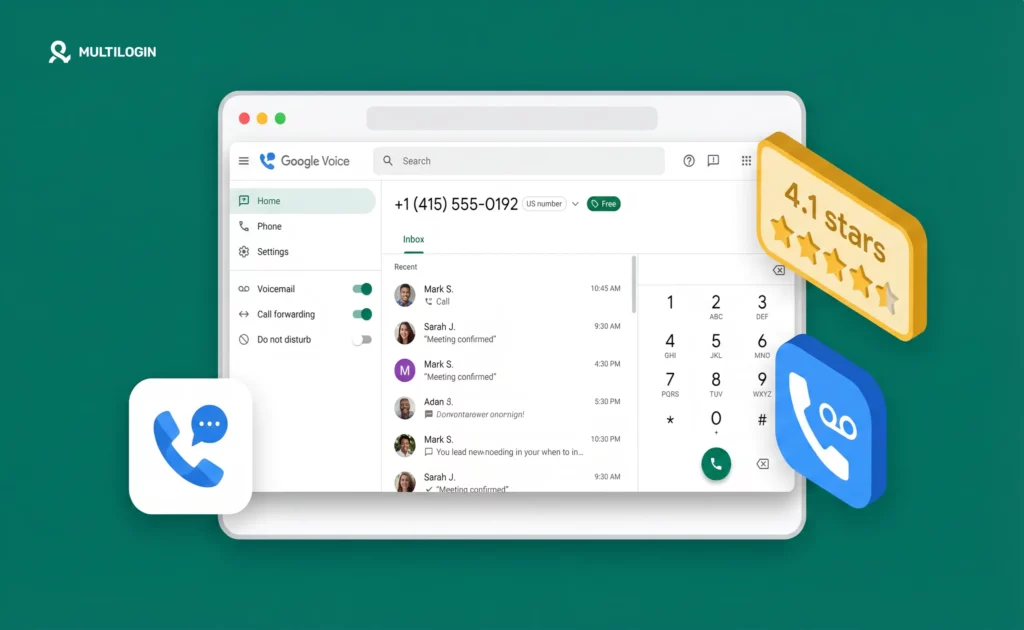
Google Voice is still the easiest way to get a free second US phone number. You get calls, texts and transcribed voicemail over the internet. In July 2026, Google added $10 and $20 personal plans with call recording, 24/7 support and Gemini call summaries, so it’s no longer a free-or-Workspace choice. What hasn’t changed is […]
How to Check if Your Reddit Account Is Shadowbanned in 2026
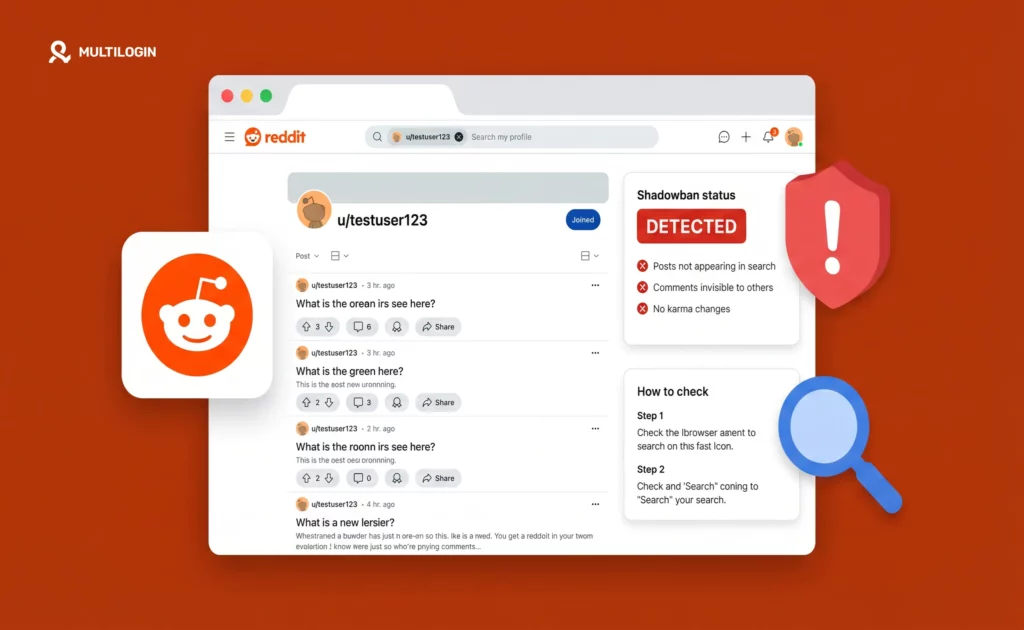
You post. You comment. You vote. Everything looks normal from your end. But nobody responds. No upvotes. No replies. No engagement at all. That is what a Reddit shadowban feels like. Your account still works. But your content is invisible to everyone except you. Reddit does not tell you when it happens. There is no […]
SMSPool Review: What It Is and How to Use It with Multilogin for Social Media Verification
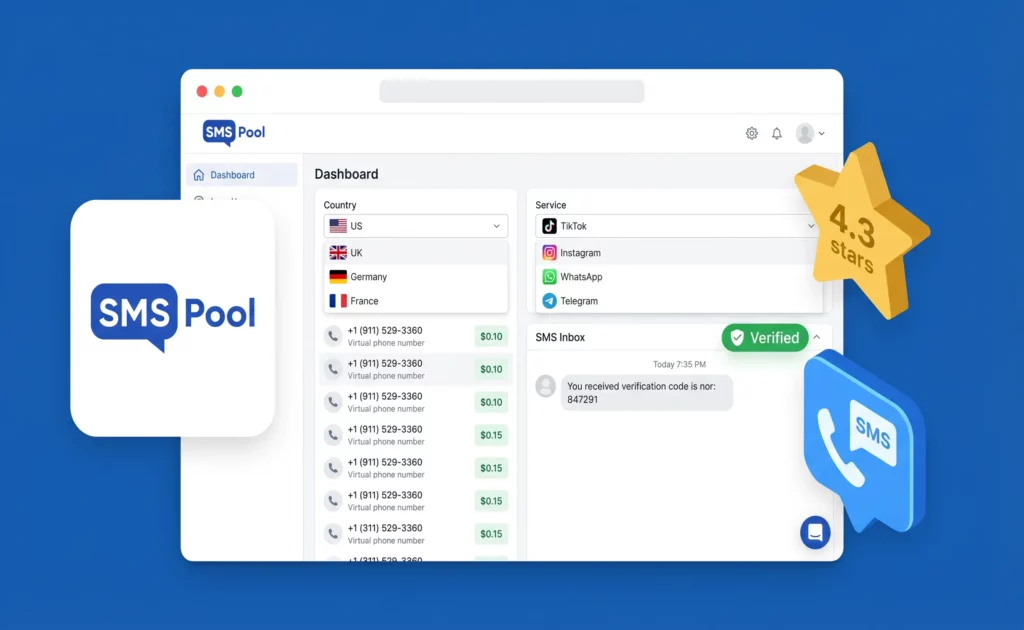
If you manage multiple social media accounts, you’ve run into the same wall: every new account needs a phone number to verify, and using the same number twice — or a VoIP number — gets the account flagged or the verification rejected outright. SMSPool is one of the most established solutions to this problem. This […]
How to Create Multiple Facebook Business Pages in 2026
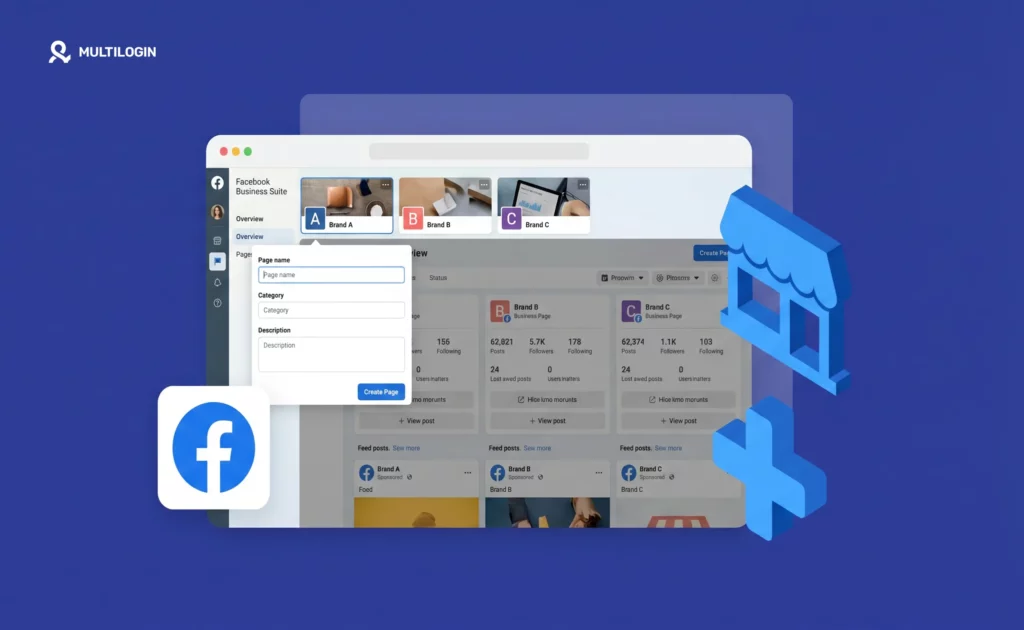
One of the most misunderstood things about Facebook is the difference between personal accounts and business pages. Facebook only allows one personal account per person — that part is well-known. But pages? You can create as many as you want, from a single personal account, with no hard limit. The confusion happens because Facebook requires […]
Virtual Phone Number for Instagram: Create Accounts Without Your Real Number (2026)
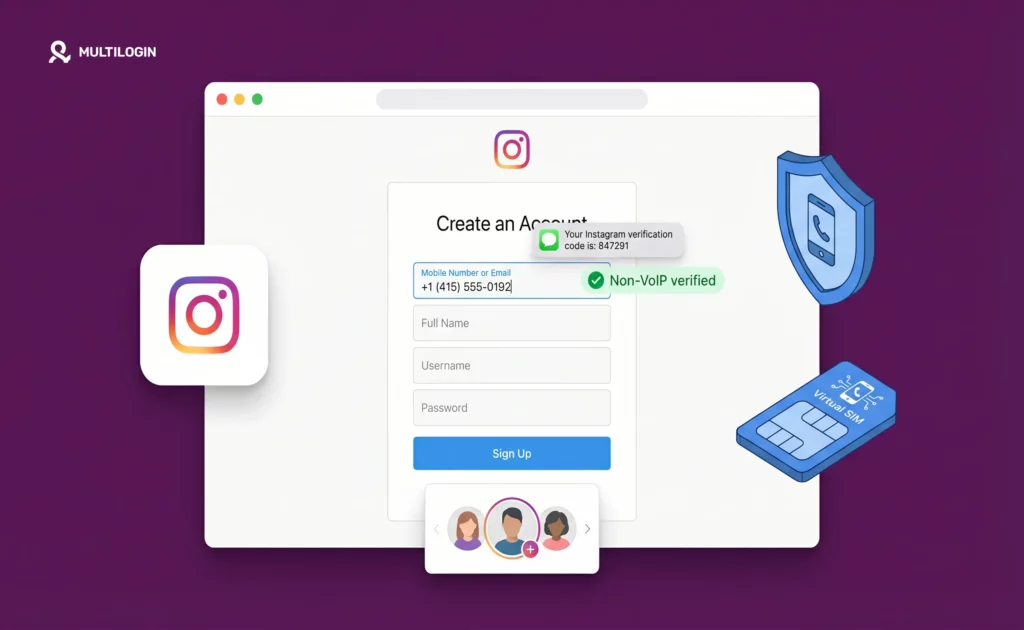
Instagram requires a phone number. That’s just the reality now. Whether you’re creating a new account, recovering access, or triggering a security check by logging in from an unfamiliar device, Instagram wants a number it can send a code to. For one personal account on your real phone, this is a five-second annoyance. For social […]
100 Tips for Growing Your LinkedIn Page in 2026
If you have been watching your LinkedIn reach slowly fall off a cliff, you are not imagining things. Organic reach on company pages dropped 60-66% between 2024 and 2026. The old playbook, posting company updates, sharing press releases, and stuffing hashtags into every caption, is now actively hurting you. LinkedIn’s algorithm in 2026 is a […]
Cloud Phone for Mobile Gaming: Manage Multiple Game Accounts Without Bans (2026)
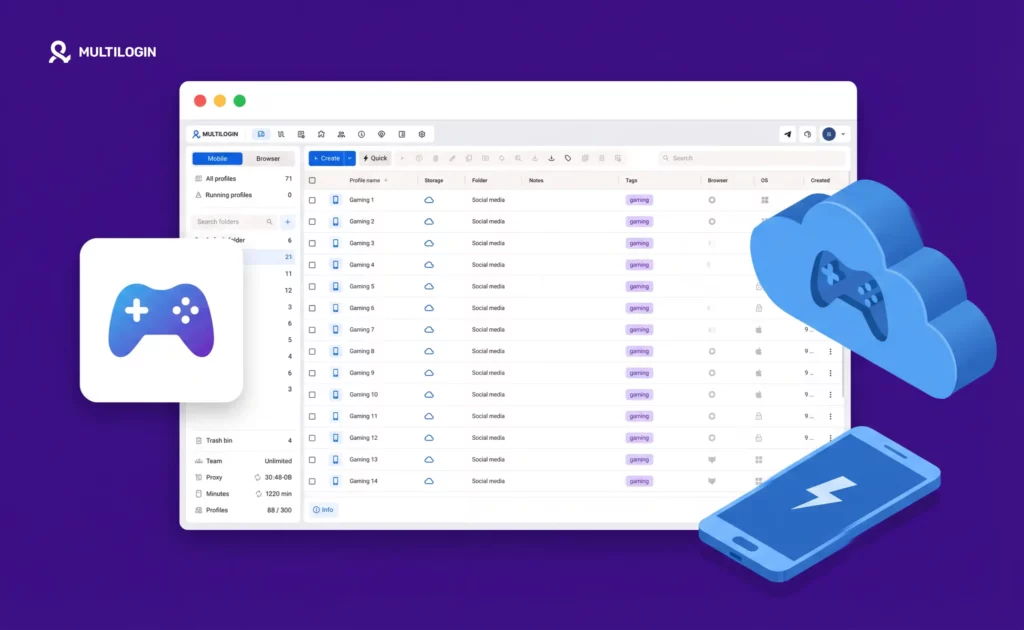
Mobile gaming and multi-account management have always had a complicated relationship. Most popular games — Clash of Clans, PUBG Mobile, Call of Duty Mobile, Mobile Legends, Genshin Impact, Pokémon GO — let you create multiple accounts. What they actively resist is running those accounts from the same physical device without them knowing about it. The […]
