


How We Ranked These Cloud Phones
Before getting into the list, here’s exactly what we evaluated:
- Device Isolation: Each cloud phone needs a unique fingerprint that Facebook can’t trace back to your other profiles.
- Real Android Environment: Not a skin over an emulator. An actual cloud-based Android instance.
- Facebook Compatibility: Specifically tested with Facebook, Facebook Ads Manager, and Business Suite.
- Scalability: Can you realistically run 10 accounts? 50? 500?
- Automation Support: API access, workflow automation, scheduling — essential for serious operators.
- Pricing: What does it actually cost per account at scale?
- Support Quality: If you run into any issues, who’s there to help?
Top 8 Best Cloud Phones for Facebook Multi-Accounting
1. Multilogin Cloud Phones
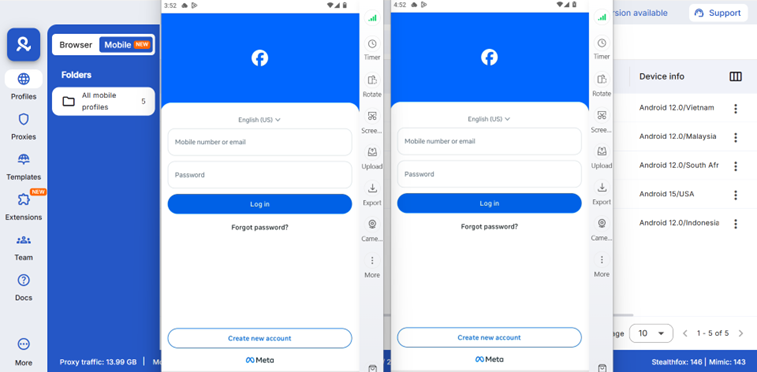
Multilogin is the industry benchmark for running multiple Facebook accounts at scale. Its cloud phones run on real Android infrastructure with continuously updated fingerprints, complete session isolation, built-in proxy management, and a robust automation API. Whether you’re managing 10 Facebook profiles or 500, Multilogin is the platform built specifically to handle that load without triggering Facebook’s detection systems.
While competitors are still figuring out fingerprint spoofing, Multilogin has been refining it for years. Our cloud phones don’t just generate fake device data — they pull real-world device fingerprints from an active database and update them daily, so Facebook sees what it expects to see from a genuine Android device.
What makes it genuinely different for Facebook operations specifically:
- Fingerprint accuracy that holds up under scrutiny: Facebook’s bot detection is aggressive. Multilogin’s fingerprints pass because they’re based on real device data, not generated noise. Each cloud phone has a unique hardware ID, screen resolution, font set, battery behavior, and sensor profile — all consistent within the same session.
- Complete account isolation: Each Facebook profile lives in its own sandboxed environment. No shared cookies, no cross-contamination, no accidental data bleed between accounts. If one account gets flagged, the others are untouched.
- Proxy management baked in: You can assign residential and mobile proxies directly to each cloud phone, choosing from +150 countries. Different IP for each Facebook account, exactly what you need to avoid account linking.
- Team collaboration without chaos: Running a social media agency? You can share cloud phone access across team members with granular permissions. Track who accessed which Facebook profile and when.
- Automation API for real workflows: Multilogin integrates smoothly with tools like Postman, Selenium, Playwright, and Puppeteer, allowing you to use the scripts you already rely on. Additionally, Multilogin’s API lets you automate account warm-up sequences, post scheduling, and repetitive interactions.
Pricing starts at €5.85/month. Cloud Phone usage is billed transparently per minute, with starter packages already included in the subscription.
Verdict: If you’re running Facebook profiles at any meaningful scale, like ad accounts, managed pages, e-commerce, or affiliate marketing, Multilogin is the tool for you.
2. Geelark Cloud Phone
GeeLark markets itself as the first antidetect cloud phone, and it earns that claim. Built specifically for social media multi-accounting, it uses AI to generate and dynamically update device fingerprints.
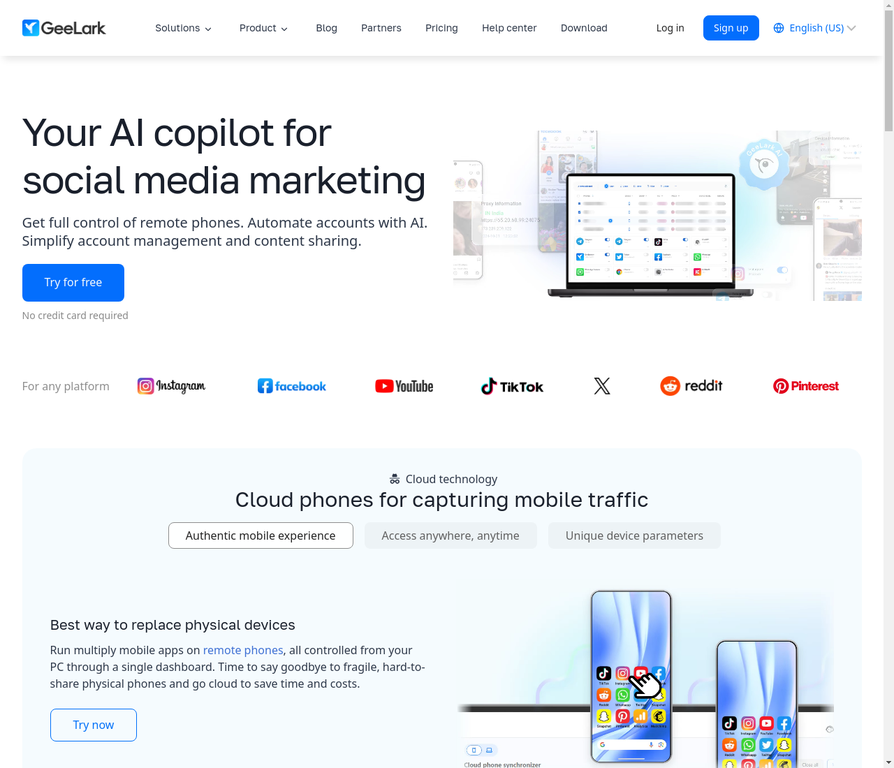
Where Multilogin is a full operations platform, GeeLark focuses on being a clean, accessible cloud phone.
- AI-powered fingerprint generation: GeeLark’s system generates device fingerprints that shift dynamically, making it harder for Facebook to build a static profile of your virtual device.
- Quick setup: No technical configuration required. Create a cloud phone, log into your Facebook account, and you’re running. The onboarding is genuinely straightforward.
- Built-in automation tools: Account warm-up sequences and basic scheduling are available out of the box — useful for keeping new Facebook profiles from triggering security reviews.
- Affordable entry point: At around $29.90/month per cloud phone, it’s one of the more accessible options for individuals or small teams.
Verdict: GeeLark is a legitimate option for smaller-scale Facebook operations. If you’re not ready for Multilogin’s pricing but still need real isolation — not an emulator hack — GeeLark fills that gap well. Just know that as your account count grows, the advanced features in Multilogin start to matter more.
3. MoreLogin Cloud Phone
MoreLogin bridges browser capabilities with true cloud phone functionality. Teams that manage Facebook both from desktop dashboards and mobile environments will find real value here. The fingerprint technology is solid, the Android environment is genuine, and the hybrid approach gives more operational flexibility than most alternatives in this price range.
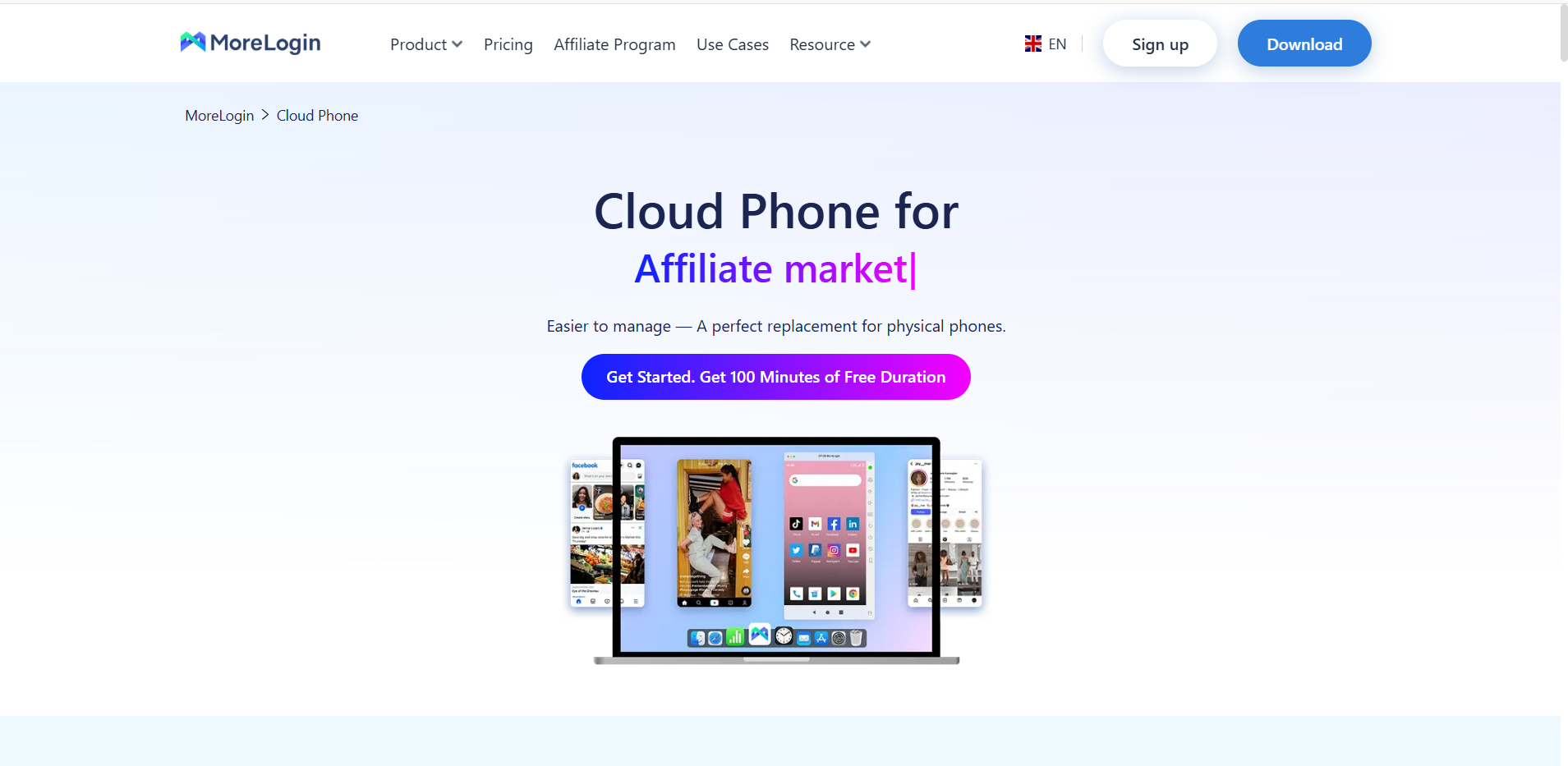
MoreLogin’s strongest selling point is flexibility. Most tools force you to choose: browser-based management or mobile cloud phones. MoreLogin, like Multilogin, lets you use both within the same platform, which matters if your Facebook workflows span desktop ad management and mobile-first content operations.
- Hybrid desktop + mobile management: Manage your Facebook profiles via browser or cloud phone profiles depending on the task. Use the browser for ad account management, the cloud phone for app-native interactions.
- Real Android cloud phone: Not emulated. A genuine Android instance running in the cloud with its own fingerprint and IP assignment.
- Strong fingerprint technology: MoreLogin’s core focus is fingerprinting, and it shows in the product quality.
- 24/7 uptime: Your cloud phones stay online even when your local machine is off — useful for scheduled posting and overnight campaigns.
Verdict: MoreLogin is a compelling choice for agencies that run mixed workflows across browser and mobile. Not the deepest feature set for pure cloud phone operations, but the hybrid flexibility is genuinely useful.
4. DuoPlus Cloud Phone
DuoPlus is built for high-volume, high-performance Facebook account management. Running on real ARM architecture and supporting Android 15, it eliminates the performance bottlenecks that plague emulator-based tools. If you’re managing 100+ Facebook profiles simultaneously, DuoPlus handles the load in a way most competitors can’t match.
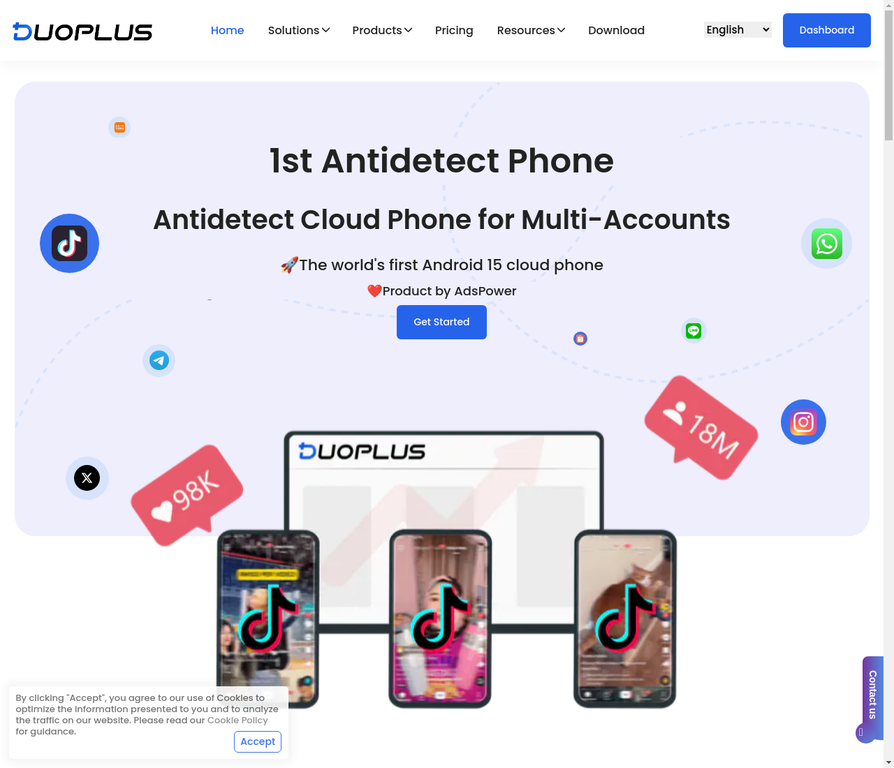
The technical foundation here is what separates DuoPlus. Running on ARM (the same architecture as physical Android phones) rather than x86 emulation means apps behave exactly as they would on a real device.
- ARM architecture, not emulation: Real ARM chips mean real Android behavior. Facebook’s detection mechanisms see exactly what they’d see on a genuine mobile device.
- Android 15 support: Latest OS version keeps you ahead of compatibility issues as Facebook updates its app.
- Designed for account matrix operations: DuoPlus was built specifically for managing large numbers of accounts in parallel, the UI and workflow reflect that.
Verdict: DuoPlus is for operators running Facebook at serious scale. If performance and parallelism are your priorities, it delivers.
5. LDPlayer Cloud Phone
LDPlayer is primarily a gaming emulator that has extended into cloud phone territory. It’s fast, lightweight, and genuinely affordable, but it wasn’t built for social media multi-accounting and that gap shows. Detection risk for Facebook accounts is higher than purpose-built solutions, and advanced features are sparse.
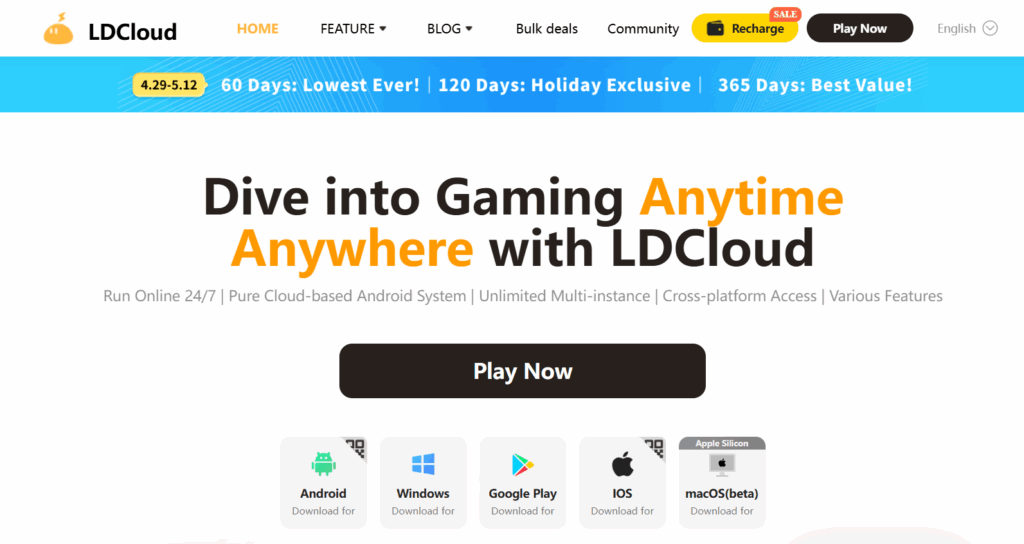
LDPlayer’s strengths — speed, low resource usage, free tier availability — are designed for gaming performance, not account management privacy. For testing a workflow or running one or two personal Facebook accounts, it’s a functional option. Push it further and the lack of meaningful fingerprint isolation becomes a real problem.
Verdict: Fine as a free starting point. Not a serious tool for Facebook multi-accounting with any business risk attached.
6. MEmuPlay Cloud Phone
MEmuPlay offers a balanced emulator-based approach with decent performance and a stable track record. It sits in the middle of the market, not as capable as premium cloud phone platforms, but more reliable than the cheapest options. For low-stakes Facebook account management with modest scale requirements, it’s a functional choice.
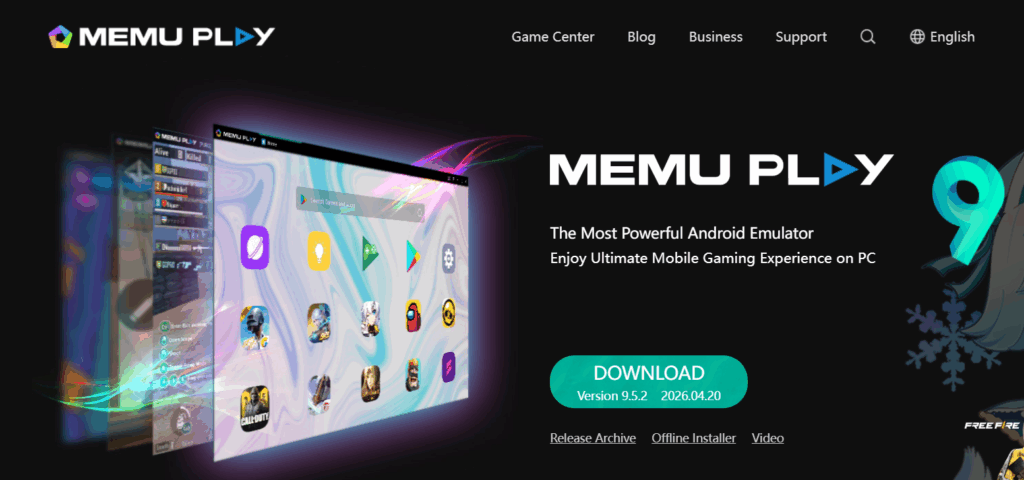
MEmuPlay has a reputation for stability and responsive support, two things that actually matter when you’re relying on a platform for daily operations. The trade-off is that it’s an emulator at heart, without the true device isolation that dedicated cloud phone platforms provide. For Facebook operations beyond basic account switching, that limitation has real consequences.
Verdict: A dependable mid-range option for low-volume Facebook use. Not the right tool if detection risk is a genuine concern for your accounts.
7. VMOS Cloud Phone
VMOS Cloud is a well-known name in Android virtualization, offering a virtual machine approach to running multiple Android environments. It provides root access, custom ROM support, and extensive customization. However, it functions more as a virtualization layer than a true cloud phone, which introduces real limitations for Facebook multi-accounting at scale.
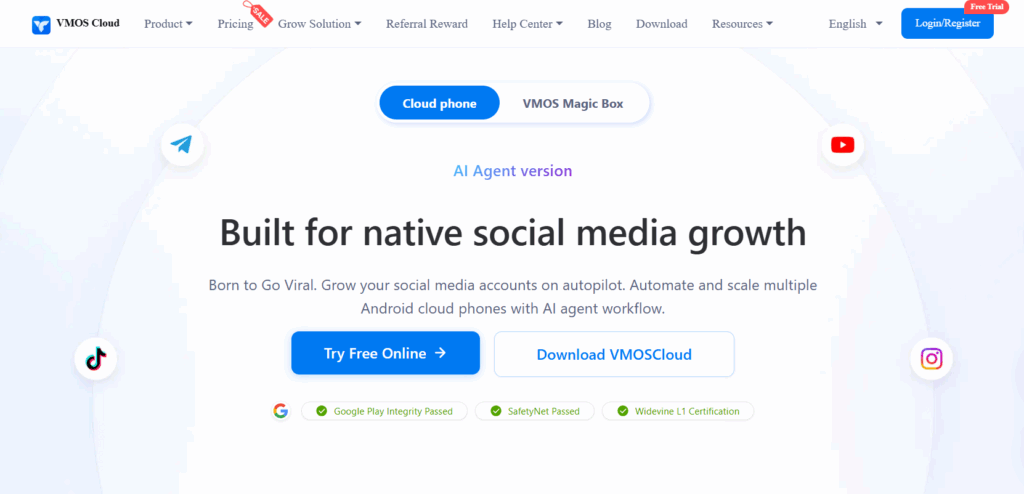
For running a handful of Facebook profiles for personal use, VMOS can get the job done. For serious multi-accounting work — ad accounts, managed business pages, affiliate operations — the detection risk is real and the scalability ceiling is low.
- Root access and custom ROMs: Useful for power users who need deep Android customization.
- Familiar interface: Long-standing product with an established user community.
- Budget-friendly: Lower cost than dedicated cloud phone platforms.
- Virtualization limitations: Not a true cloud phone, runs on existing hardware, which creates fingerprint consistency risks for Facebook.
- Scalability ceiling: Managing more than a few Facebook accounts becomes unreliable.
Verdict: VMOS works for light, personal-use Facebook multi-accounting. For anything with real business stakes, the fingerprint limitations make it a risky choice. Consider it an entry point — not a long-term solution.
8. BlueStacks Cloud Phone
BlueStacks is the most recognized Android emulator in the world, and it does offer multi-instance functionality that can technically support multiple Facebook accounts. But it was never designed for social media multi-accounting, and Facebook knows it.
BlueStacks deserves respect for what it is: the most polished Android emulator on the market, with years of refinement and a huge user community. But every point in its favor — mainstream recognition, ease of use, large community — also means Facebook’s trust and safety team has had years to study and flag its fingerprint signatures. Running multiple Facebook accounts on BlueStacks today is a calculated risk that most serious operators stopped taking a while ago.
Verdict: Great emulator, wrong tool for Facebook multi-accounting. Use it for gaming or app testing, not for managing accounts you can’t afford to lose.
How to Switch Between Facebook Accounts Using Multilogin Cloud Phones
Learning how to switch Facebook accounts without triggering security flags is one of the most common pain points for social media managers and growth teams. Here’s how to do it properly using Multilogin, the approach that actually holds up under scrutiny:
- Create your Multilogin account and select a plan that includes cloud phones..
- Switch to a mobile environment in Multilogin’s desktop app. Multilogin automatically generates a unique device fingerprint for that profile.
- Create a new cloud phone profile and install the Facebook app from the Google Play Store inside that environment.
- Log into a dedicated Facebook account — one phone number, one email, one identity per cloud phone.
- Warm up the account over 3–5 days. Use it naturally: browse the feed, react to posts, accept a few friend requests. Don’t run ads or send mass messages on day one.
- To switch to a different Facebook account, simply open a different cloud phone profile in Multilogin. Each one holds a completely separate Facebook session — no logging out, no cookie risk, no account linking.
- Repeat the process for each Facebook profile you manage.
This is what real account switching looks like, not “log out and log back in,” but completely separate Android environments that Facebook has no way to connect to each other.