


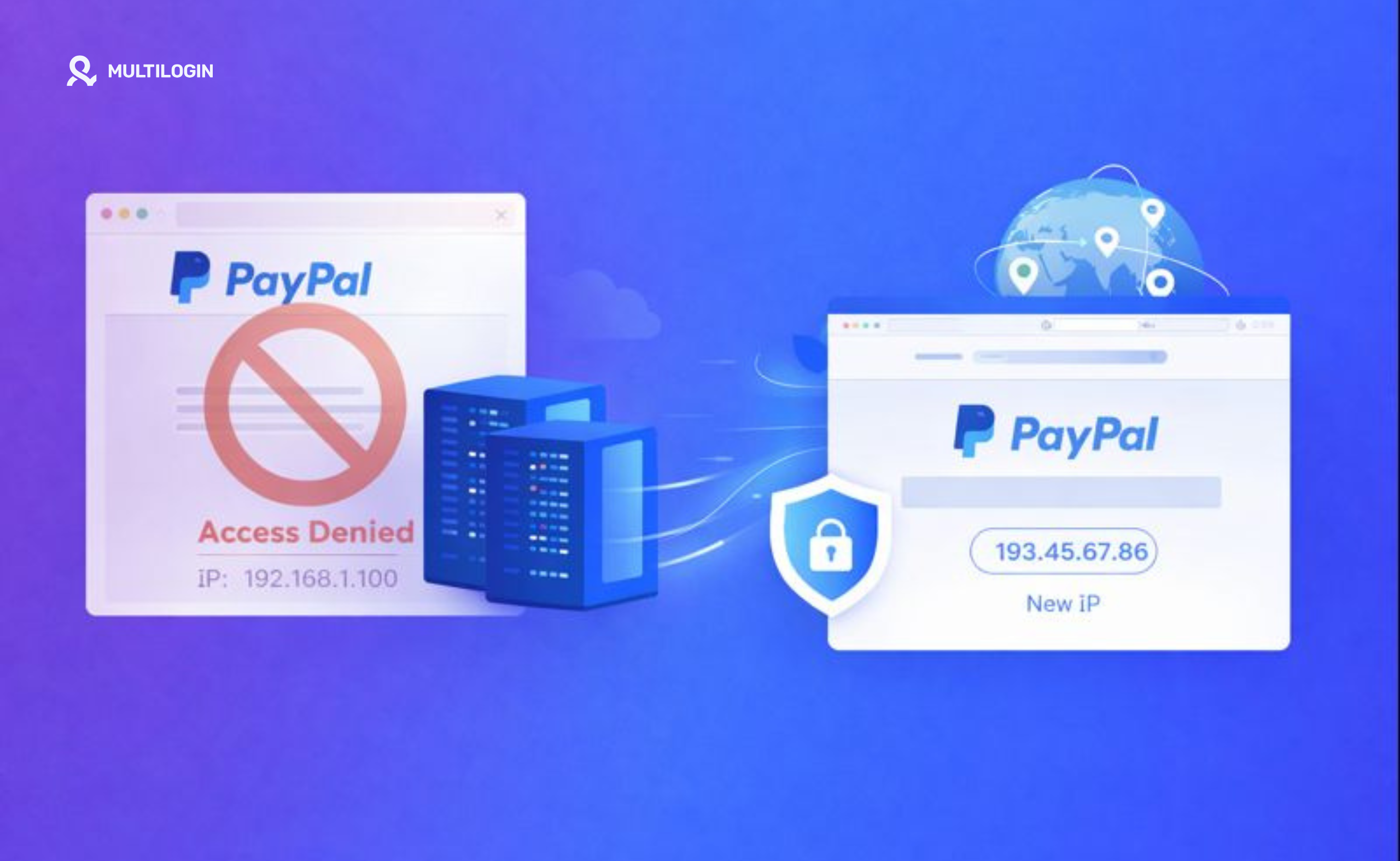



PayPal has been one of the most trusted and widely used payment systems worldwide for years. It’s an essential platform for individuals and businesses alike, enabling secure online transactions. However, with this wide reach comes the need for robust security measures to prevent fraud and abuse.
One such measure is the IP ban system, which can prevent users from accessing PayPal if they are suspected of violating its terms of service. For legitimate users, an IP ban can be extremely frustrating—especially if it happens for what seems like no reason at all.
In this guide, we’ll explore why PayPal bans IP addresses, how long these bans last, and how to avoid being banned in the first place. We’ll also provide tips on how to manage multiple accounts without falling foul of PayPal’s security protocols.
Why Does PayPal Ban IP Addresses?
PayPal IP bans occur when PayPal detects suspicious or fraudulent activity linked to a particular IP address. The company uses advanced security measures to detect and block activities that violate its policies. While the goal is to prevent fraud and maintain a secure platform, some users may find themselves banned unexpectedly. Here are some common reasons why PayPal bans IP addresses:
1. Suspicious Account Activity
PayPal uses automated systems through bot detection to flag unusual activities on accounts. This could include things like:
Multiple failed login attempts.
Sudden changes in location (e.g., accessing PayPal from different countries).
Rapid transactions or high-volume transfers.
If PayPal’s system detects such activities, it may issue an IP ban to prevent further access until the issue is resolved.
2. Fraudulent Transactions
PayPal has strict measures in place to detect fraudulent transactions. This includes:
Chargebacks: When a customer disputes a charge, PayPal may freeze the account and apply an IP ban to investigate.
Suspicious purchasing patterns: If PayPal detects patterns of fraudulent activity or stolen payment information through behavioral analysis, it will block access from the associated IP address.
Using stolen or unauthorized payment methods can trigger an IP ban if detected.
3. Account Takeovers
An account takeover occurs when a fraudster gains access to someone else’s PayPal account. If PayPal detects that the account is being accessed from a suspicious IP address or device through browser tracking, it may block access as a protective measure.
4. Policy Violations
PayPal has a comprehensive set of rules and guidelines. Violating these rules can lead to account suspension and an IP ban. Common violations include:
Selling restricted goods or services (e.g., counterfeit products, illegal items).
Using PayPal for gambling or other restricted activities.
Using PayPal to process payments for other services that violate PayPal’s terms.
5. Using Multiple Accounts to Circumvent Restrictions
PayPal allows users to have multiple accounts, but there are strict policies in place regarding account duplication. If PayPal detects that you’re operating multiple accounts from the same IP address, it may suspect fraudulent behavior or an attempt to circumvent bans and block all associated accounts.
How Long Does a PayPal IP Ban Last?
The length of a PayPal IP ban varies based on the nature of the violation. In most cases, PayPal imposes temporary suspensions to give users time to address issues. Here’s a breakdown:
1. Temporary Bans
In most cases, an IP ban is temporary and can last anywhere from 24 hours to 7 days. After this period, your IP address should be automatically unblocked, but you’ll still need to resolve any underlying issues that caused the suspension.
2. Permanent Bans
For more serious violations, such as repeated fraud or policy breaches, PayPal may issue a permanent IP ban. This means the associated IP address will be blocked from accessing PayPal indefinitely, and users will need to contact PayPal support to resolve the issue.
How to Avoid Getting Your PayPal Account Suspended or Banned
Here are some essential tips on how to avoid an IP ban on PayPal and ensure that your account stays in good standing:
1. Avoid Using Bots or Third-Party Tools
Using bots or third-party services to automate transactions or manage your PayPal account is a violation of PayPal’s terms of service. PayPal’s security system using bot detection software can easily detect automated activities, which can lead to an IP ban. Always use PayPal in accordance with its official guidelines.
2. Monitor Your Login Activity
PayPal keeps track of your login history, and any sudden changes in location or frequent login attempts from different IPs can trigger a red flag. Here are some tips:
Use consistent devices and IP addresses to access your account.
If you need to change your IP, use a reliable proxy that doesn’t raise suspicions.
3. Ensure Your Account Information is Accurate
PayPal verifies the identity of its users through digital identity verification. If you’ve recently moved or changed your payment method, be sure to update your account details. Having accurate, up-to-date information can help you avoid being flagged for suspicious activity.
4. Avoid Chargebacks or Disputes
Frequent chargebacks or disputes can negatively impact your PayPal account and increase the likelihood of getting banned. Always ensure that your transactions are legitimate and that you maintain a good reputation with your buyers.
5. Use PayPal According to Its Terms of Service
Adhering to PayPal’s terms of service is the best way to avoid any bans or restrictions. Don’t use PayPal for illegal activities, such as:
Selling prohibited goods or services.
Gambling, unless it’s an approved site.
Processing payments for other services that violate PayPal’s policies.
6. Use Residential Proxies for Multiple Accounts
If you need to manage multiple PayPal accounts or access PayPal from different locations, using residential proxies is essential. Residential proxies make it harder for PayPal to detect that you’re accessing the platform from multiple accounts, reducing the risk of an IP ban.
7. Contact PayPal Support if You Encounter Issues
If you’ve been wrongfully suspended or are facing issues with your account, always reach out to PayPal support. They can help resolve any misunderstandings or address technical issues.
How to Get Around PayPal IP Ban?
If you’ve been IP banned from PayPal, you’ll need to take action to regain access. Here’s what you can do:
1. Change Your IP Address
If you have a dynamic IP address provided by your ISP, you may be able to reset your router or wait for your IP to change automatically. This can help you get around the IP ban if it’s not permanent.
2. Use a VPN or Residential Proxy
Using a VPN can help you change your IP address temporarily, allowing you to access PayPal from a different location. However, PayPal may detect and block VPN usage through VPN detection, so it’s better to use residential proxies. Residential proxies are associated with real IP addresses and are less likely to be flagged by PayPal.
If you need to manage multiple PayPal accounts or avoid detection, Multilogin can help you rotate residential IP addresses and maintain unique browser profiles for each account.
3. Appeal the Ban
If you believe the IP ban was imposed by mistake, contact PayPal’s support team to file an appeal. Provide any necessary information and explain the situation. If the ban was temporary, they may lift it once the issue is resolved.
How Multilogin Helps Avoid PayPal IP Bans
Multilogin is an antidetect browser designed to help you manage multiple accounts on platforms like PayPal without the risk of detection or bans. Here’s how it works:
Unique Browser Profiles
Multilogin allows you to create separate browser profiles for each PayPal account, ensuring that each account has its own browser fingerprint and IP address. This makes it difficult for PayPal to detect multiple accounts linked to the same device. Each profile includes:
- Unique canvas fingerprints
- Different WebGL renderers
- Varied user agents
- Separate cookie storage through cookie management
- Individual timezone settings
Residential Proxy Integration
Multilogin seamlessly integrates residential proxies, allowing you to rotate IP addresses and ensure that each account has a unique IP. This is essential for avoiding IP bans when managing multiple PayPal accounts.
The platform provides access to 30M+ residential IPs across 150+ countries, ensuring clean IP addresses that don’t trigger proxy detection systems.
Device Fingerprint Masking
Beyond IP addresses, PayPal also tracks device fingerprints. Multilogin’s advanced device emulation ensures PayPal cannot detect that multiple accounts are being run from the same computer.
Pre-Farmed Cookies for Account Warmup
New PayPal accounts can trigger suspicion. Multilogin’s pre-farmed cookies simulate established browsing history, making your accounts appear aged and trustworthy from day one, reducing verification requests.
Two Proprietary Browser Engines
Unlike basic antidetect browsers, Multilogin offers two proprietary browsers built specifically for undetectability:
- Mimic (Chromium-based): Completely reengineered to eliminate detection signatures, supporting all Chrome extensions while maintaining authentic fingerprints.
- Stealthfox (Firefox-based): Custom fingerprinting engine offering alternative browser signatures for profile variety and enhanced protection.
Automation and Workflow
With Multilogin, you can automate your account management tasks through browser automation, such as logging in or switching between accounts, without triggering suspicious activity detected by bot detection systems that could lead to a ban.
You can integrate Multilogin with Selenium, Puppeteer, and other automation tools to build custom workflows.
Cloud Storage and Session Management
Multilogin offers cloud storage for all your profiles through session management, ensuring that your cookies, fingerprints, and settings are safely stored and synced across devices.
24/7 Expert Support
Managing payment accounts requires specialized knowledge. Multilogin provides 24/7 customer support in five languages, with experts ready to help with PayPal-specific configurations, proxy management, and account security strategies.
When You Need Multiple PayPal Accounts
Legitimate reasons businesses manage multiple PayPal accounts include:
- E-commerce Operations: Separating business divisions, managing multiple online stores, handling different product lines, and maintaining backup payment processing.
- Freelance Businesses: Managing client payments separately, running multiple service offerings, handling personal and business finances, and maintaining international payment options.
- Agency Operations: Separating client accounts, managing team member payments, handling different business entities, and maintaining financial transparency.
- Marketplace Sellers: Operating on multiple platforms, managing regional storefronts, handling different seller accounts, and maintaining backup payment methods.
For these legitimate business purposes, professional multi-account management tools prevent accidental violations while maintaining compliance.
Understanding PayPal’s Detection Systems
PayPal uses sophisticated detection mechanisms beyond simple IP tracking:
- Device Fingerprinting: PayPal tracks hardware fingerprints including device model, browser configuration, and system characteristics.
- Behavioral Analysis: The platform monitors behavioral patterns including transaction timing, login patterns, and interaction styles.
- Network Analysis: PayPal detects VPN usage, datacenter proxies, and shared proxy servers that might indicate suspicious activity.
- Payment Method Linking: The platform links accounts through payment methods, bank accounts, and digital fingerprints.
Understanding these detection methods helps prevent suspensions when legitimately managing multiple accounts for business purposes.
Why Basic VPNs Fail on PayPal
Many users try using VPNs to avoid PayPal bans, but this approach typically fails:
- VPN Detection: PayPal maintains databases of known VPN IP ranges and actively flags accounts using commercial VPN services.
- Shared IP Problems: Commercial VPNs route thousands of users through the same IPs, potentially linking your account to fraudulent activity from other users.
- Browser Fingerprints Stay Identical: Even with VPNs, your browser fingerprint remains unchanged, allowing PayPal to link your accounts.
- Payment Method Linking: PayPal also tracks payment methods and bank accounts, which VPNs don’t address at all.
- WebRTC Leaks: WebRTC protocols can leak your real IP despite VPN protection, exposing your actual location.
This is why professional businesses use comprehensive solutions like Multilogin that address all detection vectors simultaneously.
👉 Don’t risk bans: Try Multilogin and keep your accounts undetected.
Frequently Asked Questions About PayPal IP Bans
Yes, PayPal can ban an IP address if it detects suspicious activity associated with it. This could include actions like fraudulent transactions, policy violations, or multiple accounts being accessed from the same IP. PayPal employs IP bans to maintain security and prevent misuse of its platform through sophisticated bot detection and browser tracking systems.
If your PayPal account was suspended without any clear reason, it could be due to an automated system error, false positives, or activity that raised red flags. PayPal’s algorithms using behavioral analysis may flag unusual login patterns, suspicious transactions, or multiple account usage from the same IP. Sometimes, account suspensions occur due to technical issues or moderator errors detected through fraud detection algorithms.
The duration of an IP ban on PayPal depends on the severity of the violation. Most temporary bans last between 24 hours to 7 days, but permanent bans can last indefinitely, especially for severe or repeated violations. You can try contacting PayPal support to resolve the issue or appeal the ban if you believe it was issued in error.
To bypass an IP ban on PayPal, you can: Change your IP address by resetting your router or using a VPN to get a new IP; use residential proxies which are real IP addresses that allow you to rotate IPs without triggering PayPal’s detection system; or appeal the ban by contacting PayPal support and filing an appeal if you believe the ban was issued in error. For comprehensive protection, use antidetect browsers like Multilogin that address all detection vectors.
To prevent PayPal from banning your IP: Avoid using third-party services or bots detected by bot detection software; keep your login activity consistent, avoiding frequent location or device changes; avoid suspicious behaviors such as chargebacks, fraudulent activities, or spamming; and use reliable residential proxies if managing multiple accounts to prevent PayPal from linking them through browser fingerprinting.
Yes, a VPN can help you change your IP address, allowing you to bypass the IP ban temporarily. However, PayPal may detect the use of shared VPN servers through VPN detection systems and flag your account for suspicious behavior. For more reliable results, consider using residential proxies that provide real IP addresses and are harder to detect through PayPal’s proxy detection mechanisms.
PayPal uses automated security systems that track IP addresses, device fingerprints, and login patterns to detect suspicious activities through browser tracking. When multiple accounts are accessed from the same IP, or when PayPal detects unusual transaction behavior through behavioral analytics, it may trigger an IP ban. The platform also monitors digital fingerprints and payment method patterns.
Conclusion
Managing multiple PayPal accounts or accessing your account after an IP ban can be challenging, but with the right tools and strategies, it’s possible to bypass restrictions safely. PayPal’s IP bans are typically a security measure to protect the platform, but with Multilogin and residential proxies, you can manage your accounts securely and without the risk of detection.
Be sure to follow PayPal’s terms of service, maintain your account’s security, and take proactive steps to avoid any issues. If you’re managing multiple PayPal accounts or need to get around an IP ban, Multilogin offers the perfect solution for staying undetected and ensuring seamless operations across the platform.


