





How We Ranked These Cloud Phones
Before we go into the list, here’s what we looked for:
- True Device Isolation: Each cloud phone has a unique device fingerprint that WhatsApp can’t link.
- Real Android Environment: Not an emulator. A real, cloud-based Android device.
- WhatsApp Compatibility: The cloud phone is specifically tested and optimized for WhatsApp Business.
- Scalability: Can you manage 10 accounts? 100? 1,000?
- Pricing: Cost per account, especially for businesses managing dozens of accounts.
- Support: When something breaks, is there a team to help you?
The Top 10 Best Cloud Phones for WhatsApp Business
1. Multilogin Cloud Phones
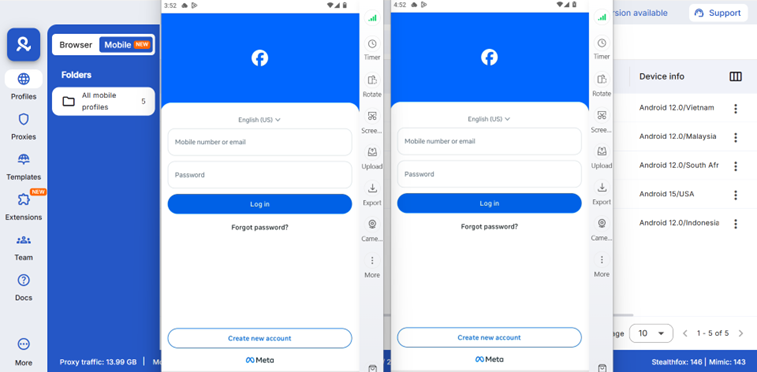
Multilogin isn’t just a cloud phone provider; it’s a complete multi-account management platform. Their cloud phones are built on real Android devices with military-grade fingerprinting technology.
Why it’s #1 for WhatsApp Business:
- Undetectable Fingerprints: Multilogin’s fingerprints are updated daily based on real device data. WhatsApp can’t tell the difference between a Multilogin cloud phone and a real device.
- Complete Isolation: Each cloud phone runs in its own sandboxed environment. No data leakage. No cross-contamination.
- Built-in Proxies: Assign a different residential proxy to each cloud phone. Different IP address for each account.
- Team Collaboration: Share access to cloud phones with your team. Set granular permissions. Track who accessed what and when.
- Automation API: Automate repetitive tasks like account warm-up, message scheduling, and more.
Best for: Agencies, marketing teams, and businesses managing 50+ WhatsApp Business accounts.
Pricing: Starting at $7.08/month for the basic plan. Cloud phones available on higher-tier plans.
Verdict: If you’re serious about scaling WhatsApp Business without risk, Multilogin is the gold standard. Yes, it’s more expensive than alternatives. But it’s also the only solution that won’t get you banned.
2. Geelark Cloud Phone
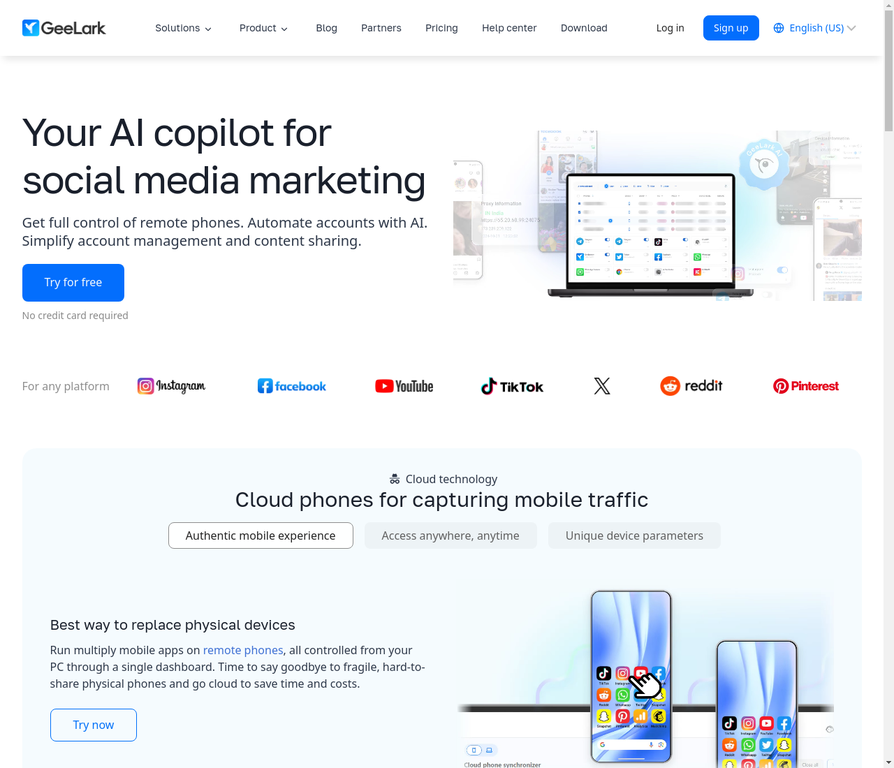
Geelark is an AI-powered cloud phone solution designed specifically for social media and messaging apps. It’s the “first antidetect phone” and it shows.
Why it works for WhatsApp Business:
- AI-Powered Fingerprinting: Geelark uses AI to generate realistic device fingerprints that change dynamically.
- Affordable Pricing: At $29.90/month per cloud phone, it’s significantly cheaper than Multilogin.
- Easy Setup: No technical knowledge required. Create a cloud phone, install WhatsApp, start messaging.
- Automation Features: Built-in automation for account warm-up and message scheduling.
Best for: Small to medium businesses that need to manage 5-20 WhatsApp Business accounts on a budget.
Pricing: $29.90/month per cloud phone. Discounts available for longer-term rentals.
Verdict: Geelark is a solid choice if you’re price-sensitive but still need real device isolation. The main trade-off is fewer advanced features compared to Multilogin.
3. MoreLogin Cloud Phone
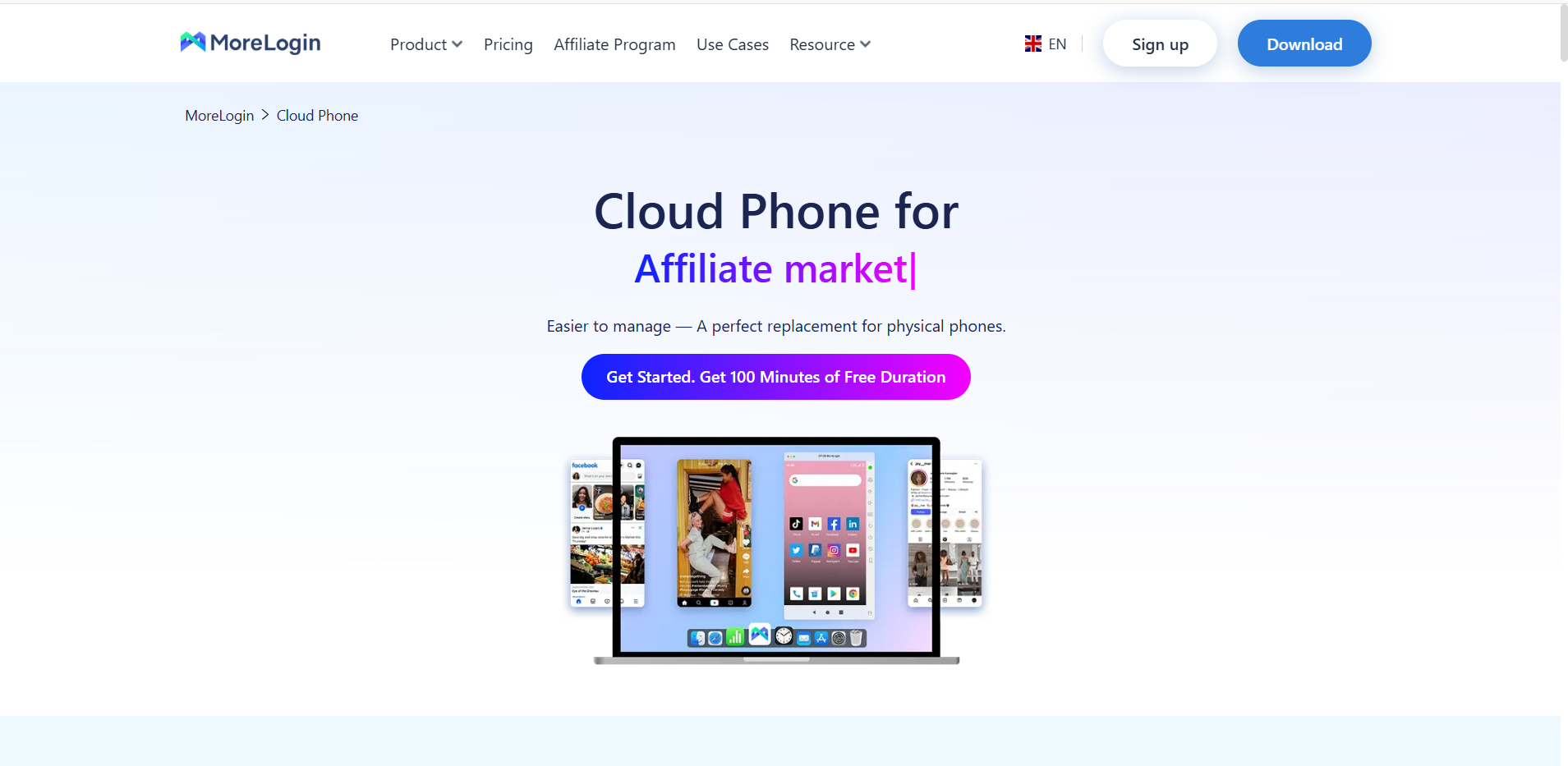
MoreLogin offers both an antidetect browser and cloud phones. Their cloud phone is a native Android device that runs in the cloud with real device fingerprints.
Why it’s great for WhatsApp Business:
- Hybrid Flexibility: Use MoreLogin’s antidetect browser for desktop management or their cloud phone for mobile management. Or use both together.
- Real Android Device: Not an emulator. A real Android device running in the cloud.
- Fingerprint Emulation: MoreLogin specializes in fingerprint technology. Each cloud phone has a unique, realistic fingerprint.
- 24/7 Availability: Your cloud phones stay online 24/7, even when your computer is off.
Best for: Businesses that want flexibility to manage WhatsApp Business from both desktop and mobile.
Pricing: Competitive with other premium solutions. Cloud phones available as add-ons.
Verdict: MoreLogin is a great choice if you want the flexibility of both browser and mobile management. The hybrid approach gives you more options for scaling.
4. DuoPlus Cloud Phone
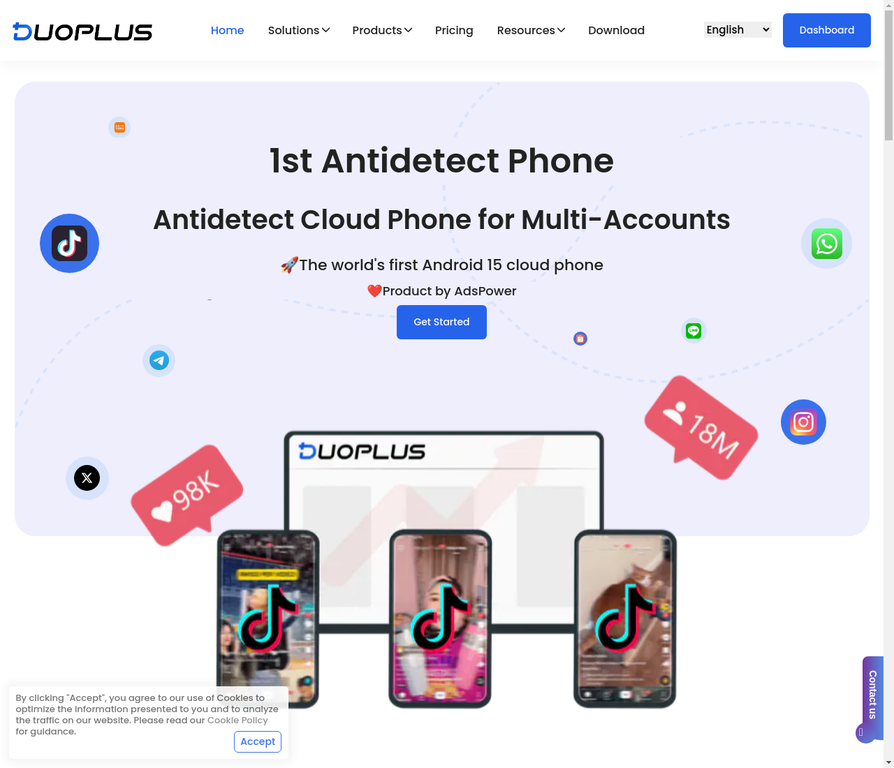
DuoPlus is a cloud phone solution built specifically for high-performance multi-account management. It’s one of the first to support Android 15.
Why it’s powerful for WhatsApp Business:
- Android 15 Support: Latest Android version means better app compatibility and performance.
- Unlimited Account Opening: No limits on how many accounts you can manage simultaneously.
- Real ARM Phone: DuoPlus runs on real ARM architecture, not emulated. This means better performance and fewer detection risks.
- Account Matrix Marketing: Built specifically for managing multiple accounts at scale.
Best for: Agencies and businesses managing 100+ accounts that need maximum performance.
Pricing: Competitive pricing with volume discounts available.
Verdict: DuoPlus is the choice for power users who need maximum performance and scalability. If you’re managing a large account matrix, DuoPlus delivers.
5. VMOSCloud
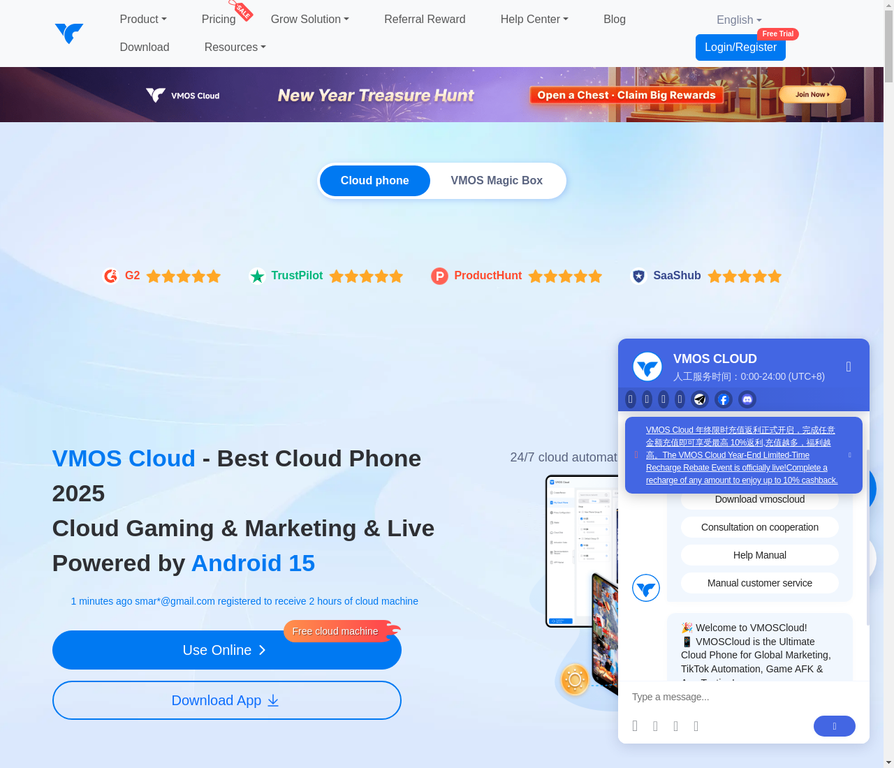
VMOSCloud is a cloud phone solution that packs in tons of features. It’s built for users who want complete control and customization.
Why it works for WhatsApp Business:
- Tons of Features: VMOSCloud has more features than most competitors. Root access, custom ROMs, advanced automation.
- Flexible Customization: Customize almost every aspect of your cloud phone environment.
- Good Performance: Solid performance for managing multiple accounts.
Best for: Power users and technical teams that want maximum customization.
Pricing: Mid-range pricing with flexible plans.
Verdict: VMOSCloud is great if you want lots of features and customization options. The trade-off is a steeper learning curve.
6. Noxplayer Cloud Phone
Noxplayer is primarily known for gaming emulation, but their cloud phone solution works well for WhatsApp Business too.
Why consider it:
- Stable Performance: Noxplayer has a long track record of stability and performance.
- Affordable: Cheaper than many premium solutions.
- Good Compatibility: Works well with most apps, including WhatsApp Business.
Best for: Businesses on a tight budget that don’t need advanced features.
Pricing: Budget-friendly pricing.
Verdict: Noxplayer is a solid budget option, but it lacks some of the advanced features of premium solutions like Multilogin.
7. LDPlayer Cloud Phone
LDPlayer is another gaming-focused emulator that also offers cloud phone capabilities.
Why it works:
- Lightweight: Uses fewer resources than heavier solutions.
- Fast Performance: Quick boot times and responsive interface.
- Budget-Friendly: One of the cheapest options on the market.
Best for: Small businesses or individuals just starting to scale WhatsApp Business.
Pricing: Very affordable, often with free tier options.
Verdict: LDPlayer is a good entry point if you’re just getting started, but it lacks the advanced features needed for serious scaling.
8. MEmuplay Cloud Phone
MEmuplay offers a balanced approach to cloud phones with decent features at mid-range pricing.
Why consider it:
- Balanced Features: Good balance between features and ease of use.
- Stable Performance: Reliable and consistent performance.
- Good Support: Responsive customer support team.
Best for: Mid-size businesses that want a balanced solution.
Pricing: Mid-range pricing.
Verdict: MEmuplay is a solid choice if you want a balanced solution without paying premium prices.
9. Bluestacks Cloud Phone
Bluestacks is one of the most popular Android emulators, and they offer cloud phone capabilities too.
Why it works:
- Mainstream Recognition: Bluestacks is well-known and trusted.
- Good Performance: Solid performance for most use cases.
- Large Community: Active community with lots of tutorials and support.
Best for: Users who want a mainstream, trusted solution.
Pricing: Freemium model with paid upgrades.
Verdict: Bluestacks is a safe choice if you want a mainstream solution, but it’s not specifically optimized for WhatsApp Business multi-accounting.
10. Parallel Space Cloud Phone
What it is: Parallel Space is a lightweight cloud phone solution designed for users who want to manage multiple accounts without heavy resource requirements.
Why consider it:
- Lightweight: Minimal resource requirements.
- Easy to Use: Simple, intuitive interface.
- Affordable: Budget-friendly pricing.
Best for: Individual users or small teams just starting out.
Pricing: Very affordable.
Verdict: Parallel Space is a good entry-level option, but it lacks the advanced features and security of premium solutions.
How to Set Up Your First WhatsApp Business Account on a Cloud Phone
Here’s a step-by-step guide using Multilogin (the most secure option):
- Create Your Multilogin Account: Sign up for a plan that includes cloud phones.
- Create a New Cloud Phone Profile: In your dashboard, click “Create Cloud Phone.” Multilogin will automatically assign a unique device fingerprint and Android version.
- Assign a Proxy: To ensure a different IP address, assign a residential proxy to your cloud phone.
- Launch the Cloud Phone: Click “Launch” to start your virtual Android device.
- Install WhatsApp Business: Open the Google Play Store, search for “WhatsApp Business,” and install it.
- Activate Your Account: Use a new, dedicated phone number to activate WhatsApp Business. This is critical.
- Warm Up the Account: For the first 3-5 days, use the account lightly. Send a few messages, accept some chats, but don’t blast out mass messages. WhatsApp needs to see natural, human behavior.
- Start Scaling: Once your account is warmed up, you can start using it for your business.
Repeat this process for each new account you need. For more detailed guidance, check out our phone farming guide.
The Real Cost of Getting Banned
Before you decide to go with a cheaper solution, consider the real cost of getting your accounts banned:
- Lost Customer Data: All your chats, your customer relationships, your sales pipeline—gone.
- Damaged Reputation: Your customers can’t reach you. They’ll assume you’ve abandoned them.
- Lost Revenue: Every day your accounts are banned is a day you’re not making sales.
- Time to Recover: Getting your accounts back (if you can) takes weeks or months.
A professional cloud phone solution like Multilogin costs a few dollars per account per month. Getting banned costs thousands in lost revenue and damaged reputation. The math is simple.


