







Cloud phones with
built-in proxies
Residential and mobile proxies
Included in every plan, no separate proxy bill
One IP per account
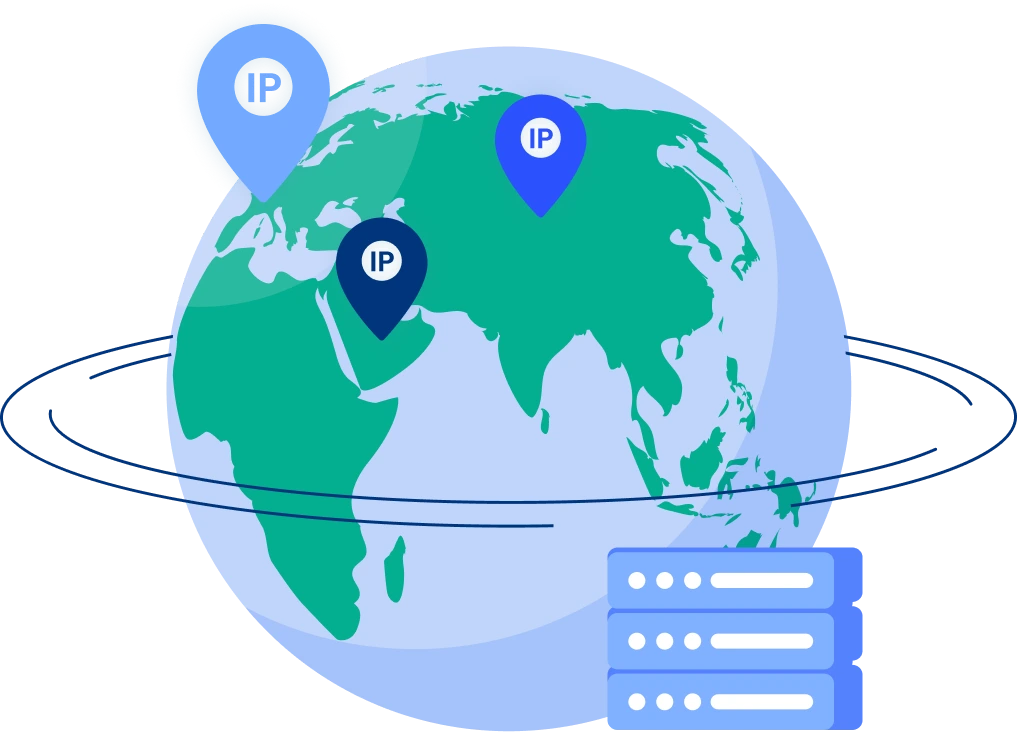
Each cloud phone gets its own IP and matched location
Cellular or Wi-Fi
Pair the right proxy with the right connection
Scrape without blocks using real residential IPs
All Multilogin plans include built-in residential proxy traffic with no extra setup or added cost, so your cloud phone and residential proxies run in the same environment without conflicts. You get 95% clean IPs, 99.99% stability uptime, and 24-hour sticky sessions, giving you consistent, block-free scraping even during long runs.
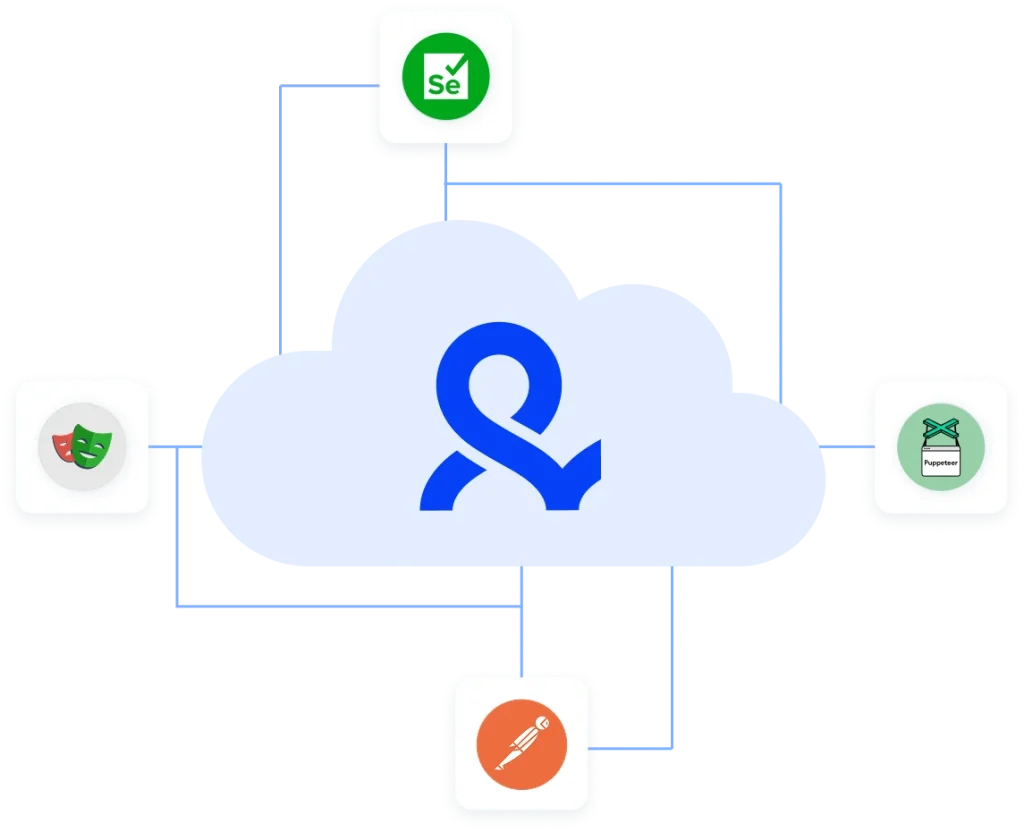
Automation-ready scraping with full support for your favorite frameworks
Run your workflows through Selenium, Puppeteer, Playwright, Postman, or Multilogin CLI without extra setup. Each profile loads with a stable fingerprint and residential proxy, so your automation runs stay consistent, undetected, and easy to manage through the API.
Save time with pre-configured web scraping proxies
Every profile in Multilogin comes with residential proxies already built in, so you skip manual setup and start scraping instantly. No juggling external providers — your browser environment and proxy stay synced, stable, and ready for long runs.
Run thousands of accounts from one browser
Create and manage large volumes of accounts without getting flagged. Each profile runs with its own fingerprint and residential proxy, so platforms can’t link your sessions. Automate registrations, logins, and repetitive actions from a single machine, and keep everything stable with long-lasting sessions built for scale.
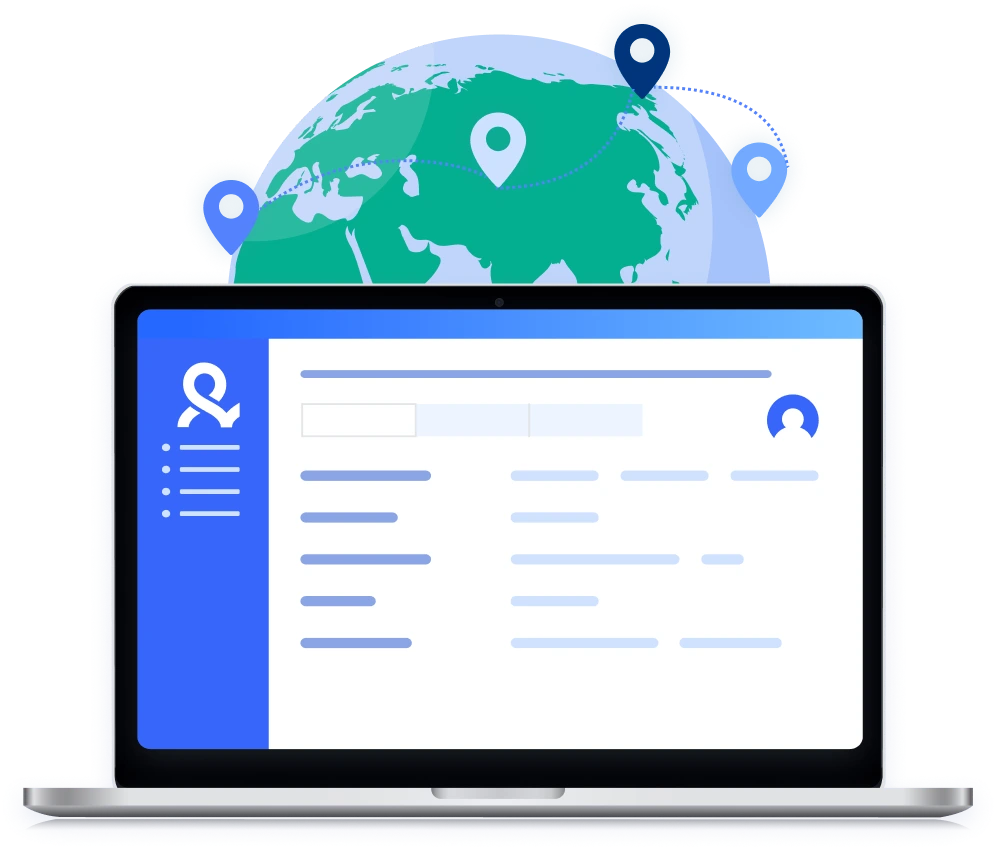
Import your third-party proxies to Multilogin
If you already use external proxies, you can add them directly to your profiles in a few clicks. Multilogin supports all major proxy formats, so you can mix your own providers with built-in residential traffic while keeping every session isolated and consistent.
What is a cloud phone?
A cloud phone is a real Android device hosted in the cloud. Each cloud phone operates as an independent device, with its own operating system, hardware configuration, storage, and network identity. You can install and run mobile apps on it just as you would on a physical Android device.
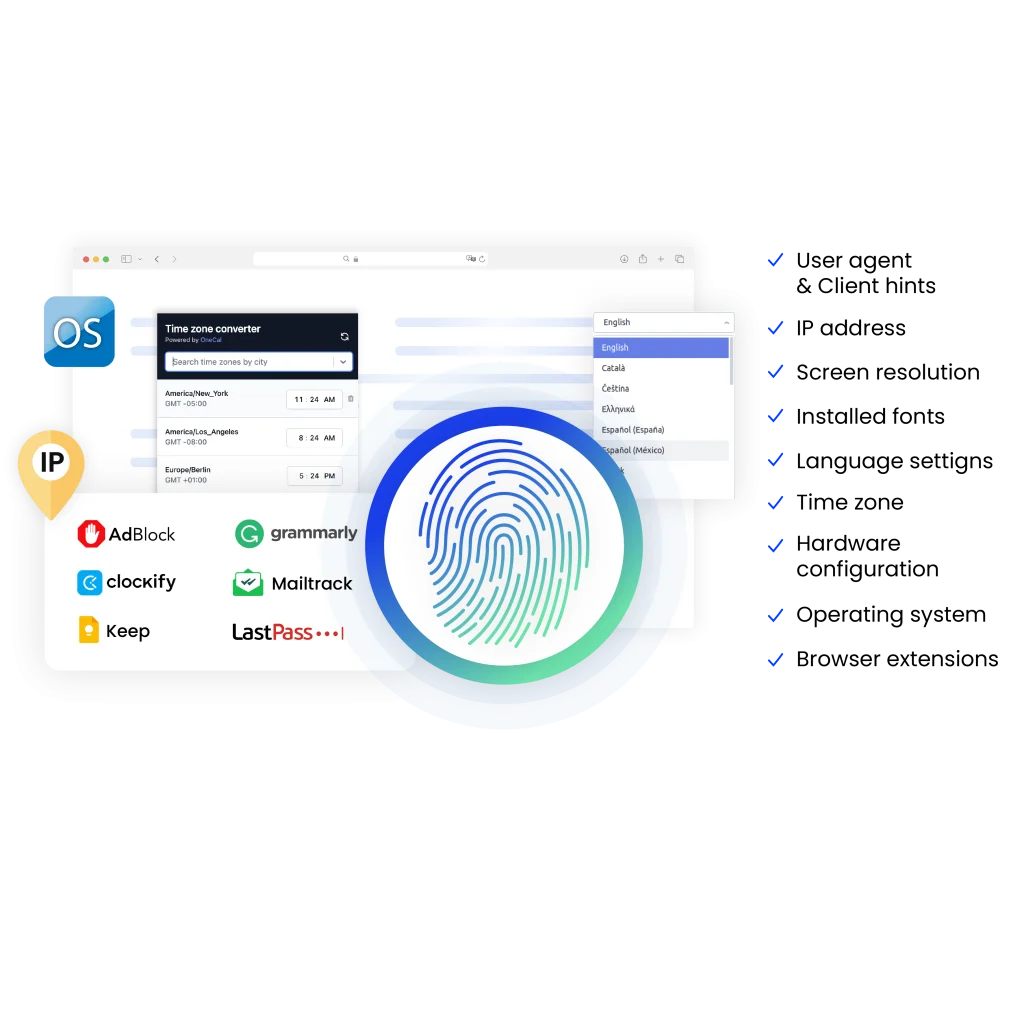
Why use proxies and a browser from the same provider?
When your browser and proxies come from one place, they’re built to work together. You avoid mismatched settings, proxy leaks, and fingerprint conflicts that cause bans. With Multilogin, every profile loads with the right fingerprint and a residential IP already in place, giving you a stable, undetected environment from the start.
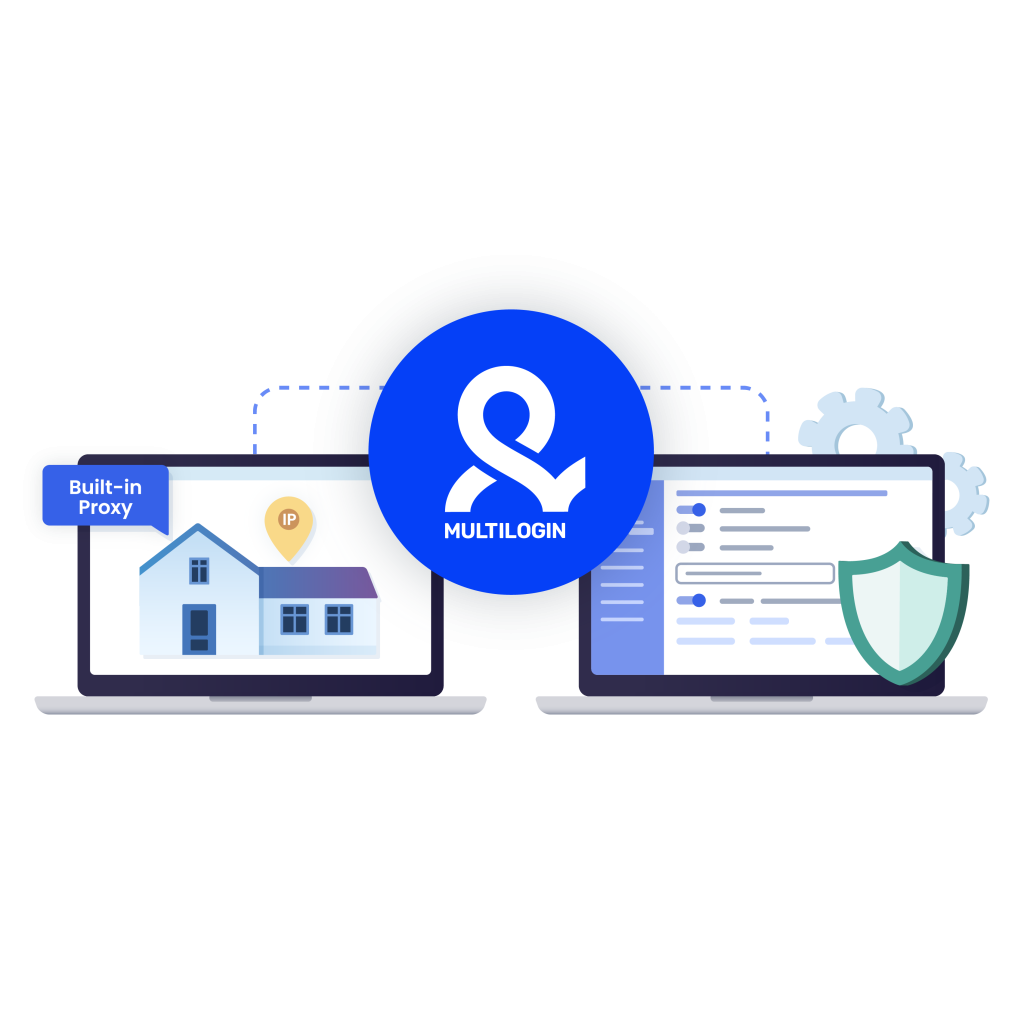
Multilogin features
More proxy and antidetect bundles
- Ad spy proxies & antidetect browser
- Antidetect browser & proxies for Ad verification
- Reddit proxy
- Canada proxy
- Chicago proxy
- China proxy
- Denmark proxy
- Egypt proxy
- Gmail proxy
- Greece proxy
- Hong Kong proxy
- Hungarian proxy
- Indonesia proxy
- Iran proxy
- Irish proxy
- ISP proxies
- Israel proxy
- Italy proxy
- Japan proxy
- Korea proxy
- LinkedIn proxy
- London proxy
- Los Angeles proxy
- France proxy
- India proxy
- Mexico proxy
- Netherlands proxy
- New York Proxy
- New Zealand proxy
- Oman proxy
- Online shopping proxies & cloud phone
- Poland Proxy
- Portugal proxy
- Proxies for market research & cloud phone
- Proxies for price monitoring & cloud phone
- Proxy Romania
- Rank tracker proxies & cloud phone
- Saudi Arabia proxy
- SEO proxies & antidetect browser
- SERP analysis with proxies & antidetect
- Singapore proxy
- Sneaker proxies & antidetect browser
- SOCKS5 proxy & multi-account browser
- Spain proxy
- Sweden proxy
- Switzerland proxy
- Telegram proxy
- Thailand proxy
- Tinder proxy & antidetect bundle
- Turkey Proxy & Multi-Account Browser in One Platform
- France proxy
- UK proxy
- Ukraine proxy
- USA proxy
- Web Scraping Proxies & Multi-Account Browser
- WhatsApp proxy & cloud phone bundle
Award winning multiple account management platform












Watch the Multilogin Demo
Learn how Multilogin can boost your business. Check the video below to see its full capabilities in a short demo video.
How to start using Multilogin
Start collecting data effortlessly with the industry-leading cloud phone.
Sign up
Register using a verified email address.
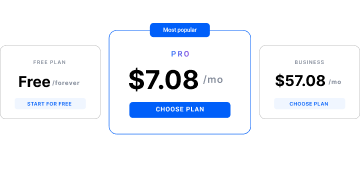
Choose your plan
Select from various subscription plans tailored to your business needs.
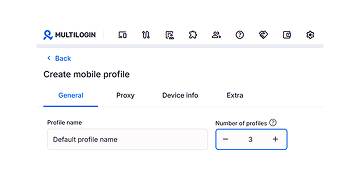
Run your data scraping script
Integrate your Puppeteer, Postman, Selenium, and Playwright data scraping scripts and begin collection.
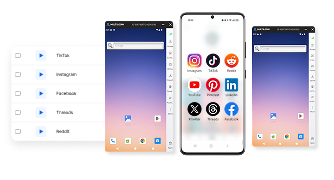
Run scraping projects without blocks
Use Multilogin built-in Proxies
Web scraping proxy: How to stay undetected and collect data safely
You open your laptop, run a script, and watch the data flow. Then—out of nowhere—the website throws a CAPTCHA, slows your requests, or blocks your IP completely.
It’s not because your scraper is bad.
It’s because the platform saw repeated patterns and flagged the source.
This is the moment you realize you need a web scraping proxy. Not a random proxy you found on a forum. Not a brittle setup that breaks halfway. You need a stable environment built for scraping, rotating IPs, and long runs that don’t stop mid-task.
In this guide, you’ll learn how web scraping proxies work, why a proxy server for web scraping matters, how to stay safe, and what setup works best when scraping at scale.
What is a web scraping proxy?
A web scraping proxy sits between your scraper and the website you’re collecting data from. Instead of the site seeing your real IP, it sees the proxy’s IP. If you rotate that IP regularly, every request appears to come from a different “user.”
This keeps you from getting flagged for suspicious activity.
And if you scrape daily, hourly, or in high volume, this becomes the difference between a clean dataset and no access at all.
A web scraping proxy can be:
- Residential proxies — IPs from real households
- Mobile proxies — IPs from mobile carriers
- Datacenter proxies — fast but easier to detect
- Rotating proxy networks — constantly changing IPs
- Sticky sessions — IPs that stay stable for hours
For scraping, residential proxies usually give the best balance of stability + low detection.
Why do websites block scraping?
Websites don’t block scraping because they “hate developers.” They block it because:
- Too many requests from one IP looks suspicious
- Traffic patterns reveal automation
- Fingerprints don’t match real users
- Cookies reset too often
- IPs belong to known proxy ranges
- Requests hit the same endpoints too fast
If this happens, platforms respond with:
- CAPTCHAs
- Rate limits
- Account locks
- Temporary or permanent IP bans
A good proxy setup helps you avoid this. But a proxy alone isn’t enough. You also need a browser environment that looks real.
This is where Multilogin enters the story.
Using a proxy server for web scraping: What actually works
A proper proxy server for web scraping should help you stay undetected, not just hide your IP.
You need:
- Real residential IPs
- Clean IP history
- Long sticky sessions (for login-protected scraping)
- Automatic rotation (for large datasets)
- Stable uptime
- A browser that matches the proxy’s fingerprint
If your proxy and browser don’t align, websites catch you instantly. Most users only realize this when they get their first block.
That’s why scraping teams prefer environments where the proxy and browser work together instead of fighting each other.
Download our latest PDF on scraping websites without blocks!
How to use proxies for web scraping safely
If you want consistent, safe scraping, follow a few rules:
1. Rotate IPs smartly
Don’t hammer a website from one IP.
Rotate slowly, mimic real behavior, and keep session cookies when needed.
2. Use residential proxies
Residential IPs look like real people, not servers. They get fewer blocks and fewer CAPTCHAs.
3. Match your fingerprint
Websites look at far more than your IP. They also check:
- Canvas fingerprint
- WebGL
- Timezone
- User agent
- Media devices
- Fonts
- Screen size
If these signals don’t match the IP’s real user profile, you get restricted.
4. Keep projects separate
Never mix cookies, IPs, or fingerprints between clients or projects.
Overlap leads to blocks.
5. Don’t over-request
If you hit endpoints too fast, you’ll get rate-limited instantly.
Follow these rules and your scraping becomes cleaner, quieter, and more stable.
Why many teams use Multilogin for scraping
This article is informational, but it’s impossible to talk about safe scraping without mentioning environments built for it.
Multilogin pairs a cloud phone with built-in residential proxies, giving you:
- Automatically matched fingerprints
- Isolated profiles for each scraping project
- 95% clean IPs
- 24-hour sticky sessions
- 99.99% uptime
- No need to configure a separate proxy provider
If you get blocked often, it’s usually because the browser + proxy setup doesn’t match. Multilogin removes that conflict.
How to use a web scraping proxy in Multilogin
Here’s how a scraping workflow looks inside Multilogin:
- Create a profile
- Assign built-in residential proxy traffic (included in all plans)
- Launch the browser with a clean fingerprint
- Run your script using Selenium, Puppeteer, Postman, Playwright, or API
- Keep that environment isolated so nothing overlaps
- Export or clone profiles when scaling
Since the proxy and fingerprint load together, your scraper looks like a real person every time.
Read our guide about how to use a proxy in Multilogin!
Is a proxy API for web scraping useful?
Yes — especially for automation.
A proxy API for web scraping lets you:
- Rotate proxies on command
- Switch IPs for different tasks
- Pass location-specific IPs directly into your script
- Control proxy assignment programmatically
- Replace old sessions with new ones instantly
Inside Multilogin, you can also do this using the Multilogin API, CLI, or your automation framework.
This keeps large scraping operations structured instead of chaotic.
Best proxy for web scraping: What to look for
There’s no single “perfect” proxy, but the best ones share these traits:
- Real residential IPs from actual devices
- High uptime
- Clean IP history
- Sticky and rotating options
- Global locations
- Fast setup
- Compatibility with your fingerprint
- A provider that doesn’t oversell IPs
If your scraping is high-volume, choose an environment where the proxy and browser are designed to work together, not patched together manually. That’s why many teams pick Multilogin for serious scraping.
How Multilogin helps you scale scraping without getting blocked
Here’s where Multilogin makes a difference:
- Your browser fingerprint and proxy match automatically
- All plans include residential proxy traffic
- Profiles stay isolated, so websites can’t link your projects
- You can run automation through Selenium, Puppeteer, Playwright, or Postman
- You can assign proxies through the API
- You can run thousands of sessions without clashes
If you get blocked today, it’s usually because your fingerprint looks fake. Fix that, and your proxy setup suddenly becomes stable.
Final thoughts: Web scraping proxies keep your data clean and your access open
A web scraping proxy is more than just an IP switch. It’s the backbone of stable scraping. With the right setup, you collect clean data without interruptions. With the wrong setup, you face bans, CAPTCHAs, broken scripts, and missing information.
If your goal is block-free scraping, use:
- Residential IPs
- Clean fingerprints
- Isolated sessions
- Smart rotation
- A browser + proxy environment that work together
Multilogin gives you all of this in one place—built-in residential proxies, real fingerprints, automation support, and profile isolation—so you scrape confidently without losing access when it matters most.
FAQ
What is a web scraping proxy and why do people use it?
A web scraping proxy hides your real IP while you collect data from websites. Instead of every request coming from the same address, the proxy sends traffic through different IPs. This prevents blocks, CAPTCHAs, and rate limits. People use scraping proxies to stay undetected, avoid bans, and access geo-specific data.
What type of proxy is best for web scraping?
Residential proxies are usually the safest because they look like real household users. They get fewer blocks and pass most fingerprint checks. Mobile proxies also work well but are more expensive. Datacenter proxies are fast but easier to detect.
For high-volume or login-protected scraping, residential IPs offer the best balance of stability and safety.
How do I use a proxy server for web scraping?
You assign the proxy to your scraper or browser so every request routes through that IP. In automation frameworks like Selenium or Puppeteer, you pass the proxy details when launching the script.
If you’re using Multilogin, each profile loads with a residential proxy and matching fingerprint automatically, so you don’t need to configure anything manually.
How can I scrape websites without getting blocked?
Rotate IPs, use residential proxies, keep cookies consistent, mimic real timing, and avoid hitting endpoints too fast.
Most blocks happen because the browser fingerprint doesn’t match the proxy. Using an antidetect environment (like Multilogin) fixes this by pairing each proxy with a clean, realistic fingerprint.
Is it legal to use proxies for web scraping?
Using proxies is legal. What matters is what you scrape and how you use the data. Public information is generally safe. Scraping content behind logins or breaking a website’s terms may create legal issues. Always follow local laws and use proxies responsibly.
How do rotating proxies work for scraping?
Rotating proxies switch IPs automatically. Each request—or each session—uses a different IP, so websites can’t link your activity. This helps avoid rate limits and blocks.
Rotation works best when paired with proper session handling and realistic browser fingerprints.