



Hong Kong proxies & cloud phones
Manage multiple social media profiles with built-in Hong Kong residential proxies and Android cloud phones. Keep each profile in its own environment with a consistent IP, location, apps, and session, while running manual or automated workflows from one dashboard.
Manage multiple Hong Kong accounts from one device
Manage multiple Hong Kong social media profiles with Android cloud phones and residential proxies. Each profile runs in its own environment with a consistent IP, location, apps, and persistent session — ideal for social media, e-commerce, marketing, and automated workflows.
Longer sessions with Hong Kong proxies in Multilogin
Multilogin’s built-in Hong Kong residential proxies work with Android cloud phones to keep social media profiles connected to a consistent local IP and location. Each profile runs in its own environment with persistent apps and sessions, making it easier to manage accounts and automated workflows from one dashboard.
Access geo-restricted Hong Kong websites without limits
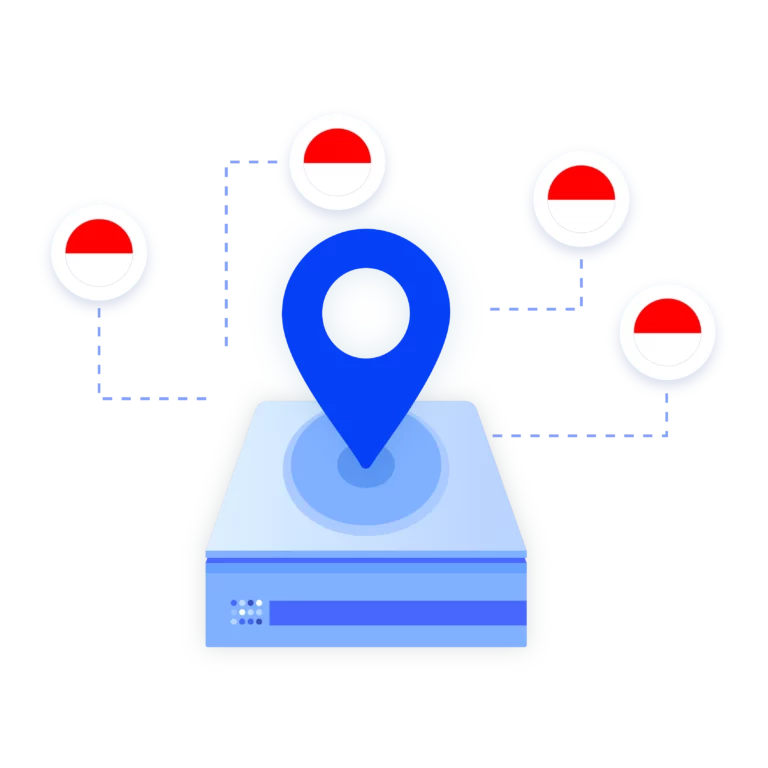
Import third-party Hong Kong proxies
Prefer to use your own Hong Kong proxies? Multilogin makes it simple. Just paste your third-party proxy into the profile settings, and the platform takes care of the rest — including fingerprint matching and session isolation. You get full control over your IP source while keeping all the benefits of undetectable, stable browsing.
Grow your social media accounts with Multilogin cloud phones
-
Unlimited time
-
Mobile and browser profiles included
-
Free built-in proxies & mobile minutes
-
Unlimited time
-
Mobile and browser profiles included
-
Free built-in proxies & mobile minutes
What is Multilogin?
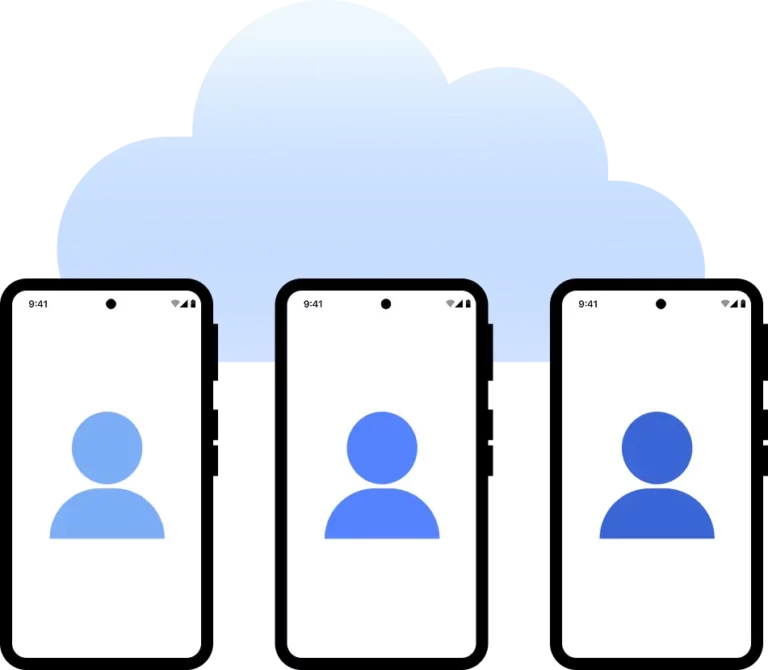
Why use proxies and cloud phones from the same provider?
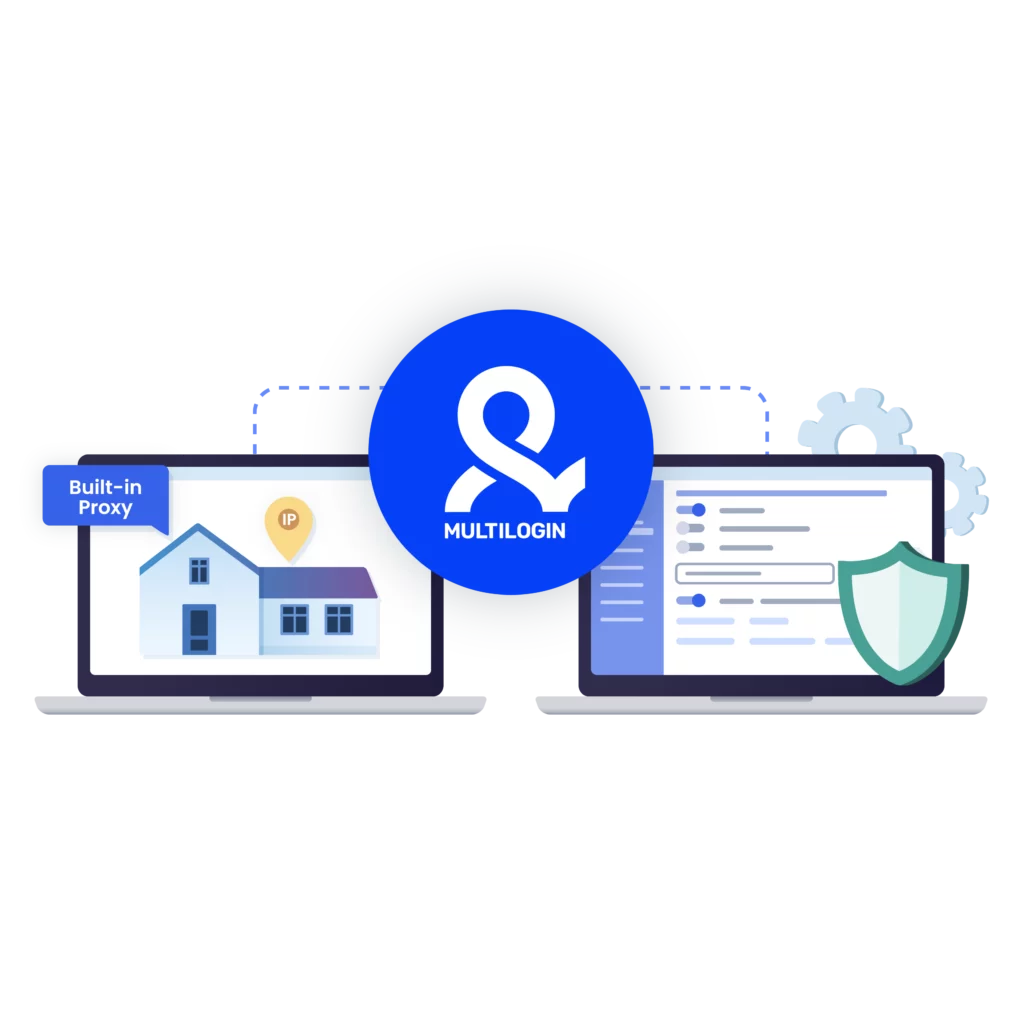
Related solutions you might like
How to start using Multilogin
Start collecting data effortlessly with the industry leading cloud phone.

Sign up
Register using a verified email address.

Choose your plan
Select from various subscription plans tailored to your business needs.

Download Multilogin agent
Available for Windows, Mac, and Linux.

Access the Multilogin dashboard
Start creating and managing cloud phone profiles.

Manage your accounts using Hong Kong proxies
Set up multiple accounts while using Hong Kong proxies, ensuring secure browsing with distinct profiles.
Run multiple Hong Kong accounts without getting blocked
Use Multilogin’s built-in Hong Kong proxies
Watch the Multilogin Demo
What is a Hong Kong proxy?
A Hong Kong proxy lets you browse the internet using a Hong Kong-based IP address. It makes websites think you’re in Hong Kong, even if you’re not. People use it to access local content, manage accounts tied to that region, or collect data from Hong Kong websites.
Key benefits of using an Hong Kong proxy
A Hong Kong proxy helps you access local websites, services, and platforms that may be restricted in your region. It also lets you:
- Look like a real user browsing from Hong Kong
- Avoid content blocks, IP bans, and filters
- Scrape or test on Hong Kong-based platforms without detection
- Manage accounts or run ads tied to the local market
- Get faster access to servers located in Hong Kong
When you use it with a stealth browser like Multilogin, each session runs with a matching fingerprint—making it even harder to detect or block.
Hong Kong proxy use cases
A Hong Kong proxy is useful anytime you need to act like you’re browsing from Hong Kong. Here are a few real-world ways people use it:
- Run multiple accounts on platforms tied to Hong Kong without getting banned
- Check ads that are only shown to users in Hong Kong
- Collect local data like prices, trends, and competitor offers
- Track SEO results from a Hong Kong location
- Scrape websites that block traffic from outside the region
- Test websites or apps as if you were a local user
How to choose the best Hong Kong proxy
If you’re bringing your own Hong Kong proxy, make sure it’s reliable. A clean IP pool is key—look for providers with at least 95% of their IPs unflagged. Residential IPs work best, especially when you’re managing accounts or scraping data without being blocked.
Also check for long session support (like 24-hour sticky IPs), and fast connection speeds. If you need to target specific areas—like Kowloon or Hong Kong Island—make sure city-level options are available. And if something goes wrong, good support makes a difference.
Why regular Hong Kong proxies might not work well
Basic proxies often fall short when used for account management, scraping, or automation. They tend to reuse IPs, lack proper session control, or trigger CAPTCHAs. Worse, many are flagged or already on blocklists — meaning you’ll get banned or logged out before your session even starts.
They also don’t control for browser fingerprinting — a major way websites detect bots or suspicious behavior.
Free vs. paid Hong Kong proxies
Free Hong Kong proxies are tempting, but risky. They’re often slow, shared, blacklisted, or filled with ads. They can expose your traffic, trigger CAPTCHAs, or break your session unexpectedly.
Paid Hong Kong proxies, especially residential ones, offer:
- Higher speed and stability
- Lower risk of bans or logouts
- Better support and uptime guarantees
- Clean IPs with lower detection rates
Multilogin includes premium Hong Kong proxies in every plan — so you don’t need to search, configure, or worry.
Using a Hong Kong proxy server with a browser
A Hong Kong proxy alone hides your IP, but your browser fingerprint still gives you away. That’s where a browser comes in.
By combining a Hong Kong proxy with a browser like Multilogin, you can:
- Match your IP with a real-looking browser fingerprint
- Avoid detection across login sessions
- Rotate IPs and profiles for scraping or automation
- Stay logged in longer without interruptions
Each profile looks like a separate, real user in Hong Kong — so websites treat your sessions as normal traffic.
How does a Hong Kong proxy differ from other proxies?
A Hong Kong proxy routes traffic through Hong Kong-based IPs, while other proxies may use IPs from random or unrelated locations. If you’re trying to access local content, test geo-targeted ads, or manage region-based accounts, only a true Hong Kong proxy will work.
Hong Kong proxies are especially useful in industries where location matters — such as e-commerce, research, or advertising.
Why Multilogin’s Hong Kong proxy setup works
Multilogin doesn’t just give you a proxy — it gives you a full stealth environment.
With Multilogin, you get:
- Built-in Hong Kong residential IPs (95%+ clean)
- Browser profiles matched with unique, human fingerprints
- Sticky or rotating sessions
- Automation support for Puppeteer, Selenium, and Playwright
- Cloud sync and team collaboration tools
- No manual setup — just create a profile and go
This setup makes it easy to run multiple accounts, scrape local data, or test ads — without getting flagged.
Setup guide for Hong Kong proxy in Multilogin
Here’s how to get started with Hong Kong proxies in Multilogin:
- Create a browser profile
Choose a template and set the geolocation, timezone, and language to Hong Kong.
- Add your proxy
Use Multilogin’s built-in Hong Kong residential IPs or import your own. Choose sticky or rotating mode based on your use case.
- Enable automation (optional)
Connect Puppeteer, Selenium, or Playwright to automate logins, scraping, or form submissions.
- Launch the session
Start browsing. Each session runs on a clean Hong Kong IP with a unique fingerprint — perfect for account work or data collection.
Watch the Multilogin Demo
FAQ
You can access websites and services meant only for users in Hong Kong. It’s useful for managing local accounts, scraping data, testing platforms, running ads, or tracking search results from that region.
Usually not. Free proxies are often slow, overcrowded, or flagged. They can lead to bans or even leak your data. If you need stability or privacy, go with a paid option you can trust.
Yes. With Multilogin, you can run separate browser profiles—each with its own Hong Kong IP and fingerprint. That way, your accounts don’t get linked or flagged.
Stick to clean residential IPs and make sure your browser fingerprint matches the location. Don’t reuse the same IPs or logins. Multilogin handles this for you automatically.
Just create a new profile, set your location to Hong Kong, and Multilogin assigns a residential IP. No external proxy setup or config needed.
Yes. You can test Multilogin for $2. That gives you full access to the main features—enough to see how it works with real Hong Kong IPs.
