


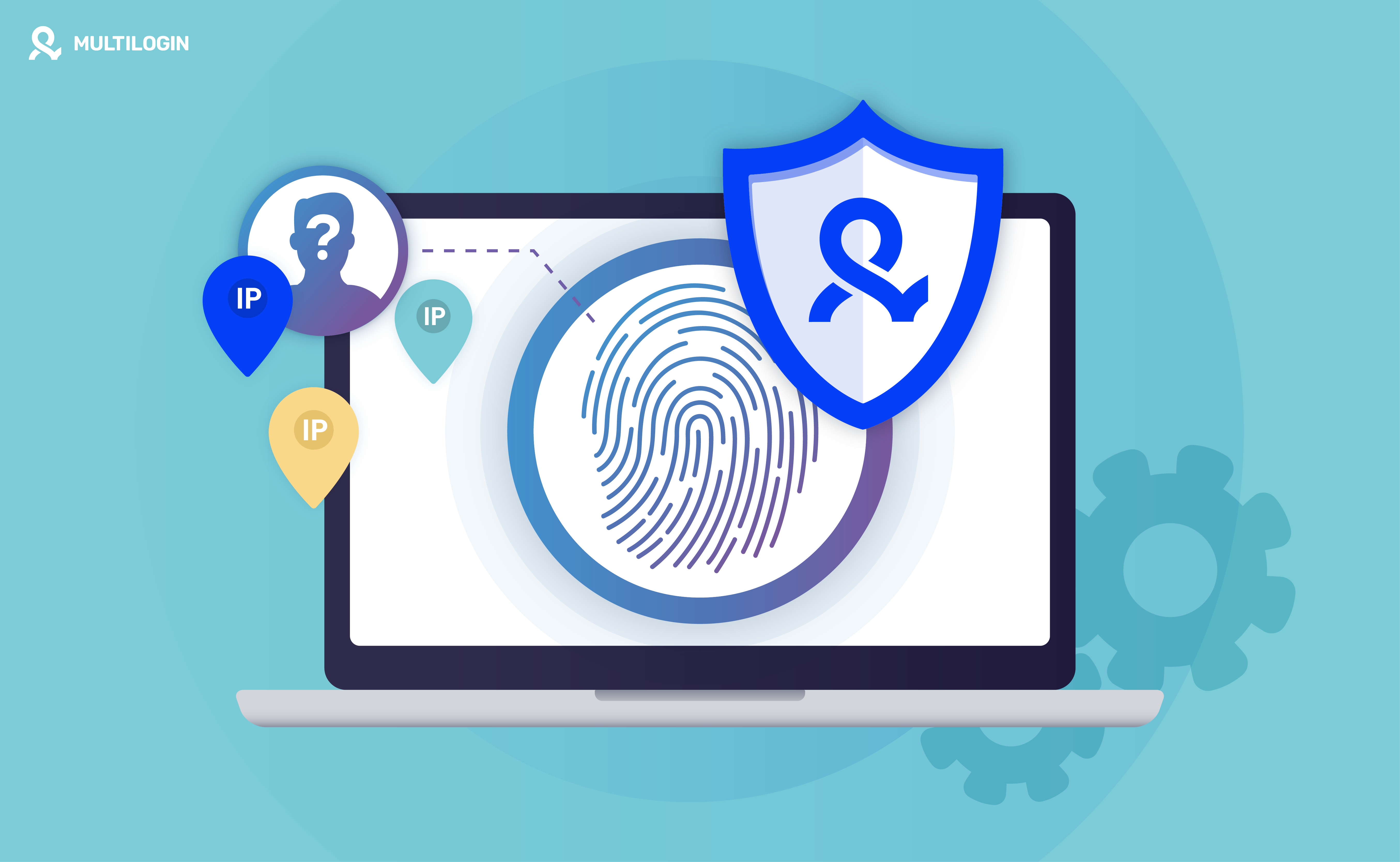



You’ve done everything right. You’re using a top-tier VPN, browsing in Incognito mode, and you religiously clear your cookies. You’re a digital ghost. Yet, when you visit a new e-commerce site, it recommends the exact product you were viewing on a different site an hour ago. How?
The answer is browser fingerprinting, a tracking method so effective that it can identify you with over 99% accuracy, rendering most privacy tools obsolete. It tracks you without cookies, without your IP address, and without your consent.
So, how do you actually hide, spoof, or stop browser fingerprinting? The internet is full of advice—use this extension, block that script, change this setting. The problem? Almost all of it is wrong.
In this definitive 2026 guide, we’ll dissect the most common strategies for hiding and spoofing your browser fingerprint, explain with technical evidence why they fail, and reveal the only method that provides complete, undetectable protection.
Stop using methods that don’t work. Multilogin provides true fingerprint protection with cloud phones and browser profiles that makes you indistinguishable from a real user. Try Multilogin now for free→
What is Browser Fingerprinting? (A Quick Refresher)
Browser fingerprinting is a stateless tracking technique that identifies users by collecting a wide range of data about their browser, device, and system configuration. This data, when combined, creates a unique digital “fingerprint.”
Websites collect over 50 different data points, including:
- Hardware: GPU model, CPU cores, RAM
- Software: Operating system, browser version, installed fonts
- Graphics: Screen resolution, color depth, Canvas and WebGL rendering
- Network: IP address, WebRTC leaks, timezone
- Behavior: Mouse movements, typing speed
While many users might share one or two of these traits (like using Chrome on Windows 11), the specific combination of all 50+ parameters is almost always unique. A landmark study by the Electronic Frontier Foundation (EFF) found that 83.6% of browsers have a unique fingerprint. When combined with modern techniques, this figure rises to over 99%.
The Illusion of Privacy: Why 99% of Fingerprint Hiding Methods Fail
Most advice on how to stop browser fingerprinting falls into three categories: hiding, spoofing, or blocking. All of these approaches are fundamentally flawed because they are detectable. Trying to fight fingerprinting with these methods is like trying to become invisible by wearing a giant, brightly colored trench coat. You’re not hiding; you’re just making yourself more obvious.
Let’s break down why these common methods fail.
Method 1: Using a VPN (Virtual Private Network)
The Promise: A VPN will hide your IP address, making you anonymous.
The Reality: A VPN only hides your IP address. It does absolutely nothing to alter the other 49+ parameters of your browser fingerprint. Your unique combination of GPU, screen resolution, fonts, and browser settings remains completely exposed.
Analogy: Using a VPN is like wearing a mask but keeping your unique uniform, voice, and gait. Anyone who knows you will still recognize you instantly.
Websites see this all the time: a user with a fingerprint consistent with a desktop in Ohio suddenly appears with an IP address from Singapore. This mismatch is a massive red flag for fraud detection systems.
VPN Protection | Result |
Hides IP Address | ✅ Yes |
Hides Browser Fingerprint | ❌ No |
Prevents Tracking | ❌ No |
Raises Suspicion | ✅ Yes |
Method 2: Using Incognito or Private Browsing Mode
The Promise: Incognito mode prevents websites from tracking you by not saving cookies or browsing history.
The Reality: This is one of the biggest myths in online privacy. Incognito mode only affects data stored on your local device. It does nothing to change or hide your browser fingerprint, which is generated and stored server-side by the websites you visit.
When you are in Incognito mode, your browser sends the exact same fingerprint data as it does in normal mode. Websites can still identify you with 99% accuracy through browser tracking techniques.
Method 3: Blocking or Disabling JavaScript
The Promise: Since fingerprinting scripts are written in JavaScript, blocking it will stop them from running.
The Reality: While technically true, this approach is completely impractical. The modern web runs on JavaScript. Disabling it will break almost every website you visit—login forms won’t work, interactive content will disappear, e-commerce carts will fail, and pages will fail to load entirely.
Furthermore, blocking JavaScript is itself a highly unique behavior. Less than 0.2% of internet users disable JavaScript, so doing so instantly makes your fingerprint more unique and suspicious, not less. This creates what experts call JavaScript behavioral tests that flag you immediately.
Method 4: Using Privacy-Focused Browsers (Brave, Firefox)
The Promise: Browsers like Brave and Firefox have built-in anti-fingerprinting features that protect you automatically.
The Reality: These browsers offer some protection, but it’s a double-edged sword.
Brave: Randomizes fingerprint values through fingerprint randomization. This means your fingerprint changes with every session. While this prevents persistent tracking, the randomization itself is detectable. Websites see a fingerprint that is constantly changing and inconsistent, which is a huge red flag. Real users have stable fingerprints.
Firefox: Its resistFingerprinting mode tries to make all users look identical by providing a generic, standardized fingerprint. The problem? This generic fingerprint is now the unique signature of a Firefox user trying to hide. Websites can easily identify you as part of this small, privacy-conscious group.
The Fingerprinting Paradox: The more you try to actively fight your fingerprint, the more unique and suspicious you become.
Method 5: Using Spoofing Extensions (e.g., User-Agent Switchers)
The Promise: Extensions that spoof your User-Agent or other parameters will trick websites into thinking you’re a different device.
The Reality: This is the most dangerous and easily detectable method. These extensions only change one or two parameters while leaving the other 48+ untouched. This creates massive inconsistencies that are trivial for websites to detect through device consistency checks.
Example of a Failed Spoof:
- Your extension spoofs your User-Agent to say you’re an iPhone
- But your browser still reports a screen resolution of 1920×1080 (a desktop monitor)
- Your navigator.platform still says Win32 (a Windows PC)
- Your browser has fonts that only exist on Windows
This is the digital equivalent of a cat wearing a dog mask—it’s not fooling anyone. Websites immediately flag this inconsistent fingerprint as fraudulent using identity spoofing detection systems.
The Right Strategy: Natural Fingerprint Management
If hiding, spoofing, and blocking all fail, what’s the solution? The answer is not to fight your fingerprint, but to manage it. The goal is to appear as a normal, non-suspicious user who blends in with the crowd.
This is where Multilogin’s cloud phones and browser profiles come in. Instead of trying to “hide” a browser, Multilogin focuses on creating consistent environments that behave like separate devices. This allows teams to keep client accounts isolated, reduce cross-account contamination, and manage daily operations from one platform.
How Multilogin Provides Complete, Isolated Environments
Multilogin takes a different approach entirely. Through Cloud Phones and browser profiles, each account gets its own isolated environment, complete with separate storage, settings, and session data, so client and brand accounts never mix together in the same workspace.
- Secure Profile Environments
Multilogin doesn’t use random or fake values.Each profile, whether it’s a Cloud Phone or a browser profile, keeps its own separate set of environment parameters and sophisticated fingerprint masking technology. This fingerprint is internally consistent across all parameters. Nothing gets shared or mixed, so each client or brand account operates in its own clean, self-contained space.
- Proxy Integration
Each profile can be paired with a residential proxy from Multilogin’s network of 150+ locations. Timezone and language settings can be matched to the proxy’s region, which keeps a profile’s settings coherent for teams working across markets.
- Session Persistence
Every profile keeps its own session data intact between logins, so accounts stay signed in and settings stay put from one work session to the next. That’s what makes it practical for a team managing dozens of client accounts long-term, no re-authenticating or re-configuring each time.
- Built for Multi-Account Management
This is the actual point of profile isolation: teams running several client or brand accounts need each one kept separate, with its own storage and settings, so managing one account never risks another. That’s the problem Cloud Phones and browser profiles solve for social media agencies and e-commerce teams.
- Stability and Consistency
Unlike spoofing extensions, each Multilogin profile maintains the same stable fingerprint across every session through proper session management. This mimics the behavior of a real user and is crucial for managing multiple accounts long-term.
| Tool | What it actually does | Ideal for multi-account management? |
|---|---|---|
| VPN | Changes your IP address only | No |
| Incognito Mode | Clears local browsing data only | No |
| Privacy Browsers | Reduces some tracking signals | No |
| Multilogin | Isolated profiles with separate storage, proxies, and session data per account | Yes |
Who Needs Professional Fingerprint Management?
While individual privacy is important, managing browser fingerprints is a business-critical necessity for many online professionals.
- E-Commerce Sellers: Manage multiple seller accounts on Amazon, eBay, or Shopify without getting linked and banned
- Social Media Marketers: Run multiple client accounts on Facebook, Instagram, and TikTok without triggering platform security
- Affiliate Marketers: Test different campaigns and traffic sources using separate, clean identities with the best antidetect browsers for affiliate marketing
- Web Scrapers: Scrape data without being blocked by appearing as thousands of unique, real users
- Ad Verification Specialists: Check ad placements from different geographic locations and device profiles
- Cryptocurrency Traders: Manage multiple exchange accounts to take advantage of arbitrage opportunities
For these use cases, a single detected link between accounts can result in catastrophic financial losses. Using ineffective methods like VPNs or extensions is not a viable business strategy.


Manage multiple accounts with Android cloud phones
Build account trust, reach new locations, and grow faster from one dashboard
Frequently Asked Questions About How to Hide, Spoof, and Stop Browser Fingerprinting
Each browser or device naturally has its own settings, fonts, and configuration, which is part of what makes fingerprinting possible. Tools like Multilogin address this by giving each account its own isolated profile, with separate storage and settings, so accounts don’t share data or configuration with each other.
Not entirely. Fingerprinting relies on so many data points that eliminating all of them isn’t realistic for most users. Privacy-focused browsers and thoughtful browser settings can reduce how much gets exposed, but no single tool removes fingerprinting altogether.
Yes. Rather than trying to change fingerprint values within a single browser, tools like Multilogin let you run separate, isolated profiles, each with its own environment. This is a more stable setup for teams managing multiple accounts than relying on browser extensions.
No single method covers everything. Fingerprinting pulls from dozens of data points, so relying on one tool, whether that’s a VPN or a browser extension, leaves gaps. A combination of privacy-conscious settings and, for business use, properly isolated profiles gets you further than any one fix alone.
Yes. Multilogin is built for exactly that, giving agencies, e-commerce sellers, and social media teams a separate, isolated profile for each account. Instead of running every account through the same browser, each one gets its own Cloud Phone or browser profile with independent storage and settings, which keeps client and brand accounts properly separated.
Stop Hiding, Start Managing
The entire conversation around “hiding,” “spoofing,” or “stopping” browser fingerprinting is flawed. These strategies are relics of an older, simpler web. In 2026, you cannot win by fighting fingerprinting head-on; you win by blending in.
Every failed attempt to block or randomize your fingerprint leaves a trail of digital noise that makes you a target. VPNs, incognito mode, and spoofing extensions create obvious contradictions that bot detection software and anti-bot detection systems are designed to catch.
The only effective strategy is to adopt a professional approach: natural fingerprint management. By using a tool like Multilogin, you can create and manage multiple virtual browser profiles or cloud phone profiles, each with a unique, consistent, and completely natural fingerprint. You don’t appear as someone trying to hide; you appear as multiple, distinct, real users.
For anyone serious about online anonymity or managing multiple accounts for business, the choice is clear. Stop playing a losing game with detectable, ineffective tools.
Ready to take your social media management to the next level?
Start your Multilogin free plan now and give every account the isolated environment it needs. No credit card, no time limit.

