
Mobile antidetect browser
Desktop antidetect browser meets real Android cloud phones. Manage web and mobile accounts from one dashboard, with isolated profiles that keep platforms from linking your accounts.

Run mobile browsers without detection
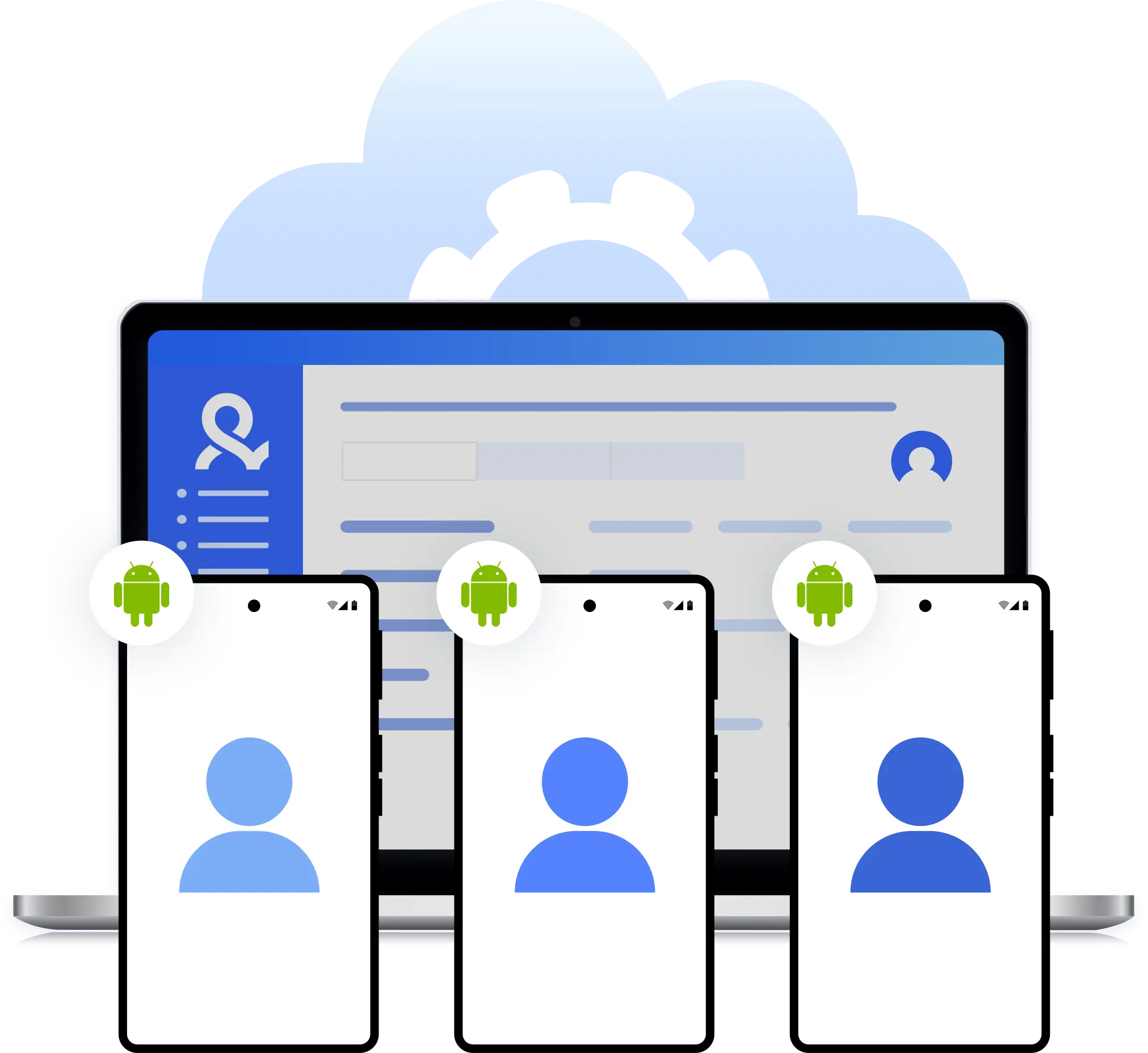
Running more than one mobile account from the same browser quickly leads to linking and restrictions. Multilogin’s mobile antidetect browser isolates each account in its own mobile browser profile, keeping cookies, storage, and device signals separate so multiple accounts can be managed without sharing the same mobile identity.
Run android-style mobile browser sessions from desktop
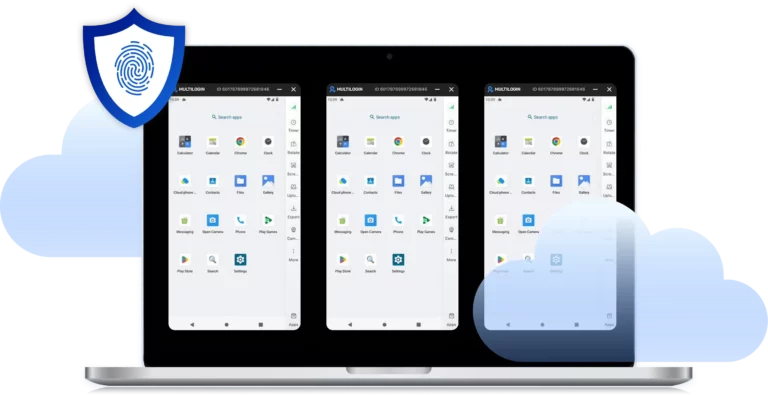
Run Android-style mobile browser sessions from your desktop using isolated profiles that reflect mobile browsing behavior. Each profile keeps its own session data and device signals, so mobile websites see consistent mobile activity instead of repeated desktop traffic.
Keep mobile sessions persistent across logins
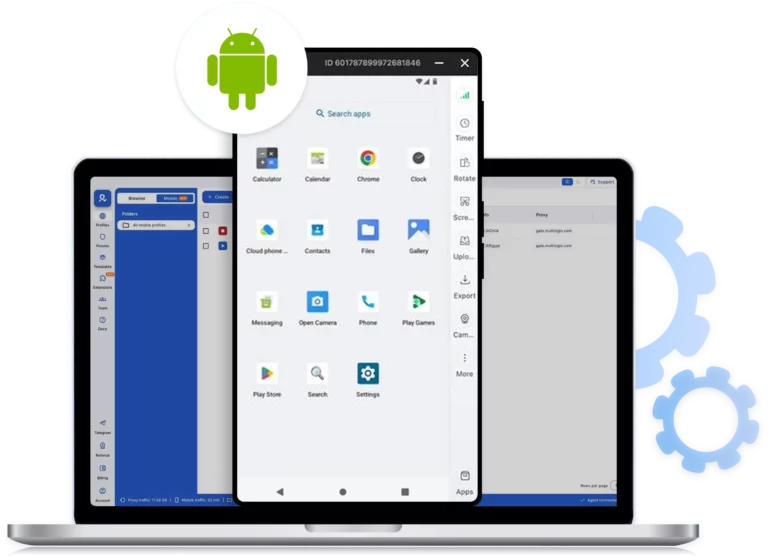
Each mobile browser profile keeps its own cookies and local storage, so accounts reopen in the same mobile session instead of triggering new-device checks every time you log in.
Control mobile location with per-profile proxy settings
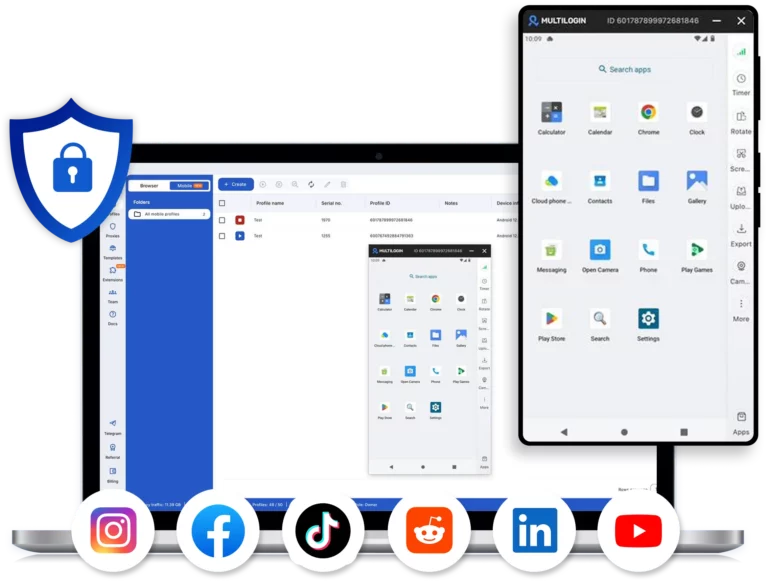
Each mobile browser profile can be connected to its own proxy using HTTP(S) or SOCKS5. This makes it possible to align location, IP address, and network behavior at the profile level, helping mobile sessions appear consistent instead of jumping between regions or network identities.
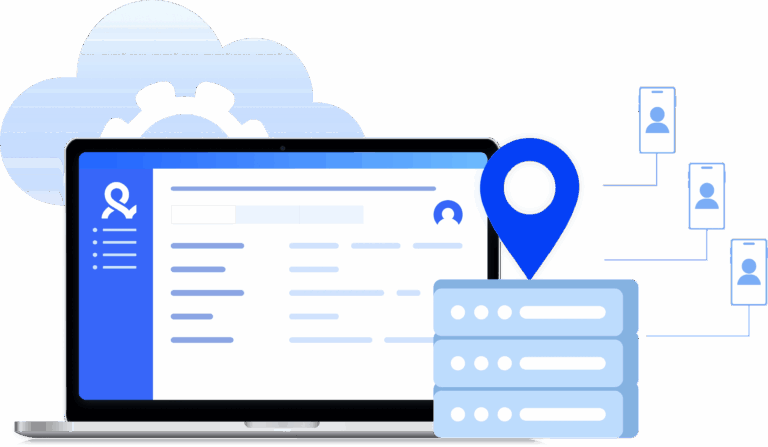
Scale multiple mobile accounts from one dashboard
Managing many mobile accounts becomes risky when profiles overlap or tools are scattered. Multilogin centralizes all mobile browser profiles in one dashboard, making it easier to create, organize, and reuse isolated mobile environments without sharing session data or device signals between accounts.
Manage Unlimited Mobile and & Web Accounts
-
3-day access to Multilogin
-
5 cloud or local profiles
-
200 MB proxy traffic included
-
3-day access to Multilogin
-
5 cloud or local profiles
-
200 MB proxy traffic included
What is antidetect browser?
An antidetect browser lets you manage multiple accounts without getting them linked or flagged. Each browser profile acts like a separate device.
Websites can’t tell your accounts are coming from the same computer, so you can scale your operations without worrying about bans or restrictions.

Why choose Multilogin?
Multilogin gives you everything in one place: desktop browser profiles and real Android cloud phones, all managed from a single dashboard.
Whether you’re working on desktop or mobile apps, you get the same reliable isolation that keeps your accounts safe.

Ready to try Multilogin?
Get antidetect browser profiles and real Android Cloud Phones in one platform.
Multilogin Features for Managing Multiple Mobile Accounts
Multilogin 2-in-1: Browser + Cloud Phones
Anti-detect browser profiles and cloud phones in one ecosystem. Manage web-based Gmail and mobile Gmail app from one dashboard with full control.
Real Android cloud phones
Run genuine cloud-hosted Android devices (versions 10–15) with real IMEI and system-level digital fingerprints. Install Gmail and other apps through the built-in store or APK uploads—full app compatibility guaranteed.
Mimic and Stealthfox browsers
Choose between Mimic (Chromium) or Stealthfox (Firefox) browsers. Each provides a different digital identity, fully optimized to bypass detection on any platform.
Team collaboration made simple
Collaborate on browser profiles and easily share passwords, cookies, and session progress with team members. Manage access with role-based permissions for secure teamwork.
Cloud storage and sync
Use cloud browser profiles to sync data across multiple devices or VPS instances. Access your Gmail accounts from anywhere without losing session data or having to log in repeatedly.
Advanced anti-fingerprinting technology
Our anti-fingerprinting tech bypasses multi-account and automated browser detection by creating unique browser fingerprints with 55+ customizable parameters.
Built-in residential proxy integration
Residential IPs are included by default. 150+ countries and 1,400+ cities with daily quality testing. No separate proxy subscriptions needed: everything works out of the box.
Features that make mobile multi-accounting easier

Bypass bot detection
Our anti-fingerprinting tech bypasses multi-account and automated browser detection by masking unique browser fingerprints.

Support for all proxy types
Every plan includes integrated proxies with traffic; supports HTTP/HTTPS/SOCKS5. Unused traffic rolls over to the next month.
Build custom automations with API
Automate repetitive tasks with Selenium, Playwright, Puppeteer, or Postman while staying undetected by anti-bot algorithms.

Auto-match fingerprints
Automatically adjust browser fingerprints to match proxy locations, supporting all types for enhanced security.
Most awarded antidetect browser













Multilogin competitive advantages
Fast and intuitive interface
Everything at your fingertips: drag-and-drop, hotkeys, and smooth multitasking without losing speed.
Browser built for multi-accounting
Advanced engine effectively avoids multi-account detection by creating unique browser fingerprints.
Created for team collaboration
Proxies included in every plan
24/7 support in 5 languages
Manage accounts across all major platforms













How to start using Multilogin
Start collecting data effortlessly with the industry leading antidetect browser.

Sign up
Register using a verified email address

Choose your plan
Select from various subscription plans tailored to your business needs

Download the Multilogin agent
Available for Windows, Mac, and Linux.

Access the Multilogin dashboard
Start creating and managing antidetect browser profiles

Create and manage multiple accounts
Set up and manage multiple accounts using separate browser profiles, all from one secure platform.
Watch the Multilogin Demo
Mobile antidetect browsers: How to run mobile accounts without getting banned
Most mobile account bans don’t happen because someone broke the rules. They happen because the same mobile identity shows up again and again, even when the account details look different.
If you have ever logged into two mobile accounts from the same browser, reused a mobile setup, or switched locations too often, you have likely seen this pattern. One account survives. The next one disappears. Then the rest follow. Not because of activity volume, but because the device behind the activity stopped looking stable — whether that device was a reused browser, a fragile phone farm, or an inconsistent cloud phone setup.
This is where a mobile antidetect browser changes the outcome.
Learn how some fingerprinting blockers backfire — and what to do instead.
What a mobile antidetect browser actually does
A mobile antidetect browser creates separate mobile browsing environments that do not share the same device identity. Each profile runs with its own fingerprint, cookies, local storage, and browser data. Mobile websites see individual users returning, not repeated access from one reused setup.
Unlike basic mobile emulators or browser extensions that only change screen size or user-agent, a mobile antidetect browser focuses on isolation. Nothing leaks between profiles unless you intentionally allow it. That separation is what keeps accounts from being linked.
When mobile platforms analyze behavior, they don’t look at a single signal. They look at patterns. Reused storage, repeated fingerprints, identical session data, and mismatched locations all point to the same source. Once that connection is made, fixing one account does not fix the system behind it.
Why mobile accounts get flagged so quickly
Mobile detection has become stricter than desktop detection in many cases. Platforms expect mobile users to behave consistently over time. When the same browser environment keeps changing, it raises questions.
Common triggers include:
- Logging into multiple mobile accounts from the same browser profile
- Losing cookies and session data after each login
- Switching IP locations without matching device behavior
- Using browser tools that pretend to be mobile without maintaining identity
If you are getting banned repeatedly, adding more accounts or changing credentials rarely helps. The issue is usually the environment itself.
A mobile antidetect browser addresses this by keeping each account tied to a stable mobile browser identity instead of a shared one.
Running android-style mobile browsing from desktop
A modern mobile antidetect browser allows Android-style mobile browsing directly from a desktop environment. Mobile websites respond as if the traffic is coming from a real mobile browser, not a resized desktop window.
Each mobile profile reflects mobile browsing behavior while staying isolated from others. When you return to the same profile, the session continues instead of resetting. That continuity is what prevents repeated verification loops and sudden restrictions.
This approach works well for teams and individuals who need mobile access without managing physical devices or unreliable emulators. The goal is not imitation. The goal is consistency.
Managing multiple mobile accounts without overlap
When multiple accounts share one environment, overlap is unavoidable. Cookies collide. Storage gets reused. Device signals repeat. That overlap is what platforms detect first.
With a mobile antidetect browser, each account lives in its own profile. You can:
- Keep login sessions active across restarts
- Reopen the same mobile environment without re-verification
- Separate accounts by platform, region, or purpose
- Avoid accidental cross-logins
This structure is especially important when managing social platforms, mobile web accounts, or ad-related workflows that rely on long-term stability.
Multilogin’s mobile antidetect browser follows this model by isolating every mobile profile at the browser level. Profiles do not share browser fingerprints, cookies, or local data unless explicitly configured.
Location and network control at the profile level
Mobile behavior is not just about the browser. Network consistency matters just as much.
Mobile antidetect browsers allow each profile to connect through its own proxy using HTTP(S) or SOCKS5. This makes it possible to keep location signals aligned with how the mobile session behaves.
Instead of rotating locations randomly, profiles can stay consistent. That stability matters more than constant changes.
When location, browser identity, and session data stay aligned, mobile platforms see a coherent user instead of fragmented traffic.
Scaling mobile workflows without breaking accounts
Scaling is where most mobile setups fail. What works for two accounts collapses at ten. What works for ten breaks at fifty.
The problem is not the number of accounts. It is the lack of structure.
A mobile antidetect browser makes scaling predictable by keeping profiles independent. New profiles do not affect existing ones. Old profiles can be reused without resetting identity. Troubleshooting becomes possible because environments remain intact.
From one dashboard, profiles can be created, organized, paused, or reused without rewriting workflows or rebuilding setups.
When a mobile antidetect browser is enough
A mobile antidetect browser is ideal when your work happens in the mobile web environment. That includes:
- Managing multiple mobile web accounts
- Accessing mobile-only website features
- Keeping long-lived mobile sessions active
- Working across regions with controlled network behavior
For native mobile apps, a different setup may be required. But for mobile browser-based workflows, isolation and persistence are what matter most.
Why teams choose Multilogin
Multilogin is used by teams that have already paid the price for unstable mobile setups and don’t want to repeat the same cycle. Instead of relying on browser tricks or fragile emulators that break over time, it is built around long-term control and consistency. The focus is not on quick workarounds, but on creating mobile environments that remain usable as workflows grow.
With Multilogin, mobile profiles are designed to work as independent environments that can be reused safely:
Cookies and local storage stay inside the same profile instead of resetting
Device signals remain consistent across sessions and logins
Profiles stay isolated, so activity in one does not affect the others
This structure lets teams stop rebuilding mobile environments after every issue and start maintaining stable setups that continue to work over time.
Learn more about Multilogin cloud phones!
What to do if your mobile accounts keep getting banned
If bans keep repeating, the solution is rarely more accounts or new credentials. It is almost always better separation.
That means:
- One mobile identity per account
- Persistent sessions instead of fresh logins
- Controlled network behavior
- No shared browser environments
A mobile antidetect browser provides that structure. Without it, mobile accounts remain fragile. With it, mobile workflows become manageable.
The difference is not speed or volume. It is stability over time.
FAQ
What is an anti detect mobile browser and why is it used?
An anti detect mobile browser is a tool that lets you run mobile browsing sessions that don’t share the same device identity. Each session has its own fingerprint, cookies, and storage, so mobile websites see separate users instead of repeated logins from one environment. It’s used to manage multiple mobile accounts without triggering bans caused by shared browser data.
How is a mobile antidetect browser different from a regular mobile emulator?
A mobile antidetect browser focuses on identity isolation and session stability, not just visual emulation. Many emulators only change screen size or user-agent, which is easy to detect. An antidetect browser android setup keeps browser fingerprints, storage, and sessions separate, making mobile behavior consistent over time instead of resetting on every login.
Can I use an antidetect browser for Android from my desktop?
Yes. An antidetect browser for Android lets you run Android-style mobile browser sessions directly from your desktop. Mobile websites interact with these profiles as mobile browsers, even though everything is managed from one dashboard, without needing physical phones.
Is there an online browser emulator with no time limit?
Many basic tools advertise themselves as an online browser emulator with no time limit, but they usually lack session persistence and fingerprint isolation. Without those, accounts still get flagged. A mobile antidetect browser keeps long-lived sessions stable, which matters far more than time limits when managing mobile accounts.
What is the difference between a mobile device browser emulator and an antidetect browser?
A mobile device browser emulator simulates mobile devices on your desktop, allowing you to test and develop apps or websites as if on a real mobile device. Developers primarily use it for compatibility testing. On the other hand, an antidetect browser mimics real browsing behavior to avoid detection. It creates multiple browser profiles on your desktop with unique fingerprints, helping you manage multiple accounts and bypass restrictions for tasks like web scraping and automation.
What is a mobile phone browser emulator used for?
A mobile phone browser emulator is commonly used to access mobile-only websites, manage mobile accounts, or test how content appears on smartphones. When combined with antidetect technology, it becomes suitable for long-term account use instead of short testing sessions.
Does Multilogin work as an android in browser emulator?
Multilogin works as an android in browser emulator by creating isolated mobile browser profiles that reflect Android browsing behavior. Each profile keeps its own identity and session data, allowing mobile browsing from desktop without sharing fingerprints across accounts.
Can a smartphone browser emulator help prevent mobile account bans?
A basic smartphone browser emulator alone is usually not enough. Preventing bans requires stable sessions, isolated storage, and consistent device signals. That’s why antidetect mobile browsers are used instead of simple emulators that reset or reuse identities.
When should I use a mobile antidetect browser instead of cloud phones?
Use a mobile antidetect browser when your work happens in mobile web environments and you need stable, isolated browser sessions. Cloud phones are better suited for native mobile apps. For managing mobile websites, accounts, and long-term browser sessions, a mobile antidetect browser is often the more efficient choice.