


Create multiple Signal accounts
Manage multiple Signal accounts from one dashboard. Use cloud phones for real Android environments and browser profiles for web— keep sessions stable, and scale safely.
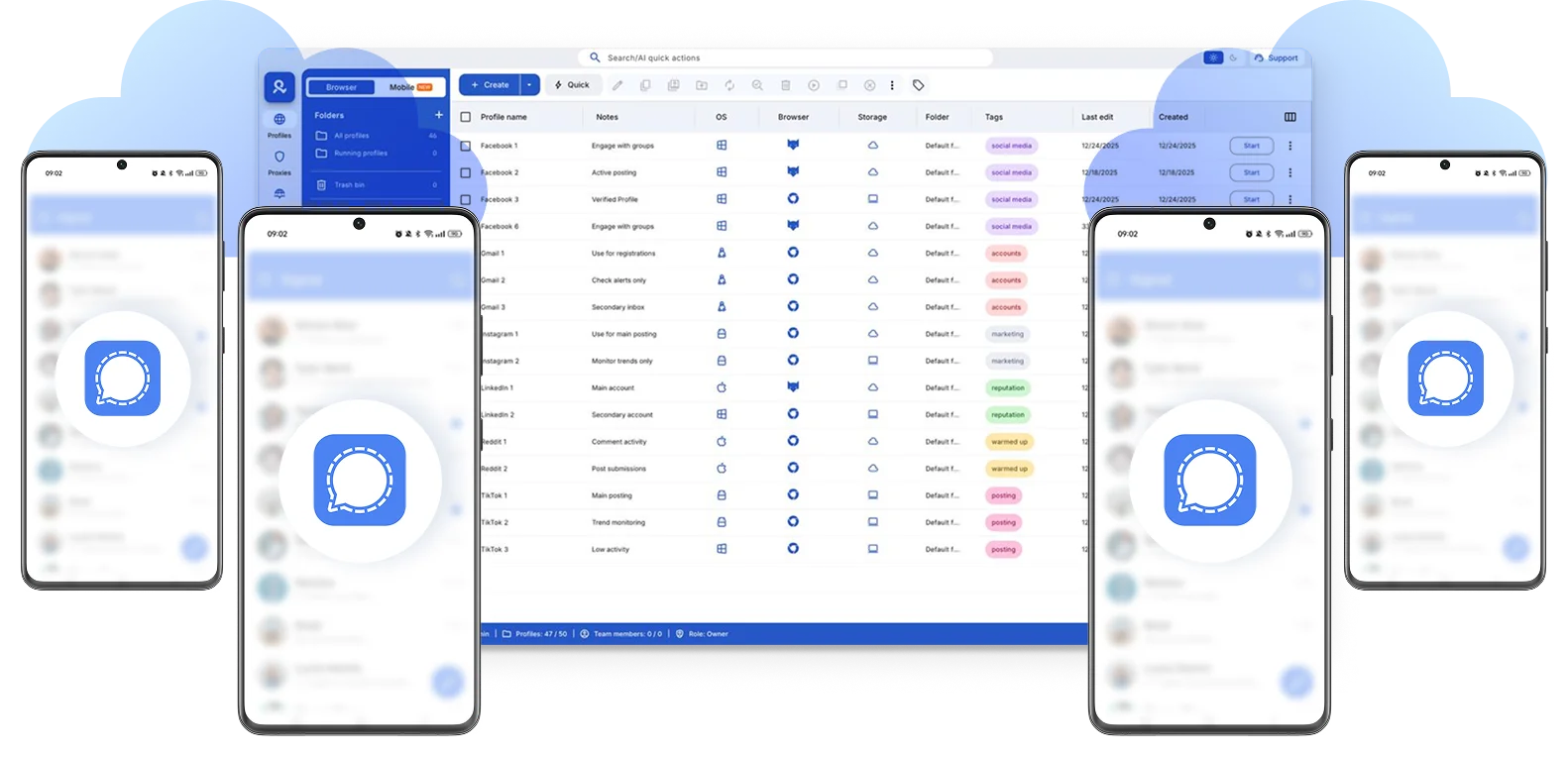
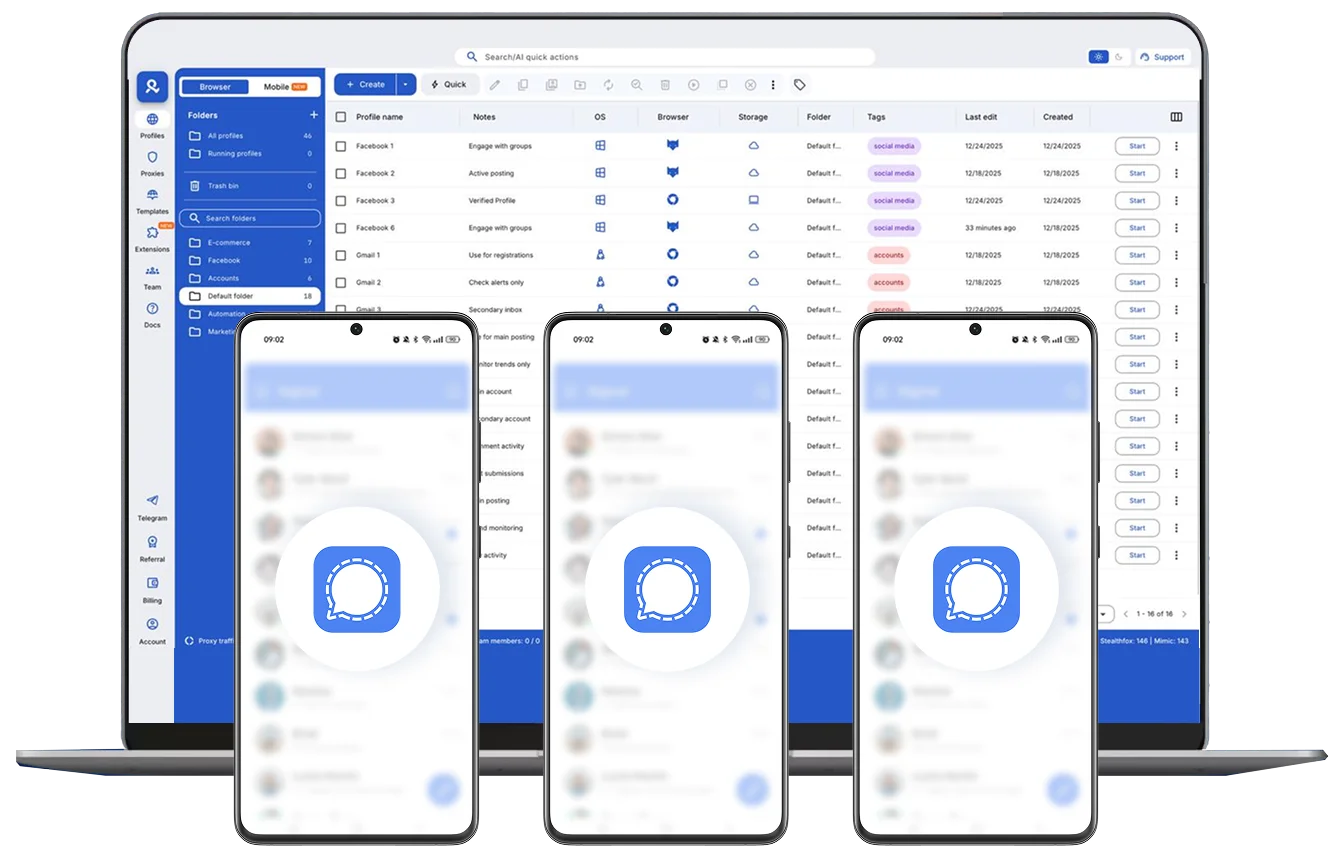
Run multiple Signal accounts
Switch between Signal accounts easily, keep sessions active. Manage each account on a separate cloud phone or in web-profile.
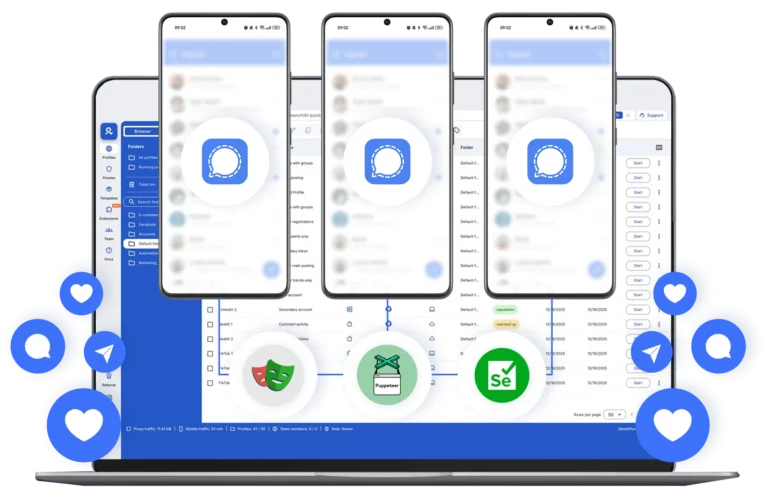
Manage Signal without repeated logins
Log in once and stay connected. Each account has consistent device identity, so Signal doesn’t trigger re-verification or reset sessions.
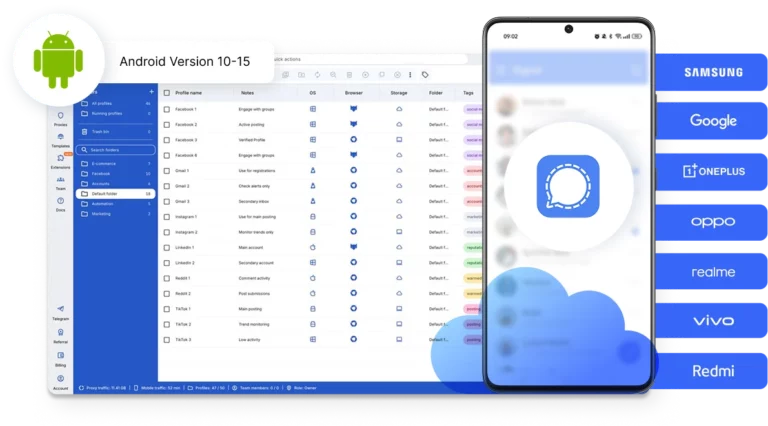
Use real Android devices for Signal
Choose from 30+ real device profiles, including brands like Samsung, Xiaomi, OPPO, and more.
Select specific models and Android versions (up to Android 15) .
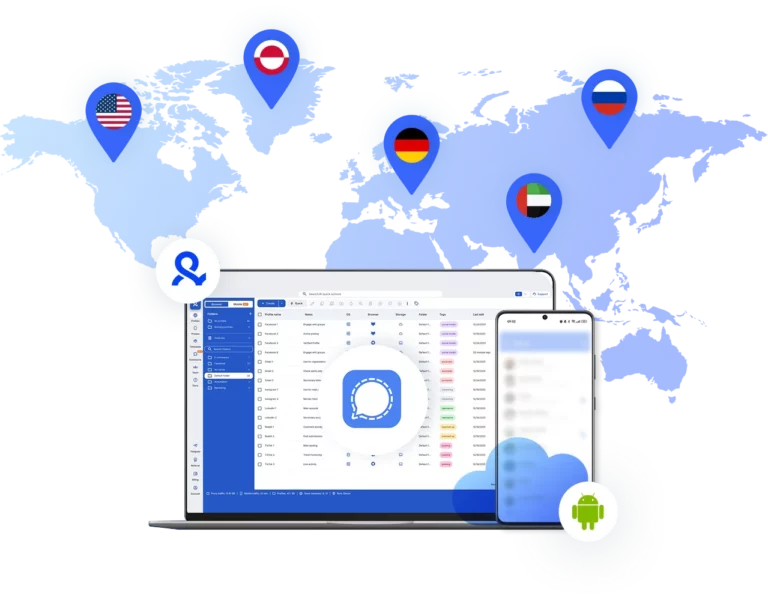
Run Signal accounts from the location you choose
Set a country and region for each cloud phone. Access 150+ countries, 30M+ IPs, and city- or ISP-level targeting to keep device location consistent and avoid verification issues.
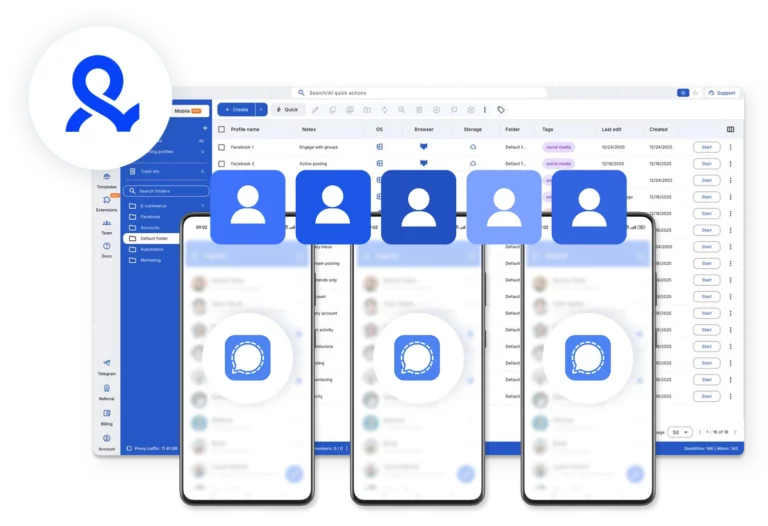
Collaborate with your team on Signal
Share Signal accounts with your team, assign access, and control who can use each device. No sharing SIM cards, devices, or losing control over accounts.
Grow your social media accounts with Multilogin cloud phones
-
Unlimited time
-
Mobile and browser profiles included
-
Free built-in proxies & mobile minutes
-
Unlimited time
-
Mobile and browser profiles included
-
Free built-in proxies & mobile minutes
What are cloud phones?
Cloud phones are real Android devices running in the cloud instead of in your hand. They behave like physical smartphones: you install apps, stay logged in, and keep all data between sessions.

Why choose Multilogin for managing Signal accounts?
Multilogin lets you manage multiple Signal accounts from one simple platform. Use cloud phones for the Signal mobile app, or switch to browser profiles for web workflows — all in one place.
Set up each account with its own device, location, SIM, and Android version.

Multilogin features for Cloud Phone management
Multilogin 2-in-1
Anti-detect browser profiles and cloud phones in one ecosystem. One app, one dashboard, full control.
Built-in proxy integration
Residential IPs are included by default. 150+ countries and 1,400+ cities with daily quality testing.
Up-to-date Android versions
Stable Android versions 10–15, fully compatible with modern mobile apps.
Real brands and devices
Support for 12 real Android device brands with unique IMEI and system-level digital fingerprints.
App repository
Install TikTok, Instagram, Reddit, and other popular apps without Google Play. APK uploads are also supported.
Folders, tags and access control
Organize profiles using folders, tags, and role-based access. Manage team workflows with ease.
Enterprise-grade security
Profile encryption, 2FA, access control, and compliance-ready security for safe operations.
One-click Android cloud phone launch
Start cloud phones and install any apps without physical devices.
Multilogin competitive advantages
Fast and intuitive interface
Everything at your fingertips: drag-and-drop, hotkeys, and smooth multitasking without losing speed.
Browser built for multi-accounting
Advanced engine effectively avoids multi-account detection by creating unique browser fingerprints.
Created for team collaboration
Proxies included in every plan
24/7 support in 5 languages
Related solutions you might like
Award winning multiple account management platform

How to start using Multilogin
Start creating multiple Signal accounts with the industry leading account-management tool.

Sign up
Register using a verified email address to create your Multilogin account.

Choose your plan
Select from various subscription plans tailored to your business needs.

Download Multilogin
Install Multilogin on Windows, macOS, or Linux to access browser profiles and cloud phone management. Or use web-version.

Access the Multilogin dashboard
Create antidetect browser profiles or launch cloud phones to manage Signal accounts in isolated environments.

Run multiple Signal accounts
Set up and manage multiple Signal accounts using separate cloud phones, all from one secure platform
Watch the Multilogin Demo
Get a 10-minute demo video on how Multilogin can help you easily make Signal accounts while remaining undetected. Just fill in your name and email below, and we’ll deliver the demo video directly to your inbox.

Running multiple Signal accounts on stable Android environments
Creating multiple Signal accounts is straightforward. Managing them reliably over time is where most setups break.
Signal is built around phone numbers, device identity, and secure sessions. It doesn’t just verify logins — it ties each account to a specific device environment. If that environment changes, accounts may require re-verification or lose session continuity.
That’s why device consistency matters more than anything else when working with multiple Signal accounts.
Potential issues in Signal multi-account setups
Signal accounts are tightly linked to devices. Each account expects a stable, consistent environment.
When multiple accounts share the same phone, emulator, or temporary setup, problems appear:
- Repeated SMS or call verification
- Session resets after device changes
- Conflicts between accounts on the same device
- Loss of access due to environment inconsistency
Even if everything is done manually and correctly, unstable setups create friction.
The issue is not how you use Signal — it’s where you run it.
The limits of one-phone and emulator setups
Using one phone for multiple Signal accounts works only at a very small scale.
As the number of accounts grows, switching between them becomes slow and manual, sessions may reset when accounts are re-registered, and device identity starts getting reused across accounts.
Emulators add even more instability. They often run inconsistent Android environments, cause unreliable app behavior, and fail to maintain stable sessions over time.
These setups are not designed for long-term use.
Android cloud phones for Signal account management
A cloud phone is a real Android device hosted in the cloud, not a simulation.
With cloud phones:
- Each Signal account runs on its own Android device
- App data and login sessions persist naturally
- Device identity remains consistent over time
- Accounts stay tied to their original environment
The best solution for multiple account management
Multilogin provides cloud phones inside a single unified platform.
Each Signal account runs on a dedicated Android device with:
- Real device identifiers
- Persistent storage and session continuity
- Location-aligned IP addresses
- Isolated app environments
At the same time, the platform includes browser profiles for web workflows — allowing you to manage mobile and desktop tasks from one place.
Key use cases for Signal multiple account management
This setup is designed for:
- Support teams handling multiple communication lines
- Agencies managing client messaging channels
- Affiliate and outreach workflows
- Businesses operating across regions
All-in-one setup for scalable Signal workflows
To manage multiple Signal accounts effectively, your setup should include real Android cloud phones with persistent environments, where each account runs on its own dedicated device.
Sessions remain stable without repeated verification, while network settings stay consistent with the account’s location.
Multilogin provides all of this without requiring additional tools or hardware.
Conclusion
Managing multiple accounts is not about creating more accounts.
It’s about maintaining them over time.
When each account runs on a real, stable Android device with consistent identity, workflows become predictable, sessions remain active, and scaling stops causing issues.
That’s when Signal multi-account management becomes structured, reliable, and sustainable.
FAQ
Yes, you can have multiple Signal accounts, but each one requires a unique phone number and a separate device environment. Signal is designed for one account per device, so managing multiple accounts requires proper setup.
Not reliably. Signal does not support true multi-account usage on a single device. Workarounds like app cloning or switching accounts manually often lead to session resets and repeated verification.
The safest approach is to use separate devices for each account. Cloud phones allow you to run multiple Signal accounts in isolated Android environments without conflicts or overlap.
Signal Desktop is linked to a mobile device and does not support independent account creation. To manage multiple accounts, each one must first be set up on a separate mobile device (or cloud phone).
Yes. Each Signal account must be registered with a unique phone number. Reusing numbers is not supported and can cause access issues.
