







Post more,
work less
Perfect for multiple accounts
Unique cloud phones for each account
Built-in proxies
Residential and mobile proxies included in every plan
Grow organically
Post from real devices
Log in to multiple WeChat accounts at the same time
Keep all WeChat accounts active at the same time. Each operates in an isolated profile with a unique IP and fingerprint, ensuring stable sessions for campaigns, messaging, or bots.
Quickly Launch & Automate WeChat Profiles
Set up new WeChat profiles quickly — each with one of 55+ unique fingerprints and IPs. Launch, duplicate, or move profiles in seconds. Fully compatible with web automation tools like Selenium, Puppeteer, Postman, and the Multilogin CLI. No extra browsers or devices needed — just streamlined control over every account.
Manage WeChat accounts without repeated logins
Log in once — access all WeChat accounts securely. Multilogin keeps each session saved, avoiding repeated verifications. Open accounts from any device without sharing passwords, while each session stays separate, stable, and trusted.
Manage WeChat accounts with your team
Collaborating with a team or clients? Safely share WeChat accounts without giving out passwords or risking re-verifications. Set permissions, control access, and keep everything synced in the cloud so your team can continue seamlessly.
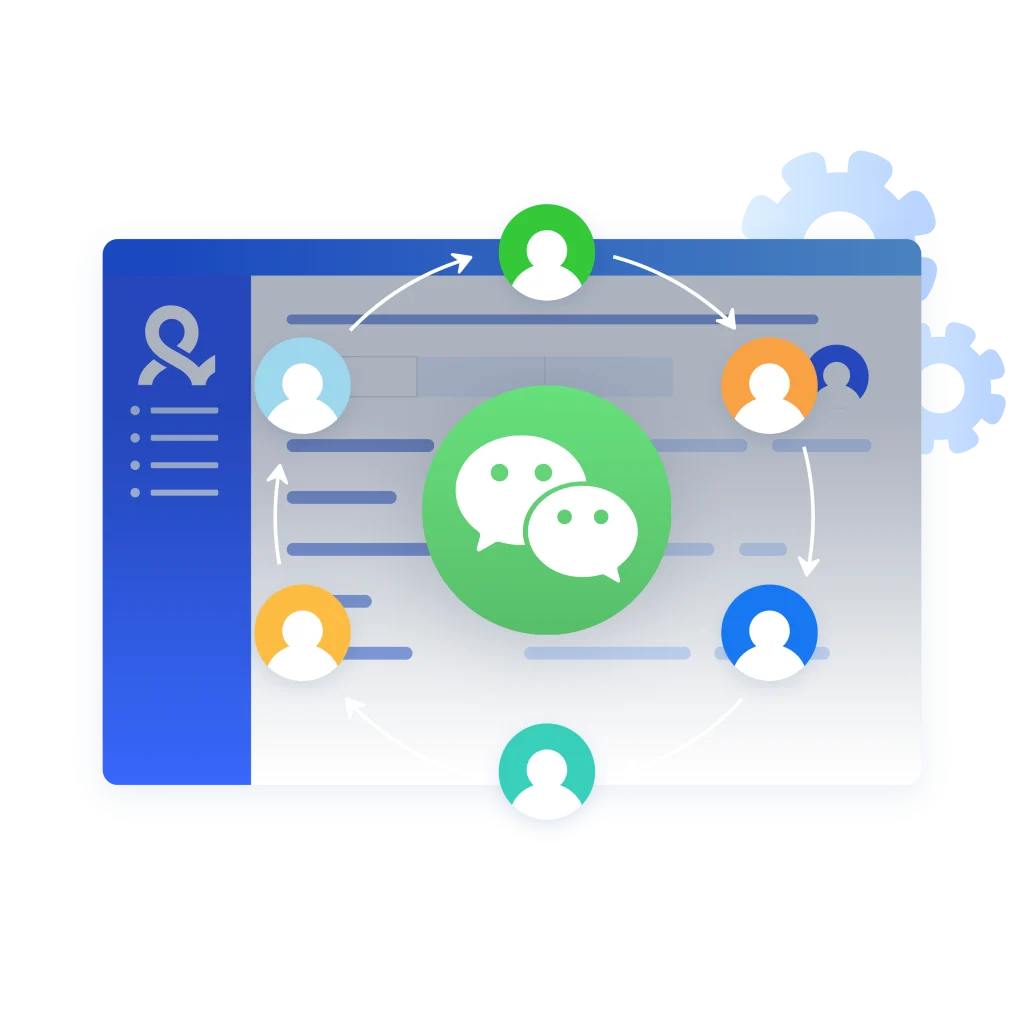
Run WeChat multiple accounts with residential proxies
Multilogin comes with clean, residential proxies that you can assign to each WeChat profile. Your IP stays consistent and trusted, lowering the risk of account blocks or verification checks, no separate proxy setup needed.
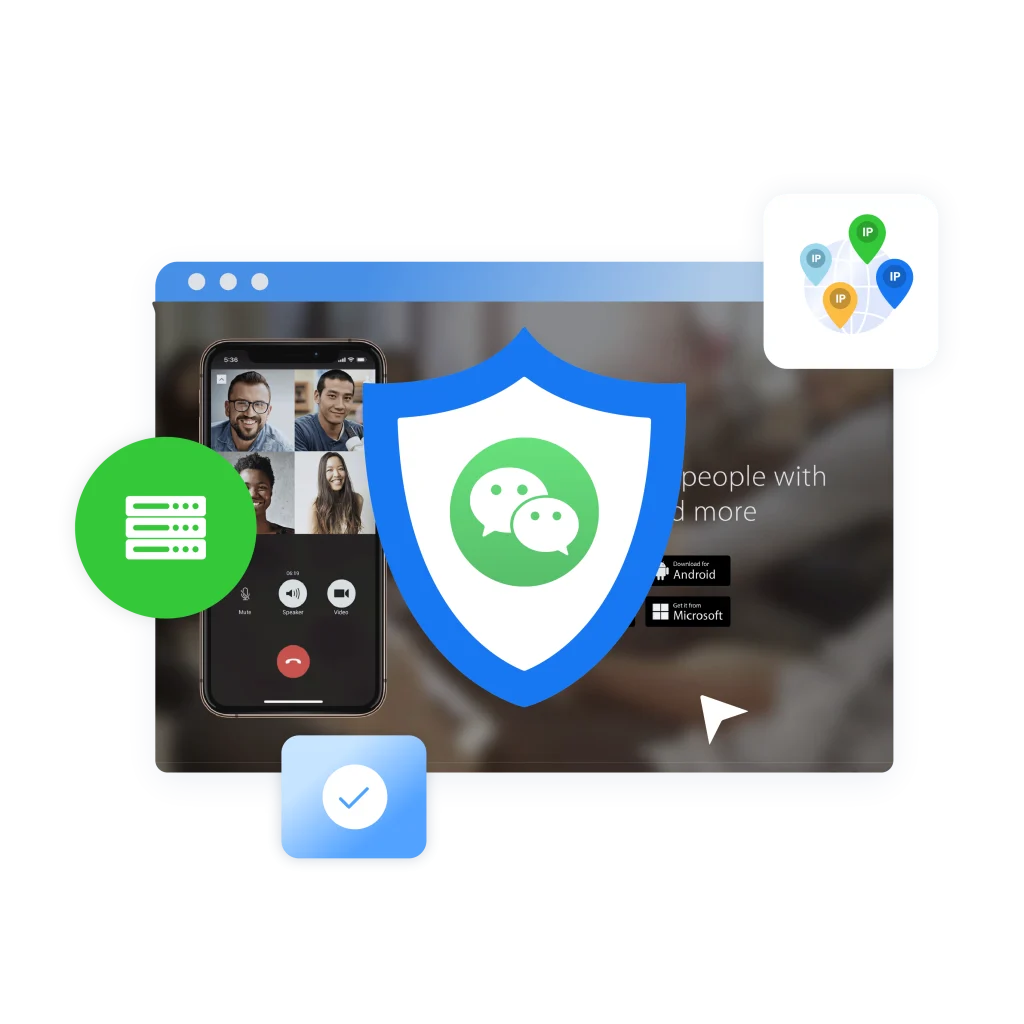
Manage multiple WeChat accounts with Android emulator
Easily manage multiple WeChat accounts on a single PC using an Android emulator. Register each account with a unique phone number and stay safe from bans with sandboxed sessions and optional VPNs. Get started and simplify your WeChat management.
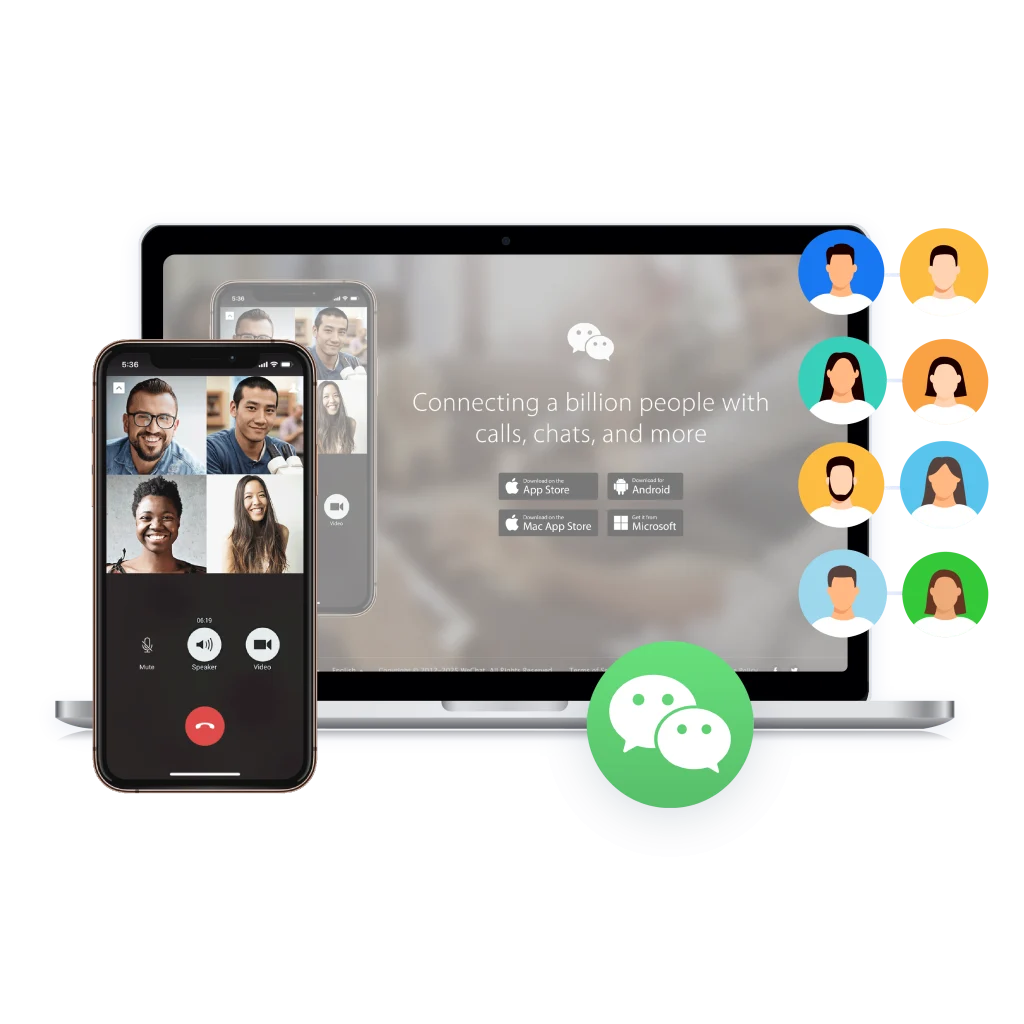
What is antidetect browser?
An antidetect browser allows you to manage multiple online accounts on a single device. It masks your digital fingerprints, including IP, screen resolution, system settings, and cookies, so each WeChat account appears as a unique user. This helps prevent detection, blocks, or account restrictions.
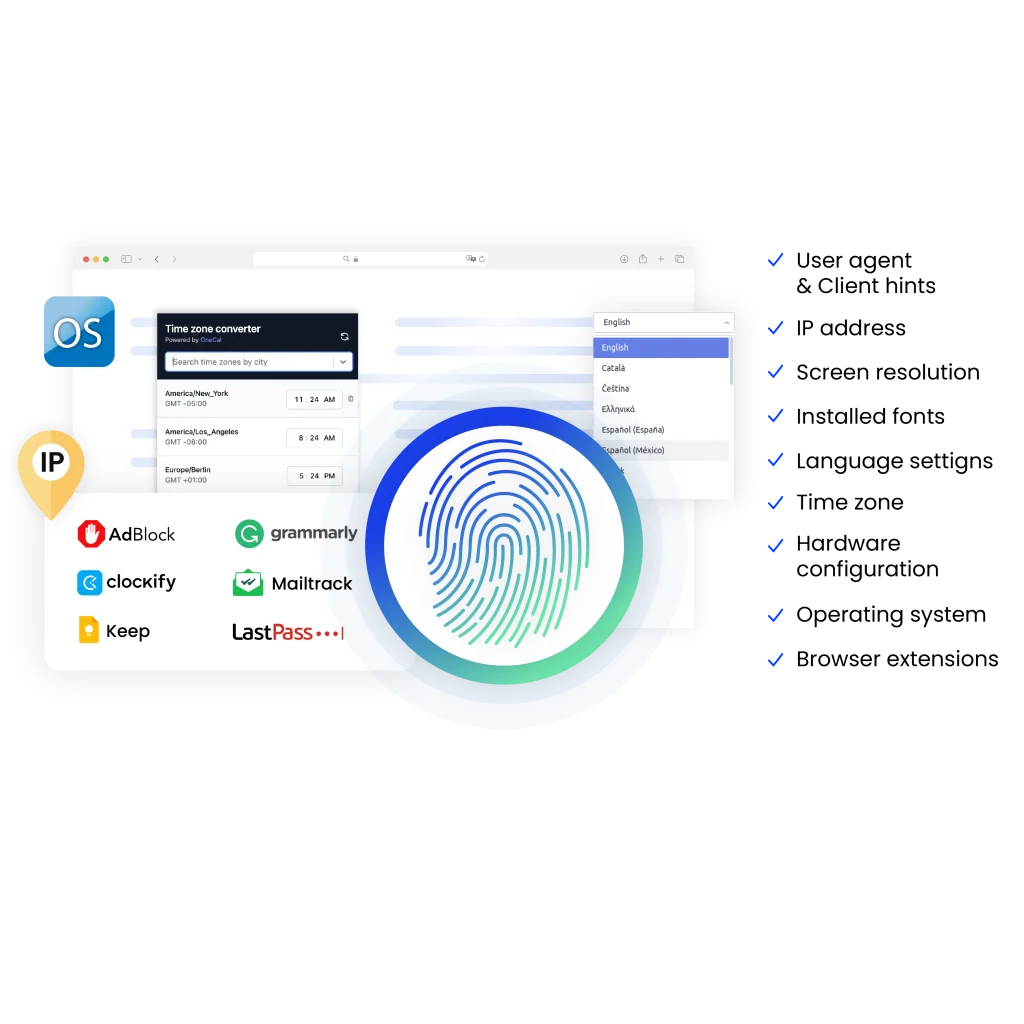
Why use Multilogin for managing multiple WeChat accounts?
Multilogin lets you manage multiple WeChat accounts without extra devices. Use isolated browser profiles that mimic real users, built-in residential proxies to stay undetected, and full support for automation tools.
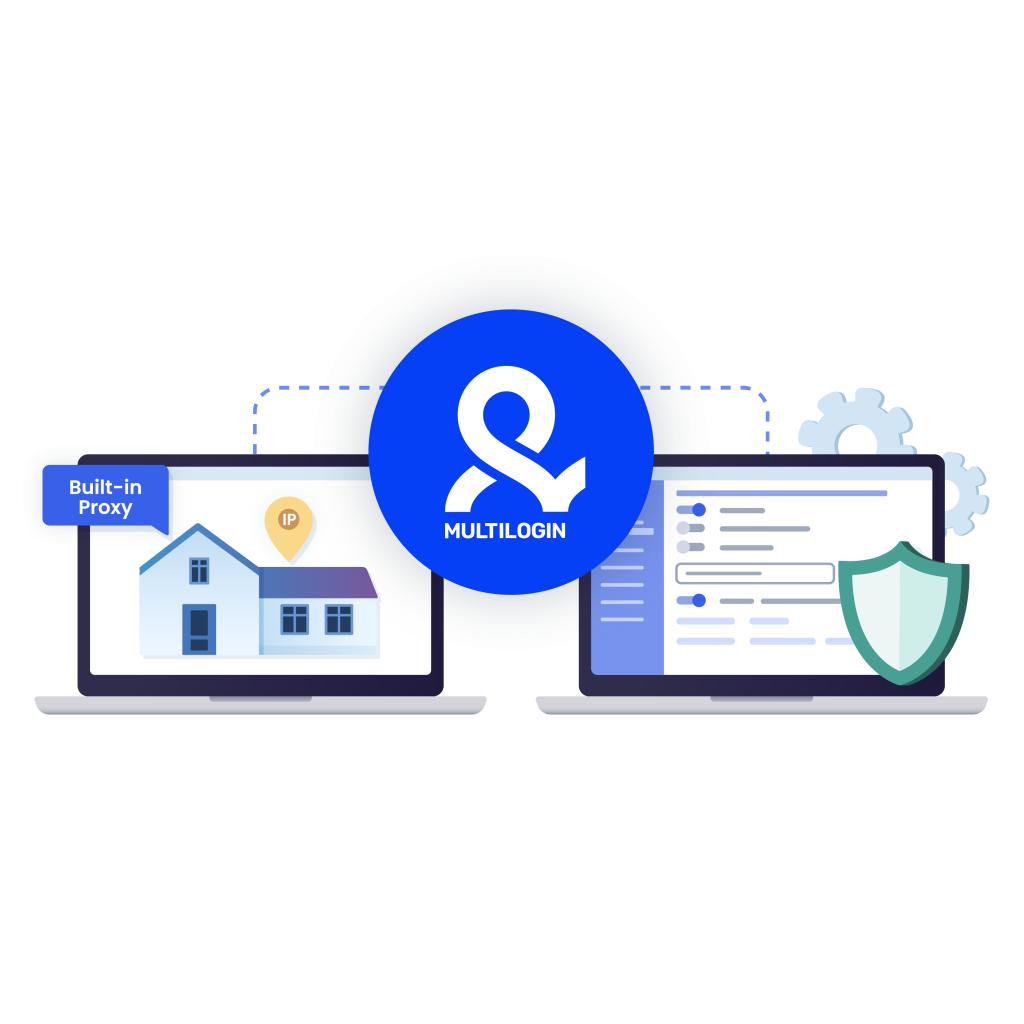
What Multilogin offers that other multi-accounting browsers don’t
-
Fast and intuitive interface
Everything at your fingertips: drag-and-drop, hotkeys, and smooth multitasking without losing speed.
-
Browser built for multi-accounting
Advanced engine effectively avoids multi-account detection by creating unique browser fingerprints.
-
Created for team collaboration
-
Proxies included in every plan
-
24/7 support in 5 languages
Multilogin features for creating multiple WeChat accounts
Try Multilogin today and manage multiple WeChat accounts with isolated browser profiles.
Manage multiple WeChat accounts naturally ans simply — all in one place.
Multilogin: manage multiple accounts across 25+ platforms
How to start using Multilogin
Start collecting data effortlessly with the industry leading antidetect browser.
Sign up
Register using a verified email address.
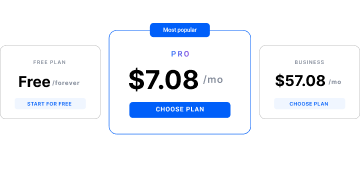
Choose your plan
Select from various subscription plans tailored to your business needs.
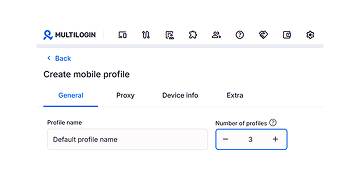
Run multiple WeChat accounts
Set up and manage multiple Instagram accounts using separate browser profiles, all from one secure platform.
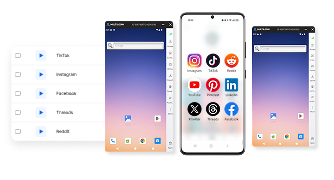
Why people love Multilogin
-

A Good Cloud Phone for Account Management
Running a small team means I need control over who can access what, and Multilogin handles that well. The team access controls let me manage permissions without giving everyone the keys to every account. On top of that, the cloud phones keep everything isolated so one account issue doesn’t put the rest at risk. Solid choice for agencies managing multiple clients or accounts.
-

The best service for great ideas and big minds!
Always here for their clients, always ready to help out. I am using the service for 3-4-5 months now and brought me lots of great things 🙂 Hope to grow it on a larger scale and continue using the service …
-

Cloud phones make it easy to manage multiple TikTok accounts with AI agents
I use Multilogin to manage a bunch of AI agents running TikTok accounts for different countries. Since each agent needs its own account, I wanted an easy way to keep everything organized. Cloud phones make it super easy. Every account has its own phone, so I don’t have to buy or manage a bunch of real devices. I can see everything in one dashboard while the AI agents handle posting and the rest of the daily work.
-

Ideal for Social Media Management
I mainly use Multilogin for client social media management, and the cloud phones have been the biggest advantage for me. I can keep different clients in separate environments, leave their sessions running, and jump between accounts without constantly switching physical devices. It feels much more practical than trying to manage everything from a pile of phones.
-

Perfect browser for work, worth the money!
My overall experience with Multilogin has been excellent. I really like its intuitive dashboard, reliable customer support, and competitive pricing. It has become an essential part of my e-commerce business, and I highly recommend it to anyone looking for a dependable solution.
-

Safer accounts using Cloud Phones for social profiles
Running social profiles on cloud phones feels safer, everything is properly separated instead of relying on browser fingerprint tricks alone. Been running mine for a couple months with zero linking issues.
-

Efficient Account Management and Outstanding Support with Multilogin
Multilogin has been an excellent tool for managing multiple accounts efficiently. The setup was quick, and I was able to start using it right away with no learning curve. The interface feels just like Chrome, making it easy to navigate and work without interruption. Performance has been smooth, and browsing feels natural and responsive.
The award-winning platform for social media growth













Watch the Multilogin Demo
Learn how Multilogin can boost your business. Check the video below to see its full capabilities in a short demo video.
Explore more multi-accounting solutions
- Create Airbnb multiple host accounts
- Create multiple AliExpress accounts
- Create multiple Amazon accounts
- Create multiple ASOS accounts
- Create multiple AttaPoll accounts
- Create multiple Binance accounts
- Create multiple Bing accounts
- Create multiple Bluesky accounts
- Create multiple CapCut accounts
- Create multiple Discord accounts
- Create multiple eBay accounts
- Create multiple Etsy accounts
- Create multiple Facebook Marketplace accounts
- Create multiple Fiverr accounts
- Create multiple Fortnite accounts
- Create multiple Gmail accounts
- Create multiple Google Accounts
- Create multiple Google Ads accounts
- Create multiple InShot accounts
- Create multiple Instagram accounts
- Create multiple Kwai accounts
- Multiple Kwork accounts
- Create multiple OnlyFans accounts
- Create multiple Outlook accounts
- Create multiple Pinterest accounts
- Create multiple Rakuten accounts
- Create multiple Reddit Ads accounts
- Create multiple Roblox accounts
- Create multiple SHEIN accounts
- Create multiple Shopee accounts
- Create multiple Shopify stores
- Create multiple Snapchat accounts
- Create multiple social media accounts
- Create multiple social media accounts
- Create multiple Steam accounts
- Create Multiple Temu Accounts
- Create multiple Threads accounts
- Create multiple Ticketmaster accounts
- Create multiple TikTok Shop seller accounts
- Create multiple Tinder accounts
- Create multiple Truth Social accounts
- Create multiple Twitch accounts
- Multiple Upwork accounts
- Create multiple Venmo accounts
- Create multiple Vinted accounts
- Manage multiple email accounts
- Manage multiple QQ accounts
- Manage Multiple Yelp Accounts Without Bans
- Manage TikTok accounts with cloud phones
- Multiple PayPal accounts
- Multiple Signal accounts
- Social media marketing
- Traffic arbitrage
- Multi‑account browser with cloud phones
- Multi-account management
- AIGC Management
- Create multiple Instagram accounts
- Create multiple Reddit accounts
- Create Multiple Facebook Accounts
- Create multiple WhatsApp accounts
- Create multiple YouTube accounts
- Create multiple LinkedIn accounts
- Create multiple Twitter accounts
- Create multiple Telegram accounts
Manage Multiple WeChat Accounts with Multilogin
It can be hard to run more than one WeChat account. Logins, verifications, and sessions that overlap can be very annoying. Tools like Multilogin make it easier by setting up separate browser profiles for each account. Each profile has its own IP address, fingerprint, and session, which makes it less likely that it will be banned.
With cloud sync and automation support through Selenium, Puppeteer, Postman, and the Multilogin CLI, teams and individuals can work quickly and easily without having to switch between devices or worry about account conflicts.
1. Keep Accounts Safe and Private
Each account runs in a separate browser profile with its own cookies, cache, and digital fingerprint. This isolation prevents platforms from linking accounts together, minimizing the chances of unexpected bans or security checks.
2. Manage Multiple Accounts at Once
Instead of juggling multiple devices or switching between browsers, Multilogin allows you to manage several accounts from one platform. Each account runs independently, keeping your workflow simple and organized.
3. Work with Teams Safely
If you collaborate with others, cloud-based profiles let team members access accounts securely. Permissions can be assigned to control who sees what, making teamwork efficient without risking sensitive information.
4. Automate Repetitive Tasks
Multilogin works with popular automation tools such as Selenium, Puppeteer, and Postman. You can automate daily tasks like messaging, posting, or monitoring multiple accounts, saving time and reducing errors.
Who Can Benefit from Multilogin for WeChat?
Digital Marketers and Agencies
Marketing teams often handle multiple client accounts across WeChat. Without proper separation, accounts can trigger platform security checks or face temporary bans. Multilogin allows each account to run in its own isolated environment with unique fingerprints and IPs. This keeps campaigns organized, reduces the risk of account suspension, and ensures data and analytics remain accurate. Teams can work faster and safer, focusing on strategy instead of troubleshooting account issues.
E-Commerce Businesses
Brands operating multiple WeChat stores or customer service accounts face challenges such as session conflicts, login restrictions, or accidental cross-account activity. By using isolated browser profiles with dedicated residential proxies, Multilogin ensures each store or support account functions independently. This reduces errors, keeps customer communications uninterrupted, and protects accounts from being flagged or restricted.
Content Creators and Influencers
Creators who manage personal, collaboration, or promotional accounts need clear separation to maintain distinct audiences and engagement strategies. With Multilogin, each profile behaves like a unique user, preventing accounts from being linked together. This allows creators to safely test content, manage partnerships, and grow multiple channels simultaneously without risking account bans or verification issues.
Remote or Distributed Teams
Teams working from different locations or time zones often struggle to access shared accounts safely. Multilogin’s cloud-based profiles enable secure access for team members anywhere in the world. Admins can assign permissions, control visibility, and track activity without sharing sensitive login credentials. This ensures workflow continuity, security, and accountability, making multi-account management practical and efficient for distributed teams.
How WeChat Detects Multiple Accounts
WeChat monitors several factors to identify users managing multiple accounts:
- Device fingerprints – Tracks device model, OS, screen size, and hardware identifiers.
- IP addresses – Detects repeated logins from the same IP or rapid location changes.
- Behavioral patterns – Monitors bulk messaging, repeated friend requests, or unusual activity.
- Phone number verification – Requires unique numbers for each account.
- Cookies and session data – Detects overlapping logins on the same device.
Using isolated browser profiles, unique IPs, and separate fingerprints helps reduce detection risks.
How many WeChat accounts can you use with one SIM?
WeChat’s official guideline is that you can only have one account per phone number for verification. There must be a different number for each account.
Reusing numbers: You can’t use the same number for more than one account. You might need a new SIM card or virtual number for each extra account.
There are ways to get around this. Tools like the Multilogin antidetect browser can enable you to manage more than one WeChat account on the same device, but each one still needs its own confirmed phone number.
Tip: Don’t use the same recycled numbers over and over again, since WeChat may start verification checks or temporary bans.
Most people utilize virtual numbers or SMS services to go beyond a few accounts. But even with new numbers, your accounts might still be linked if you use the same IP or browser.
Multilogin makes sure that each account is clean and independent. This means that even if they were made with fake numbers, they won’t be reported for running on the same device. There are no linkages or bans between sessions; each one has its own fingerprint, IP, and storage.
How to Set Up Multilogin for WeChat Accounts
Multilogin enables you to use several browser profiles and run multiple WeChat accounts at the same time. There are separate logins, cookies, IPs, and fingerprints for each profile, so accounts never get in the way of each other.
Step 1: Set up an account with Multilogin
Go to multilogin.com and sign up. Then, pick a plan that works for the amount of WeChat profiles you require.
Step 2: Get the Multilogin X App
Get the desktop app for Windows, macOS, or Linux. It was made to safely handle many accounts and keep them completely separate.
Step 3: Make profiles for your browser
Make one profile for each WeChat account from your dashboard:
- Give each user a unique fingerprint and user agent.
- Choose the size of the screen, the operating system, and the language.
- To get a clean IP, add a residential or mobile proxy.
Now, each profile has its own safe online identity.
Step 4: Phone Number Verification
- Each WeChat account needs a unique phone number for verification.
- During account setup, enter the phone number and receive a verification code via SMS.
- Multilogin saves the session so you won’t need to re-verify on the same profile.
Step 5: Start and sign in
Start a new browser profile. You can either go to web.wechat.com or scan a QR code on your phone to log in. Multilogin keeps track of each session, so you won’t have to verify again next time.
Step 6: Take care of and arrange profiles
- Sort profiles into groups based on the project, client, or purpose
- Add teammates and give them access to certain profiles.
- You can pause and resume sessions at any moment without losing data.
Step 7: If you need to, automate
Multilogin works with automation tools like Selenium, Puppeteer, and Playwright, and Postman. It also supports API calls to start and manage profiles on a large scale.
WeChat Long-Term Use Tips
- Use a unique phone number for each account.
- Don’t reuse cookies or browser storage across profiles.
- Let each profile collect cookies and browsing behavior gradually—this builds trust.
Conclusion
Managing multiple WeChat accounts doesn’t have to be complicated. By using Multilogin, each account stays isolated, secure, and fully operational, while features like cloud sync and automation make workflows faster and more reliable. Whether you’re a freelancer, marketer, or agency, you can focus on results instead of technical hassles.
FAQ about WeChat
Can I have multiple WeChat accounts on one device?
Yes, but with limitations. WeChat generally allows only one personal account per device without using additional tools. Trying to log in multiple accounts on the same phone or app can trigger verification checks or account restrictions.
To manage multiple accounts safely, people often use Android emulators or tools like Multilogin, which create isolated environments so each account behaves like it’s on a separate device.
Can I create a WeChat account without a phone number?
No, a phone number is required for account verification. WeChat sends an SMS code to verify your identity during registration. This is essential for account security and to prevent spam or fraudulent accounts. Each account must have a unique phone number.
How to make another WeChat account?
To create another account, you need:
- A different phone number.
- Either a separate mobile device or an isolated environment like a Multilogin Android emulator.
- Sign up on the WeChat app and verify with the new phone number.
- Keep each account in its own session to avoid conflicts or bans.
Can wechat users talk to wiixin users ?
No. WeChat and Wiixin (a lesser-known platform) do not support cross-platform messaging. Communication is only possible between accounts on the same platform (WeChat to WeChat).
Is WeChat similar to WhatsApp?
Yes and no. Both are messaging apps that support text, voice, video calls, and group chats. However, WeChat is more all-in-one:
- It has social networking features like Moments (similar to a timeline).
- Integrated mobile payments with WeChat Pay.
- Mini-programs for games, services, and shopping.
So while the messaging part is similar to WhatsApp, WeChat offers a broader ecosystem of services.
Can I access WeChat from banned or restricted countries?
Yes, using an Android emulator combined with a reliable VPN allows you to access WeChat even from restricted regions.