Create multiple Rakuten accounts
Create multiple Rakuten accounts, unlock more orders, and grow revenue without bans by using clean device environments, Japan IPs, and real fingerprints.
Avoid Rakuten bans and automatic restrictions
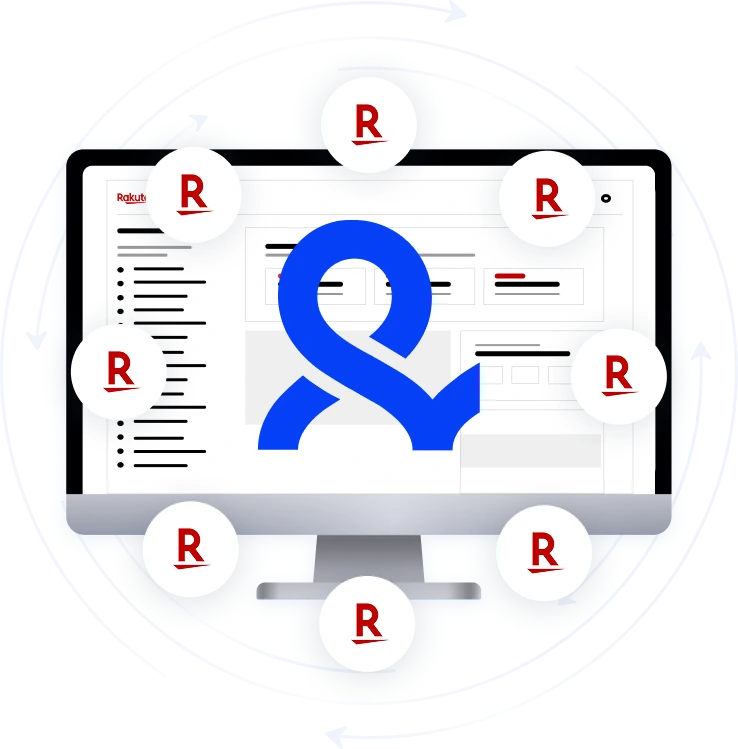
Rakuten blocks accounts that share IP, device fingerprint, or cookies. Multilogin gives each account 55+ unique fingerprint values, 100% isolated session data, and clean Japan IPs, so every account looks like it belongs to a real, independent user. This directly reduces account closures and verification loops.
Keep all Rakuten accounts organized
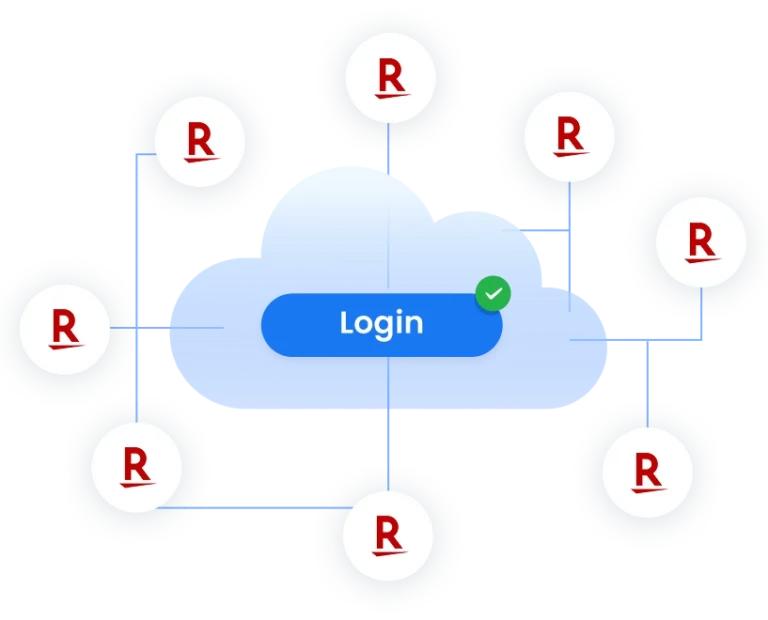
Everything runs in the cloud: profile syncing, proxy assignments, device configurations, and login states. You can move across laptops or VPS systems without losing a single session. This ensures stable long-term management and reduces Rakuten account loss.
Scale Rakuten operations with automation
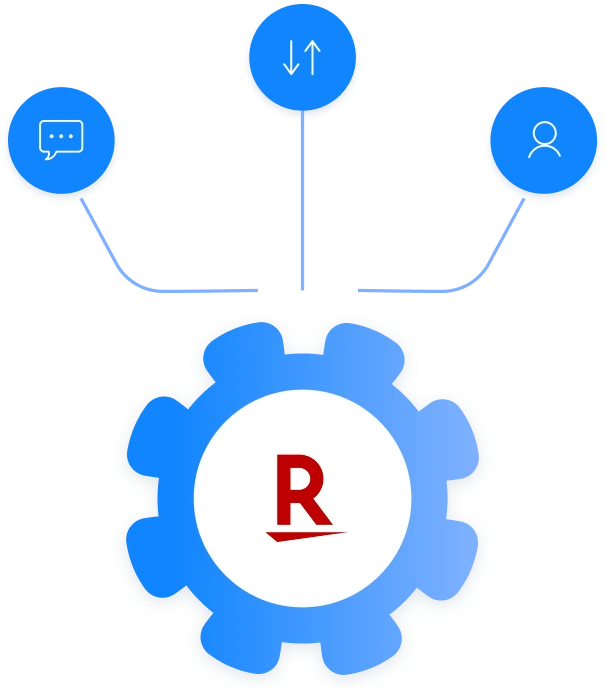
For large-scale teams, Multilogin supports Selenium, Postman, Multilogin CLI, Playwright, and Puppeteer so you can automate browsing, data collection, coupon checks, and inventory research across multipleprofiles without hitting bot-detection systems. More automation = more output with the same team size.
Share multiple accounts with your team
Set clear permissions and access levels so every team member manages accounts safely and efficiently. Boost productivity by pausing or resuming sessions anytime, allowing teammates to pick up exactly where the previous user stopped.
Operate like a real Japanese user with clean local proxies
By running your profiles through Japan-based proxies inside Multilogin, your device, IP, and geolocation all appear locally authentic. This improves compliance with Rakuten’s regional rules and unlocks Japan-only payment flows, promotions, and point systems that are unavailable to foreign IPs.
Run Rakuten Safely With Android Mobile Emulation
Multilogin’s Android profiles let you manage Rakuten accounts like real Japanese smartphone users. Each profile behaves as a separate mobile device, helping you pass checks and unlock mobile-only offers.
Grow your social media accounts with Multilogin cloud phones
-
Unlimited time
-
Mobile and browser profiles included
-
Free built-in proxies & mobile minutes
-
Unlimited time
-
Mobile and browser profiles included
-
Free built-in proxies & mobile minutes
What is multi-accounting browser?
A multi-accounting browser is a tool that hides a user’s digital fingerprint and provides anonymity online by masking device and browser details. It is useful to manage multiple accounts on various platforms without triggering detection or bans.
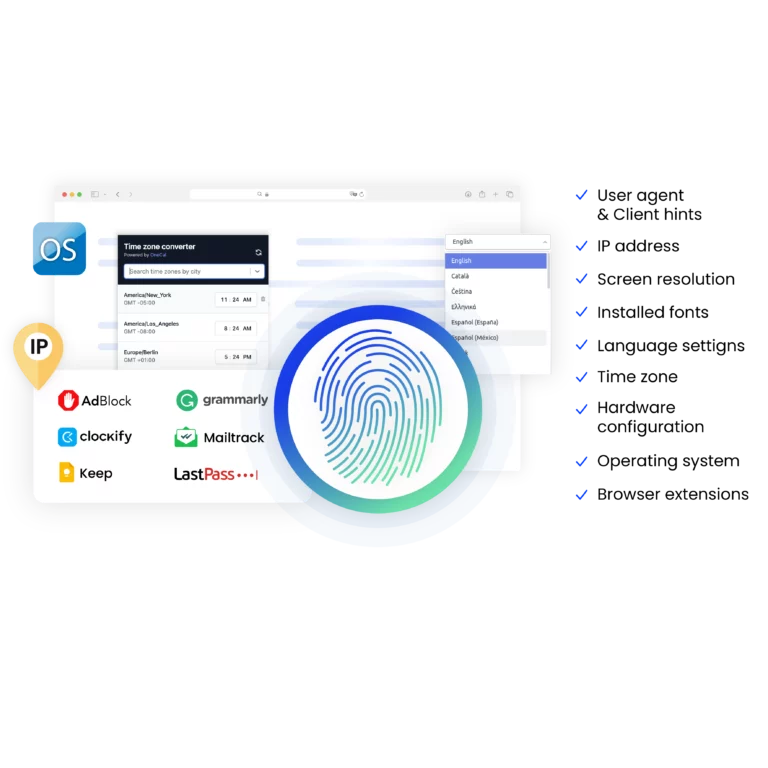
Why choose Multilogin for managing multiple accounts on Rakuten?
Multilogin provides everything you need to manage multiple accounts and automate data scraping effectively. With multi-accounting browsers that behave like real users, high-quality residential proxies to bypass anti-scraping bots, and support for popular automation tools like Puppeteer, Playwright, Postman, Multilogin CLI, and Selenium.
Multilogin features for creating multiple Rakuten accounts
Bypass bot detection
Our anti-fingerprinting tech bypasses multi-account and automated browser detection by masking unique browser fingerprints.
Team collaboration
You can collaborate on browser profiles and easily share passwords, cookies, and session progress with team members.
Data sync over cloud
Use cloud browser profiles to sync data across multiple devices or VPS instances.
Fingerprint adjustment to match proxy
Automatically adjust browser fingerprints to match proxy locations, supporting all types for enhanced security.
Support for all proxy types
Use our proxies or bring your own. Multilogin supports all proxy types.
Residential rotating IPs
We test our residential proxies daily to ensure flawless performance with major platforms.
Chrome or Firefox interface
Our Mimic and Stealthfox browsers fully emulate Chrome or Firefox, providing you with a different digital identity in each browser window.
High load supported
Our platform supports high loads, making it ideal for operations of any size.
Related solutions you might like
Most Awarded Multi-Accounting Browser













How to start using Multilogin
Start collecting data effortlessly with the industry leading multi-accounting browser.

Sign up
Register using a verified email address.

Choose your plan
Select from various subscription plans tailored to your business needs.

Download Multilogin agent
Available for Windows, Mac, and Linux.

Access the Multilogin dashboard
Start creating and managing multiple browser profiles.

Run multiple Rakuten accounts
Set up and manage multiple accounts using separate browser profiles, all from one secure platform.
Create multiple Rakuten accounts
If you are asking “can you have multiple Rakuten accounts?”, there is no universal yes.
Rakuten operates several services, and the rules differ. Rakuten Group’s general membership rules prohibit unauthorized creation or use of multiple accounts. Rakuten Rewards in the US specifically warns that creating multiple accounts for fraudulent referrals can lead to Cash Back being rescinded or an account being terminated.
Rakuten Rewards also has a help article for users who accidentally end up with duplicate accounts, which confirms that duplicate accounts can exist but does not mean they are approved for earning duplicate rewards. The documented option is to delete the duplicate account.
So if you are researching Rakuten multiple accounts policy, start with the terms for the exact Rakuten service you use. Do not create extra accounts to multiply referral bonuses, new-member offers, Cash Back, coupons, or other benefits that are limited per person.
For legitimate multi-user or business workflows, Multilogin can help keep each authorized mobile or web environment organized.
Why multi-accounting on Rakuten can become difficult
Account problems are not always caused by a single technical signal. Rakuten can use account details and activity patterns to investigate suspicious or abusive behavior.
On the web, account environments may include cookies, browser and device information, session history, network location, and login behavior. On mobile, apps can also access device-level information that a standard desktop browser does not provide.
Common operational problems include:
- Mixed sessions: One person signs out of one account and immediately signs into another from the same browser state.
- Cookie overlap: Account data is repeatedly mixed inside one browser profile.
- Location inconsistency: An account normally used in one region suddenly appears from a different country or network.
- Shared access: Several team members use the same credentials from unrelated devices.
- Duplicate-account abuse: Multiple accounts are created to obtain benefits intended for separate new members.
The last point is a policy issue, not a technical problem that software should try to hide.
How Multilogin helps manage authorized Rakuten accounts
Multilogin separates mobile and web workflows while keeping them in one dashboard.
For the mobile side:
- Each mobile account can use its own real Android Cloud Phone.
- App data, cache, and login states persist between sessions.
- Android environments use real device parameters and genuine hardware identifiers.
- Built-in mobile-grade connections help maintain consistent IP and geolocation.
For web-based Rakuten workflows:
- Each account can use its own multi-accounting browser profile.
- Cookies and session data remain separate between profiles.
- Built-in residential proxies are available.
- Profile data can remain persistent between sessions.
- Teams can assign and share access through Multilogin rather than rebuilding account environments on separate laptops.
Multilogin combines both sides in one platform instead of treating Rakuten as a browser-only workflow.
Who needs separate Rakuten account environments?
E-commerce sellers
Marketplace teams may have several authorized business, regional, store, or staff workflows to keep organized. Each account should still comply with the policies governing that Rakuten service.
If you also sell through other marketplaces, see our guides to multiple Amazon accounts and multiple eBay accounts.
Affiliate marketers
Affiliate teams may need to keep separate clients, campaigns, research sessions, or approved accounts organized. Multiple accounts should not be used to claim referral or new-member rewards more than once.
Agencies and teams
Agencies often manage accounts belonging to different clients. Separate persistent environments reduce the chance of the wrong team member opening a client account from the wrong browser, phone, or location.
International e-commerce teams
Teams operating across regions may need local account environments for markets where they are genuinely eligible to operate. A local IP does not replace regional eligibility, identification, payment, or residency requirements.
Household members
Different people in the same household may have their own legitimate Rakuten memberships where the applicable service allows it. Each person should register and use their own accurate details.
Rakuten Rewards explicitly allows members to refer friends and family who are new members, but its fraud rules can flag multiple referral accounts that share identifying information when they appear abusive.
Conclusion
If you need to manage multiple Rakuten accounts, start with policy, not tooling.
Check which Rakuten service the account belongs to, who owns it, what benefits or promotions apply, and whether multiple accounts are permitted for that use case. Rakuten Group prohibits unauthorized multiple-account creation, while Rakuten Rewards can penalize duplicate accounts used to abuse referrals or Cash Back.
For approved multi-user, agency, marketplace, or business workflows, Multilogin gives you one place to manage the technical side: real Android Cloud Phones for mobile apps and persistent browser profiles for web accounts, with built-in proxies and team access.
Start with the Free plan, no credit card and no time limit. Paid plans start from $7.08/month.
FAQ
Can you legally have multiple Rakuten accounts?
Rakuten closely monitors behavior that looks connected or suspicious. If multiple accounts appear to come from the same device, IP, or environment, they may be restricted or banned. The key is keeping each account fully separate.
Why do multiple Rakuten accounts get banned so easily?
Rakuten links accounts through patterns such as:
shared IP addresses
browser fingerprints
device identifiers
cookies and browsing history
login behavior
When these signals overlap, Rakuten flags accounts as belonging to one user, which triggers bans.
Do I need a Japan IP to manage Rakuten accounts safely?
Yes. Rakuten is very sensitive to region mismatches. Using a Japan residential or mobile IP helps your account appear local and prevents location-based verification loops.
Can I use the same device for multiple Rakuten accounts?
You can technically use the same device, but it’s one of the fastest ways to get your Rakuten accounts linked and banned. When you use the same device, Rakuten detects identical fingerprints, cookies, storage, IP patterns, and login behavior — all of which signal to the system that the accounts belong to the same user.
If you need to manage multiple Rakuten accounts safely, each one must operate in its own separate environment.
This is where Multilogin helps: it creates fully isolated browser profiles on the same physical device, each with its own unique fingerprint, cookies, IP assignment, timezone, and storage. This makes every Rakuten account look like it’s coming from a completely different user even if you’re still using one laptop.
Can I use the same device for multiple Rakuten accounts?
You can technically use the same device, but it’s one of the fastest ways to get your Rakuten accounts linked and banned. When you use the same device, Rakuten detects identical fingerprints, cookies, storage, IP patterns, and login behavior — all of which signal to the system that the accounts belong to the same user.
If you need to manage multiple Rakuten accounts safely, each one must operate in its own separate environment.
This is where Multilogin helps: it creates fully isolated browser profiles on the same physical device, each with its own unique fingerprint, cookies, IP assignment, timezone, and storage. This makes every Rakuten account look like it’s coming from a completely different user even if you’re still using one laptop.
How can Multilogin help with managing multiple Rakuten accounts?
Multilogin provides fully separate browser environments, each with its own fingerprints, cookies, IP assignments, and device characteristics. This prevents accounts from being linked and makes multi-account work safer and more consistent—especially when combined with Japan residential or mobile proxies.
Can I have multiple Rakuten accounts for Cash Back?
Do not create duplicate Rakuten Rewards accounts to multiply Cash Back, referral bonuses, or new-member offers. Rakuten says fraudulent activity can lead to Cash Back being rescinded, payments being withheld, or accounts being terminated.
Can you make multiple Rakuten accounts for different people?
Separate people may have their own accounts where the applicable Rakuten service permits it. Use each person’s real information and follow the service’s rules. Rakuten Rewards allows existing members to refer new friends and family members, but new-member eligibility still applies.
Can I combine Rakuten accounts?
Rakuten Rewards’ current help documentation explains how to delete a duplicate account, but it does not describe a self-service process for combining two accounts or merging their Cash Back balances. If you have duplicate accounts with pending or confirmed Cash Back, contact Rakuten before deleting anything. Rakuten notes that pending Cash Back can be lost when an account is deleted.
Why does Rakuten have instructions for switching accounts?
Rakuten Rewards documents how to sign out of one account and sign in to another through its browser extension. That shows multiple accounts may be accessed from a browser, but it should not be interpreted as permission for one person to create duplicate accounts for additional rewards.
What about “multiple Rakuten accounts Reddit” advice?
Reddit discussions can be useful for understanding individual experiences, but they are not Rakuten policy. For questions about Rakuten multiple accounts, account closures, referrals, Cash Back, or combining accounts, Rakuten’s current membership rules, Terms and Conditions, and Help Center should be treated as the primary sources.
Do I need a Japan IP for Rakuten?
Not automatically. Use a regional IP that matches the legitimate location of the account and workflow. A Japan IP can be relevant for an account genuinely operated in Japan, but it does not make an account eligible for Japan-only services, promotions, payment methods, or benefits.
Can I use the Rakuten Android app with Multilogin?
Yes. Multilogin provides real Android Cloud Phones that run native Android apps. These are cloud-hosted Android devices, not Android emulators. App data and login state can persist between sessions.
Can I use the same computer to manage several authorized Rakuten web accounts?
Multilogin’s multi-accounting browser can keep each authorized web account in its own persistent profile with separate cookies, session data, proxy settings, and storage. This is useful for organizing accounts belonging to different clients, users, or approved business workflows.
How can Multilogin help with multiple Rakuten accounts?
Multilogin combines real Android Cloud Phones for mobile app workflows with a multi-accounting browser for web accounts. Both are managed from one dashboard, alongside persistent sessions, built-in proxies, team access, and automation support.
Does Multilogin have a free plan?
Yes. The Free plan has no time limit and no credit card requirement. It includes five cloud mobile and browser profiles, 200 MB of premium proxy traffic as a one-time bonus, and one cloud mobile profile with 30 mobile minutes. Paid plans start from $7.08/month.
Watch the Multilogin Demo for creating multiple accounts on Rakuten
Get a 10-minute demo video on how Multilogin can help you easily build your database of Rakuten accounts while remaining undetected. Just fill in your name, last name and email below, and we’ll deliver the demo video directly to your inbox.