Run WhatsApp with a dedicated Cloud Phone

Install WhatsApp on a cloud phone and give each client a real Android environment to message, call, and manage chats from.  

Cloud phones for WhatsApp
Centralize all your WhatsApp accounts on Multilogin

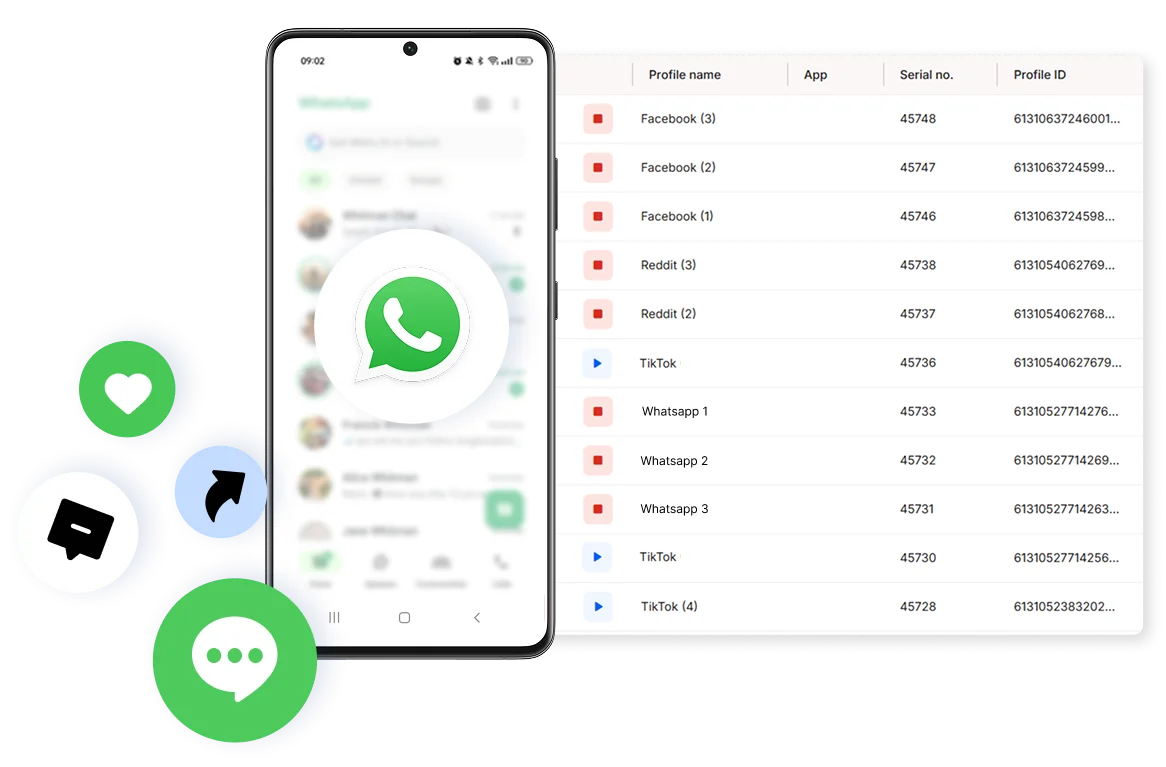
Keep all your WhatsApp accounts in one place

Run WhatsApp Business on several Cloud Phones at once. Label and organize accounts by client, market, or department, so chat history and contacts never mix between numbers. 

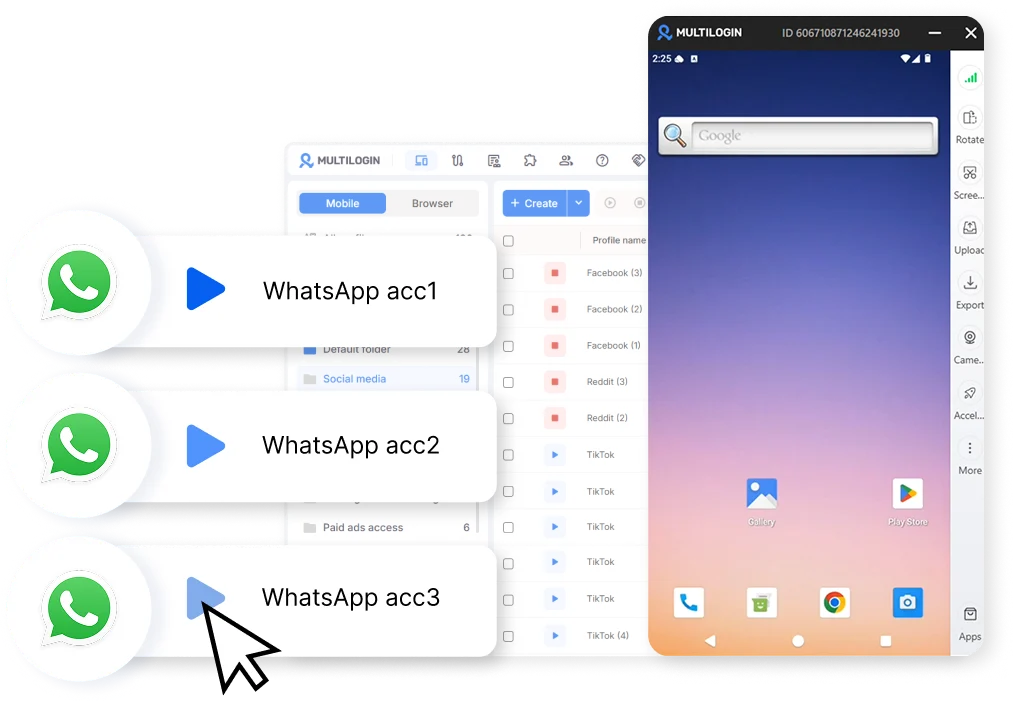
Run multiple WhatsApp accounts with Cloud Phones

Grow your WhatsApp account for business

Add WhatsApp accounts as your business grows, with no shared device standing between them. Each one runs in its own isolated Cloud Phone, with its own history and its own pace of growth. 

Manage WhatsApp accounts from anywhere

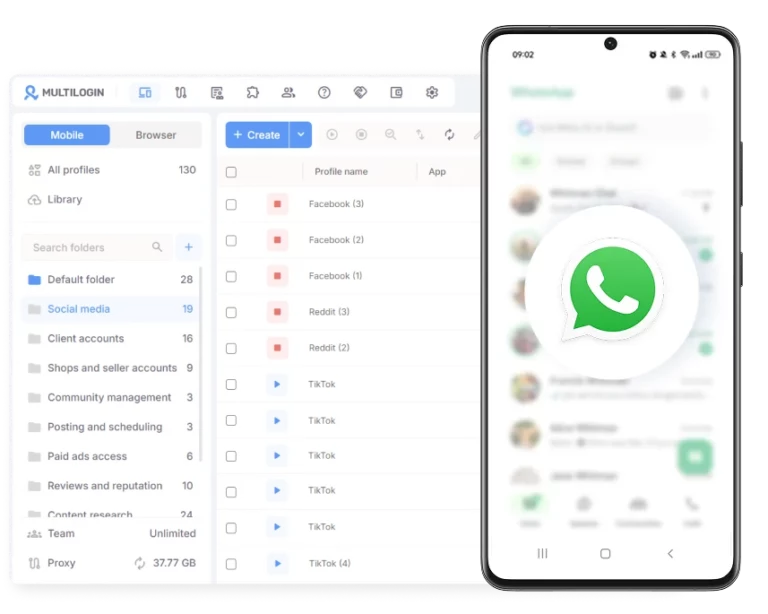
Manage WhatsApp from any corner of the world

Pair each WhatsApp account with a built-in residential proxy from one of 150+ locations, so your account looks and feels local to the audience it’s actually there to serve. 

Give teammates access to specific WhatsApp accounts on cloud phones

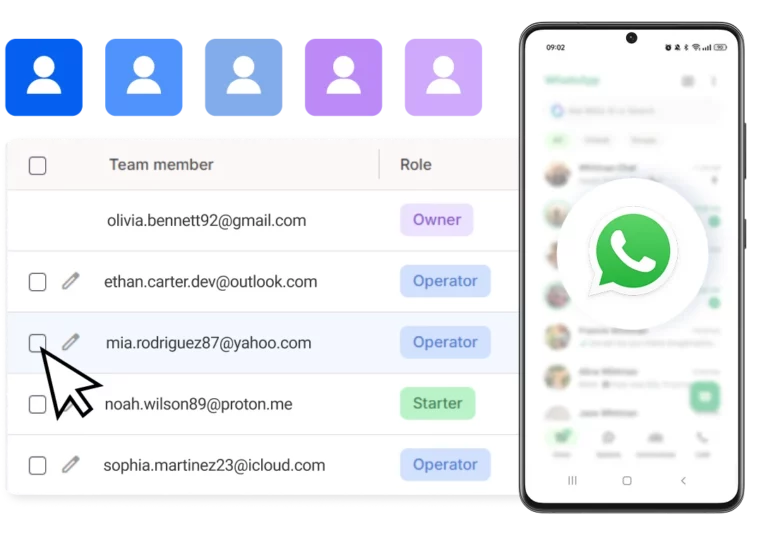
Bring your team into one WhatsApp workspace

Give teammates access to specific WhatsApp accounts on cloud phones, set what each person can do, and manage every profile from a single dashboard, without ever handing out a shared password. 

Grow your social media accounts with Multilogin cloud phones

Build account trust, reach any location, and boost your engagement
  • Unlimited time

  • Mobile and browser profiles included

  • Free built-in proxies & mobile minutes

  • Unlimited time

  • Mobile and browser profiles included

  • Free built-in proxies & mobile minutes

What is a cloud phone?

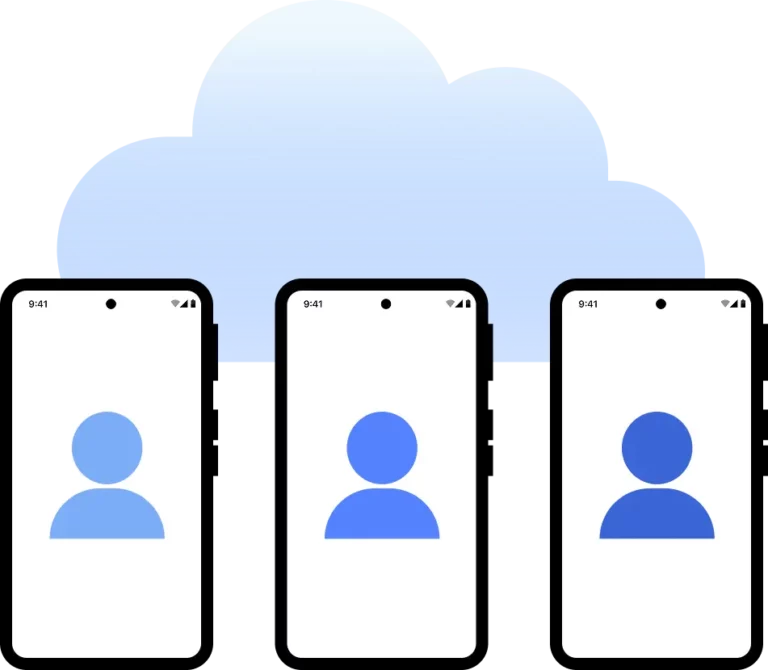
A cloud phone is a real Android device that lives in the cloud instead of on physical hardware. Each device works independently with its own system, storage, settings, and network identity. You can use it just like a normal smartphone, including installing and running any mobile apps directly from your computer.

Multiple cloud phone devices running in parallel for mobile account management

Why choose cloud phones in Multilogin?

Multilogin is a beginner-friendly platform with cloud Android phones designed for social media marketing. Cloud phones help deliver authentic device signals to platforms, supporting organic growth and better visibility in algorithm-driven feeds.

With Multilogin, you get all the necessary tools to start: mobile proxies, cloud mobile devices, and browser profiles.

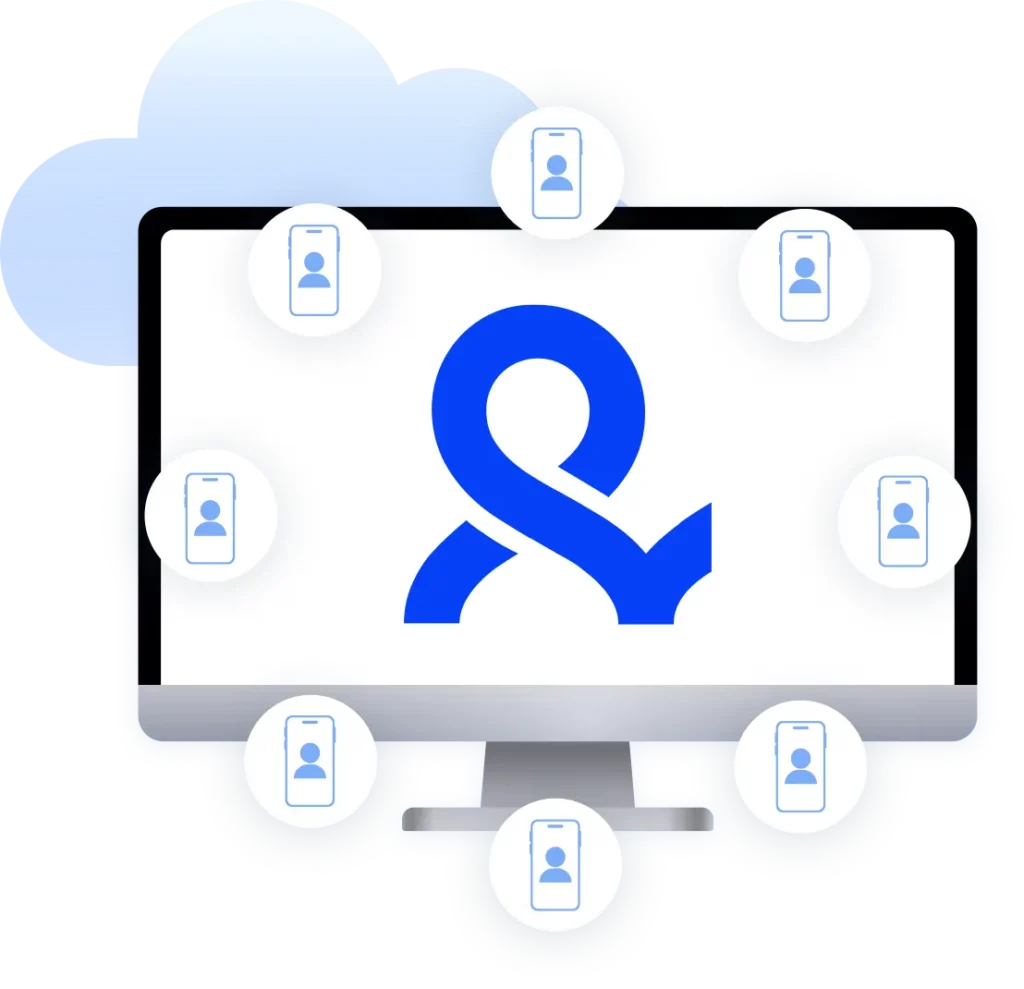
Cloud phone management platform with multiple cloud phone devices controlled from one interface

Multilogin features for cloud phone management

Multilogin 2-in-1

Browser profiles and Android Cloud Phones in one platform. One dashboard, full control over all your accounts. Built for multi-accounting at any scale.

Built-in proxy integration

Residential IPs included in every plan — no extra cost. Access 30M+ IPs across 150+ countries and 1,400+ cities, tested daily for quality and reliability.

Up-to-date Android versions

Stable Android versions 10–16, fully compatible with modern mobile apps.

Real brands and devices

Support for 12 real Android device brands with unique IMEI and system-level digital fingerprints.

App repository

Install TikTok, Instagram, Reddit, and other popular apps without Google Play. APK uploads are also supported.

Folders, tags and access control

Organize profiles using folders, tags, and role-based access. Manage team workflows with ease.

Enterprise-grade security

Profile encryption, 2FA, access control, and compliance-ready security for safe operations.

One-click Android cloud phone launch

Start cloud phones and install any apps without physical devices.

Multilogin competitive advantages

Fast and intuitive interface

Everything at your fingertips: drag-and-drop, hotkeys, and smooth multitasking without losing speed.

Browser built for multi-accounting

Advanced engine effectively avoids multi-account detection by creating unique browser fingerprints.

Created for team collaboration

Proxies included in every plan

24/7 support in 5 languages

How to start using Multilogin cloud phone

Launch and manage real mobile environments in the cloud.

Step 1 of how to use Multilogin

Sign up

Register using a verified email address. 

Step 2 of how to use Multilogin

Choose your plan

Select from various subscription plans tailored to your business needs.

Step 3 of how to use Multilogin

Download Multilogin

Install the Multilogin desktop app to manage mobile sessions securely.

Step 4 of how to use Multilogin

Access the Multilogin dashboard

Launch cloud phone, assign proxies, configure fingerprints, and manage mobile environments from one place.

Step 5 of how to use Multilogin

Manage multiple cloud phone profiles

Set up and manage multiple cloud phone profiles using separate browser profiles with consistent identities.

Compare our cloud phones to others

Compare with

Compare with

Compare with

Compare with

Compare with

memuplay

Compare with

duoplus

Compare with

ldcloud logo

Compare with

flashid comaprison

Compare with

noxplayer

Compare with

vmoscloud

Compare with

redfinger

Compare with

bitcloudphone

Award winning multiple account management platform

High Performer
Momentum leader
Best support
Momentum leader

Watch the Multilogin Demo

Learn how Multilogin can boost your business. Check the video below to see its full capabilities in a short demo video.

WhatsApp on Cloud Phones: Manage every account from one place

Managing more than one WhatsApp account usually starts small: a second number for a new client, maybe a third for a different region. It’s manageable at first, switching between them on one phone or juggling a couple of SIM cards. Then the accounts keep coming, and the conversations, contacts, and settings for each one start bleeding into the next. That’s the point where the setup needs to change, not the number of phones on your desk. 

Why a stack of physical phones doesn't scale for WhatsApp Business

WhatsApp keeps everything tied closely to the device an account runs on: its number, its chat history, its settings, its usage pattern over time. That works cleanly for one account on one phone. It breaks down fast once more than one account or person is involved. 

The problems tend to show up in the same order: 

  • A second WhatsApp account on the same phone shares the same device signal as the first, which is exactly the kind of overlap platforms are built to notice 
  • Handing a phone to a teammate covering a shift means losing access to your own account until it comes back 
  • A shared device between several accounts means contacts and chat histories get mixed together with no clean separation 
  • A drawer full of spare phones is expensive to maintain, and the whole setup falls apart the moment one device breaks, needs an update, or loses its SIM 

Multilogin’s Cloud Phones for WhatsApp replace the physical hardware entirely. Each WhatsApp account runs on its own Android device in the cloud, with its own identity, its own storage, and a session that persists exactly as it was left. No stack of phones. No shared device signal between accounts. 

Genuine mobile environment for WhatsApp accounts, without shortcuts

WhatsApp Business is a mobile app, built for a real Android phone, and that’s still the environment it runs best in. That doesn’t mean a business has to keep a literal phone on a desk for every account it manages. 

Emulators are the obvious shortcut, and they come with a real cost: platforms like WhatsApp are built to recognize when a session is running on an emulated environment rather than a genuine device, and accounts accessed that way tend to run into friction at exactly the wrong moment — mid-conversation, mid-verification, mid-campaign. 

Multilogin Cloud Phones for WhatsApp run actual Android hardware, hosted in the cloud. Access WhatsApp Business through a Cloud Phone from a laptop, and the session behaves like what it is: a real device, with a real, consistent identity behind it, not a simulated stand-in. 

One Cloud Phone per WhatsApp account, with clean separation at scale

The real challenge in running several WhatsApp accounts isn’t the messaging, it’s the environment underneath it. Every account needs its own device signal, its own contact list, and its own conversation history that never crosses over into another account’s. 

Multilogin Cloud Phones handle this directly. Each account gets its own hosted Android device that never shares signals with another. Contacts stay with the right account. Chat history carries over cleanly between sessions. Nothing gets scrambled when a second or third account comes online. 

For agencies managing multiple WhatsApp accounts on behalf of several clients, or WhatsApp businesses running a distinct account per region or department, that separation isn’t a nice-to-have. It’s the entire point of setting things up this way in the first place. 

Managing WhatsApp Business without the constant device handoff

Customer conversations on WhatsApp don’t run on a nine-to-five schedule, and most teams supporting them aren’t in one room either. Shifts change. Support reps rotate. Regional teams work their own hours. 

Multilogin Cloud Phones for WhatsApp make that handoff simple. Each team member gets access to the specific Cloud Phone their role calls for, and only that one. They pick up the conversation exactly where the last person left it, with full history intact, and hand it off again when their shift ends. No shared logins. No passing a physical phone between desks. No risk of one account’s conversations landing in someone else’s inbox. 

How phone number verification works on a Cloud Phone

A Cloud Phone doesn’t support installing an eSIM directly, so the number used to verify a WhatsApp account has to come from a separate SMS or phone number provider, not from inside the Cloud Phone itself. The verification code lands in that provider’s own dashboard or app, and from there it goes into WhatsApp the normal way. Multilogin’s help documentation walks through the exact steps. For general setup, this guide covers creating and configuring a mobile profile from scratch.  

Upgrade your WhatsApp setup with Multilogin

WhatsApp Business works well for what it’s built for: real conversations with real customers, tied to a real number. None of that changes when a business needs more than one account. 

What changes is the infrastructure holding those accounts together. One phone stops being enough. Shared devices blur account boundaries. Emulators introduce friction right when it matters most. And a team spread across shifts and regions needs a way to hand accounts off without losing history or sharing passwords. 

Multilogin offers Cloud Phones for WhatsApp that close each of those gaps. Every WhatsApp account gets its own real Android environment, persistent between sessions, fully isolated from every other account, and accessible from any desktop. Teams work in their own environments. Conversations stay with the right account. Regional accounts keep a consistent local presence through Multilogin’s built-in residential proxies. 

The conversations stay on WhatsApp. The infrastructure that lets them scale lives in Multilogin.  

Start your free plan today, with no time limit and no credit card required, and paid plans from $7.08 a month as your account count grows! 

FAQ

A cloud phone for WhatsApp is a real Android device hosted in the cloud that runs usual WhatsApp and WhatsApp Business accounts in its own persistent, isolated mobile environment. Unlike a shared phone, each Cloud Phone has its own device identity, so every WhatsApp account it hosts behaves like it’s running on a genuine, independent phone.

Yes. Each account runs on its own Multilogin Cloud Phone, accessible from a desktop dashboard, so there’s no need to own, charge, or maintain a separate device per number.

When two accounts share the same device, they also share the same underlying device signal, which platforms read as a sign the accounts might be connected. Beyond that, shared devices mean overlapping contact lists and chat histories with no clean way to separate one account’s conversations from another’s. Multilogin Cloud Phones give each account its own device identity and its own storage, solving both issues at once. Start your free plan today.

Each Cloud Phone is a fully independent Android environment. Contacts, chat history, and account settings all live inside that specific Cloud Phone and never cross over into another. When a team member opens their assigned Cloud Phone profile, they see exactly their account, and nothing else.

No. Cloud Phones don’t support eSIMs. Verification still works: the SMS code is received through your phone number provider’s own dashboard or software, and from there you enter it into WhatsApp as usual. The number shown by default inside a Cloud Phone isn’t a working SMS-receiving number on its own.  

Yes. Cloud Phones can be paired with residential proxies across 150+ locations, giving each WhatsApp account a consistent local presence for the market it’s actually built to serve.

Yes. Emulators often lack the device details a genuine Android phone has, which platforms like WhatsApp are built to notice. Multilogin Cloud Phones run real Android hardware, so every session behaves like an actual phone rather than a simulated one.

Telegram
We’re checking this platform.
Please fill your email to see the result.

Thank you! We’ve received your request.

Please check your email for the results.

Multilogin works with amazon.com