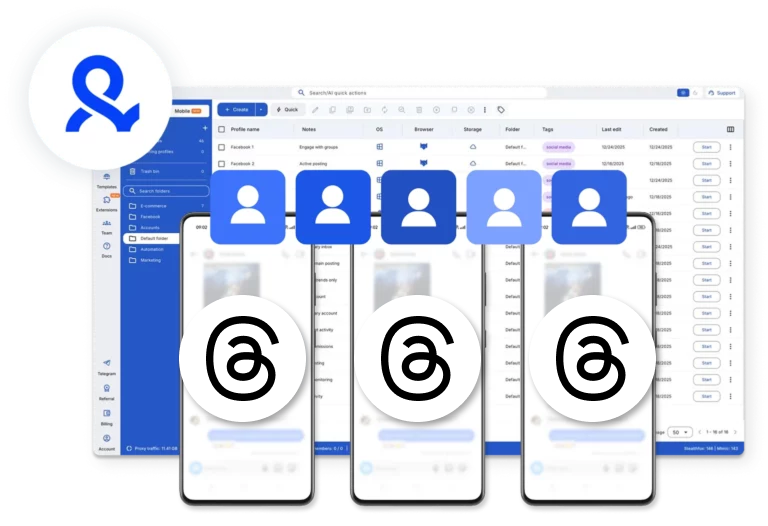



Create multiple Threads accounts

Create Threads accounts using Android cloud phones and browser profiles in Multilogin. Manage multiple Threads accounts from a single, beginner-friendly dashboard.

Manage multiple Threads accounts with isolated cloud devices and browser setups

Set up Threads accounts in bulk and manage them with cloud phones. Organize your workspace with tags and notes, sort accounts efficiently, and resume sessions with re-login.

Reach any Threads audience from any location

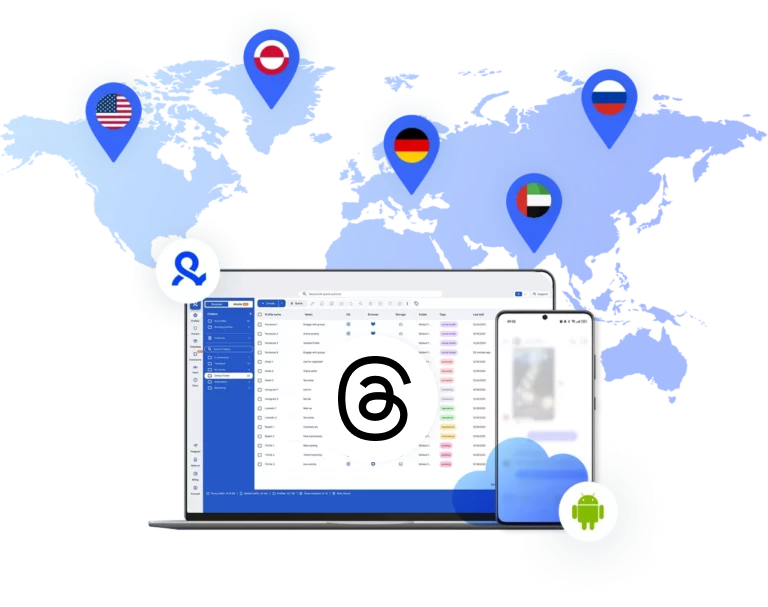
Access regional coverage for your business worldwide. Multilogin provides 150+ locations and 30 million built-in IPs with stable connections.

Automate content activity for Threads accounts

Create unlimited Threads accounts for your business using cloud phones or isolated browser profiles. Automate posting, likes, and comments with custom scripts using Puppeteer, Selenium, Playwright, or Postman.

Automate content activity for Threads accounts

Create unlimited Threads accounts for your business using cloud phones or isolated browser profiles. Automate posting, likes, and comments with custom scripts using Puppeteer, Selenium, Playwright, or Postman.

Work together on your Threads accounts

Collaborate with your team to manage multiple Threads accounts. Share access, coordinate tasks, and oversee all accounts from a single dashboard.

Manage Unlimited Mobile and & Web Accounts

Multilogin comes with built-in residential proxies to make multi-accounting, web scraping and web automation easier than ever. No extra setup, no third-party services—just undetectable browsing at no additional cost.
  • 3-day access to Multilogin

  • 5 cloud or local profiles

  • 200 MB proxy traffic included

  • 3-day access to Multilogin

  • 5 cloud or local profiles

  • 200 MB proxy traffic included

What are cloud phones?

Cloud phones are real Android devices hosted in the cloud that let you run multiple accounts. Each account operates on its own device with unique parameters, isolated app data, and stable sessions. Using cloud phones ensures secure, scalable account management across platforms.

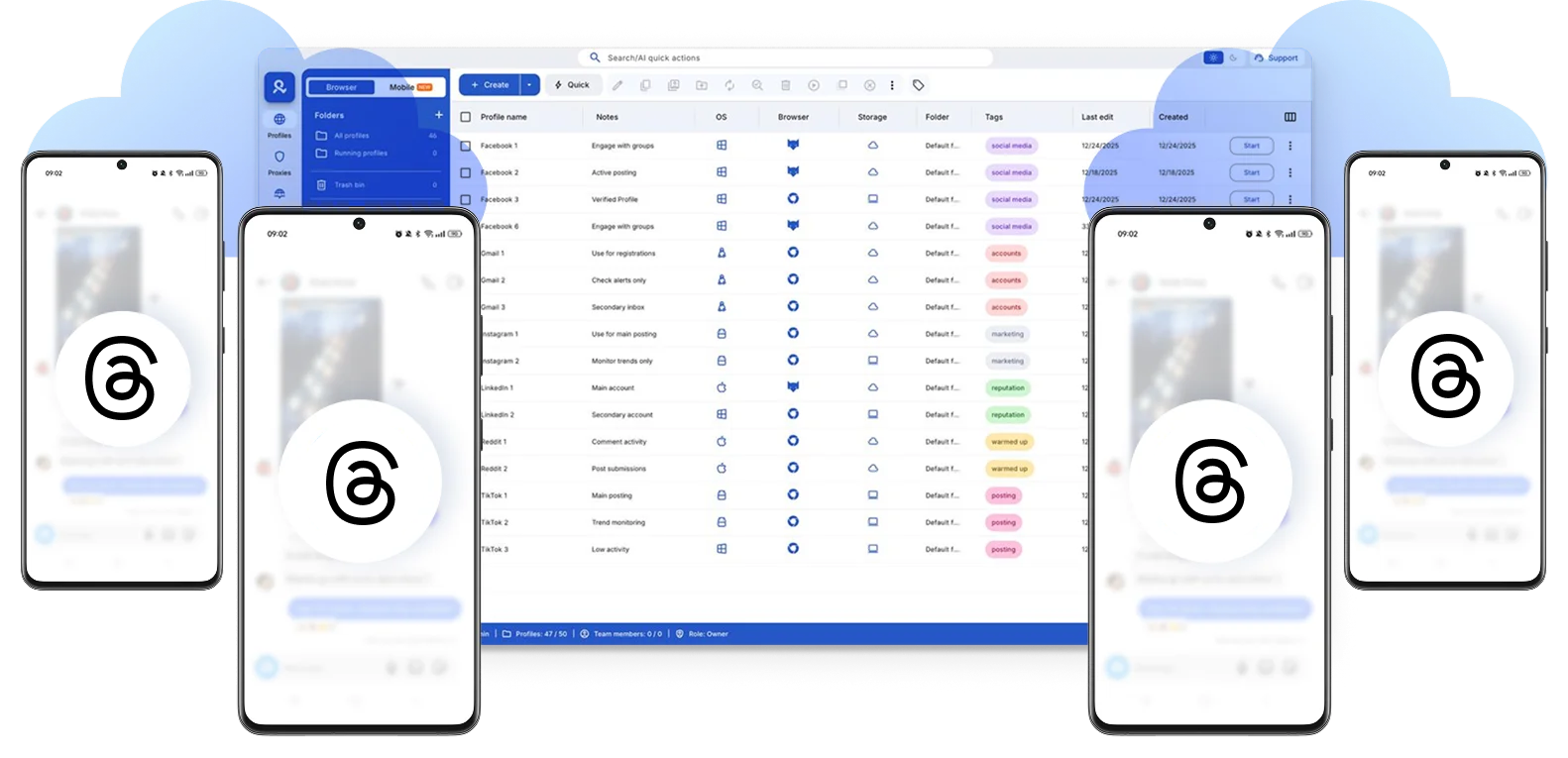
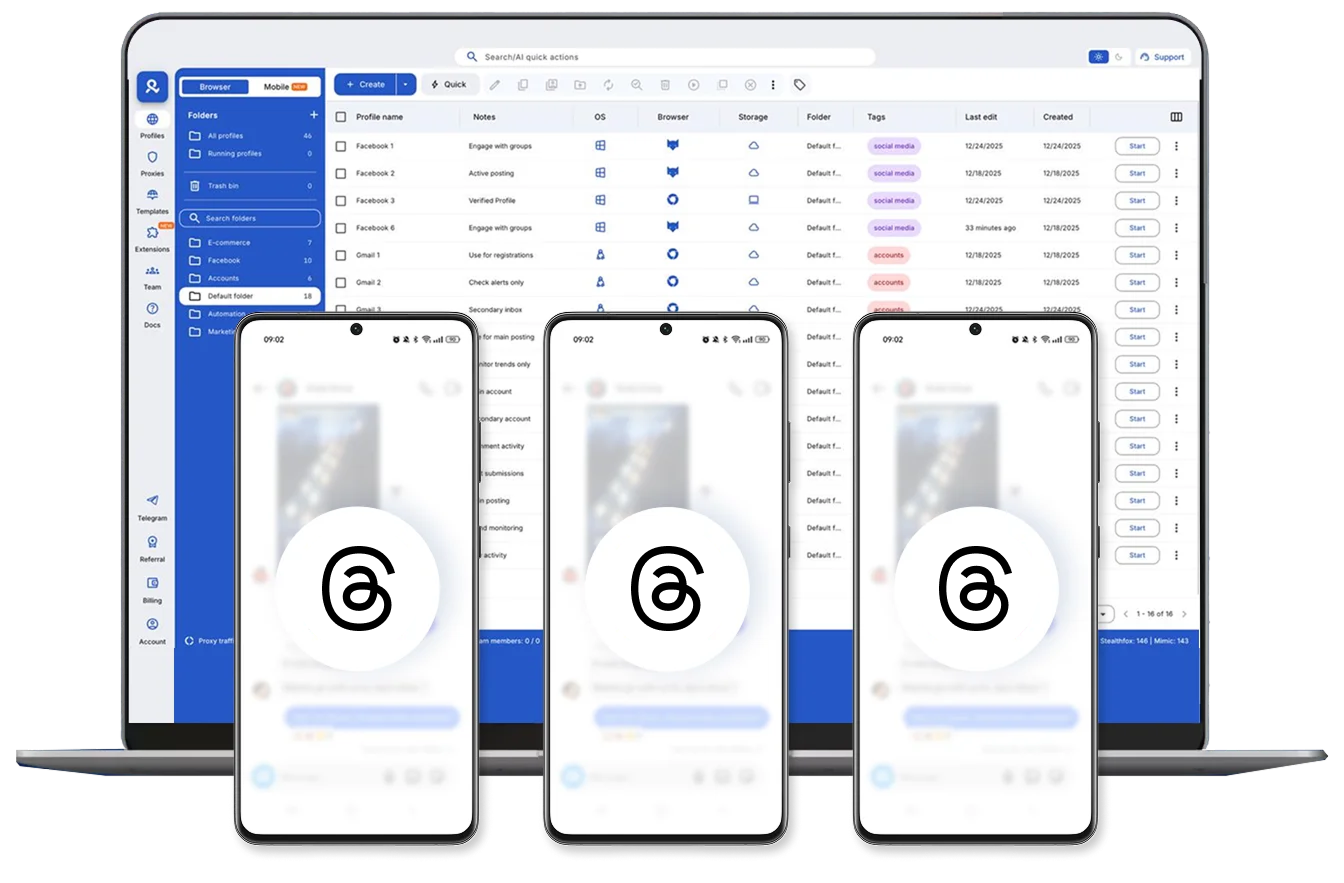
Multiple cloud phone devices running in parallel for mobile account management

Why choose Multilogin for managing Threads accounts

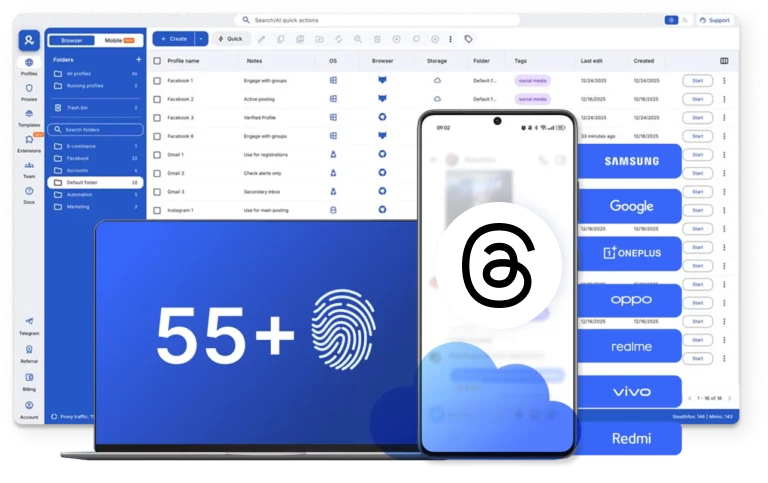
Multilogin helps you manage multiple Threads accounts through a beginner-friendly, all-in-one platform. It offers real Android cloud phones with unique device IDs, advanced antidetect technology covering 55+ fingerprint parameters, and a stable desktop app that lets you create and manage as many accounts as you need.

Cloud phone management platform with multiple cloud phone devices controlled from one interface

Multilogin features for creating multiple Threads accounts

Icon representing Multilogin's support for all proxy types, including HTTP, HTTPS, and SOCKS5.

Built-in proxies with traffic

Every plan includes integrated proxies with traffic; supports HTTP/HTTPS/SOCKS5. Unused traffic rolls over to the next month.

Icon representing residential rotating IPs in Multilogin.

Dynamic residential IPs

Premium residential IPs in 150+ countries and 1,400+ cities, tested daily for reliability.
An icon representing 'Chrome or Firefox Interface with Multilogin,' illustrating compatibility with both Chrome and Firefox browsers, allowing seamless user experience and functionality through Multilogin.

Chrome & Firefox interfaces

Mimic (Chromium-based) and Stealthfox (Firefox-based) ensure natural behavior and maximum site compatibility.
An icon representing High Load Supported feature of Multilogin.

Ultra-stable sticky sessions

Proxy network optimized for Multilogin; IPs can remain unchanged for up to 24 hours.

Icon representing Multilogin's support for all proxy types, including HTTP, HTTPS, and SOCKS5.

Built-in proxies with traffic

Every plan includes integrated proxies with traffic; supports HTTP/HTTPS/SOCKS5. Unused traffic rolls over to the next month.

Icon representing residential rotating IPs in Multilogin.

Dynamic residential IPs

Premium residential IPs in 150+ countries and 1,400+ cities, tested daily for reliability.

An icon representing 'Chrome or Firefox Interface with Multilogin,' illustrating compatibility with both Chrome and Firefox browsers, allowing seamless user experience and functionality through Multilogin.

Chrome & Firefox interfaces

Mimic (Chromium-based) and Stealthfox (Firefox-based) ensure natural behavior and maximum site compatibility.

An icon representing High Load Supported feature of Multilogin.

Ultra-stable sticky sessions

Proxy network optimized for Multilogin; IPs can remain unchanged for up to 24 hours.

Related solutions you might like

Manage multiple Threads accounts with cloud phones

Start using Multilogin today

How to start using Multilogin 

Run multiple Threads accounts with real cloud phones.


Step 1 of how to use Multilogin

Sign up

Register using a verified email address. 

Step 2 of how to use Multilogin

Choose your plan

Select from various subscription plans tailored to your business needs.

Step 3 of how to use Multilogin

Download Multilogin

Available for Windows, Mac, and Linux.

Step 4 of how to use Multilogin

Access the Multilogin dashboard

Start creating and managing cloud phones or browser profiles.

Step 5 of how to use Multilogin

Run multiple Threads accounts

Set up and manage multiple Threads accounts using separate browser profiles, all from one secure platform.

Why people love Multilogin

Dominik

The product is excellent, and the support team is highly professional.
The product keeps improving with continuous updates. In this space, many competitors have come and gone, and I continue to choose Multilogin because others don’t come close in terms of features or overall experience.

Evgeny S.

Web, Small Business

If you really need a high-quality antidetect browser, then Multilogin is definitely the one.
100% anonymity pass on all checkers. Convenient to work in several browsers at the same time. Handles dozens of Facebook and TikTok accounts from a single computer.

Nino Latif

The best service for great ideas and big minds!
Always here for their clients, always ready to help out. I am using the service for 3-4-5 months now and brought me lots of great things 🙂 Hope to grow it on a larger scale and continue using the service ...

Nino L.

Marketing Agent, Small-Business

Started using Multilogin in August/September 2021. Been using it for a couple of years now and I am very satisfied overall. They are always looking and finding ways to improve their app and make it easier...

George M.

Co-Founder, Small-Business

Quite Likely The Best Privacy Browser Out There!

There are quite a few things I like about Multilogin. My favorite, most definitively, is the teams feature allowing you to easily share specific browser profiles with different team members...

Tim R.

Project Manager, Small-Business

Fast, reliable and convenient anti-detect browser.
All the infrastructure of the browser is built to be convenient for any size of the team. We have 0 concerns regarding the speed and efficiency of the browser.

Most awarded antidetect browser

Kinza awards for Multilogin.
Conversion club badge for Multilogin.
Mask group badge for Multilogin
Startup 2019 awards badge for Multilogin
badge for Multilogin
Best Value Software 2022 badge for Multilogin
Best support
Momentum leader
High Performer
High Performer Small Business
SourceForge top performer 2023 badge
GetApp user reviews badge

Watch the Multilogin Demo for creating multiple accounts on Threads

Get a 10‑minute demo video showing how Multilogin helps you manage multiple Threads accounts using real cloud phones while staying undetected. Just enter your name and email below, and we’ll send the demo video straight to your inbox.

Name
Last Name
Email *
Image of locked video for Multilogin demo preview

Multiple Threads accounts with cloud phones in Multilogin

Running multiple Threads accounts sounds simple until it breaks. One day everything works, and the next day accounts get logged out, flagged, or suspended without a clear reason. Most people assume the problem is posting too often or using the wrong hashtags. In reality, bans usually come from something much quieter: how Threads recognizes devices and sessions over time, especially when multiple accounts share the same phone or app environment.

If you manage more than one Threads account, especially for business, client management, or brand growth, using dedicated Android cloud phones with persistent mobile sessions is what keeps accounts alive.

Problems with multi-account Threads setups without Multilogin

Threads doesn’t just track what you post. It tracks where you’re posting from and how. As part of Meta, Threads uses the same advanced tracking that Facebook and Instagram do. When you access multiple accounts from the same phone, app, or network, Meta connects the dots.

Switching between accounts in the app doesn’t help. The device fingerprint stays the same underneath.

This is why your accounts get restricted or shadowbanned even when you:

  • Follow all of Threads’ rules
  • Post manually, not with bots
  • Avoid spam or suspicious behavior

Meta sees multiple accounts behaving like one device. Once that link is made, deleting one account doesn’t fix anything. The device itself is flagged. New accounts you create from that device will have the same problem.

The most reliable method for multi-account Threads management

The most reliable setups aren’t necessarily faster or more complex—they’re consistent. The easiest way to manage multiple Threads accounts is to give each account its own environment that always behaves like a separate device.

That means:

  • One authentic mobile identity per account
  • Persistent app data and session continuity
  • No shared fingerprints
  • No reused storage or app state

This is the logic behind modern cloud phone and phone farming setups. When you want to create a threads account for a new project, starting it in a clean, isolated environment is the first step toward long-term stability.

Cloud phones for Threads multi-account management

Multilogin is a unified platform used by teams who manage multiple Threads accounts and cannot afford instability. Instead of juggling physical phones, cloned apps, and third-party tools, Multilogin provides:

  • Real Android cloud phones with genuine hardware IDs
  • Isolated browser and mobile profiles in one dashboard
  • Real mobile device fingerprinting (approx. 30 device types)
  • Built-in residential proxies with matched geolocation
  • Secure cloud storage for persistent sessions and profiles

Each Threads account runs inside its own persistent environment, whether accessed through the native Android app or browser. Nothing is shared unless you explicitly allow it. If you have been struggling with how to create a threads account without immediate flags, this is usually the missing layer.

Management of multiple Threads accounts is simple with Multilogin

Managing multiple Threads accounts requires proper isolation so each account appears as a separate mobile device to Threads.

  1. Create one cloud phone per Threads account
    Each account runs on its own Android cloud phone in Multilogin. This gives every Threads profile a unique mobile device with separate system identifiers and storage.
  2. Assign a dedicated proxy to each device
    Every cloud phone uses a built-in proxy that matches the device’s location and network behavior. This prevents IP overlap and keeps login activity consistent.
  3. Keep sessions and app data isolated
    Threads app data, cookies, and login sessions are stored inside each Android environment. Nothing is shared between accounts, which reduces the risk of account linkage.
  4. Manage and scale from a single dashboard
    All cloud phones are controlled from one interface. You can add new accounts, adjust configurations, or scale up without additional hardware or complex tools.

This approach keeps Threads accounts independent, stable, and easy to manage at any scale.

Key use cases for multiple accounts in Multilogin

When the setup is built correctly, managing multiple Threads accounts becomes predictable instead of stressful. With Multilogin, teams gain full control over how accounts are created, accessed, and maintained over time from a single dashboard.

Teams typically use multiple Threads accounts in Multilogin to:

  • Manage brand or client profiles without constant logins and logouts
  • Keep long-term sessions active without repeated verification
  • Separate regional or niche accounts so they never share device signals
  • Replace unstable physical phone farms
  • Share account access securely without sharing physical phones or passwords

This approach is built for:

  • Social media managers handling multiple threads accounts daily
  • Agencies managing threads accounts for diverse clients
  • E-commerce sellers running multiple brand personas
  • Teams replacing physical phone farms

It focuses on control and consistency, not shortcuts.

Conclusion

Multiple Threads accounts fail when they appear to come from the same device. The solution is isolation: each account needs its own mobile environment, proxy, and persistent sessions. Multilogin provides cloud phones, device fingerprinting, and proxies in one platform, keeping accounts independent, stable, and easy to scale.

FAQ: Threads accounts and Multilogin

Threads accounts are individual profiles on the Threads platform, allowing you to post content, engage with users, and manage your online presence. For businesses, agencies, or social media managers, handling multiple Threads accounts can be essential. However, Threads tracks devices, sessions, and IPs. Without proper isolation, multiple accounts may be linked, leading to flags or bans. Multilogin provides cloud phones and isolated browser profiles that let you run multiple Threads accounts safely, keeping each account separate and stable.

You can create a Threads account directly in Multilogin by setting up a cloud phone or isolated profile. Each environment acts as a unique Android device with its own system identifiers and storage. After creating a new profile, you can sign up for Threads using a unique email or phone number. This setup ensures your new Threads account is fully isolated, reduces the risk of device-level flags, and keeps sessions persistent over time.

Technically, yes, but it’s risky. Threads detects when multiple accounts come from the same device or IP. Without isolation, this often leads to account flags, shadowbans, or outright restrictions. Using Multilogin allows you to safely create and manage multiple Threads accounts. Each account runs in its own cloud phone or browser profile with a separate device fingerprint, storage, and proxy, preventing accounts from being linked.

The safest approach includes:

  • Creating the account in its own cloud phone or isolated profile.
  • Assigning a dedicated proxy to match the device’s location and behavior.
  • Ensuring app data and login sessions are persistent.

Multilogin handles all of this automatically, giving each Threads account a stable, independent environment. This prevents device overlap, reduces the risk of flags, and ensures long-term account stability.

When managing multiple Threads accounts for different clients or brands, each account must be fully isolated:

  1. Set up a separate cloud phone or browser profile in Multilogin for each account.
  2. Assign a unique proxy to each environment.
  3. Keep app data, cookies, and login sessions persistent and isolated.
  4. Avoid sharing device fingerprints or storage between accounts.

This allows you to scale multiple Threads accounts safely while maintaining independent sessions and stable activity.

 Yes. You can sign up for Threads with secondary emails or virtual numbers. Using Multilogin ensures that each account is also isolated at the device and network level. Even if the email or phone is unique, Threads can still detect multiple accounts on the same device without proper separation. Multilogin creates a fully independent environment for each account, eliminating this risk.

Physical phones can be expensive, hard to manage, and still linked through IPs or device patterns. Multilogin replaces physical phone farms with cloud phones, giving each Threads account a real Android environment with unique hardware identifiers. This keeps accounts independent, sessions persistent, and management centralized in one dashboard, saving time and reducing risk.

Thank you! We’ve received your request.
Please check your email for the results.
We’re checking this platform.
Please fill your email to see the result.

Multilogin works with amazon.com
















