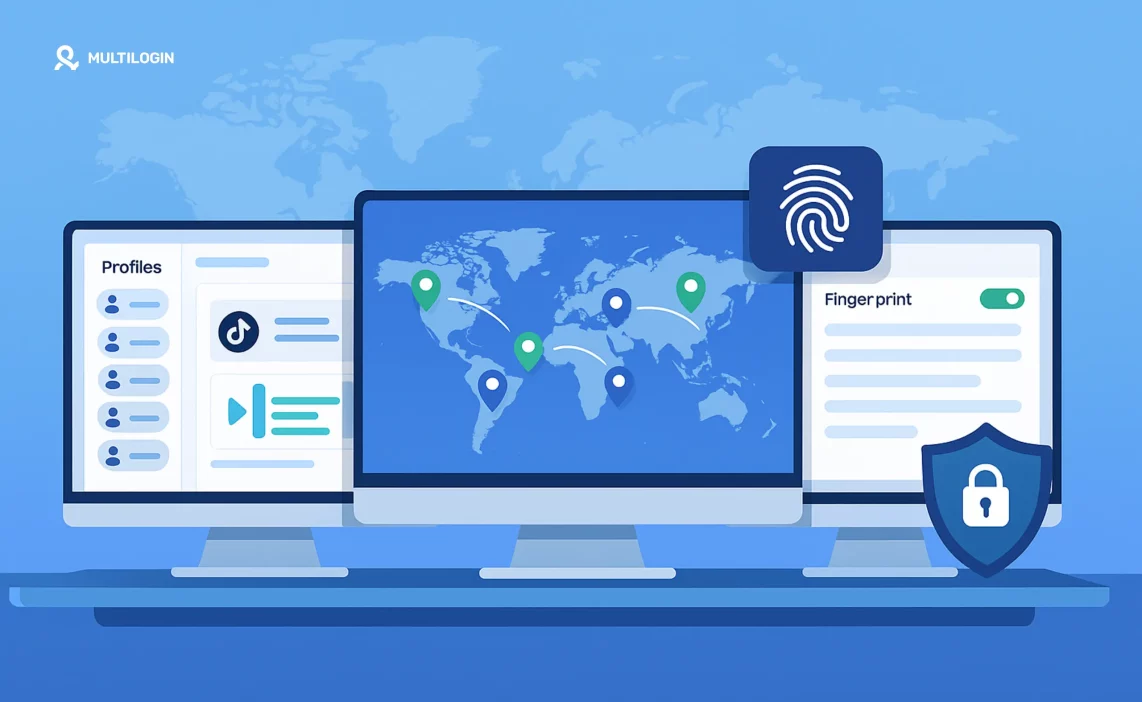

Being a digital nomad is about working anywhere—sipping coffee in Lisbon today, answering client emails in Bali tomorrow, and closing deals from a co-working hub in Mexico next week. But behind the Instagram-worthy photos lies a constant struggle that threatens your income and productivity.
Picture this: You’re in a Bangkok café, racing to meet a client deadline. You log into their Facebook Ads account, and suddenly—”suspicious login detected.” Your access is locked. The client panics. You lose hours explaining the situation, miss the deadline, and potentially lose the account.
Or you’re managing five different e-commerce stores across three continents, each requiring separate logins, different payment processors, and region-specific access. One wrong move, one IP address flag, and platforms start linking your accounts—triggering bans that can destroy months of work in seconds.
For freelancers, marketers, and entrepreneurs on the move, these aren’t hypothetical scenarios—they’re daily realities:
- Unsecured public Wi-Fi in cafes and airports exposing your login credentials
- Geo-restricted platforms that block logins when they detect you’re abroad
- Multiple work accounts across clients and businesses that trigger bot detection systems
- Account linking that gets all your profiles banned because platforms detect shared browser fingerprints
Lost income. Frustrated clients. Constant downtime. That’s where an antidetect browser becomes not just useful—but essential for sustainable remote work.
Why Digital Nomads Need an Antidetect Browser
An antidetect browser (also called an anti detect browser or proxy browser) is like your online disguise kit. It doesn’t just hide your IP—it changes your entire browser fingerprint, making it look like you’re using a completely different device in a different location.
For digital nomads, this means:
- Seamless logins from anywhere – No more “suspicious login” flags when you switch countries. Platforms see consistent digital identities rather than constantly shifting locations that trigger security alerts.
- Multiaccount management – Keep client accounts separated in isolated browser profiles. Each profile maintains unique cookies, storage, and fingerprints—preventing the account correlation that gets you banned.
- Access to geo-restricted tools – Log in as if you’re in the client’s home country. Whether you need to access US-based payment processors from Southeast Asia or manage European client accounts from South America, geolocation spoofing makes it possible.
- Security on public Wi-Fi – Combine with residential proxies for encrypted, location-specific access. Public networks can’t intercept your real traffic when you’re routing through secure proxy infrastructure.
Moreover, antidetect browsers solve a problem that VPNs and basic proxies can’t: comprehensive identity protection. Platforms like Facebook, Google, and Amazon don’t just check your IP address—they analyze over 25 fingerprint parameters including WebGL, canvas, fonts, timezone, and behavioral patterns. An antidetect browser addresses all of these simultaneously.
Ready to work from anywhere without account bans or security headaches? Try Multilogin for just €1.99—get 3-day access, 5 profiles, and built-in residential proxy traffic included.
Top Antidetect Browsers for Digital Nomads
Below are the six best antidetect browsers that balance security, usability, and flexibility for location-independent work. We’ve tested each extensively across different countries, platforms, and use cases to give you real-world insights.
1. Multilogin – Best Overall for Digital Nomads
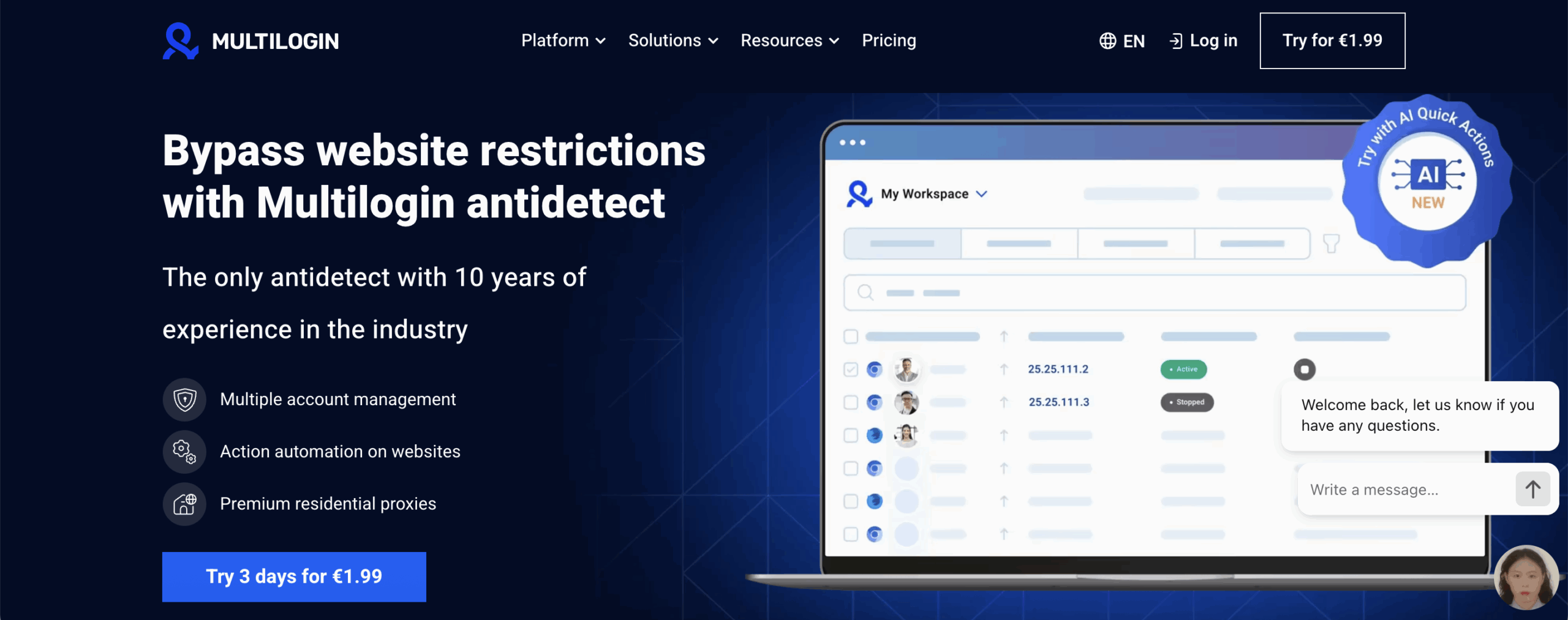
If you’re serious about security and stability while working remotely, Multilogin is the gold standard. Trusted by agencies, growth hackers, and entrepreneurs since 2015, it offers unmatched browser fingerprint control.
Best For: Digital nomads managing multiple client accounts across regions
Starting Price: €1.99 trial → €5.85/month (annual plan)
Key Features for Nomads:
- Stealthfox & Mimic browser cores for undetectable fingerprint masking across both Firefox and Chromium architectures
- Cloud and local profiles — switch devices from a café to a co-working space with zero disruption
- Proxy integration for stable residential IPs worldwide
- Team collaboration — perfect for remote partnerships and agency work
- Pre-farmed cookies for instant account aging
- Daily testing on 50+ platforms ensuring fingerprints stay undetected as detection systems evolve
Pros:
- Rock-solid stability across borders — tested extensively by professionals working from dozens of countries
- Perfect for managing multiple logins securely across Facebook, Instagram, Amazon, Google, and more
- High-level automation and API access for scaling tasks
- 24/7 customer support in five languages — critical when you’re working across time zones
- Unlimited team seats on all plans — collaborate with partners without extra costs
Cons:
- Higher price point than budget options — but built for long-term growth and security
- Steeper learning curve for complete beginners (though comprehensive documentation available)
✅ Why Multilogin for Nomads?
If you need to run multiple accounts, bypass geo-restrictions, and stay undetected while hopping countries, Multilogin delivers unmatched reliability. Unlike cheaper alternatives that work until they don’t, Multilogin’s decade of research and continuous testing means you’re investing in infrastructure that won’t fail when you need it most.
When you’re managing client accounts worth thousands of dollars monthly, the €5.85/month investment is negligible compared to the cost of a single banned account or lost client. Multilogin is what professionals use when their business depends on staying online.
Start your Multilogin trial and experience the difference professional-grade antidetect technology makes for remote work.
2. Incogniton
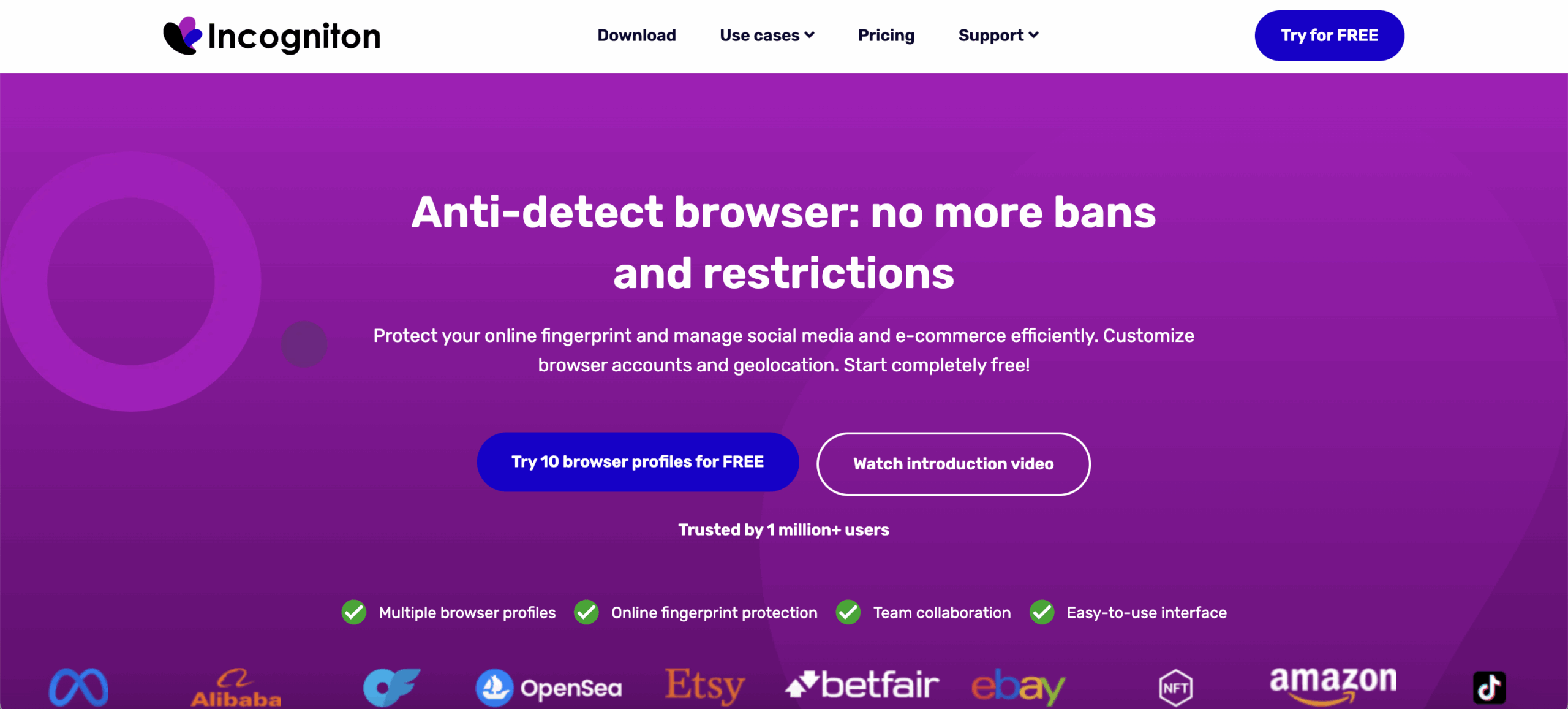
Incogniton is a no-frills antidetect browser that works for manual account management on the go—especially if you’re just starting out as a digital nomad.
Best For: Freelancers with a few client accounts and limited budgets
Starting Price: FREE (10 profiles for 2 months, then 3 profiles) → $29.99/month (50 profiles)
Key Features for Nomads:
- Free plan available (10 profiles for 2 months, then 3 profiles permanently)
- Local profile storage for offline work
- Proxy configuration for region-specific logins
- Cookie Collector (paid plans only)
- Synchronizer for batch operations (limited to 4 profiles on free)
- 30% discount for 6-month or annual prepayment
Pros:
- Very beginner-friendly interface
- Free plan to test functionality before committing
- Affordable paid plans starting at $19.99/month
- Good for basic multi-account management
Cons:
- No cloud sync — not ideal if you switch devices often (critical limitation for nomads)
- Limited free plan (only 3 profiles after trial)
- Windows and macOS only (no Linux support)
- No mobile antidetect browser option
- Higher detection rates compared to premium solutions
⚠️ Reality Check: Incogniton works for basic freelancing, but if you’re managing high-value accounts or need to work across multiple devices (laptop in café, desktop at co-working space), the lack of cloud sync becomes a major limitation. Consider whether saving money upfront is worth the risk of account bans later.
Compare Incogniton to the industry leader: Multilogin vs Incogniton
3. Kameleo
Many nomads rely heavily on mobile devices for work and travel logistics. Kameleo is one of the few antidetect browsers with full mobile capabilities.
Best For: Nomads working primarily from mobile devices or needing mobile app management
Starting Price: FREE (2 concurrent browsers, 300 minutes usage) → €45/month (unlimited usage)
Key Features for Nomads:
- Android mobile antidetect browser app available on Google Play
- GPS spoofing to appear in any location
- Cross-device sync between desktop and mobile profiles
- Custom-built Chroma & Junglefox browsers
- Emulated mobile browsers (Business+ plans)
- Proxy compatibility with residential and datacenter options
- Selenium, Puppeteer & Playwright support
- 25% discount for annual plans
Pros:
- True mobile device fingerprinting and emulation
- Perfect for apps and platforms that require mobile login
- Cloud profile storage (100 on Free, 5000+ on paid)
- Windows, macOS, and Linux support
- Docker support for advanced automation
Cons:
- Slightly steeper learning curve than basic browsers
- Free plan limited to 300 minutes usage monthly
- Mobile app requires separate subscription tier
💡 Use Case: If you’re managing Instagram accounts, TikTok profiles, or mobile-first platforms while traveling, Kameleo’s mobile capabilities are valuable. However, for comprehensive desktop work with the most advanced fingerprinting, Multilogin remains superior.
See how they compare: Multilogin vs Kameleo
4. AdsPower
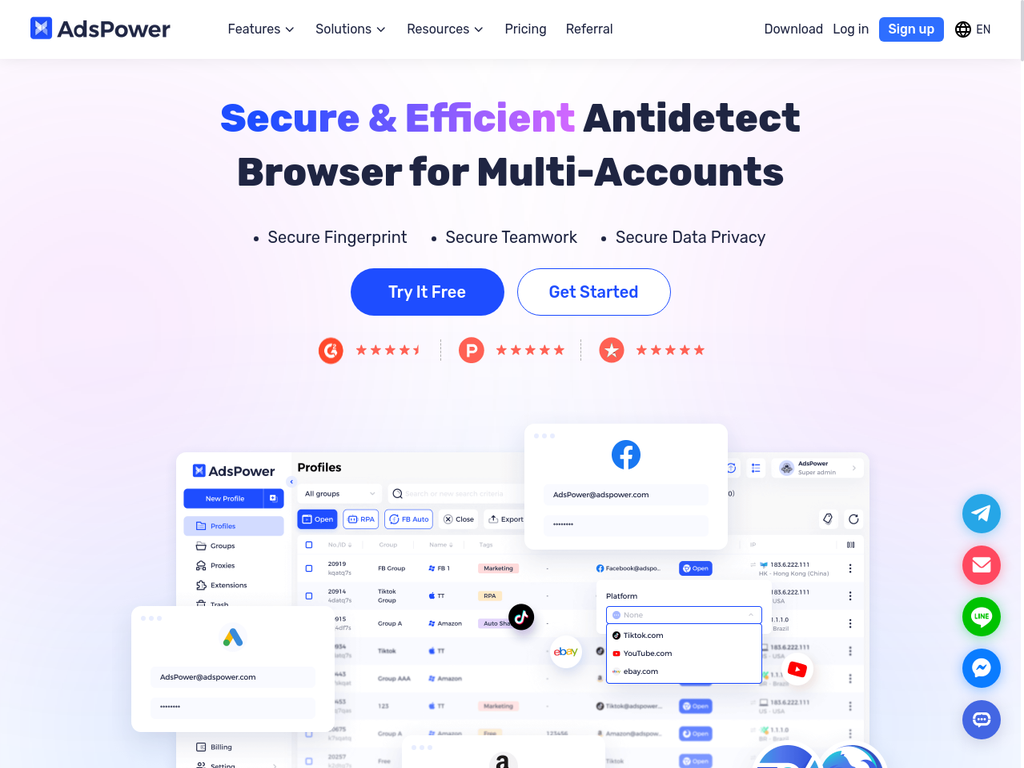
AdsPower is a team-oriented antidetect browser, making it suitable for nomads working in remote agencies or collaborative client projects.
Best For: Remote teams and agencies managing shared accounts on tight budgets
Starting Price: FREE (2 profiles) → $9/month (10 profiles with 40% annual discount)
Key Features for Nomads:
- 2 FREE profiles on signup permanently
- Multiaccount dashboard for client logins
- RPA (Robotic Process Automation) for repetitive tasks
- Built-in proxy marketplace
- Up to 100 task threads
- Team collaboration features
- 40% discount for annual plans
Pros:
- Most affordable paid option (starts at $5.40/month annually)
- Built-in automation capabilities
- Good for teams and agencies with multiple users
- Hands-free workflow automation
Cons:
- More prone to detection than Multilogin in high-security platforms like Facebook, Amazon, and Google
- Some users report performance lag with heavy usage
- Learning curve for automation features
- Windows and macOS only
⚠️ Important Consideration: AdsPower’s low price comes with trade-offs in detection resistance. If you’re managing high-value accounts or working with platforms that have strict security (Facebook Ads, Amazon seller accounts, Google Ads), the increased ban risk may cost you far more than the savings.
See the differences: Multilogin vs AdsPower
5. GoLogin
GoLogin is a solid choice for nomads who need multiaccount access without a steep learning curve or premium pricing.
Best For: Freelancers and small teams just starting remote work travel
Starting Price: FREE (3 profiles) → $24/month annually (100 profiles)
Key Features for Nomads:
- Orbita browser core (Chromium-based with fingerprint management)
- 50+ fingerprint parameters
- Cloud sync for profiles — start work on one device, finish on another
- Mobile app available (iOS & Android)
- Web version (no installation required)
- API access for automation
- Built-in residential proxy (2GB included)
- 50% discount for annual plans
- 7-day free trial with full features
Pros:
- Strong 50% annual discount makes it affordable
- 7-day free trial with full access to test
- Web-based version (no download needed—great for nomads)
- Cloud profiles accessible from any device
- Good balance of affordability and features
Cons:
- Not as resistant to detection as Multilogin for high-security platforms
- Some Reddit users report security concerns (cookie theft allegations)
- Orbita browser updates may lag behind latest Chromium
- Limited to 10 launches/day on free plan
💭 Reality Check: GoLogin works well for managing social media accounts and basic multi-accounting, but professionals managing high-value e-commerce, advertising, or client accounts typically graduate to Multilogin after experiencing detection issues.
Compare them directly: Multilogin vs GoLogin
6. Dolphin Anty
If your nomad work involves high-volume outreach, e-commerce, or ad campaigns, Dolphin Anty’s automation tools can save hours—and it offers the best free plan in the industry.
Best For: Nomads running automated workflows or testing antidetect browsers before committing
Starting Price: FREE (5 profiles permanently) → $10/month (10-60 profiles)
Key Features for Nomads:
- 5 browser profiles free forever (no time limit or trial expiration)
- Scenario automation with graphical interface
- Puppeteer, Playwright, Selenium support
- API automation capabilities
- Multi-threading support
- Team collaboration features
- Profile import/export
- 40% discount for 12-month plans
- Windows, macOS, Linux support
Pros:
- Best truly free plan (5 profiles permanently)
- Strong automation capabilities with visual scenario builder
- Flexible pricing that scales with team size
- Good for high-volume operations
- Custom automation scripts with GUI
Cons:
- More technical setup required
- Steeper learning curve for automation features
- Base plan at $89/month is higher than some competitors once you scale
- Limited features on free version
💡 Use Case: Dolphin Anty is excellent for testing antidetect browsers before investing, or if you’re doing heavy automation work. However, for professionals who need the most reliable detection resistance, Multilogin’s decade of development and continuous testing provides peace of mind that free alternatives can’t match.
What to Look for in an Antidetect Browser as a Digital Nomad
Not all antidetect browsers are created equal—especially when you’re working from constantly changing locations. Here are the critical factors that separate tools that work from those that leave you stranded:
1. Cloud Profile Syncing
Essential. You need to access your profiles from any device, anywhere. Local-only storage becomes a nightmare when you’re switching between hotel rooms, co-working spaces, and cafes. Look for browsers that offer encrypted cloud storage that syncs instantly across devices.
Multilogin’s advantage: Full cloud synchronization with local storage option for offline work—best of both worlds.
2. Detection Resistance
Cheap antidetect browsers might work for low-security platforms, but they fail when you need them most—managing client Facebook Ads accounts worth $10,000/month or operating Amazon seller profiles with six-figure inventory.
Look for browsers that:
- Test daily on major platforms
- Update fingerprints as detection systems evolve
- Have a track record of actually working long-term
Multilogin’s advantage: Daily testing on 50+ platforms since 2015, with the industry’s most advanced fingerprinting technology.
3. Proxy Integration
Your antidetect browser needs seamless proxy management with support for:
- Residential proxies for high-trust scenarios
- Mobile proxies for app-based platforms
- ISP proxies for stable, long-term sessions
- Easy proxy rotation and management per profile
Multilogin’s advantage: Built-in residential proxy traffic included in every plan, plus compatibility with all major proxy providers.
4. Mobile Support
Many nomads work from tablets or smartphones while traveling. True mobile antidetect browsers that emulate genuine mobile devices (not just resized desktop browsers) are rare but valuable.
5. Team Collaboration
If you’re working with partners, virtual assistants, or clients who need access to specific accounts, you need:
- Role-based permissions
- Profile sharing without compromising security
- Activity logging for accountability
Multilogin’s advantage: Unlimited team seats on all plans—collaborate freely without per-user charges.
6. Automation Support
For nomads managing multiple accounts efficiently, automation through Selenium, Puppeteer, or Playwright is essential for scaling operations without sacrificing your entire day to manual tasks.
Common Digital Nomad Scenarios and Solutions
Scenario 1: Managing Client Facebook Ads Accounts from Different Countries
Problem: You’re in Thailand managing a US client’s Facebook Ads account. Facebook detects the location change and locks the account for “suspicious activity.”
Solution: Use Multilogin with a US residential proxy to appear as if you’re logging in from the client’s home location. The consistent browser fingerprint and IP geolocation match prevents security flags.
Scenario 2: Operating Multiple E-Commerce Stores While Traveling
Problem: You run Amazon, eBay, and Shopify stores that can’t be linked. Platforms detect shared fingerprints and ban all accounts.
Solution: Create isolated browser profiles for each store using an antidetect browser. Each profile has unique cookies, canvas fingerprints, WebGL data, and residential IPs—appearing as completely different users.
Learn more: How to manage multiple Amazon accounts
Scenario 3: Accessing Geo-Restricted Tools from Anywhere
Problem: Your client’s analytics dashboard, payment processor, or business tools are only accessible from specific countries.
Solution: Combine antidetect browser technology with location-specific proxies to access platforms as if you’re in the required region—without triggering VPN detection systems that many platforms now block.
Scenario 4: Working Securely on Public Wi-Fi
Problem: Public café and airport Wi-Fi is notoriously insecure, exposing your login credentials to potential theft.
Solution: Route all traffic through encrypted proxy connections within your antidetect browser. Even if someone intercepts your connection, they see encrypted proxy traffic—not your actual accounts.
Why Multilogin is the Top Choice for Serious Digital Nomads
While budget options exist, professionals who depend on their accounts for income consistently choose Multilogin. Here’s why:
1. Proven Track Record
Since 2015, Multilogin has been the trusted solution for agencies, enterprises, and professionals who can’t afford account bans. Nearly a decade of continuous development and testing means you’re not experimenting—you’re using proven technology.
2. Complete Solution
Unlike tools that only handle fingerprinting or only provide proxies, Multilogin offers:
- Advanced fingerprint masking
- Built-in residential proxies
- Pre-farmed cookies for instant trust
- Cloud and local profile storage
- Unlimited team collaboration
- Automation support
- 24/7 multilingual support
3. Investment Protection
When your business depends on maintaining multiple accounts worth thousands in monthly revenue, the €5.85/month investment is negligible compared to:
- Lost income from banned accounts
- Time wasted rebuilding profiles
- Damaged client relationships
- Inventory locked in suspended stores
4. Superior Detection Resistance
Multilogin’s proprietary Mimic and Stealthfox browser cores are tested daily on 50+ platforms including Facebook, Instagram, Amazon, Google, TikTok, LinkedIn, and more. When platforms update their bot detection systems, Multilogin adapts immediately—protecting your accounts proactively rather than reactively.
5. True Freedom
Work from anywhere knowing your accounts are protected. Whether you’re in a Bangkok café, a Buenos Aires co-working space, or a Bali villa, your browser identities remain stable, trusted, and undetected.
Stop risking your income on inferior solutions. Start your Multilogin trial for €1.99 and experience what professional-grade antidetect technology can do for your nomadic business.

