


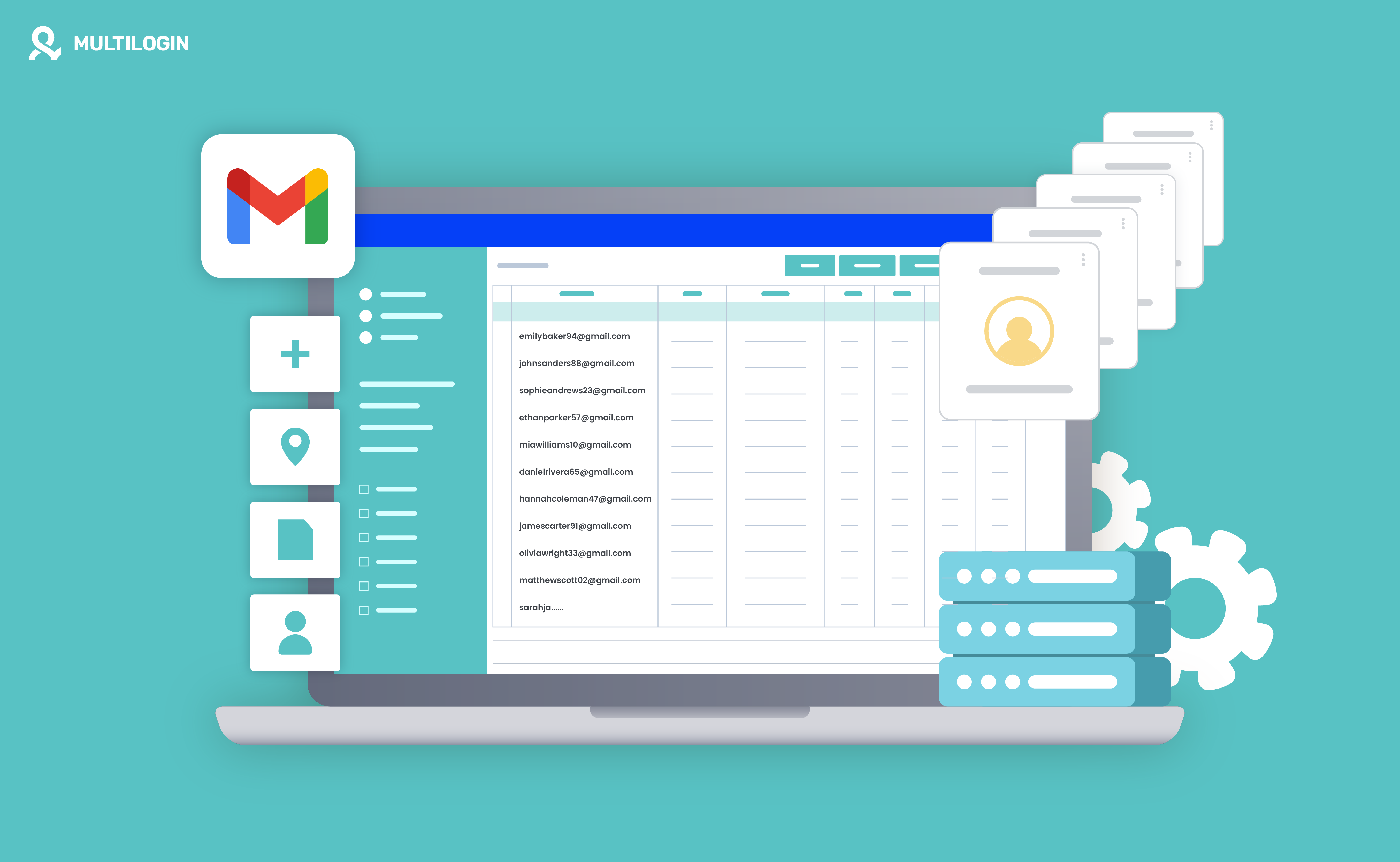





Manage multiple accounts with Android cloud phones
Build account trust, reach new locations, and grow faster from one dashboard
Managing multiple Gmail accounts has become increasingly common for business operations, marketing teams, agencies, and personal projects. However, setting up and organizing accounts manually can be time-consuming, especially when each account needs its own login details, recovery information, and ongoing management workflow.
In 2026, automated Gmail account creation tools and multi-account management platforms offer different ways to simplify these processes. Some tools focus on automating parts of account setup, while others help teams keep existing Gmail accounts organized in separate browser or mobile environments. This guide explains how these tools work, what they offer, and what to consider before using them.
What Is an Automated Gmail Creating Tool?
An automated Gmail creating tool is software designed to automate some or all of the steps involved in setting up multiple Gmail accounts. Depending on the tool, this may include entering account details, generating usernames and passwords, organizing recovery information, or integrating with verification services. Because Google may require CAPTCHA or phone verification, users must still follow Google’s policies and complete any required verification steps.
Why Consider Using Automated Gmail Creating Tools?
- Time-Saving: Automating repetitive setup tasks can reduce the time required to prepare and organize multiple accounts.
- Consistency: Standardized workflows help reduce errors and keep account information organized.
- Bulk Workflows: Some tools support batch processing for teams that need to prepare or manage a larger number of accounts.
- Customization: Many tools allow users to define usernames, passwords, recovery details, and other account settings based on specific requirements.
Best Automated Gmail Creating Tools in 2026
The tools below serve different purposes. Some focus on account creation, while others are better suited to managing Gmail accounts after they have been created. Always review each provider’s current features and use the software in accordance with Google’s terms and applicable laws.
1. Multilogin
Multilogin does not create Gmail accounts automatically. Instead, it helps individuals and teams manage existing Gmail workflows through isolated browser profiles and dedicated Android environments. Multilogin Cloud Phone gives each mobile workflow a separate Android session, helping keep app data, logins, and activity organized instead of mixing everything on one physical device.
Multilogin starts with a free plan, so you can explore the platform before committing. Paid plans start at $7.08/month when billed annually, while the monthly Pro 10 plan costs $11. Cloud phones, residential proxies, and browser profiles are bundled into the platform, making it easier to manage desktop and mobile account workflows from one place.
Key features
- Separate browser profiles and Android cloud environments for account management
- Dedicated mobile sessions for different Gmail workflows
- Built-in residential proxy options for more organized network management
- Cloud phone and browser profile management from one dashboard
- Team features for organizing accounts, projects, and client workflows
Pros
- Helps keep Gmail workflows and login sessions separated
- Reduces repetitive account switching on one device
- Useful for teams managing multiple client or project accounts
- Supports both browser-based and mobile-first workflows
- Offers a free plan with paid plans starting at $7.08/month when billed annually
Cons
- Does not create Gmail accounts for you
- Users must still follow Google’s account, security, and verification requirements
- Best suited to organized, compliant account management rather than automated account registration
2. Gmail Account Creator by PVA Creator
PVA Creator is a third-party account creation tool that supports configurable workflows for creating multiple accounts. Its available features may include proxy settings, username generation, CAPTCHA integrations, and third-party verification services. Check the provider’s latest documentation before use, as features and platform compatibility may change.
Key Features
- Supports configurable proxy settings
- Can assist with bulk account setup workflows
- Integrates with CAPTCHA-solving services
- May integrate with third-party SMS verification providers
Pros
- Designed for repetitive account setup tasks
- Supports multiple platforms
- Offers centralized workflow management
Cons
- Requires technical knowledge for configuration and proxy setup
- Users remain responsible for following Google’s policies and verification requirements
3. AIO Account Creator
AIO Account Creator is another tool designed to automate parts of bulk account setup. It may provide customization options for account details, proxy configuration, CAPTCHA services, and verification workflows. Because third-party tools change frequently, confirm its current Gmail support and compliance requirements before using it.
Key Features
- Supports proxy server configuration and IP management
- May integrate with CAPTCHA-solving services
- Customizable account settings for usernames and passwords
- Supports configurable verification workflows
Pros
- User-friendly interface
- Flexible customization options
- Designed to handle batch workflows
Cons
- Third-party verification services may involve additional costs
- Feature availability and Gmail compatibility may change
4. AccFarm
AccFarm is a third-party marketplace associated with pre-created or verified accounts rather than a traditional account management platform. Purchasing accounts may conflict with platform policies and can introduce ownership, recovery, security, and compliance risks. Review Google’s terms carefully before considering this type of service.
Key Features
- Marketplace-style access to pre-created accounts
- Bulk purchasing options may be available
- May offer account management-related services
Pros
- May reduce the time spent on initial account setup
- Offers bulk purchasing options
Cons
- Higher cost compared with creating accounts directly
- Potential policy, ownership, recovery, and security risks
- Account quality and long-term access may be difficult to verify
5. Gmass
Gmass is not an account creation tool. It is an email outreach and automation platform that integrates with Gmail to support tasks such as sending campaigns, scheduling emails, and tracking engagement. Businesses often use email marketing platforms to manage similar campaigns at scale.
Key Features
- Email marketing and outreach automation
- Direct integration with Gmail
- Open, click, and response tracking
- Scheduling and campaign management tools
Pros
- Useful for marketers, sales teams, and developers
- Detailed email engagement tracking
- Streamlines outreach workflows inside Gmail
Cons
- Does not create Gmail accounts
- Sending limits and usage must remain within Google’s policies
How Do Automated Gmail Creating Tools Work?
Automated Gmail creating tools typically reproduce repetitive steps in the account setup process, such as entering usernames, passwords, recovery details, and other required information. However, Google may require users to complete CAPTCHA challenges, phone verification, or additional security checks. No tool can guarantee that an account will be created or remain active, and attempts to avoid required verification may violate Google’s policies.
Key Features of Automated Gmail Creating Tools
- CAPTCHA Integrations: Some tools connect to third-party services that assist with CAPTCHA processing, although Google may still require direct user verification.
- Proxy Support: Certain tools allow users to configure proxies for legitimate network separation, testing, or regional workflows. Proxy use does not remove the need to follow platform policies.
- Customizable Account Settings: Users may be able to define account names, password requirements, and recovery options.
- Batch Processing: Some tools can process account data in batches, reducing repetitive manual input.
- Integration with Other Tools: Integrations with spreadsheets, task managers, or CRM systems can make account records easier to organize.
Setting Up and Using an Automated Gmail Creating Tool
Choosing the Right Tool
Choose a tool based on your actual workflow. Determine whether you need account creation support, email outreach automation, browser profile separation, or mobile account management. Review current features, pricing, security practices, and policy requirements before making a decision.
Installing and Configuring the Tool
After selecting a tool, follow the provider’s official setup instructions. Configure only the features needed for your workflow, such as account data fields, proxy settings, integrations, and access permissions.
Inputting Data
Prepare the necessary information, such as usernames, passwords, recovery emails, and internal account labels. Some tools support CSV imports, which can make structured data entry more efficient.
Running the Tool
Run a small test before processing a larger batch. Monitor each step, complete any verification requested by Google, and stop the process if the tool produces errors or behavior that may violate platform rules.
Exporting and Using the Accounts
If the tool supports exports, store account information securely and restrict access to authorized users. Use password management and access-control practices rather than sharing credentials through unsecured files or messages.
Legal and Ethical Considerations
Automated tools can save time, but they must be used responsibly. Google’s terms and policies prohibit spam, deceptive behavior, abuse, and attempts to interfere with security systems. Managing multiple accounts for legitimate business operations does not remove the obligation to follow Google’s rules. Violations may lead to account restrictions, suspension, or other consequences.
Use for Legitimate Purposes
Use Gmail accounts only for lawful and authorized activities, such as managing business communications, separating client workflows, or organizing different projects.
Avoid Spamming
Using multiple Gmail accounts for unsolicited or abusive messaging violates Google’s policies and may result in restrictions across associated accounts.
Understand the Risks
Third-party account creation tools can create security, privacy, ownership, and compliance risks. Evaluate these risks carefully and avoid any provider that promises guaranteed account creation, verification bypasses, or undetectable activity.
How Multilogin Helps in Managing Multiple Gmail Accounts
Managing multiple Gmail accounts can become difficult when logins, cookies, app data, and project activity are mixed together on the same browser or physical device. Multilogin helps teams organize these workflows through isolated browser profiles and dedicated Android cloud environments.
Multilogin allows you to create separate browser profiles with independent cookies, storage, and login sessions. For mobile-first workflows, Cloud Phone provides dedicated Android environments that can be managed from the same dashboard. This combination helps teams keep browser and mobile account activity organized while following each platform’s rules.
- Separate Browser Profiles: Each profile maintains its own cookies, storage, and browser fingerprint settings, helping prevent accidental session overlap between projects.
- Residential Proxy Integration: Multilogin includes residential proxy options, reducing the need to combine multiple separate tools for network and profile management.
- Cloud Phone Support: Dedicated Android cloud environments help teams manage Gmail and other mobile-first workflows without relying on multiple physical phones.
- Effortless Management: Saved sessions make it easier to switch between authorized Gmail accounts without repeatedly logging in and out.
For more information about mobile account workflows, see the top cloud phones for social media marketing in 2026. You can also review the Multilogin free plan and the Multilogin Cloud Phone product update for the latest platform information.
Try Multilogin for free, then continue from $7.08/month with annual billing. Cloud phones, residential proxies, and browser profiles are bundled into every plan.
Manage multiple accounts with Android cloud phones
Build account trust, reach new locations, and grow faster from one dashboard
FAQs About Automated Gmail Creating Tools
How do I automate Gmail account creation?
Google does not provide an official tool for automatically creating Gmail accounts in bulk. Each account should be created through Google’s standard sign-up process and may require additional verification. Automation is better used for legitimate tasks after account creation, such as organizing emails, applying filters, using templates, or managing approved workflows.
Can I create 100 Gmail accounts?
Google does not publish a guaranteed number of Gmail accounts that one person can create. Attempting to create many accounts within a short period may trigger verification checks or account restrictions. Organizations that need accounts for employees should consider using Google Workspace and creating managed users through its administrative tools.
What software can I use to manage multiple Gmail accounts?
Different tools support different parts of the workflow. Gmail provides native features such as filters, labels, templates, forwarding, and account switching. Tools such as GMass focus on email outreach and campaign management, while Multilogin can help teams keep authorized Gmail workflows organized in separate browser profiles or Android Cloud Phone environments.
How do I automatically create emails in Gmail?
You can use Gmail templates to save and reuse frequently sent messages. On a computer, enable Templates under Settings > See all settings > Advanced. You can then save a draft as a template and insert it into future emails. Gmail filters can also be combined with templates for certain automated responses.
Does Gmail have automation features?
Yes. Gmail includes filters, labels, forwarding, scheduled sending, templates, vacation responses, and other productivity features. Google Workspace users may also have access to additional administrative and integration options. These features automate email management, but they are not designed for bulk account creation.
How many Gmail accounts can I create in one day?
Google does not provide a fixed daily account-creation limit. The number of accounts that can be created may depend on factors such as verification requirements, device activity, account history, and Google’s security checks. Avoid attempting to bypass these controls or creating accounts for spam, impersonation, or other prohibited activities.
Can I create multiple Gmail accounts without phone verification?
A phone number may be optional in some sign-up situations, but Google can require phone verification to confirm that a real person is creating or accessing an account. There is no reliable or approved method for bypassing a required verification step. Using temporary numbers or third-party verification services can create security and account-recovery risks.

