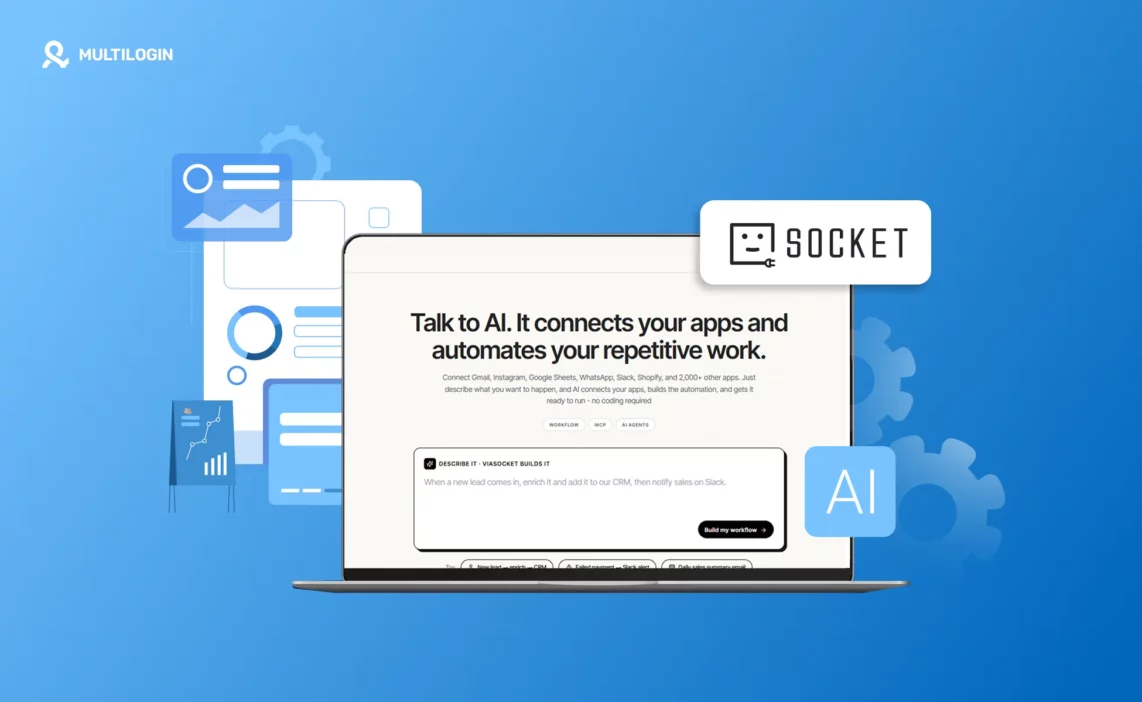


Setting up a browser profile by hand takes a minute. Setting up fifty takes an afternoon you didn’t plan for. The viaSocket Multilogin integration connects Multilogin’s browser profile management to viaSocket’s no-code automation builder, so profile creation, proxy assignment, and folder organization can run from a workflow instead of a dashboard, one click at a time. This covers Multilogin’s browser profiles specifically, based on the actions currently documented; if cloud phone automation is what you need, confirm that’s supported before building a workflow around it.
This review covers what the integration actually does, who it genuinely helps, where its current limits are, and how to set it up.
What is viaSocket?
viaSocket is a no-code, AI-assisted workflow automation platform that connects Multilogin to thousands of other apps.
Capability | What it means |
App connectivity | Thousands of apps across CRM, marketing, and communication tools, plus spreadsheets and databases |
Workflow building | Describe the outcome you want, and viaSocket builds the workflow, no manual trigger-and-action mapping required |
Advanced options | Conditional logic, webhooks, and custom APIs for teams that want to go further |
A typical workflow starts with a trigger in another app, a new CRM record, a form submission, a scheduled time, and ends with an action inside Multilogin.
What the viaSocket Multilogin integration does
The integration exposes a set of Multilogin dashboard actions as automation steps:
- Create or update a browser profile, setting OS, browser type, fingerprint masking, proxy, storage, tags, and start URLs
- List workspaces, filtered by name, email, or role
- Create or delete workspace folders, individually or in bulk
- List workspace folders, including which ones are empty
- Generate proxy connection URLs, specifying session type, protocol, location, and rotation
- Retrieve proxy traffic and billing data, converted into whatever unit you need
- Find profiles using filters and sorting, instead of scrolling a dashboard
- Delete one or more profiles, for offboarding retired accounts
One thing worth being upfront about: Multilogin currently supports these as actions on the viaSocket side, not as triggers. A workflow can create, update, or delete a Multilogin profile in response to something happening elsewhere, but nothing inside Multilogin itself currently kicks off a viaSocket workflow. If your use case needs Multilogin to be the starting point of an automation rather than the destination, this integration doesn’t cover that yet.
Who often uses viaSocket with Multilogin
Multilogin already sees heavy use from a few recurring groups, and each has a slightly different reason to care about this integration:
- Social media agencies managing multiple client accounts, where onboarding a new client currently means manually building a profile, tagging it, and assigning a proxy, often repeated for every new client that signs on
- E-commerce sellers running stores across multiple marketplaces, where each store needs its own isolated identity to avoid cross-store account linking
- Affiliate marketers and ad buyers testing campaigns across regions, where geo-targeted profiles multiply fast as new markets get tested
- QA and security teams simulating different user environments for testing, where consistent, repeatable profile setup matters more than one-off configuration
Most of these teams are still doing profile creation, tagging, and proxy assignment one at a time inside the dashboard. That manual step is exactly what this integration removes, provided the workflow fits the action-only model above. The common thread across all four groups isn’t the industry, it’s the volume: anyone creating or managing more than a handful of profiles a week starts feeling the manual overhead social media automation is built to remove.
Manual setup vs. automated workflow
The actual time savings are easiest to see side by side.
Task | Manual, in the dashboard | Automated through viaSocket |
New client profile | Create profile, set fingerprint, assign proxy, add tags, one at a time | Triggered automatically when a CRM record is added |
50 profiles from a list | Repeat the same manual steps 50 times | One workflow reads a spreadsheet and creates all 50 |
Proxy rotation | Manually regenerate proxy URLs as needed | Runs on a schedule without anyone opening the dashboard |
Offboarding a client | Find and delete the profile manually | Triggered automatically when the client record is closed elsewhere |
Proxy billing check | Log in and check usage manually | Pulled automatically into a scheduled report |
The pattern across every row is the same: nothing changes about what Multilogin actually does, only who or what initiates it.
How to connect viaSocket and Multilogin
Getting a workflow running takes a handful of steps:
- Log in to viaSocket and create a new flow.
- Choose a trigger app, a CRM, spreadsheet, form tool, or scheduler, depending on what should start the automation.
- Search for Multilogin as the action app and connect your account.
- Select the action you need: creating a profile, generating a proxy URL, or finding existing profiles, for example.
- Map the data fields from the trigger app to the Multilogin action.
- Test the flow, then activate it.
No development team required, and workflows can be edited later directly in the builder without touching code. For teams weighing viaSocket against other options, our roundup of social media automation tools covers where a no-code connector like this fits alongside dedicated scheduling and posting platforms.
Real viaSocket Multilogin workflows
- Client onboarding for agencies: a new CRM entry automatically creates a profile with the right proxy, tags, and folder, no dashboard work, and no delay between a client signing on and their account infrastructure actually being ready.
- Bulk profile provisioning: a spreadsheet of accounts turns into matching Multilogin profiles, each with its own fingerprint and proxy, row by row, which matters most when a new campaign or client relationship starts with dozens of accounts on day one rather than one added at a time.
- Scheduled proxy rotation and reporting: new proxy URLs generate on a schedule, with traffic and billing data pulled into a report sent to a team channel, so no one has to remember to check usage manually before it becomes a problem.
- Offboarding cleanup: when a client relationship or account is retired elsewhere, a workflow finds and deletes the matching Multilogin profile, closing the loop instead of leaving orphaned profiles sitting in a workspace.
- Workspace organization at scale: new campaigns automatically get their own folders, with incoming profiles sorted by tag or naming convention, keeping a large workspace navigable as account count grows.
- Routing incoming messages: outside of Multilogin specifically, viaSocket is also commonly used to route Instagram and WhatsApp DMs, comments, and form submissions into a CRM or Slack, useful context for teams already using it for messaging who want to extend the same automation to profile management.
What viaSocket costs
viaSocket’s free plan includes 2,000 tasks per month, with pay-as-you-go credits available beyond that rather than a hard cutoff. That keeps costs tied to actual automation volume instead of a flat subscription, which suits budget-conscious teams that don’t want to commit to a fixed tier before they know how much automation they’ll actually run, but it also means the total cost isn’t a single fixed number, worth checking against your expected usage before committing.
Where viaSocket genuinely helps, and where it doesn’t
viaSocket keeps profile setup consistent at volume
A workflow that creates a hundred profiles applies the same fingerprint, proxy, and tagging logic to every single one. That removes the small configuration mistakes that creep in when profiles are set up by hand, one after another:
- A proxy assigned to the wrong region
- A tag left off
- A profile created in the wrong folder
Individually minor, but they add up fast once dozens of client accounts are involved. An automated workflow simply doesn’t make that class of mistake.
viaSocket can’t yet trigger workflows from Multilogin activity
Teams that want Multilogin activity itself to trigger downstream automation, notifying a team the moment a profile’s proxy traffic crosses a threshold, or flagging a profile that hasn’t logged in for a set period, can’t build that today through this integration. That kind of workflow would need to start somewhere else and poll Multilogin’s data on a schedule instead of reacting to it in real time.
viaSocket’s no-code builder struggles with complex conditional logic
No-code builders tend to hit a limit with highly conditional, branching logic compared to custom scripting. Assigning proxies based on a simple rule, like matching a client’s stated region, works fine in a visual builder. Assigning proxies based on several combined conditions, current server load, prior ban history, and time zone all factored together, starts to strain what a no-code flow can cleanly express, even with viaSocket’s JavaScript and custom API options available for teams that want to go deeper.
Adding viaSocket means adding one more dependency
Any automation platform sitting between a team and its account infrastructure is one more moving part. If viaSocket has downtime, or an API change on either side breaks a mapped field, workflows built on it stop running until someone notices and fixes them, a maintenance cost manual, dashboard-only management doesn’t carry.
How agencies, sellers, and marketers benefit from viaSocket and Multilogin
Agencies get faster, more consistent client onboarding and offboarding, with fewer manual setup mistakes across accounts. E-commerce and marketplace sellers keep store accounts properly isolated while expanding into new regions without adding headcount. Marketers and affiliates turn campaign testing across geo-targeted profiles into a background process instead of a manual chore. Even a solo operator managing a handful of accounts saves time on the routine housekeeping of tagging, folder organization, and proxy tracking.
Multilogin is built for people and AI agents alike, and this integration is one concrete version of that: a workflow, not a person, handling the repetitive parts of account infrastructure, the same logic behind AI content calendar automation for the posting side of the job.
Start automating Multilogin with viaSocket
The viaSocket Multilogin integration page lists the full set of available actions and lets you build a first workflow directly. For anyone still managing profiles one at a time inside the dashboard, that’s the actual bottleneck this integration is built to remove.
FAQ
What is the viaSocket Multilogin integration?
It’s a no-code connection between viaSocket’s automation platform and Multilogin, letting workflows in viaSocket trigger actions inside Multilogin, creating, updating, finding, or deleting profiles, generating proxy URLs, and organizing workspace folders, without manual dashboard work.
Do I need to know how to code to use it?
No. viaSocket is built as a no-code platform, so workflows are assembled visually. Teams that want deeper control can use custom JavaScript functions or API calls within a flow, but that’s optional, not required to get started.
Can Multilogin trigger a viaSocket workflow, or only receive actions?
Currently, Multilogin only supports actions on the viaSocket side, meaning a workflow can create or manage a Multilogin profile, but nothing happening inside Multilogin itself starts a workflow automatically. Automations have to begin in another connected app.
Does using viaSocket require a separate Multilogin plan?
No. The integration works with your existing Multilogin account; it doesn’t require a different plan tier or add-on. Any limits on profile count or proxy usage come from your Multilogin plan itself, not from connecting viaSocket.
What can I automate with this integration?
Profile creation and updates (including fingerprint, proxy, and tags), workspace folder creation and cleanup, proxy URL generation, proxy traffic and billing lookups, and finding or deleting existing profiles. Common workflows include client onboarding from a CRM, bulk profile creation from a spreadsheet, and scheduled proxy rotation reports.
Is this integration only useful for large teams?
No. While agencies managing dozens of client accounts see the most dramatic time savings, even a single operator managing a handful of accounts benefits from automated tagging and folder organization instead of repeating the same manual steps for each profile.
Are cloud phones more expensive to run than browser profiles?
The cost depends on usage. Cloud-phone activity is measured in mobile minutes, while browser profiles count toward the plan’s profile limit. Multilogin includes both profile types in the same platform, with mobile-minute and proxy allowances varying by plans.