Telegram proxy & antidetect bundle

Use residential Telegram proxies together with cloud phones in Multilogin to manage Telegram accounts in stable, isolated environments. Each session runs with its own device identity and a location-matched IP, with access to over 30 million residential IPs, all controlled from one simple dashboard.

Telegram proxy & antidetect bundle
Run multiple Telegram profiles with Android cloud phones

Run multiple Telegram profiles with Android cloud phones

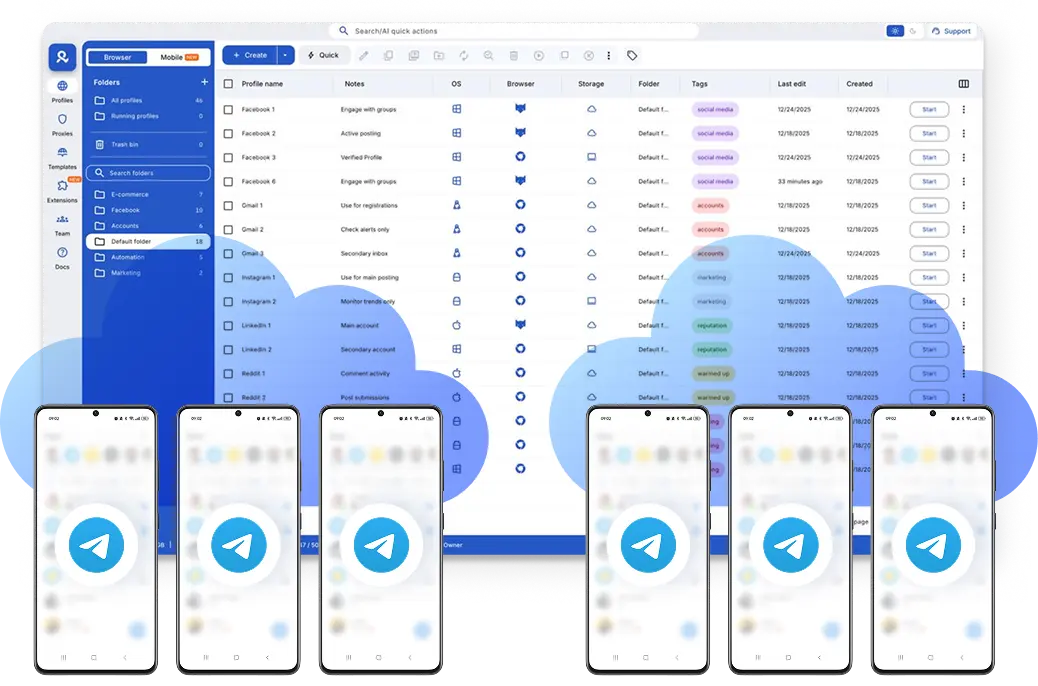
Run each Telegram profile on its own Android cloud phone to keep mobile sessions separate at the device level. With persistent app data and 24-hour lasting sticky sessions, you can switch between profiles and manage multiple Telegram accounts from one dashboard without shared environments.

Run Telegram accounts from the location you choose

Run Telegram accounts from the location you choose

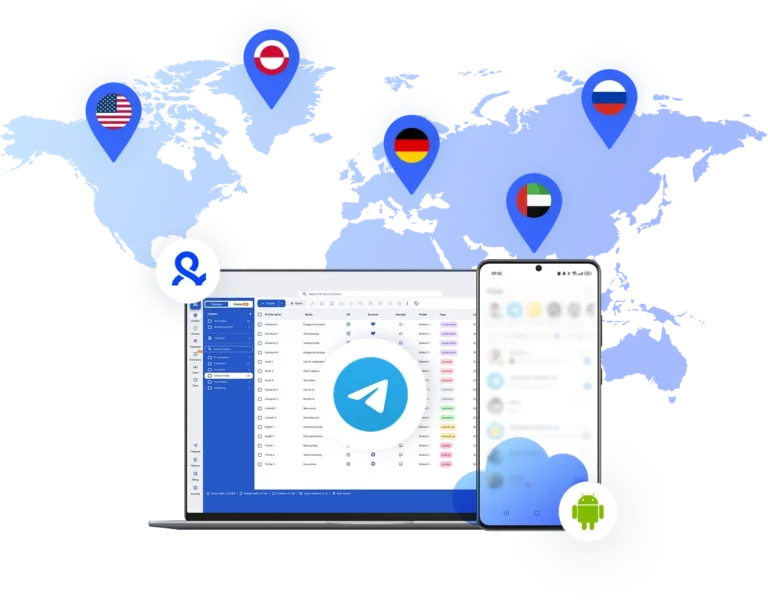
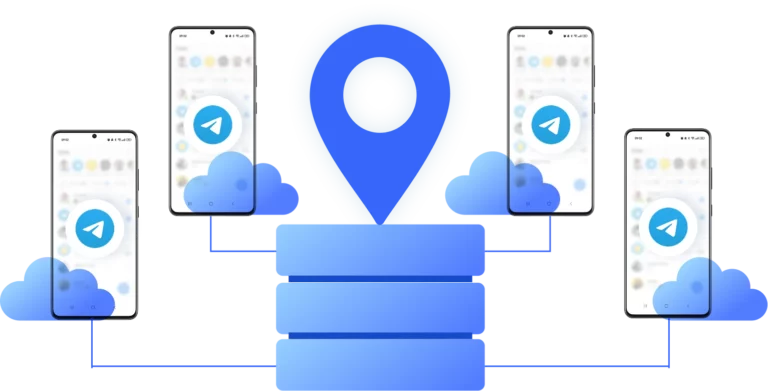
Choose where each Telegram account runs by assigning a location to its cloud phone. With built-in residential proxies, every cloud phone connects through a location-matched IP, so Telegram sessions stay consistent while you manage accounts from different regions in one dashboard.

Create and manage multiple Telegram accounts

Create and manage multiple Telegram accounts

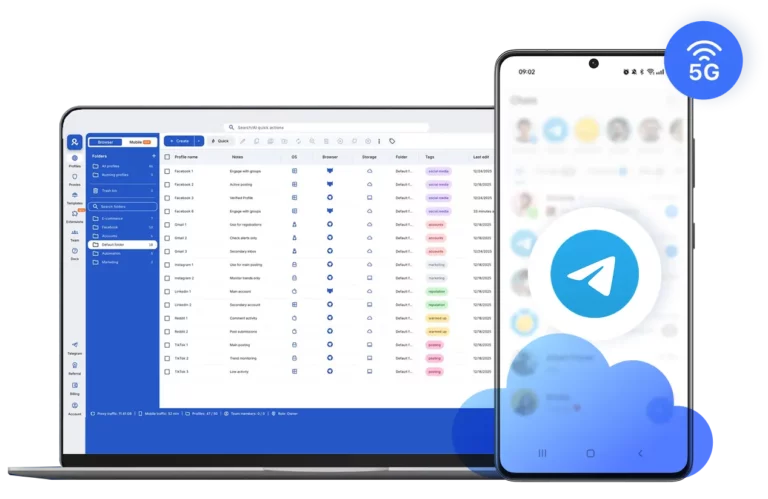
Create and manage Telegram accounts using Android cloud phones running real Android OS versions. Choose from around 30 Android device models across popular brands like Samsung, Google, and Redmi, with each account operating inside its own cloud phone to keep device setups, app data, and sessions fully separated from one dashboard.

Collaborate with your team on Telegram

Collaborate with your team on Telegram

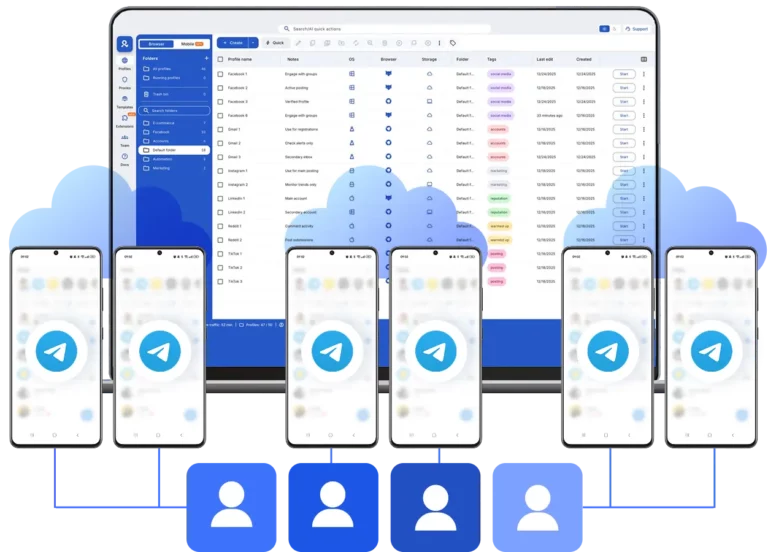
Assign Telegram accounts to team members and manage access from one dashboard. Each account runs on its own cloud phone, so teammates can work in parallel without sharing logins or devices, while you keep clear oversight as the team grows.

Use your existing Telegram proxy setup

Use your existing Telegram proxy setup

Already using Telegram proxies? Import your existing proxy setup into Multilogin and apply it to cloud phones or browser profiles. Manage both custom and built-in proxies from one dashboard while keeping your current Telegram workflow unchanged.

Looking for cloud phones?

Multilogin comes with built-in residential proxies to make multi-accounting, web scraping and web automation easier than ever. No extra setup, no third-party services—just undetectable browsing at no additional cost.
  • 3-day access to Multilogin

  • 5 cloud or local profiles

  • 200 MB proxy traffic included

  • 3-day access to Multilogin

  • 5 cloud or local profiles

  • 200 MB proxy traffic included

What are cloud phones?

Cloud phones are real Android devices hosted in the cloud that let you run each Telegram account in its own mobile environment. App data, login state, and device identity stay separate, so sessions remain stable while everything is managed from one dashboard.

What are cloud phones?

Why use proxies and a cloud phone from the same provider?

Using proxies and cloud phones from the same provider keeps Telegram sessions consistent at both the device and network level. Multilogin combines Android cloud phones with residential proxies from over 30 million IPs, so device identity, location, and connection stay aligned and everything is managed from one dashboard without extra tools.

Why use proxies and a cloud phone from the same provider?

What Multilogin offers that other antidetect browsers don't

Free residential proxies in each subscription plan

Daily testing on 50+ websites

Passes all browser fingerprint checkers

Profile warmup with pre-farmed cookies

AI-powered automation

Super sticky sessions last up to 24 hours

Multilogin features for creating multiple Telegram accounts

Icon representing Multilogin's feature to bypass bot protection.

Bypass bot detection

Our anti-fingerprinting tech bypasses multi-account and automated browser detection by masking unique browser fingerprints.

An icon representing browser action automation feature in Multilogin.

Integration with Selenium, Playwright, and Puppeteer

Automate data extraction with popular browser automation drivers all while keeping them invisible to anti-automation bots.

Icon representing residential rotating IPs in Multilogin.

Residential rotating proxies

Gain access to premium residential proxy nodes in 1400+ cities across 150+ countries with your Multilogin subscription.

An icon representing fingerprint adjustment to match proxy feature of Multilogin.

Fingerprint adjustment to proxies

All browser fingerprints match the proxy’s location, enhancing anonymity.

Icon representing Multilogin's support for all proxy types, including HTTP, HTTPS, and SOCKS5.

Support for all proxy types

Use our proxies or bring your own. Multilogin supports all proxy types.

Icon representing data sync over the cloud with Multilogin.

Data sync over VPS

Use our cloud profiles to synchronize data across multiple VPS instances effortlessly.

Icon representing the Android Chrome browser in Multilogin.

Fully featured browsers

 Unlike headless browsers that are carry the risk of detection, our browsers mimic real user activity, preventing restrictions by websites.

An icon representing High Load Supported feature of Multilogin.

Easy dockerization

Dockerize your scraping instances with ease using our quick dockerization guide.

Most awarded antidetect browser

Kinza awards for Multilogin.
Conversion club badge for Multilogin.
Mask group badge for Multilogin
Startup 2019 awards badge for Multilogin
badge for Multilogin
Best Value Software 2022 badge for Multilogin
High performer 2024 badge for Multilogin
Leader 2024 badge for Multilogin
Best support 2024 badge for Multilogin
Easiest to do business with 2024 badge
SourceForge top performer 2023 badge
GetApp user reviews badge

How to start using Multilogin 

Start collecting data effortlessly with the industry leading antidetect browser.

Step 1 of how to use Multilogin

Sign up

Register using a verified email address. 

Step 2 of how to use Multilogin

Choose your plan

Select from various subscription plans tailored to your business needs.

Step 3 of how to use Multilogin

Download Multilogin agent

Install Multilogin X on Windows, macOS, or Linux to access browser profiles and cloud phone management from one place.

Step 4 of how to use Multilogin

Access the Multilogin dashboard

Create antidetect browser profiles or launch cloud phones to manage Telegram accounts in isolated environments.

Step 5 of how to use Multilogin

Run your Telegram accounts

Set up and manage multiple Telegram accounts using separate browser profiles, all from one secure platform

Watch the Multilogin demo for creating multiple accounts on Instagram

Get a 10-minute demo video on how Multilogin can help you easily build your database of Instagram accounts while remaining undetected. Just fill in your name, last name and email below, and we’ll deliver the demo video directly to your inbox.

Image of locked video for Multilogin demo preview

How Telegram proxies and cloud phones work together for account management

Managing Telegram today is rarely about one account. For many teams, creators, and agencies, the real challenge is how to manage multiple Telegram accounts without sessions breaking, environments overlapping, or workflows becoming messy over time. At first, a proxy might seem like enough. Change the IP, log in, move on. But as account counts grow, problems usually start coming from somewhere else: shared devices, reused sessions, and environments that don’t stay consistent.

This is where Telegram proxies and cloud phones start to work best together. One handles the network side. The other handles the device side. When both are aligned, Telegram accounts behave more like normal, long-term mobile users instead of temporary setups that need constant fixing.

Why do Telegram proxies alone stop being enough over time

A Telegram proxy only changes where the connection appears to come from. It does not change the device that Telegram sees. If multiple accounts are accessed from the same phone, emulator, or recycled environment, Telegram can still connect them through shared signals such as app storage, device parameters, or session behavior.

That’s why many setups feel fine at the beginning, then slowly become unreliable. Accounts start asking for re-logins, sessions expire faster than expected, or actions feel restricted without a clear reason. The issue is not usually the proxy quality. It’s the environment behind it.

Proxies solve network identity, but Telegram also pays attention to device identity. Without separating both, problems tend to repeat no matter how often IPs are changed.

What exactly does a cloud phone change for Telegram accounts

A cloud phone gives each Telegram account its own Android device environment, hosted in the cloud and controlled from a desktop. Instead of multiple accounts touching the same phone or emulator, every account runs inside its own isolated mobile space.

Each cloud phone keeps its own app data, login state, and device setup. When you open Telegram again, you return to the same environment, not a rebuilt or partially reset one. That continuity is what makes long-term management calmer and more predictable.

With Multilogin, cloud phones run real Android OS versions and support a wide range of Android device models. You install Telegram once, stay logged in, and continue working from the same session whenever you return.

How do Telegram proxies and cloud phones work together in practice

The real stability comes from pairing the two correctly. Cloud phones handle the device. Proxies handle the connection. When they’re managed from the same platform, they stay aligned instead of drifting apart.

In a proper setup:

  • Each Telegram account runs on its own cloud phone

  • Each cloud phone connects through its own residential proxy

  • Location, network, and device signals remain consistent over time

Multilogin makes this pairing straightforward by offering built-in residential proxies that can be applied directly to cloud phones. With access to over 30 million residential IPs across 150+ countries, network routing happens inside the same dashboard where devices are managed. There’s no need to stitch tools together or guess whether signals still match.

Key activities with Telegram proxies 

Proxies aid common tasks in clear ways: 

  • Content scraping: Data from groups or channels pulls in without system blocks. 
  • Geo-unblocking: Blocked content opens via IP matches to needed locations. 
  • Automation: Posting, extraction, and profile work use Postman, Selenium, Puppeteer, and Playwright through Multilogin’s API. 

These steps build toward reliable daily use. 

What can you do day to day with Telegram using cloud phones and proxies

Once the setup is in place, managing multiple Telegram accounts becomes far more predictable. Instead of worrying about device resets, IP changes, or overlapping fingerprints, daily work stays focused on the Telegram tasks that actually matter. Each cloud phone maintains its own device fingerprint and session history, so accounts behave consistently over time.

Teams typically use this setup to:

  • Switch between Telegram accounts without re-logging or rebuilding sessions

  • Keep accounts organized by client, campaign, or region

  • Return to the same app state with the same fingerprint every time work resumes

  • Assign accounts to team members without sharing devices or login details

Because cloud phones persist between sessions, there’s no sense of starting from zero. Each account keeps its own context, fingerprint, and activity history, which is especially important when managing conversations, channels, or communities across different regions.

How does Multilogin help organize Telegram accounts at scale

Managing a few accounts is one thing. Managing dozens is where structure starts to matter more than tools. Multilogin’s dashboard is built around keeping environments clear and separated as setups grow.

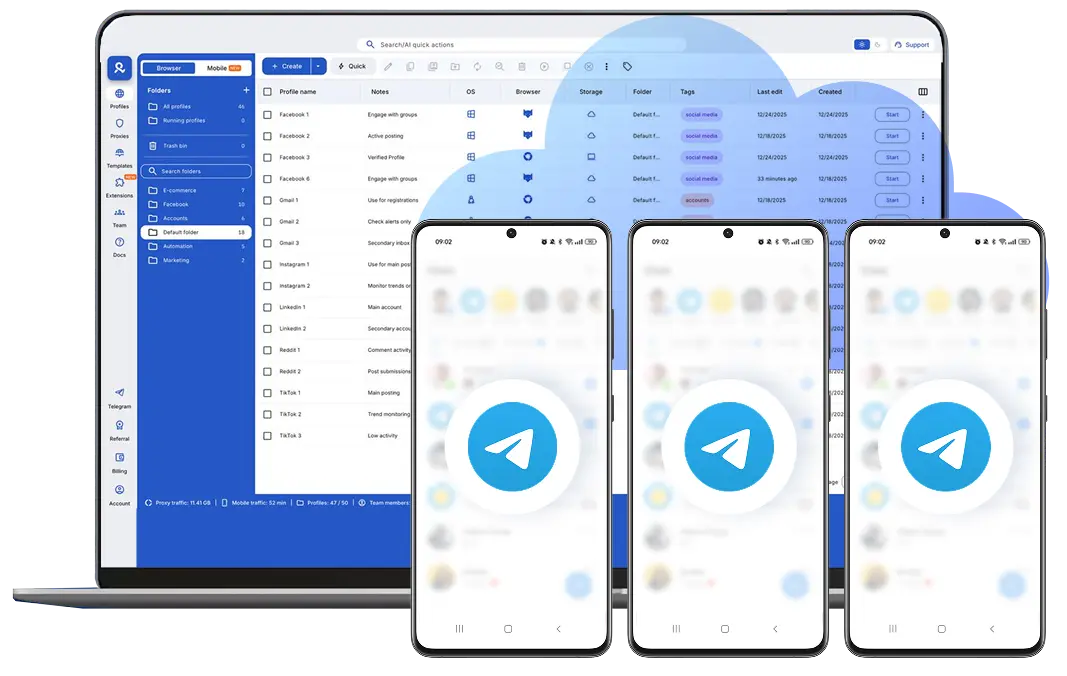
You can organize cloud phones with folders, tags, and notes, making it easy to see which Telegram account belongs to which purpose. Team access controls let you decide who can view, run, or edit each phone, so collaboration stays clean as more people join the workflow.

Because cloud phones and browser profiles live in the same platform, Telegram mobile and Telegram Web workflows can be handled side by side without jumping between tools.

Final verdict

Telegram account management works best when environments behave like real, long-term mobile users. Proxies alone handle only part of that picture. Cloud phones complete it by giving each account a stable device environment that doesn’t reset or overlap.

By combining cloud phones and residential proxies inside one platform, Multilogin offers a practical way to manage Telegram accounts with clarity, structure, and confidence as operations grow.

FAQ

A cloud phone is a real Android device hosted in the cloud that lets you run Telegram as if each account were on its own physical phone. App data, device fingerprint, and login state stay persistent, so Telegram sessions remain stable while everything is managed from a single dashboard.

Proxies only change the network location. Telegram also evaluates device fingerprint, app storage, and session behavior. When multiple accounts share the same device environment, they can still be linked even if IPs rotate. Cloud phones solve this by separating accounts at the device level, not just the network level.

Each Telegram account runs inside its own cloud phone with a unique device fingerprint and isolated app data. This prevents overlap between accounts and allows teams to manage multiple Telegram accounts without rebuilding sessions or reconfiguring environments every time.

A proxy acts as a middle point that routes your connection to Telegram through another server. It hides your real IP and lets you appear from a different location. 

They help avoid detection by making each account look independent. Without them, using the same IP can lead to flags or bans.

Multilogin pairs proxies with an antidetect browser to manage fingerprints and IPs. It makes handling accounts safer and more automated. 

Absolutely. It supports third-party proxies alongside its built-in options for custom setups.

Yes, in most places, as long as you follow Telegram’s rules and local laws. They’re tools for privacy, not for breaking terms.

Multilogin’s interface works for beginners. You can start simple and add tools like Selenium later as needed.

Thank you! We’ve received your request.
Please check your email for the results.
We’re checking this platform.
Please fill your email to see the result.

Multilogin works with amazon.com