



























Create multiple InShot accounts

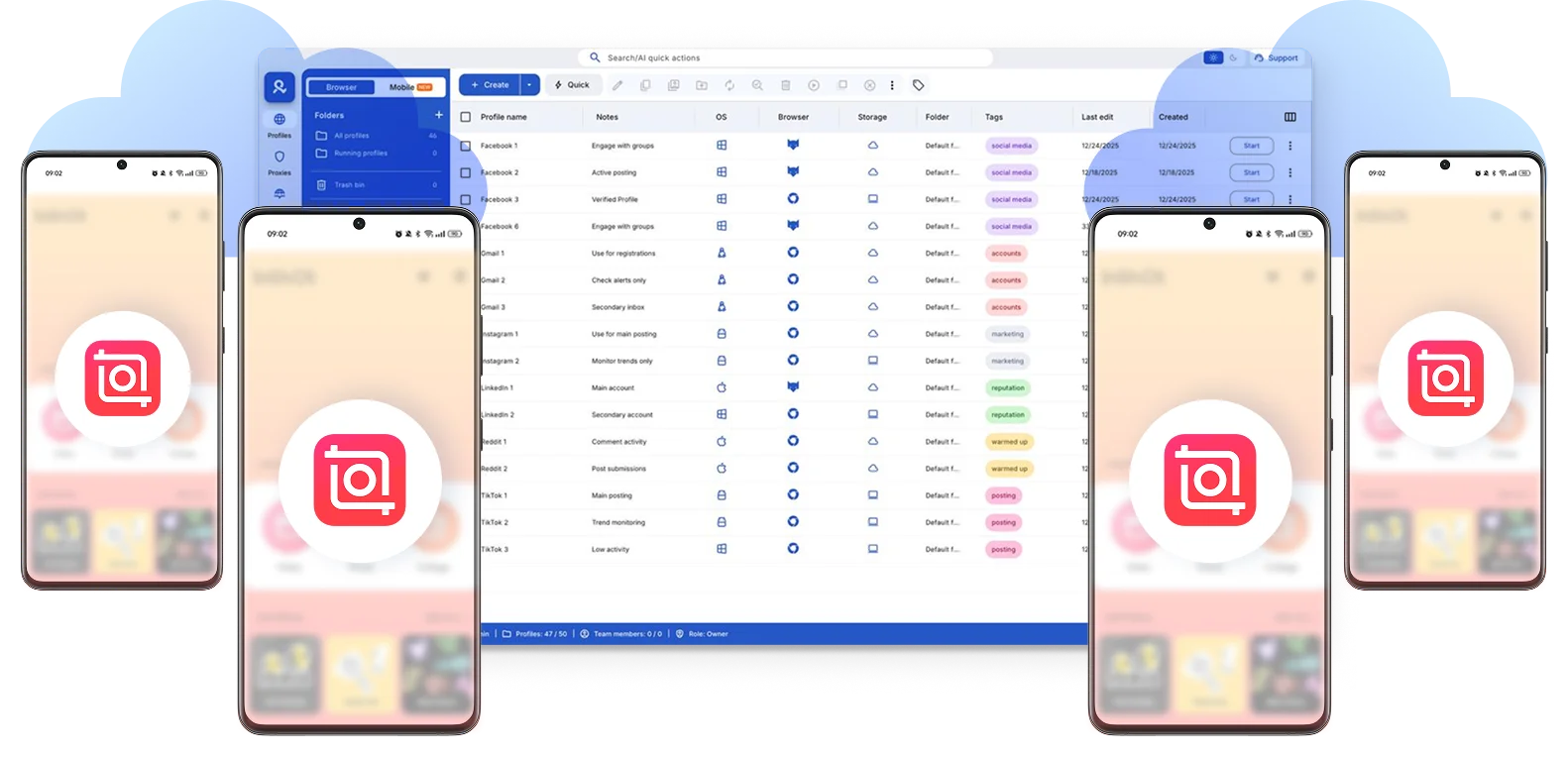
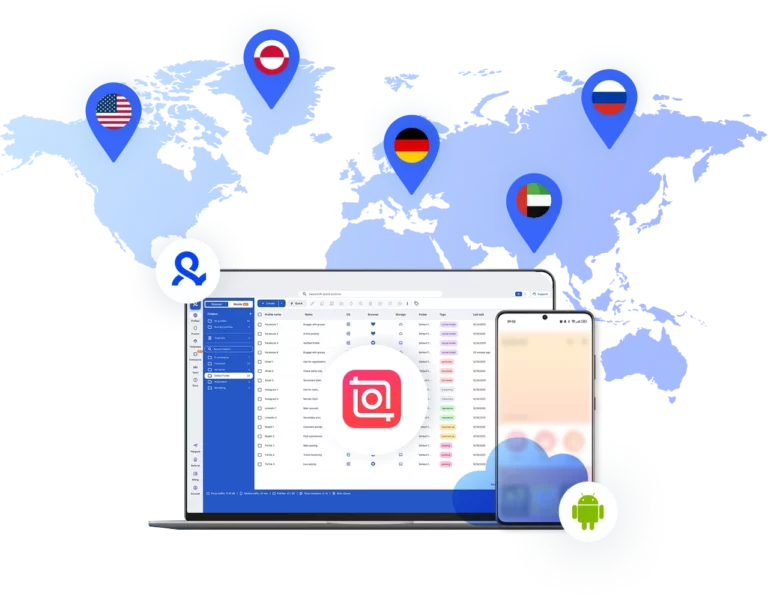
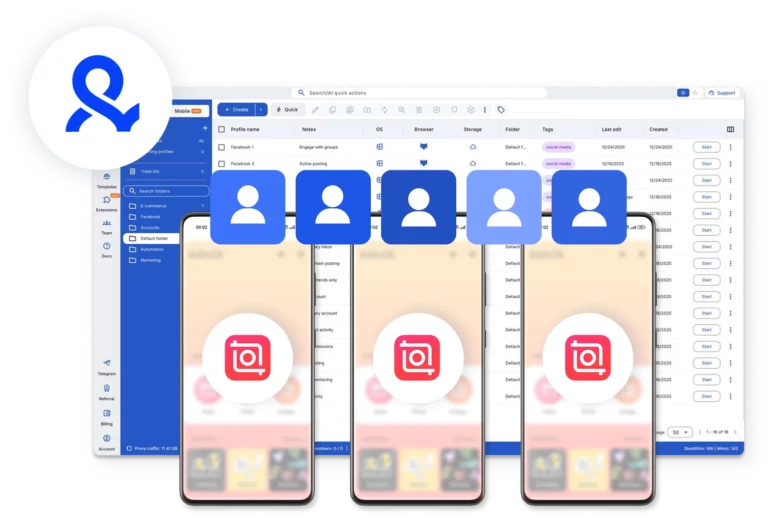
Manage multiple InShot accounts using cloud phones for the mobile app and browser profiles for web workflows — each with its own storage, device identity, and app data.  

Manage multiple InShot accounts using Multilogin
Switch between InShot accounts without crossed signals.

End overlaps between your InShot accounts

Switch between InShot accounts without crossed signals. Edit for multiple clients, test content niches, and try different formats.

Monetize templates from multiple InShot account using Multilogin's cloud phones.

Monetize templates on InShot

Create and monetize video templates across multiple InShot accounts without system flags, VPNs, or separate physical devices using cloud phones.

Automate your InShot editor workflows  

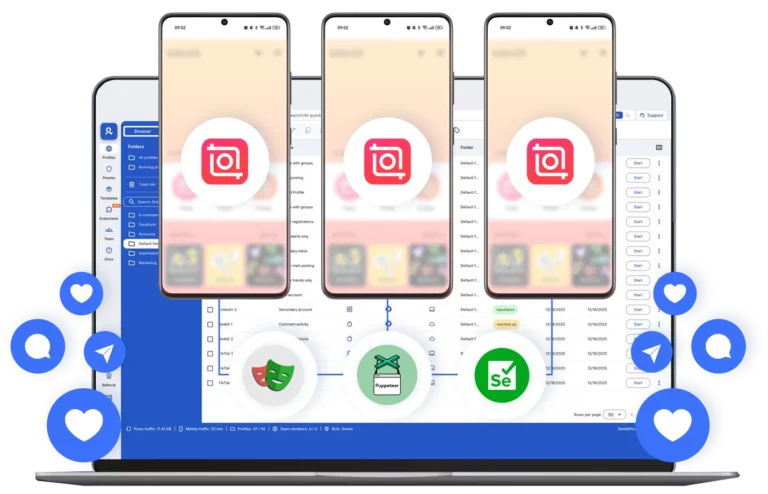
Automate your InShot accounts from one dashboard. Connect Selenium, Playwright, Puppeteer, or Postman and simplify your editing operations.

Connect InShot accounts from any location you choose

Connect InShot accounts from any location

Assign a dedicated location to each cloud phone for InShot. Access 150+ locations, 30M+ IPs, and ISP-level targeting to keep sessions stable.

Collaborate on InShot with your team

Collaborate on InShot with your team

Create multiple InShot projects, set team roles, and share cloud phone access in a unified workspace. Coordinate edits and publishing efficiently across your team.

Manage Unlimited Mobile and & Web Accounts

Multilogin comes with built-in residential proxies to make multi-accounting, web scraping and web automation easier than ever. No extra setup, no third-party services—just undetectable browsing at no additional cost.
  • 3-day access to Multilogin

  • 5 cloud or local profiles

  • 200 MB proxy traffic included

  • 3-day access to Multilogin

  • 5 cloud or local profiles

  • 200 MB proxy traffic included

What is a cloud phone?

A cloud phone is a real Android mobile phone hosted in the cloud. Each cloud phone runs as an independent device, with its own operating system, hardware identifiers, storage, and network signals.

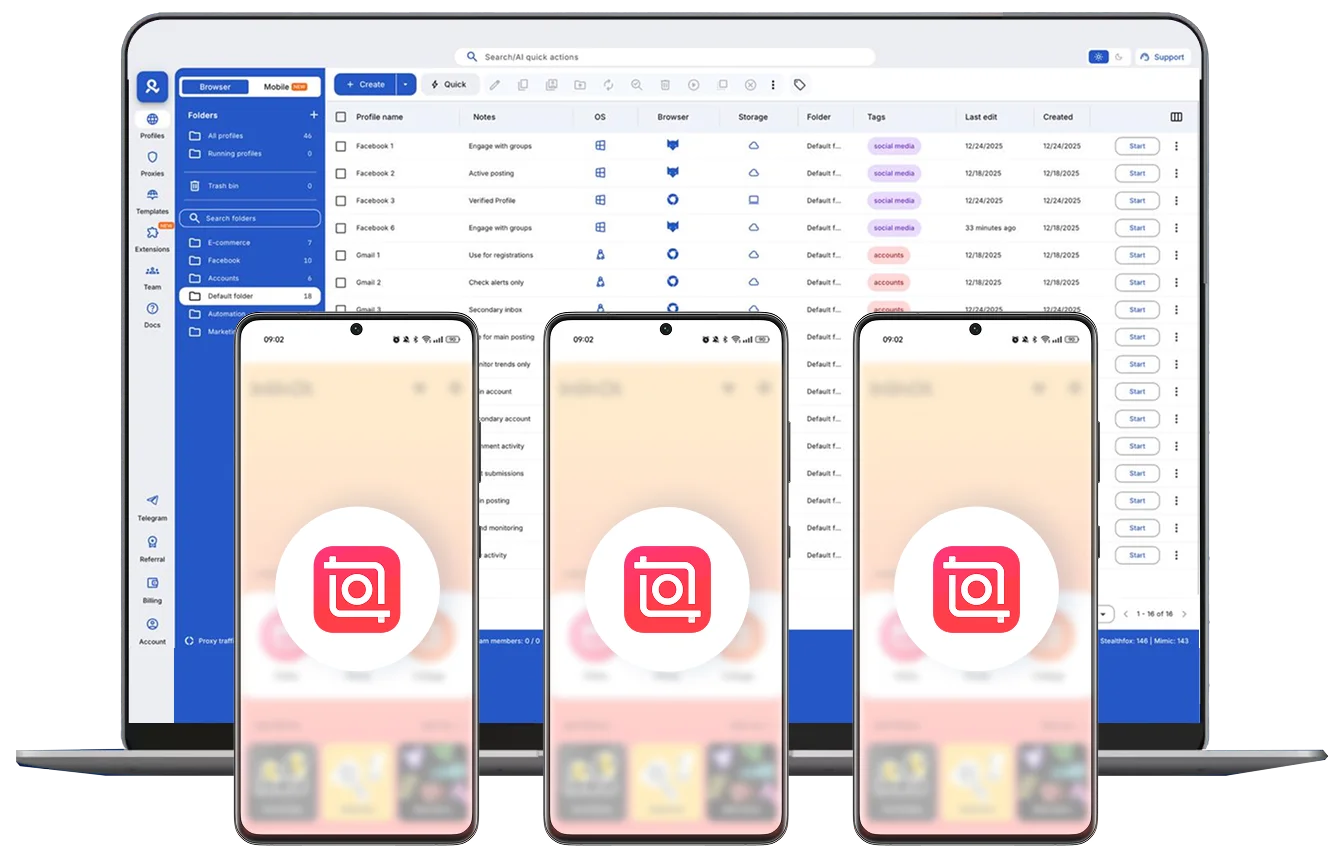
Multiple cloud phone devices running in parallel for mobile account management

Why choose Multilogin for cloud phones? 

Multilogin cloud phones remain fully isolated at the identity level — enabling secure, scalable and more consistent InShot operations.

Cloud phone management platform with multiple cloud phone devices controlled from one interface

Multilogin features for InShot accounts management

Multilogin 2-in-1

Anti-detect browser profiles and cloud phones in one ecosystem. One app, one dashboard, full control.

Built-in proxy integration

Residential IPs are included by default. 150+ countries and 1,400+ cities with daily quality testing.

Up-to-date Android versions

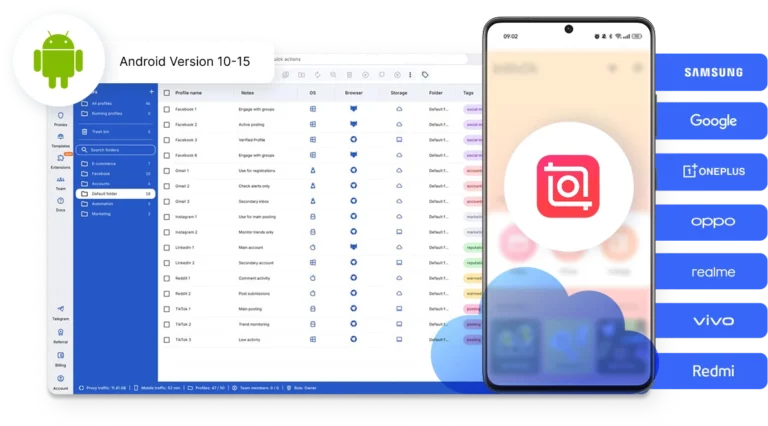
Stable Android versions 10–15, fully compatible with modern mobile apps.

Real brands and devices

Support for 7 real Android device brands with unique IMEI and system-level digital fingerprints.

App repository

Install TikTok, Instagram, Reddit, and other popular apps without Google Play. APK uploads are also supported.

Folders, tags and access control

Organize profiles using folders, tags, and role-based access. Manage team workflows with ease.

Enterprise-grade security

Profile encryption, 2FA, access control, and compliance-ready security for safe operations.

Launch Real Android Devices in 60 Seconds

Install InShot and start managing accounts. While your competitors spend days setting up physical phones.

Why Multilogin wins for InShot

Fast and intuitive interface

Everything at your fingertips: drag-and-drop, hotkeys, and smooth multitasking without losing speed.

Browser built for multi-accounting

Advanced engine effectively avoids multi-account detection by creating unique browser fingerprints.

Created for team collaboration

Proxies included in every plan

24/7 support in 5 languages

Tested daily on 50+ platforms

Whether you're selling, promoting, or growing — Multilogin works everywhere.

Award winning multiple account management platform

High Performer
Momentum leader
Best support
Momentum leader

How to start using Multilogin cloud phones

Launch and manage real mobile environments in the cloud.

Step 1 of how to use Multilogin

Sign up

Register using a verified email address. 

Step 2 of how to use Multilogin

Choose your plan

Select from various subscription plans tailored to your business needs.

Step 3 of how to use Multilogin

Download Multilogin app

Install the Multilogin desktop app to manage mobile sessions securely.

Step 4 of how to use Multilogin

Access the Multilogin dashboard

Launch cloud phones for InShot, assign proxies, configure fingerprints, and manage mobile environments from one place.

Step 5 of how to use Multilogin

Manage multiple cloud phones

Set up and manage multiple cloud phones for InShot using separate browser profiles with consistent identities.

Watch the Multilogin Demo

Get a 10-minute demo video on how Multilogin can help you easily build your database of cloud phone and browser profiles while remaining undetected. Just fill in your name, last name and email below, and we’ll deliver the demo video directly to your inbox.

Name
Last Name
Email *
Image of locked video for Multilogin demo preview

Create multiple InShot accounts safely in 2026 

The InShot app is one of the most widely used tools for short-form video editing. Creators, agencies, ecommerce brands, and social media teams rely on it daily to produce and publish content across TikTokInstagram Reels, YouTube Shorts, and similar platforms. 

But as production volume grows, one account and one device stop being enough. 
Agencies juggle editing workflows for several clients at once. Creators run multiple accounts with completely different audiences and content styles. Marketing teams need to test formats and creatives across different setups without everything getting tangled together. That reality pushes most serious users toward managing more than one InShot account — and that’s where the problems usually start. 

The problem with running multiple InShot accounts

The InShot app is built around local device storage. Projects, media files, and session data all live on the device itself. That’s fine when you’re one person with one phone and one account. The moment you try to run two or more InShot accounts from the same environment, things break down fast. 

Project files get mixed between accounts. App sessions become unstable when you switch back and forth. If you’re using emulators to get around the single-device limitation, you’re likely dealing with recycled device parameters that platforms can detect — and performance that degrades the more you push it. 

The result is a workflow that constantly needs babysitting. You spend more time dealing with technical friction than actually editing. 

And the core issue isn’t really about how many accounts you have. It’s about isolation, or the lack of it. When accounts share the same device environment, they share signals: storage, identifiers, session behavior. That’s what creates instability and makes scaling feel impossible. 

Who actually needs multiple InShot accounts 

This isn’t a niche problem. A wide range of teams run into this regularly: 

Agencies and social media managers handling video production for multiple clients need each project to live in its own environment. Mixing client files, sessions, or credentials in one place is a liability — both for workflow clarity and account security. 

Creators managing multiple channels know that keeping niches separate isn’t just about organization. Different audiences, different content strategies, different posting rhythms — running them all from the same InShot account setup creates unnecessary risk and confusion. 

Marketing and growth teams testing video formats across campaigns need parallel setups that don’t influence each other. If you’re comparing performance across different creatives or audiences, the last thing you want is for the environments themselves to be a variable. 

Ecommerce and affiliate teams producing product videos at scale — across regions, languages, or promotional cycles — need volume and consistency. That means multiple InShot video editor environments running at the same time, without any one setup affecting another. 

What changes when you use Multilogin for your InShot accounts 

Multilogin solves the isolation problem directly. Each InShot account runs inside its own cloud phone, a real Android device hosted in the cloud, with its own storage, device identity, and app data. From the platform’s perspective, each account is on a completely separate phone. 

That has some concrete effects on day-to-day work: 

No more mixed files or sessions. Each cloud phone keeps its InShot app environment completely separate. Projects don’t bleed between accounts, and switching between workflows doesn’t destabilize anything. 

Stable performance at scale. Unlike emulators that degrade over time or recycle device parameters, cloud phones maintain consistent behavior. You can run multiple InShot app instances in parallel without performance dropping or sessions becoming unpredictable. 

No dependency on physical devices. Scaling up doesn’t mean buying more phones or managing a stack of hardware. You spin up cloud phones from a dashboard and they’re ready to go — each one behaving like a real Android device. 

Centralized control. All InShot account environments, cloud phones, and team access are managed from one place. Assigning accounts to team members, organizing by client or project, and keeping everything structured becomes straightforward instead of chaotic. 

Location flexibility. Each cloud phone can be assigned its own location, with access to 150+ locations and 30M+ IPs. For teams managing regional content or working across markets, this keeps sessions consistent and reduces the friction that comes with location mismatches. 

Conclusion

Running multiple InShot accounts is a practical necessity for anyone producing video content at scale. The challenge has never really been about whether you should do it, it’s about whether your setup can actually support it. 

Shared environments create shared problems. When accounts run on isolated infrastructure, those problems largely disappear. Workflows stay clean. Sessions stay stable. And the time your team spends managing technical issues goes back into actually making content. 

That’s what Multilogin’s cloud phones are built for — giving each InShot video editor environment its own foundation, so the whole operation runs on something solid. 

FAQ

Yes, as long as each account runs in its own isolated environment. The risk with multiple InShot accounts isn’t the number of accounts itself — it’s when they share the same device signals, storage, or session data. Multilogin solves this by giving each InShot account its own cloud phone with a separate device identity, so every account behaves like an independent user on a different phone. 

InShot is a mobile video editing app widely used for creating and editing short-form content for platforms like TikTok, Instagram Reels, and YouTube Shorts. It’s popular among individual creators, social media managers, agencies, and marketing teams who need a straightforward, capable editor directly from their phone. As production needs grow, many of these users end up needing more than one InShot account to manage different clients, niches, or campaigns. 

The InShot app itself is safe and legitimate. The challenge with professional or scaled use isn’t the app — it’s the environment around it. When multiple InShot accounts share the same device or emulator, session instability and file conflicts become real problems. Running each InShot account inside its own isolated cloud phone keeps workflows clean, stable, and separated, which makes it a much safer setup for teams managing accounts at scale. 

Multilogin provides cloud phones, that are real Android devices hosted in the cloud where each InShot account runs in a fully separate environment. Every cloud phone has its own storage, device identity, and app data, so there’s no overlap between accounts. Teams can run multiple InShot app instances in parallel, manage everything from one dashboard, and assign locations to each account without relying on physical devices or unstable emulators.

Yes. Multilogin’s cloud phones replicate real Android devices, which means the InShot app runs exactly as it would on a physical smartphone. You can choose from popular Android devices — Samsung, Google, Redmi, and others — with Android versions up to v15. Each cloud phone maintains persistent storage and stable performance, so your InShot video editor environments stay consistent over time.

Yes. Multilogin lets you share cloud phone environments with team members, assign access levels, and control who can manage which InShot account — all from one platform. Instead of sharing login credentials directly, each person works within a controlled environment. The accounts stay isolated and protected, even when multiple people are actively using them at the same tim

We’re checking this platform.
Please fill your email to see the result.

Thank you! We’ve received your request.
Please check your email for the results.

Multilogin works with amazon.com