



LinkedIn outreach automation helps you scale connection requests, follow-ups, and messages without handling every interaction manually. In this guide, you’ll learn which LinkedIn outreach tools are worth using in 2026, how their automation workflows differ, what account-safety risks to watch for, and how to build a more stable outreach setup as your volume grows.
The strongest tools do more than automate sequences. They also need to work within an environment that keeps account activity consistent and reduces unnecessary security checks. That is where Multilogin cloud phone become relevant: they provide isolated Android cloud environments that can support more consistent device-level conditions when managing LinkedIn outreach workflows.
We’ll compare the leading LinkedIn automation options, break down their strengths and trade-offs, and show where cloud phones fit into a practical. LinkedIn lead generation automation strategy.
👉 Start by understanding the biggest risks behind LinkedIn outreach automation – and how to choose a setup built for sustainable scaling.
What Is LinkedIn Outreach Automation?
LinkedIn outreach automation is software that handles repetitive prospecting tasks for you, sending connection requests, follow-up messages, and profile views on a schedule instead of you clicking through hundreds of profiles by hand.
Think about what a human SDR actually does all day. They open a profile, decide if it’s a fit, send a request, wait, follow up, track responses, repeat. That’s mechanical work dressed up as sales work. Automation tools strip out the mechanical part and leave the decision-making (mostly) to you, or in some cases, to an AI layer that decides for you too. Some tools run in your browser as an extension. Others run entirely in the cloud, meaning your laptop can be off and the campaign keeps going. Both approaches work. Neither is automatically safer, and that’s the part most guides gloss over.
Is LinkedIn Outreach Automation Safe to Use in 2026?
Yes, but only if you treat LinkedIn’s detection systems as the actual obstacle, not the tool’s feature list. LinkedIn watches for patterns: identical message templates, connection requests sent every 40 seconds like clockwork, dozens of profile visits from one IP in a short window. That pattern recognition has gotten sharper every year, not weaker.
Here’s the thing nobody selling automation software wants to lead with. The tool itself rarely gets you restricted. It’s the fingerprint behind the tool, the same IP, same browser signature, same device ID, hitting LinkedIn’s servers over and over, that gets flagged. A cloud-based tool with rotating residential IPs and randomized send timing will survive far longer than a cheap extension blasting requests from your home Wi-Fi at 9am sharp every single day.
⭐️ Pro tip: Randomize your daily send windows and vary your message templates by at least 20 to 30 percent between batches. LinkedIn’s spam filters key on repetition more than volume.
What to Look For Before You Pick a Tool
Not all outreach platforms solve the same problem, so the checklist depends on what you’re actually trying to do. Still, a few things matter regardless of use case.
- Safety limits. Does the tool cap daily actions automatically, or does it let you (foolishly) set unlimited sends?
- Cloud vs browser-based. Cloud tools run independent of your machine and typically offer better IP hygiene.
- CRM integration. Can it sync with HubSpot, Salesforce, or Pipedrive without a Zapier workaround?
- Personalization depth. Basic tools do first-name merge tags. Better ones pull job title, recent posts, or mutual connections into the message.
- Multi-account support. If you’re running outreach for more than one client or brand, this becomes non-negotiable fast.
That last point deserves its own section, honestly, because it’s where most agencies and growth teams get tripped up.
The Best LinkedIn Outreach Automation Tools for 2026
Below are the platforms actually worth your attention this year. We’re not including anything that’s been quietly phased out or flagged repeatedly by users for triggering restrictions.
1. Expandi
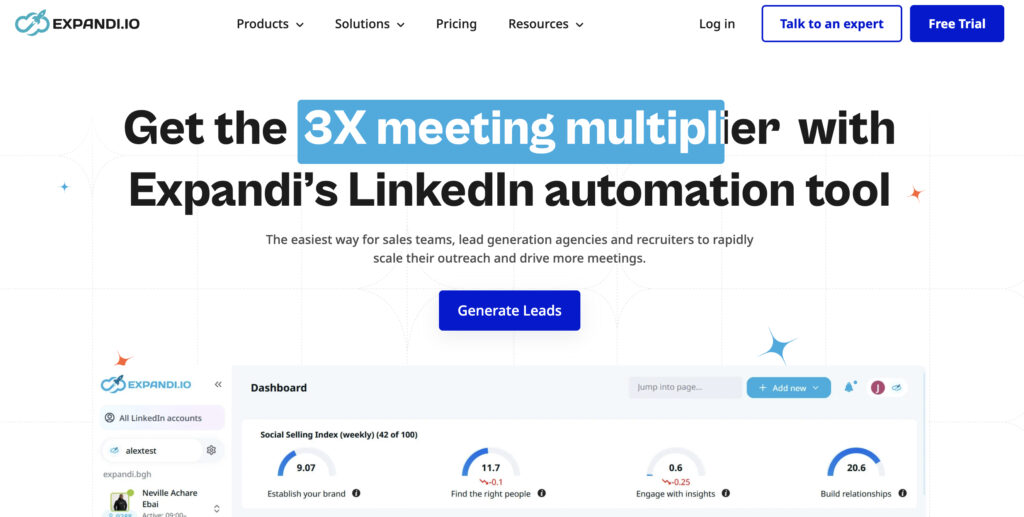
Cloud-based, built specifically around avoiding LinkedIn’s automation detection. Runs each account through its own dedicated IP. Strong for agencies managing multiple client accounts side by side.
2. Waalaxy
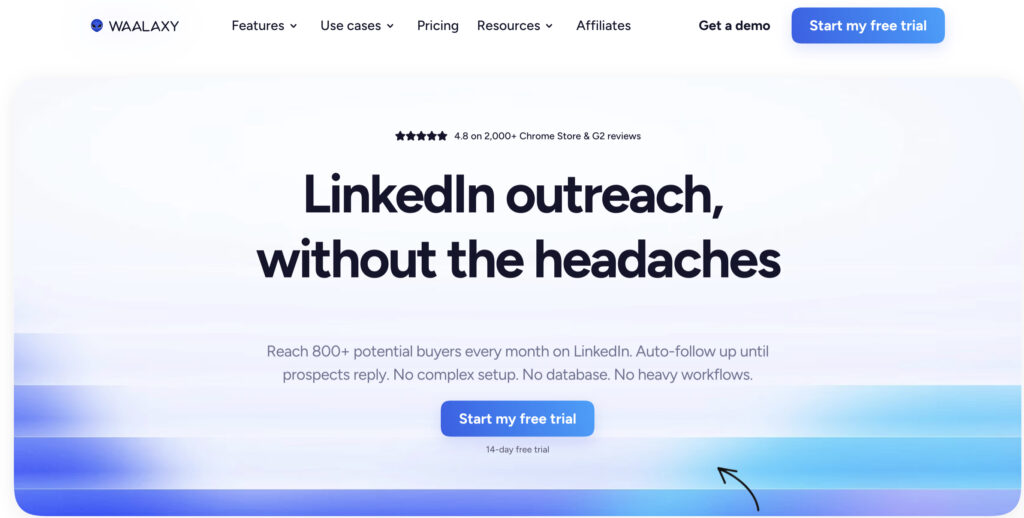
Browser extension with a generous free tier. Good for solo founders or small teams testing outreach before committing budget. Less robust safety controls than fully cloud-based competitors.
3. Lemlist
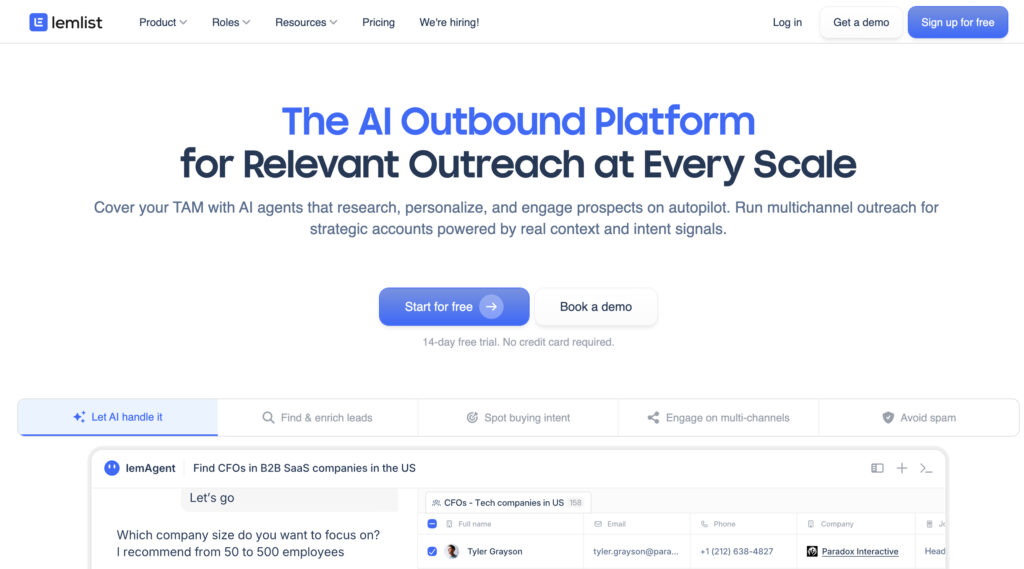
Started as cold email software, expanded into LinkedIn + email combined sequences. Strong personalization engine, including AI-written icebreakers pulled from prospect activity.
4. Dux-Soup
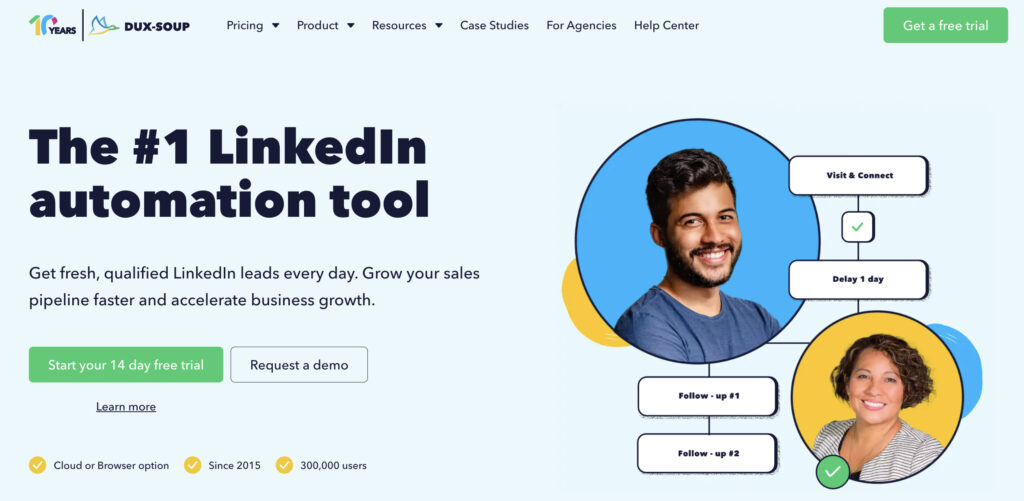
One of the oldest names in this space. Browser-based, simple, reliable for basic connection and messaging sequences. Not built for heavy multi-account scaling.
5. Skylead
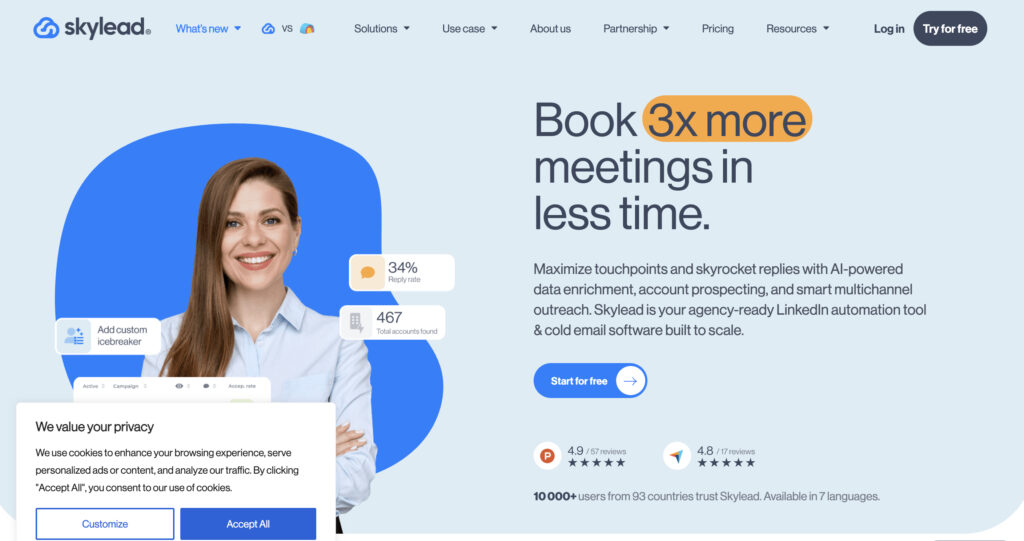
Combines LinkedIn automation with email finder and verification built in. Useful if your team doesn’t already have a separate email tool.
Comparison: Pros and Cons
| Tool | Pros | Cons |
|---|---|---|
| Expandi | Dedicated IPs, agency-friendly, strong safety limits | Higher price point for solo users |
| Waalaxy | Free tier, easy setup | Weaker account protection at scale |
| Lemlist | Combines email + LinkedIn, AI personalization | Learning curve for full sequence builder |
| Dux-Soup | Simple, cheap, reliable for basics | Not built for multi-account operations |
| Zopto | Strong for Sales Navigator users | Pricier, steeper onboarding |
How Much Does LinkedIn Outreach Automation Cost in 2026?
Most reliable tools sit somewhere between 39 and 150 dollars per seat per month, depending on features and whether IP rotation is bundled in. Cheaper tools exist below that range, but they tend to cut corners exactly where it matters most: account safety.
Budget extensions like Dux-Soup start around 15 to 25 dollars monthly, which sounds appealing until you realize there’s no dedicated IP layer included. You’re essentially paying less for more risk. Mid-tier cloud platforms like Expandi or Zopto land closer to 99 dollars per account monthly, and that price usually buys you dedicated IPs, better daily action limits, and support that actually responds when your account gets a warning.
Agencies running outreach/ marketing for multiple clients face a different math problem entirely. Add up seat licenses across five, ten, twenty client accounts, and suddenly infrastructure choices (shared versus isolated environments) start affecting the bottom line as much as the automation software itself. That’s usually the point where teams start looking seriously at cloud phone setups instead of just stacking more browser profiles on one machine.
Before committing to an annual plan, run a 14 or 30 day trial with a single low-stakes account first. It’s a lot cheaper to discover a tool triggers restrictions before you’ve moved your whole client roster onto it.
Multilogin Cloud Phones for LinkedIn Outreach at Scale
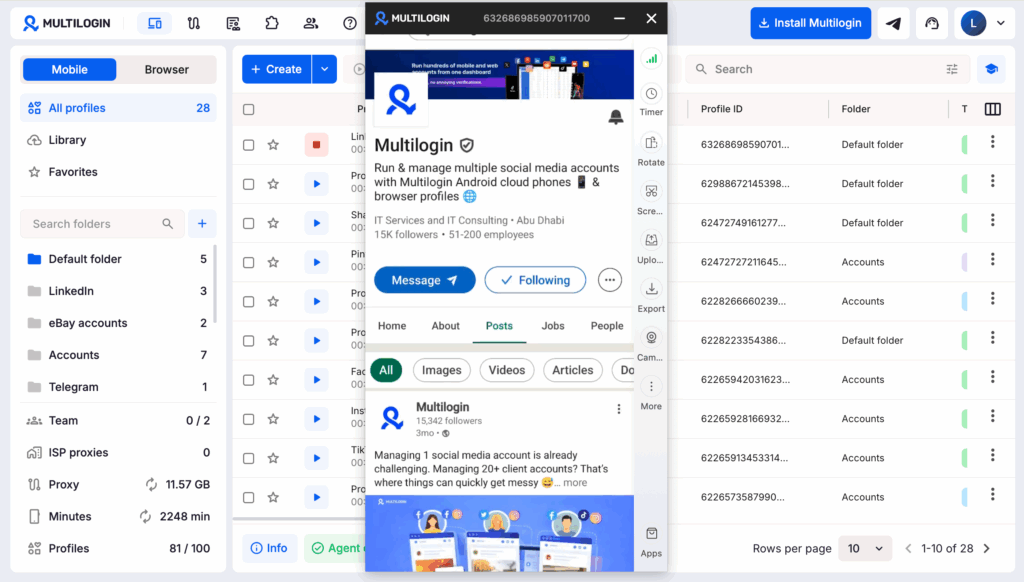
If you’re managing outreach across multiple LinkedIn profiles, whether that’s several client accounts or several sales reps on one team, Multilogin’s Cloud Phones give each profile its own isolated virtual device, complete with a unique fingerprint and its own clean IP. No shared hardware, no shared browser signature, no accidental cross-contamination between accounts.
That matters for a pretty simple reason: separation is the whole game. A cloud phone acts like a standalone Android environment running in the cloud, accessible from any browser, so each LinkedIn account behaves (to LinkedIn’s detection systems) like it belongs to a completely different person on a completely different device. Combine that with your automation tool’s scheduling and message logic, and you get the scale of automation without stacking every account’s risk into one basket.
Common Mistakes That Get LinkedIn Accounts Restricted
Most restrictions aren’t mysterious. They’re the result of a handful of repeat mistakes.
- Sending the exact same connection note to hundreds of people in a row.
- Running multiple accounts from one browser profile, or worse, one IP.
- Ignoring LinkedIn’s own daily action limits and pushing volume regardless.
- Skipping warm-up periods on brand new accounts before automating anything.
- Using free proxies or shared IPs that dozens of other automation users already burned through.
If even one of these sounds familiar, it’s probably worth auditing your current setup before you scale further, not after.