





You’re managing multiple accounts. Maybe it’s for social media marketing, e-commerce, ad campaigns, or crypto airdrops. Keeping sessions, devices, locations, cookies, and account histories separate quickly becomes more important than simply opening another Chrome window.
That used to make this a straightforward browser comparison: Multilogin vs GoLogin vs AdsPower.
In 2026, the question is broader.
GoLogin and AdsPower still have strong browser-profile products. GoLogin has also started rolling out Cloud Android. Multilogin has moved further into mobile-first workflows, positioning itself as a cloud phone platform that combines Android cloud phones, browser profiles, residential proxies, mobile minutes, and automation in one dashboard.
So which one actually fits your workflow?
Let’s compare them without pretending they are still three identical products.
What Makes a Multi-Account Browser Actually Work?
The market still uses multi-account browser as a category term for tools that separate browser profiles and their identifying data.
For browser-based work, several things still matter:
Browser profile quality: How well does the platform manage fingerprint masking parameters such as Canvas, WebGL, fonts, timezone, screen resolution, and hardware properties?
Proxy integration: Can every profile use an appropriate IP and location without turning proxy management into another job?
Reliability: Does the platform stay current as browsers, operating systems, and bot detection systems change?
Mobile coverage: Can you move beyond a desktop browser when the actual workflow happens inside TikTok, Instagram, Facebook, or another Android app?
Ease of use: Can a marketer or operator manage profiles without spending half the day configuring them?
Automation: Does the platform support the tools your team or AI agents already use?
That final mobile question is where the Multilogin vs GoLogin vs AdsPower comparison has changed most.
Multilogin: The All-in-One Solution for Serious Multi-Accounters
Founded: 2015
Best for: Social media marketers, agencies, creators, e-commerce operators, and automation teams that need Android cloud phones and browser profiles from one dashboard
Multilogin started in the browser-profile market, but the current platform is broader.
It is now a cloud phone platform for managing multiple social profiles. Mobile workflows run through Android cloud phones, while web workflows can still run through isolated browser profiles.
That matters when one operation includes Instagram or TikTok apps alongside Reddit, YouTube, Facebook web, Google, advertising dashboards, or other browser-based accounts.
What Makes Multilogin Different?
Android Cloud Phones
For mobile accounts, Multilogin provides ARM-based Android cloud phones with persistent apps, device data, sessions, location settings, and network configuration.
Instead of making a desktop browser look mobile, you work inside an Android environment designed for native mobile apps.
Built-in Premium Residential Proxies
Residential proxies are built into the platform.
Proxy traffic is included with Multilogin plans, with coverage across 150+ countries. You can manage the IP, profile, and location from the same dashboard instead of maintaining a separate proxy stack.
Browser Profile Identity Controls
For web-based workflows, Multilogin still provides isolated browser profiles with control across 55+ browser and device parameters.
Each profile maintains its own cookies, storage, session, IP, and browser identity.
Two Browser Engines: Mimic & Stealthfox
Multilogin offers two browser engines:
Mimic: Chromium-based
Stealthfox: Firefox-based
This gives teams flexibility when their workflows depend on different browser environments.
Automation & API Access
Multilogin supports API-based workflows plus Selenium, Puppeteer, Playwright, Postman, and cloud-phone automation.
You can automate repetitive profile workflows or connect AI agents without rebuilding your entire setup around one proprietary automation system.
Cookie Robot and Bulk Operations
Cookie Robot, templates, profile management, and bulk actions are available for browser workflows. You can also work with pre-made cookies when they are relevant to your setup.
Multilogin Pricing
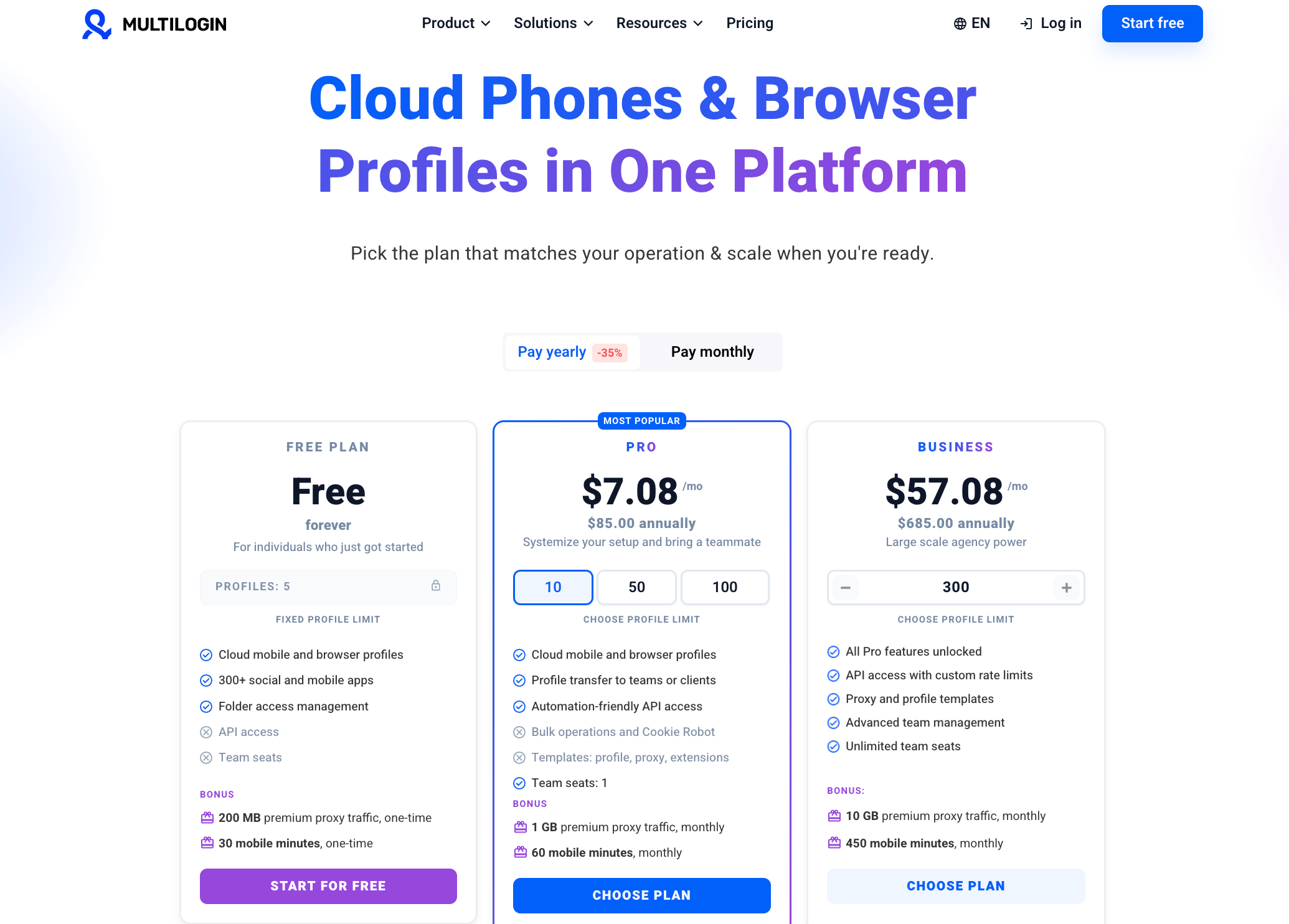
Free plan: $0, 5 profiles, 200 MB proxy traffic and 30 mobile minutes included as a one-time bonus
Pro: From $7.08/month, with cloud phones, browser profiles, proxy traffic, mobile minutes, automation features, and team functionality depending on profile limit
Business: Built for larger teams and agencies, with higher profile limits, more included resources, advanced team management, and unlimited team seats
The Free plan has no time limit and does not require a credit card.
Pros
✅ Android cloud phones and browser profiles in one platform
✅ Built-in residential proxy traffic
✅ Free plan with 5 profiles
✅ Two browser engines
✅ API and major automation framework support
✅ Mobile and web workflows managed from one dashboard
✅ Established since 2015
Cons
❌ Cloud phones work best with a stable internet connection
❌ Free plan profiles are deleted after seven days of inactivity
GoLogin
Founded: 2019
Best for: Browser-profile users who want a straightforward interface, cloud browser access, included proxy traffic, and access to GoLogin’s developing Cloud Android product
GoLogin is well known for its Orbita browser and relatively simple profile-management experience.
It has also expanded beyond its original desktop-browser setup. Its Cloud Android product is now available in beta, which makes the Multilogin vs GoLogin comparison more interesting than it was a year ago.
Key Features
Orbita Browser: Chromium-based browser
Free Plan: 3 browser profiles
Residential Proxies: 2 GB included with paid plans
Cloud Launch: Run browser profiles remotely
Android App: Manage browser profiles from an Android device
Cloud Android: Android cloud-phone functionality currently in beta
REST API: Automation support
Team Collaboration: Profile sharing and team functionality depending on plan
GoLogin Pricing
Free: $0, 3 browser profiles
Professional: From $24/month with 10, 50, or 100-profile configurations
Business: From $49/month with 300 or 500 profiles
Enterprise: From $99/month with 1,000 profiles
Custom: Larger profile limits for bigger operations
Paid plans currently include residential proxy traffic.
Pros
✅ Free plan with 3 profiles
✅ 2 GB residential proxy traffic included with paid plans
✅ User-friendly browser workflow
✅ Cloud browser launches
✅ Cloud Android now available in beta
Cons
❌ Cloud Android is still a developing beta product
❌ One main browser engine, Orbita
❌ Team access is more limited on lower plans
❌ Mobile and browser workflows are not as mature as the browser side of the product
AdsPower
Founded: 2019
Company: SUNFLOWER TECH PTE. LTD., Singapore
Best for: Browser-first teams that want affordable profile management, built-in RPA, bulk operations, and multi-window synchronization
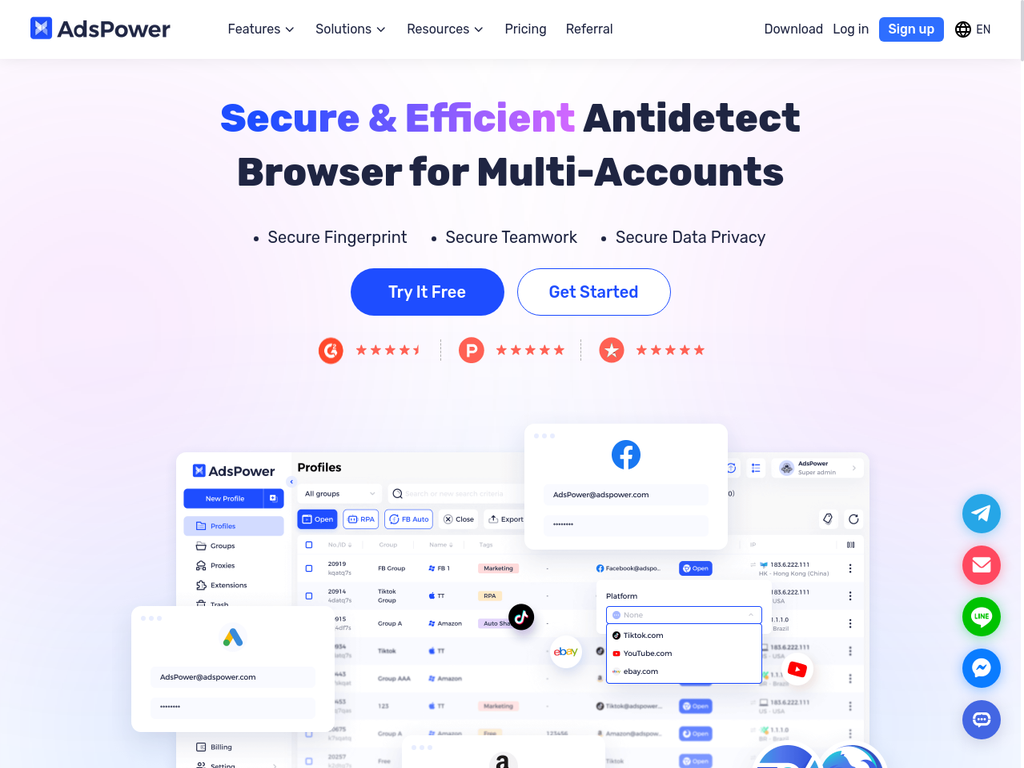
AdsPower has built a strong position around browser-profile management and automation.
Its RPA system and Synchronizer are particularly useful for teams that want to repeat browser actions without building everything through external scripts.
Key Features
Two Browser Engines: Sun Browser (Chromium) and Flower Browser (Firefox)
Free Plan: 2 permanent profiles
RPA Automation: Built-in no-code automation
Batch Operations: Manage multiple profiles together
Synchronizer: Repeat actions across browser windows
Local API: Custom automation support
Team Collaboration: Roles, permissions, and profile sharing
AdsPower Pricing
Free: $0, 2 permanent profiles
Professional: From $9/month for 10 profiles
Business: Configurable based on the number of profiles and members
Enterprise: Custom pricing for 5,000+ profiles
AdsPower also offers a seven-day free trial for users who want to test more functionality than the permanent free package provides.
Pros
✅ Low browser-profile entry price
✅ Strong RPA automation
✅ Multi-window Synchronizer
✅ Two browser engines
✅ Permanent free package with 2 profiles
✅ Proxy purchasing available inside AdsPower
Cons
❌ Proxy traffic is a separate purchase rather than bundled into the base browser subscription
❌ Cloud phone functionality is provided through the DuoPlus partner integration rather than a native AdsPower cloud-phone product
❌ Costs increase as you add profiles, team members, proxies, or additional services
Feature Comparison: Multilogin vs GoLogin vs AdsPower
| Feature | Multilogin | GoLogin | AdsPower |
|---|---|---|---|
| Core platform | Android cloud phones + browser profiles | Browser profiles + Cloud Android beta | Browser profiles |
| Browser engines | Mimic (Chromium) + Stealthfox (Firefox) | Orbita (Chromium) | Sun (Chromium) + Flower (Firefox) |
| Residential proxy traffic | Included | 2 GB included with paid plans | Purchased separately |
| Android cloud phones | ✅ Yes | ✅ Beta | Via DuoPlus partner |
| Browser profile controls | 55+ parameters | Custom browser identities | Custom browser identities |
| Free plan | ✅ 5 profiles | ✅ 3 profiles | ✅ 2 profiles |
| Automation | API, Selenium, Puppeteer, Playwright, Postman, ADB | REST API, cloud automation | Local API, RPA, Synchronizer |
| Team collaboration | ✅ Yes | ✅ Plan-dependent | ✅ Yes |
| Founded | 2015 | 2019 | 2019 |
| Best for | Mixed mobile + web social-profile workflows | Browser workflows + developing Android workflows | Browser automation and RPA |
Browser-Only vs Mobile-First: The Comparison That Matters in 2026
A year ago, comparing Multilogin vs GoLogin vs AdsPower mostly meant comparing browser engines, profile limits, fingerprints, proxies, and automation.
That is no longer enough.
If your work is browser-only, all three deserve consideration. GoLogin has Orbita and cloud browser launches. AdsPower has two engines, RPA, and its Synchronizer. Multilogin still offers Mimic and Stealthfox browser profiles.
The bigger difference appears when your workflow moves into native mobile apps.
TikTok, Instagram, Facebook, and other mobile-first platforms are built around Android and iOS app experiences. Browser profiles can handle web access, but they are not a replacement for a native Android environment when your workflow depends on app-only features.
Multilogin handles that through dedicated Android cloud phones alongside browser profiles. If you want to understand the difference between browser-based Android setups and a cloud-phone workflow, see the guide to Android cloud phone environments.
GoLogin now addresses the same problem with Cloud Android, although the feature is still in beta.
AdsPower remains primarily browser-focused. Its website links cloud-phone users to DuoPlus, a separate partner service.
That creates three different product directions:
Browser-first: AdsPower
Browser-first with an emerging Android layer: GoLogin
Mobile + web in one platform: Multilogin
Automation follows the same pattern. AdsPower’s RPA is appealing when you want built-in no-code browser repetition. GoLogin provides REST API and cloud browser automation. Multilogin supports common automation frameworks while also extending automation into cloud-phone environments.
For browser-specific workflows, you can also use the Multilogin Extension for automation and testing inside isolated profiles.
The practical question is no longer simply, “Which browser has more settings?”
It is, “Where does my work actually happen?”
The Hidden Cost of “Cheap” Multi-account Browsers
The old version of this comparison treated proxy cost as the main hidden expense. That is no longer accurate for GoLogin because its current paid plans include residential proxy traffic.
A better comparison is the cost of the complete stack you need.
GoLogin Professional:
From $24/month
Paid plans include 2 GB of residential proxy traffic
Browser profiles and cloud launches included
Cloud Android is currently available in beta
AdsPower Professional:
From $9/month for 10 profiles
2 permanent free profiles
Proxy services are purchased separately
Built-in RPA and Synchronizer included based on plan
Cloud-phone workflows require a separate partner product
Multilogin Pro 10:
$6.5/month
10 total profiles
Cloud phones and browser profiles
1 GB residential proxy traffic per month
60 mobile minutes per month
API and automation support
This is why headline subscription prices alone can be misleading.
If you only need browser profiles, AdsPower’s entry price is attractive. GoLogin becomes more competitive now that proxy traffic is bundled into paid plans.
If you need both browser profiles and native Android environments, compare the combined cost and workflow rather than only the number beside the cheapest browser plan.
The Verdict: Which Multi-account Browser Should You Choose?
If you’re managing multiple accounts, start with the workflow instead of the brand name.
Choose Multilogin if:
✅ Native Android apps are part of your workflow
✅ You manage TikTok, Instagram, Facebook, YouTube, or other mobile-first profiles
✅ You also need browser profiles for web accounts
✅ You want residential proxy traffic and mobile minutes included
✅ You use Selenium, Puppeteer, Playwright, Postman, APIs, ADB, or AI agents
✅ You want mobile and browser profiles under one dashboard
Multilogin makes the strongest case when your operation crosses the line between web and mobile.
It is not simply another browser alternative. The main product direction is cloud phones for social-profile workflows, with browser profiles included for the parts of the operation that still belong on the web.
Choose GoLogin if:
Your workflow is still primarily browser-based
You like Orbita and GoLogin’s cloud browser system
The included residential proxy traffic covers your needs
You want to experiment with its Cloud Android beta
You prefer its pricing or interface
GoLogin has become a more complete competitor in 2026, particularly after adding bundled proxy traffic and Cloud Android.
Choose AdsPower if:
Your work is primarily browser-based
Built-in RPA is a major priority
You use the Synchronizer heavily
You want a low-cost browser-profile starting point
You are comfortable purchasing proxy services separately
You do not need cloud phones inside the same core platform
AdsPower remains a strong option for browser automation, especially for operators who value no-code RPA and synchronized profile actions.


