



Antidetect Browser for Android Alternative
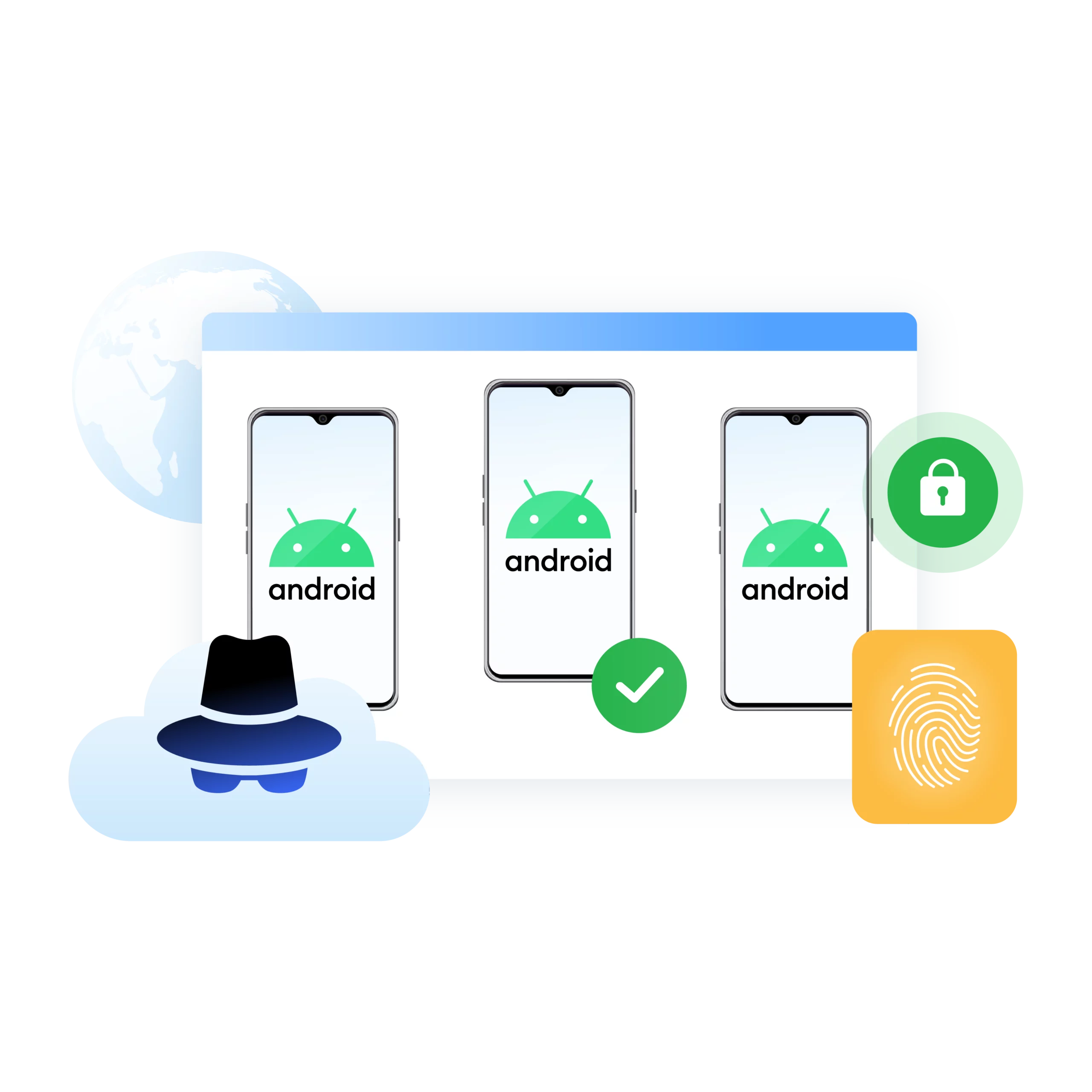
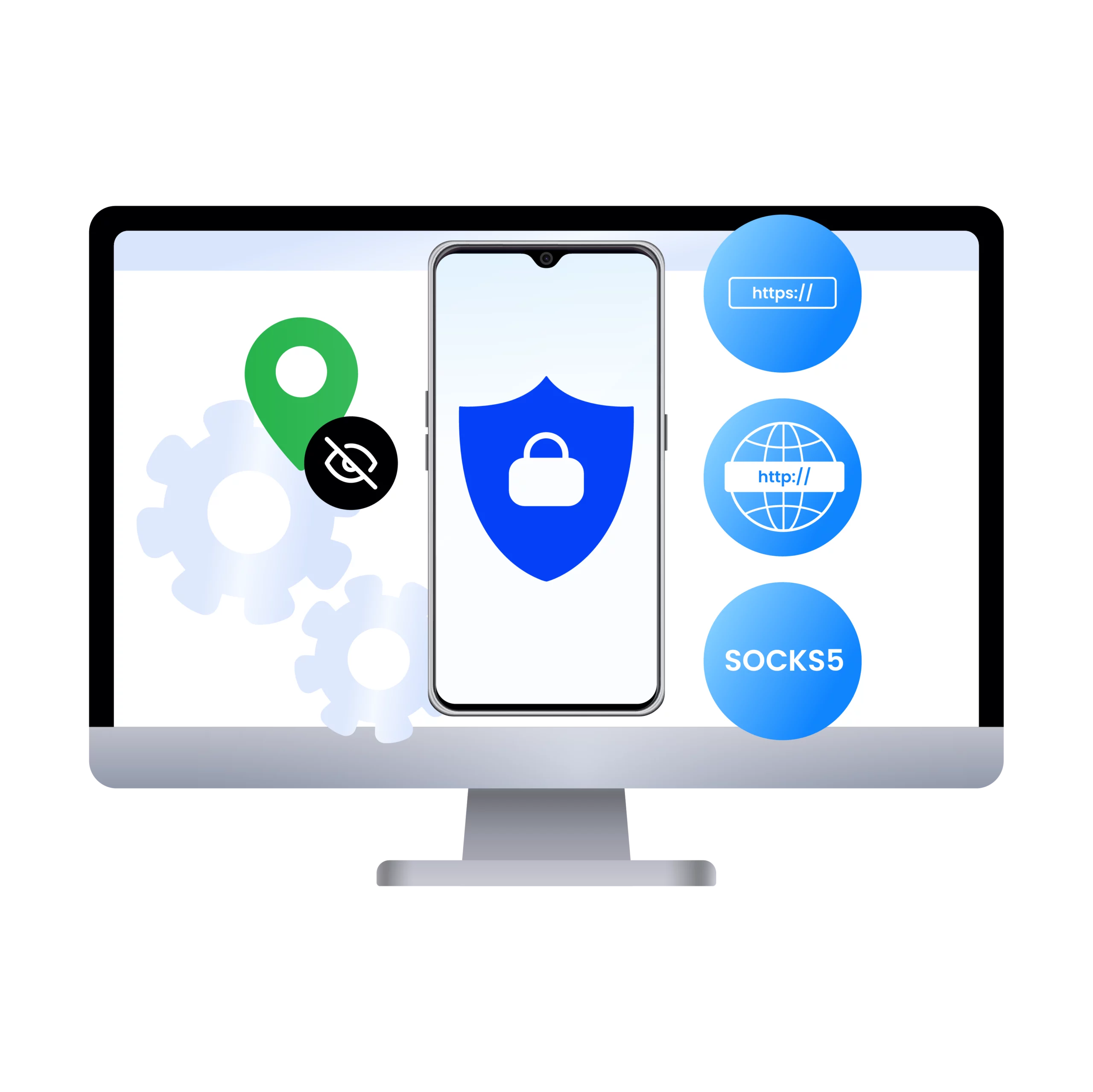
Run real Android browsing safely from your desktop
Create isolated Android cloud phones with realistic device environments, proxy support, and desktop management for multi-accounting, mobile testing, and app workflows.
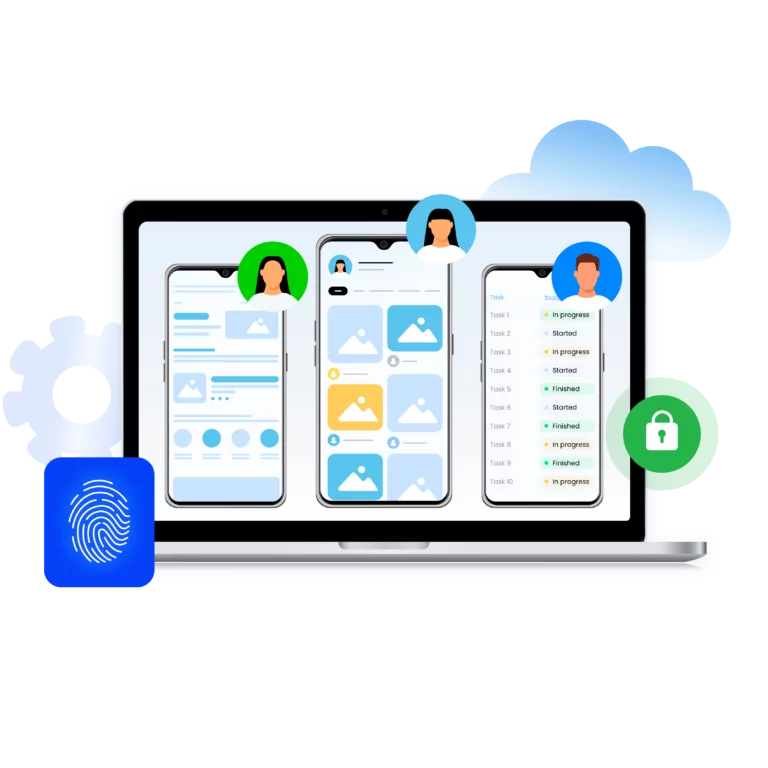
Run Android Cloud Phones
Use Multilogin to spin up real Android environments from your desktop. Bypass mobile-only restrictions, access app-specific content, and manage Android accounts without a phone. Create, customize, and clone Android profiles in seconds with AI-powered quick actions.
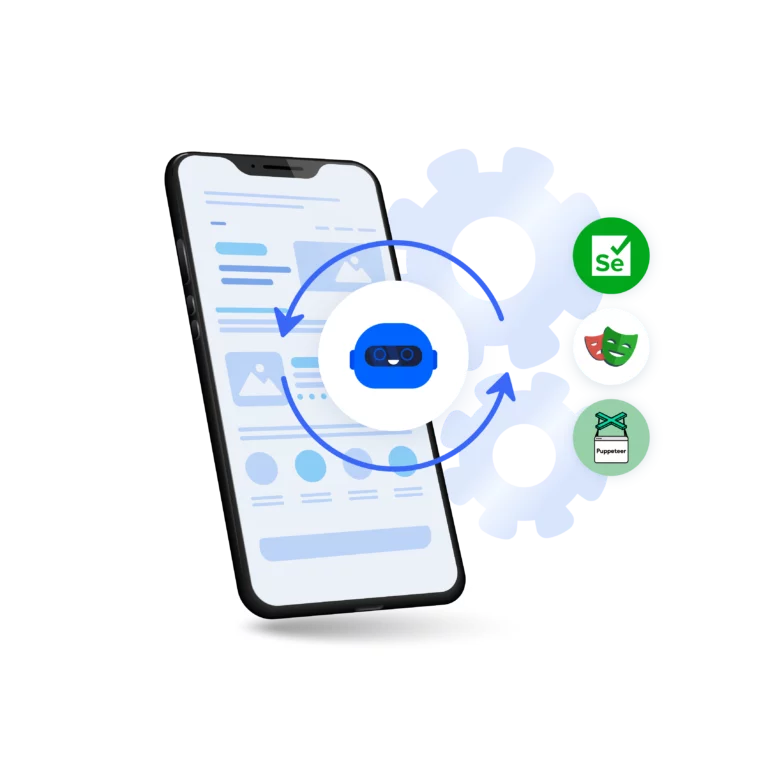
Automate Android browser actions
Easily automate repetitive tasks using Multilogin CLI, Selenium, Postman, Playwright, and Puppeteer tools to gather extensive datasets automatically, therefore minimizing manual effort.
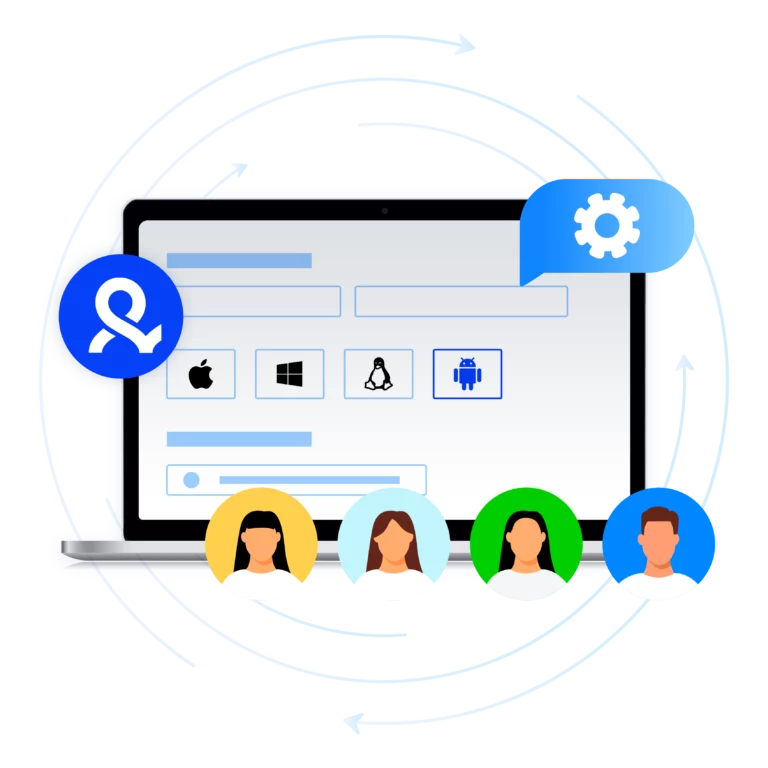
Manage multiple accounts with cloud phone
Create, manage, and scale Android cloud phones with realistic device environments, bulk cloning, batch edits, and mass launches—all from one platform.
Scrape data with Android Cloud Phone
Grow your social media accounts with Multilogin cloud phones
-
Unlimited time
-
Mobile and browser profiles included
-
Free built-in proxies & mobile minutes
-
Unlimited time
-
Mobile and browser profiles included
-
Free built-in proxies & mobile minutes
What is an Android cloud phone?
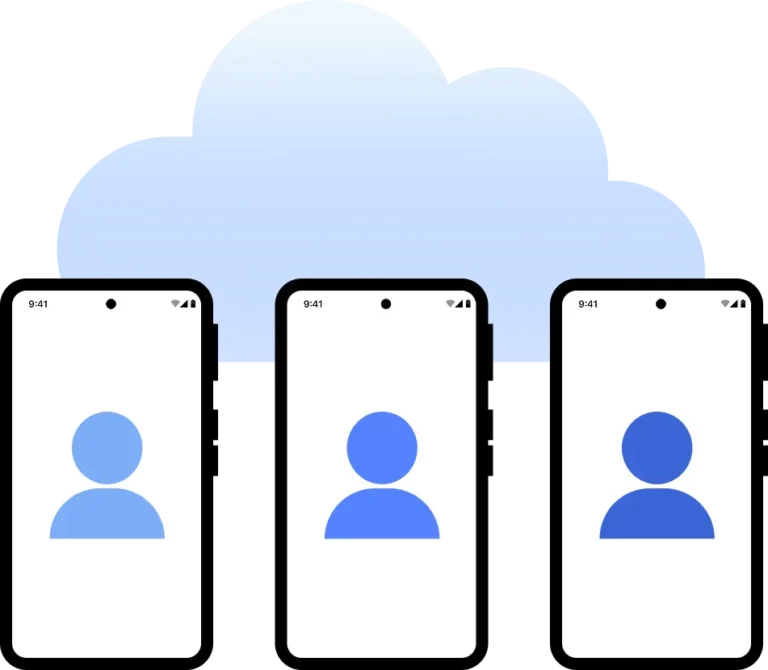
An Android cloud phone is a complete Android device hosted in the cloud and accessible from your desktop. Multilogin lets you create and manage isolated Android cloud phones with separate device settings, apps, storage, and network connections for scalable mobile workflows.
Why choose Multilogin?
Multilogin supports scalable data collection with Android cloud phones, built-in residential proxies, and automation tools such as Puppeteer, Playwright, Postman, and Selenium. Manage mobile scraping workflows from your desktop using isolated cloud-based Android environments.
Award winning multiple account management platform

How to start using Multilogin
Start collecting data effortlessly with Multilogin Android Cloud Phones.

Sign up
Register using a verified email address

Choose your plan
Select from various subscription plans tailored to your business needs

Download the Multilogin agent
Available for Windows, Mac, and Linux.

Access the Multilogin dashboard
Start creating and managing cloud phone profiles

Create and manage multiple accounts
Set up and manage multiple accounts using separate browser profiles, all from one secure platform.
Watch the Multilogin Demo
Multilogin: The Complete Guide to Android Cloud Phones
Mobile is where the internet lives today, transforming how businesses manage accounts, test ads, automate app workflows, and collect mobile data. In this guide, you’ll learn how Multilogin’s Android Cloud Phones provide complete, isolated Android environments that you can access and manage directly from your desktop. We’ll explore how Android Cloud Phones work, their key benefits, common use cases, the setup process, and how they support scalable workflows across platforms such as Reddit and TikTok. Try Multilogin for free and start managing your Android Cloud Phones today.
Key benefits of Multilogin Android Cloud Phones
Real Android environments — Run complete cloud-based Android devices with realistic device settings, app behavior, sensors, screen configurations, and network details.
Manage multiple accounts from your desktop — Create, clone, launch, and organize isolated Android Cloud Phones without maintaining a physical device farm.
Built-in profile isolation — Keep accounts separated with independent device data, storage, cookies, apps, and network connections.
Flexible proxy support — Assign HTTP, HTTPS, or SOCKS5 proxies to individual cloud phones for location control and consistent IP management.
Stable or rotating sessions — Use persistent connections for long-term account access or rotating IPs for larger-scale testing, monitoring, and data workflows.
Automation at scale — Automate repetitive actions across Android Cloud Phones with APIs, templates, synchronizers, RPA, Selenium, Postman, Playwright, and Puppeteer.
Top use cases for Multilogin Android Cloud Phones
Ad verification and creative testing — Review how mobile ads appear and behave across isolated Android environments.
Social media and multi-account management — Manage multiple accounts from your desktop while keeping each cloud phone separate.
Mobile web and app data collection — Run scalable mobile research and data workflows in complete Android environments.
App QA and localization testing — Test regional user experiences, payment flows, app behavior, and localized content without maintaining physical devices.
Market research and geo-testing — Evaluate mobile experiences across different locations, network settings, and device configurations.
How to set up Multilogin Android Cloud Phones
Create your Multilogin account — Sign up and access the Multilogin platform.
Launch an Android Cloud Phone — Choose an Android configuration and set the device, language, timezone, and regional preferences.
Add a proxy — Connect an HTTP, HTTPS, or SOCKS5 proxy and configure the required location.
Configure the environment — Set apps, storage, account data, and network preferences for your workflow.
Test your setup — Launch the cloud phone, open the required apps or websites, and confirm that the device and connection settings work as expected.
Scale your workflow — Clone configurations, manage multiple isolated cloud phones, and automate repetitive tasks from your desktop.
Why use Multilogin Android Cloud Phones for Reddit?
Multilogin Android Cloud Phones let you access Reddit through complete, isolated Android environments rather than basic browser profiles.
More realistic mobile testing — Review Reddit content, ads, and community experiences in a true Android environment.
Independent account environments — Keep app data, storage, device settings, and network connections separate when managing multiple workflows.
Desktop-based control — Launch and manage multiple Android Cloud Phones without maintaining physical devices.
Scalable research and moderation workflows — Test communities, monitor content, and manage repeatable Reddit tasks from one platform.
Final verdict: Multilogin Android Cloud Phones
Multilogin Android Cloud Phones provide a practical way to run realistic, isolated mobile environments from your desktop. For platforms such as Reddit and TikTok, they offer stronger device-level accuracy, cleaner testing conditions, flexible proxy control, and scalable automation without the need to manage physical phones.
