


Multi-account management for any platform
Manage your accounts from one dashboard using Android cloud phones for mobile apps and browser profiles for the web without any extra tools.
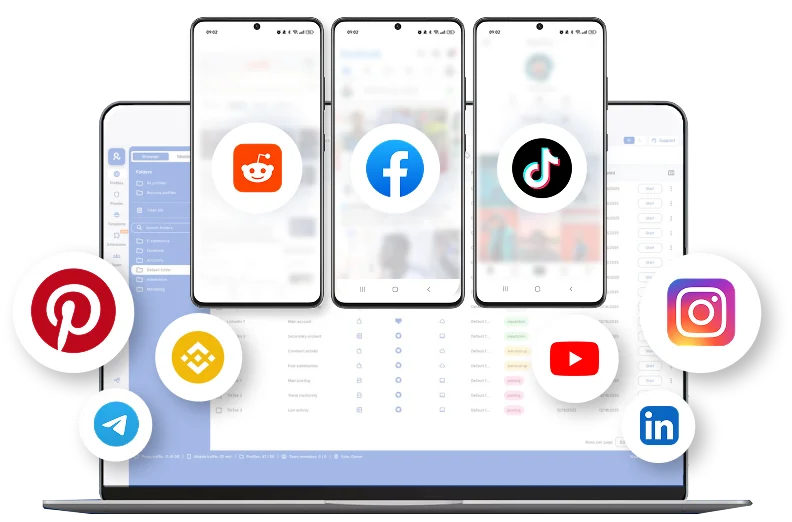

Perfect for multiple accounts
Unique cloud phones for each account

Publish everywhere
Reach more than 150 locations

Grow organically
Post from real devices
One platform, unlimited accounts, every platform
Run many accounts and stay under the radar
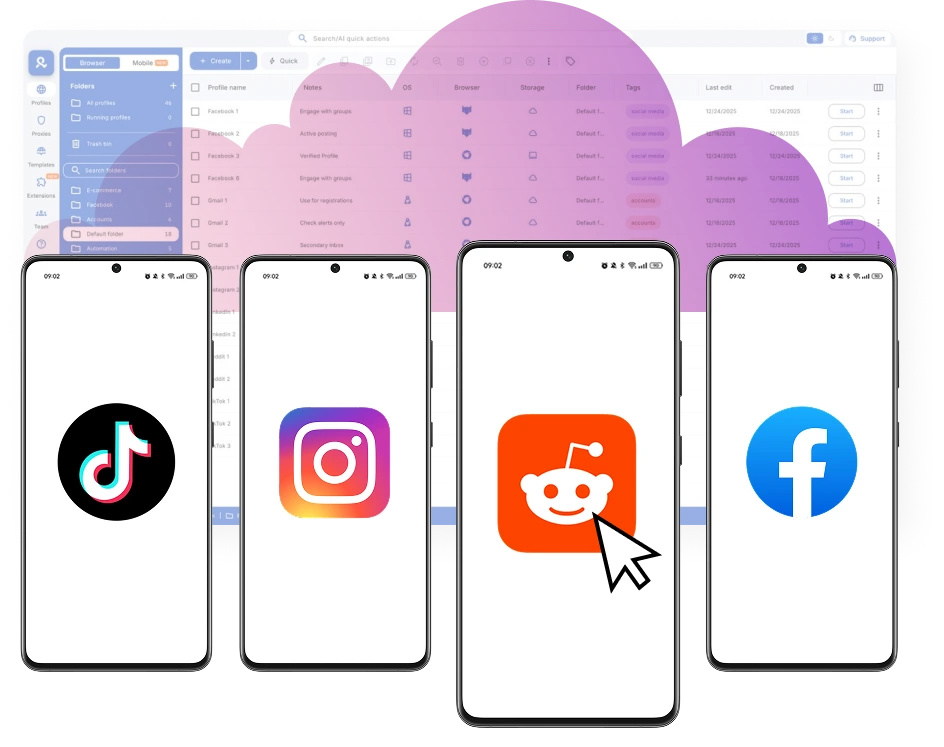
Automate multi-account management
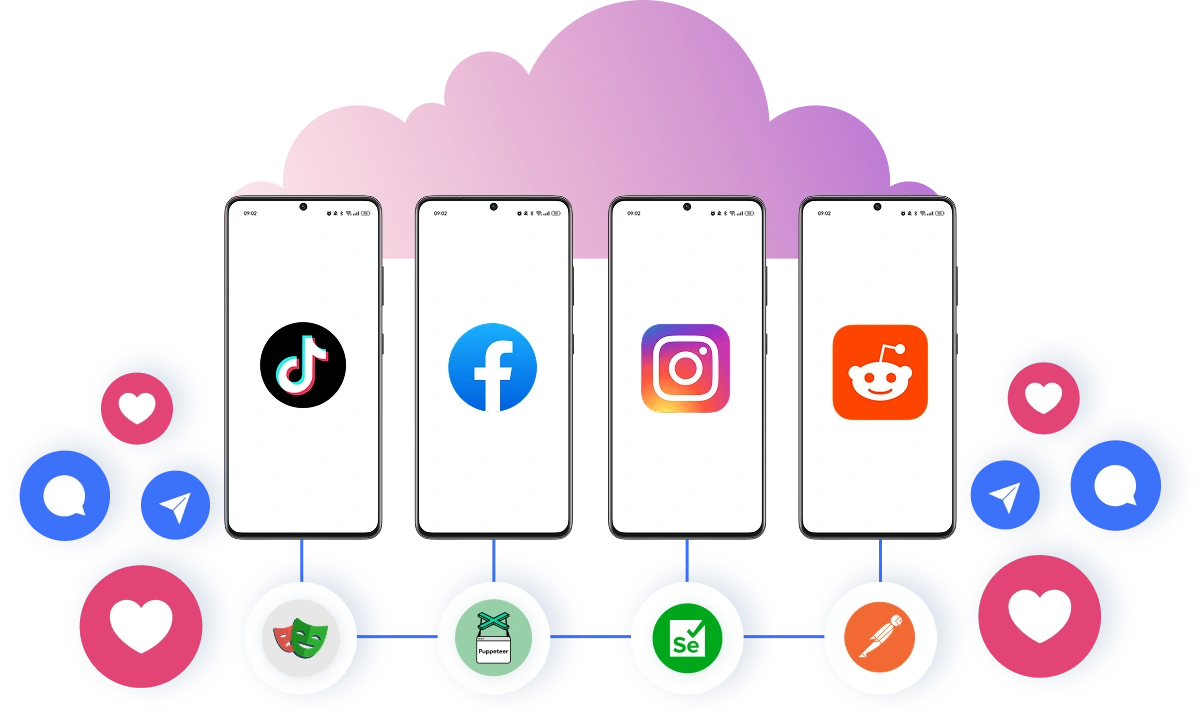
Set up multiple accounts in seconds
Share your workspace with your team
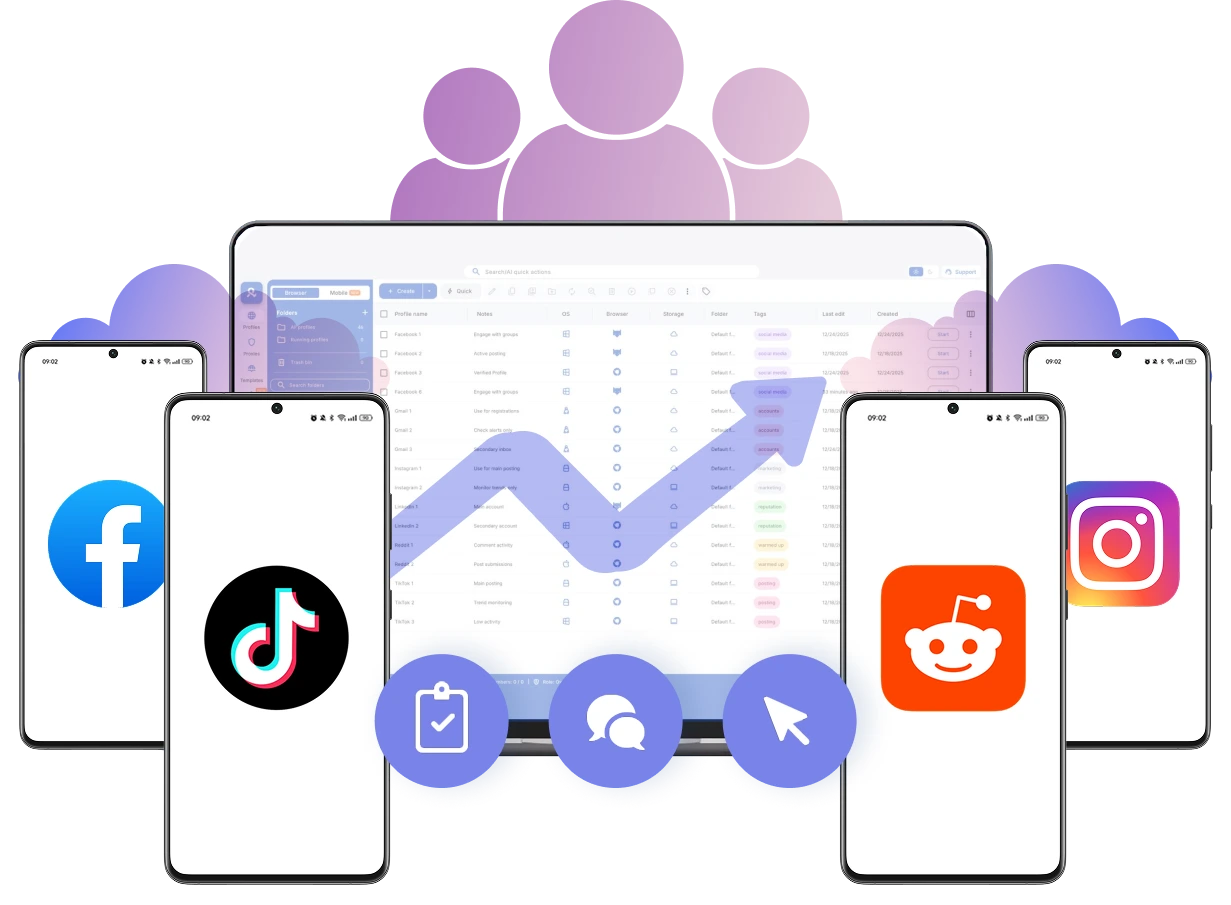
How to get started and grow on every platform
Time is money. Start in minutes
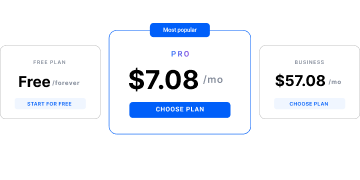
Sign up
Choose a plan and download the app
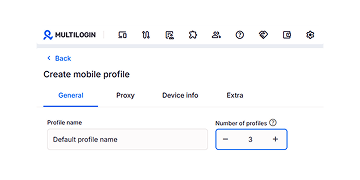
Create mobile profile
Customize the device model and choose location
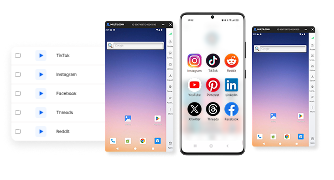
Run your accounts
Use separated browser profile to earn
Sign up
Choose a plan and download the app
Create mobile profile
Customize the device model and choose location
Run your accounts
Use separated browser profile to earn
Watch the Multilogin Demo
What is Multilogin?
Trusted by thousands of creators, sellers & online earners

Ha D.
Social Media Marketing Retail

Nino Latif

Stanislav K.
Marketing Manager

Elen S.
Marketing Manager

Hamza Arif
E-commerce Manager


Nick Horvath
Marketing agency
Start planning your project today
Upload content, automate posts and engagements: all in one unified dashboard
The award-winning platform for social media growth














Explore more solutions for any platform you need
FAQ
What is multi-account management?
It’s the practice of running many accounts so they don’t get linked. Each account lives in its own “bubble” with unique device fingerprint, cookies, and IP/geo—so activity stays separate and safe.
How Multilogin helps: it creates realistic, isolated browser profiles with unique fingerprints and a dedicated proxy per profile, so accounts don’t cross-contaminate.
Tips
- One account → one profile
- Keep IP/geo consistent per profile
- Don’t reuse cookies or extensions
What is the best way to manage multiple social media accounts?
It’s obvious that managing multiple social accounts can be a hassle. You always need to juggle different logins, credentials, and security measures, which can consume valuable time and raise the risk of suspicious activity alerts. Our software allows you to move smoothly between profiles, maintain consistent security, and prevent automated platform checks from flagging your activity.
Is making multiple accounts illegal?
Usually no. But it can break a site’s Terms of Service. Always act within local laws and platform rules. Your goal: separation, transparency, and control.
How Multilogin helps: strict isolation (unique fingerprints, storage per profile) and granular permissions support compliant, legitimate use cases (agencies, QA, e-com).
Tips
- Read each platform’s ToS
- Keep business records/logs
- Use least-privilege access
How to manage multiple Instagram accounts?
Treat IG like a mobile app: act like a real mobile user and keep your geo stable. Start gently and increase activity as trust builds.
How Multilogin helps: Android profile emulation plus city-level residential proxies keep your device/geo signals consistent.
Tips
- One profile per IG account
- Stable mobile-like fingerprint
- Add interactions gradually
Is it possible to manage multiple digital identities?
Yes! Multilogin enables you to manage numerous digital identities. It generates unique browser profiles, each with customizable fingerprints that emulate real user behavior, ensuring privacy and helping you avoid tracking and detection. By tailoring settings like time zones, languages, and geolocations, you gain full control over how your online presence appears. This approach helps you run multiple campaigns, access several social media accounts, and carry out high-volume scraping tasks without triggering automated security systems or facing unnecessary scrutiny.
How to manage multiple client accounts?
Give every client a dedicated profile set and a fixed proxy region. Organize by folders/tags and share only what your teammates need, not everything at once.
How Multilogin helps: role-based sharing, folders/tags/notes, and built-in residential proxies (country/region/city) make client separation simple.
Tips
- Standard naming: CLIENT–PLATFORM–GEO (Andrew – Instagram – NewYork)
- Locked proxy template per client
- Use notes for logins/owner/status
Best way to manage multiple clients effectively?
Be consistent and automate the boring parts. When every client follows the same setup, your team can scale without mistakes.
How Multilogin helps: automation via CLI/API and native support for Postman, Puppeteer, Playwright, and Selenium; share profiles safely and launch at scale.
Tips
- Template profiles & proxies
- Automate warm-ups/checks/reports
- Review and prune access monthly
How does Multilogin's anti-fingerprint browser work?
Multilogin’s anti-fingerprint browser hides your digital fingerprint, making it difficult for websites to track your online activities.
How can I manage multiple Twitter accounts without being banned?
You can easily manage multiple Twitter accounts with Multilogin and still avoid bans. When you use separate browser profiles for each account, they remain fully independent and never trigger detection.
How to manage multiple Gmail accounts?
Hard-separate each mailbox: its own profile, cookies, and IP. Turn on 2FA and keep a lightweight access log for your team.
How Multilogin helps: unique fingerprints per profile, encrypted cloud sync (or local storage), 2FA, and a Proxy Hub to lock consistent IP/geo.
Tips
- One profile per mailbox
- Fixed proxy per mailbox
- Store recovery data in notes (securely)
How to manage multiple social media accounts?
Warm up slowly and keep each account’s “device” and IP steady. Avoid mixing cookies or add-ons between accounts.
How Multilogin helps: pre-warmed cookies, Android mobile profiles for mobile-first platforms, and built-in proxies—no extra tools needed.
Tips
- Slow ramp: browse → light actions → posts
- One extension policy per profile
- Pin stable IP/ASN for each account
How can I use Multilogin to organize my AWS multi-account strategy?
Multilogin can simplify the management of multiple AWS accounts by creating individual browser accounts. This method keeps your accounts secure and organized. You can assign specific permissions to control access, simplifying your workflow and making it easier to manage various AWS environments.
How can Multilogin help manage multiple social media accounts for market research?
Multilogin is a great tool for market research. You can handle multiple accounts and gather information from different places without any suspicion from detection systems. Set up separate browsers for each account, and Multilogin will keep them all individual and hidden.
How does Multilogin facilitate competitor analysis in market research?
Multilogin helps you watch competitors easily by creating multiple digital accounts to track them. Your actions stay hidden. Gather lots of info on competitors without them knowing. It’s thorough and secure, keeping you ahead in market research.
How do you stay organized with many accounts?
Keep a single structure and stick to it. Use tags for platform/region/stage, and keep a tiny activity log so anyone can pick up where you left off.
How Multilogin helps: custom columns, color tags, notes, bulk actions, and a live dashboard of running profiles keep large sets tidy.
Tips
- Tag by client, platform, market
- Short changelogs (“who/when/what”)
- Weekly housekeeping (archive, retag)
Common Mistakes in Multi-Account Management (and How to Avoid Them)
Managing multiple accounts across different platforms is essential for growth, but many users make avoidable mistakes that lead to bans, wasted resources, and inefficiency.
Here are the most frequent errors — and how the right multiaccounting tool management can solve them.
1. Using the same browser or device for all accounts
Reusing the same environment links profiles together. Platforms detect shared fingerprints and quickly block them.
Recommendation: Use a professional multi account manager that creates unique, human-like browser profiles with separate fingerprints.
2. Relying on low-quality or mismatched proxies
Cheap or datacenter-only proxies are easy to flag, especially when fingerprints and IPs don’t match.
Recommendation: Choose a multiaccounting tool management solution that integrates residential proxies and automatically aligns them with browser fingerprints.
3. Manually creating and switching accounts
Managing dozens of profiles manually is slow and error-prone. It also increases the chance of repeating patterns that platforms can detect.
Recommendation: Use automation options in your multi account management platform to create, clone, and switch accounts safely in seconds.
4. Sharing logins insecurely within a team
Passing around raw credentials compromises security and often triggers verification loops.
Recommendation: A modern multi account manager lets you share encrypted profiles in the cloud, so teammates can log into authorized accounts without ever seeing passwords.
5. Ignoring account warm-up and behavior patterns
New accounts that post, advertise, or sell aggressively are flagged as suspicious.
Recommendation: Use pre-farmed cookies and natural browsing automation to simulate real user behavior and gradually build account trust.
