

Create multiple Snapchat accounts

Run multiple Snapchat accounts without bans or account linkages.

  • Isolated profiles with unique fingerprints keep each account independent.

  • Residential proxies and mobile profiles ensure natural, stable activity.

Manage multiple Snapchat accounts securely with Multilogin antidetect browser, device fingerprint isolation, and residential IPs
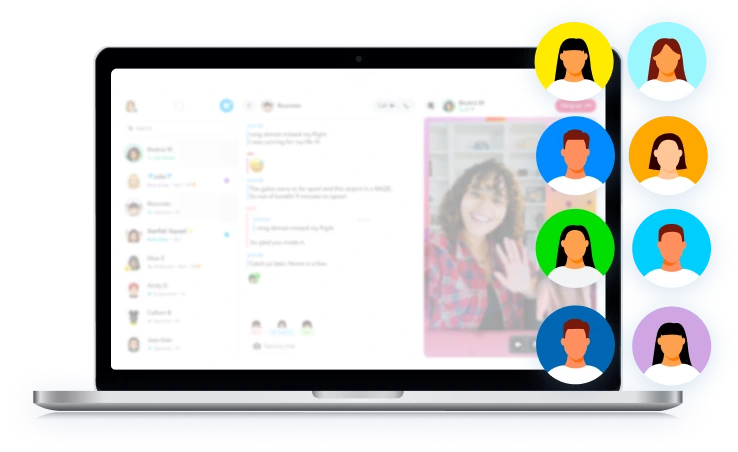
Manage multiple Snapchat accounts securely with Multilogin using isolated browser profiles and separate logins

Run multiple Snapchat accounts on one device

Each Snapchat account runs in its own isolated environment with a unique mobile fingerprint and dedicated IP.

This makes every account behave like a real, independent user.

Manage multiple Snapchat accounts on real Android cloud phones with Multilogin

Manage Snapchat accounts in native Android apps

Run Snapchat on real cloud-hosted Android phones with authentic fingerprints.

  • Native Android devices

  • Built for Snapchat and mobile apps

  • One platform for web and mobile accounts

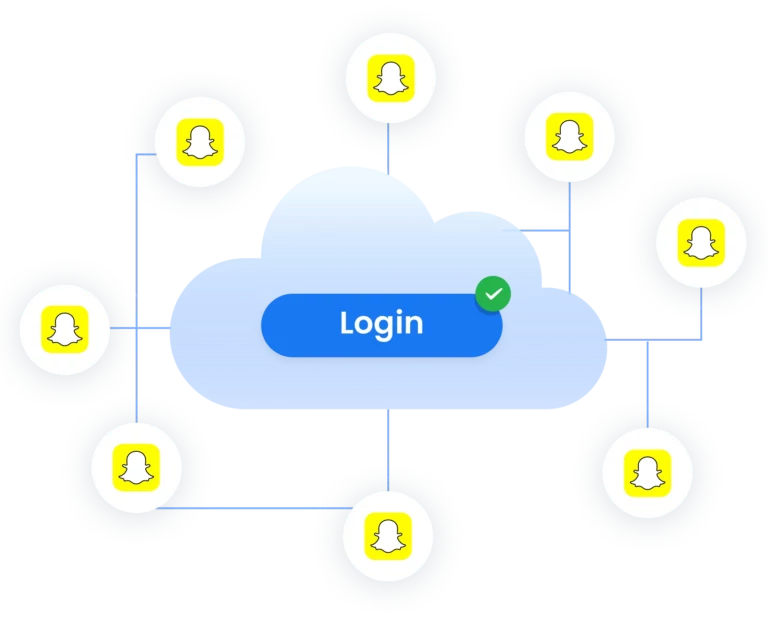
Manage multiple Snapchat accounts with Multilogin using isolated profiles and centralized account control

Run as many Snapchat accounts as you need

With one-click proxy setup and fully isolated profiles make scaling Snapchat accounts simple.

Create, clone, transfer, or export accounts in seconds — with no overlap, detection, or limits.

Share multiple Snapchat accounts with your team using Multilogin

Share multiple Snapchat accounts with your team

Securely share Snapchat accounts with your team and assign permissions for independent account management.

Pause or resume work sessions anytime — without sharing passwords or risking account security.

Avoid Snapchat account detection using isolated profiles and proxies

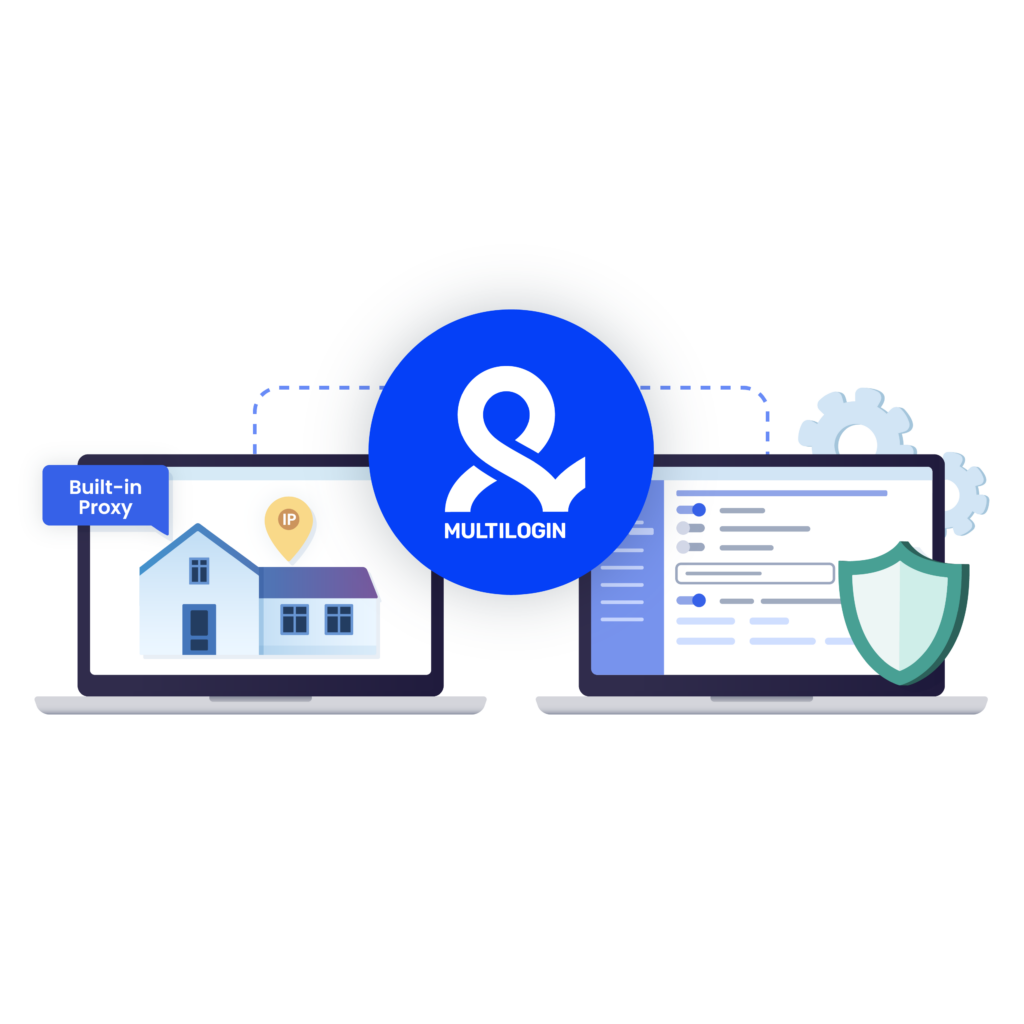
Protect Snapchat accounts with built-in proxies

Protect your Snapchat accounts using built-in residential proxies.

Multilogin offers IPs from 150+ countries and keeps each account in isolated environment,  supporting long-term stability.

Try Multilogin Risk-Free — Just €1.99!

Run multiple accounts with zero bans or blocks. Start your 3-day trial and test everything for less than a coffee.
  • 3-day access to Multilogin

  • 5 cloud or local profiles

  • 200 MB proxy traffic included

  • 3-day access to Multilogin

  • 5 cloud or local profiles

  • 200 MB proxy traffic included

What is antidetect browser?

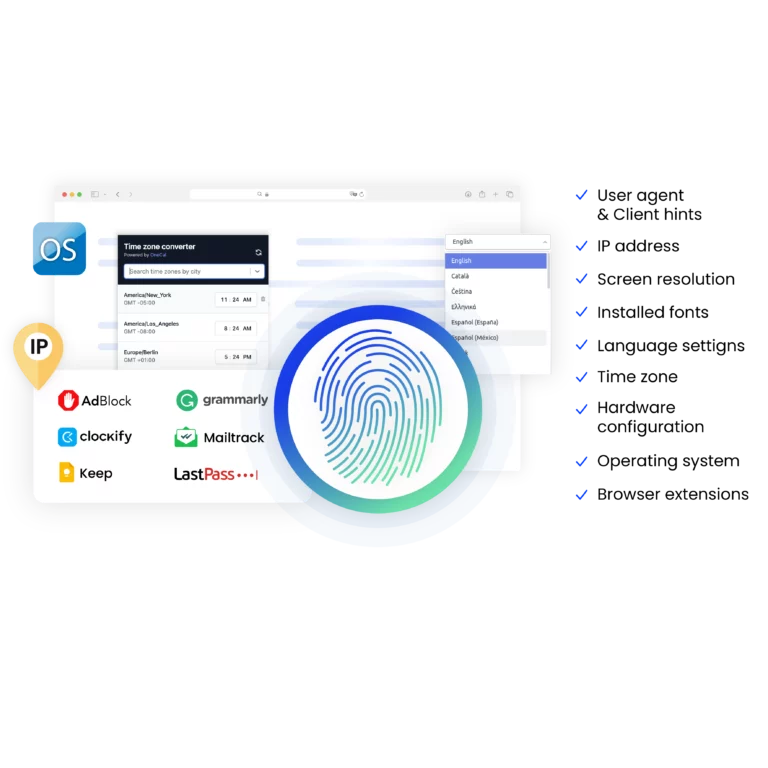
An antidetect browser is a tool that hides a user’s digital fingerprint and provides anonymity online by masking device and browser details. It is useful to manage multiple accounts on various platforms without triggering detection or bans.

An illustration showing how antidetect browsers enable users to create multiple browsing sessions with unique digital fingerprints, minimizing detection risks.

Why choose Multilogin for managing multiple accounts?

Our antidetect browsers mimic real user behavior, provides high-quality residential proxies and Android Cloud Phones.

With full support for automation frameworks like Puppeteer, Playwright, and Selenium — plus seamless API access through Postman.

Защита аккаунтов Telegram в Multilogin

What Multilogin offers that other antidetect browsers don't

Easy collaboration for teams

Flexible automation support​

Built-in proxies

Session persistence

Human behavior simulation​

Account longevity

Multilogin Key Features For Creating Multiple Snapchat Accounts

Icon representing Multilogin's feature to bypass bot protection.

Mimics natural human browsing

Our anti-fingerprinting tech bypasses multi-account and automated browser detection by masking unique browser fingerprints.
An icon representing browser action automation feature in Multilogin.

Built for Team Collaboration

You can collaborate on browser profiles and easily share passwords, cookies, and session progress with team members..
Icon representing the Android Chrome browser in Multilogin.

Data sync over Cloud

Cookies, extensions, and bookmarks are stored in encrypted cloud storage and synced across devices; local storage is also available.

An icon representing fingerprint adjustment to match proxy feature of Multilogin.

Android Chrome Emulation

Emulates mobile browser behavior for accurate operation on mobile-first platforms.

Icon representing Multilogin's support for all proxy types, including HTTP, HTTPS, and SOCKS5.

Built-in proxies with traffic

Every plan includes integrated proxies with traffic; supports HTTP/HTTPS/SOCKS5. Unused traffic rolls over to the next month.

Icon representing residential rotating IPs in Multilogin.

Dynamic residential IPs

Premium residential IPs in 150+ countries and 1,400+ cities, tested daily for reliability.
An icon representing 'Chrome or Firefox Interface with Multilogin,' illustrating compatibility with both Chrome and Firefox browsers, allowing seamless user experience and functionality through Multilogin.

Chrome & Firefox interfaces

Mimic (Chromium-based) and Stealthfox (Firefox-based) ensure natural behavior and maximum site compatibility.
An icon representing High Load Supported feature of Multilogin.

Ultra-stable sticky sessions

Proxy network optimized for Multilogin; IPs can remain unchanged for up to 24 hours.

Icon representing Multilogin's support for all proxy types, including HTTP, HTTPS, and SOCKS5.

Live session dashboard

View all active profiles at a glance; monitor statuses and control operations without switching tabs.

Icon representing residential rotating IPs in Multilogin.

Enterprise-grade security

Profile encryption, 2FA, strict access controls, and privacy compliance for safe multi-account management.

An icon representing 'Chrome or Firefox Interface with Multilogin,' illustrating compatibility with both Chrome and Firefox browsers, allowing seamless user experience and functionality through Multilogin.

Import/export & bulk operations

Transfer profiles (including fingerprints and cookies) quickly and migrate from other antidetect tools without downtime.

An icon representing High Load Supported feature of Multilogin.

Automation via API

Automate repetitive tasks with Selenium, Playwright, Puppeteer, or Postman while staying undetected by anti-bot algorithms.

Related solutions you might like

Try Multilogin today and experience safer, smarter multi-accounting

Run unlimited accounts securely, bypass detection, and stay human-like online — all from one platform.

Why people love Multilogin

Dominik

Great Product 5/5 Stars!
Great product. Great support. Keeps being developed and getting better. Lots of competitors have come and gone in this space and I continue to use Multilogin as the others don’t come close to what they can do.

Evgeny S.

Internet, Small-Business

Multilogin is the highest quality anti-detect browser.
The fingerprints of the created profiles. 100% pass anonimity at any checker. Convinient to work in a few browsers simulteniousely. I can work with tons of Facebook and TikTok accounts...

Nino Latif

The best service for great ideas and big minds!
Always here for their clients, always ready to help out. I am using the service for 3-4-5 months now and brought me lots of great things 🙂 Hope to grow it on a larger scale and continue using the service ...

Nino L.

Marketing Agent, Small-Business

Started using Multilogin in August/September 2021. Been using it for a couple of years now and I am very satisfied overall. They are always looking and finding ways to improve their app and make it easier...

George M.

Co-Founder, Small-Business

Quite Likely The Best Privacy Browser Out There!

There are quite a few things I like about Multilogin. My favorite, most definitively, is the teams feature allowing you to easily share specific browser profiles with different team members...

Tim R.

Project Manager, Small-Business

Fast, reliable and convenient anti-detect browser.
All the infrastructure of the browser is built to be convenient for any size of the team. We have 0 concerns regarding the speed and efficiency of the browser.

Most Awarded Antidetect Browser

Kinza awards for Multilogin.
Conversion club badge for Multilogin.
Mask group badge for Multilogin
Startup 2019 awards badge for Multilogin
badge for Multilogin
Best Value Software 2022 badge for Multilogin
Best support
Momentum leader
High Performer
High Performer Small Business
SourceForge top performer 2023 badge
GetApp user reviews badge

How to start using Multilogin 

Start managing accounts effortlessly with the industry leading antidetect browser.

Step 1 of how to use Multilogin

Sign up

Register using a verified email address. 

Step 2 of how to use Multilogin

Choose your plan

Select from various subscription plans tailored to your needs.

Step 3 of how to use Multilogin

Download Multilogin agent

Available for Windows, Mac, and Linux.

Step 4 of how to use Multilogin

Access the Multilogin dashboard

Start creating antidetect browser and Cloud Phones profiles.

Step 5 of how to use Multilogin

Run multiple Snapchat accounts

Set up and manage multiple Snapchat accounts using separate browser profiles or Cloud Phones.

Watch the Multilogin Demo for creating multiple accounts on Snapchat

Get a 10-minute demo video on how Multilogin can help you create multiple Snapchat accounts  while remaining undetected. Just fill in data below, and we’ll deliver the demo video immediately. 

Name
Last Name
Email *
Image of locked video for Multilogin demo preview

Manage multiple Snapchat accounts with no bans

Start using Multilogin today

Managing multiple Snapchat accounts safely and at scale

Managing multiple Snapchat accounts is increasingly common for creators, agencies, marketers, and businesses running promotions, outreach, or segmented content strategies. While Snapchat allows limited account switching, these native features are designed for casual use only. When multiple accounts are managed without proper separation, they can become linked through shared device data, IP addresses, or behavior patterns — increasing the risk of restrictions or permanent bans.

Want a deeper breakdown? Read our full guide on how to manage multiple Snapchat accounts safely.

Why Snapchat detects multiple accounts

Snapchat is a mobile-first platform that relies heavily on device fingerprinting and network signals. When several Snapchat accounts are accessed from the same device, browser, or IP address, the platform can associate them as belonging to one operator. This becomes especially risky when managing accounts for different clients, regions, or purposes. Simple workarounds like switching accounts in the app or using cloning tools do not provide real device-level separation.

The importance of isolated environments

To manage multiple accounts safely, each account needs its own isolated environment. This includes separate device characteristics, independent network identities, and consistent usage history over time. Professional tools like Multilogin create fully isolated profiles so each Snapchat account behaves like it belongs to a different real user. This significantly reduces account linkage signals and supports long-term account stability.

What you need for secure snapchat multi-account management

A reliable Snapchat multi-account setup should include the following core elements:

  • Isolated environments for each Snapchat account
    No shared device data, cookies, or system parameters between accounts.

  • Unique device fingerprints
    Snapchat tracks hardware and system characteristics to identify users across sessions.

  • Dedicated IP addresses
    Separate, location-consistent IPs help prevent network-based account correlation.

  • Stable, repeatable environments
    Consistency allows each account to build its own trusted history over time.

Multilogin combines these requirements into one platform, eliminating the need for fragile setups or manual workarounds.

Scaling Snapchat account management efficiently

As the number of Snapchat accounts grows, efficiency becomes just as important as safety. Multilogin allows you to create, organize, and manage multiple Snapchat accounts from one interface without juggling devices or sharing login credentials. Teams can collaborate securely, assign access permissions, and pause or resume sessions without compromising account integrity, making scaling faster, cleaner, and more predictable.

Comparing Snapchat multiaccounting methods

MethodAccount IsolationScalabilityDetection RiskTeam-Friendly
Snapchat built-in switchingLowVery limitedHighNo
App cloners / dual appsLowMediumHighNo
Multiple physical devicesHighLowLowNo
MultiloginHighHighLowYes

This comparison shows why professional tools are preferred for serious Snapchat operations. While basic methods may work temporarily, they do not scale and often increase risk as account volume grows.

A professional approach to Snapchat multi-account operations

Using the right infrastructure turns Snapchat multi-accounting from a trial-and-error process into a controlled, sustainable workflow. With proper isolation, built-in proxy support, and centralized management, Multilogin helps protect your time, accounts, and business operations — allowing you to focus on content, engagement, and growth instead of constant recovery from blocks and limitations.

FAQ

Yes, you can have multiple Snapchat accounts. Snapchat allows limited account switching within the app, but this feature is designed for casual use only. For professional or large-scale use, accounts can become linked if they share the same device, IP address, or environment.

Managing multiple Snapchat accounts on one device can be risky if the accounts are not properly isolated. Shared device data, fingerprints, or network connections can cause accounts to be associated with each other. Using isolated environments helps reduce these risks and improves long-term account stability.

Snapchat uses a combination of device fingerprinting, IP analysis, and behavior patterns to detect related accounts. When multiple accounts appear to be controlled by the same user or device, the platform may apply restrictions or bans to protect against spam and abuse.

Multilogin allows each Snapchat account to run in its own isolated environment with separate device characteristics and network settings. This prevents overlap between accounts and helps each one appear as an independent, real user.

Yes. With Multilogin, Snapchat accounts can be shared with team members without sharing passwords. You can assign access permissions, control sessions, and manage work securely — making it suitable for agencies and collaborative workflows.

Professional tools are best suited for creators, agencies, marketers, and businesses that manage multiple Snapchat accounts for different clients, regions, or purposes. They are especially useful when account safety, scalability, and efficiency are important.

Thank you! We’ve received your request.
Please check your email for the results.
We’re checking this platform.
Please fill your email to see the result.

Multilogin works with amazon.com












