


Remote phone
Log in to your mobile accounts with Multilogin remote phones. Control multiple Android phones from one dashboard without physical devices.
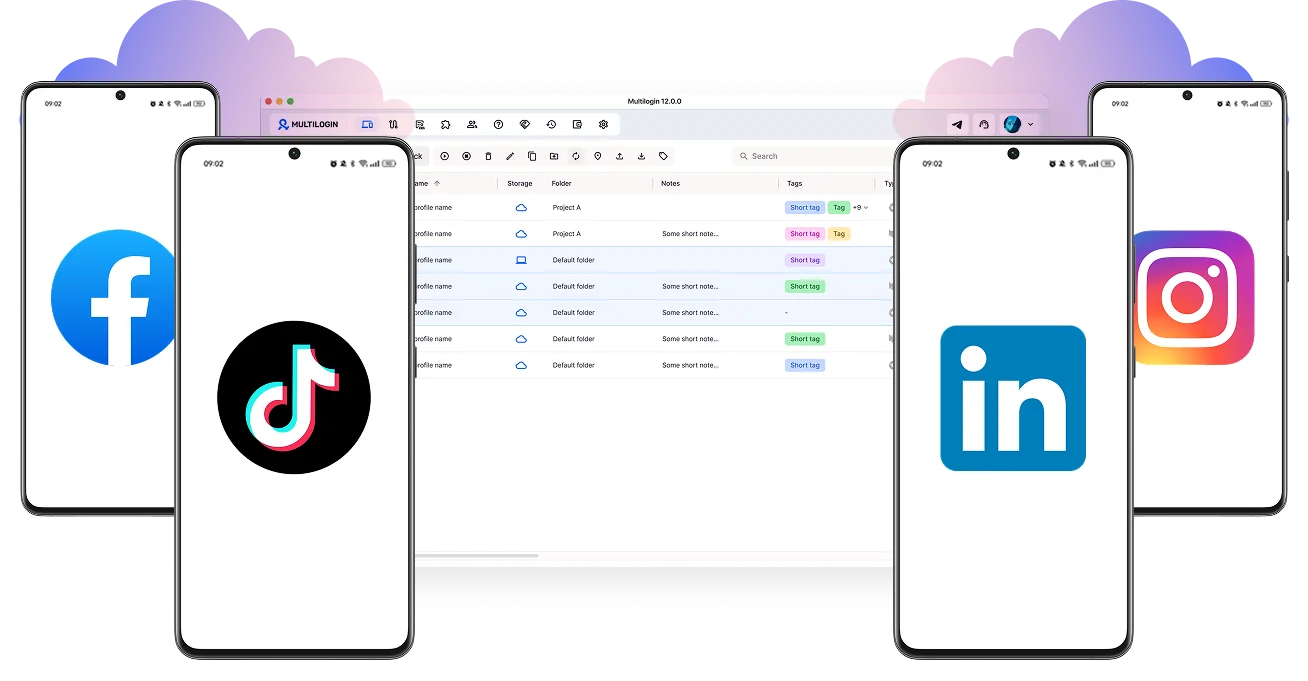

Perfect for multiple accounts
Unique cloud phones for each account

Publish everywhere
Reach more than 150 locations

Grow organically
Post from real devices
One platform, unlimited accounts
Run multiple accounts with remote phones
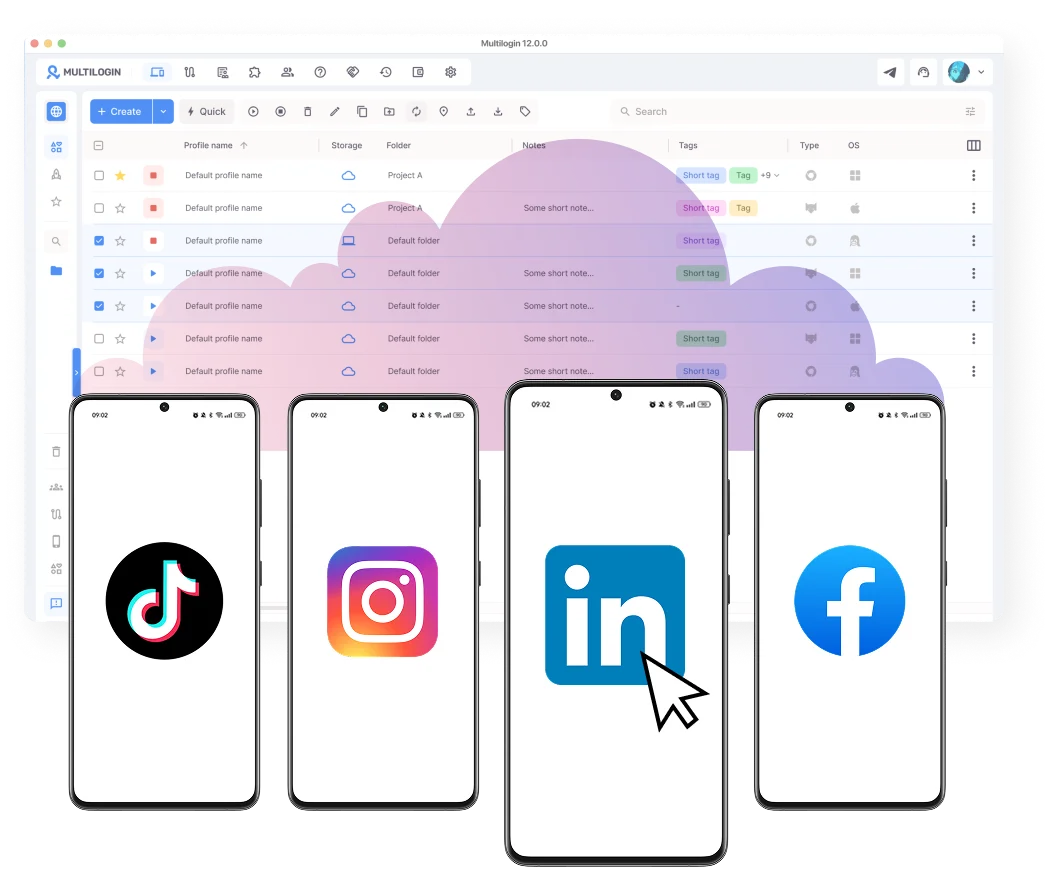
Connect to more than 150 locations with remote phones
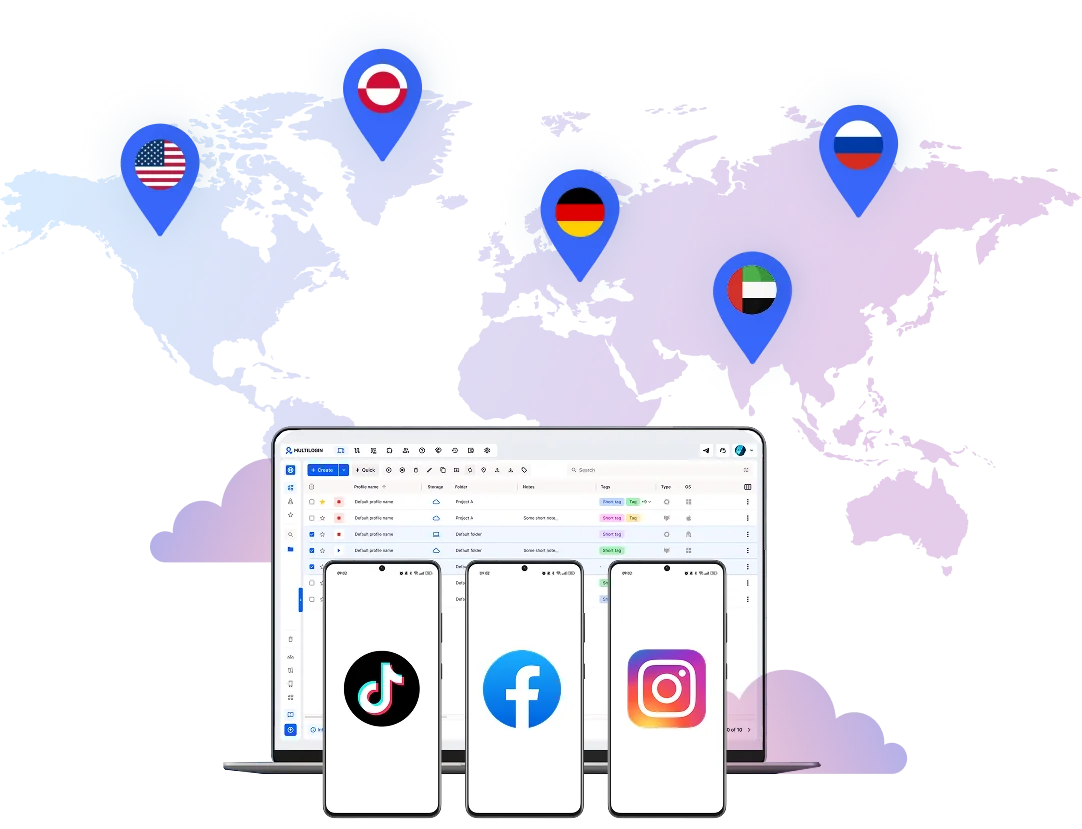
Improve your teamwork with multiple accounts
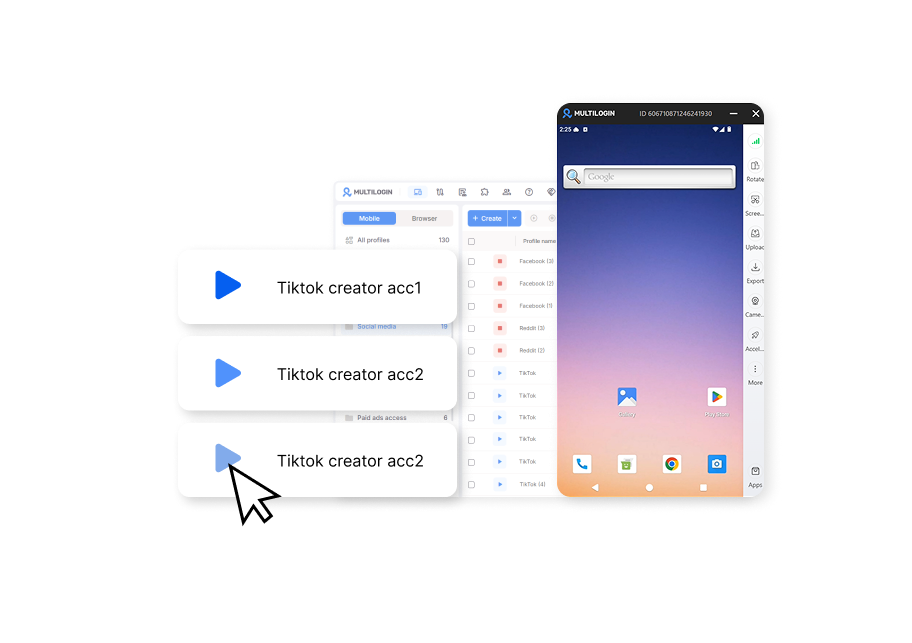
Boost your results at any scale
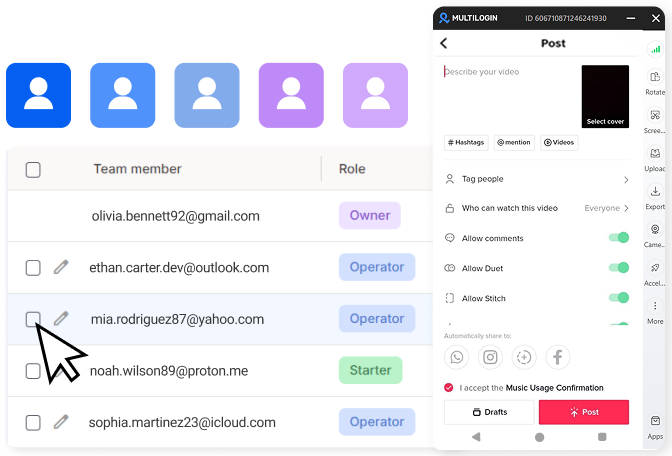
How to get started and grow your TikTok
Time is money. Start in minutes
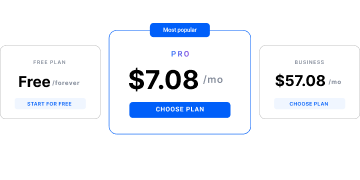
Sign up
Choose a plan and download the app
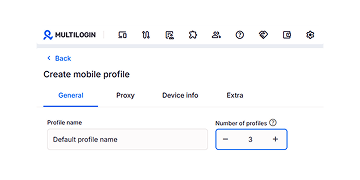
Create mobile profile
Customize the device model and choose location
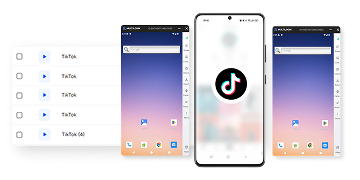
Run your accounts
Use mobile profiles for social media
Sign up
Choose a plan and download the app
Create mobile profile
Customize the device model and choose location
Run your accounts
Use separated browser profile to earn
Watch the Multilogin Demo
What is Multilogin?
Trusted by thousands of creators, sellers & online earners

Ha D.
Social Media Marketing Retail

Nino Latif

Stanislav K.
Marketing Manager

Elen S.
Marketing Manager

Hamza Arif
E-commerce Manager


Nick Horvath
Marketing agency
Connect your first remote phone today
Get started with Multilogin to manage any number of social profiles
The most awarded multiple account management platform

Explore more solutions for any platform you need
FAQs about remote phone
A remote phone is a real Android device running in the cloud, controlled from your browser. It behaves like a phone in your hand: you install apps, log in, and keep sessions active between uses, without owning any hardware.
Multilogin’s remote phones let you manage mobile apps like Instagram and Reddit from one dashboard.
A physical phone means buying, charging, and carrying hardware. A remote phone runs on infrastructure you access remotely, so switching locations means switching a proxy, not buying a new SIM.
Each account needs to look like it’s coming from a different device. Social platforms check your device ID, IP address, and how you use the app. If multiple accounts share the same device or network, they get linked and flagged.
Multilogin gives each account its own cloud phone or browser profile. Each cloud phone runs real Android with unique hardware IDs and a separate IP address through built-in proxies. Platforms see each account as a completely different device.
Beyond the technical setup, keep your activity natural. Don’t automate too aggressively, and maintain consistent login patterns over time.
Physical phones get mixed up between accounts, sessions get lost, and switching between them wastes time. A remote phone gives each account its own isolated cloud phone for social media, so nothing depends on which physical phone is charged and in the right hands that day.
Each remote phone pairs with its own proxy, so its IP and location stay fixed instead of shifting session to session. Platforms treat a “phone” that jumps between cities as a stronger red flag than a login from a new device.
Multilogin includes 150+ proxy locations in the plan, so every remote phone gets a dedicated proxy without a separate provider or contract.
Yes. Access can be granted to specific phones without ever sharing the password itself. If someone leaves the team, access is revoked instead of resetting every password they used.
Multilogin manages this access from the same dashboard as the phones, so a cloud-based phone for remote teams never means handling permissions and devices in two separate systems.
No. Emulators run inside your computer’s existing hardware, so instances on the same machine tend to leak shared signals. A remote phone is a separate physical device end to end, so there’s no shared hardware for those signals to leak from.
A phone farm gives full physical control but costs rack space, maintenance, and replacement hardware. A remote phone system gives the same one-device-per-account isolation without owning any of that hardware, which is why most cloud phone based systems have replaced phone farms for scaled account management.
Multilogin runs on this model, so there are no physical devices to buy, store, or replace.
No. Instagram and TikTok don’t prohibit owning multiple accounts. What gets flagged is shared device signals or erratic login patterns, not account count, and a remote phone keeps those signals separate per account instead of shared.
The main risk for agencies is client accounts mixing together, a former freelancer still having access, or two clients accidentally sharing a proxy. Look for per-client device assignment and access that’s revocable per person, not just per account.
Multilogin allows to assign phones per client and lets an admin remove one team member’s access without affecting any other client’s accounts.
Managing multiple social media accounts reliably with a remote phone
Anyone who manages multiple accounts on mobile platforms runs into the same wall: accounts start behaving differently, sessions reset, and locations don’t line up. What starts as a workflow issue becomes a control problem, and it slows down every part of social media marketing work.
A remote phone fixes this by giving each account its own Android device hosted in the cloud. You access it from your desktop, but it behaves like a real phone, with its own apps, storage, and network signals. That’s what brings consistency back into mobile account management, and why a remote phone has become standard for social media managers, growth teams, and agencies that need stability without expanding their hardware.
Remote phone vs. physical phone: the core difference
A remote phone is a real Android device that runs in the cloud instead of in your hand. You install apps, log in, and keep your data between sessions, just as you would on a physical device. The difference is where it lives and how you reach it.
A remote phone – often called a cloud phone – has its own operating system, storage, and network identity, and you log into it through a desktop interface. Nothing resets unless you choose to change it – that’s what separates a remote phone from a temporary, fake setup. Platforms see activity coming from a real mobile device, not a shared or recycled setup, and that shows up quickly in daily reliability once you’re running more than a few accounts.
Remote phone vs. mobile emulator: where they diverge
A remote phone runs on real Android infrastructure. A mobile emulator simulates a phone on a computer instead. That difference shows up the moment an app checks the device it’s running on:
- Emulators use fake device information that doesn’t match a real phone
- Several emulator copies on one computer often show the same underlying signals
- If one emulator-based account gets flagged, the others on that computer are at risk too
- A remote phone runs on real hardware, so there’s nothing artificial to spot
Physical phones and basic emulators work at first. Then devices need charging, apps update unevenly, and accounts start to overlap. This is also where phone farming setups tend to break down – device farms solve the identity problem but add hardware and maintenance costs that scale poorly. A remote phone skips both problems: each one is a real device with its own identity, and it doesn’t need physical upkeep to stay that way.
Do platforms allow managing multiple accounts from one setup?
Most major platforms, including TikTok and Instagram, don’t prohibit owning multiple accounts. What gets accounts restricted isn’t the number of accounts – it’s how connected their environments look. Platforms flag accounts as linked when they come from the same device, the same IP address, or switch between profiles too quickly, and once accounts are linked, one violation can put all of them at risk.
This is why the setup matters as much as the content strategy. A remote phone keeps each account’s device, network, and login history separate by design, so managing several accounts doesn’t automatically make them look connected to a platform.
How a remote phone keeps multiple accounts isolated over time
Isolation here means consistency, not hiding what you do. When each account lives on its own remote phone, nothing carries over between sessions. A properly set up remote phone keeps the following separate for every account:
- Device identifiers and system settings
- App data, cache, and login state
- Network and location signals
- Session history over weeks or months
If one account runs into trouble, you can pause it and review its activity without disrupting the others. Platforms track long-term behavior patterns, so staying stable instead of rebuilding the environment on every login matters more as account volume grows – it also supports natural account warm-up, since new accounts that behave consistently over time build trust faster than ones rebuilt from scratch after every session.
How network and location work on a remote phone
A remote phone’s identity includes its network and location, not just the device. Each phone can run through its own proxy connection, matched to the region you choose, so the device settings, IP address, and app behavior all point to the same place over time.
In Multilogin, this is built into the virtual phone workflow: you select a location, and residential proxies match the connection to the device environment automatically, removing manual setup errors.
Remote phones in daily social media workflows
Daily work for a social media manager rarely stays on one account or platform – it means switching between clients, campaigns, and regions while keeping context intact. A remote phone gives each account its own environment, so you open the app, stay logged in, and return to the same session later without rebuilding anything.
Accounts can be grouped by client or campaign, with notes added for context, and paused or resumed as priorities shift. This is especially useful for teams managing multiple Instagram accounts across brands, or working to increase Instagram reach without triggering platform restrictions.
The same setup applies beyond Instagram. Agencies that need to join the TikTok Marketplace with several accounts, or teams combining manual work with AI tools for social media marketing, rely on the same continuity: the same remote phone, the same app data and history, every time.
The case for remote phones in multi-account management
A remote phone removes the daily overhead that physical devices and emulators create: no charging hardware, no rebuilding sessions, no troubleshooting inconsistent app behavior. Each account keeps its own device history, app data, and network identity, so work continues where it left off.
That’s why a remote phone is becoming standard for social media managers and agencies: less time maintaining the environment means more time on the actual work – content, campaigns, and account growth. Teams thinking about discoverability can pair this setup with social media SEO once account infrastructure stops being the bottleneck.
