


Run and grow multiple YouTube AI influencers
Reach more audiences with distinct AI influencers. Publish consistently, engage viewers, and grow every YouTube persona from one dashboard.
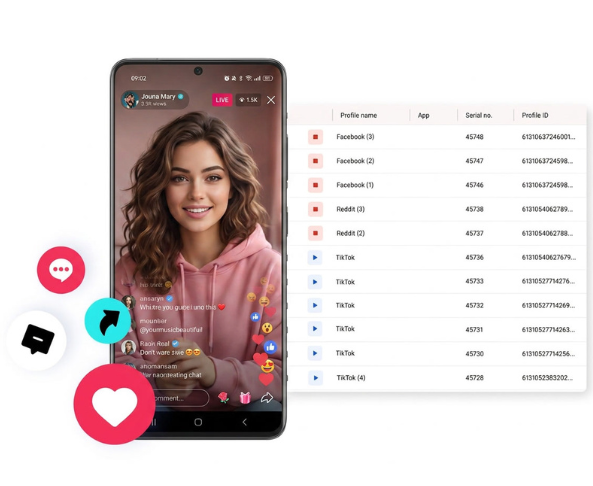

Perfect for every YouTube AI influencer
A unique cloud phone for each persona

Publish everywhere
Reach more than 150 locations

Grow organically
Post from Android devices
One platform, multiple YouTube personas
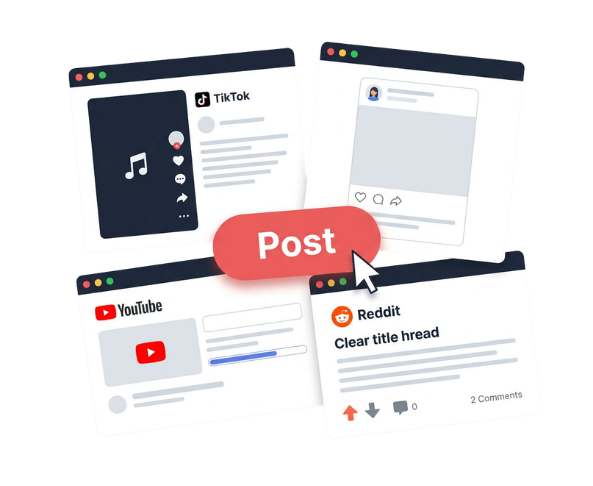
Separate AI influencer channels for different niches
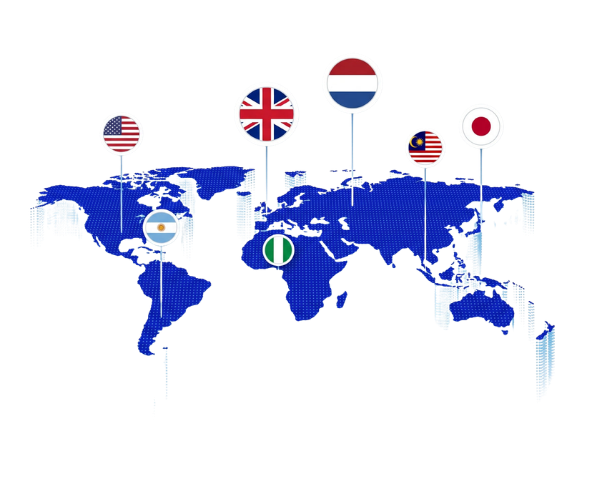
Match each YouTube AI influencer to its target market
Test niches, formats, and creative directions
Build trust for your YouTube AI influencer
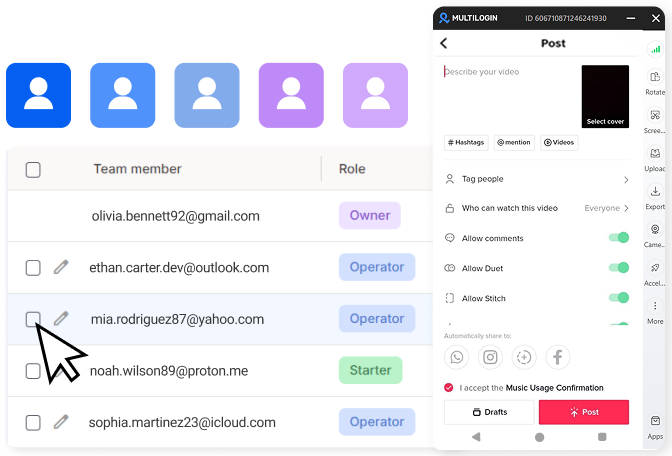
Give every YouTube AI influencer a dedicated environment
Manage YouTube, profile locations, and team access from one workspace, without physical phones, account switching, or extra dashboards.

Sign up
Create your account and start free.

Create a YouTube workspace
Set up a cloud phone or browser profile.
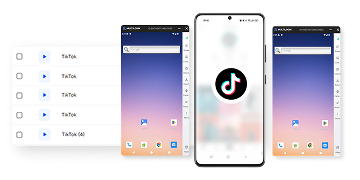
Run your channel
Sign in, publish, engage, and track results.
Sign up
Create your account and start free.
Create a YouTube workspace
Set up a cloud phone or browser profile.
Run your channel
Sign in, publish, engage, and track results.
Watch the Multilogin Demo
What is Multilogin?
Trusted by thousands of creators, sellers & online earners

Ha D.
Social Media Marketing Retail

Nino Latif

Stanislav K.
Marketing Manager

Elen S.
Marketing Manager

Hamza Arif
E-commerce Manager


Nick Horvath
Marketing agency
Start growing your YouTube AI influencer network
Build a YouTube workspace, test an AI persona, or migrate your workflow. Start with five free profiles and scale as you grow.
The most awarded multi accounting platform















Explore more solutions for any platform you need
FAQ
Yes. YouTube does not prohibit a channel solely because its host is virtual or AI-generated.
The channel must still follow YouTube’s Community Guidelines, monetization rules, copyright requirements, privacy rules, and impersonation policy. YouTube requires disclosure when realistic content has been meaningfully altered or synthetically generated.
Check the channel description, video description, altered-content label, production credits, company website, and business contact information.
Possible clues include a synthetic voice, unnatural lip synchronization, inconsistent hands or backgrounds, repeated facial expressions, or unusually uniform scripts. These clues are not proof. High-quality synthetic content may have no obvious visual errors.
There is no fixed number because revenue per thousand views varies by niche, country, season, video length, viewer profile, and advertiser demand.
A simple estimate is:
Required views = $10,000 / RPM x 1,000
At a $2 RPM, the channel would need about 5 million monthly views.
At a $5 RPM, it would need about 2 million monthly views.
At a $10 RPM, it would need about 1 million monthly views.
Sponsorships, affiliates, products, memberships, and licensing can change the amount of ad-supported views required.
Yes. A person may pursue legal action when an AI video uses their face or voice without permission, falsely suggests an endorsement, damages their reputation, violates privacy, or infringes intellectual property rights.
YouTube also allows people to request removal of realistic synthetic content that looks or sounds like them.
YouTube requires disclosure when altered or synthetic content appears realistic and meaningfully depicts something that did not happen.
Examples include making a real person appear to say something they did not say, cloning someone else’s voice, or generating a realistic event. Clearly unrealistic animation and routine production assistance, such as idea generation or caption creation, generally do not require the same disclosure.
Sponsorship availability changes frequently.
Check the channel’s About section, business email, media kit, agency page, or recent sponsored videos. Confirm that the contact represents the real owner or management team before sharing campaign details or paying a fee.
Start with YouTube search, related-channel recommendations, virtual creator communities, sponsorship databases, creator intelligence platforms, and talent agency rosters.
Search by both format and niche, such as:
- AI VTuber
- Virtual YouTuber
- Virtual influencer product reviews
- AI avatar channel
- Digital human YouTube
- AI gaming creator
- Virtual fashion influencer
- Synthetic presenter
Evaluate average views, audience relevance, engagement quality, publishing history, disclosure practices, and ownership rights before choosing a creator.
Most workflows use several tool categories:
- Character or avatar design
- Image and video generation
- Voice generation or recording
- Facial animation and lip sync
- Motion capture
- Script production
- Video editing
- Thumbnail production
- Channel management
Multilogin does not design or animate the character. It provides dedicated Android cloud phones and browser profiles for managing the channels after the content is ready.
No platform can guarantee that a channel will never be restricted or suspended.
Multilogin provides separate mobile and browser environments, persistent sessions, proxy options, organization, and team controls. Channel outcomes still depend on YouTube policies, content rights, originality, disclosure, audience behavior, and how the accounts are operated.
Multilogin is a to manage multiple YouTube account/channel.
What are YouTube AI influencers?
YouTube AI influencers are virtual or AI-assisted creator personas that publish videos, Shorts, livestreams, tutorials, reviews, entertainment, or sponsored content.
Some are operated by human teams using digital avatars. Others use AI for scripts, voices, visuals, editing, or live interaction. Brands can also build virtual presenters for product education, campaigns, and localized content.
Creating the character is only the first step. Each persona also needs its own YouTube channel, working environment, audience, content plan, location, and publishing process.
Multilogin covers this operational layer. Its AI influencer platform gives every persona a dedicated environment for publishing, engagement, and channel management.
Manage every YouTube AI influencer from one platform
Most AI creation tools stop once the video is exported. Multilogin helps teams manage what happens after production.
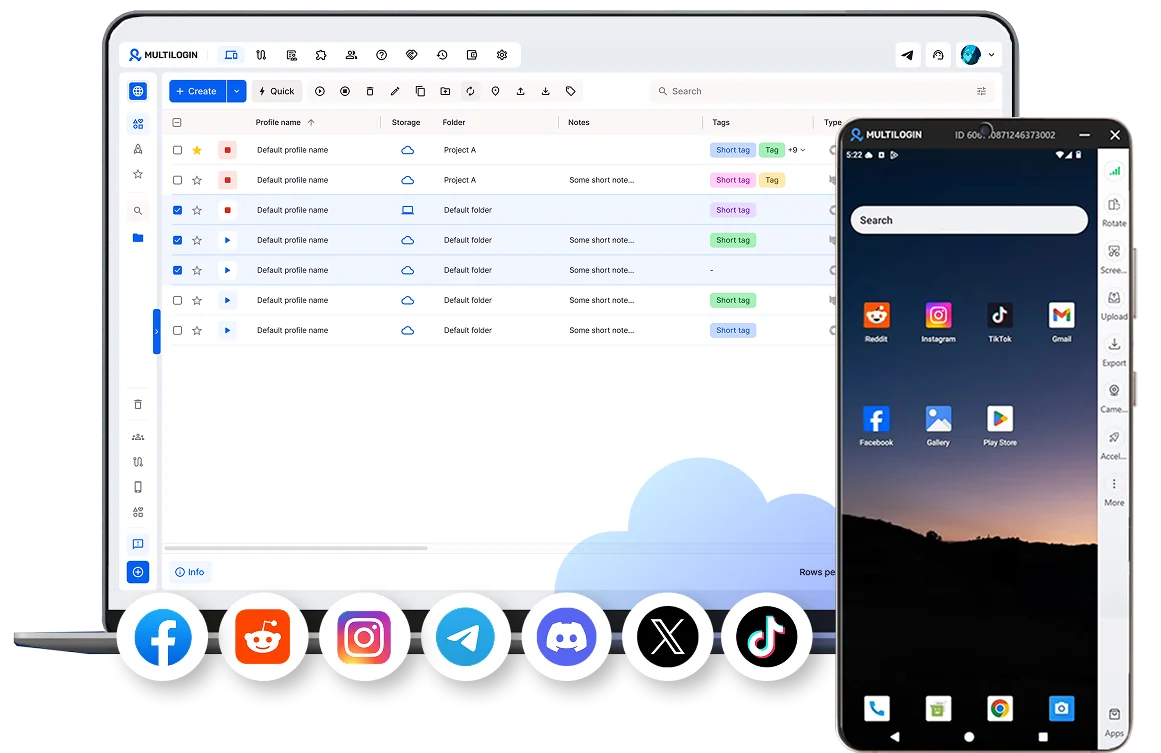
Assign each YouTube AI influencer its own Android cloud phone or browser profile. Keep its login state, YouTube session, app data, cookies, proxy configuration, and channel work inside one dedicated environment.
Use a cloud phone for YouTube when the workflow depends on the YouTube or YouTube Studio Android apps. Use a browser profile for YouTube Studio, analytics, channel settings, uploads, and other desktop tasks.
Teams comparing desktop environments can also review the available browser profile tools for YouTube.
Create separate channels for every concept
Build different AI influencer channels for different niches, audiences, languages, products, clients, or creative formats.
One persona can review software. Another can publish educational Shorts. Others can cover gaming, finance, fashion, music, entertainment, or product demonstrations.
Create a dedicated environment for every channel instead of switching unrelated YouTube accounts inside the same workspace. The guide to creating multiple YouTube accounts explains how cloud phones and browser profiles fit into multi-channel operations.
For creator models that do not depend on a visible human host, see how to start a faceless YouTube channel.
Match each YouTube AI influencer to its target market
Align each channel’s proxy location with the country or region it serves.
Use Multilogin’s YouTube proxy and cloud phone bundle to assign a residential proxy to the cloud phone or browser profile used by each persona.
This helps teams research regional YouTube results, check local trends, review localized content, and maintain a consistent working location for multilingual channels.
A proxy location does not guarantee reach in a selected market. Content language, relevance, viewer response, watch time, and channel history still affect performance.
Teams evaluating different proxy approaches can compare online proxy sites for YouTube with dedicated proxy environments.
Run mobile and desktop YouTube workflows
Use Android cloud phones for:
YouTube app workflows
YouTube Studio mobile access
Shorts review and publishing
Mobile comments and notifications
App-based channel checks
Use browser profiles for:
YouTube Studio desktop
Long-form video uploads
Channel analytics
Monetization settings
Campaign planning
Account administration
Both environments can be organized from the same Multilogin workspace, reducing the need for separate physical phones, browsers, proxy tools, and login systems.
Coordinate teams and AI agents
Give writers, editors, channel managers, analysts, and campaign teams access to the environments they need.
Organize AI influencer channels by niche, client, market, language, or campaign. Keep notes, profile access, and daily workflows together without moving channel sessions between personal devices.
Start with manual review and publishing. Connect AI agents or existing workflow tools after the process is tested and responsibilities are clear.
Human review should remain part of scripts, product claims, realistic synthetic media, disclosures, sponsorships, and public replies.
Build trust for each YouTube AI influencer
Build credibility through original content, consistent publishing, clear channel positioning, and real audience engagement, not only a polished AI appearance.
Tell viewers when realistic content or a persona is synthetic. Disclose sponsorships, affiliate relationships, and paid product placements clearly.
Reply to viewers with relevant, channel-specific responses. Avoid generic mass comments or automated engagement patterns that provide no value. The guide to YouTube comment bots explains the risks of low-quality and automated commenting.
For audience growth outside the comment section, use platform-compliant methods to promote your YouTube channel.
Test niches and formats without mixing workflows
Give every experiment its own clear purpose.
Test educational Shorts, virtual product reviews, tutorials, entertainment, livestreams, fictional storytelling, or character-led demonstrations through separate AI influencer channels.
Track each channel independently through:
Thumbnail click-through rate
Audience retention
Returning viewers
Comments
Subscribers
Leads and sales
Sponsorship inquiries
Revenue
Create original videos for every audience. Reposting identical or lightly changed content across many channels can reduce viewer value and create monetization problems.
For paid Shorts campaigns, review how YouTube Shorts advertising can support selected content rather than replacing organic audience development.
Plan monetization for every AI influencer
YouTube AI influencers can use many of the same revenue models as human creators, including advertising, memberships, sponsorships, affiliate marketing, digital products, services, merchandise, and character licensing.
Before applying for monetization, review the current YouTube Partner Program requirements and understand how AdSense for YouTube connects eligible channel earnings to payments.
Teams operating several personas should document channel ownership, YPP status, AdSense connections, publishing responsibilities, and revenue reporting. The YouTube monetization workflow for multi-profile operators provides a structured approach.
Once revenue data becomes available, compare RPM and CPM on YouTube to separate estimated creator earnings from advertiser spending.
Use the YouTube money calculator for directional revenue estimates, then compare those estimates with actual YouTube Analytics data.
Channels can also review additional ways to make money on YouTube beyond advertising revenue.
Support agency and multi-channel operations
Multilogin fits teams managing:
Brand-owned virtual ambassadors
AI influencer agencies
Multilingual creator channels
Product review personas
Faceless YouTube projects
Affiliate channels
Client-owned YouTube accounts
AI-assisted production teams
Agencies can assign one dedicated environment to each client, channel, or persona. This helps separate routine channel work while giving approved team members access through one workspace.
Larger creator businesses can also review how a multi-channel network differs from independently managing several YouTube channels.
Expand selected personas beyond YouTube
A strong virtual persona may also support campaigns on other social platforms.
Use the main AI influencer workflow to maintain the character’s voice, visual direction, audience, and operating process across platforms.
For example, a virtual B2B presenter could publish educational YouTube videos and maintain a professional content presence through a separate LinkedIn proxy and cloud phone workflow.
Only expand when the new platform supports the persona’s purpose. Do not publish identical content everywhere without adapting it to the audience and format.
Handle channel access and lifecycle issues
Not every YouTube problem is caused by the proxy or profile environment.
Access issues may involve the connection, network rules, regional content rights, account settings, or YouTube itself. Use the guide to troubleshooting YouTube access without a VPN or proxy to identify the likely cause before changing the setup.
When several channels experience connection problems, review what a YouTube IP ban is and how it differs from an account restriction, video limitation, or temporary network issue.
When a test persona, client project, or channel is no longer needed, follow the correct process to delete a YouTube channel rather than leaving unused accounts and environments without an owner.
Practical tips for managing YouTube AI influencers
Manage YouTube AI influencers by giving each persona a clear purpose, dedicated environment, consistent location, original content plan, and separate performance tracking.
Give every persona one clear purpose
Define who the channel is for, which niche it covers, what language it uses, and why viewers should return. Document the persona’s tone, visual style, content themes, and boundaries so every video and reply feels connected to the same creator identity.
Keep channel environments separate
Assign each AI influencer channel its own Android cloud phone or browser profile. This keeps its YouTube sessions, cookies, app data, account settings, and daily channel activity inside one dedicated environment instead of mixing several personas together.
Match the environment to the task
Use a cloud phone for YouTube and YouTube Studio app workflows, Shorts checks, mobile notifications, and app-based engagement. Use a browser profile for long-form uploads, analytics, channel settings, monetization tasks, and other desktop work.
Publish original content for every audience
Adapt scripts, visuals, examples, thumbnails, titles, and calls to action to the audience of each channel. Avoid copying the same video across multiple personas with only minor changes, since each channel should provide its own creative and informational value.
Keep working locations consistent
Choose the target country or region for each AI influencer and align its proxy location with that market. Avoid unnecessary location changes during routine channel management, especially when the persona serves one language, market, or client.
Review performance by channel
Measure each AI influencer separately instead of combining results across all channels. Compare click-through rate, audience retention, returning viewers, subscribers, comments, conversions, sponsorship interest, and revenue to understand which personas and formats perform best.
Add new channels for a clear reason
Create another AI influencer when it serves a different audience, language, niche, product, client, or campaign. Give the new channel its own identity, content plan, working environment, and success metrics rather than using it to duplicate existing uploads.
Why use Multilogin for YouTube AI influencers?
Multilogin specializes in the part of AI influencer management that content-generation tools do not cover.
It gives each YouTube persona a dedicated Android cloud phone or browser profile, its own session data, a defined proxy configuration, and a workspace for team or AI-assisted operations.
This allows creators, brands, and agencies to:
Separate AI influencer channels
Run mobile and desktop YouTube workflows
Manage multilingual personas
Assign work across teams
Maintain consistent operating environments
Connect existing workflow tools
Add channels without adding physical devices
Create the character with your preferred AI tools. Run its YouTube channel with Multilogin.
