Why use social media proxies for multiple accounts?
Social media proxies help teams keep account network settings organized when they manage multiple clients, brands, creators, markets, or campaigns.
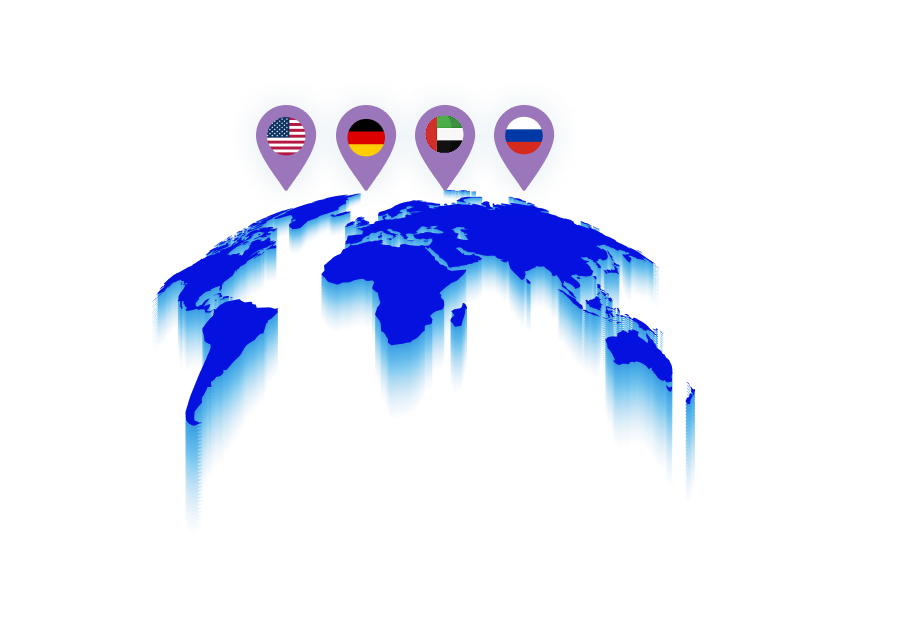
For example, an agency may manage separate TikTok and Instagram accounts for clients in different countries. A creator team may run multiple content brands. An AI influencer operation may manage several profiles with different publishing workflows.
In these cases, keeping the account environment consistent is usually more useful than repeatedly changing proxy settings.
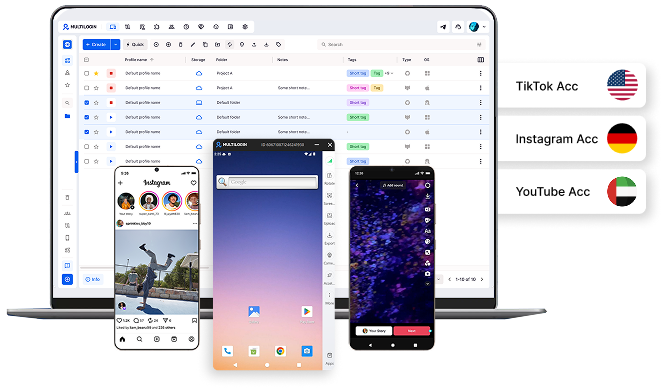
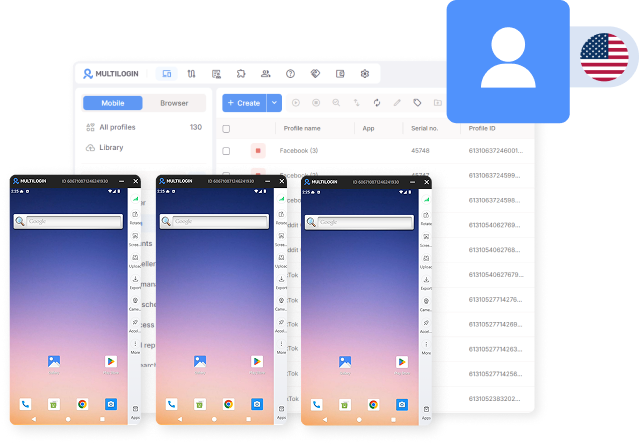
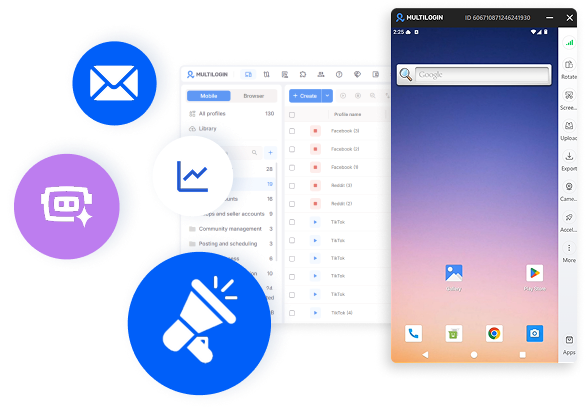
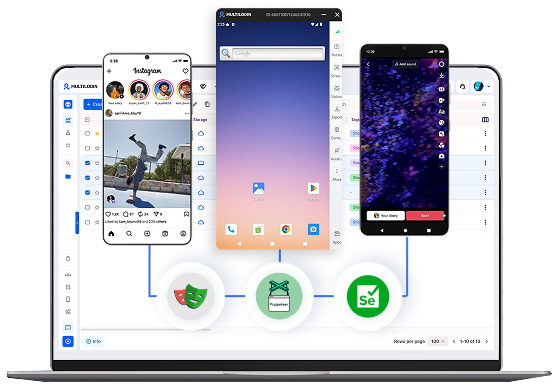
With Multilogin, you can connect a proxy to the cloud phone or browser profile used for that account and keep the configuration together with the account environment.
This makes it easier to understand which device, session, IP, and location belong to each account. For a broader workflow, see how to manage multiple social media accounts with Multilogin.
Which social media proxy type should you use?
There is no single proxy type that is automatically the best choice for every social media platform.
The right option depends on how the account is used, where it needs to connect from, whether the workflow happens inside an app or browser, and whether the connection needs to remain stable.
Residential proxies
Residential proxies use IP addresses associated with residential internet connections.
They can fit social media management workflows where teams need a particular country or region and want the proxy configuration attached to the same account environment.
Multilogin includes built-in residential proxies, so you can manage the proxy together with the cloud phone or browser profile. You can also learn more about residential proxies and how they fit different workflows.
Mobile proxies
Mobile proxies route traffic through IP ranges associated with mobile networks.
They can be useful for mobile-first workflows on platforms such as TikTok and Instagram when the required setup includes a mobile network connection.
A mobile proxy can be paired with a Multilogin cloud Android phone so the app environment and network configuration remain part of the same account profile.
For more background, see what a mobile proxy is and when it may fit a mobile account workflow.
ISP proxies
ISP proxies can suit workflows where teams value a stable connection and do not need frequent IP changes.
They may be useful for browser-based social media work, account dashboards, client management, and other persistent sessions.
The right proxy type should be chosen around the actual workflow rather than a generic rule such as always using mobile proxies or always rotating IPs.
How do you manage multiple social media accounts with proxies?
Start by giving every account a clear environment.
For mobile-app accounts, use a cloud Android phone. For web-based accounts, use an isolated browser profile.
Then configure the proxy required for that account and document its location, ownership, and purpose.
A practical workflow looks like this:
Create the account profile.
Choose a cloud phone or browser profile based on the platform.
Configure the required proxy.
Keep the account session and environment persistent.
Assign the profile to the right teammate or automation workflow.
Document important account and proxy settings.
Change the configuration only when there is a clear operational reason.
If you need a step-by-step setup, see how to set up a proxy in Multilogin for managing multiple accounts.
What is a dedicated proxy?
A dedicated proxy is a proxy connection or IP reserved for one customer rather than shared simultaneously with unrelated users.
Dedicated proxies can be useful when a workflow needs more control over how an IP is used.
However, “dedicated” does not automatically mean that a proxy is the best option for TikTok, Instagram, Facebook, Reddit, YouTube, or another platform.
You still need to consider proxy type, location, stability, authentication, account environment, cost, and the requirements of the platform you are using.
For a deeper explanation, see what a dedicated proxy is.