







Manage multiple accounts with Android cloud phones
Build account trust, reach new locations, and grow faster from one dashboard
Looking for a GeeLark alternative? The answer now depends less on finding a platform that simply has cloud phones and more on finding one that fits the rest of your workflow.
GeeLark has expanded beyond basic cloud phone access. It now combines Android cloud phones with automation, team collaboration, proxy management, and browser profiles. That makes the comparison between GeeLark alternatives more interesting, especially for social media teams deciding how they want to handle mobile apps, web dashboards, proxies, automation, and operating costs.
This guide compares 11 GeeLark alternatives for social media, app workflows, gaming, testing, and larger multi-account operations. Some are direct cloud phone competitors. Others, such as NoxPlayer and MuMuPlayer, are Android emulators that solve a narrower version of the same problem.
Understanding what cloud phones are helps frame the comparison. A cloud phone gives you a remotely accessible Android environment without maintaining a separate physical phone for every workflow.
The real question is therefore not whether GeeLark works. It does. The question is whether another platform fits your combination of mobile apps, browser work, proxy infrastructure, automation, team access, and pricing better.
For more context on GeeLark as a cloud phone platform, our separate review looks more closely at its current product.
Why look for GeeLark alternatives?
Users usually look for GeeLark alternatives because their workflow has developed requirements that one platform handles differently from another.
- You want mobile and browser workflows to carry equal weight. GeeLark now offers browser profiles as well as cloud phones, but cloud-phone operations remain central to the product. Teams doing substantial work in Facebook Ads Manager, YouTube Studio, webmail, ecommerce dashboards, Reddit, LinkedIn, and other browser-based tools should compare how deeply each platform supports both environments.
- You want proxy traffic included with the platform. GeeLark supports proxy configuration and proxy management, which is useful if you already have a preferred provider. The tradeoff is that the proxy itself remains another resource to source and budget for. Platforms with built-in proxy traffic can simplify that part of the setup.
- Your preferred automation stack matters. GeeLark provides RPA, Synchronizer features, templates, and API workflows. Other platforms take different approaches, ranging from AI agents to ADB access and browser automation frameworks. The better choice depends on whether you want no-code automation, developer APIs, browser frameworks, Android control, or a combination.
- Your cloud-phone usage pattern affects pricing. Per-minute billing can work well for short daily sessions. Monthly device rentals can make more sense for devices that stay active for long periods. Teams should calculate the cost around actual running time, profile count, proxy traffic, concurrency, and team requirements rather than comparing subscription prices alone.
- You may need something GeeLark was not primarily built for. Always-on gaming, app testing, iOS cloud devices, existing physical phone farms, and custom infrastructure all lead to different alternatives.
For a more direct Multilogin vs GeeLark comparison, we cover their mobile, browser, proxy, automation, and team workflows separately.
What to look for in a GeeLark alternative
When evaluating a cloud phone alternative, start with the workflow instead of the feature list.
- Android environment and session persistence matter. Check how the provider runs its Android environments, which Android versions and device configurations are available, and whether apps, files, logins, cache, and settings remain available between sessions. A cloud phone and a local Android emulator are not necessarily equivalent. Our guide to device emulation explains the distinction in more detail.
- Proxy integration changes both setup and total cost. Some platforms include proxy traffic. Others give you strong proxy-management tools but expect you to bring your own provider. Neither model is automatically better. Existing proxy users may prefer the second approach, while teams starting from scratch may value an integrated network.
- Mobile plus web management reduces tool switching. If your work moves between native Android apps and browser dashboards every day, compare the quality of both environments rather than assuming that simply listing both features makes two products equivalent.
- Automation should match your technical level. RPA templates are useful for repetitive no-code tasks. APIs, ADB, Selenium, Puppeteer, Playwright, and similar tools offer more control for developers and AI-driven workflows.
- Team features and pricing need to scale together. Profile permissions, folders, transfers, shared environments, team seats, concurrent devices, proxy usage, and mobile runtime can all affect the real cost of a platform.
Best GeeLark alternatives ranked
1. Multilogin Cloud Phones, best overall GeeLark alternative
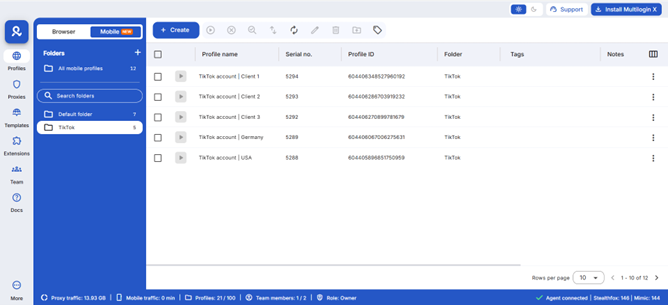
Multilogin cloud phones are built around social media workflows that move between native Android apps and the web. The platform combines Android cloud phones and browser profiles in the same dashboard, with built-in proxy traffic, automation, and team-management tools.
That makes it particularly relevant as a GeeLark alternative when a team does not want its mobile and browser workflows living in separate systems.
- 2-in-1 cloud phone and browser workflow. Multilogin includes both Android cloud phones and browser profiles. You can work in Instagram or TikTok through a native Android environment, then use a browser profile for web dashboards, analytics, account administration, Reddit, YouTube, LinkedIn, or other browser-first workflows without moving the account roster to another platform.
For a fuller explanation of where each environment fits, see cloud phones vs browser profiles.
- Real Android hardware and persistent mobile sessions. Multilogin cloud phones run on real Android hardware and provide separate device parameters, storage, app data, files, and login sessions. Users can choose from multiple Android device brands and install apps through the built-in repository or APK upload.
For more technical context, see cloud phones explained.
- Built-in residential proxies. Multilogin includes access to its residential proxy network directly inside the platform. Teams can choose locations for cloud phones and browser profiles without maintaining a separate proxy dashboard, while third-party proxies remain supported for users who already have their own infrastructure.
The residential proxies guide explains how the network works across profiles.
- Automation for people, developers, and AI agents. Multilogin supports API-driven automation together with tools such as Selenium, Puppeteer, Playwright, Postman, and Android automation workflows. This makes it suitable for teams that want more than synchronizing the same action across multiple devices.
For related workflows, see AI agents for social media and social media automation.
- Team collaboration. Paid plans support team workflows, profile handoffs, folders, tags, access controls, and shared management. Business plans support unlimited team seats, which becomes relevant when a large agency has more operators than account environments.
See how to manage social media accounts for multiple clients for a practical agency workflow.
- 24/7 support and documentation. Support is available through live chat and email, with additional guides in the help center and Multilogin Academy.
- Free plan and paid pricing. Multilogin has a Free plan with no time limit and no credit card requirement. It includes 5 profiles, a one-time 200 MB premium proxy bonus, and one cloud phone profile with 30 mobile minutes. Paid plans start from $7.08 per month and add monthly mobile minutes, proxy traffic, API access, bulk operations, and other features depending on the plan.
Mobile usage is metered while a cloud phone is running. Additional mobile minutes and proxy traffic can be purchased when needed, and unused purchased resources can roll over. See the current Multilogin pricing for the full breakdown.
Limitations: Multilogin is Android-focused, so it is not the choice if your workflow specifically requires an iOS cloud phone. Mobile runtime is also usage-based, which may be less attractive than an unlimited device rental for someone keeping the same phone running continuously. The Free plan is useful for testing the workflow, but 30 one-time mobile minutes is not enough for sustained mobile operations.
Best for: Social media agencies, creators, marketers, ecommerce teams, AI workflow builders, and operators who regularly switch between native mobile apps and browser-based tools.
See the platform-specific guides for Instagram, TikTok, WhatsApp Business, and social media management.
2. DuoPlus
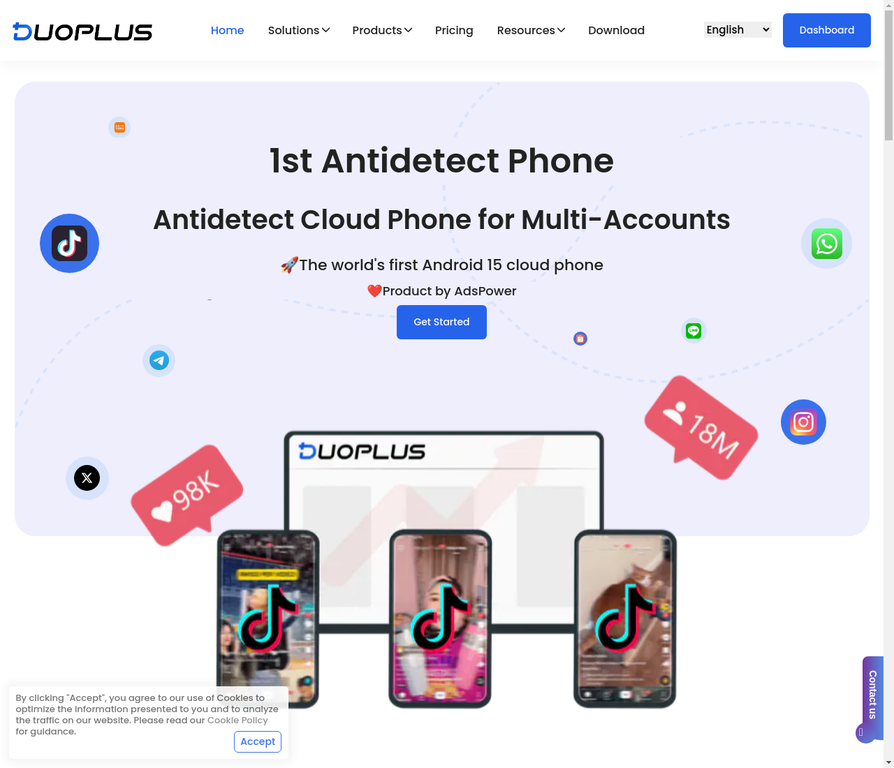
DuoPlus is another cloud phone platform aimed at multi-account social media, cross-border ecommerce, app workflows, and automation.
Its current product goes beyond basic remote Android access. DuoPlus offers RPA workflows, API and ADB support, scheduled tasks, app management, proxy configuration, team permissions, and multi-device controls.
Key features:
- Android cloud phone environments
- RPA templates and custom workflows
- Scheduled automation
- API and ADB access
- Multi-device management
- Team collaboration
- Proxy configuration
- Browser-based remote access
Strengths as a GeeLark alternative: DuoPlus is close to GeeLark in use case. Both target mobile multi-account operations and provide automation tools rather than functioning simply as remote Android desktops. DuoPlus is especially interesting for teams that want RPA and API access in the same mobile-focused system.
Limitations: The product remains primarily cloud-phone focused rather than a full mobile-and-browser operating environment. Pricing can also depend on the exact cloud-phone resource and usage model selected, so teams should compare the total cost for their device volume instead of looking at the entry price alone.
Best for: Mobile-first social media teams, cross-border operators, and users who want RPA plus API control without building their own Android infrastructure.
3. VMOS Cloud
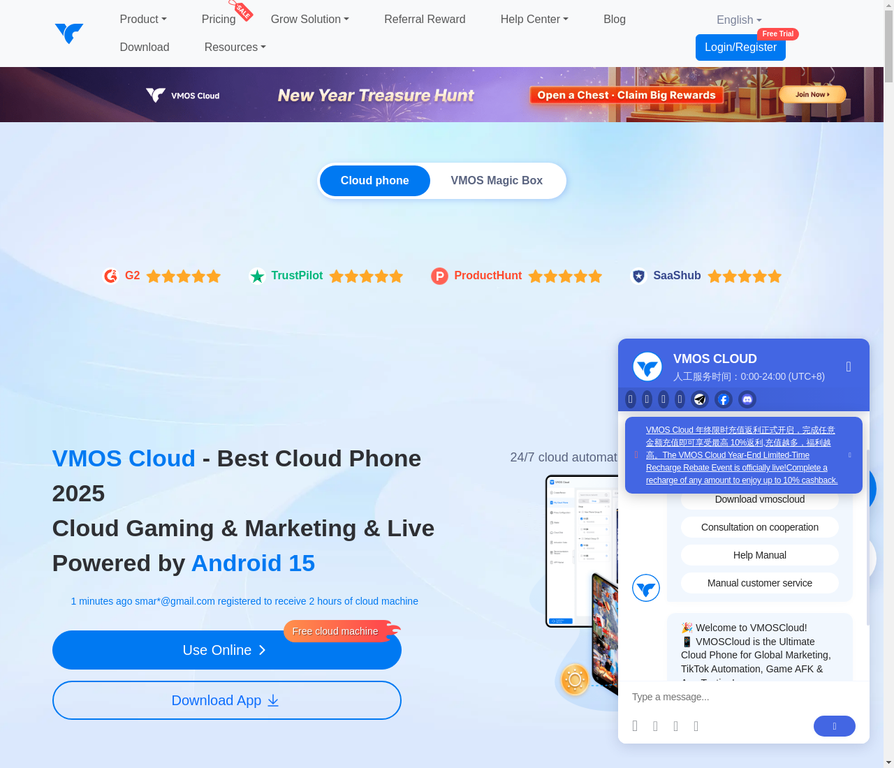
VMOS Cloud is a strong VMOS-style cloud phone option for users who want inexpensive Android access combined with AI-assisted automation.
Key features:
- Cloud Android devices with several Android versions
- Plans starting around $4.99 for a 30-day device
- AI Agent features for social media workflows
- TikTok, Instagram, Facebook, WhatsApp, Threads, and other Android apps
- Access from multiple operating systems
- Proxy options through its related proxy ecosystem
- Cloud-based device access without local Android emulation
Strengths as a GeeLark alternative: VMOS Cloud is one of the more relevant choices for someone specifically searching for a low-cost GeeLark or VMOS Cloud alternative comparison. Its pricing is approachable for a small number of devices, and the AI Agent direction can reduce manual work for repetitive mobile tasks.
Limitations: Its product experience is heavily centered on mobile environments and automated Android workflows. Teams that need substantial browser-profile management, detailed browser automation, or a single environment for web and mobile work may still need another tool. Automation also needs careful control because aggressive or repetitive behavior can conflict with individual platform rules.
Best for: Budget-conscious mobile operations, TikTok-heavy workflows, and users who prioritize AI-assisted Android automation.
4. Redfinger Cloud Phone
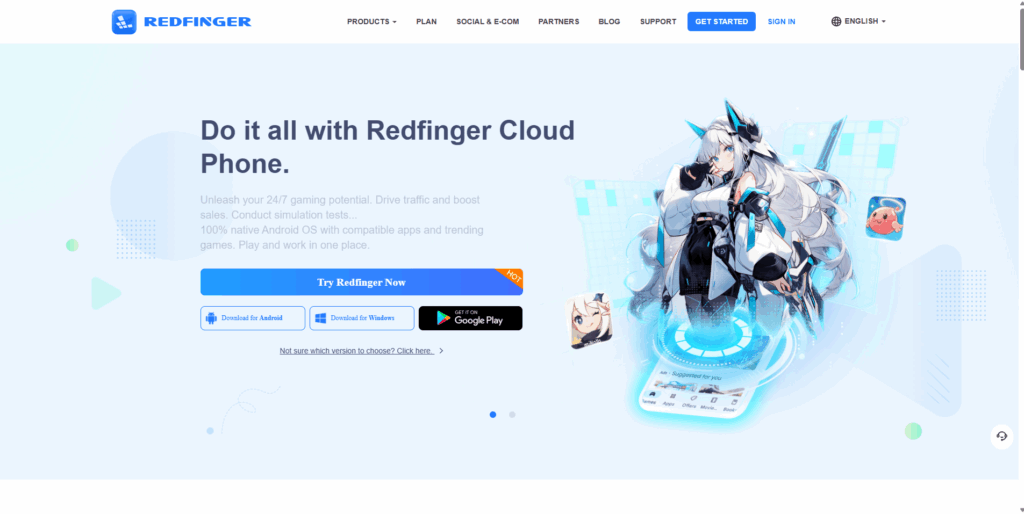
Redfinger is an established Android cloud phone service with a particularly strong gaming and always-on use case.
Key features:
- Cloud-based Android system
- 24/7 online operation
- Multiple cloud phone instances
- Background app operation
- Windows, Android, web, and iOS access options
- Gaming, app, and marketing use cases
- Multiple subscription configurations
Strengths as a GeeLark alternative: Redfinger makes sense when continuous runtime matters more than sophisticated social-media workspace features. Apps and games can remain active in the cloud after you leave the local client, which is useful for persistent processes.
Limitations: Its product positioning is broader and more gaming-oriented than dedicated social media management platforms. Teams looking for integrated browser profiles, advanced account organization, built-in social workflow automation, or bundled proxy traffic should compare those requirements separately.
Best for: Always-on Android workloads, mobile gaming, persistent app sessions, and users who value continuous cloud runtime.
5. NoxPlayer
NoxPlayer is not actually a cloud phone service. It is a desktop Android emulator designed primarily for running mobile games and apps on Windows and Mac.
That still makes it worth including because people comparing GeeLark alternatives often consider local Android emulators before deciding whether remote cloud infrastructure is necessary.
Key features:
- Free Android emulator
- Multiple local instances
- Script recording
- Keyboard and gamepad mapping
- Android app support
- Strong gaming optimization
- Runs using the computer’s own CPU, RAM, storage, and virtualization resources
Strengths as a GeeLark alternative: NoxPlayer is inexpensive and easy to experiment with. For app testing, games, or a handful of non-critical Android environments, it may remove the need for a paid cloud phone entirely.
Limitations: It is a local emulator, not a remotely hosted cloud phone. Multiple instances consume local hardware resources, and the product is built mainly for gaming rather than professional social media account operations, proxy management, team access, or persistent cloud infrastructure.
Best for: Gaming, app testing, and users who only need local Android environments rather than a true social media cloud phone alternative.
6. LDCloud
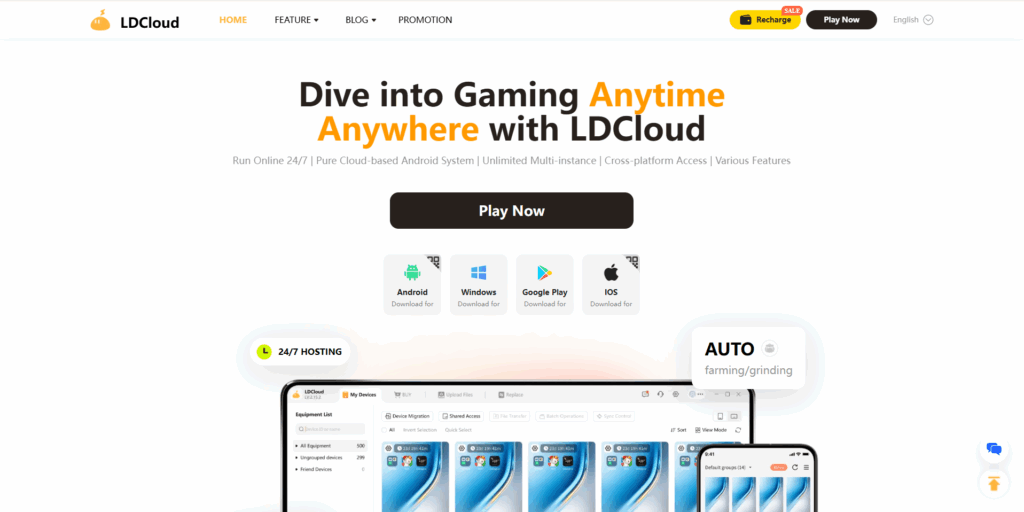
LDCloud is a genuine cloud-based Android service focused heavily on gaming, 24/7 app operation, and multi-instance use.
Key features:
- Cloud-hosted Android system
- 24/7 background operation
- Multiple cloud phones under one account
- Synchronization across devices
- APK and Android app support
- Multiple hardware and subscription configurations
- Access through several desktop and mobile platforms
Strengths as a GeeLark alternative: Unlike a local LDPlayer-style emulator, LDCloud runs Android remotely. That reduces pressure on the user’s computer and makes it better suited to apps or games that need to stay online after the local device is switched off.
Limitations: Gaming remains a major part of the product. Social media teams should separately evaluate proxy management, profile isolation, collaboration, browser work, and automation requirements rather than assuming that multi-instance Android access covers the whole workflow.
Best for: Cloud gaming, persistent Android apps, and users searching for a cloud-hosted alternative to local Android emulators.
7. NBPhone
NBPhone is another name that appears in cloud phone and multi-account discussions, particularly around Asian-market Android operations.
Reliable current English-language product information is much thinner than for GeeLark, Multilogin, VMOS Cloud, DuoPlus, Redfinger, or LDCloud.
Key features commonly associated with the product:
- Cloud-based Android access
- Multiple device environments
- Remote device control
- Mobile app usage
- Multi-account workflows
Strengths as a GeeLark alternative: It may be worth investigating for users already operating within the markets and ecosystems where NBPhone is distributed.
Limitations: Limited verifiable English documentation makes feature, infrastructure, pricing, support, and automation comparisons difficult. That is a meaningful drawback for an international team choosing infrastructure it expects to rely on every day.
Best for: Users who already know the platform or have access to regional support and current product information.
8. MuMuPlayer
MuMuPlayer, developed by NetEase, is another Android emulator rather than a direct cloud phone competitor.
Its focus is high-performance Android apps and games on desktop hardware.
Key features:
- Android 12 and newer Android environments depending on version
- Windows and macOS support
- Multi-instance operation
- Keyboard and mouse controls
- High-performance gaming optimization
- APK and Android app support
Strengths as a GeeLark alternative: MuMuPlayer can be a practical free or low-cost option when the real requirement is simply running several Android apps on a powerful local computer.
Limitations: There is no remote cloud-phone infrastructure behind the standard MuMuPlayer product. The user’s machine provides the computing resources, and the platform is not primarily designed around social profile separation, team permissions, built-in proxies, or cloud-based account handoffs.
Best for: Mobile gaming and local Android application use. It is an adjacent option rather than a direct GeeLark alternative for social media operations.
9. BitCloudPhone
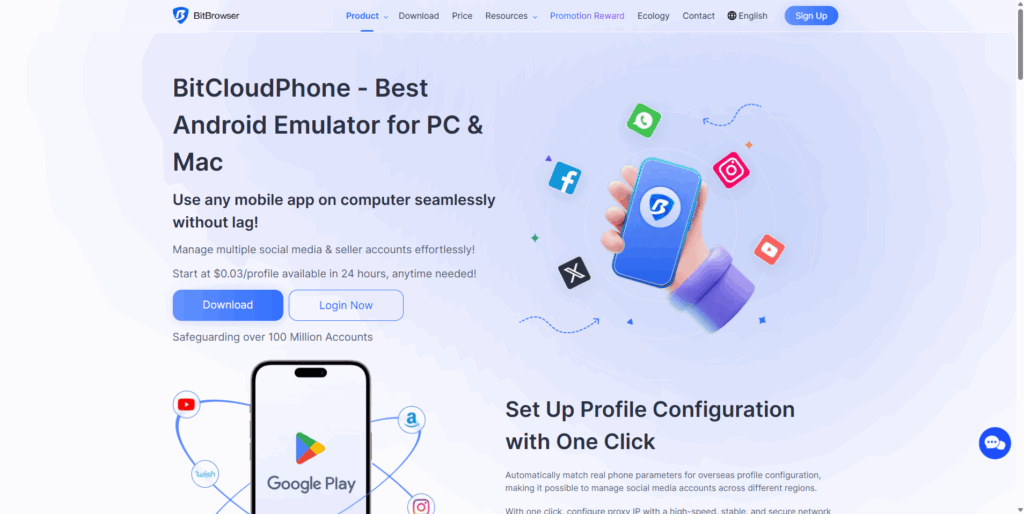
BitCloudPhone is BitBrowser’s cloud-phone product for Android multi-account workflows. It has also expanded into iOS cloud environments, which creates a meaningful distinction from Android-only alternatives.
[Image: bitcloudphone]
Key features:
- Android cloud phone profiles
- Batch device creation and management
- Device-parameter configuration
- App installation
- Profile synchronization
- Team access options
- Integration with BitBrowser workflows
- iOS cloud phone availability
Strengths as a GeeLark alternative: The combination of cloud phones with BitBrowser’s wider browser ecosystem makes BitCloudPhone relevant to teams that want both environment types. Its iOS offering is also worth considering for workflows where Android-only cloud phone platforms are not enough.
Limitations: BitCloudPhone describes its Android product as an emulator-based cloud environment, so teams specifically requiring real Android hardware should distinguish between those infrastructure models. Its broader feature set can also make the platform more complex than a straightforward remote Android service.
Best for: Multi-account teams already using BitBrowser and users who specifically need to evaluate Android plus iOS cloud environments.
10. PhoneFarm and physical device farms
A physical phone farm takes a different approach. Instead of renting Android environments from a cloud provider, you purchase, connect, maintain, and remotely control actual mobile devices.
Key features:
- Physical Android hardware
- Direct control over individual devices
- Centralized device-management software
- ADB and automation possibilities
- Long-running hardware ownership
- Large-scale phone farming workflows
Strengths as a GeeLark alternative: You own the hardware and can control the entire device stack. For specialized testing or infrastructure teams, that level of access may justify the additional operational work.
Limitations: Hardware purchasing is only the beginning. Charging, cables, batteries, replacements, racks, cooling, network equipment, remote access, monitoring, and physical maintenance become your responsibility. Scaling from 20 devices to 200 is therefore a very different operational problem from creating more cloud phone environments.
Best for: Technical organizations that specifically require physical device ownership, hardware testing, or custom Android fleets.
11. DIY cloud phone solutions – self-hosted options
Technical teams can also build custom Android environments using cloud servers, virtualization platforms, device-farm technology, or their own infrastructure.
Key features:
- High infrastructure control
- Custom Android images and configurations
- Flexible automation
- Direct control over networking
- Custom integrations
- Less dependency on a single cloud-phone vendor
Strengths as a GeeLark alternative: A self-managed system gives engineering teams control over provisioning, automation, storage, network routing, and lifecycle management. You can design the infrastructure around your application instead of adapting your application to a vendor’s workflow.
Infrastructure spending then depends on your hosting model and cloud server cost.
Limitations: Building an Android VM is not the same thing as creating a production-ready cloud phone platform. Your team must handle Android images, remote streaming, storage persistence, proxy integration, device configuration, access controls, monitoring, updates, security, and support. Matching the behavior of physical mobile hardware may require additional infrastructure that a generic cloud VM does not provide.
Best for: Engineering teams with a strong reason to own the infrastructure and enough DevOps or Android expertise to maintain it.
Manage multiple accounts with Android cloud phones
Build account trust, reach new locations, and grow faster from one dashboard
Why Multilogin stands out among GeeLark alternatives
Multilogin stands out when the workflow requires three things together: Android cloud phones, established browser-profile management, and built-in proxy traffic.
That distinction is narrower and more useful than saying GeeLark lacks browser profiles or team tools. It no longer does.
Multilogin’s advantage is that cloud phones and browser profiles are treated as parts of the same social profile workflow. Native Android apps can run inside cloud phones, while browser-based administration, analytics, advertising tools, web platforms, and other desktop work can stay inside persistent browser profiles.
Built-in proxy traffic also reduces the need for a separate proxy subscription when starting from scratch, although teams that already have proxy infrastructure may not value that difference as highly.
There are tradeoffs. Multilogin currently focuses on Android rather than iOS, cloud phone runtime is metered, and some users may simply need a cheaper standalone Android device or an always-on gaming phone instead of a broader social media workspace.
For the teams Multilogin is aimed at, Multilogin cloud phones combine mobile and browser environments, proxies, team access, and automation under one account. Paid plans currently start from $7.08 per month, while the Free plan provides a smaller environment for testing the workflow before upgrading.
The better choice ultimately depends on what you actually manage. GeeLark remains a serious option for cloud-phone-centered social media workflows. VMOS Cloud can be attractive for inexpensive mobile access and AI automation. Redfinger and LDCloud are stronger fits for always-on Android workloads. BitCloudPhone deserves attention if iOS matters. Local emulators such as NoxPlayer and MuMuPlayer make more sense when cloud infrastructure is unnecessary.
Frequently asked questions About GeeLark alternatives
For comprehensive multi-account management, Multilogin Cloud Phones rank first among GeeLark alternatives. Real Android hardware, built-in proxies, unified web + mobile management, full automation, and team collaboration address every GeeLark limitation in one platform.
Gaming platforms like Nox and LDPlayer offer free tiers, but they’re designed for gaming — not social media multi-accounting. VMOS Cloud and DuoPlus offer low-cost entry points. No professional-grade GeeLark alternative is completely free, as real device infrastructure and proxy networks have operational costs.
Multilogin includes residential proxies (30M+ IPs, 195+ countries) in every subscription. VMOS Cloud offers integrated proxy services through OwlProxy at additional cost. Most other GeeLark alternatives require external proxy setup.
Yes. Multilogin, DuoPlus, VMOS Cloud, and Redfinger all support TikTok operations. VMOS Cloud specializes in TikTok with AI Agent automation. Multilogin provides the broadest platform coverage for managing TikTok alongside Instagram, Facebook, and browser-based tools.
Only Multilogin provides a 2-in-1 platform combining cloud phones and antidetect browser access in one subscription. All other GeeLark alternatives listed are mobile-only, requiring separate tools for browser-based workflows.
No. Gaming emulators (Nox, LDPlayer, MuMu) use emulation technology that social media platforms detect. They lack proxy integration, fingerprint consistency features, and account isolation designed for multi-accounting. Use gaming platforms for games, professional tools for social media.


