







What is Asocks
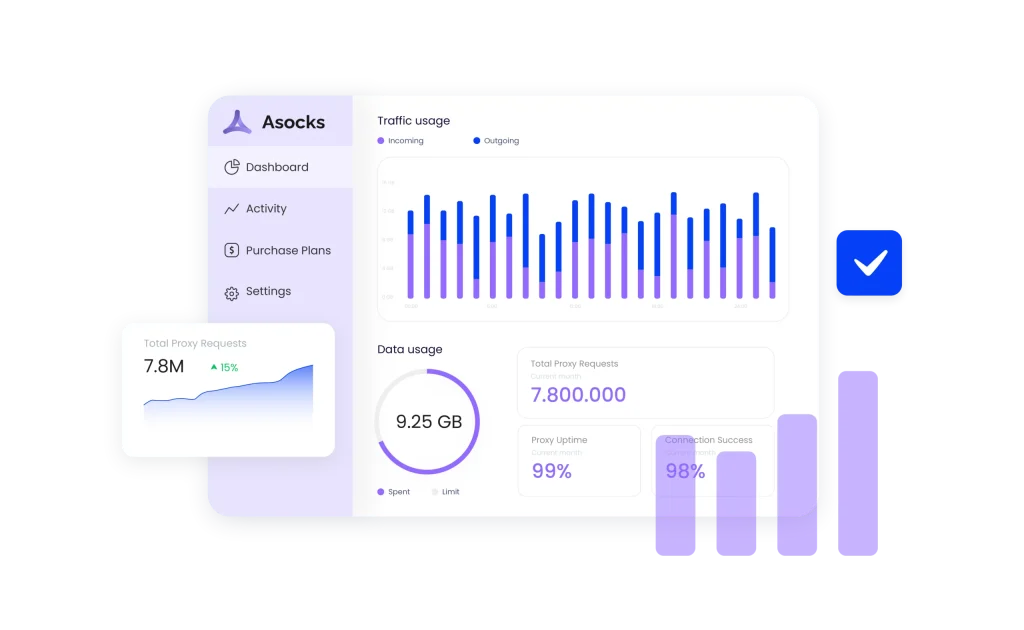
Asocks is a rapidly emerging proxy service provider offering unlimited fast residential proxies across over 150 countries. Founded with a commitment to affordability and high-quality service, Asocks guarantees users only pay for the traffic consumed, without hidden fees.
Key offerings:
- Proxy solutions: Access to a vast pool of residential IPs, enabling anonymous browsing and data collection.
- Connection success: Boasting a 99.7% connection success rate, guaranteeing reliable and uninterrupted service.
- Global coverage: Proxies available in 150+ locations, providing extensive geographic diversity.
Why to use Asocks with antidetect browser
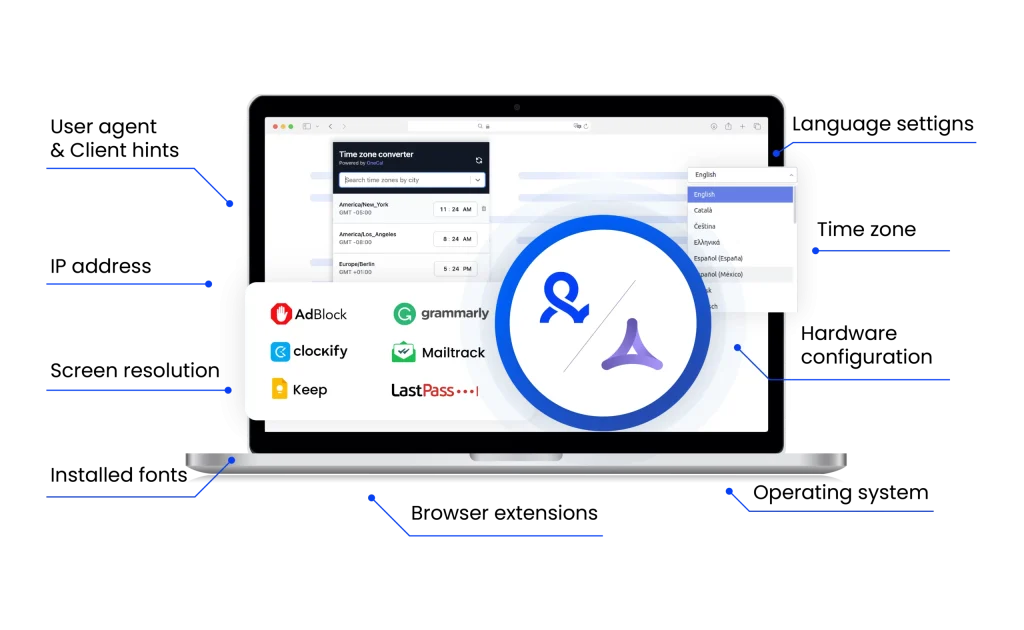
Pairing Asocks proxies with Multilogin ensures private browsing experience. Asocks provides fast, reliable residential IPs, while Multilogin masks browser fingerprints, preventing tracking and detection.
This combination allows you to manage multiple accounts without bans, access geo-restricted content, and conduct online research safely. With Asocks and Multilogin, you get protection for your digital activities.
Asocks unique benefits
Compare Asocks with an alternative
Compare features, functionality, and benefits to find the solution that fits your needs best.
-
Proxy provider
Asocks

Oxylabs

-
Supported proxy types
Asocks
- Residential proxies
- Corporate (datacenter) proxies
- Mobile proxies
Oxylabs
Residential
ISP
Datacenter
Mobile
-
Starting price
Asocks
Residential proxies: from $4.13 per GB
Mobile proxies: from $4.5 per GB
Corporate proxies: from $0.45 per GBOxylabs
Residential Proxies: from $8/GB
Datacenter Proxies: from $1.2/GB
ISP Proxies: from $1.60/IP
Mobile Proxies: from $9/GB -
Speed
Asocks
Residential Proxies: ~0.97 seconds
Mobile Proxies: ~1.3 secondsOxylabs
Average response time of under 1 second
-
Success rate
Asocks
99.78%
Oxylabs
97-99%
-
Size of IP pool
Asocks
Over 7 million IP addresses across 150+ locations.
Oxylabs
102M+ IPs across 195 countries
-
Session control
Asocks
Rotating sessions with request-based rotations.
Oxylabs
Rotating and sticky sessions available
for up to 24 hours using the sesstime parameter -
Best for
Asocks
Affiliate marketing, data scraping, multi-accounting, and privacy-focused browsing
Oxylabs
Businesses & individuals – large-scale scraping, SEO, automation, data extraction
Watch the Multilogin Demo
See how to run multiple accounts in just 2 minutes.
Watch the demo below and discover how Multilogin can streamline your workflow.
Why Multilogin is the perfect match for Asocks
Looking for all-in-one antidetect browser with built-in proxies?
Multilogin comes with built-in residential proxies to make multi-accounting, web scraping and web automation easier than ever. No extra setup, no third-party services—just undetectable browsing at no additional cost.
- Unlimited time
- Mobile and browser profiles included
- Free built-in proxies & mobile minutes
Discover more proxy providers
-
Read the review

- Read the review Review
-
Read the review

-
Read the review

-
Read the review

-
Read the review

-
Read the review

-
Read the review

-
Read the review

-
Read the review

-
Read the review

-
Read the review

-
Read the review

-
Read the review

-
Read the review

-
Read the review

-
Read the review

-
Read the review

-
Read the review

-
Read the review

-
Read the review

-
Read the review

-
Read the review

-
Read the review

-
Read the review

-
Read the review

-
Read the review

-
Read the review

-
Read the review

- Read the review Cherry Proxy
- Read the review CLiproxy
-
Read the review

-
Read the review

-
Read the review

-
Read the review
-
Read the review

-
Read the review
-
Read the review

-
Read the review

-
Read the review

-
Read the review

-
Read the review

-
Read the review

-
Read the review

-
Read the review

-
Read the review

-
Read the review

-
Read the review

-
Read the review

-
Read the review

-
Read the review

-
Read the review

-
Read the review

-
Read the review

-
Read the review

-
Read the review

-
Read the review

-
Read the review

-
Read the review
5 Reasons to Choose Asocks Proxies for Advanced Browsing and Account Management
Tap into a scalable solution with Asocks proxies, designed to support high-performance browsing, automation, and account handling. Whether you’re managing campaigns, scraping data, or running multiple accounts, Asocks offers powerful features, flexible pricing, and unmatched reliability for professionals and digital marketers.
How to use Asocks proxies with the multilogin antidetect browser
Using Asocks residential proxies with Multilogin enhances your online privacy, allowing you to manage multiple accounts securely. Follow these steps to set up Asocks in Multilogin:
1. Get Your Asocks Details
Log into your Asocks.com account. Go to the proxy dashboard and copy your proxy host, port, username, and password.
2. Create a New Profile in Multilogin
Open Multilogin and click Create new under Browser profile. Select your OS and preferred browser type.
3. Configure Proxy Settings
Go to the Proxy section within the profile settings. Choose Custom, select HTTP, HTTPS, or SOCKS5, and enter your Asocks proxy details.
4. Verify Connection
Click Check proxy to confirm it’s working properly.
5. Launch and Browse
Save your profile and start browsing securely with Asocks and Multilogin.
Unlock the power of Asocks residential proxies
Asocks residential proxies provide access to a large network of IP addresses sourced from real users. This ensures better anonymity and reduces the risk of blocks or bans during online operations.
Key benefits include:
- Real residential IPs with global coverage
- High-speed performance with low latency
- Reliable sessions for long-term tasks
- Compatibility with SOCKS5, HTTP, and HTTPS protocols
Start with an Asocks free trial or promo code
Explore the platform with an Asocks free trial, ideal for testing before committing. You can also apply an Asocks promo code to access premium features at a discounted rate.
Why it matters:
- No-risk onboarding
- Perfect for beginners and pros
- Try all functionalities before upgrading
Why Asocks.com stands out
Asocks.com has built a reputation for quality service, flexibility, and transparency. Whether you’re into data collection, market research, or ad verification, Asocks has you covered.
Trusted by users for:
- Fast and responsive customer support
- Transparent pricing and dashboard
- Easy-to-use interface
- Scalable proxy packages
Choosing an Asocks alternative? Think twice
While many look for an Asocks alternative, few match the blend of performance and affordability that Asocks delivers. If you’re comparing options, check out an Asocks review to understand real-world results and benchmarks.
What makes Asocks different:
- Consistent uptime and speed
- Affordable pricing plans
- Flexible usage for various platforms
FAQ
What is Asocks and how does it work?
Asocks is a proxy service provider that gives users access to a large pool of IP addresses from real devices. These proxies can be used for anonymous browsing, automation, web scraping, and more.
When integrated with Multilogin, Asocks allows you to assign unique IPs to each browser profile, making it easy to manage multiple accounts without detection or overlap.
How reliable are Asocks residential proxies for daily tasks?
Asocks residential proxies are known for high reliability, real IP addresses, and rotating functionality. They’re suitable for tasks like market research, social media management, and ad verification.
Paired with Multilogin, you can:
- Maintain stable connections for long-term browser sessions
- Assign rotating IPs to avoid triggering security systems
- Manage accounts across regions and platforms safely
Is there an Asocks free trial and what does it include?
Yes, an Asocks free trial is available for new users, typically offering limited access to residential proxies so you can test speed, reliability, and coverage.
You can use the Asocks trial with Multilogin to:
- Simulate real-user environments across profiles
- Test proxy compatibility before upgrading
- Validate your account management strategy risk-free
What’s the best Asocks alternative for proxy users?
An Asocks alternative could be any other provider offering residential or datacenter proxies. Some users look for different pricing models, geo-coverage, or custom API access.
If you’re considering alternatives for use in Multilogin, guarantee the proxy provider supports:
- HTTP/SOCKS5 protocols
- Stable, rotating residential IPs
- IP whitelisting or credential-based access
How do I get started with Asocks.com and link it to my workflow?
Getting started with Asocks.com involves registering an account, selecting a proxy plan, and generating your proxy credentials. The platform offers a user-friendly dashboard to monitor your usage.
After setup on Asocks.com, you can import the proxy credentials into Multilogin to start assigning unique IPs to each browser profile, helping you simulate real-user behavior across platforms.