



Israel proxy and cloud phones
Access reliable Israel IPs with built-in proxies and cloud phones. Manage multiple accounts in separate environments from one platform.


Sign in to multiple accounts using Israel proxies

Maintain stable sessions with Israel proxies
Use reliable Israel IPs with cloud phones to keep connections consistent, reduce unnecessary IP changes, and support smoother account workflows.

Access local content with Israel proxies
Use reliable Israel IPs with cloud phones to reach geo-restricted platforms, support accurate location targeting, and browse local websites smoothly.
Grow your social media accounts with Multilogin cloud phones
-
Unlimited time
-
Mobile and browser profiles included
-
Free built-in proxies & mobile minutes
-
Unlimited time
-
Mobile and browser profiles included
-
Free built-in proxies & mobile minutes
What are cloud phones?
Cloud phones are virtual Android devices that let you manage accounts in separate mobile environments without using physical phones. Each cloud phone keeps its own app data, login state, and session history, making mobile workflows easier to organize and manage.
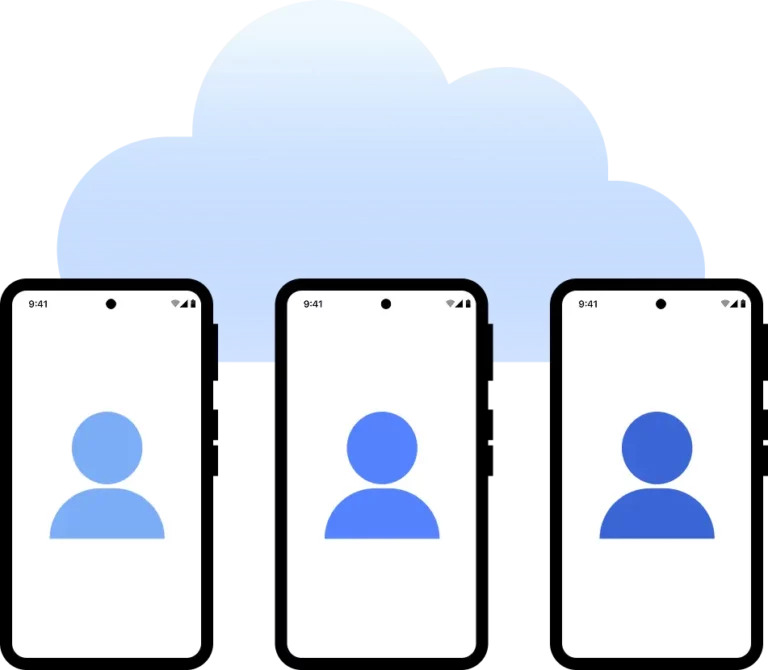
Why use proxies and cloud phones from the same provider?
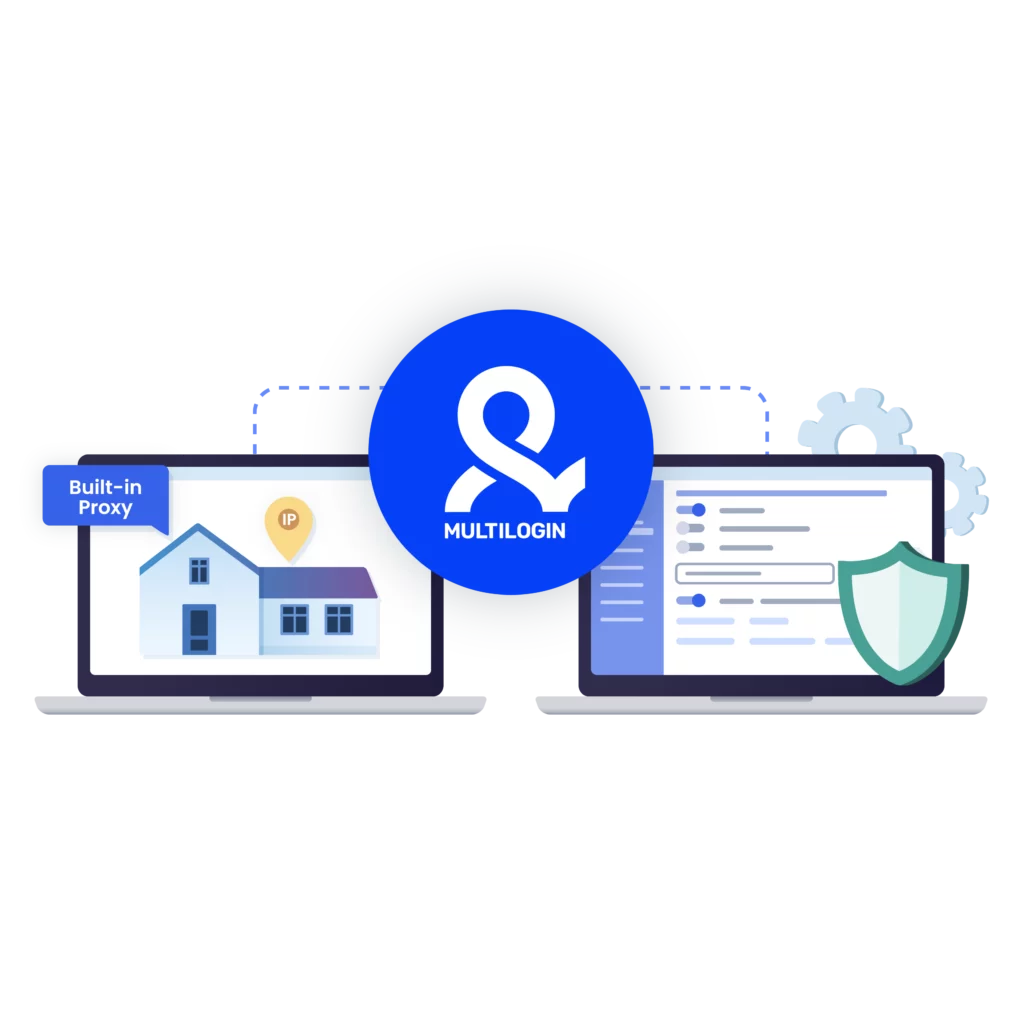
Using proxies and cloud phones from the same provider simplifies setup and account management. Multilogin combines built-in residential proxies, cloud phones, browser profiles, and automation support in one platform.
Multilogin features for Cloud Phone management
Multilogin 2-in-1
Browser profiles and cloud phones in one ecosystem. One app, one dashboard, full control.
Built-in proxy integration
Residential IPs are included by default. 150+ countries and 1,400+ cities with daily quality testing.
Up-to-date Android versions
Stable Android versions 10–15, fully compatible with modern mobile apps.
Real brands and devices
Support for 7 real Android device brands with unique IMEI and system-level digital fingerprints.
App repository
Install TikTok, Instagram, Reddit, and other popular apps without Google Play. APK uploads are also supported.
Folders, tags and access control
Organize profiles using folders, tags, and role-based access. Manage team workflows with ease.
Enterprise-grade security
Profile encryption, 2FA, access control, and compliance-ready security for safe operations.
Related solutions you might like
Award winning multiple account management platform













How to start using Multilogin
Start collecting data effortlessly with the industry leading cloud phone

Sign up
Register using a verified email address.

Choose your plan
Select from various subscription plans tailored to your business needs.

Download Multilogin agent
Available for Windows, Mac, and Linux.

Access the Multilogin dashboard
Start creating and managing cloud phone profiles.

Manage your accounts using Israel proxies
Set up multiple accounts while using Israel proxies, ensuring secure browsing with distinct profiles.
Run multiple accounts without getting blocked
Use Multilogin built-in Israel proxies
Watch the Multilogin Demo
Access Israel platforms with Israel proxies and cloud phones
Accessing websites and services that rely on Israel IP addresses requires more than simply changing your network location. Businesses, agencies, and distributed teams often need stable regional access while keeping account environments organized across multiple workflows.
An Israel proxy provides a local IP address for your connection, making it easier to work with Israel-based platforms, verify localized content, and support region-specific operations.
However, a proxy only changes your network location.
For long-term account management, mobile workflows, and team collaboration, separate account environments are just as important. That’s why Multilogin combines built-in Israel proxies, cloud phones, and browser profiles in one platform, allowing every account to operate in its own dedicated environment.
Why stable Israel account access requires more than a proxy
An Israel proxy helps route your connection through a local IP address, making it possible to access websites and services as if you were browsing from Israel.
While this solves the network-location requirement, it doesn’t separate browser data, mobile app storage, cookies, or login sessions.
When multiple accounts repeatedly share the same device environment, workflows can become harder to organize over time.
Common challenges include:
- Multiple accounts using the same browser or mobile device
- Shared cookies and session data
- Frequent location changes between logins
- Team members accessing the same accounts from different environments
- Repeated verification requests caused by inconsistent access patterns
How cloud phones support Israel-based workflows
Cloud phones give every account its own Android environment in the cloud. Instead of relying on multiple physical devices, teams can assign one cloud phone to each account while keeping app data, login sessions, and mobile activity separated.
When users return to an account, they continue working from the same persistent environment.
Using cloud phones together with Israel proxies helps teams:
- Keep each account in its own mobile environment
- Maintain consistent login sessions
- Match local Israel IPs with account workflows
- Reduce account mix-ups
- Manage mobile operations without additional hardware
Use Israel proxies for local access
An Israel proxy allows users to connect through an Israel-based IP address. This supports organizations that need access to localized content, regional services, or market-specific websites.
Multilogin includes built-in residential proxies with access to more than 30 million IPs across 150+ countries, including Israel.
Common use cases include:
- Viewing Israel-specific websites and content
- Testing localized user experiences
- Supporting regional marketing activities
- Accessing location-specific business platforms
- Managing accounts connected to the Israeli market
Israel proxies for business workflows
Many organizations operate services, campaigns, and customer accounts that require access from specific geographic locations.
Using Israel proxies together with cloud phones allows teams to organize regional operations while keeping account environments separate.
Typical workflows include:
- Managing regional business accounts
- Supporting local marketing campaigns
- Accessing Israel-based business services
- Organizing client accounts by location
- Keeping regional operations separated
Separate mobile and browser environments
Some workflows are completed through mobile apps, while others require browser-based tools.
Multilogin combines both environments within one platform:
- Cloud phones for Android workflows
- Browser profiles for web-based platforms
- Built-in Israel proxies for local IP access
- Shared workspaces for team collaboration
This allows organizations to move between mobile and desktop workflows without mixing unrelated account environments.
Built-in Israel proxies for easier setup
Managing separate proxy providers can increase setup time and operational complexity.
With Multilogin, Israel proxies are built into the platform. Users simply select an Israel location and assign it to a cloud phone or browser profile.
Everything is managed from one dashboard, making deployment faster and reducing manual configuration.
Team collaboration with cloud phones and Israel proxies
Distributed teams often need secure access to regional accounts without sharing physical devices.
Multilogin allows administrators to assign cloud phones and browser profiles to specific team members while keeping every account in its own environment.
This helps teams:
- Organize accounts by client or project
- Assign access to specific members
- Keep account environments separate
- Support remote collaboration
- Maintain consistent regional workflows
Unified Israel account management
Multilogin combines built-in Israel proxies, cloud phones, browser profiles, and team management in one platform.
Cloud phones support mobile workflows, browser profiles handle web-based tasks, and Israel proxies provide reliable local IP access.
Together, they simplify:
- Regional account management
- Local content access
- Team collaboration
- Marketing workflows
- Multi-account operations
Final thoughts
Reliable access to Israel-based platforms depends on more than selecting the right IP address.
Israel proxies provide local network access, while cloud phones and browser profiles keep every account in its own separate environment.
By combining these tools in one platform, Multilogin helps businesses, agencies, and distributed teams manage regional workflows more efficiently while reducing setup complexity.
