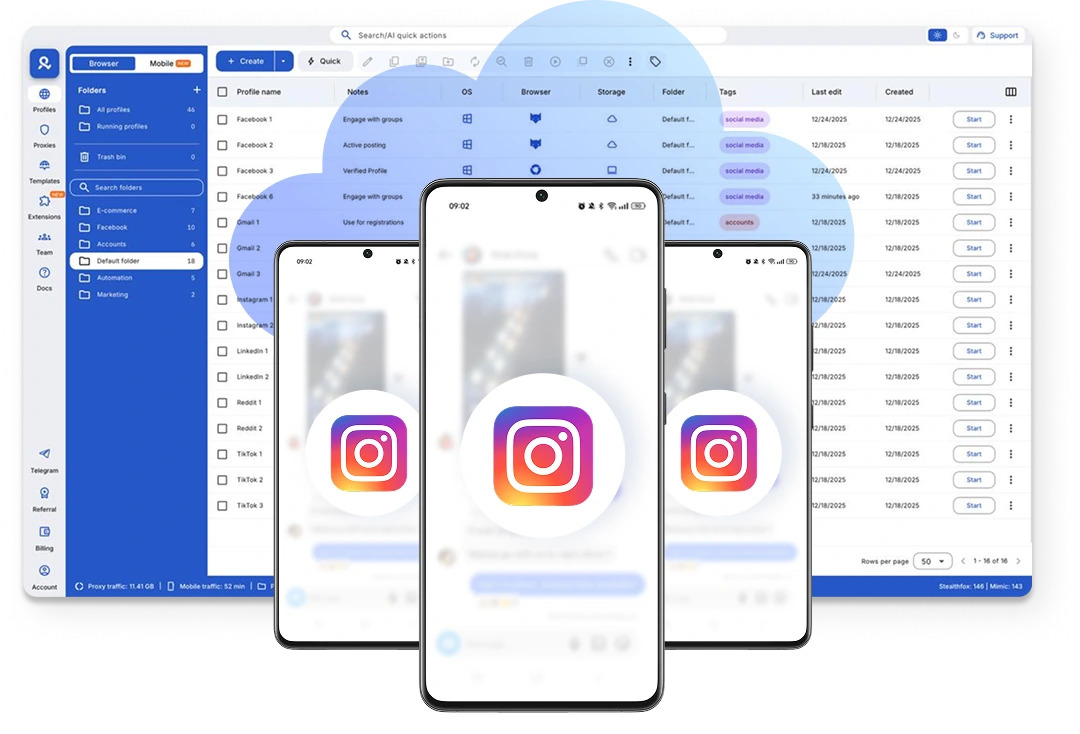
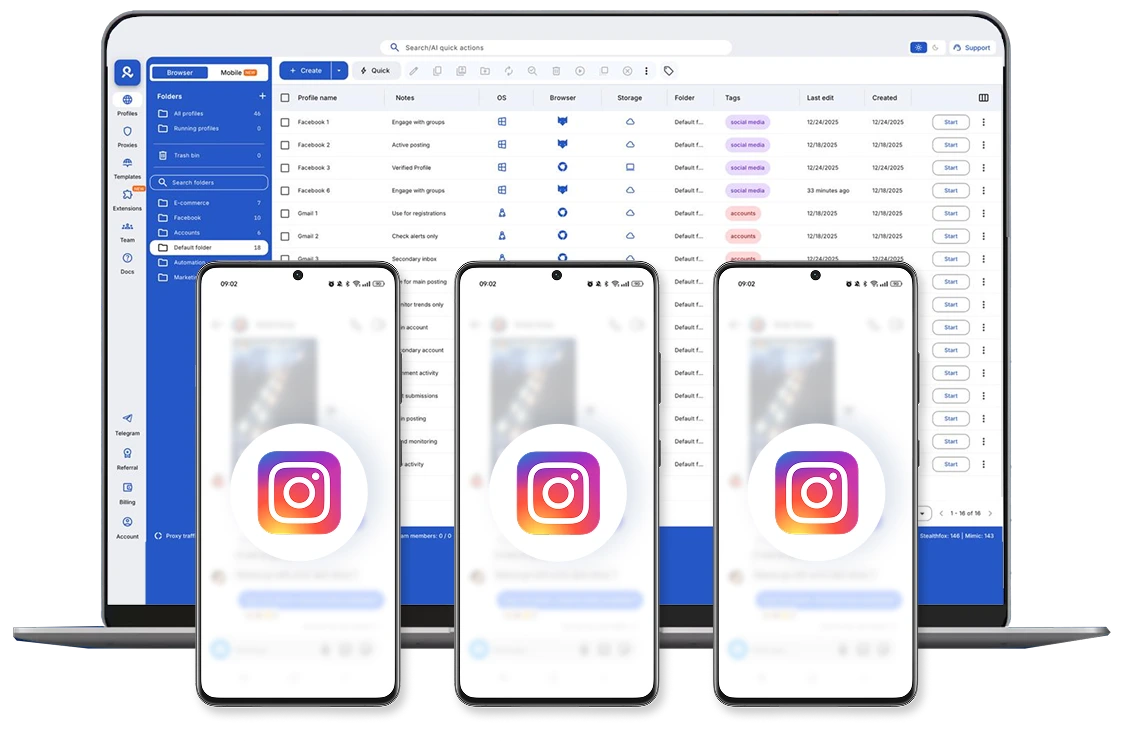
Instagram proxy & antidetect bundle
Run multiple Instagram accounts without sudden bans or verification loops. Multilogin keeps each profile isolated with its own residential proxy, letting you manage campaigns, content, and growth from one place using over 30 million residential IPs worldwide.
Run multiple accounts with Instagram proxy
Manage Instagram accounts without random logouts or sudden reviews. Each account runs in its own isolated environment with a dedicated Instagram proxy, 24-hour lasting sticky sessions and 99.99% proxy stability uptime.
Scrape safely using Multilogin's Instagram proxy
Automatically collect posts, profiles, comments, and engagement data without manual work. Using an Instagram proxy keeps your data collection running smoothly, so you can analyze competitors, track trends, and spot winning content without hassle.
Instagram proxies with pre-existing session signals
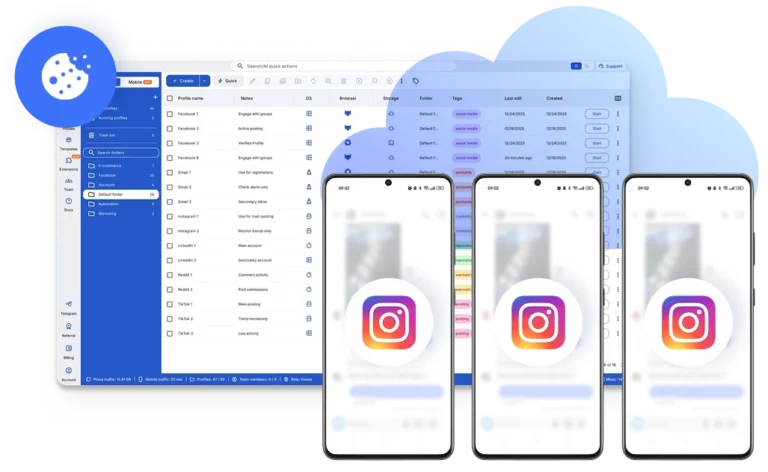
New logins don’t have to look empty. Profiles open with pre-farmed cookies, ensuring session data and reducing early security checks, so accounts settle faster before you scale activity.
Work from anywhere with Instagram proxies
Access Instagram accounts from any location without breaking sessions. Each cloud phone or browser profile keeps its own Instagram proxy, device signals, and saved logins, so teams can work remotely without triggering account reviews.
Use Instagram Ads smoothly with Instagram proxy
Run Instagram Ads Manager with fewer interruptions by assigning a stable Instagram proxy to each ad account. This helps avoid location mismatches, account linking, and unexpected access limits while managing multiple campaigns.
Use your existing Instagram proxy setup
Already have Instagram proxies? Import them into Multilogin and manage them alongside built-in proxy options. Manage everything from one dashboard and continue working without changing your current workflow.
Looking for all-in-one antidetect browser with built-in proxies?
-
3-day access to Multilogin
-
5 cloud or local profiles
-
200 MB proxy traffic included
-
3-day access to Multilogin
-
5 cloud or local profiles
-
200 MB proxy traffic included
What are cloud phones?
Cloud Phones are real Android devices in the cloud, giving each account a persistent mobile environment with genuine device IDs, isolated app data, and stable sessions, so you can easily manage Instagram, TikTok, Reddit, and other social media accounts.
Why choose cloud phones in Multilogin for Instagram?
Manage multiple accounts with a beginner‑friendly 2-in-1 platform: real Android cloud phones with genuine IDs, Instagram proxies and mobile proxies with 30M+ IPs, antidetect technology with 55+ fingerprint parameters, and a stable desktop app to control everything from one dashboard.
What Multilogin offers that other antidetect browsers don't
Free residential proxies in each subscription plan
Daily testing on 50+ websites
Passes all browser fingerprint checkers
Profile warmup with pre-farmed cookies
AI-powered automation
Super sticky sessions last up to 24 hours
Multilogin features for creating multiple Instagram accounts
Bypass bot detection
Our anti-fingerprinting tech bypasses multi-account and automated browser detection by masking unique browser fingerprints.
Integration with Selenium, Playwright, and Puppeteer
Automate data extraction with popular browser automation drivers all while keeping them invisible to anti-automation bots.
Residential rotating proxies
Gain access to premium residential proxy nodes in 1400+ cities across 150+ countries with your Multilogin subscription.
Fingerprint adjustment to proxies
All browser fingerprints match the proxy’s location, enhancing anonymity.
Support for all proxy types
Use our proxies or bring your own. Multilogin supports all proxy types.
Data sync over VPS
Use our cloud profiles to synchronize data across multiple VPS instances effortlessly.
Fully featured browsers
Unlike headless browsers that are carry the risk of detection, our browsers mimic real user activity, preventing restrictions by websites.

Easy dockerization
Dockerize your scraping instances with ease using our quick dockerization guide.
Related solutions you might like
How to start using Multilogin's Instagram proxies
Launch and manage real mobile environments in the cloud with Instagram Proxies.

Sign up
Register using a verified email address.

Choose your plan
Select from various subscription plans tailored to your business needs.

Download Multilogin X app
Install the Multilogin desktop app to manage mobile sessions securely.

Access Multilogin's dashboard
Launch cloud phones and browser profiles, assign Instagram proxies, configure fingerprints, and manage mobile environments from one place.

Manage multiple cloud phones using Instagram Proxies
Set up and manage multiple cloud phones using separate browser profiles with consistent identities.
Watch the Multilogin demo for creating multiple accounts on Instagram
Get a 10-minute demo video on how Multilogin can help you easily build your database of Instagram accounts with Instagram proxies while remaining undetected. Just fill in your name, last name and email below, and we’ll deliver the demo video directly to your inbox.
What is an Instagram proxy and why it matters in 2026
Managing multiple Instagram accounts in 2026 looks very different from just a few years ago. Login checks happen faster. Location changes are monitored more closely. And accounts that behave too similarly are reviewed sooner than ever.
An Instagram proxy helps control one of the main signals Instagram tracks: where your traffic comes from. Instead of Instagram seeing your real IP address, it sees the proxy’s IP. This becomes essential as soon as you manage more than one account, work with clients in different regions, or access Instagram from multiple locations.
However, proxies alone are no longer enough. Instagram evaluates the entire environment behind each session — including device behavior, session history, and consistency over time. That’s why modern Instagram workflows rely on a combination of proxies, isolated environments, and stable sessions rather than IP masking alone.
What is an Instagram proxy?
An Instagram proxy is a server that routes your connection to Instagram through a different IP address. Instead of Instagram seeing your real network, it sees the proxy’s location. This helps keep account access consistent, especially when managing multiple Instagram accounts or logging in from different places.
Most Instagram proxies are built on residential or mobile IPs, which look like real user connections rather than servers. When used correctly, they reduce IP overlap between accounts and lower the risk of accounts being linked through shared network signals.
In practice, Instagram proxies work best when paired with isolated environments — such as Multilogin’s cloud phones or browser profiles — where cookies, sessions, and device behavior remain separate by design.
How Instagram proxies work?
An Instagram proxy sits between your device and Instagram’s servers. Every request passes through the proxy first.
From Instagram’s perspective, activity appears to come from the proxy’s location instead of your real network. This helps maintain consistent account behavior, especially when:
- Multiple accounts are accessed from one place
- Accounts need to stay tied to a stable location
- Previous IP addresses have already been flagged
High-quality Instagram proxies use residential or mobile IPs, not datacenter IPs. These IPs resemble real home or mobile connections, which reduces early reviews, security checks, and access limits.
With Multilogin, proxies come from a pool of over 30 million residential IPs, with +95% having clean usage histories. These proxies are designed for long-term account stability and are used alongside cloud phones and browser profiles protected by advanced fingerprint and environment isolation technology.
Read more about how to prevent Instagram bans.
Why people use multiple Instagram accounts
Most users don’t create multiple Instagram profiles to break rules. They do it because their work depends on it.
Common use cases include:
- Managing client or brand accounts
- Running e-commerce and dropshipping stores
- Affiliate and lead-generation campaigns
- Influencer or niche content networks
- Regional or language-specific pages
Problems usually start when all these accounts share the same browser, device, or network signals. Without proper separation, even well-managed accounts can end up linked unintentionally.
Why Instagram accounts get banned
Instagram bans rarely happen out of nowhere. They usually build up after the platform sees the same signals repeating over time. On their own, these signals might not matter. Combined, they start to look risky.
The most common triggers include:
- Logging into several accounts from the same IP address
- Reusing the same browser or device environment across profiles
- Device or fingerprint changes after switching locations or networks
- Automating actions too aggressively, especially on new accounts
- Connecting through recycled or previously flagged IPs
- Sessions that reset often and don’t match past behavior
Once Instagram links accounts through these signals, restrictions rarely stay isolated. Reviews and limits often spread across connected profiles, making recovery harder as operations scale.
Where Multilogin changes the setup
Proxies control where traffic comes from. Multilogin gives you control of how each Instagram account appears.
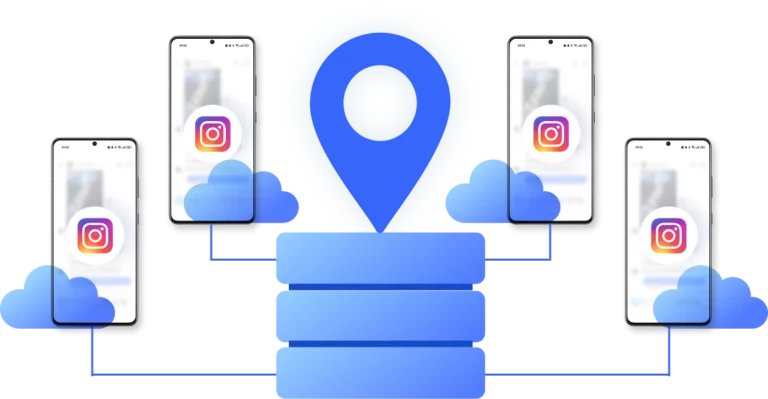
Instead of running all accounts in the same environment, Multilogin separates each Instagram account into its own cloud phone or browser profile. Cookies, local storage, device signals, and proxy settings are isolated by design and protected by advanced fingerprint and environment isolation technology.
This setup includes:
- One cloud phone or browser profile per Instagram account
- A dedicated residential or mobile proxy per profile
- Persistent cookies and session data that don’t reset unexpectedly
- Device and browser signals matched to proxy location
Cloud phones allow teams to run Instagram’s native mobile app inside real Android environments, while browser profiles support web-based workflows like Ads Manager, DMs, and analytics — all managed from one dashboard. Multilogin also adds 24-hour lasting sticky sessions and 99.99% proxy stability uptime, so sessions stay consistent instead of breaking mid-workflow. Pre-farmed cookies generated by a built-in cookie robot help new profiles avoid empty or suspicious starts.
Using Instagram proxies with cloud phones
Instagram is a mobile-first platform. While proxies control where traffic comes from, most account checks still revolve around how the Instagram mobile app behaves over time. This is where cloud phones make a meaningful difference.
A cloud phone is a real Android smartphone hosted in the cloud. Each one behaves like a physical device, with its own identity, saved app data, and natural in-app behavior. When paired with an Instagram proxy, it gives every account a stable mobile presence — not just a different IP address.
Instead of logging in through shared devices, fragile emulators, or constantly rotating phones, teams can assign one cloud phone and one proxy per Instagram account. Each account runs inside its own long-term Android environment, with location, language, and time zone aligned to the proxy. From Instagram’s perspective, the account looks like it’s used on the same phone, from the same place, day after day.
Because cloud phones keep apps logged in and preserve session history, teams avoid the resets, inconsistencies, and identity drift that often trigger reviews. Everything runs from a single desktop dashboard, making it easy to manage multiple accounts without device swapping or messy setups.
This setup solves several common pain points that proxies alone can’t address — turning Instagram account management into a stable, scalable workflow instead of a constant recovery cycle.
Read more about the best cloud phones for remote teams.
Best practices for using Instagram proxies in 2026
Even with the right tools, habits still matter. These best practices remain effective:
- Use one proxy per account, never shared pools
- Stick to residential or mobile IPs with clean history
- Keep sessions stable instead of changing locations often
- Let new accounts warm up naturally before scaling actions
- Avoid logging into multiple accounts from the same browser
Most restrictions build slowly. Consistency prevents problems before they surface.
Final thoughts
Instagram doesn’t restrict accounts without reason. It reacts to repeated signals that don’t align.
- Proxies reduce IP overlap.
- Cloud phones and browser profiles reduce environment overlap.
Together, they give Instagram accounts room to operate independently without inheriting each other’s risks. If Instagram is part of your business in 2026, controlling the full environment — not just the IP — is what separates stable growth from constant rebuilds.
Instagram Proxies FAQ
Instagram proxies are specialized IP addresses that allow you to manage Instagram accounts by routing your connection through a different location.
In 2026, high-quality residential or mobile Instagram proxies are more important than ever due to Instagram’s advanced detection systems. With Multilogin, these proxies are used together with cloud phones and browser profiles, ensuring each account runs in its own isolated environment with a stable IP and device identity — not just a masked connection.


An Instagram account ban can happen for many reasons— logging into multiple accounts from the same IP, using low-quality or recycled IPs, sudden location changes, or activity patterns that look automated. Even rule-abiding accounts can be affected if their technical setup appears risky.
Multilogin helps reduce these risks by combining residential proxies from a trusted 30M+ IP pool with isolated cloud phones and browser profiles. Each account operates in its own environment, with a dedicated IP, consistent device behavior, and persistent sessions. This avoids IP overlap, reduces verification loops, and makes account activity appear natural over time.
You need an Instagram proxy if you manage several accounts, post from different regions, or use automation tools. Without one, Instagram can link accounts through your IP address, increasing the risk of an account ban.
No tool can guarantee zero bans. However, using high-quality Instagram proxies together with Multilogin’s cloud phones and browser profiles significantly lowers the risk. Accounts stay separated, sessions remain stable, and device behavior stays consistent — all of which helps avoid unnecessary reviews and restrictions.
Yes, Instagram can detect low-quality or shared proxies. However, with Multilogin, each account runs in an isolated browser profile with its own high-quality proxy and unique fingerprint — reducing detection risks and keeping your Instagram accounts safe.
An Instagram proxy server hides your real IP address by routing your connection through another server. This allows you to manage multiple Instagram accounts safely, access region-specific content, and reduce the risk of bans by keeping each account tied to a unique IP.
- Create a cloud phone or browser profile: Click “Create New” in Multilogin and choose the environment that fits your workflow.
- Assign a proxy: Select a built-in residential proxy or enter third-party proxy details.
- Launch and manage: Start the profile and manage your Instagram account with a stable, isolated setup.
Multilogin also supports bulk proxy assignment, making it easy to manage dozens or hundreds of Instagram accounts at scale.
An open proxy is a public proxy that anyone can access. While it may be tempting to use, open proxies are highly risky for Instagram as they the platform can easily detect them and can result in your accounts flags. Multilogin’s platform integrates reliable residential proxies that are much safer and provide better security for managing Instagram accounts.
Yes. Accounts using open or low-quality proxies are frequently flagged, restricted, or permanently banned. These proxies lack consistency and often carry a history of abuse, and it could lead to account restrictions or a permanent ban.
The best proxies for Instagram are residential proxies, as they come from real devices and mimic genuine user behavior. Multilogin has built-in high-quality residential proxies, so you don’t need to spend time searching for a third-party proxy provider to buy Instagram proxies from.
While free proxies may seem convenient, they are often unreliable and easily detectable due to overcrowding. This could result in banning your Instagram accounts. Multilogin offers built-in proxies with no additional fees.
Residential proxies are IP addresses provided by real internet service providers. Because they resemble normal home or mobile connections, they are far less likely to trigger Instagram’s security systems.
When combined with cloud phones and browser profiles, residential proxies help create complete, trusted environments for managing multiple Instagram accounts safely.
Residential proxies help with automation on Instagram by performing tasks like posting and following without triggering Instagram’s security systems. Multilogin allows you to set up automation for your account activities with minimal risk of detection.
- Residential proxies: Opt for proxies that use real IP addresses from actual devices to reduce detection risks.
- Large IP pool: Choose a provider with a wide range of IPs to rotate between, ensuring more diverse and secure connections.
- Speed and reliability: Look for proxies with fast connection speeds to maintain smooth account activity.
- Targeted location control: Ensure the proxy provider allows you to select specific cities or regions for more precise targeting.
Multilogin’s built-in proxy system is designed to meet all these requirements while working seamlessly with cloud phones and browser profiles.
Yes. Multilogin makes managing multiple Instagram accounts with proxies simple by combining cloud phones, browser profiles, and residential proxies into one platform.
Each account stays isolated; sessions remain stable, and teams can scale safely without juggling multiple tools or risking account bans.