


Manage multiple email accounts
Create and manage multiple email accounts with Multilogin. Run fully isolated browser profiles with a unique digital fingerprint and a built-in residential proxy, and manage your emails without bans.

Perfect for multiple accounts
Unique cloud phones for each account

Publish everywhere
Reach more than 150 locations

Grow organically
Post from real devices
One platform, unlimited email accounts
Manage multiple email accounts
Password‑free email access from any device
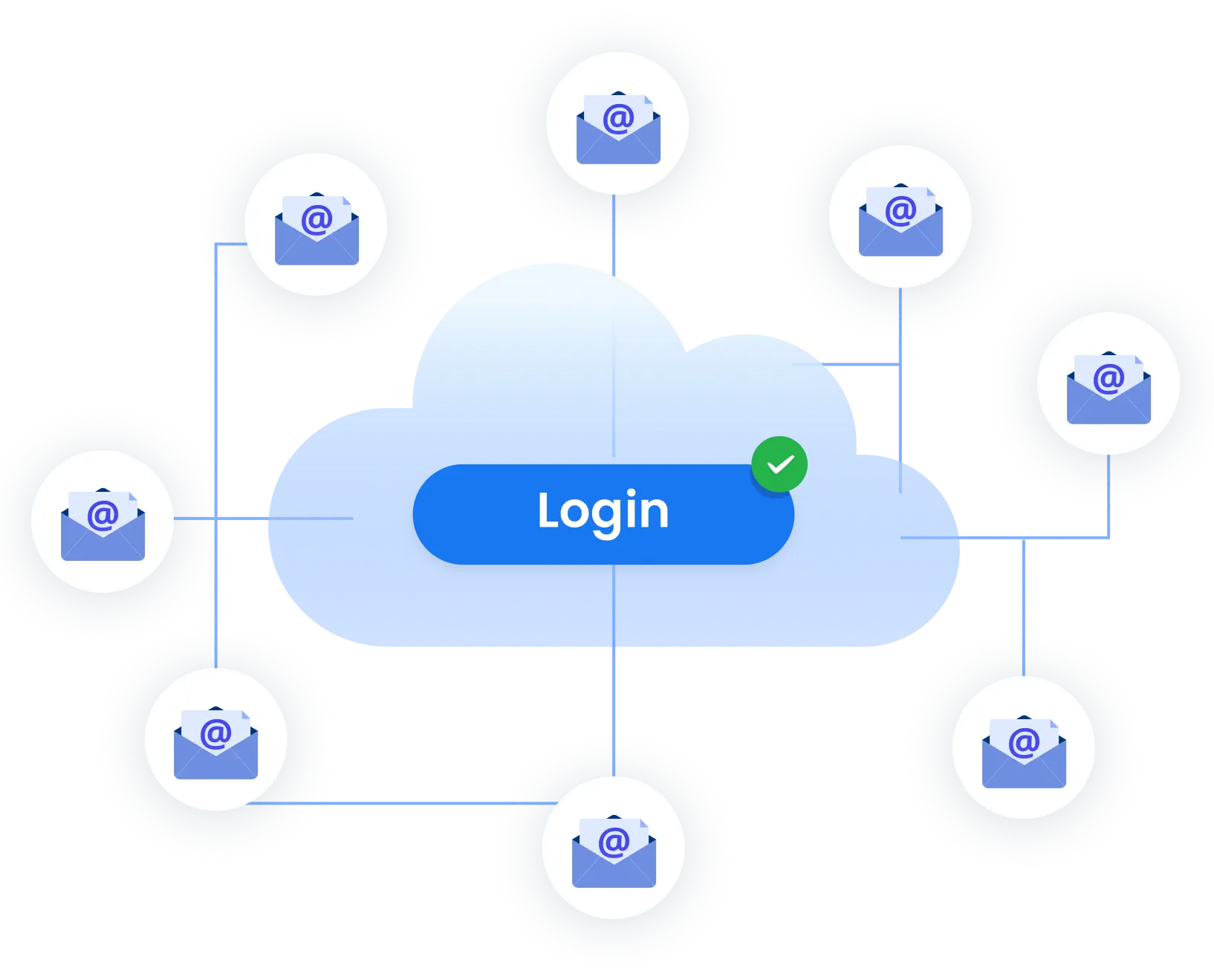
Run as many email accounts as you need
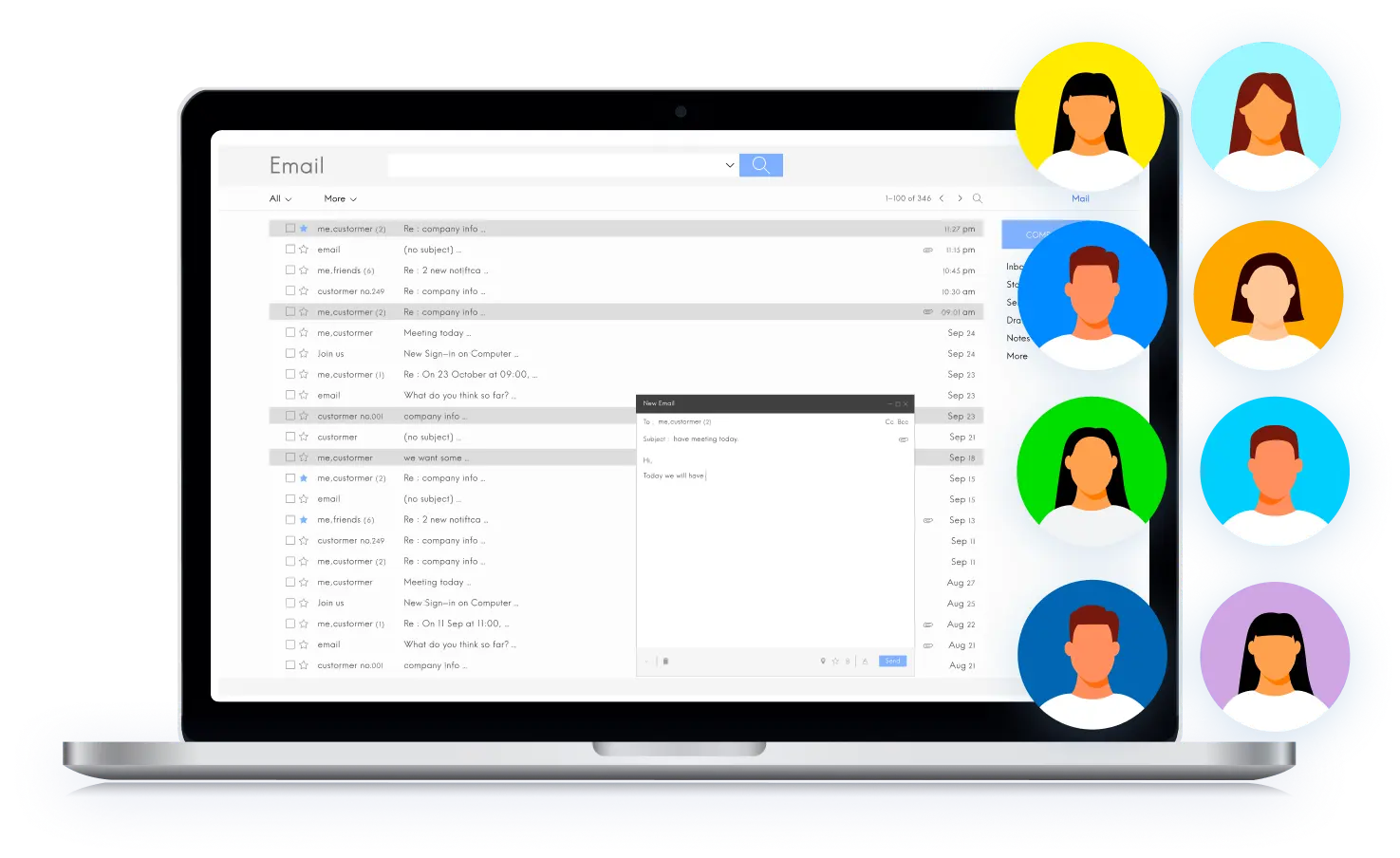
Manage your email accounts with your team
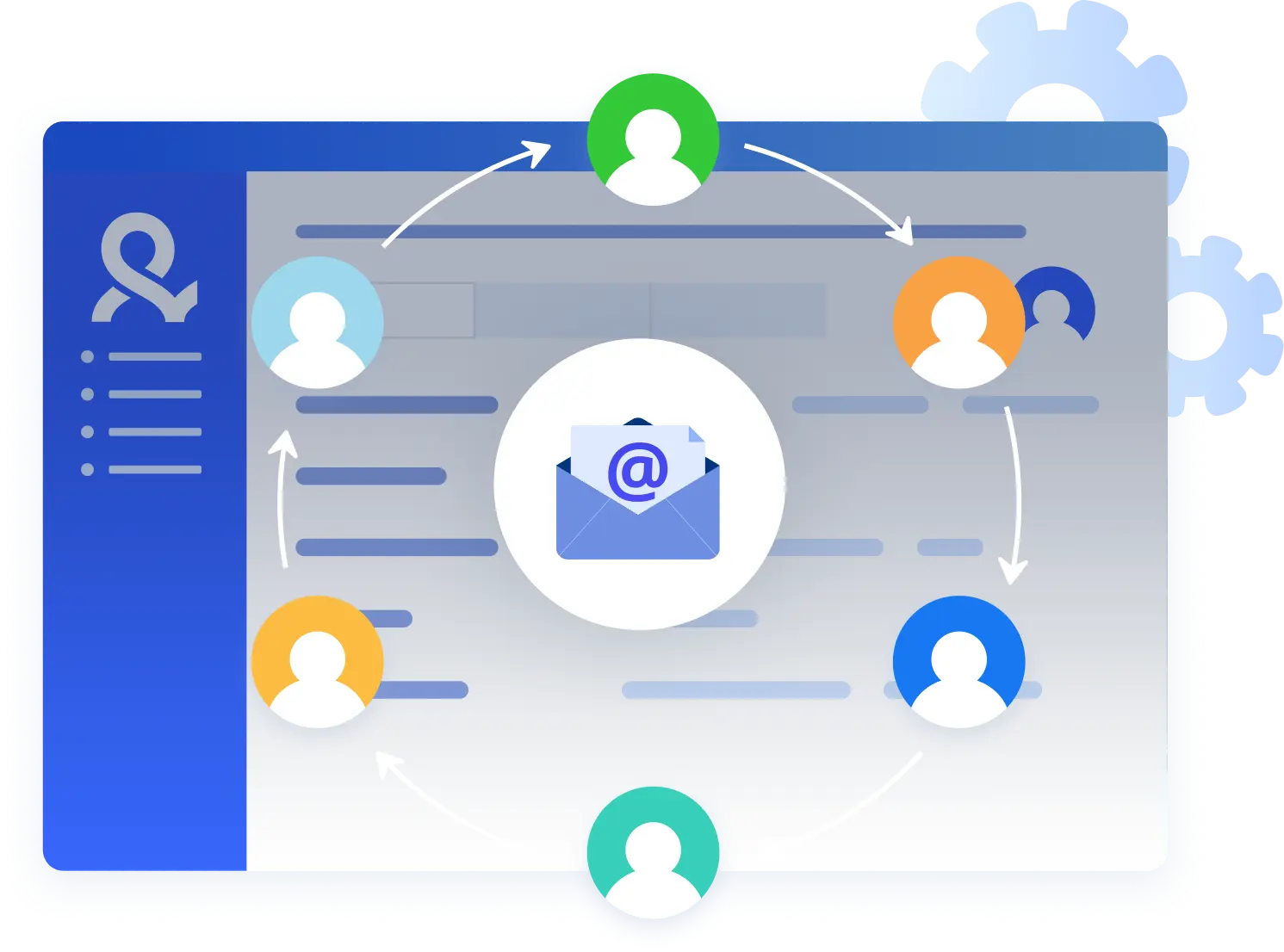
Avoid email account bans with built‑in proxies
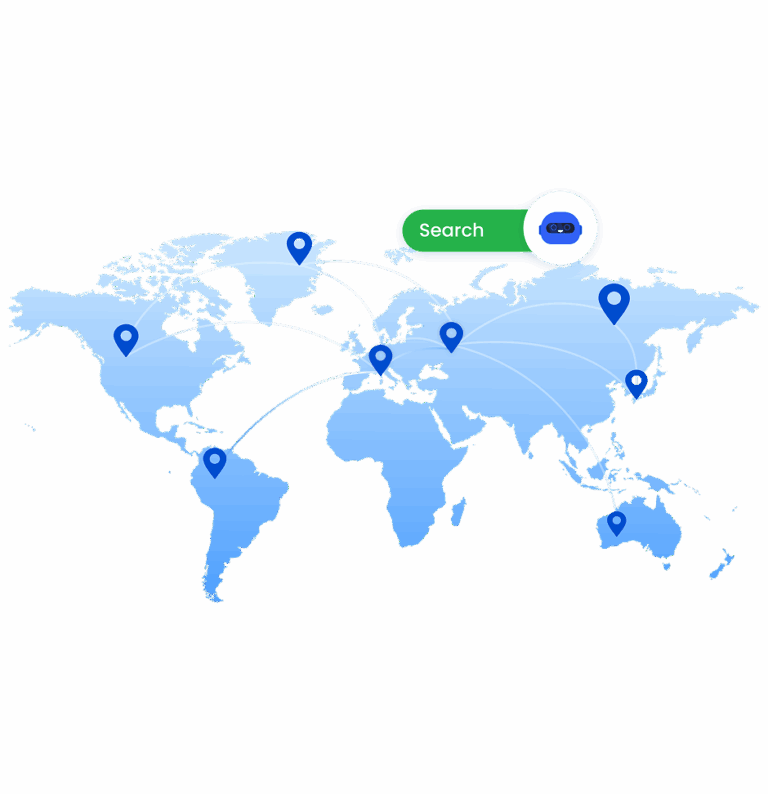
Create and manage multiple emails easily
Time is money. Start in minutes
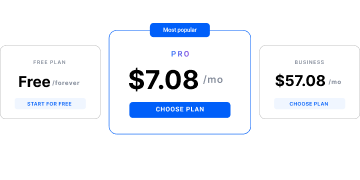
Sign up
Choose a plan and download the app
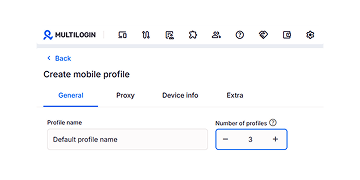
Create mobile profile
Customize the device model and choose location
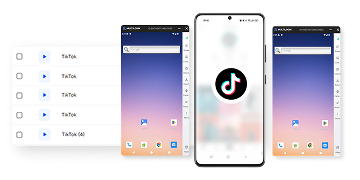
Run your accounts
Use separated browser profile to earn
Sign up
Choose a plan and download the app
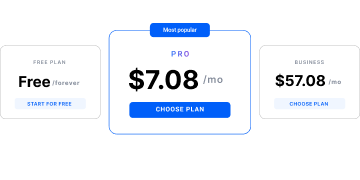
Create mobile profile
Customize the device model and choose location
Run your accounts
Use separated browser profile to earn
Watch the Multilogin Demo
What is Multilogin?
Trusted by thousands of creators, sellers & online earners

Ha D.
Social Media Marketing Retail

Nino Latif

Stanislav K.
Marketing Manager

Elen S.
Marketing Manager

Hamza Arif
E-commerce Manager


Nick Horvath
Marketing agency
Start planning your project today
Upload content, automate posts and engagements: all in one unified dashboard
The most awarded multi accounting platform















Explore more solutions for any platform you need
FAQ
Yes, but only if each account runs in a fully isolated environment. Email providers track browser fingerprints, devices, IPs, and login behavior. Accounts accessed from the same environment can be linked and restricted.
Multilogin is beginner-friendly and perfect for small teams. It creates separate browser profiles with unique fingerprints for each email account, making it easy to manage multiple email accounts safely without technical headaches.
Standard email apps like Gmail or Outlook are convenient, but they do not isolate accounts. All activity still comes from the same device and environment, which risks account linkage.
For beginners and small teams, Multilogin is the best app for multiple email accounts. It isolates each account, prevents detection, and keeps workflows simple.
Traditional email programs focus on inbox management, not account protection. They work for personal use but are limited for managing multiple accounts securely.
Multilogin is beginner-friendly and ideal for small teams. It provides unique browser fingerprints, cloud-based session storage, and simple management tools, making it the safest way to run multiple email accounts.
Without proper isolation, even a handful of accounts on the same device can trigger detection systems. Providers like Google and Microsoft track fingerprints, cookies, and device data to detect multiple accounts.
With Multilogin, small teams and beginners can safely manage dozens or even hundreds of accounts from a single device. Each account runs in its own browser profile with a unique fingerprint, making accounts appear as separate users and preventing linkage.
No. Many solutions require advanced setup, virtual machines, or complex network configurations. Multilogin is designed to be beginner-friendly. Its intuitive interface allows users to create isolated profiles, manage multiple email accounts, and maintain security without technical expertise.
Even small teams can quickly onboard new members, share profiles securely, and manage workflows without specialized training.
Yes. Automation is fully supported. Multilogin integrates with tools like Selenium, Puppeteer, Playwright, Postman and APIs, letting you automate actions safely across multiple accounts.
Because each profile is isolated with its own fingerprint and cookies, automation does not increase the risk of account linkage or bans. This saves time and ensures small teams can handle repetitive tasks efficiently while maintaining account security.
Absolutely. While some enterprise solutions are complex and expensive, Multilogin is built for small teams and individual users. It provides all the essential features—unique browser fingerprints, cloud-based session storage, pre-farmed cookies, mobile profile emulation—without requiring advanced technical knowledge.
Teams can manage multiple accounts for email, YouTube, Instagram, or other platforms safely and efficiently, while keeping setup simple and costs manageable.
Outlook allows you to send emails from any of your linked accounts individually. For sending from multiple Outlook accounts automatically or in bulk, automation tools can help while keeping each account’s identity separate.
Best way to manage multiple email accounts
If your business requires managing multiple email accounts on platforms like Gmail or Outlook, common workarounds like incognito mode or separate browsers quickly fall short. Each login leaves a browser fingerprint built from dozens of technical signals that providers use to link accounts.
Accessing multiple accounts from the same device without proper isolation makes detection inevitable. For businesses that rely on email for operations or revenue, this creates a real risk of restrictions or permanent bans. Let’s explore how you can solve this problem.
Why managing multiple accounts can be a problem
Most people start with simple fixes. At first, they seem good enough. The cost only becomes clear when accounts are lost and access disappears.
- Incognito mode does not isolate accounts
The browser fingerprint stays the same, which makes account linkage easy. - Switching browsers changes very little
Platforms connect accounts at the system level. When one is flagged, others often follow. - Virtual machines create overhead
They take time to set up, cost more to run, and slow down daily work.
Lost email access disrupts workflows. Teams spend hours recovering accounts or creating new ones. Money goes into replacements instead of growth. If your business relies on email, these methods introduce risk rather than control.
A reliable solution with no drawbacks
Multilogin creates isolated browser profiles. Each profile receives its own unique fingerprint with over 55 customizable parameters. To the email provider, each profile appears as a different person on a different device. Gmail sees Profile A as one user, Profile B as another. There is no connection between them.
The fingerprints aren’t randomly generated either. Multilogin pioneered antidetect browser technology in 2015 and has maintained industry-leading reliability ever since. The platform tests across 50+ websites daily to guarantee profiles remain undetectable. This isn’t marketing language—it’s verified daily performance.
Multilogin’s proxy network delivers:
- 30 million residential IPs spanning 150 countries
- Advanced ISP targeting for genuine geographic and network diversity
- Automatic proxy assignment to each profile for seamless operation
- No external vendor dependencies or integration conflicts
This means each of your email profiles can operate from genuinely different geographic locations and network providers, making detection virtually impossible. You have access to a global infrastructure that ensures your accounts appear completely independent.
Functional benefits for multi-accounting
Managing multiple accounts safely requires more than separate browsers. Each profile must behave like a real, independent user to avoid detection. Multilogin provides the tools businesses need:
- Unique digital identities
Each profile uses over 55 parameters to bypass detection systems. - Pre-farmed cookies
Simulate real browsing history to reduce risks for new accounts. - Mobile profile emulation
Ensures authenticity for accounts requiring mobile verification. - Secure cloud storage
Keeps cookies, bookmarks, and session data consistent across devices and allows safe team access. - Automation-ready
Integrates with APIs, Selenium, Puppeteer, and other tools to save time and reduce manual work.
Enterprise-grade reliability
Supports thousands of profiles with 24/7 support and continuous platform testing to protect accounts.
Why this matters for your business
If you’re managing multiple accounts for affiliate marketing, e-commerce operations, ad campaigns, or client work, account bans destroy revenue directly. Multilogin prevents this scenario. It’s been preventing account detection and suspension for nearly a decade with proven, industry-first expertise.
