


ISP proxies
Post content on social platforms and manage marketplace accounts with static ISP proxies.
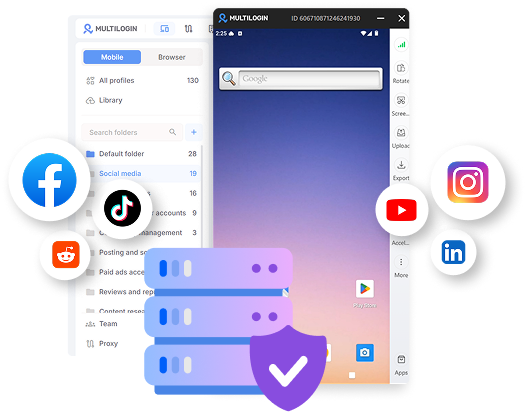

Perfect for multiple accounts
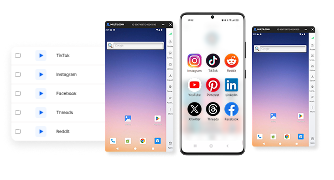
Unique cloud phones for each account

Publish everywhere
Reach more than 150 locations

Grow organically
Post from real devices
One platform, unlimited locations
Set up cloud phones and proxies together
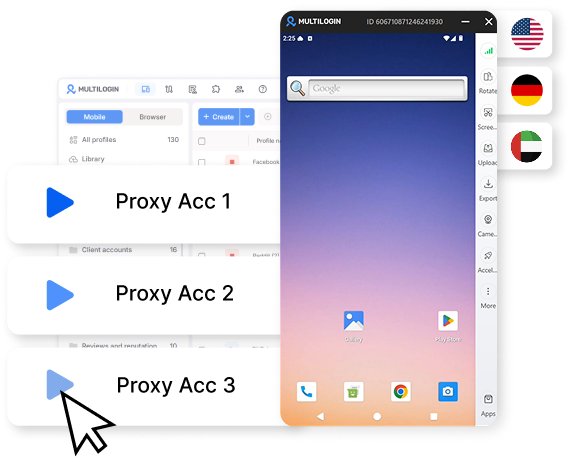
Keep the same IP for long-term accounts
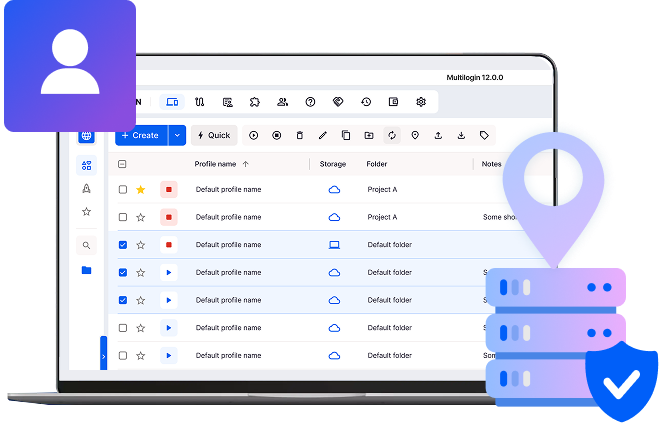
Target 150+ locations with premium ISP proxies

Marketplace accounts with ISP proxies
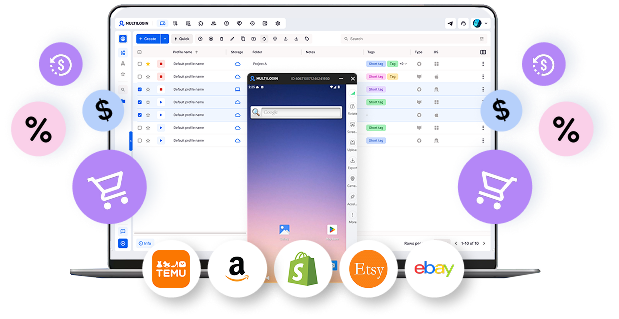
Automate with ISP proxies and AI
How to get started with proxies in Multilogin
Time is money. Start in minutes

Sign up
Choose a plan and download the app

Create mobile profile
Customize the device model and choose location
Run your accounts
Use separated browser profile to earn
Sign up
Choose a plan and download the app
Create mobile profile
Customize the device model and choose location
Run your accounts
Use separated browser profile to earn
Watch the Multilogin Demo
What is Multilogin?
Trusted by thousands of creators, sellers & online earners

Ha D.
Social Media Marketing Retail

Nino Latif

Stanislav K.
Marketing Manager

Elen S.
Marketing Manager

Hamza Arif
E-commerce Manager


Nick Horvath
Marketing agency
Connect ISP proxies with today
Get residential, mobile, and ISP proxies built into every cloud phone and browser profile, ready from the start.
The most awarded multi accounting platform















Explore more solutions for any platform you need
FAQ
An ISP proxy is an IP address registered to an internet service provider running on data-center infrastructure, combining a datacenter’s speed with an IP that reads as more legitimate than one. In Multilogin, you choose a built-in ISP proxy for multi-account management directly on the same screen where you create a cloud phone or browser profile, with no separate provider to source.
ISP proxies fit workflows where speed and uptime matter as much as staying unflagged, most often marketplace and e-commerce account management (Amazon, eBay, Etsy) and social media posting accounts run on a Multilogin cloud phone that need a stable, ordinary-looking connection.
Multilogin’s ISP proxies stay static by design: each one keeps the same IP for 30 days, giving accounts a consistent connection they can build history on. For workflows that need a changing IP instead, Multilogin’s residential and mobile proxies support rotation.
Both run on data-center infrastructure, but an ISP proxy’s IP is registered to an internet service provider, which reads as more legitimate to a platform than a plain datacenter IP. Multilogin uses ISP proxies specifically for this reason, favoring a datacenter proxy’s speed without its higher flag risk.
A premium ISP proxy has been checked against blocklists, isn’t shared across too many other users, and comes from a clean IP range. Multilogin’s ISP proxies are quality-verified to this standard and available across 150+ countries.
Residential proxies fit better for accounts that build login history over time, like Reddit or YouTube. ISP proxies fit better once speed and uptime matter more than that long-term consistency, like a marketplace account. Multilogin supports both proxy types on the same cloud phone or browser profile, so switching between them doesn’t mean switching tools.
Yes. You choose a proxy type, including ISP, on the same screen where you create a cloud phone or browser profile, the same way you would for a residential or mobile proxy, with no separate setup step for either.
How ISP proxies work in Multilogin: static proxies for cloud phones
ISP proxies use IP addresses registered to a real internet service provider, running on data-center infrastructure. That combination gives them a datacenter’s speed with an IP that doesn’t read as obviously non-residential the way a plain datacenter IP does. In Multilogin, you choose an ISP proxy directly on the same screen used to create a cloud phone or browser profile, with no separate provider to source. This guide covers how static ISP proxies differ from rotating ones, what makes an ISP proxy premium, which accounts they fit best, and how Multilogin prices and sets them up.
ISP proxies: what they are and how they compare
An ISP proxy sits between a residential proxy and a datacenter proxy. It runs on fast, data-center-grade infrastructure, but the IP itself is registered to an internet service provider rather than a hosting company, which lowers the chance of a platform flagging it outright the way it might flag a plain datacenter IP.
- Residential proxies use IPs tied to real home connections, favoring consistency over speed.
- Datacenter proxies use hosting-company IPs, favoring speed but easy to flag.
- ISP proxies combine an ISP-registered IP with data-center speed, landing between the two.
In Multilogin, all three run through the same cloud phone or browser profile a team already manages, so switching proxy type never means switching tools.
Static ISP proxies vs. rotating proxies
Proxies generally come in two session types: static, where the IP stays the same for the life of the session, and rotating, where the IP changes automatically on a schedule or per request. Rotating proxies fit high-volume scraping or tasks that need a fresh IP constantly. Static proxies fit anything that benefits from a consistent identity over time, like an account that needs to look like the same user logging back in.
Multilogin’s ISP proxies are static: each one keeps the same IP for 30 days at a time, since the cloud phone and browser profiles they attach to are built for accounts that benefit from that consistency rather than a proxy that rotates mid-session. Rotation is available on Multilogin’s residential and mobile proxies instead, where higher-volume or higher-anonymity work benefits from a changing IP.
What “premium” means for an ISP proxy
A premium ISP proxy is one that’s been quality-verified: the IP is checked against blocklists, isn’t shared across too many other users, and comes from a clean, unflagged range rather than a bulk pool with a poor reputation. This matters more for premium ISP proxies than for datacenter proxies, since the whole point of an ISP-registered IP is looking legitimate, which a low-quality or overused one undermines.
Multilogin’s ISP proxies are quality-verified and available across 150+ countries, which covers most of the location-specific targeting a cloud phone profile needs. This guide on targeting Instagram users by location shows that kind of targeting in practice.
Best accounts for ISP proxies
ISP proxies fit two situations especially well:
- Marketplace and e-commerce accounts (Amazon, eBay, Etsy) that need a fast, stable connection across many storefronts, since these platforms weigh uptime and reliability heavily.
- Social media posting accounts on a cloud phone that need a consistent, ordinary-looking connection without the slower, more variable behavior a residential IP can produce.
Anyone running multiple Instagram profiles from one cloud phone setup can see this in practice in this guide on creating multiple Instagram accounts. On TikTok specifically, understanding how the algorithm evaluates account activity helps explain why a stable, consistent connection matters as much as the proxy type itself.
Residential proxies still fit better anywhere long-term login history matters more than raw speed, like Reddit or YouTube. ISP proxies fit better once speed and uptime start to matter as much as staying unflagged.
Setting up cloud phones and proxies together
You choose a proxy type for every profile in Multilogin, including ISP, directly on the same screen used to create it, whether the profile runs on a real Android cloud phone or an isolated browser profile. There’s no separate proxy vendor to source or configure. The same cloud phone setup handles more than social posting, too: this walkthrough on logging into YouTube Studio on desktop from a cloud phone browser profile shows the same proxy-and-profile pairing at work outside a purely social workflow.
ISP proxy pricing and setup
ISP proxies are sold per IP rather than per GB, so there’s no traffic to track or data cap to hit. Multilogin’s overall plans work like this:
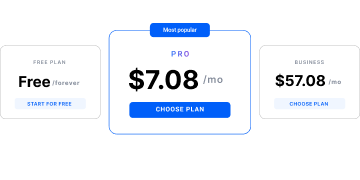
- Free plan: no time limit, no credit card, includes proxy access. This overview of free cloud phones covers exactly what’s included at no cost.
- Pro: from $7.08/month.
- Business: from $57.08/month.
Connecting ISP proxies to automation and AI agents
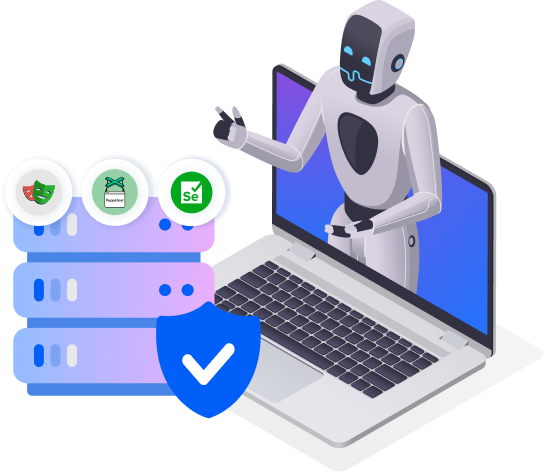
Whichever proxy is assigned to a profile, ISP included, carries over automatically to whatever script or agent drives it, through the same ADB access and API that connect Selenium, Puppeteer, Playwright, and Postman. This applies directly to AI-driven account management: this guide on Facebook automation with an AI agent on a Multilogin cloud phone shows the same static IP staying attached across every automated session, with no separate proxy configuration for the agent to handle.
