
Manage multiple social media accounts
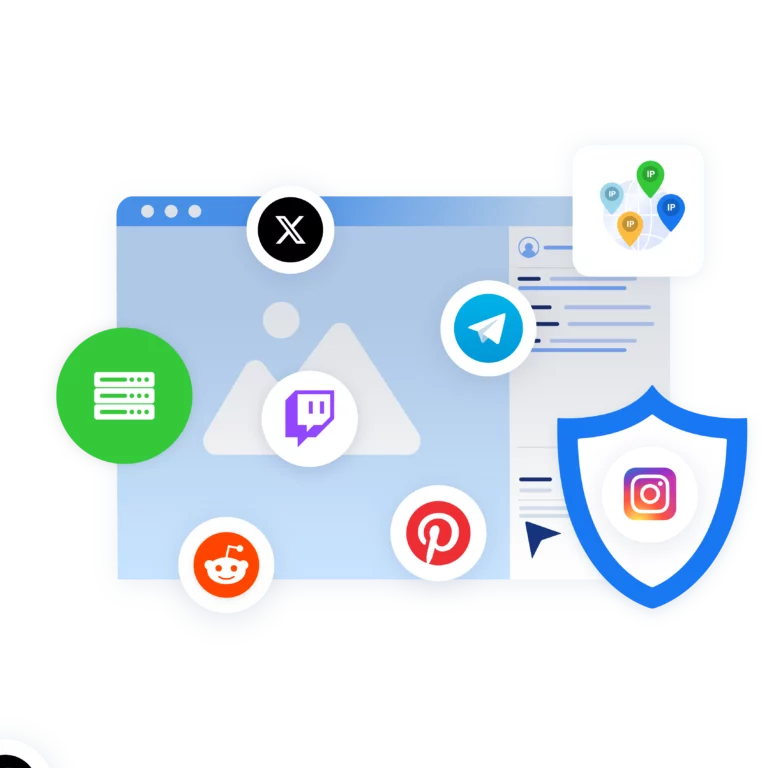
Control your social media accounts using cloud phones in Multilogin. Manage multiple accounts for TikTok, Instagram, Reddit, and more without physical devices or extra tools.
Run multiple social media accounts
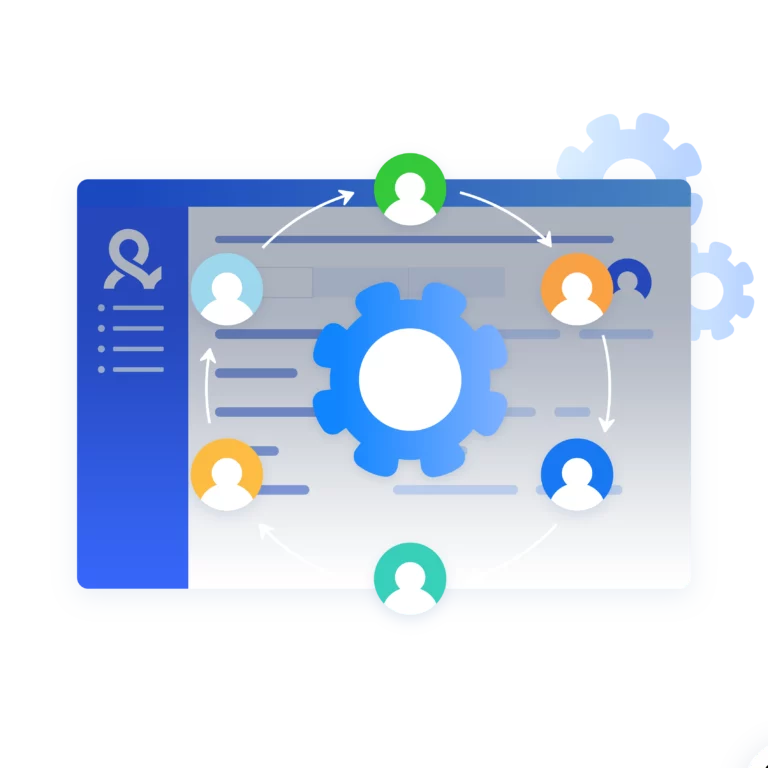
Get started with social media accounts in seconds and switch between them without relogin. Use folders, tags, and notes to organize your workspace and improve efficiency.
Automate posting across social media accounts
Increase posting speed across your accounts with custom scripts. Use Puppeteer, Selenium, Playwright, or Postman to automate simple actions and save time.
Access any location in the world
Maximize the visibility of your business on social media. Choose from over 150 locations and connect cloud phones with a stable connection.
Get a unique cloud phone for each account
Customize your cloud phones according to your workflow. Select from 12+ real device brands such as Samsung and Google, and autogenerate phone numbers for account verification.
Share your social media accounts with your team
Bring your team into one workspace to manage multiple social media accounts. Add team members, assign access, and work together to grow your account results.
Looking for all-in-one antidetect browser with built-in proxies?
-
3-day access to Multilogin
-
5 cloud or local profiles
-
200 MB proxy traffic included
-
3-day access to Multilogin
-
5 cloud or local profiles
-
200 MB proxy traffic included
What is antidetect browser?
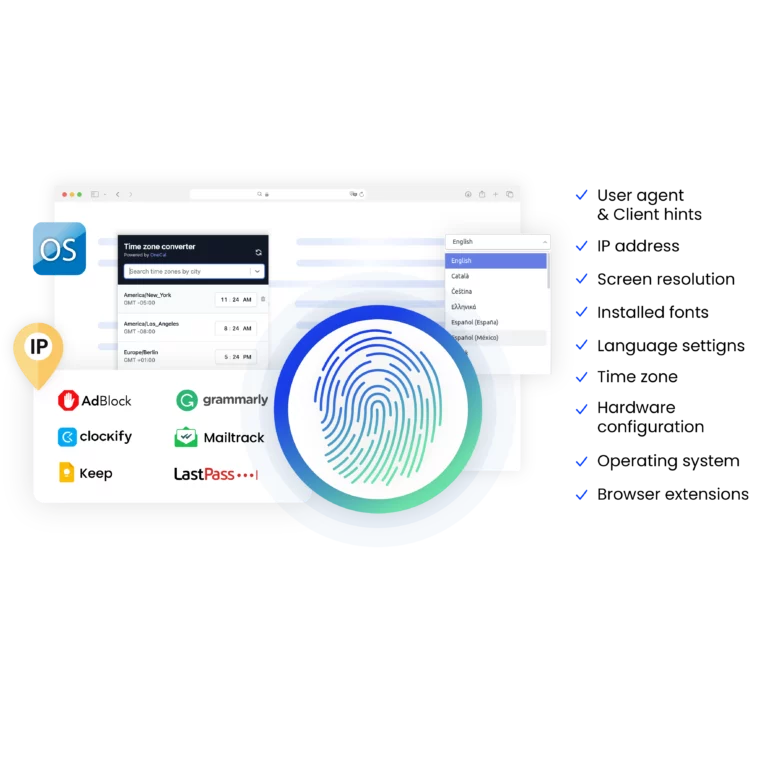
An antidetect browser is a tool that hides your digital fingerprint and masks device and browser details, providing online anonymity. It allows users to manage multiple accounts across different platforms without triggering detection or bans.
Why choose Multilogin for managing multiple social accounts?
Multilogin makes managing multiple social media accounts straightforward and secure. It helps you keep accounts separate and undetected, making it easier to work across different platforms without risk. The platform is user-friendly, with simple tools for automating tasks and collaborating with your team. Whether you’re handling a few or many accounts, Multilogin ensures your work stays smooth, secure, and free from detection.
Multilogin features for creating multiple social media accounts
Built-in proxies with traffic
Every plan includes integrated proxies with traffic; supports HTTP/HTTPS/SOCKS5. Unused traffic rolls over to the next month.

Dynamic residential IPs
Premium residential IPs in 150+ countries and 1,400+ cities, tested daily for reliability.
Chrome & Firefox interfaces
Mimic (Chromium-based) and Stealthfox (Firefox-based) ensure natural behavior and maximum site compatibility.
Ultra-stable sticky sessions
Proxy network optimized for Multilogin; IPs can remain unchanged for up to 24 hours.

Built-in proxies with traffic
Every plan includes integrated proxies with traffic; supports HTTP/HTTPS/SOCKS5. Unused traffic rolls over to the next month.
Dynamic residential IPs
Premium residential IPs in 150+ countries and 1,400+ cities, tested daily for reliability.
Chrome & Firefox interfaces
Mimic (Chromium-based) and Stealthfox (Firefox-based) ensure natural behavior and maximum site compatibility.

Ultra-stable sticky sessions
Proxy network optimized for Multilogin; IPs can remain unchanged for up to 24 hours.
Related solutions you might like
Manage multiple social media accounts with no bans
Start using Multilogin today
How to start using Multilogin
Start collecting data effortlessly with the industry leading antidetect browser.

Sign up
Register using a verified email address.

Choose your plan
Select from various subscription plans tailored to your business needs.

Download Multilogin
Available for Windows, Mac, and Linux.

Access the Multilogin dashboard
Start creating and managing antidetect browser profiles.

Run multiple social media accounts
Set up and manage multiple social media accounts using cloud phones and separate browser profiles
Why people love Multilogin

Dominik

Nino Latif

George M.
Co-Founder, Small-Business
Watch the Multilogin Demo for creating multiple accounts on Instagram
Get a 10-minute demo video on how Multilogin can help you easily build your database of Instagram accounts while remaining undetected. Just fill in your name, last name and email below, and we’ll deliver the demo video directly to your inbox.
Manage multiple social media accounts in 2026 with Multilogin cloud phones
Multilogin cloud phones give you virtual Android phones that run in the cloud. Each social media account gets its own separate phone, so apps like Instagram and TikTok can’t tell you’re running multiple accounts from one place.
The setup includes mobile proxies that make each account look like it’s coming from a different real phone. This keeps your accounts separate and reduces detection risk.
In this article, we’ll explain how cloud phones work, why managing multiple social media accounts from one device is problematic, and how Multilogin solves these issues.
Benefits from managing multiple social media accounts with Multilogin cloud phones
Social media managers and creators who handle multiple accounts daily gain the most from Multilogin cloud phones. Whether working solo or in teams, these users need a streamlined, secure way to manage mobile and browser accounts without risking bans or losing time. Key groups include:
- Social media managers: Professionals managing multiple client accounts across native mobile apps and web platforms, requiring seamless switching and secure isolation.
- Entrepreneurs: Business owners targeting different niches or audiences with separate mobile and web profiles to maintain clear boundaries.
- Small to medium businesses and e-commerce owners: Teams handling customer engagement and promotions across various social channels, benefiting from unified management.
- Marketing teams: Groups coordinating campaigns, monitoring analytics, and engaging audiences across mobile apps and browsers with ease.
Learn more about managing multiple social media accounts efficiently.
Multilogin cloud phones simplify multi-account management
Multilogin cloud phones give you real Android environments (v10-15), not emulators. Each mobile account runs on its own dedicated cloud phone with genuine hardware identifiers. App data, cache, and logins are saved between sessions. Manage both mobile apps and browser profiles from one unified dashboard.
- One cloud phone per account: Each mobile account gets its own cloud phone. Each web account gets its own browser profile.
- Full app compatibility: Install apps from the built-in store or upload APKs directly. Use the same apps you use on physical phones.
- Location-based connections: Choose a region for each account with built-in proxies. Connections are handled automatically with matched IP, GPS, and network data.
- Automate workflows: Schedule posts, respond to messages, and review analytics using Selenium, Puppeteer, Playwright, Postman, or Multilogin API.
- Team collaboration: Share cloud phones with team members and run bulk actions. Business plans include unlimited team seats.
- All-in-one platform: Cloud phones with full access to our leading antidetect browser in the same dashboard.
- Usage-based pricing: Top up minutes from €0.009 per minute. Unused minutes roll over with an active subscription.
Explore tips on avoiding bans on TikTok.
Multilogin cloud phones are the best choice for multi-account Management
Since 2015, Multilogin has led the market with proven technology that keeps accounts safe and operational. Multilogin Cloud Phones offer:
- Isolated virtual phones: Each mobile account runs on a dedicated cloud phone with real Android OS and hardware identifiers (IMEI, Android ID, MAC).
- Advanced concealment: Real device fingerprinting combined with built-in mobile-grade proxies ensures accounts appear as genuine devices.
- Persistent sessions: App data, cache, and login states are saved between sessions, supporting natural account warm-up.
- Scalable platform: Start with a few accounts and grow to hundreds without losing control or performance.
- Transparent pricing: Plans start at €5.85/month, including proxy traffic with no hidden fees.
For example, with Multilogin, it’s simple to start working with Facebook accounts.
Best practices for safe bulk social media Account Management
To prevent bans and maintain smooth operations when managing many accounts, follow these guidelines:
- Use unique cloud phones with residential proxies: Assign a separate IP and device fingerprint to each account to avoid linkage.
- Diversify device fingerprints: Customize hardware parameters like screen resolution and system settings for every cloud phone.
- Warm up accounts gradually: Start with light posting and interactions to build natural activity history.
- Automate thoughtfully: Introduce delays and human-like behavior in automated tasks to avoid detection.
- Monitor sessions in real time: Track active cloud phones and browser profiles to catch issues early.
- Backup regularly: Save cloud phone data and cookies to enable quick recovery if needed.
- Limit daily actions: Follow platform guidelines on posting and messaging frequency.
- Test new setups on a small scale: Validate security before scaling to more accounts.
Learn how to manage multiple Reddit accounts without bans.
Conclusion
In 2026, Multilogin cloud phones empower social media managers and creators to manage multiple mobile and browser accounts effortlessly from one unified dashboard. By running real Android virtual phones with genuine hardware IDs and persistent sessions, combined with built-in proxies and browser profiles, Multilogin delivers a secure, scalable, and efficient solution. Simplify your workflow, avoid bans, and grow your social media presence confidently. Start your journey with Multilogin today—try our 3-day trial for just €1.99.
FAQ
Each account needs to look like it’s coming from a different device. Social platforms check your device ID, IP address, and how you use the app. If multiple accounts share the same device or network, they get linked and flagged.
Multilogin gives each account its own cloud phone or browser profile. Each cloud phone runs real Android with unique hardware IDs and a separate IP address through built-in proxies. Platforms see each account as a completely different device.
Beyond the technical setup, keep your activity natural. Don’t automate too aggressively, and maintain consistent login patterns over time.
The best tools depend on your goals. Platforms like Hootsuite, Buffer, and Sprout Social are useful for scheduling posts and tracking analytics across accounts.
However, scheduling tools do not solve account detection risks. For secure multi-account management, you need infrastructure that separates device fingerprints and IP addresses.
Multilogin combines:
- Cloud phones for mobile app management
- Antidetect browser profiles for web accounts
- Built-in residential proxies
- Persistent sessions and stored app data
This allows users to manage multiple social media accounts from one dashboard while keeping each account technically independent.
The number of social media accounts one person can manage depends on workflow complexity, automation level, and infrastructure. Without proper tools, even a few accounts can become difficult due to repeated logins and verification checks.
With structured tools, scaling becomes more manageable. Multilogin supports growth by providing:
- One cloud phone per mobile account
- One isolated browser profile per web account
- Stable IP connections
- Workspace organization with folders and tagging
Because sessions remain active and environments stay separated, users can manage significantly more accounts without increasing detection risk.
Using different emails is recommended because each social media account should have unique credentials. Using separate physical devices is also safer, but it is not practical when managing many accounts.
Instead of maintaining multiple phones, Multilogin cloud phones provide virtual Android devices in the cloud. Each cloud phone has:
- Unique hardware identifiers
- Independent storage and cache
- Dedicated residential IP connectivity
This setup replicates the effect of using separate physical devices without the cost and logistical challenges of managing hardware.
Warming up new accounts (for example, Instagram accounts) requires gradual activity and consistent device signals. Sudden high-volume actions or frequent device changes can trigger restrictions.
A structured warm-up process usually includes:
- Light engagement in the first days
- Gradual increase in posting frequency
- Stable IP and device identity
- Human-like delays between actions
Multilogin cloud phones support this by preserving app data, login sessions, and hardware identifiers between uses. Because each account keeps the same device environment over time, activity appears consistent rather than repetitive or automated.
To create social media accounts safely, control how each account looks to the platform. Social platforms check your device ID, IP address, browser fingerprint, and how you use the account. If multiple accounts share the same device or network, they get linked.
Use a separate environment for each account. Multilogin gives you cloud phones with real Android systems, unique hardware IDs, and built-in residential proxies. Each account gets its own device identity and IP address.
Stay consistent. Use the same device and IP for registration and daily activity. When your technical signals stay stable, you’re less likely to get restricted.
When you create social media accounts for business, you need a structure that supports long-term use and scaling. Businesses often manage multiple brands, regions, or client profiles. Without separation, platforms may associate these accounts and apply limits across them.
A structured business social media setup should include:
- A separate cloud phone or browser profile for each account
- Dedicated residential IP addresses
- Consistent device identity for long-term activity
- Controlled account warm-up before increasing posting volume
Multilogin allows businesses to manage each social media account in an isolated environment while controlling everything from one dashboard. This makes growth more stable and reduces cross-account risks.
A proper social media setup needs profile details and technical stability. Your account should maintain the same device identity and location over time.
Problems happen when you switch between accounts on the same device. This triggers login alerts and location mismatches.
Multilogin gives each account its own cloud phone or browser profile. App data, cache, and logins stay saved between sessions, keeping your account behavior stable.
Restrictions during sign up for social media are usually triggered by technical patterns. Common causes include:
- Multiple registrations from one IP address
- Reused browser or device fingerprints
- Fast consecutive account creation
- Location and timezone mismatches
To reduce risk, each account should be created in an isolated environment with a stable IP address. The same environment should be used after registration to maintain consistent signals.
Multilogin enables registration inside dedicated cloud phones or browser profiles. The IP, device identity, and stored sessions remain consistent after sign-up, which supports long-term account stability.
You can create social media accounts at once, but doing so from a single device or IP increases the likelihood of restrictions. Platforms are designed to detect repeated registrations from identical environments.
If each account operates in its own isolated setup, bulk creation becomes more structured. With Multilogin, multiple cloud phones or browser profiles can run in parallel. Each environment has its own fingerprint, storage, and residential IP.
This separation allows account creation at scale while maintaining independent technical identities.
To manage multiple social media accounts efficiently, you need centralized control without merging account identities. Constantly logging in and out from one device often causes verification prompts and security checks.
Efficient multi-account management typically requires:
- One dedicated environment per social media account
- Organized workspace structure (folders, tags, notes)
- Stable proxy connections per account
- Automation tools for posting and engagement
- Secure team access without sharing passwords
Multilogin combines cloud phones and antidetect browser profiles in a single dashboard. You can switch between accounts instantly, maintain persistent sessions, automate workflows, and collaborate with your team — all while keeping every social media account technically isolated.















