Create multiple PayPal accounts
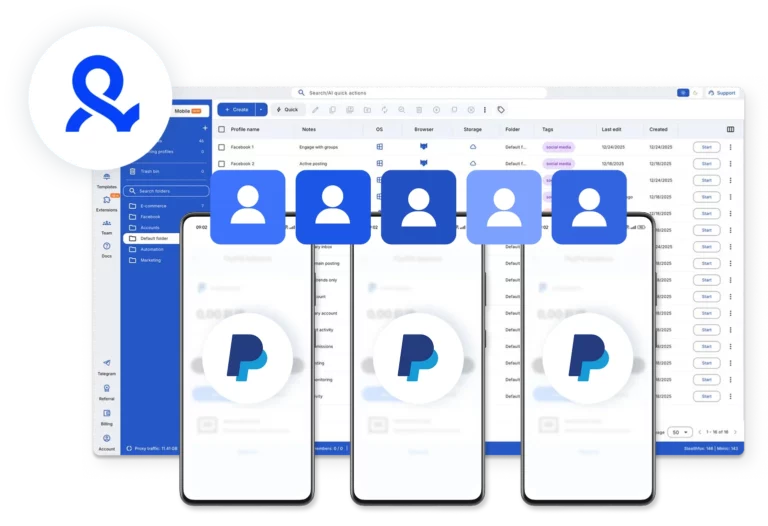
Manage multiple PayPal accounts from one dashboard. Use isolated browser profiles for web access and cloud phones for mobile workflows, all in one place, with a setup that stays structured and easy to scale.
Manage multiple PayPal accounts on one device
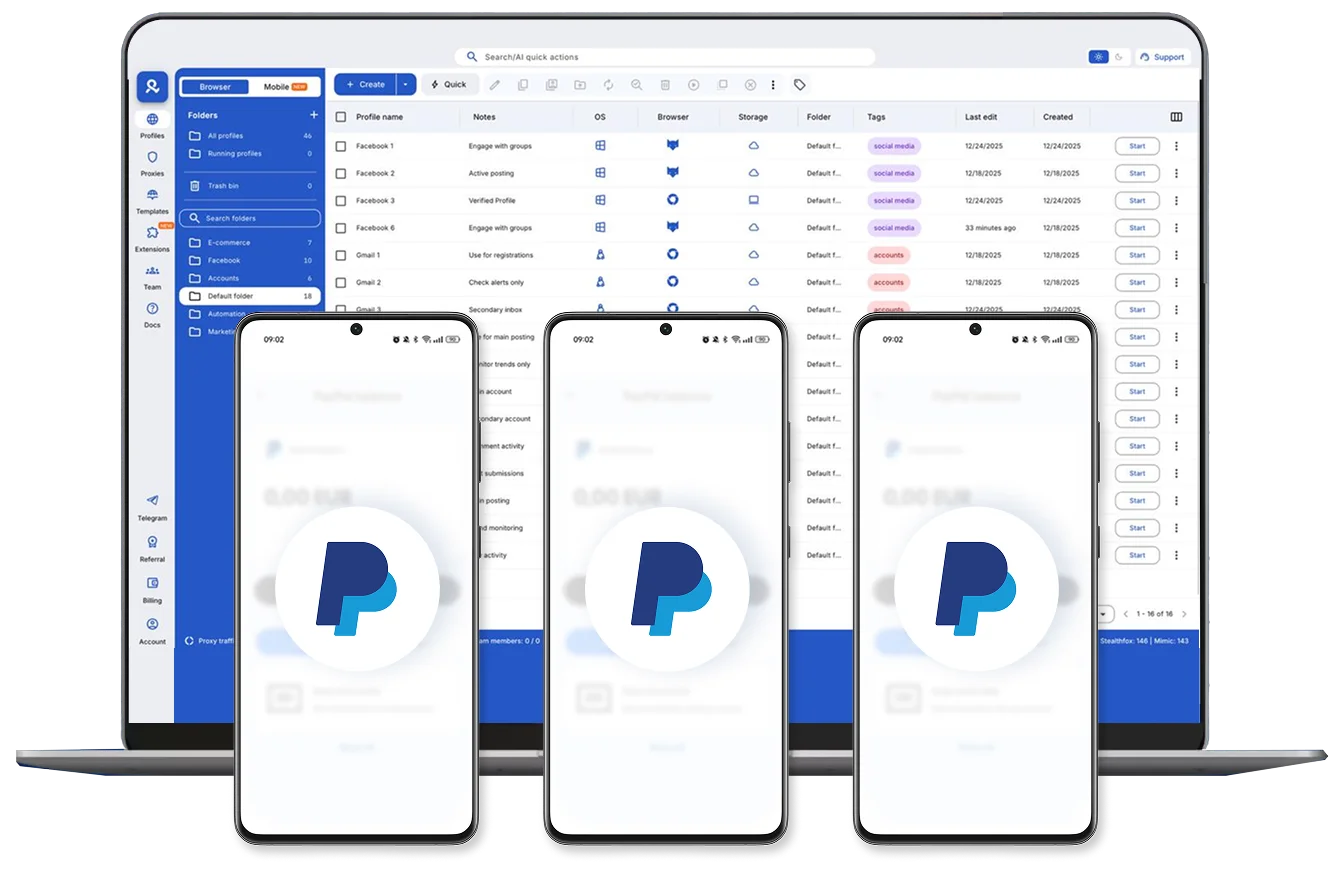
Log in and launch your PayPal accounts from one desktop workspace. Each account runs inside its own isolated browser profile or cloud phone, keeping sessions separate while your workflow stays structured and easy to manage.
Run one cloud phone per PayPal account
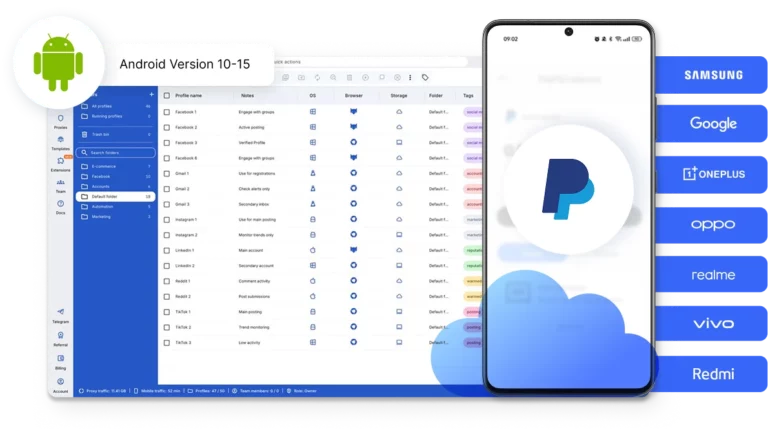
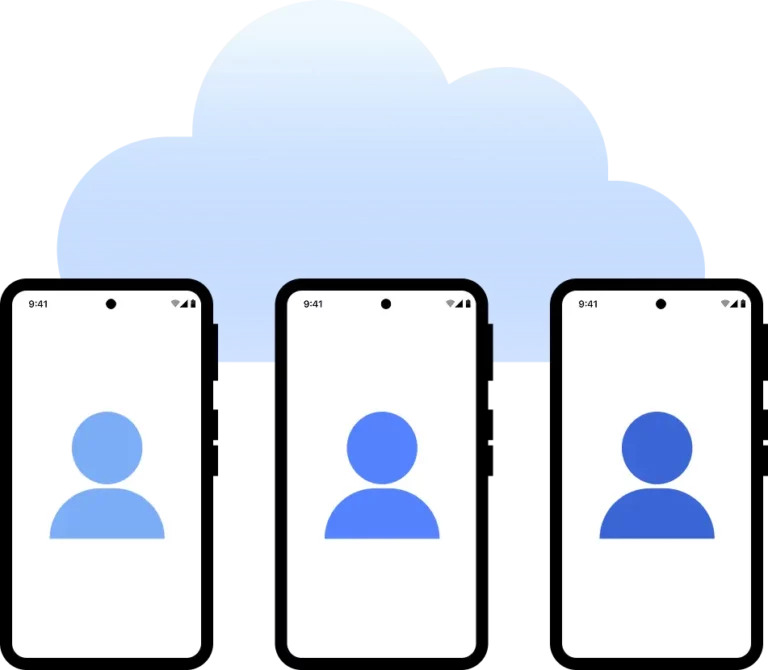
Run every PayPal account on its own Android cloud phone. Select real device models like Samsung, Google Pixel, or Xiaomi Redmi, with Android versions up to v15. Each account stays in a separate mobile environment for consistent sessions and cleaner management.
Run PayPal accounts from the location you choose
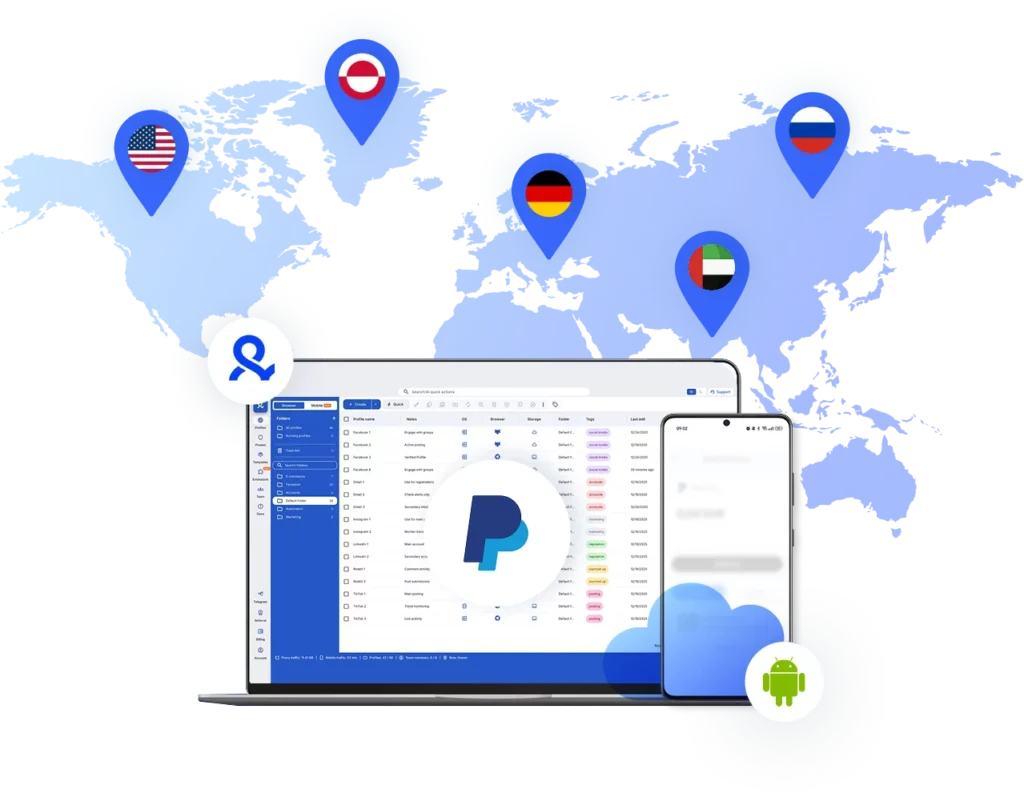
Choose the country or region for each PayPal account and run it from there. With access to 30M+ residential IPs across 150+ countries, each cloud phone operates from a consistent location, helping you manage regional accounts without location conflicts.
Collaborate with your team on PayPal
Easily share PayPal profiles securely with your team, assign role-based access, and control who can view or manage each account. As your operation grows, keep responsibilities clear without sharing passwords or mixing sessions.
Manage Unlimited Mobile and & Web Accounts
-
3-day access to Multilogin
-
5 cloud or local profiles
-
200 MB proxy traffic included
-
3-day access to Multilogin
-
5 cloud or local profiles
-
200 MB proxy traffic included
What are cloud phones?
Cloud phones are real Android devices that run in the cloud instead of in your hand. They function like physical smartphones: you install apps, stay logged in, and keep session data between uses. For PayPal, this means you can operate accounts in a stable mobile environment without using physical devices or emulators.
Why choose Multilogin for managing multiple PayPal accounts?
Multilogin lets you manage multiple PayPal accounts from one structured platform.
Use cloud phones for mobile app access or isolated browser profiles for web sessions.
Choose the location, device model, Android version, and network setup for each account, and keep everything organized without juggling hardware or extra tools.
Multilogin features
Bypass bot protection
Our fingerprint masking technology is capable of modifying numerous browser fingerprints to avoid detection.

Integration with Selenium, Playwright, and Puppeteer
Automate data extraction with popular browser automation drivers all while keeping them invisible to anti-automation bots.
Residential rotating proxies
Gain access to premium residential proxy nodes in 1400+ cities across 150+ countries with your Multilogin subscription.
Fingerprint adjustment to proxies
All browser fingerprints are automatically adjusted to match the proxyβs location, enhancing anonymity.
Supports for all proxy types
Whether you use our proxies or bring your own, Multilogin supports all proxy types.
Data sync over VPS
Use our cloud profiles to synchronize browser data across multiple VPS instances effortlessly.
Fully featured browsers
Unlike headless browsers that websites can easily detect, our browsers mimic real user activity, preventing restrictions by websites.
Easy dockerization
Dockerize your scraping instances with ease using our quick dockerization guide.
Related solutions you might like
Award winning multiple account management platform
How to start using Multilogin
Start collecting data effortlessly with the industry leading antidetect browser.

Sign up
Register using a verified email address

Choose your plan
Select from various subscription plans tailored to your business needs

Download Multilogin X app
Install the Multilogin desktop app to manage mobile sessions securely.

Access the Multilogin dashboard
Launch cloud phones, choose locations, and manage your mobile devices from one place.

Run your PayPal accounts
Set up and manage multiple cloud phone profiles using separate browser profiles with consistent identities.
Watch the Multilogin Demo for creating multiple accounts
Get a 10-minute demo video on how Multilogin can help you easily build your database of PayPal accounts while remaining undetected. Just fill in your name, last name and email below, and weβll deliver the demo video directly to your inbox.
Managing multiple PayPal accounts safely 2026
Managing multiple accounts on PayPal is common for agencies, ecommerce operators, freelancers, and international businesses. However, running them from the same browser or device often leads to verification loops, sudden limitations, or permanent restrictions. In 2026, account safety is less about what you do and more about how your environment looks to PayPal.
PayPal analyzes device identity, browser configuration, IP address, and session behavior over time. When two accounts appear to operate from the same technical setup, risk signals increase. Therefore, separating each account at the device level is essential.
Why shared environments create problems
At first, switching between PayPal accounts in one browser may seem manageable. Over time, friction builds. Sessions overlap. Login prompts repeat. Security checks become more frequent.
PayPal evaluates patterns such as:
Device consistency across sessions
IP history and location changes
Browser configuration and system signals
Overlapping cookies and storage
Even if accounts are legitimate, shared environments create mixed signals. As a result, accounts may be linked unintentionally.
How cloud phones improve account separation
A cloud phone is a dedicated Android device hosted in the cloud. It works like a physical smartphone. You install apps, stay logged in, and keep session data between uses. For PayPal, this means each account can operate from its own stable mobile device instead of a shared browser.
Instead of rotating accounts inside one laptop or switching Chrome profiles, each PayPal account runs inside its own isolated cloud phone. From PayPalβs perspective, every account behaves as if it belongs to a different user with a separate device and network context.
Cloud phones help because:
Each account keeps its own device identity
Session data remains persistent between logins
Accounts do not share browser storage
Mobile behavior stays consistent over time
This structure reduces overlap and keeps workflows predictable.
Combining mobile and web access correctly
Many PayPal workflows require both mobile and desktop access. The mobile app is often used for quick checks, confirmations, and notifications. Meanwhile, the web interface is used for reporting, bulk management, and account settings.
The key is separation.
A structured setup includes:
Running the PayPal mobile app on a dedicated cloud phone
Accessing PayPal web inside isolated browser profiles
Keeping each account tied to one device and one browser profile
Platforms like Multilogin combine cloud phones and isolated browser environments inside one dashboard. This allows teams to manage mobile and web sessions without mixing identities.
Location consistency and network stability
Location consistency matters as much as device consistency. Frequent IP changes or mismatched regions can increase security checks.
With cloud phones connected to residential IPs, each PayPal account can operate from a stable location. Multilogin provides access to 30M+ residential IPs across 150+ countries, allowing accounts to maintain regional consistency over time.
Instead of switching VPNs manually, the network environment remains aligned with the device context.
Scaling without increasing risk
As the number of accounts grows, manual workarounds become fragile. Physical phones are expensive to maintain. Browser tabs are unreliable. Virtual machines require constant configuration.
Cloud phones provide a scalable structure:
One PayPal account per cloud phone
Clear device-level isolation
Persistent sessions
Centralized management from one dashboard
Multilogin applies this model by keeping each environment separate while allowing teams to collaborate securely. Permissions can be assigned without sharing passwords, and sessions remain intact even when accessed from different workstations.
Conclusion
Managing multiple PayPal accounts safely in 2026 requires structured separation. Shared browsers and mixed sessions create long-term risk. Cloud phones solve this by giving each account its own stable mobile device environment.
When combined with isolated browser profiles and consistent residential IPs, platforms like Multilogin provide a controlled way to scale PayPal operations without constant verification issues.

Managing Multiple PayPal Accounts FAQ
A cloud phone is a real Android device hosted in the cloud. It runs apps and stores data just like a physical smartphone. When managing multiple PayPal accounts, each account can run on its own cloud phone, keeping sessions separated and reducing overlap between devices, locations, and login signals.
Yes. Cloud phones allow you to log in and launch separate PayPal accounts from one desktop dashboard. Each account operates inside its own isolated mobile device environment, so sessions do not mix even if they are accessed from the same physical machine.
You can, but only if each account is clearly separated. Running multiple PayPal accounts from the same device, IP, or browser setup can result in permanent bans. To safely manage multiple accounts, tools like Multilogin are essential.
Professionals use browser isolation platforms like Multilogin. These tools create completely separate environments for each account β including unique browser fingerprints and proxy connections β so PayPal doesnβt detect overlap between them.
It can be, but only if each PayPal account runs from its own clean setup. Without separation, PayPal can flag your accounts as related. This is why using traditional browsers or switching incognito tabs doesnβt work β your fingerprint still leaks. Proper separation is key.
Technically, yes β especially if youβre managing client accounts or different businesses. But each account must appear unique to PayPal. Creating them from the same environment puts all of them at risk. Multilogin lets you safely create and operate each one in its own sandboxed browser.
Not with a normal browser. Even using different profiles or private mode wonβt stop PayPal from detecting links. However, with Multilogin, you can run dozens (or hundreds) of PayPal accounts from one machine β each in its own isolated, undetectable browser.