Create multiple CapCut accounts
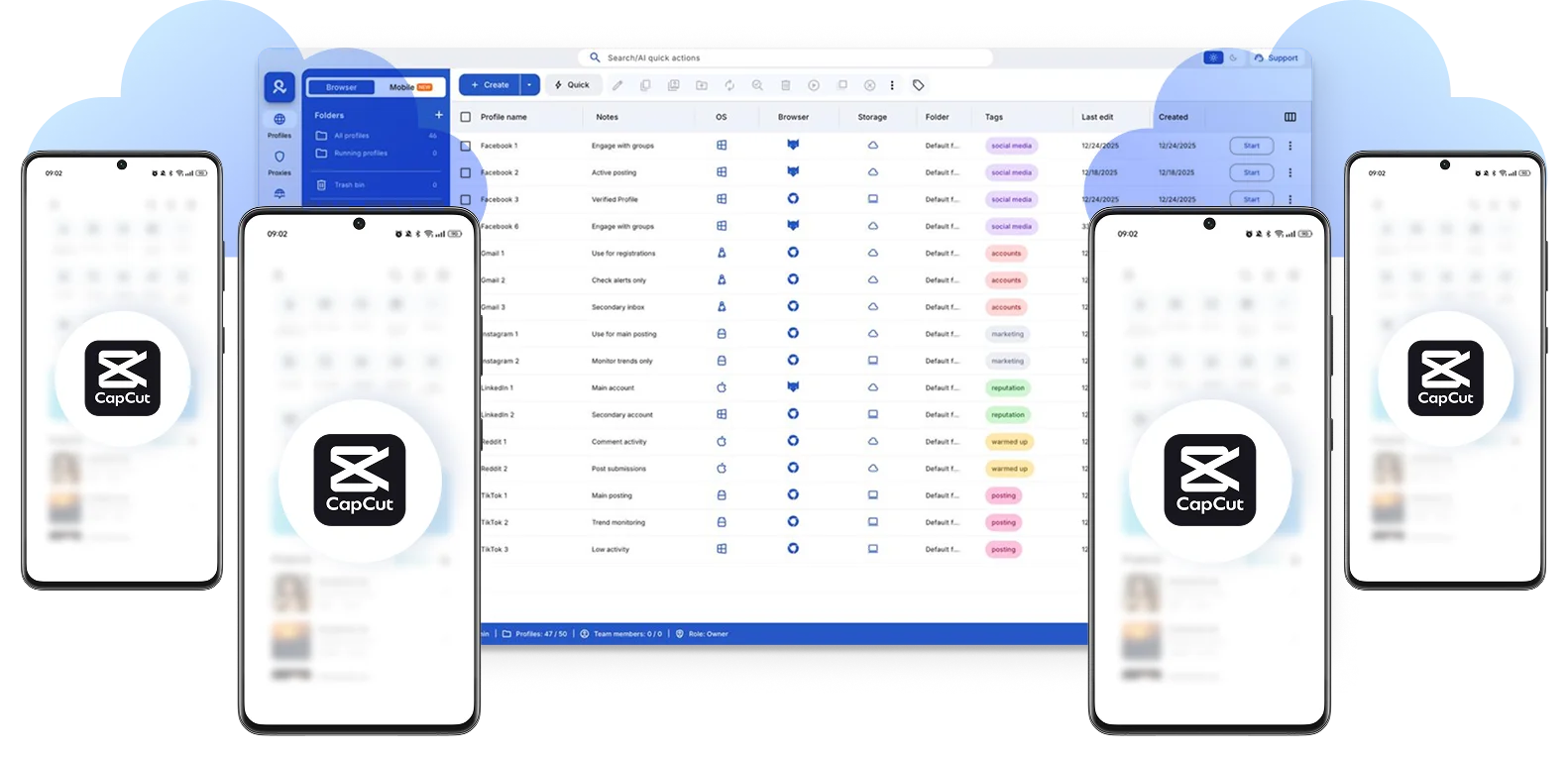
Sign in, log in, edit and create multiple CapCut templates without switching devices using cloud phones for the mobile app and browser profiles for web workflows.
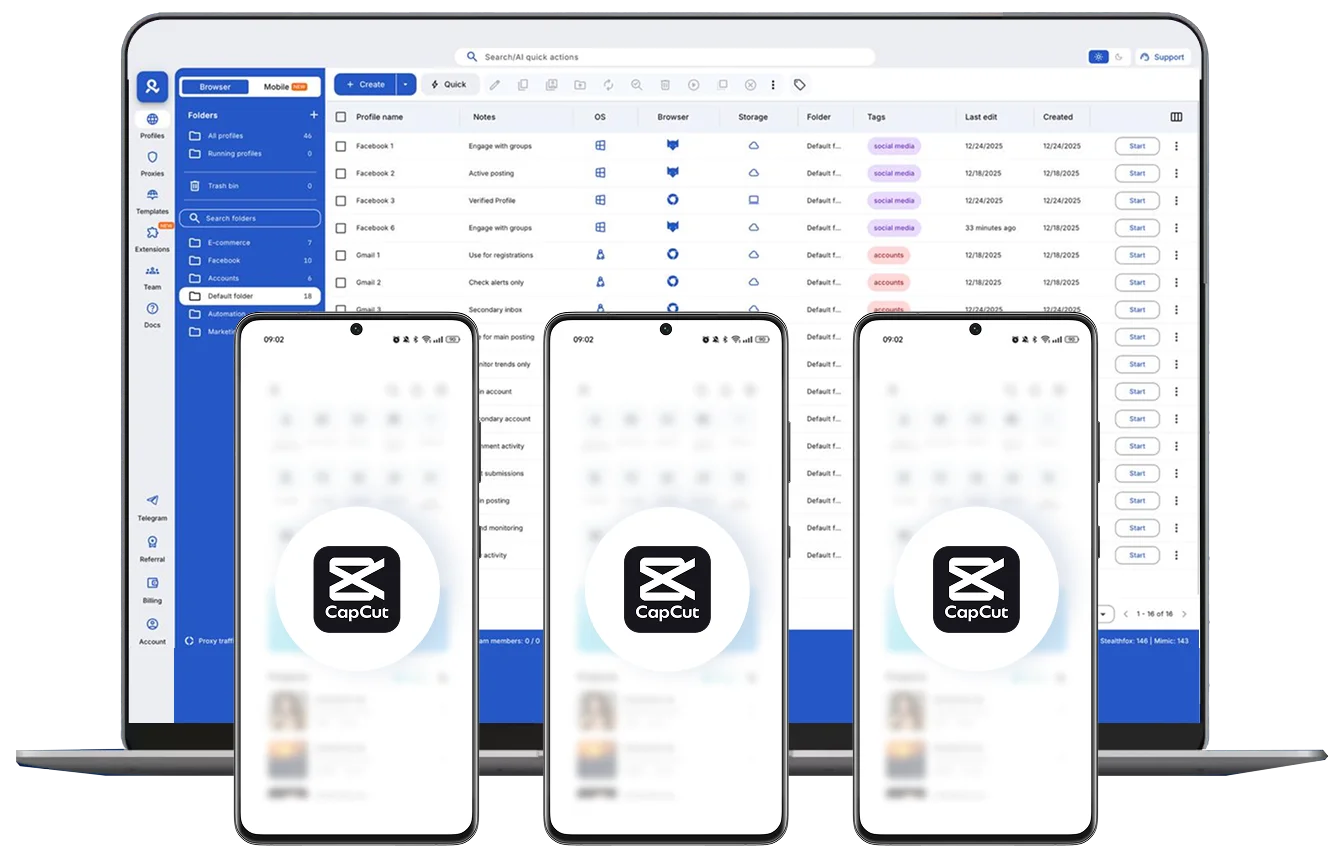
Manage multiple CapCut accounts with cloud phones
Switch between CapCut accounts quickly without risking cross-linking or shared signals. Whether you’re running multiple projects, editing for clients, or testing different video formats, each CapCut account acts as a legitimate different user.
Automate CapCut workflows
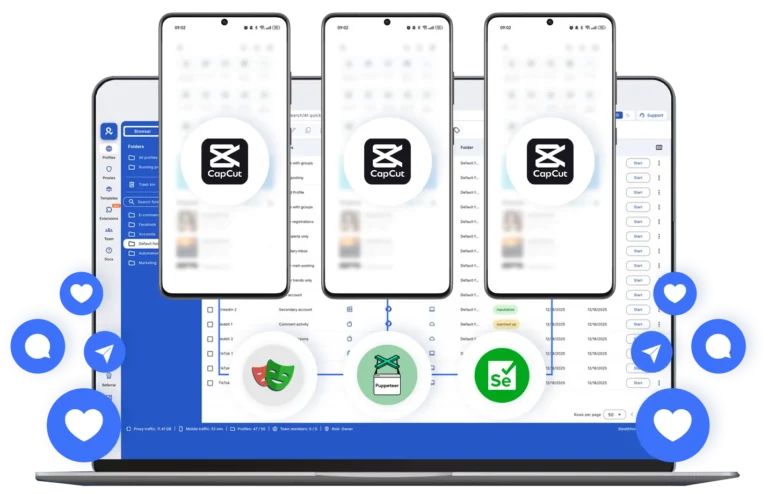
Automate mobile and desktop editing workflows across multiple CapCut accounts using Selenium, Playwright, Puppeteer, and Postman.
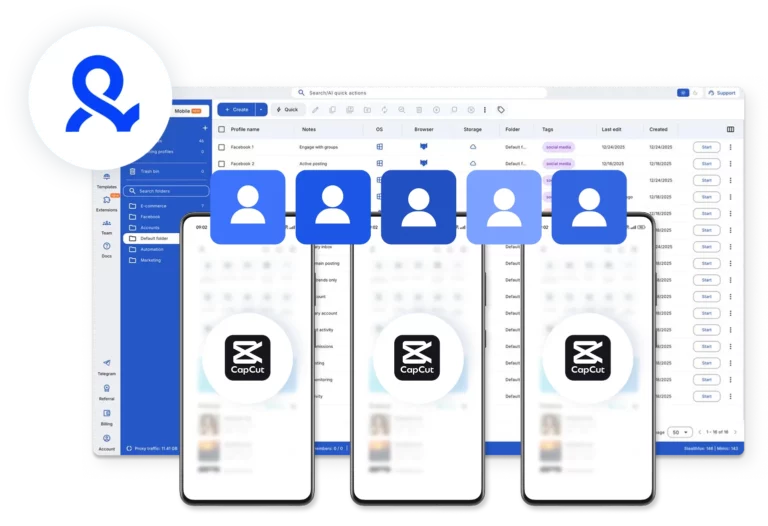
Use one cloud phone per CapCut account
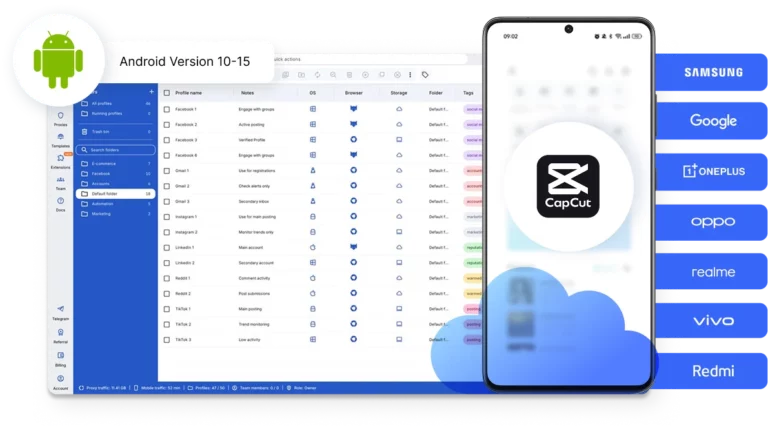
Choose from popular Android devices (Samsung, Google, Redmi, and more), with Android versions up to the latest v15.
Run CapCut accounts from any location you choose
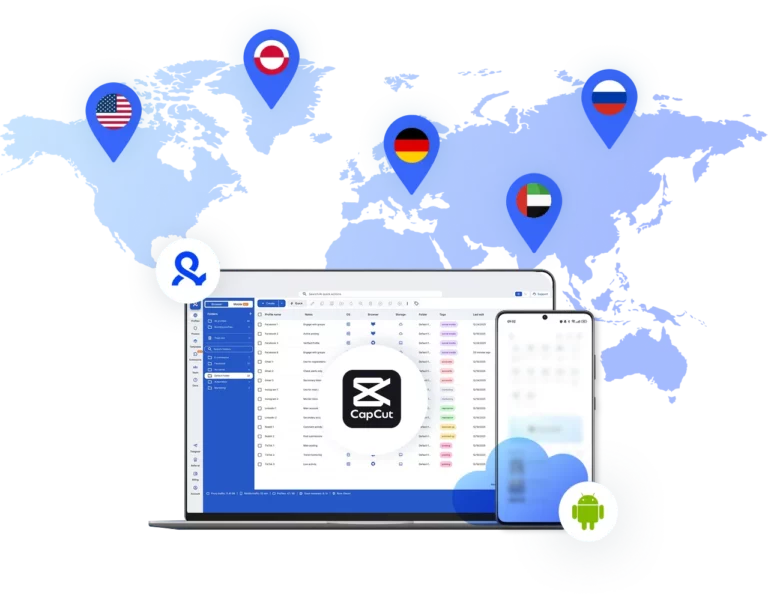
Create templates worldwide without location limits. Assign a dedicated location to every profile so each CapCut account runs from a consistent environment.
Collaborate with your team on CapCut
Share CapCut accounts with your team without passing around logins, assign access levels, organize projects and manage who can do what.
Manage Unlimited Mobile and & Web Accounts
-
3-day access to Multilogin
-
5 cloud or local profiles
-
200 MB proxy traffic included
-
3-day access to Multilogin
-
5 cloud or local profiles
-
200 MB proxy traffic included
What is a cloud phone?
A cloud phone is a real Android mobile phone hosted in the cloud. Each cloud phone runs as an independent device, with its own operating system, hardware identifiers, storage, and network signals.
Why choose Multilogin for cloud phones?
Multilogin cloud phones remain fully isolated at the identity level — enabling secure, scalable and more consistent CapCut operations.
Multilogin features for CapCut accounts management
Multilogin 2-in-1
Anti-detect browser profiles and cloud phones in one ecosystem. One app, one dashboard, full control.
Built-in proxy integration
Residential IPs are included by default. 150+ countries and 1,400+ cities with daily quality testing.
Up-to-date Android versions
Stable Android versions 10–15, fully compatible with modern mobile apps.
Real brands and devices
Support for 7 real Android device brands with unique IMEI and system-level digital fingerprints.
App repository
Install TikTok, Instagram, Reddit, and other popular apps without Google Play. APK uploads are also supported.
Folders, tags and access control
Organize profiles using folders, tags, and role-based access. Manage team workflows with ease.

Enterprise-grade security
Profile encryption, 2FA, access control, and compliance-ready security for safe operations.

Launch Real Android Devices in 60 Seconds
Install CapCut and start managing accounts. While your competitors spend days setting up physical phones.
Why Multilogin wins for CapCut
Fast and intuitive interface
Everything at your fingertips: drag-and-drop, hotkeys, and smooth multitasking without losing speed.
Browser built for multi-accounting
Advanced engine effectively avoids multi-account detection by creating unique browser fingerprints.
Created for team collaboration
Proxies included in every plan
24/7 support in 5 languages
Award winning multiple account management platform
How to start using Multilogin cloud phones
Launch and manage real mobile environments in the cloud.

Sign up
Register using a verified email address.

Choose your plan
Select from various subscription plans tailored to your business needs.

Download Multilogin app
Install the Multilogin desktop app to manage mobile sessions securely.

Access the Multilogin dashboard
Launch cloud phones for CapCut, assign proxies, configure fingerprints, and manage mobile environments from one place.

Manage multiple cloud phones
Set up and manage multiple cloud phones for CapCut using separate browser profiles with consistent identities.
Watch the Multilogin Demo
Get a 10-minute demo video on how Multilogin can help you easily build your database of cloud phone profiles while remaining undetected. Just fill in your name, last name and email below, and we’ll deliver the demo video directly to your inbox.
Create multiple CapCut accounts safely in 2026
CapCut has quickly become one of the most widely used tools for short-form video production. Creators, agencies, ecommerce teams, and social media managers rely on it daily to edit and publish content across platforms like TikTok, Instagram Reels, and YouTube Shorts.
As video production scales, many professionals find that running just one CapCut account is limiting. Agencies edit content for multiple clients, creators operate niche channels, and growth teams experiment with different formats, markets, and audiences. In practice, this often means operating several CapCut accounts at the same time.
The difficulty is that modern platforms pay close attention to how accounts are created and accessed. Device signals, browser fingerprints, IP addresses, and session behavior all contribute to how accounts are evaluated. When multiple accounts share the same technical environment, the risk of verification prompts, unstable sessions, or restrictions increases significantly.
Challenges of managing multiple CapCut accounts
Operating multiple CapCut accounts is common, but managing them from the same device or browser environment can create technical conflicts. Platforms can detect overlapping device fingerprints, shared cookies, and repeated login behavior. When several accounts appear to originate from the same setup, they may become linked together. This often leads to repeated login challenges, verification checks, or unexpected session resets.
In more serious situations, problems affecting one CapCut account can spill over to others connected to the same environment. This makes multi-account setups fragile and difficult to scale reliably.
Importantly, the issue is not the existence of multiple accounts. The real problem occurs when accounts are operated in shared environments where device fingerprints, sessions, and network signals overlap.
How businesses use multiple CapCut accounts
On daily workflows, many businesses depend on multiple CapCut accounts to support their content strategies. Agencies often manage editing workflows for different clients, each with its own account. Creators maintain separate profiles for different niches or languages. Marketing teams use additional accounts to test video styles, analyze performance across audiences, and experiment with new formats.
Ecommerce and affiliate teams also rely heavily on multiple CapCut accounts to produce product videos at scale and manage promotional campaigns across different markets.
When the infrastructure is set up correctly, each CapCut account behaves like an independent user environment. This allows teams to scale video production and account management without accounts interfering with one another.
Benefits of Multilogin for a CapCut multi-account setup
When CapCut accounts are managed in isolated environments, multi-account workflows become much easier to maintain. With Multilogin, each CapCut account runs in its own independent environment. Browser profiles keep cookies, storage, and device fingerprints separated, preventing accounts from being linked through shared technical signals.
Multilogin’s cloud phones extend this setup further by allowing each CapCut account to run on its own real Android device hosted in the cloud. These cloud phones maintain persistent storage, stable device identifiers, and native mobile app behavior — exactly what platforms expect from genuine user environments.
This combination removes many of the common limitations of traditional multi-account setups. Teams are no longer restricted by a single device or unstable emulators. Each CapCut account operates as if it were running on its own physical smartphone, while still being controlled from one dashboard.
Sessions remain stable instead of constantly resetting, which simplifies daily management and reduces verification fatigue. For creators, marketing agencies, and teams managing multiple CapCut accounts, this provides the consistency needed to scale editing workflows without technical interruptions.
Conclusion
The real challenge is not whether you can create CapCut account profiles, but how you manage them without accounts interfering with each other.
Multilogin provides the infrastructure needed to do this properly. With isolated environments, Android cloud phones, and persistent sessions, each CapCut account behaves like a separate device.
That foundation makes multi-account management predictable, scalable, and far easier to maintain over time.
FAQ
Can I create more than one CapCut account?
Yes. Many creators, agencies, and marketing teams operate more than one CapCut account to manage different projects, clients, or audiences. Running multiple CapCut accounts allows teams to test content formats, organize editing workflows, and keep separate strategies for different brands or niches.
Why do CapCut accounts get linked together?
Accounts can become linked when they are accessed from the same device, browser environment, or IP address. Platforms analyze signals such as device fingerprints, cookies, session history, and network data. If multiple CapCut accounts share the same technical environment, the platform may recognize them as connected.
How does Multilogin help manage multiple CapCut accounts?
Multilogin allows each CapCut account to run in its own isolated environment. Browser profiles separate cookies, storage, and fingerprints, while cloud phones provide real Android devices hosted in the cloud. This setup allows teams to create CapCut account environments that behave like independent devices.
What are cloud phones and why are they useful for CapCut accounts?
Cloud phones are real Android devices running in the cloud. Each cloud phone has its own device identity, storage, and operating system environment. When a CapCut account runs on a cloud phone, it behaves as if it were operating on a separate physical smartphone, which helps maintain stable sessions and reduce account conflicts.
Do I need proxies when managing multiple CapCut accounts?
Using different IP addresses helps keep CapCut accounts independent. Multilogin allows users to assign dedicated locations to each cloud phone or browser profile, with access to 30 million residential IPs across more than 150 locations. This helps maintain consistent sessions and reduces the chance of restrictions.
Who benefits from managing multiple CapCut accounts?
Multiple CapCut accounts are commonly used by content creators, social media managers, marketing agencies, ecommerce teams, and affiliate marketers. These teams often need to create CapCut account setups for different clients, campaigns, or markets while keeping each environment independent.