


Create multiple TikTok Shop seller accounts
Open Seller Center and TikTok Ads Manager in a separate browser profile for each shop, with its own cookies, saved logins and browser fingerprint. Orders, returns and payouts for one shop never share a session with another.
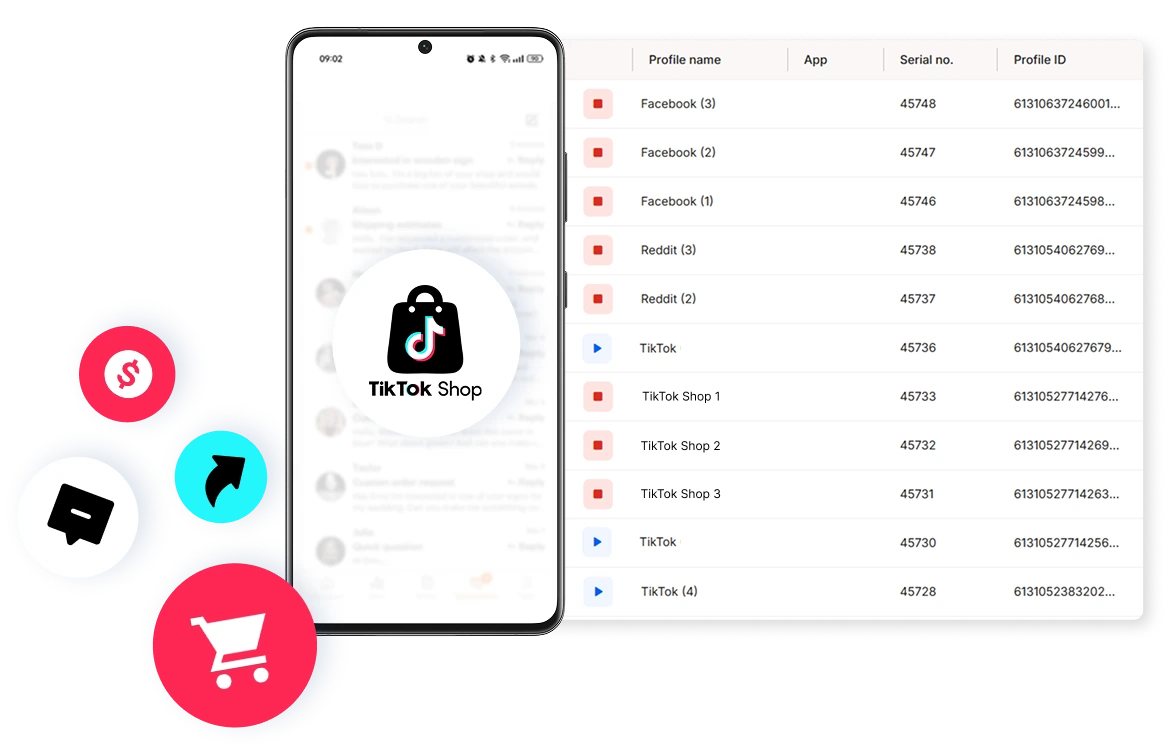

Perfect for multiple accounts
Unique cloud phones for each account

Publish everywhere
Reach more than 150 locations

Grow organically
Post from real devices
One platform, unlimited TikTok accounts
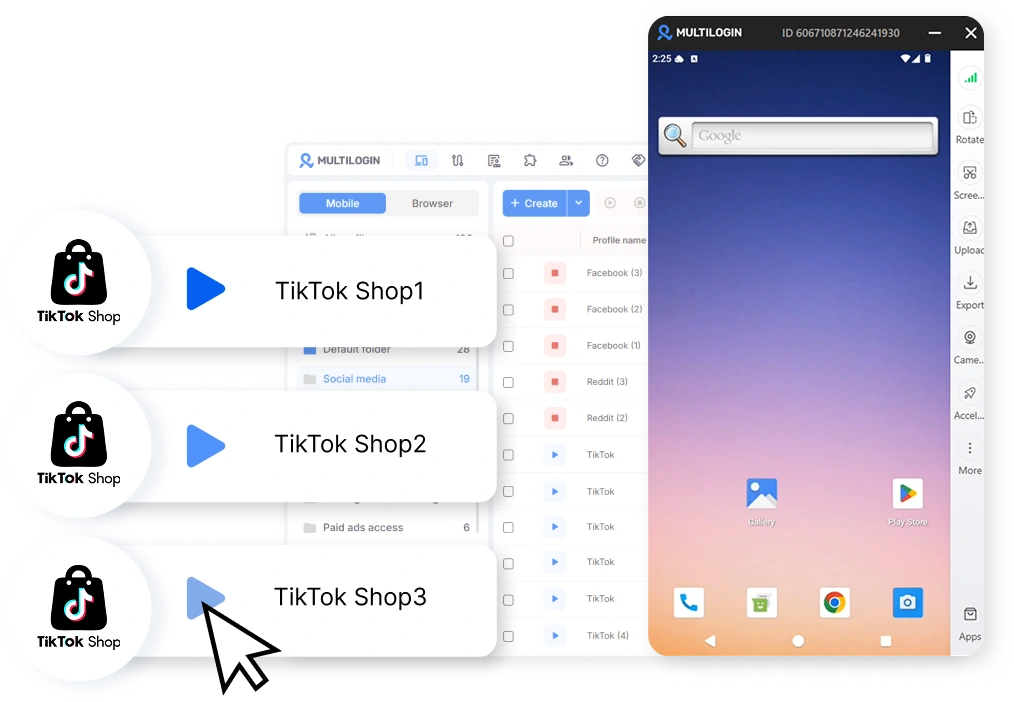
Run one cloud phone for each TikTok Shop
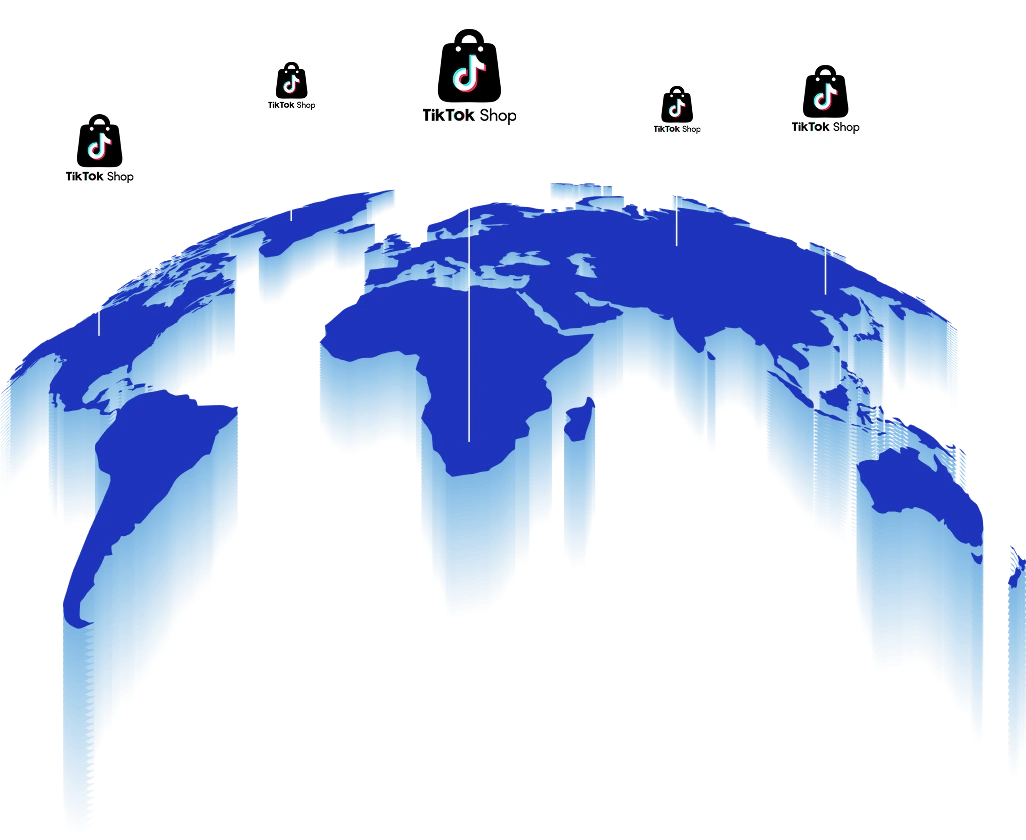
Run each TikTok Shop from its own market
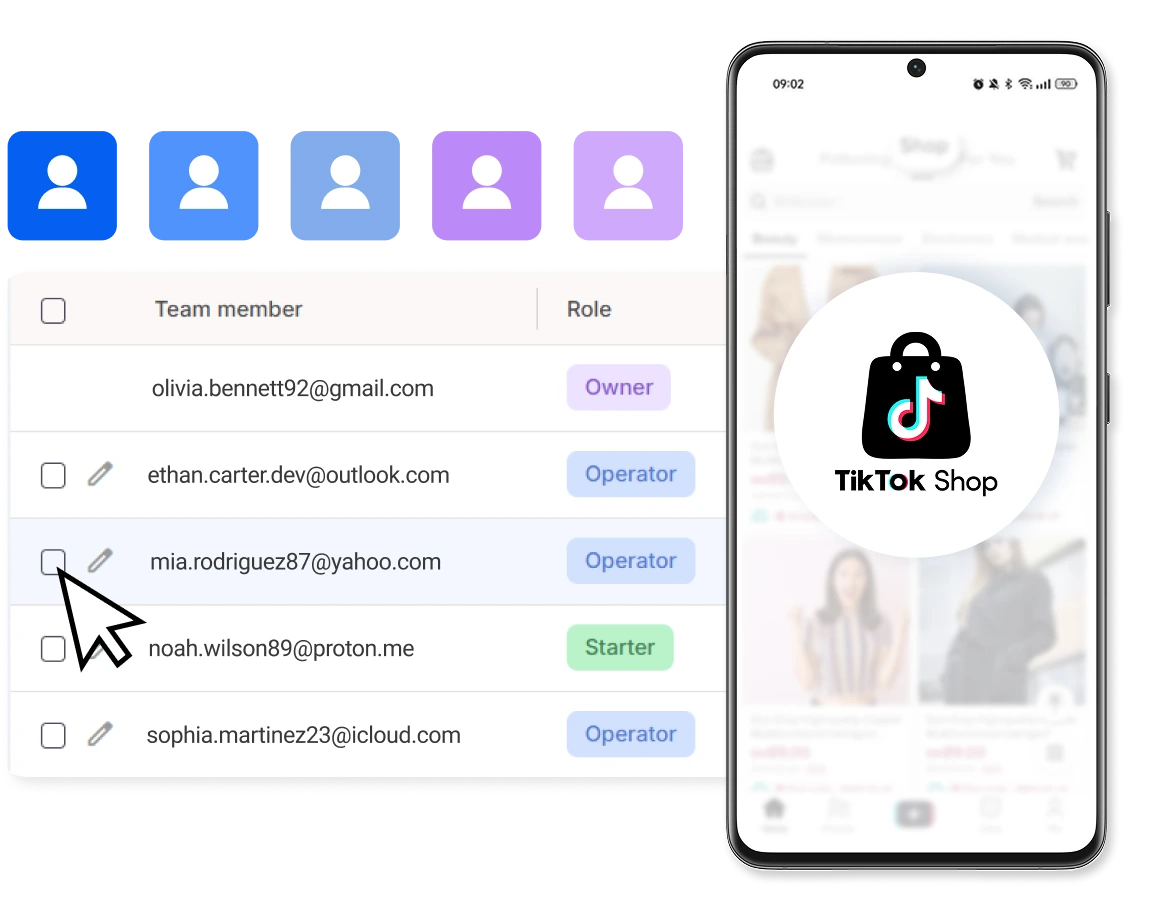
Collaborate with your team on TikTok Shop
Automate TikTok Shop actions
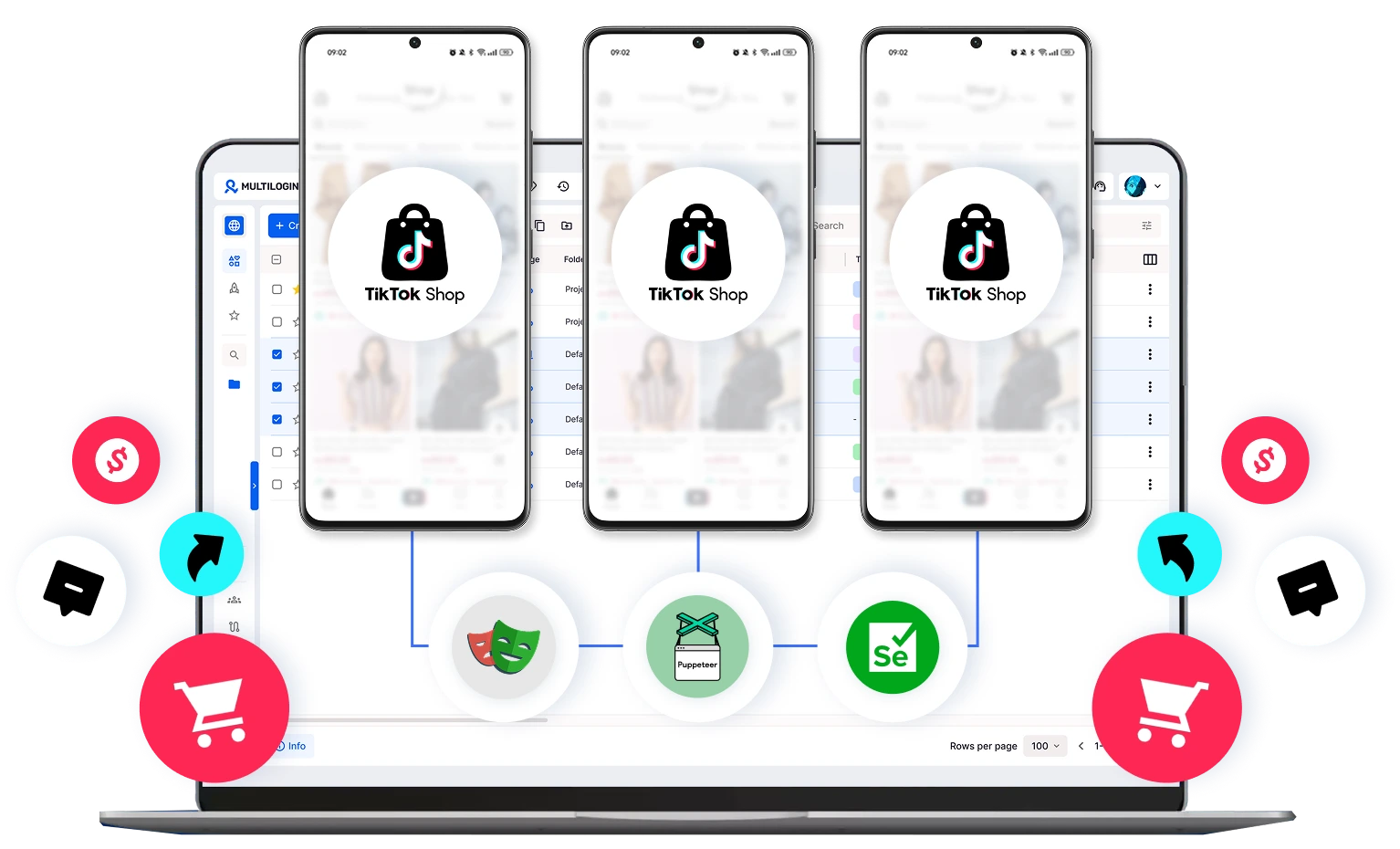
How to get started and grow your TikTok Shop
Time is money. Start in minutes
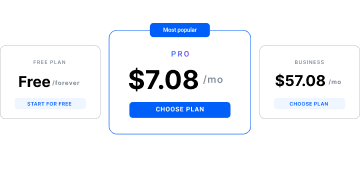
Sign up
Choose a plan and download the app
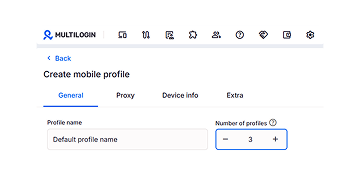
Create mobile profile
Customize the device model and choose location
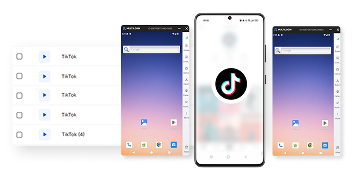
Run your accounts
Use separated browser profile to earn
Sign up
Choose a plan and download the app
Create mobile profile
Customize the device model and choose location
Run your accounts
Use separated browser profile to earn
Watch the Multilogin Demo
What is Multilogin?
Trusted by thousands of creators, sellers & online earners

Ha D.
Social Media Marketing Retail

Nino Latif

Stanislav K.
Marketing Manager

Elen S.
Marketing Manager

Hamza Arif
E-commerce Manager


Nick Horvath
Marketing agency
Start planning your project today
Upload content, automate posts and engagements: all in one unified dashboard
The most awarded multi accounting platform













Explore more solutions for any platform you need
FAQs about multiple TikTok Shop accounts
Multilogin cloud phones run full Android OS versions with genuine hardware identifiers, including Android ID and system-level parameters. They are not emulators or cloned app environments. Each cloud phone behaves like a real mobile device, which is critical for managing social media accounts that rely on long-term device consistency.
Yes. You can run and manage multiple cloud phones in parallel from one dashboard. Each phone remains fully isolated at the device level, allowing you to scale social media accounts without shared signals, device conflicts, or session overlap.
No, running multiple TikTok Shop accounts is allowed when each shop is registered under a verified business entity and follows TikTok Shop’s seller policies. What TikTok restricts is opening shops beyond your entity’s limit or using duplicate identities to do it.
No. Each TikTok Shop seller account needs its own email address and phone number, even when both shops belong to the same business. Reusing contact details is one of the most common reasons a second shop application stalls.
They can be affected. TikTok Shop’s Seller Enforcement Policy allows action against connected accounts when one seller account is suspended or banned. Keeping each shop’s logins, devices and network separate makes it clear the shops operate independently.
A TikTok Shop marketing account is a TikTok account linked to a shop to promote its products in videos and LIVE. Each shop can link up to four marketing accounts plus one official account, which is the shop’s main TikTok presence.
You need a separate environment for each TikTok account, but it doesn’t have to be a physical phone. With Multilogin, each official or marketing account runs on its own Android cloud phone that you control from your computer.
A cloud phone is an Android environment hosted in the cloud, while an emulator is software that runs Android on your own computer. Multilogin cloud phones keep app data and sessions saved between uses and don’t depend on your machine’s hardware or network.
Each shop should run from the country it’s registered in, which means a matching IP address. Multilogin includes built-in proxies in 150+ locations, so you can set each cloud phone and browser profile to its shop’s market without buying a separate proxy plan.
Yes. In Multilogin, you set the location of every cloud phone and browser profile separately, so a team in one city can run a US shop, a UK shop and a Malaysian shop side by side. Each shop still needs to be registered with that country’s documents.
Yes. Multilogin lets you share individual cloud phones and browser profiles with team members and set what each person can do. A live host can get the cloud phones without ever seeing the Seller Center login.
No. Multilogin keeps each shop’s environment separate, but TikTok Shop makes its own enforcement decisions, and every shop still has to follow its seller policies. No tool can promise a shop won’t be reviewed.
You can start on the Multilogin Free plan with one shop’s setup. Paid plans start at $7.08/month and include cloud phones, browser profiles and built-in proxies.
Running multiple TikTok Shop accounts as a business
One TikTok Shop is mostly a content job. Running multiple TikTok Shop accounts turns it into an operations job: each shop has its own seller account, Seller Center login, ads account and up to five TikTok accounts sending traffic to it.
Half of that work happens in a browser. The other half happens in the TikTok app. Multilogin covers both sides, with Android cloud phones for the app and browser profiles for the web, managed from one dashboard.
Can you have multiple TikTok Shop accounts?
Yes, if you register as a business. A verified business entity can usually open up to five TikTok Shop seller accounts, and each one goes through its own verification. Individual sellers are limited to one shop per government ID.
The exact cap can change by country and over time, so check the current limit in Seller Center before you plan around it. Brands that need more than five shops typically register separate legal entities, each with its own tax ID and documents.
How many TikTok Shop accounts can I have?
It depends on how you registered:
Registered as | Seller accounts (shops) | TikTok accounts per shop |
Individual | 1 per government ID | 1 official + up to 4 marketing |
Business entity | Usually up to 5 per verified entity | 1 official + up to 4 marketing |
So one business can run up to five shops and as many as 25 TikTok accounts linked to them. Each shop still needs its own email address and phone number.
Why TikTok Shop accounts end up connected
TikTok looks at more than a username and password. Devices, IP addresses, browser data and login history all leave a trail, and shops that share a trail can be treated as connected. TikTok’s Seller Enforcement Policy allows action against connected accounts when one seller account is suspended or banned.
That’s where the usual setup breaks. One laptop means shared cookies and one browser fingerprint for every Seller Center login. One phone means five TikTok accounts switching on the same handset, and buying a phone per account works until 20 of them sit charging on a shelf.
How to set up multiple TikTok Shop accounts for sellers with Multilogin cloud phones
The paperwork for a TikTok Shop account is the same with or without Multilogin. What changes is where each step happens: Seller Center runs in the shop’s browser profile, the TikTok app runs on the shop’s cloud phones, and both sit in the shop’s country. You can open a shop with zero followers, since the follower minimum applies to affiliates, not sellers.
Here’s the flow for a business seller in the US:
- Create a browser profile for the shop and set its TikTok proxy location to the United States. This profile will hold Seller Center and Ads Manager for this shop only.
- Create an Android cloud phone for the shop’s official TikTok account, set it to the same country, and install the TikTok app.
- In the browser profile, open TikTok Shop Seller Center, choose the United States and sign up with an email and phone number used by no other shop.
- Choose business as your seller type, then upload your business registration documents and a government ID for the business representative.
- Add a US address and a US bank account for payouts, and submit for review.
- Once the shop is approved, log in to the official account on its cloud phone and accept the link request in the app.
- Add one cloud phone per marketing account, up to four, and accept each shop invitation from that phone.
Tag the profile and phones with the shop’s name before you open the next one.
Key use cases for managing multiple TikTok Shop accounts
This setup is built for:
- E-commerce brands running separate shops by product line, brand or country
- Agencies managing TikTok Shop accounts for several clients
- Teams running LIVE selling from an official account and several marketing accounts
- Sellers replacing physical phone farms with cloud phones
It isn’t designed for opening shops TikTok wouldn’t approve, or for throwaway seller accounts.
Multilogin fits individual sellers who are adding a second business entity as well as teams handling dozens of TikTok accounts. You can run shops in different countries from one office, keep each marketing account’s app session saved between shifts, and automate routine work with Selenium, Playwright or Puppeteer. Teams can split access by shop and role, so the live host, the ops lead and the media buyer each see only what they work on.
The goal here is control over every shop, not a shortcut around TikTok’s rules.
An all-in-one setup for any number of TikTok Shops
To run TikTok Shop accounts over the long term, each shop needs:
- Android cloud phones with their own device identity for the official and marketing accounts
- App data and sessions that stay saved between uses
- A separate browser profile for Seller Center and TikTok Ads Manager
- Residential proxies matched to the shop’s country
- One dashboard for both the web and mobile side of the shop
- Team roles and automation that work on top of each environment
Multilogin includes all of this from the first shop, so you don’t have to buy and connect separate phone, browser and proxy tools.
Conclusion
Running multiple TikTok Shop accounts takes more than knowing how many shops TikTok allows. Each shop needs its own seller account, its own TikTok accounts and an environment that stays the same from one day to the next.
When Seller Center lives in its own browser profile, every TikTok account has its own cloud phone, and both run from the shop’s market, your shops stay separate and much easier to manage as you add more. Multilogin keeps those environments apart; it doesn’t verify businesses or change TikTok’s shop limits, and every shop still follows TikTok’s seller policies.
Start with one shop on the Free plan and add the next when it runs the way you want. Paid plans start at $7.08/month.
