







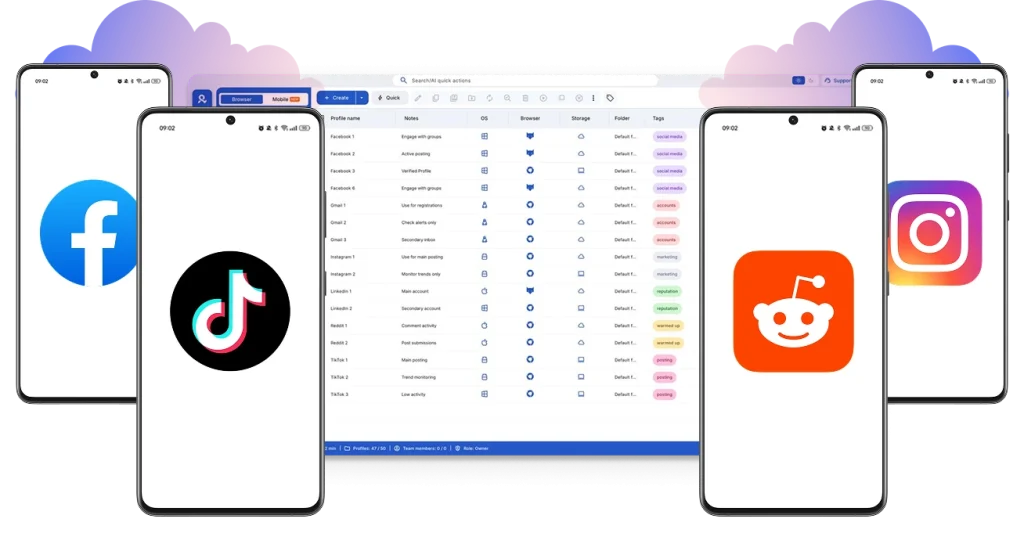
Post more,
work less
Perfect for multiple accounts
Unique cloud phones for each account
Built-in proxies
Residential and mobile proxies included in every plan
Grow organically
Post from real devices
Scale your mobile phone farm with ease
Multiply your cloud phones in seconds. Go from a small phone farm to hundreds of cloud phones without maintenance or overheating problems.
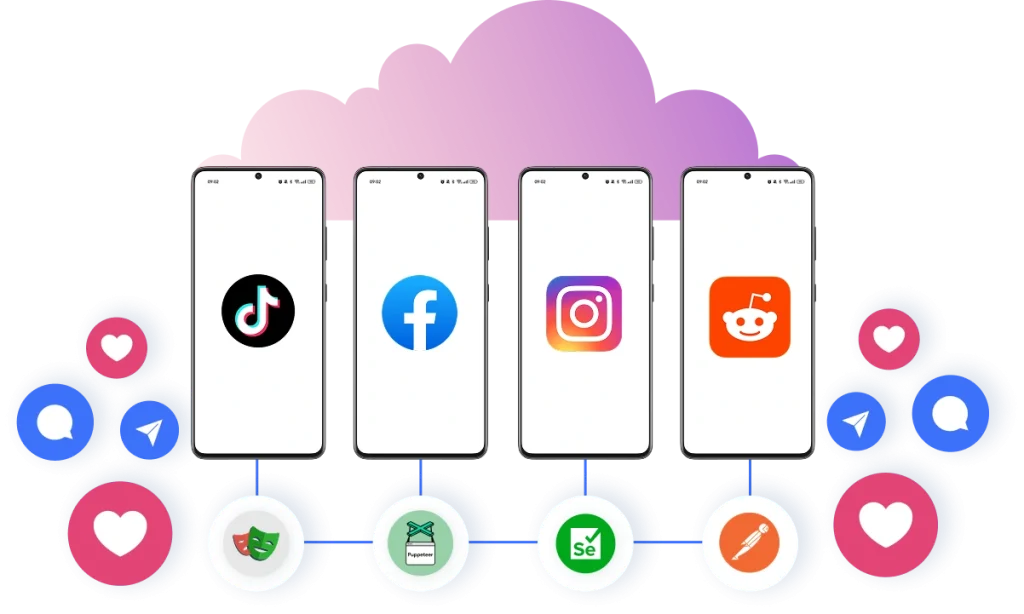
Pair a unique cloud phone with each account
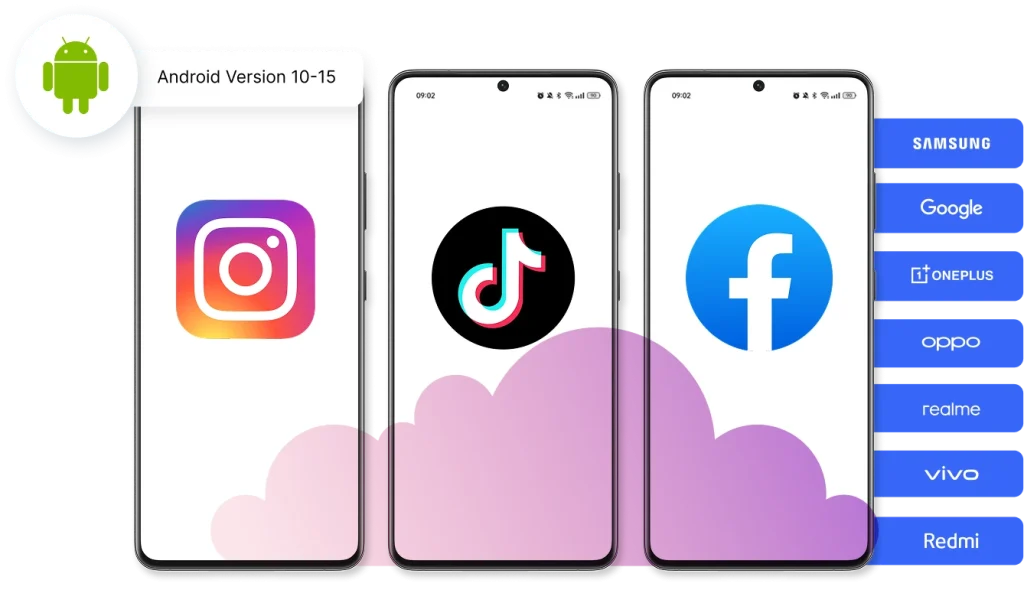
Pick from 12+ real device brands and customize the device model. Generate phone numbers for account verification automatically without any SIM cards.
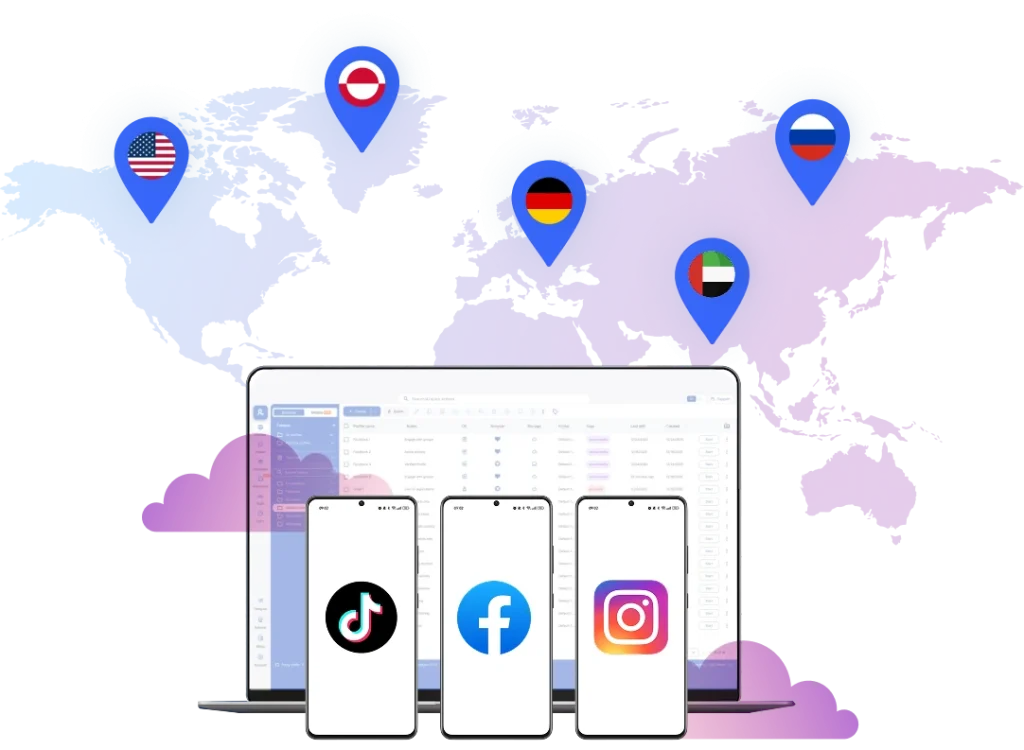
Log in from mobile using any location in the world
Pick from 150+ locations. Reach any audience you need.
Share your mobile farm with your team
Add team members, share cloud phones, and manage accounts together to boost your business results.
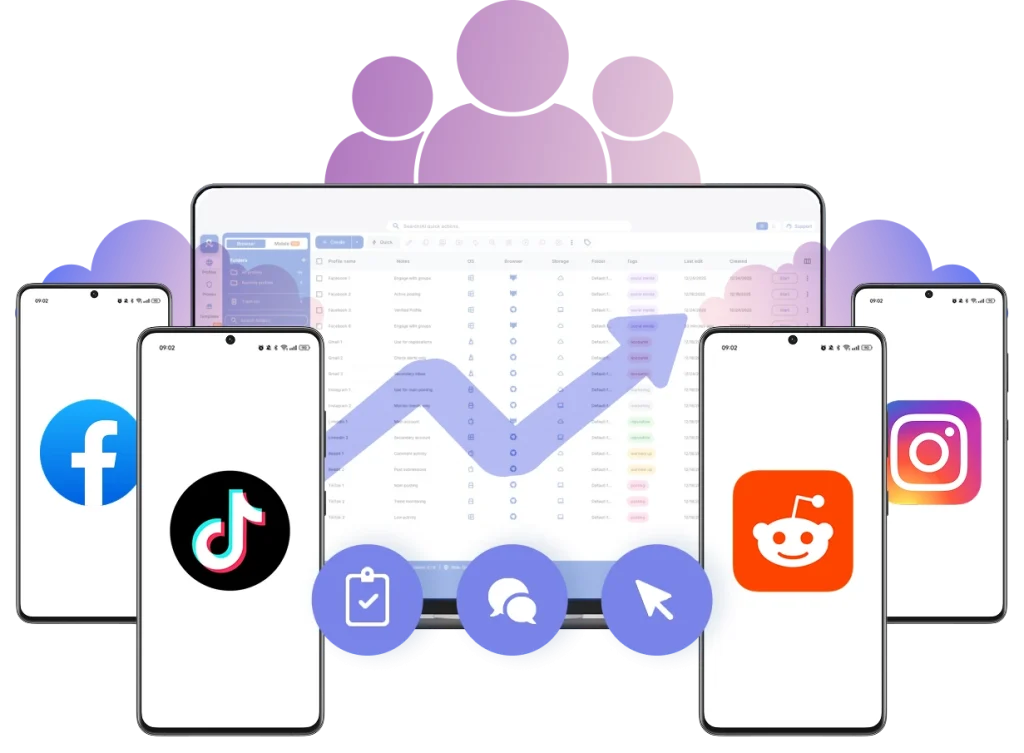
Run your mobile phone farm
Launch Android cloud phones in minutes. Manage apps without box phone farms or any hardware setup.
Why choose Multilogin for mobile phone farming?
The award-winning platform for social media growth















How to start using Multilogin
Start collecting data effortlessly with the industry leading antidetect browser.
Sign up
Register using a verified email address
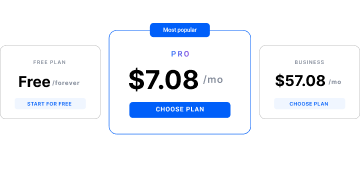
Choose your plan
Select from various subscription plans tailored to your business needs
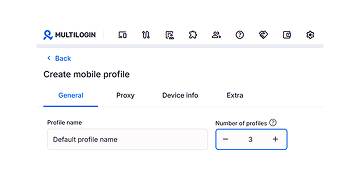
Connect and manage multiple mobile phones
Set up and manage multiple accounts using separate cloud phone profiles, all from one secure platform.
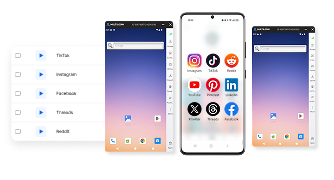
Watch the Multilogin Demo
See how to run multiple accounts in just 2 minutes.
Watch the demo below and discover how Multilogin can streamline your workflow.
More mobile and cloud phone solutions
- Android Cloud Gaming & AFK Farming with Multilogin Cloud Phones
- Android emulator alternative with cloud phones
- Antidetect Browser for Android
- Antidetect phone
- Cloud Phone for Gmail
- Cloud Phone for LinkedIn
- Cloud Phone for PayPal
- Cloud Phone for Social Media
- Cloud phone for Telegram
- Cloud Phone for Twitter
- Cloud phones for WhatsApp
- Cloud phones for Adobe Express
- Cloud phones for CapCut
- Cloud Phones for eBay Sellers and Agencies
- Cloud phones for KineMaster
- Cloud phones for Kwai
- Cloud phones for Shein
- Cloud phones for social media management
- Cloud phones for Splice
- Cloud phones for VN editor
- Compare
- Connect phones with Instagram
- Create multiple Facebook Ad Accounts with cloud phones
- Create multiple Hinge accounts
- Create multiple Lazada accounts
- Create multiple LINE accounts with cloud phones
- Create multiple Meta Business Suite accounts
- Create multiple Spotify Ads accounts
- Create multiple Spotify Creator accounts
- Instagram marketing tool
- Manage multiple Android phones
- Manage TikTok Creator accounts with cloud phones
- Mobile emulator online
- Online survey for money with cloud phones
- Phones with TikTok
- QA Automation
- Run mobile testing with Multilogin’s Android Emulation
- Run TikTok ad accounts on cloud phones
- Social media management
- Social media proxies
- YouTube AI Influencers: Run Multiple Channels
- Cloud phone
- Multi‑account browser with cloud phones
- Phone Farming
- Virtual phones for managing multiple accounts
- Remote phone
- AI influencer
- Reddit for AI
- Cloud cell phone for managing mobile accounts
- Сloud Android emulator
- Cloud Phone for TikTok
- Cloud Phone for Instagram
- Cloud Phones for Reddit
- Cloud Phone for Facebook
- Cloud Phone for YouTube