

Manage TikTok Creator accounts with cloud phones

Log into your TikTok creator accounts on real cloud phones. Post content, grow in the Creator Marketplace and monetize without a physical device.
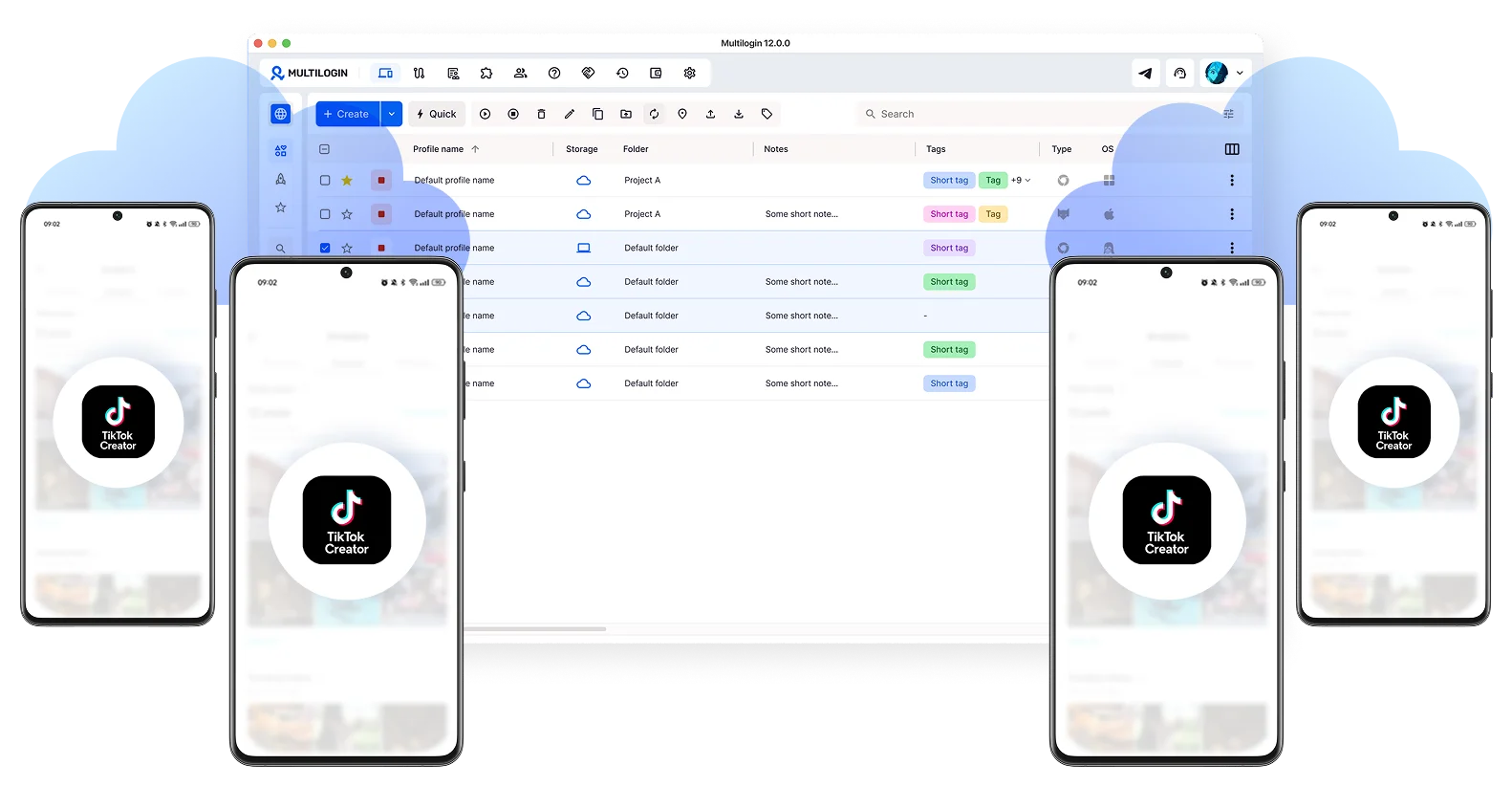
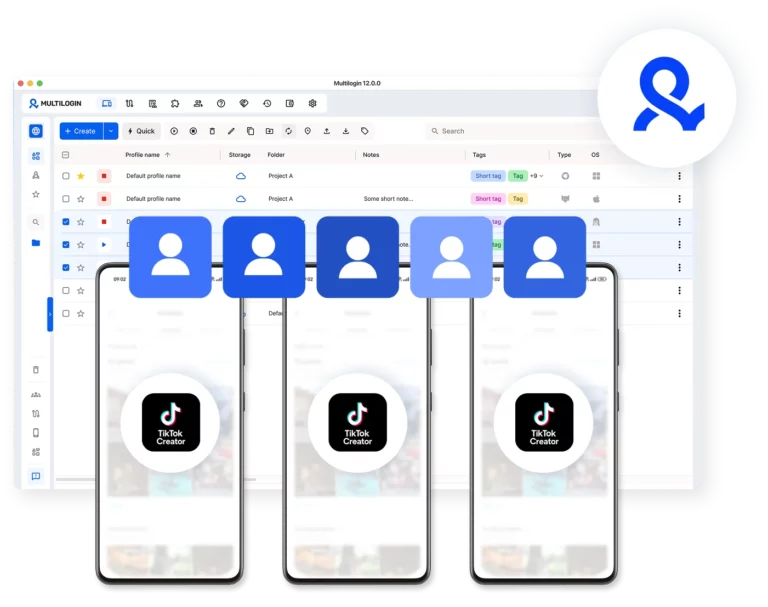
Multilogin dashboard for managing multiple TikTok creator accounts
Multilogin enables unlimited TikTok creator accounts management

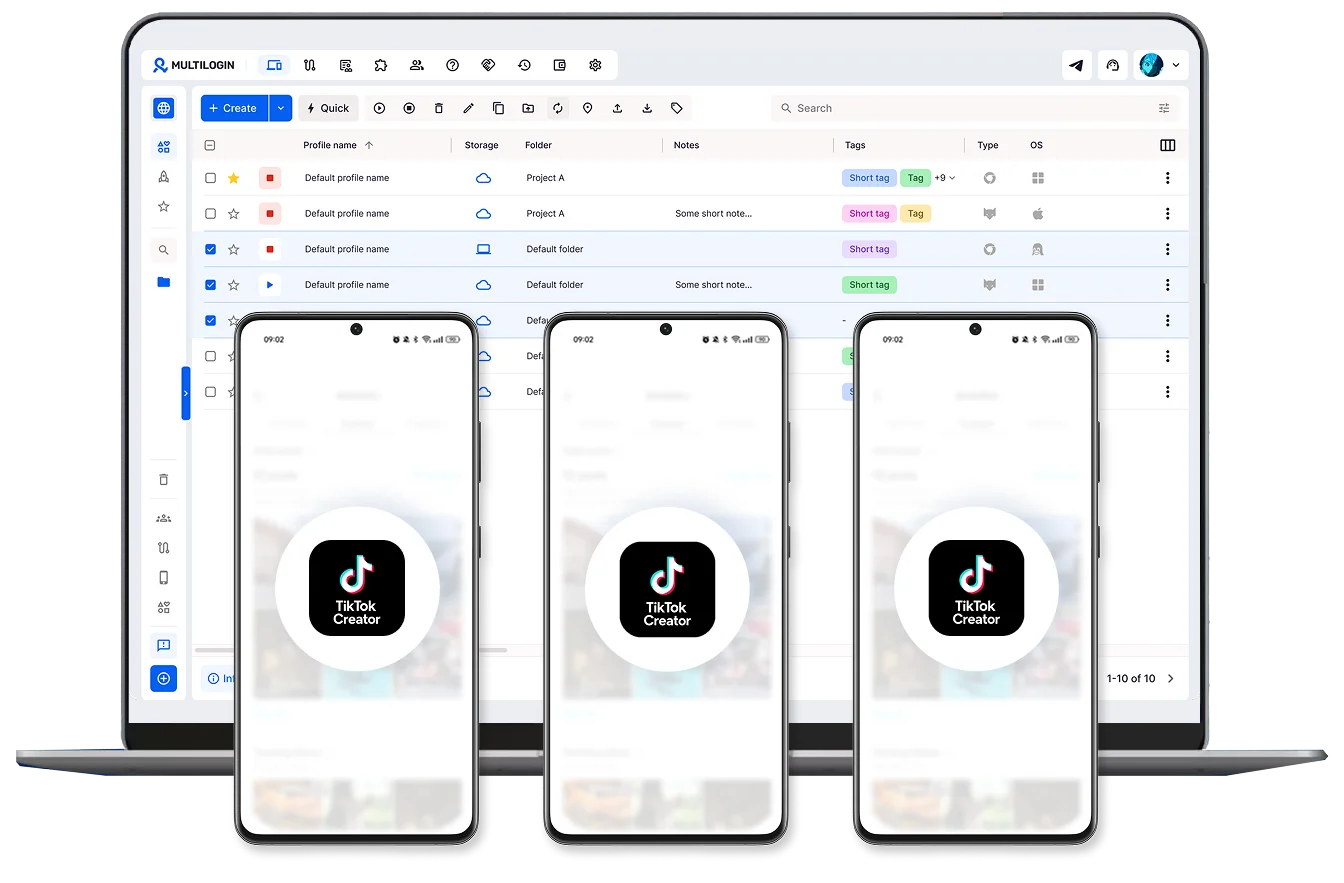
Run unlimited TikTok creator accounts with cloud phones

Sign into as many TikTok creator accounts as you need and run them in parallel with unique cloud phones. Never worry about hardware limits.

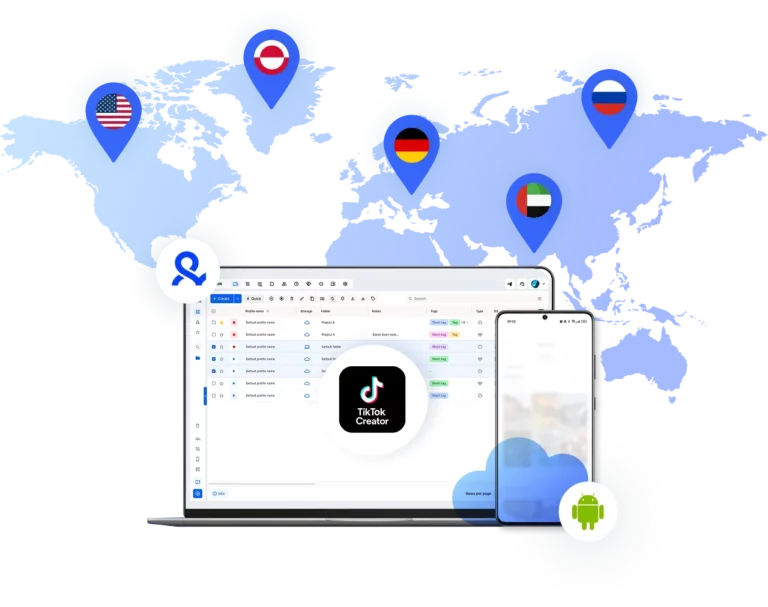
Monetize your TikTok creator account in any market

Choose from 150+ locations, appear in any region, and get discovered by local brands in the TikTok Creator Marketplace.

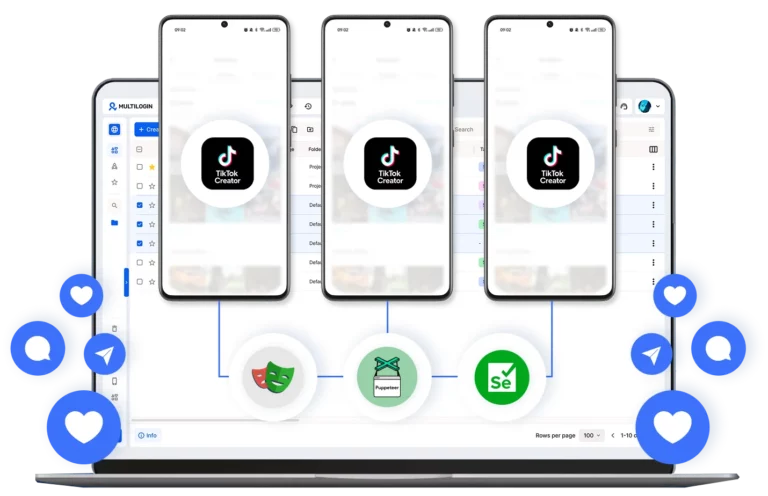
Grow your TikTok creator account on autopilot

Schedule and automate video posting across all your cloud phones. Stay consistent, feed the algorithm, and grow organically without manual work.

Collaborate across every TikTok creator account

Share access with your team, assign role-based permissions, and manage every TikTok creator account from one unified dashboard.

Manage Unlimited Mobile and & Web Accounts

Multilogin comes with built-in residential proxies to make multi-accounting, web scraping and web automation easier than ever. No extra setup, no third-party services—just undetectable browsing at no additional cost.
  • 3-day access to Multilogin

  • 5 cloud or local profiles

  • 200 MB proxy traffic included

  • 3-day access to Multilogin

  • 5 cloud or local profiles

  • 200 MB proxy traffic included

What are cloud phones for a TikTok Creator account?

Cloud phones are real Android devices that run online instead of in your hand. They let you install apps and manage a TikTok Creator account in the mobile app without physical phones or emulators.

Multiple cloud phone devices running in parallel for mobile account management

Why use Multilogin for a TikTok Creator account?

Multilogin gives every TikTok Creator account the tools it needs: cloud phones, browser profiles, and built-in proxies, all included with no extra cost.

Cloud phone management platform with multiple cloud phone devices controlled from one interface

Award winning multiple account management platform

High Performer
Momentum leader
Best support
Momentum leader

Watch the Multilogin Demo

Learn how Multilogin can boost your business. Check the video below to see its full capabilities in a short demo video.

How to start using Multilogin 

Start collecting data effortlessly with the industry leading antidetect browser.

Step 1 of how to use Multilogin

Sign up

Register using a verified email address to create your Multilogin account.

Step 2 of how to use Multilogin

Choose your plan

Select from various subscription plans tailored to your business needs.

Step 3 of how to use Multilogin

Download Multilogin

Install Multilogin on Windows, macOS, or Linux to access browser profiles and cloud phone management from one place.

Step 4 of how to use Multilogin

Access the Multilogin dashboard

Create browser profiles or launch cloud phones to manage TikTok accounts in isolated environments.

Step 5 of how to use Multilogin

Run multiple TikTok accounts

Set up and manage multiple TikTok accounts using separate browser profiles, all from one secure platform

Best tips for managing a TikTok Creator account

TikTok success isn’t about posting videos and crossing your fingers. Creator accounts give you analytics and ways to make money that regular profiles don’t offer.

You get actual tools to build a brand and reach people worldwide. If you want to earn money on TikTok, start with this guide.

What a TikTok creator account provides

Creator accounts unlock features regular profiles can’t access:

  • See who follows you: Age, gender, location of your audience
  • Track video performance: Which posts get views and engagement
  • Find your traffic sources: For You page, profile visits, or trending sounds
  • Get paid: Join the Creator Rewards Program
  • Work with brands: Access TikTok Creator Marketplace (switching to TikTok One soon)

How to use it

Check your dashboard regularly. Most followers in Europe? Post during their evening hours. Getting traffic from a specific sound? Make more videos with similar audio.

Casual users don’t look at this stuff. Creators making money do.

Process to change TikTok to creator account

Switching to a creator account takes about 30 seconds. To change TikTok to creator account, follow these steps: 

  1. Go to your profile and tap the three-line menu
  2. Select “Settings and privacy”
  3. Tap “Account”
  4. Choose the switch to creator account option

Approval is instant. The creator dashboard shows up in your menu right after it goes through.

A lot of people worry the switch will hurt their views. It won’t. TikTok doesn’t look at your account type when deciding who to show your content to. It cares about watch time, engagement, and how each individual video performs. All the switch really does is give you better data to work with. How the algorithm treats your content stays exactly the same.

Income potential and monetization streams

Making money is a big part of TikTok in 2026. The platform has moved past the old Creator Fund to better programs. The main focus now is the Creator Rewards Program. This program requires you to have 10,000 followers and 100,000 views in the last 30 days. It pays creators for original content that is longer than one minute. The earning potential here is high if you can keep viewers watching past the sixty-second mark.

Once you have a creator account, there are a few ways to make money on TikTok.

  • Creator rewards program: Get paid for original videos that are at least one minute long.
  • TikTok shop affiliate: Link products in your videos and earn a cut of every sale.
  • TikTok one: Work with brands on sponsored content and longer-term deals.
  • LIVE gifts and subscriptions: Let your audience support you during live streams through gifts or a monthly subscription.
  • Series: Put your best content behind a paywall for fans who want more.

TikTok Shop is worth calling out on its own. You link a product, someone buys it, and you get a percentage of the sale. No shipping, no customer service, none of that. It is one of the easier ways to earn without having to sell anything yourself.

Troubleshooting: TikTok Creator account not showing up

If your creator tools are not showing up, a few things could be behind it. Some features are only available in certain countries like the US, UK, and parts of Europe. Most earning programs also require you to be at least 18. If you are not seeing what you expect, run through this checklist.

  • Your region: Check whether the feature is available in your country.
  • Your age: Make sure your account shows you are 18 or older.
  • App version: Look for any pending updates in the App Store or Google Play.
  • Account standing: Check your notifications for any guideline strikes that may have limited your access.
  • App cache: Clear it in TikTok settings to fix any display issues.

Updating the app or clearing the cache sorts out most interface problems. If monetization tools disappear out of nowhere, your account standing is usually the first place to look. TikTok removes access to those features if your content breaks their rules, so it is worth checking your settings whenever something goes missing.

Risks of trying to Buy TikTok creator account

Some marketers try to buy creator accounts to skip the growth phase. This approach carries significant risks.

TikTok’s algorithms flag sudden changes in device identity and location. Bought accounts usually come with fake followers who don’t engage with content. Worse, buying accounts violates TikTok’s terms of service and can get you permanently banned. You lose the money and the account.

When you buy an account, you inherit whatever the previous owner did. If they used bots or spam tactics, TikTok already flagged it. Your content gets suppressed no matter how good it is.

Building an audience takes time, but you end up with real followers who actually engage. That’s what matters for monetization.

Managing multiple TikTok accounts with Multilogin cloud phones

Multilogin cloud phones give you real Android devices hosted in the cloud. Each account runs on its own separate device with unique hardware and network identity.

What you get:

  • Android cloud phones: Pick specific brands and device models for each account
  • Isolated environments: Each account gets its own dedicated space with saved app data
  • Stable sessions: Login states and app data stay saved between uses
  • 150+ proxy locations: Match each account to its target region with residential IPs

Persistent hardware profiles: Each cloud phone maintains consistent device signatures.

Conclusion

TikTok success in 2026 requires creator accounts, solid analytics, and the right management tools. Focus on creating original content and use Multilogin cloud phones to manage multiple TikTok accounts safely.

Avoid buying accounts. Build organically using data from your creator dashboard to guide your strategy. This approach takes longer but creates a stable, profitable presence that lasts.

Multiple TikTok Creator accounts FAQ

A TikTok creator account is a profile type designed for individuals who publish content and want to grow, analyze performance, and monetize their audience.

Unlike a personal account, it gives you access to advanced tools such as analytics, monetization programs, and brand collaboration features. It’s built for creators who want to scale their content strategy in a structured way using TikTok.

This usually happens due to a few specific limitations.

First, region restrictions. Some creator features are only available in countries like the US, UK, France, Germany, and Spain. If you are outside these regions, the option won’t appear.

Second, age requirements. You must be at least 18 years old. Incorrect birthdate details can block access.

Third, app version. An outdated version of TikTok may not display newer features.

Finally, account status. If your account has recent guideline violations, TikTok may limit access to creator tools.

The process is built directly into the app.

Open TikTok, go to your profile, and tap the menu icon in the top right. Then select Settings and privacy, open Account, and choose Switch to Creator Account. After selecting your content category, the change is applied instantly.

Once enabled, you’ll see a new Creator tools section in your menu.

No, it’s unsafe and not recommended.

Buying accounts violates TikTok’s terms and is easy for the platform to detect. Sudden changes in device, IP address, or location usually trigger security checks and lead to bans.

In addition, purchased accounts often have fake followers. These users don’t engage, which hurts performance and signals low-quality content to the algorithm.

A creator account gives you access to tools that directly impact growth and monetization.

  • Advanced analytics (watch time, traffic sources, audience insights)
  • Access to monetization programs like Creator Rewards
  • Entry to TikTok Creator Marketplace (TikTok One)
  • Ability to add a link in bio

These features help you make data-driven decisions and improve content performance over time.

Yes, but it requires the right setup to avoid risk.

Running multiple accounts from a single device often leads to account linking. If one account is flagged, others can be affected.

That’s why platforms like Multilogin are used for scaling. They create isolated environments for each account, with separate fingerprints and IP addresses. This makes every account appear as a real, independent user and reduces the risk of bans.

Scaling requires consistency, separation, and infrastructure.

Instead of relying on one device, creators use solutions like Multilogin to run multiple accounts in parallel without overlap. Each account operates in its own environment with a unique identity, which is critical for long-term stability.

This approach allows you to grow multiple creator accounts without triggering platform restrictions.

Thank you! We’ve received your request.
Please check your email for the results.
We’re checking this platform.
Please fill your email to see the result.

Multilogin works with amazon.com















