


Run phones with Instagram
Access cloud phones with Instagram to share Reels, post Stories, and manage multiple accounts without physical devices.
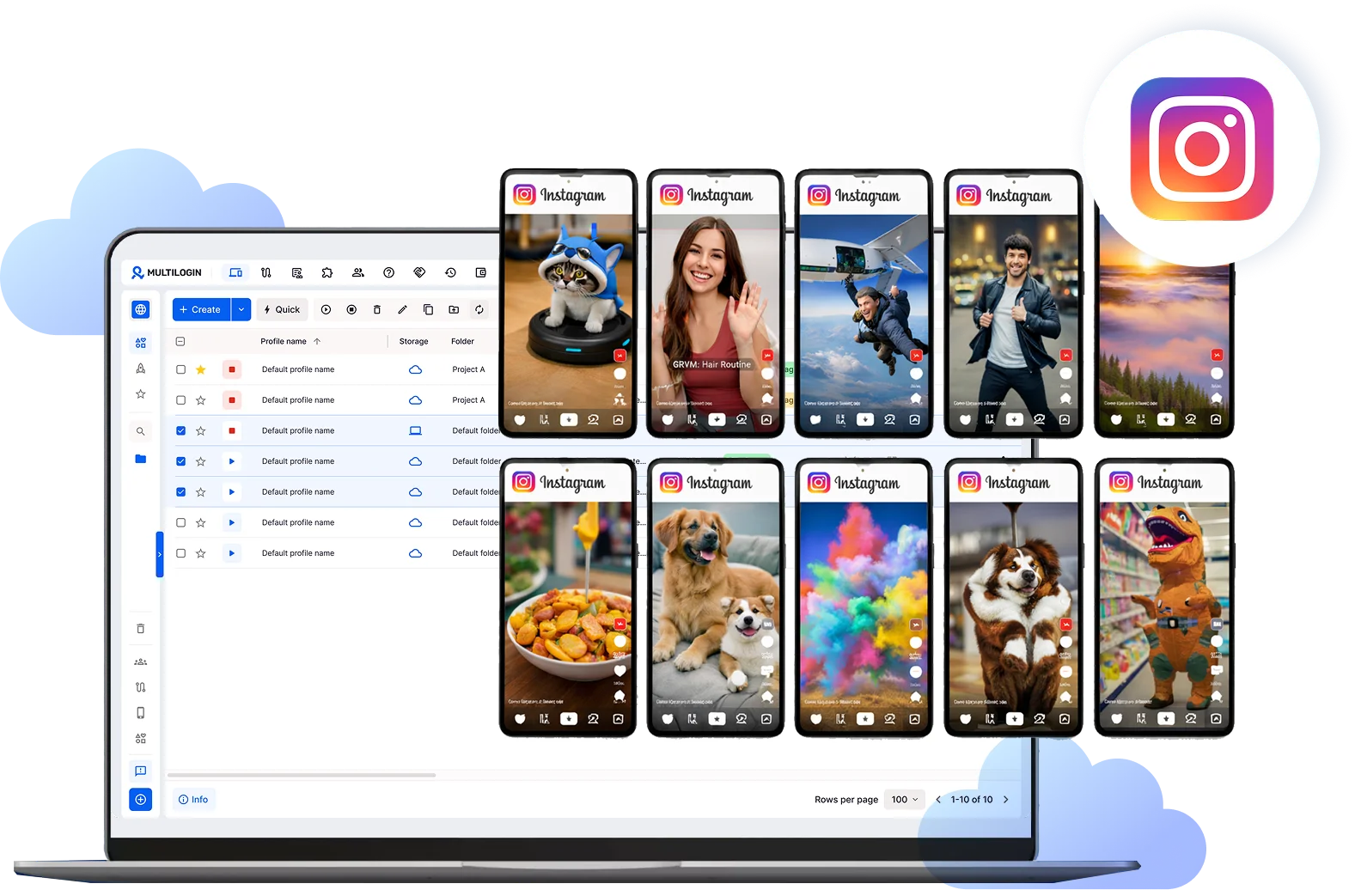
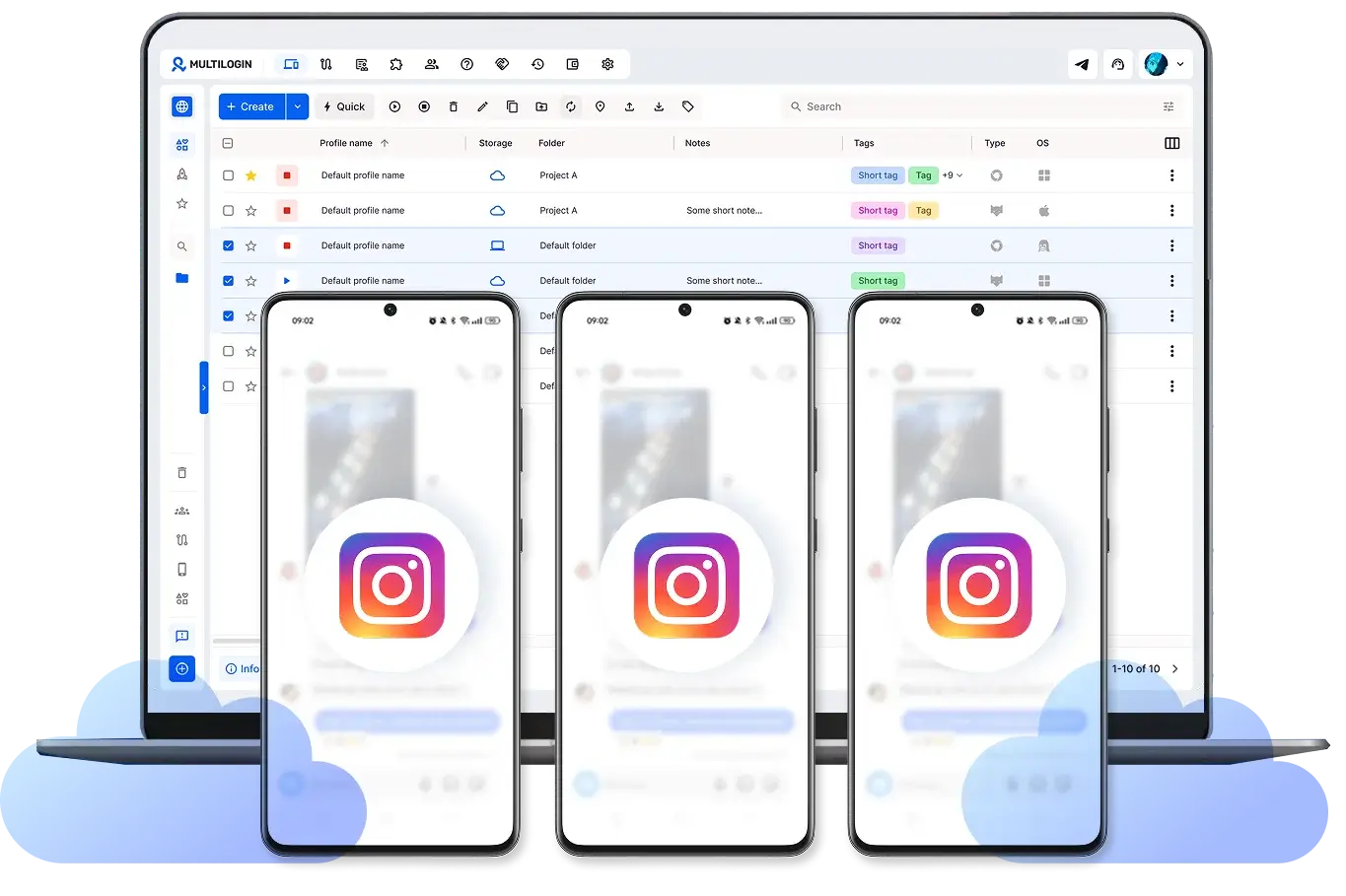
Run multiple Instagram accounts on phones
Use phones with the Instagram app installed for each account. Handle cross-posting and look natural to the platform to grow organically in the feed and Explore algorithms.
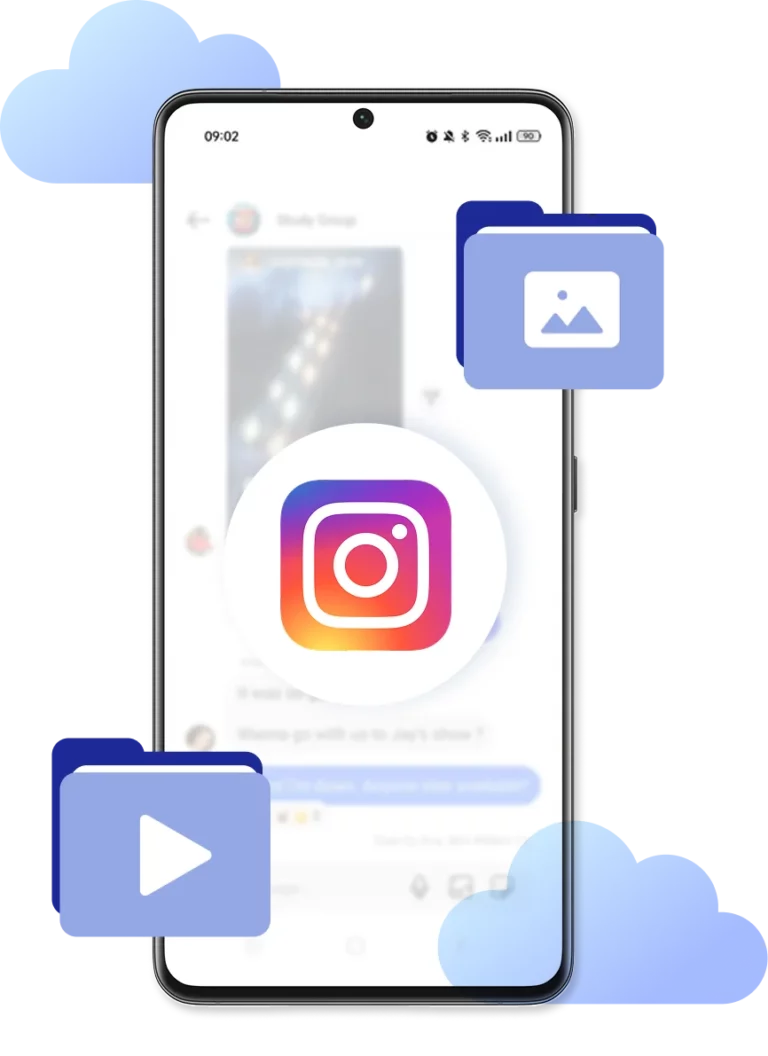
Control Instagram phones from your desktop
Drag and drop Reels, photos, and Stories straight into Instagram without USB cables or file transfers. Scale your content publishing without physical devices.
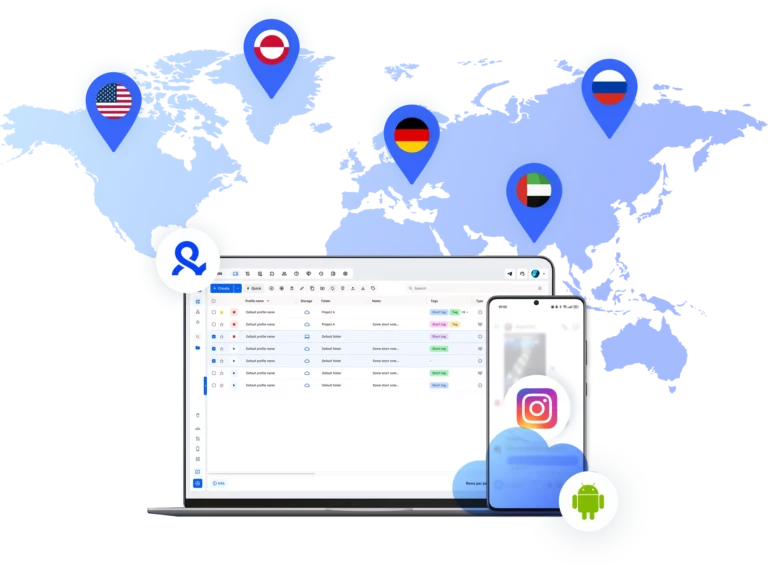
Connect phones with Instagram from any location
Get access to 150+ locations for your Instagram accounts. Boost engagement with regional followers and expand your global reach.
Work with your team using phones for Instagram
Share cloud phone profiles across your team, run bulk actions on multiple accounts, and manage everything from anywhere with secure cloud storage.
Grow your social media accounts with Multilogin cloud phones
-
Unlimited time
-
Mobile and browser profiles included
-
Free built-in proxies & mobile minutes
-
Unlimited time
-
Mobile and browser profiles included
-
Free built-in proxies & mobile minutes
What are phones with Instagram?
Phones with Instagram are cloud-based Android devices where the Instagram app is installed. This lets you manage multiple Instagram accounts from separate mobile environments. Each phone comes with unique device identifiers, isolated app data, and built-in mobile proxies.

Why choose Multilogin as a provider for cloud phones for Instagram?
Multilogin lets you run Instagram on cloud phones through a simple, beginner-friendly platform. We provide Android cloud phones for mobile app management, built-in mobile proxies, and browser profiles for desktop-based workflows.

Multilogin features for Cloud Phone management
Multilogin 2-in-1
Browser profiles and Android cloud phones in one platform. One dashboard, full control over all your accounts. Built for multi-accounting at any scale.
Built-in proxy integration
Residential IPs included in every plan — no extra cost. Access 30M+ IPs across 150+ countries and 1,400+ cities, tested daily for quality and reliability.
Up-to-date Android versions
Stable Android versions 10–15, fully compatible with modern mobile apps.
Real brands and devices
Support for 7 real Android device brands with unique IMEI and system-level digital fingerprints.
App repository
Install TikTok, Instagram, Reddit, and other popular apps without Google Play. APK uploads are also supported.
Folders, tags and access control
Organize profiles using folders, tags, and role-based access. Manage team workflows with ease.
Enterprise-grade security
Profile encryption, 2FA, access control, and compliance-ready security for safe operations.
Launch Real Android Devices in 60 Seconds
Install TikTok and start managing accounts. While your competitors spend days setting up physical phones.
Why people love Multilogin

Ha D.
Social Media Marketing Retail

Nino Latif

Stanislav K.
Marketing Manager

Elen S.
Marketing Manager

Hamza Arif
E-commerce Manager


Nick Horvath
Marketing agency
Watch the Multilogin Demo
The most awarded multi accounting platform















Phones with Instagram: A guide to managing multiple accounts
Instagram has become one of the strictest platforms for mobile identity. The app tracks device and network signals from the first sessions, and those signals can affect account performance long term. When teams scale, accounts using mismatched phones with Instagram often face login issues, verification checks, and lower engagement, even with identical content.
Multilogin lets creators, agencies, and ecommerce teams run Instagram on Android cloud phones with separate device identities, dedicated proxies, and persistent app sessions, all managed from one desktop dashboard.
Phones with Instagram are identities, not just devices
Instagram looks at far more than the username and password when a session starts. It reads:
- Hardware fingerprints and device model signatures
- Build number, OS version, and manufacturer flags
- IP location, ISP, and proxy type
- Sensor data and screen behavior during the session
- Long-term login history and posting cadence
Two phones with Instagram on them can run the exact same routine and produce wildly different results. One account grows, another stalls or gets soft-banned within a week, and the difference usually comes down to how consistent and clean the device signals look across sessions.
For anyone running more than a few accounts, this becomes the core problem. Sharing a single phone between accounts, using rooted handsets, or relying on emulators all create patterns that Instagram has been trained to recognize over time.
The real problem with physical phones with Instagram on them
Buying physical phones with Instagram installed is the most intuitive way to manage multiple accounts. It is also the path most teams abandon within a few months. The costs and friction stack up quickly:
- Each handset needs its own SIM card, charger, and storage space
- Updating dozens of devices manually is a constant time sink
- Stolen or damaged phones can take accounts offline for days
- Travel becomes impossible once the farm grows past a handful
- Heat, battery wear, and physical clutter scale with every new account
The deeper issue is the network side. Even a clean stack of physical phones does not solve IP overlap. Without proxies that match each device’s locale, accounts can still get linked by network signals long before Instagram notices anything wrong with the hardware itself.
The limits of Android emulators for Instagram
Emulators are the cheap alternative to a physical farm, and they work for a while before Instagram catches up. The detection signals are difficult to mask once the platform learns to look for them:
- Identical hardware fingerprints across emulator instances
- Failed sensor checks for accelerometer and gyroscope
- Suspicious build properties that flag virtualization
- GPU and graphics behavior that does not match real Android chips
- Telltale system IDs left behind by virtual machines
When Instagram detects an emulator, it rarely bans the account outright. Instead, reach declines gradually, Stories stop surfacing to new viewers, and DMs start landing in spam folders. The account still works on the operator’s side but becomes effectively invisible to the algorithm, which is harder to diagnose than a clean ban.
Multilogin cloud phones for Instagram
A Multilogin cloud phone is a real Android instance running on remote infrastructure. To Instagram, it is indistinguishable from a handset in someone’s pocket. Each cloud phone comes with:
- Its own Android OS and a unique device fingerprint
- Dedicated app storage that persists between sessions
- A built-in proxy matched to the device’s locale and time zone
- Full isolation from every other cloud phone on the account
- Desktop-based control so nothing physical sits on your desk
Because cloud phones run the full version of Android, Instagram behaves the same way it would on a physical phone. Logins persist across sessions, drafts save normally, and Direct messages, Reels, and Stories work without quirks.
Multilogin also pairs cloud phones with desktop browser profiles in the same dashboard, which matters for anyone who manages Instagram across both mobile and web, including business accounts and Shop verification flows.
Native Instagram features that only work on real Android
Instagram puts most of its newest features on mobile first, and some never make it to the web app at all. Running accounts from native phones with Instagram is the only way to get full access to:
- Reels camera with native effects, filters, and music
- Stories with stickers, polls, and music attribution
- Direct messages with voice notes and vanish mode
- Live streaming and Live Shopping
- Push notifications that drive engagement
- Shopping tags, product tagging, and checkout flows
Multilogin cloud phones run the official Instagram app, so all of these features work the same way they do on a regular handset. The activity reads as native mobile usage because that is technically what it is.
Workflows for teams managing phones with Instagram at scale
The use cases tend to cluster around a few common workflows:
- Agency management. Each client account sits in its own cloud phone with persistent data and unique device signals, so accounts never get linked by shared fingerprints.
- Affiliate and influencer ops. Multiple niche accounts run in parallel from different regions, each posting natively without exposing the operator behind them.
- Ecommerce and Shop. Business accounts stay on dedicated cloud phones, which helps with verification flows and avoids the cross-contamination that triggers reviews.
- Warm-up and recovery. New accounts build history gradually on stable, isolated devices instead of bouncing across shared handsets.
The shared theme is consistency. Cloud phones let accounts build the kind of long-term mobile footprint Instagram rewards.
Running phones with Instagram across multiple regions
Instagram is one of the most region-sensitive apps on the market. Trends, hashtags, Explore content, and ad delivery all shift significantly between countries, and creators targeting a specific market need devices that look like they belong there.
With Multilogin, every cloud phone pairs with a dedicated proxy and matches the device’s locale, language, and time zone to that proxy. A phone with Instagram targeting Brazil looks like a Brazilian device rather than a US device routed through a Brazilian IP. Network signals, app store region, and device settings all stay aligned, which is what keeps accounts stable across markets over time.
Conclusion
Phones with Instagram are only as useful as the identities running on them. When the device fingerprint is shared, the IP does not match the locale, or the app state breaks between logins, even strong content strategies struggle to land.
Buying physical phones is reasonable for one or two accounts but becomes unmanageable beyond that. Emulators look cheap but leak the kind of signals Instagram has long since learned to flag. Multilogin gives each Instagram account its own dedicated Android cloud phone with a unique device identity, a clean proxy, and persistent app state. The setup behaves like a real handset to Instagram, scales without filling a room with hardware, and stays organized as the operation grows from a few accounts to several hundred.
FAQ
What is a phone with Instagram?
A phone with Instagram is an Android device running the official Instagram app. From Instagram’s perspective, the phone is a verification layer for the account rather than just a host for the app. The platform reads hardware identifiers, sensor data, network signals, and behavior history every session, and it ties all of that information to the account logged in. Multilogin gives every account its own dedicated Android cloud phone with a clean, consistent device fingerprint, which means each Instagram identity sits on a stable device that the platform reads as a normal user phone instead of a shared or recycled environment.
Why do phones with Instagram on them affect account reach?
Instagram uses device signals to decide how much an account looks like a real person versus a coordinated operation. When phones with Instagram on them share fingerprints, run through the same IP, or show emulator patterns, reach drops gradually even when no ban is issued. Accounts in this state can still post and message, but their content barely surfaces on Explore or in followers’ feeds.
Multilogin avoids the issue by giving each account its own cloud phone with a unique fingerprint and dedicated proxy, so the signals stay clean and the account looks like a standalone user instead of part of a connected cluster.
Is buying phones with Instagram worth it for managing many accounts?
For one or two personal accounts, a regular handset is fine. For agencies, marketers, or ecommerce teams running ten or more accounts, buying phones with Instagram quickly becomes impractical. The hidden costs add up:
- Hardware, SIM cards, and data plans for every account
- Storage shelves, charging stations, and constant maintenance
- Lost productivity when devices break, overheat, or get stolen
- Inability to travel or work from anywhere with the full setup
- Proxies still needed on top of the hardware spend
Multilogin replaces the physical farm with cloud phones that scale on demand, work from any laptop, and arrive pre-configured with their own proxies and device identities.
Can I run multiple accounts on the same phone with Instagram?
Technically yes, but it is one of the fastest ways to get accounts linked. Instagram compares device fingerprints, login times, and behavior patterns to detect when multiple accounts share a single device. Once two accounts get linked, action limits and shadowbans tend to apply to both, even if only one was doing anything unusual.
Multilogin solves this by isolating every account inside its own dedicated Android cloud phone, so there is no shared hardware, no shared IP, and no shared session history between accounts. Each Instagram login behaves like a standalone user account from day one.
Why does Instagram detect Android emulators so easily?
Instagram has spent years training detection systems against the most common emulators. The signals are hard to mask:
- Reused hardware fingerprints across emulator instances
- Failed checks for accelerometer, gyroscope, and proximity sensors
- GPU and graphics behavior that does not match real Android chips
- Build properties and system IDs that flag virtualization
- CPU and memory patterns that look nothing like real handsets
When Instagram catches an emulator, it usually limits reach silently instead of banning outright, which is harder to diagnose than a clean ban. Multilogin’s cloud phones are real Android instances on remote hardware, not emulated environments, so they pass the same device checks that physical phones with Instagram on them would pass.
Do I need a separate proxy for each phone with Instagram?
Yes, especially when accounts target different regions or operate at scale. Instagram treats shared IPs as one of the strongest signals that accounts are connected, and once a few accounts on the same IP trigger reviews, the rest usually follow. Each phone with Instagram should connect through a clean, location-matched proxy that aligns with the device’s locale, time zone, and language. Multilogin includes built-in proxies and pairs every cloud phone with the right IP automatically, so the network identity stays consistent without separate sourcing or rotation.
How is a Multilogin cloud phone different from a regular phone with Instagram?
To Instagram, both look like real Android devices. The operational difference is what changes the math for teams:
- No physical hardware to buy, charge, or replace
- Remote access from any laptop, anywhere in the world
- Scale on demand from a few phones to several hundred
- Persistent state so logins, drafts, and DMs survive between sessions
- Built-in isolation with separate proxies and device IDs per phone
A regular phone with Instagram is fine for one or two accounts. Multilogin’s cloud phones are built for anything beyond that, especially when accounts span multiple regions or business types.
Can I use Reels, Stories, Shop, and DMs on a cloud phone?
Yes. Multilogin cloud phones run full Android with the official Instagram app installed, so the entire mobile feature set works the same as on a physical handset:
- Reels camera, native effects, and music library
- Stories with stickers, polls, music, and link options
- Direct messages with voice notes and vanish mode
- Live streaming and Live Shopping sessions
- Shopping tags, product tagging, and checkout flows
- Push notifications, drafts, and scheduled posts
Uploads register as native mobile activity, which is how Instagram prefers content to be posted and the type of session that tends to get the cleanest reach in feed and Explore.
