


Create and manage multiple Instagram accounts
Manage multiple Instagram accounts from one dashboard with Multilogin Android cloud phones. Give each mobile account its own persistent Android environment, or use an isolated browser profile when the work happens on Instagram web.
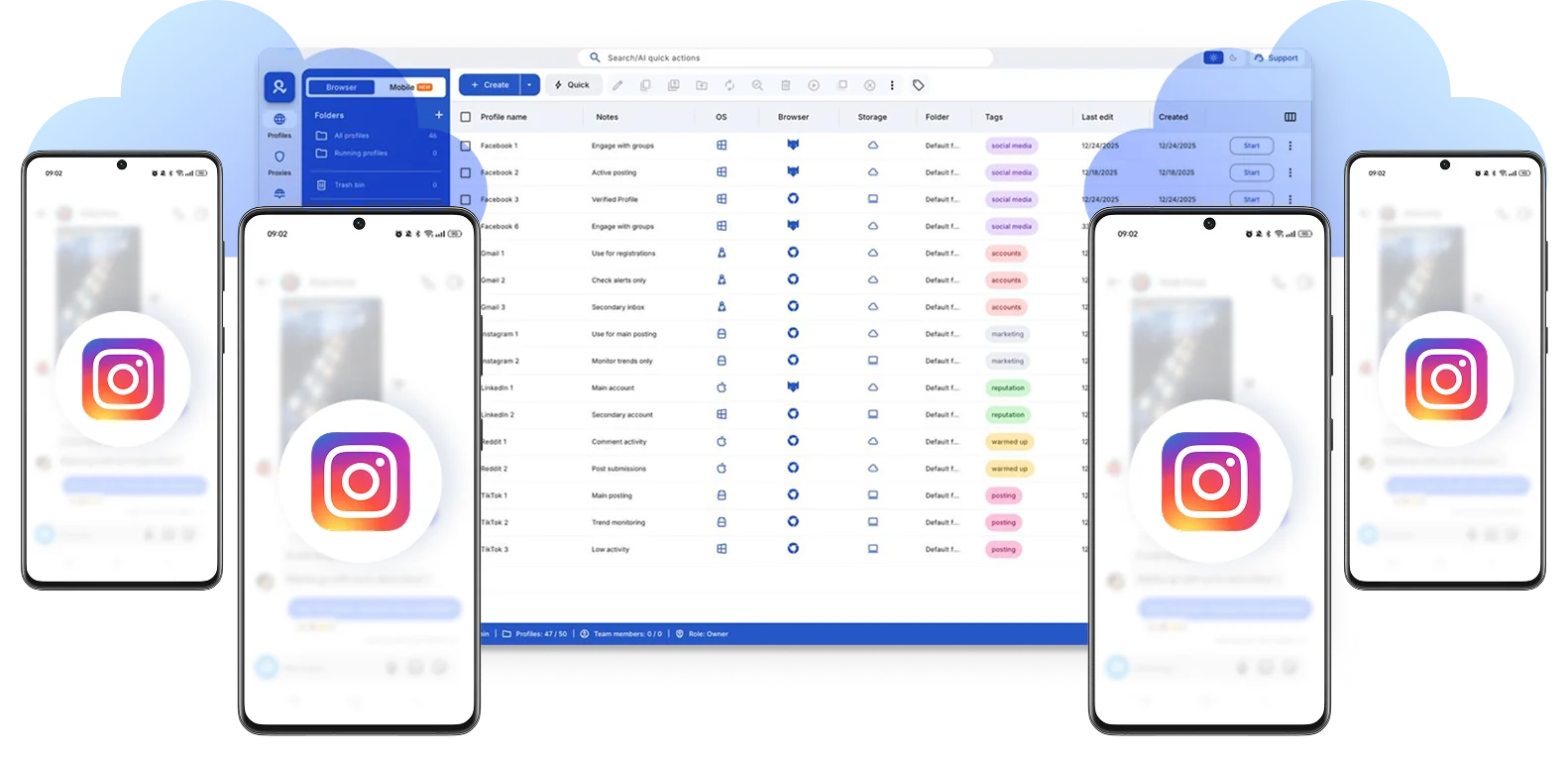

Perfect for multiple accounts
Unique cloud phones for each account

Publish everywhere
Reach more than 150 locations

Grow organically
Post from real devices
One platform, unlimited Instagram accounts
Run multiple Instagram accounts
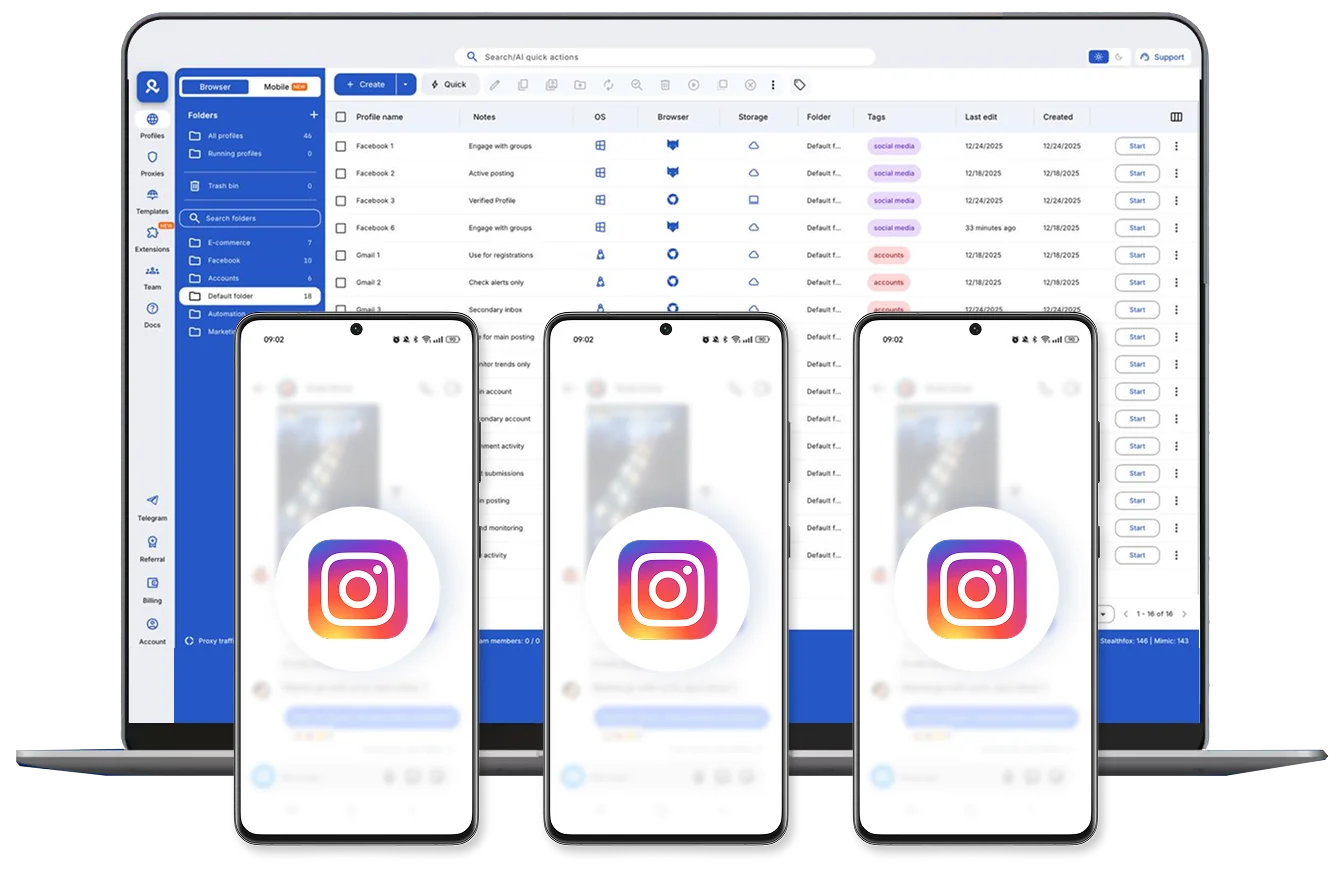
Create and manage Instagram accounts from different locations
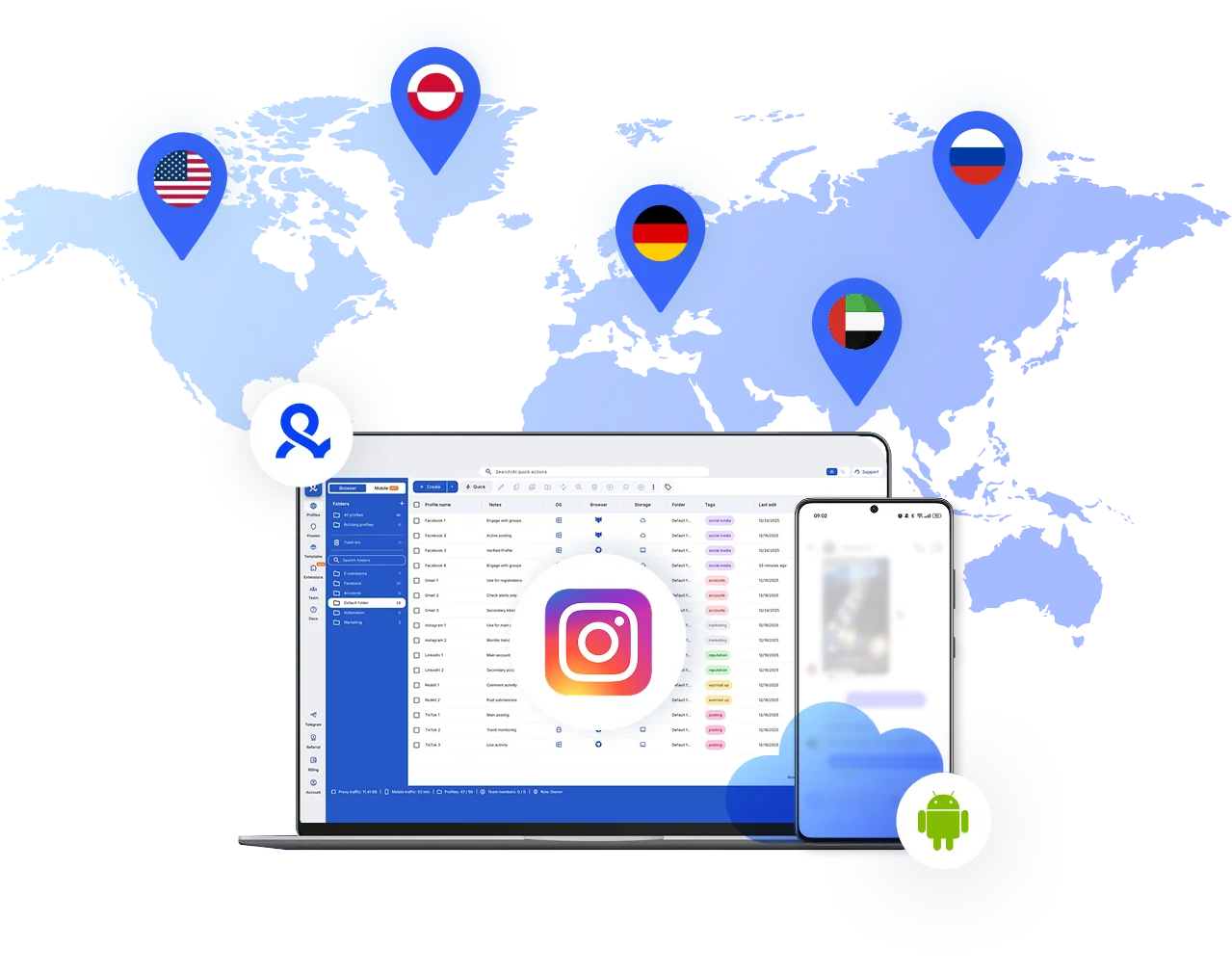
Get unique cloud phones for Instagram
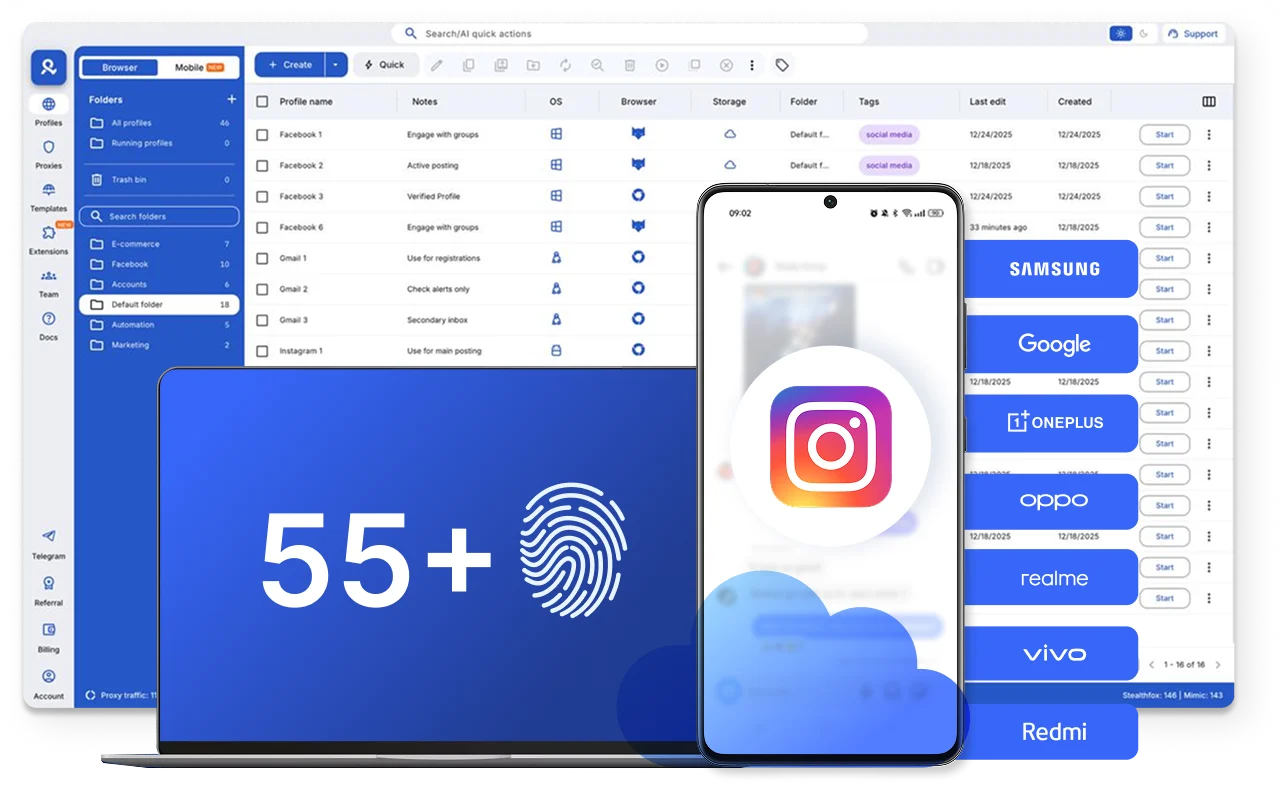
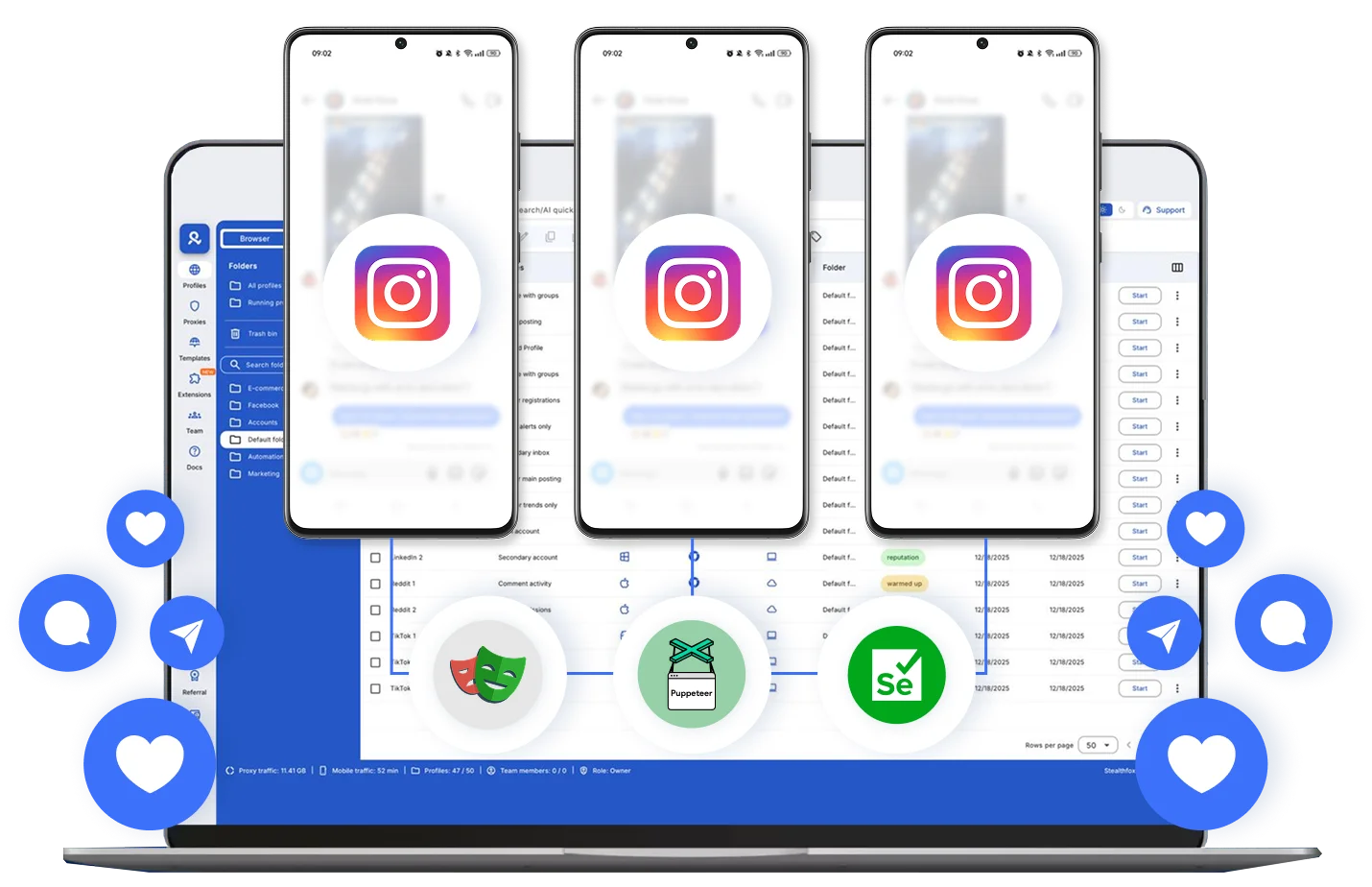
Automate your actions for Instagram accounts
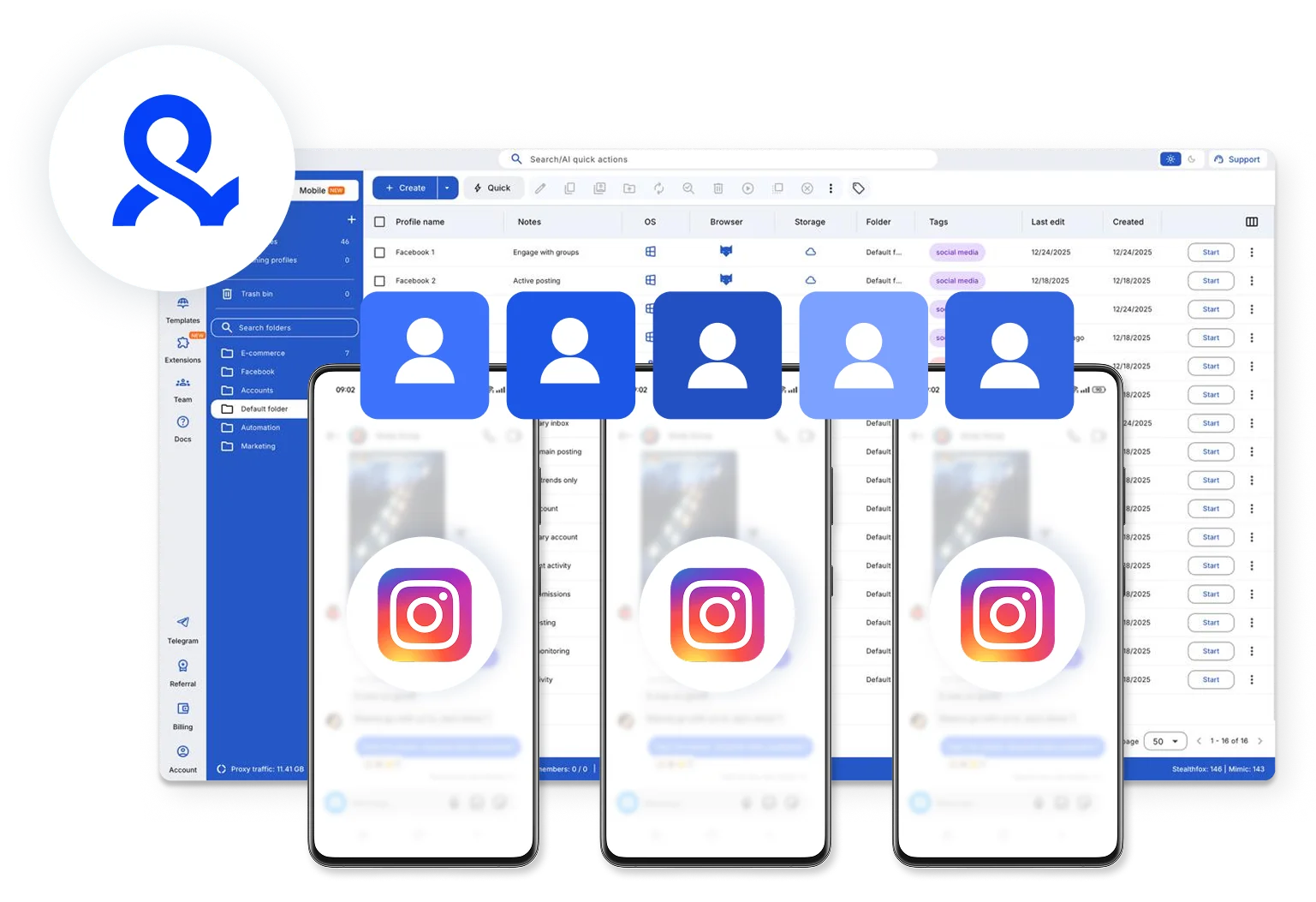
Assign roles and collaborate on multiple Instagram accounts with your team
How to get started and grow your Instagram
Time is money. Start in minutes

Sign up
Choose a plan and download the app

Create mobile profile
Customize the device model and choose location
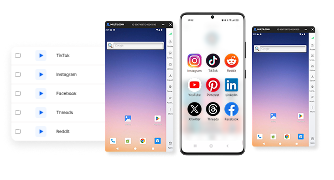
Run your accounts
Use separated browser profile to earn
Sign up
Choose a plan and download the app
Create mobile profile
Customize the device model and choose location
Run your accounts
Use separated browser profile to earn
Watch the Multilogin Demo
What is Multilogin?
Trusted by thousands of creators, sellers & online earners

Ha D.
Social Media Marketing Retail

Nino Latif

Stanislav K.
Marketing Manager

Elen S.
Marketing Manager

Hamza Arif
E-commerce Manager


Nick Horvath
Marketing agency
Start planning your project today
Upload content, automate posts and engagements: all in one unified dashboard
The most awarded multi accounting platform















Explore more solutions for any platform you need
FAQ
Yes. Multilogin replaces physical phone farming with cloud-based Android phones. Each Instagram account runs on its own real Android environment in the cloud, so you don’t need to buy, charge, rotate, or maintain physical devices
Instagram links accounts through shared device signals, app storage, and session history. When multiple accounts run on the same phone or app environment, those signals overlap. Using a separate cloud phone for each account removes that overlap and keeps accounts isolated.
Yes. Multilogin cloud phones keep app data, cache, and login states persistent across restarts and updates. Each account returns as the same phone every time, reducing re-verification prompts and unexpected logouts.
Yes. Emulators and cloned apps often reuse system identifiers that Instagram can detect. Multilogin cloud phones run real Android environments with isolated device signals, making each Instagram account behave like it’s on a separate physical phone.
Instagram typically acts when it detects suspicious patterns, such as bulk account creation, rapid follow/unfollow actions, identical posting behavior, or frequent logins from the same network. These signals tell the algorithm that accounts might be automated or connected. Separating each profile’s identity and keeping actions natural significantly reduces the risk of being flagged.
Each account needs to look like it’s coming from a different device. Social platforms check your device ID, IP address, and how you use the app. If multiple accounts share the same device or network, they get linked and flagged.
Multilogin gives each account its own cloud phone or browser profile. Each cloud phone runs real Android with unique hardware IDs and a separate IP address through built-in proxies. Platforms see each account as a completely different device.
Beyond the technical setup, keep your activity natural. Don’t automate too aggressively, and maintain consistent login patterns over time.
No. Every Multilogin plan includes access to high-quality residential proxy traffic, with easy in-app purchasing and management options as you scale. This ensures that each account connects through a unique, location-specific IP — a key factor in staying undetected and avoiding bans when managing large numbers of accounts.
Instagram typically allows about five accounts per device. With Multilogin, each browser profile acts like a separate device, so you can safely manage dozens or even hundreds of accounts, depending on your hardware and proxy setup.
You may hit limits if too many accounts share the same IP or device fingerprint. Multilogin gives each profile its own unique identity, allowing you to keep adding accounts without triggering platform restrictions.
In the Pro plan you can manage up to 10 browser profiles by default, with options to upgrade to 50 or 100 profiles if needed.
If you require more, the Business plan lets you run 300+ profiles and provides unlimited team seats, ideal for agencies or teams managing large-scale projects.
Instead of logging in and out, Multilogin lets you keep multiple accounts open simultaneously in isolated, persistent browsers. This makes switching, posting, and scaling faster and more secure.
How to manage multiple Instagram accounts as your operation grows
Managing a few Instagram accounts is usually simple. You can switch between them inside Instagram and keep track of the work yourself. It gets harder when you manage accounts for several clients, brands, stores, creators, or regions.
Then you need to know:
Which account belongs to whom
Who should have access
Which device or environment belongs to the account
What work needs to happen next
That is where a more organized setup helps. With Multilogin, Instagram mobile accounts can run on separate Android cloud phones. Instagram web tasks can use isolated browser profiles. Everything can be managed from one dashboard.
Why does managing multiple Instagram accounts get harder?
The main problem is usually organization, not simply logging in. As the number of Instagram accounts grows, it becomes easier to open the wrong account, share access with the wrong person, or forget which setup belongs to which client.
For example, one social media manager may need to:
Publish for one client;
Check comments for another
review a regional brand account
hand another account to a teammate.
A clear system makes this easier.
For each Instagram account, your team should know:
Which environment belongs to it
Who is responsible for it
Who can access it
Where content and analytics are managed.
Multilogin helps with the account environment. Your content calendar, scheduler, and analytics tools can keep doing their own jobs.
What is the best way to manage multiple Instagram accounts?
Use the simplest setup that fits your team and number of accounts.
If you manage only a few accounts, Instagram’s own account switching may be enough. If you manage many client or business accounts, it helps to give each account its own clear working environment.
For Instagram mobile work, you can assign one Android cloud phone to each Instagram account.
For web-based work, you can use an isolated browser profile.
A simple setup might look like this:
Client A → cloud phone A
Client B → cloud phone B
Client C → cloud phone C
The goal is simple: anyone on the team should know which environment belongs to which account.
Why use cloud phones for multiple Instagram accounts?
Cloud phones let teams use the Instagram Android app without keeping a physical phone for every account.
A Multilogin cloud phone runs Android in the cloud. You can install Instagram, sign in, and come back to the same environment later.
The app data and login history stay with that cloud phone.
This can be useful for teams that would otherwise need to keep many physical phones charged, labeled, and available.
For tasks that happen on Instagram web, Multilogin also includes isolated browser profiles.
How can agencies manage multiple Instagram client accounts?
Give every client account its own environment and control who can access it.
Agencies often manage Instagram accounts for several brands at the same time.
Without a clear structure, client accounts can quickly become difficult to organize.
Multilogin lets teams use:
profile assignments;
permissions;
folders;
tags;
notes.
For example, you can group accounts by client, region, or team and give access only to the people who need it.
Your content calendar can still manage publishing. Your analytics tool can still manage reporting. Multilogin handles the account environment.
How can brands manage Instagram accounts for different markets?
Keep each regional account connected to its intended environment.
A company may have separate Instagram accounts for different countries, languages, or stores.
Multilogin includes residential proxies and location settings that can support regional workflows.
The important part is consistency.
Keep a clear record of which setup belongs to each account. Avoid changing settings without a clear reason.
It also helps to use clear profile names, such as:
Brand UK
Brand Germany
Store US
Client France
That is much easier to manage than names like “Instagram 1” and “Instagram 2.”
How should e-commerce brands manage multiple Instagram accounts?
Keep account access separate from content, products, and analytics.
An e-commerce team may manage different Instagram accounts for:
separate stores;
product lines;
regions;
client brands.
Each Instagram account can have its own Multilogin cloud phone.
At the same time:
your content calendar manages what gets published;
your analytics tool measures performance;
your e-commerce system manages products and orders;
Multilogin manages the account environment.
This keeps the workflow easier to understand.
How do you switch between multiple Instagram accounts efficiently?
Use Instagram’s own account switcher for simple setups. Use separate environments when the workflow becomes more complex.
There is no need to make a small setup complicated.
But when you manage many client or business accounts, opening the environment already assigned to the account can be easier than switching between many accounts on the same device.
Inside Multilogin, folders, tags, notes, and profile names can help you find the correct Instagram account quickly.
Can you automate workflows for multiple Instagram accounts?
Yes, some account-management workflows can be automated.
Multilogin supports:
API access;
ADB access;
Puppeteer;
Selenium;
Playwright;
Postman.
These tools can help technical teams automate supported parts of their workflow.
But automation and social media scheduling are not the same thing.
A social media scheduler is better for:
content calendars;
approvals;
scheduled posts;
reporting.
Multilogin is used for the account environments behind the workflow.
Automation should always follow Instagram’s rules.
How do you track analytics across multiple Instagram accounts?
Use Instagram Insights, Meta’s tools, or your chosen analytics platform.
Multilogin is not an Instagram analytics tool.
Its job is to help you organize and access the account environments.
A simple way to think about it is:
Multilogin: Where do I open this account?
Analytics tool: How is this account performing?
Content calendar: What should we publish next?
Keeping these jobs separate makes the workflow easier to manage.
What is the best way to share access to multiple Instagram accounts?
Use official account permissions where available and limit access to only the people who need it.
For the Multilogin side of the workflow, you can assign profiles and permissions to team members.
This means someone working with one group of Instagram accounts does not need access to every account in the workspace.
The goal is simple: give people access to what they need, not everything.
How many Instagram accounts can one person manage?
There is no single number that works for everyone. One person may easily manage several low-activity accounts.
The same person may struggle with only a few accounts if they require:
daily posting;
many comments and messages;
client approvals;
detailed reports;
frequent content production.
The real question is not only how many accounts you can log into.
It is whether you can manage them clearly and consistently.
Can Multilogin create unlimited Instagram accounts?
No. Multilogin does not provide unlimited Instagram account creation.
People searching for “unlimited Instagram accounts” often mean one of two things:
creating many Instagram accounts;
managing many existing Instagram accounts.
Multilogin is built for the second use case.
It provides Android cloud phones and browser profiles for account management.
Instagram account creation and verification still follow Instagram’s own requirements.
Multilogin also does not provide Instagram accounts or SMS verification codes.
Does using separate cloud phones guarantee Instagram accounts will not be restricted?
No. No cloud phone, proxy, browser profile, or account-management tool can guarantee that an Instagram account will never face verification or restrictions.
Instagram can consider many factors, including account activity, content, platform rules, and verification requirements.
Multilogin helps organize account environments. It is not a way around Instagram’s rules.
Should you rotate IPs for multiple Instagram accounts?
There is no verified universal IP-rotation schedule for Instagram accounts.
If you use proxies, keep track of which configuration belongs to each account.
Make changes only when there is a clear operational reason.
Multilogin includes built-in proxy options, but that does not mean changing IPs at a certain frequency will prevent Instagram restrictions.
What role does Multilogin play in managing multiple Instagram accounts?
Multilogin manages the account environments behind your Instagram workflow.
For Instagram teams, it provides:
Android cloud phones for mobile work;
isolated browser profiles for web tasks;
built-in proxy options;
persistent app data;
folders, tags, and notes;
team permissions;
profile assignment;
API and ADB access for supported automation.
It does not replace Instagram, your scheduler, your content calendar, or your analytics tools.
Each tool should have a clear job.
Keep multiple Instagram accounts organized as you grow
Managing a few Instagram accounts can be simple.
Managing many client, brand, store, or regional accounts needs more structure.
The goal is to make sure every account has a clear environment, a clear owner, and clear access.
With Multilogin, you can use Android cloud phones for Instagram mobile accounts and isolated browser profiles for web-based work.
You can organize those environments from one dashboard and give team members access to the profiles they actually need.
Multilogin offers a free plan with no time limit and no credit card required. Paid plans start from $7.08/month when you need more capacity. Start free and build a setup that can grow with your Instagram workflow.
