






Cloud phone for Facebook
Download, launch, and use the native Facebook app inside a secure cloud phone, with no annoying verification loops. Run ads, reply to messages, and manage accounts with real device identifiers, so Facebook sees every activity from a genuine standalone smartphone.
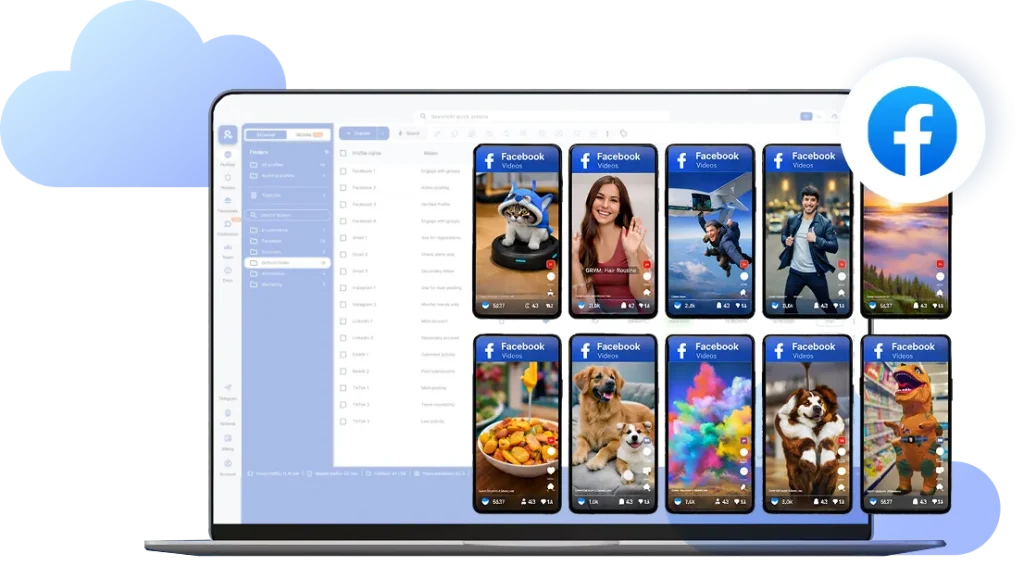
Post more,
work less
Perfect for multiple accounts
Unique cloud phones for each account
Built-in proxies
Residential and mobile proxies included in every plan
Grow organically
Post from real devices
Handle all Facebook accounts from one dashboard
Log in and launch multiple Facebook profiles from one desktop. Each account runs inside its own isolated Android cloud phone, keeping mobile sessions stable, separated, and far less likely to trigger bans or unwanted verifications.
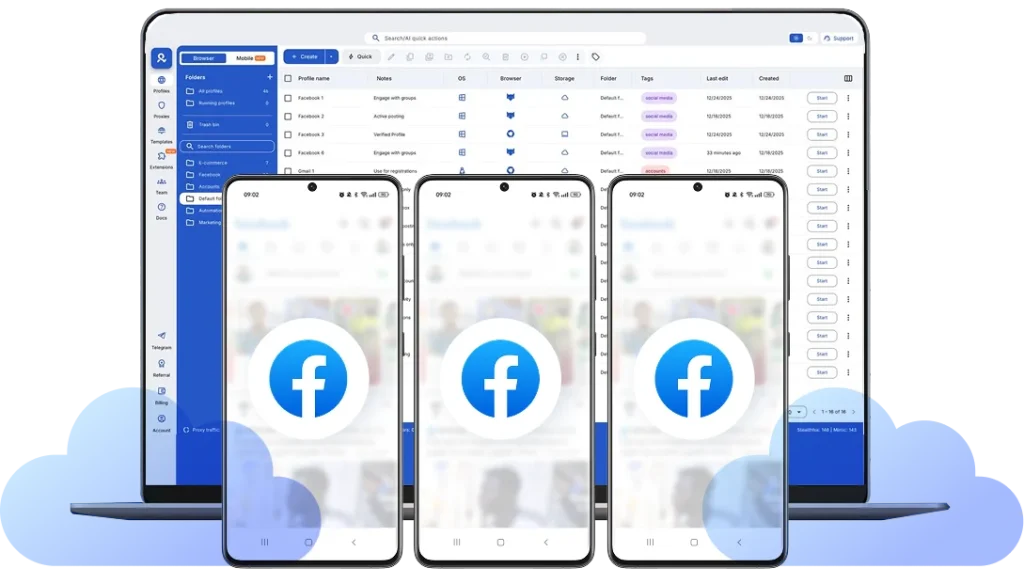
Upload, publish, and manage Facebook pages
Drag and drop media straight into the native Facebook app on your cloud phone. Run multiple cloud phones for Facebook at once to publish posts, manage Business Pages, reply to comments and inbox messages, launch ads through Meta tools.
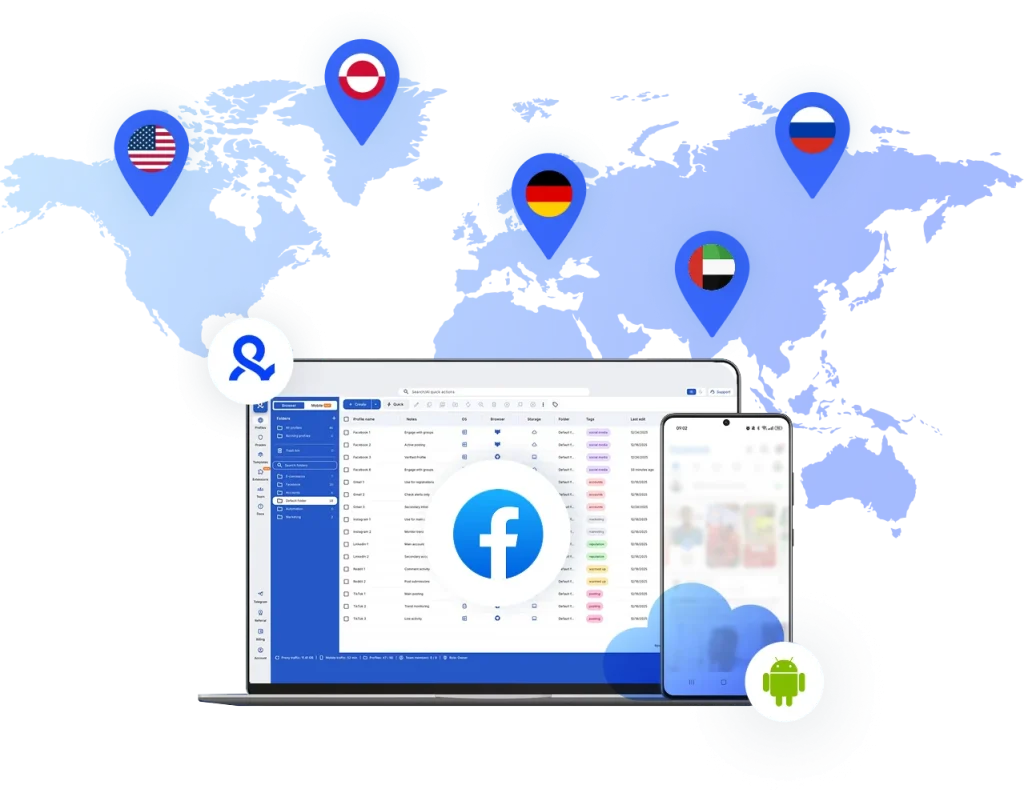
Run Facebook accounts from any location you choose
Pick the country or region for each Facebook account. Your cloud phone runs with consistent local network signals, so logins, posting, messaging, and ad activity stay stable over time. You can run local accounts reliably without random verification triggers.
Collaborate with your team on Facebook
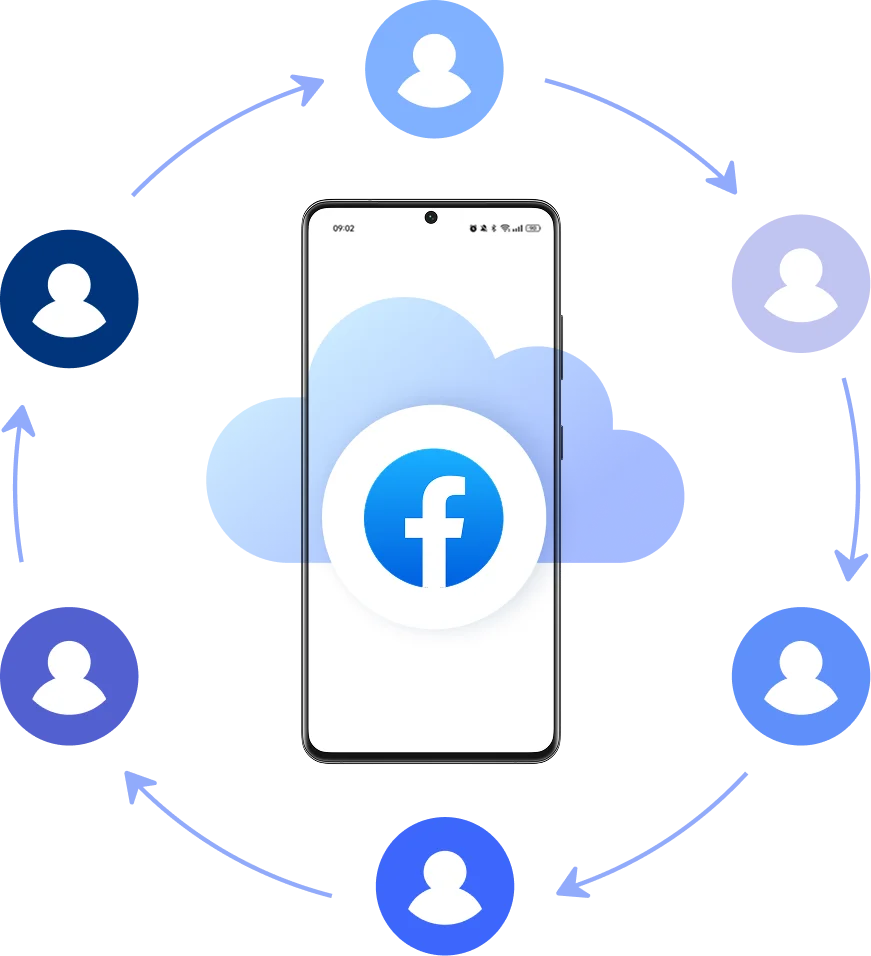
Share cloud phone Facebook profiles across your team, run bulk actions, and manage without sharing passwords or devices. All operations stay centralized, while each account remains isolated and organized inside secure cloud storage.
Grow your social media accounts with Multilogin cloud phones
Build account trust, reach any location, and boost your engagement
- Unlimited time
- Mobile and browser profiles included
- Free built-in proxies & mobile minutes
What is a cloud phone?
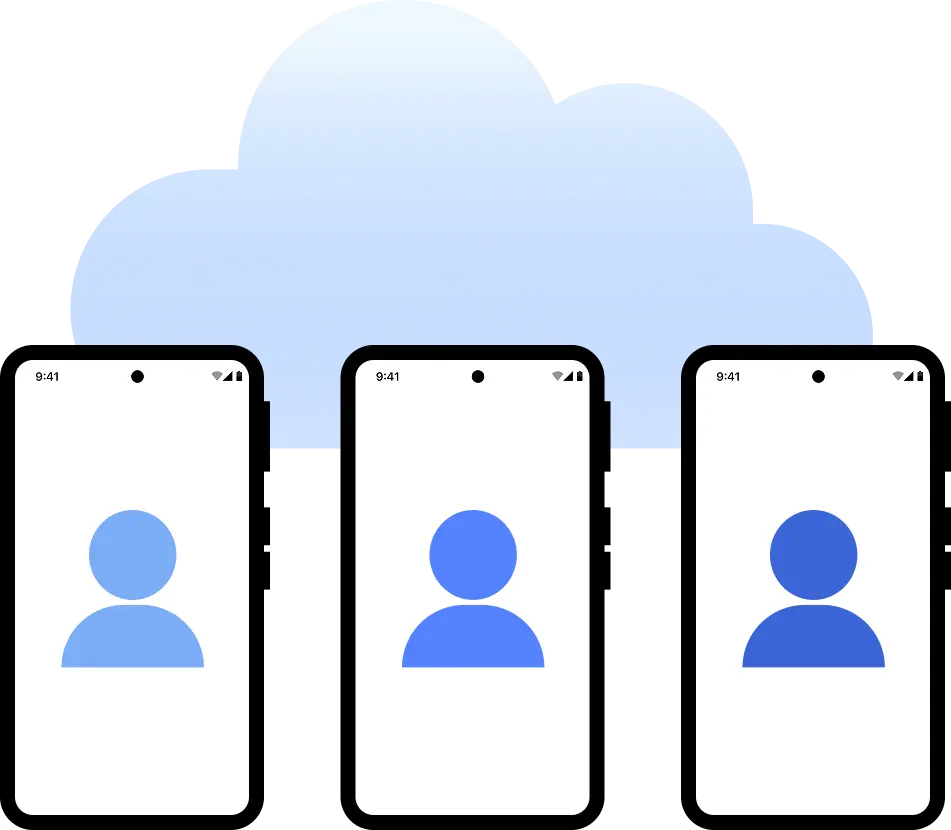
A cloud phone is a real Android mobile phone hosted in the cloud. Each cloud phone runs as an independent device, with its own operating system, hardware identifiers, storage, and network signals.
Why choose Multilogin for cloud phone?
Multilogin cloud phones operate with clear identity separation at the device level, allowing each Facebook account to run in its own isolated environment. This structure supports stable, scalable, and controlled account management without mixing sessions or sharing device signals.

Multilogin features for Cloud Phone management
More mobile and cloud phone solutions
- Android Cloud Gaming & AFK Farming with Multilogin Cloud Phones
- Android emulator alternative with cloud phones
- Antidetect Browser for Android
- Antidetect phone
- Cloud Phone for Gmail
- Cloud Phone for LinkedIn
- Cloud Phone for PayPal
- Cloud Phone for Social Media
- Cloud phone for Telegram
- Cloud Phone for Twitter
- Cloud phones for WhatsApp
- Cloud phones for Adobe Express
- Cloud phones for CapCut
- Cloud Phones for eBay Sellers and Agencies
- Cloud phones for KineMaster
- Cloud phones for Kwai
- Cloud phones for Shein
- Cloud phones for social media management
- Cloud phones for Splice
- Cloud phones for VN editor
- Compare
- Connect phones with Instagram
- Create multiple Facebook Ad Accounts with cloud phones
- Create multiple Hinge accounts
- Create multiple Lazada accounts
- Create multiple LINE accounts with cloud phones
- Create multiple Meta Business Suite accounts
- Create multiple Spotify Ads accounts
- Create multiple Spotify Creator accounts
- Get your mobile phone farm in the cloud with Multilogin
- Instagram marketing tool
- Manage multiple Android phones
- Manage TikTok Creator accounts with cloud phones
- Mobile emulator online
- Online survey for money with cloud phones
- Phones with TikTok
- QA Automation
- Run mobile testing with Multilogin’s Android Emulation
- Run TikTok ad accounts on cloud phones
- Social media management
- Social media proxies
- YouTube AI Influencers: Run Multiple Channels
- Cloud phone
- Multi‑account browser with cloud phones
- Phone Farming
- Virtual phones for managing multiple accounts
- Remote phone
- AI influencer
- Reddit for AI
- Cloud cell phone for managing mobile accounts
- Сloud Android emulator
- Cloud Phone for TikTok
- Cloud Phone for Instagram
- Cloud Phones for Reddit
- Cloud Phone for YouTube
One-click Android device launch
Install Facebook and start managing accounts. While your competitors spend days setting up physical phones.
Why Multilogin wins for Facebook
-
Fast and intuitive interface
Everything at your fingertips: drag-and-drop, hotkeys, and smooth multitasking without losing speed.
-
Browser built for multi-accounting
Advanced engine effectively avoids multi-account detection by creating unique browser fingerprints.
-
Created for team collaboration
-
Proxies included in every plan
-
24/7 support in 5 languages
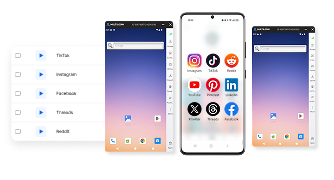
Manage multiple accounts across 50+ platforms






















How to start using Multilogin cloud phone
Launch and manage real mobile environments in the cloud.
Sign up
Register using a verified email address.
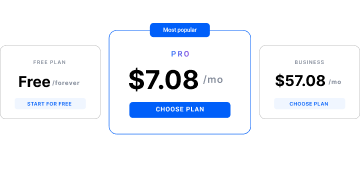
Choose your plan
Select from various subscription plans tailored to your business needs.
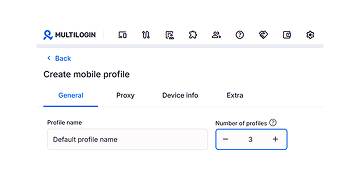
Manage multiple cloud phone profiles
Set up and manage multiple Facebook cloud phone profiles using separate browser profiles with consistent identities.
Award winning multiple account management platform













Watch the Multilogin Demo
Learn how Multilogin can boost your business. Check the video below to see its full capabilities in a short demo video.
Why Managing Multiple Facebook Accounts Is Challenging
Running Facebook operations today is rarely about a single profile. Agencies manage multiple client accounts, brands operate separate regional accounts, and performance teams often need structured access across several Business Managers.
The challenge is that Facebook ties everything back to the environment behind the login. When too many accounts are accessed from the same device, the same network, or the same inconsistent setup, Facebook starts treating the activity as risky — even when the work is legitimate.
A cloud phone for Facebook solves this at the infrastructure level. Instead of forcing multiple identities through one shared device, each account runs inside its own dedicated Android cloud phone, with its own persistent mobile environment.
A dedicated phone for Facebook — without managing physical devices
Facebook is a mobile-first platform. Many page tools, ad workflows, and account verification steps happen inside the native app, not just on desktop. But scaling with physical phones becomes chaotic fast. Devices get passed between team members, sessions break, accounts overlap, and operational control disappears.
With Multilogin, your phone for Facebook exists as an Android online device hosted in the cloud. Each cloud phone creates an isolated Android environment with unique hardware identifiers — real IMEI, Android ID, and system parameters that Facebook recognizes as a separate physical device. Add a dedicated residential IP matched to your account’s region, and you’ve got perfect isolation.
That means Facebook activity stays consistent over time, without resets, shared hardware, or constant re-logins.
Regional presence for Facebook campaigns
Facebook doesn’t evaluate accounts only by credentials. It evaluates context.
Where does this login usually happen? Does the device match the region? Are network signals stable? Do actions look consistent with local behavior?
This becomes critical when teams run campaigns across multiple markets. A business may operate globally, but Facebook still expects accounts to behave as if they belong to specific regions.
Multilogin cloud phones include +30M built-in residential proxy connectivity aligned with the device location from +195 countries, so each Android cloud phone maintains realistic regional presence instead of jumping between countries through unstable setups.
Structured separation across multiple Facebook identities
Facebook linking is rarely obvious at first. It happens quietly through reused environments: shared sessions, overlapping device parameters, repeated network patterns. That’s why managing multiple assets from one phone or one desktop profile often leads to restrictions later — not immediately, but as activity scales.
Multilogin prevents this by design. Each cloud phone runs as a standalone Android environment with its own identifiers, app state, and session history. From Facebook’s perspective, each account behaves like it’s being operated from its own independent smartphone, not from a reused workspace.
Built for long-term Facebook account stability
Facebook operations are rarely solo. Teams need shared access without sharing passwords, clients need separation, and workflows need accountability.
Multilogin cloud phones make it possible to assign environments per client, per brand, or per region, while keeping everything organized in one central dashboard.
Instead of switching accounts inside the same device, teams operate with clean separation, persistent sessions, and scalable control — the foundation Facebook work requires once you move beyond a single profile.
Conclusion
Facebook account management isn’t difficult because of the platform itself. It becomes difficult when multiple identities are forced into the same device environment.
A cloud phone for Facebook gives teams a cleaner structure: dedicated Android devices online, stable regional signals, and isolated environments that hold up as operations grow.
With Multilogin, agencies and businesses can run Facebook workflows the way they were meant to run — independently, consistently, and at scale, without relying on physical phone farms or fragile workarounds.
FAQ
What is a cloud phone for Facebook?
A cloud phone for Facebook is a dedicated Android device hosted in the cloud that lets you run Facebook exactly as if you were using a real smartphone. Instead of depending on physical phones or shared devices, you can access the Facebook app from your desktop while each account stays tied to its own persistent mobile environment.
This is especially useful for teams managing multiple Pages, profiles, or regional Facebook operations at the same time.
Who actually needs a phone for Facebook in the cloud?
Cloud phones are mainly used by agencies, advertisers, freelancers, and businesses that operate more than one Facebook account or other social media profiles. That includes managing multiple client pages, running separate ad accounts by market, handling community moderation at scale, or maintaining different identities without constantly switching devices.
Why does Facebook get stricter when you manage several accounts?
Facebook doesn’t just track logins. It tracks consistency.
When multiple accounts are accessed from the same device, same network, or constantly changing environments, Facebook can interpret that as risky behavior — even when the accounts are legitimate business assets.That’s why advertisers often run into unexpected reviews, limitations, or verification loops as soon as their setup becomes more complex.
How do cloud phones help with Facebook Business Manager workflows?
Business Manager activity is deeply tied to trust signals. When you’re handling pages, ad accounts, payment settings, or client assets, Facebook expects stable access patterns. Cloud phones provide that stability by keeping each account tied to its own long-term mobile environment, instead of bouncing between devices, VPNs, or shared sessions.
This makes daily operations smoother, especially for distributed teams.
Can I manage multiple Facebook accounts side-by-side with Multilogin?
Yes. With Multilogin Cloud Phones, you can launch several Android cloud devices at once and operate multiple Facebook accounts in parallel from one workspace. Each account runs separately, with its own device identity and session persistence, so you’re not constantly logging in and out or risking crossover between profiles.
How does Multilogin make Facebook activity look consistent across regions?
Multilogin Cloud Phones can be aligned with real regional signals. Each device maintains stable parameters like language, timezone, and location context, and can connect through mobile-grade residential proxies. This helps businesses operate Facebook accounts as if they were genuinely active inside the target market, instead of appearing remote or inconsistent.
That matters for brands running localized campaigns or managing international pages.
How do I get started with Multilogin Cloud Phones for Facebook?
Multilogin plans start at €5.85/month with annual billing, and you can test the platform with a 3-day trial for €1.99.
Once inside, you can launch your first cloud phone, install Facebook, assign a dedicated environment per account, and manage everything from one organized dashboard — without physical hardware.