


Phone farming without physical devices
Run phone farming using cloud Android profiles instead of physical devices. Manage mobile environments at scale, keep sessions intact, and remove hardware from your workflow.
Cloud-Based Android Profiles
Every cloud Android profile has its own persistent mobile device parameters, including system data and mobile fingerprints, keeping each phone farm environment consistent over time. Multilogin also includes its antidetect browser in the same platform, so teams can manage both cloud phones and browser profiles from one place.
Persistent mobile device identity
Every cloud Android profile has its own persistent mobile device parameters, including system data and mobile fingerprints, keeping each phone farm environment consistent over time. Multilogin also includes its antidetect browser in the same platform, so teams can manage both cloud phones and browser profiles from one place.
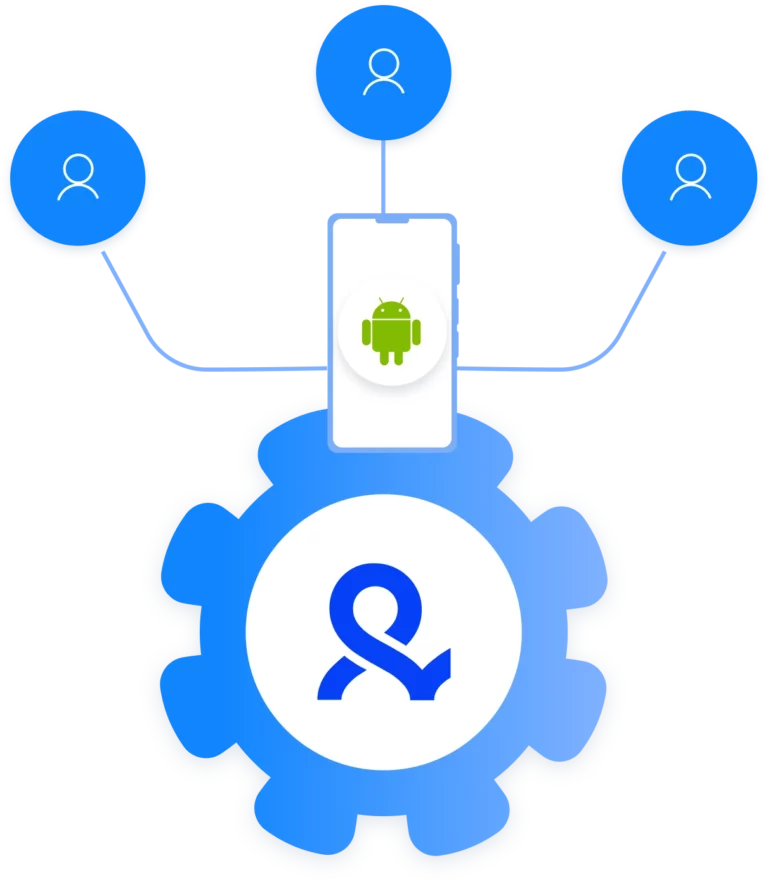
Centralized phone farm management
Manage all cloud Android profiles from a single Multilogin dashboard. Create, launch, stop, and organize phone farm environments without switching tools or handling physical devices, even as the setup scales.
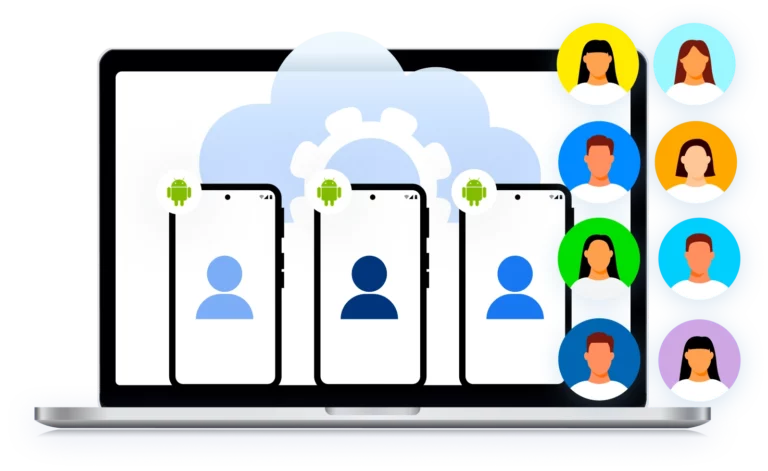
Profile-level network and location control
Assign proxies directly to each cloud Android profile. Multilogin supports built-in residential proxy traffic as well as external HTTP(S), SOCKS5, and mobile proxies, making it possible to control location and network identity per phone farm profile.
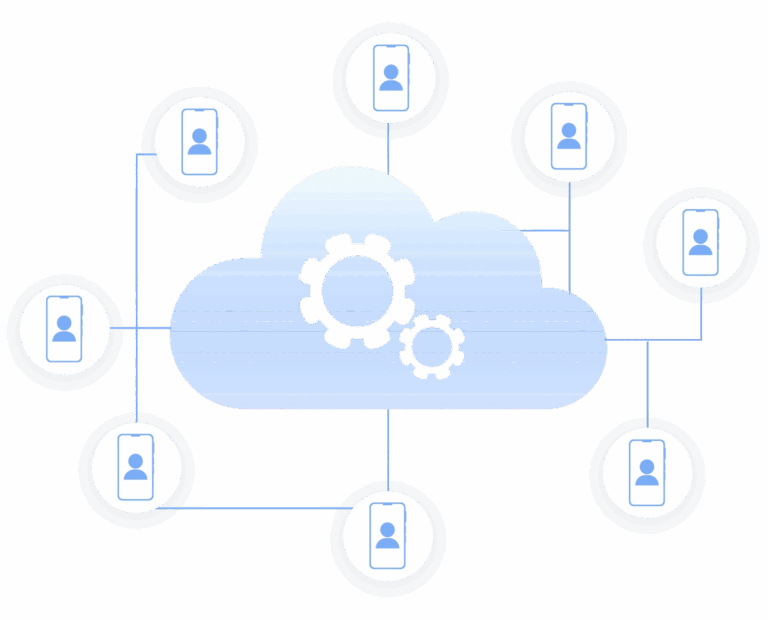
Scalable phone farm infrastructure
Scale from a small phone farm to hundreds of cloud Android profiles without increasing operational overhead. There’s no need to purchase, store, charge, or replace devices as your phone farm grows.
Looking for cloud phones?
-
3-day access to Multilogin
-
5 cloud or local profiles
-
200 MB proxy traffic included
-
3-day access to Multilogin
-
5 cloud or local profiles
-
200 MB proxy traffic included
What is an antidetect browser
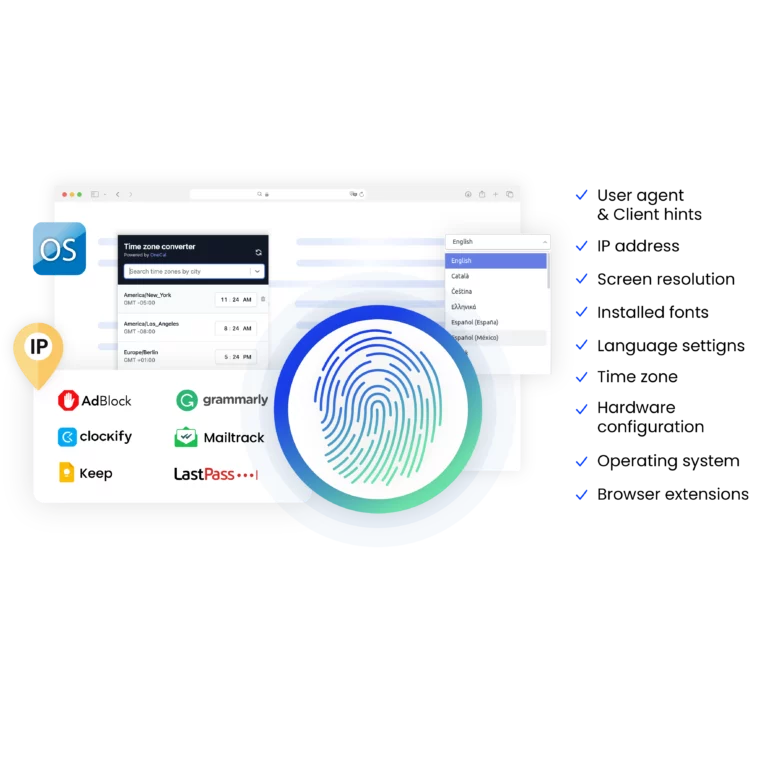
An antidetect browser is a tool that lets you manage multiple browser profiles for different accounts. Each profile has a unique device fingerprint. Device info, settings, timezone, fonts, WebGL, and canvas data can all vary. Multilogin also supports mobile browser profiles for added flexibility.
Why choose Multilogin for cloud mobile farming
Multilogin replaces physical phones with cloud Android profiles built for long-term mobile farming. Each environment stays isolated, keeps its identity over time, and works alongside Multilogin’s antidetect browser, giving teams one place to manage both mobile and browser setups without hardware.
Multilogin resources for mobile testing

Bypass bot protection
Mask unique browser fingerprints with our anti-fingerprinting tech to bypass multi-account and automated browser detection, ensuring secure and undetected usage.
Browser action automation
Automate repetitive tasks and form filling with Selenium, Postman, Playwright, and Puppeteer automation drivers while bypassing anti-bot algorithms.
Android Chrome browser
Emulate the full functionality of the Android Chrome Browser on your desktop seamlessly.

Fingerprint adjustment to proxies
All browser fingerprints are automatically adjusted to match the proxy’s location, enhancing anonymity.

Supports for all proxy types
Whether you use our proxies or bring your own, all proxy types are seamlessly supported.

Residential rotating IPs
We test our residential proxies daily, ensuring they work seamlessly with Ticketmaster, SeatGeek, AXS, and more.
Data sync over Cloud
Use cloud browser profiles to sync data across multiple devices or VPS instances.

Manual mode
Manually control the settings of your mobile browser profiles in secure virtual environments.
Related solutions you might like
Most Awarded Antidetect Browser













How to start using Multilogin
Start collecting data effortlessly with the industry leading antidetect browser.

Sign up
Register using a verified email address

Choose your plan
Select from various subscription plans tailored to your business needs

Download the Multilogin
Available for Windows, Mac, and Linux.

Access the Multilogin dashboard
Start creating and managing antidetect browser profiles

Create and manage multiple accounts
Set up and manage multiple accounts using separate browser profiles, all from one secure platform.
Watch the Multilogin demo
Learn how Multilogin enhances your anonymity for robust multi-account management and android testing activities. Just fill in your name, last name and email below, and we’ll deliver the demo video directly to your inbox.

Phone farming: How modern phone farms actually work today
Phone farming didn’t start as a shortcut; it emerged as a response to how mobile-first platforms began treating mobile traffic differently from desktop activity. As teams noticed that mobile accounts behaved differently; lasting longer, exposing features unavailable on desktop, and triggering moderation in new ways; it became clear that relying on desktop browsers alone was no longer enough.
At first, phone farming meant shelves full of cheap Android phones, power strips, overheating rooms, and constant device failures. If one phone died, the account tied to it often died too. If a team member needed access, the phone had to be physically shipped or logged into manually. Scaling meant buying more hardware and accepting more chaos.
That model no longer holds. Today, phone farming has moved away from physical devices and toward cloud-based Android environments, where android mobile emulation replaces hardware while keeping mobile behavior consistent.
What a phone farm is used for
A modern phone farm is not about “running apps and forgetting about them.” Anyone who tried that recently already knows how quickly accounts get flagged or shut down.
Today, phone farms are used for controlled mobile operations, where consistency matters more than volume.
Teams use phone farms to:
- Operate multiple mobile accounts without tying them to the same device
- Keep mobile sessions stable over time instead of recreating them daily
- Test how platforms behave on mobile versus desktop
- Run repeated mobile workflows without manual resets
- Hand off mobile environments between team members without sharing credentials
If you’ve ever lost multiple accounts after logging them into the same phone, or watched a working setup collapse because a device reset wiped everything, you already understand why this matters.
Why physical phone farms fail under pressure
Physical phone farms break in predictable ways. Physical phone farms are fragile by design. Phones overheat, batteries wear out, updates break workflows, and managing multiple devices turns into a constant drain on time and budget, especially as the setup grows. Once accounts are tied to specific hardware identifiers, a single failure can mean losing both the device and the work attached to it.
More importantly, physical phones create single points of failure. One device equals one identity. When it’s gone, so is the work behind it.
This is why many teams are replacing hardware with cloud phone farms, where each phone exists as a software-based Android environment rather than a physical object.
How cloud phone farming changes the workflow
Cloud phone farming replaces devices with isolated Android profiles. Each profile behaves like its own phone, with its own system data, storage, and mobile signals.
Instead of managing hardware, you manage environments.
A cloud phone farm lets you:
- Launch multiple Android environments from one dashboard
- Keep logins, app data, and session history intact
- Assign different network locations per mobile profile
- Shut down or recreate environments without losing others
- Scale up or down without buying anything
This shift removes most of the friction that made phone farming fragile in the first place.
What causes ban in phone farms
Most bans in phone farms don’t happen because of volume. They happen because of overlap.
When multiple accounts share the same device signals, the same storage, or the same network patterns, platforms connect the dots. Once that happens, removing one account doesn’t fix the problem. The entire setup becomes toxic.
If you get banned repeatedly, the solution is rarely “more phones.”
It’s better separation.
That means:
- One mobile identity per account
- Persistent environments instead of reused devices
- Network settings that match the mobile profile
- No accidental cross-login between environments
This is where cloud-based phone farming platforms matter.
Where Multilogin fits into phone farming
Multilogin approaches phone farming as an infrastructure problem, not a growth trick.
Instead of running browsers that pretend to be mobile, Multilogin antidetect browser lets teams create Android-based mobile profiles designed to behave like real phones over time. Each profile stays isolated. Each one keeps its own history. Each one can be reused safely.
In a phone farm setup, Multilogin is used to:
- Create and manage multiple Android environments
- Keep mobile sessions persistent across restarts
- Assign proxies that match the mobile profile location
Run mobile workflows using a mobile antidetect browser
- Automate repetitive mobile actions when needed
- Share access with teams without sharing devices
You’re not resetting phones. You’re maintaining mobile environments.
What you can do with a phone farm built this way
When phone farming is built on cloud Android profiles instead of hardware, the range of use cases expands.
Teams use these setups to:
- Manage mobile accounts across platforms without linking them together
- Run mobile-only flows that don’t exist on desktop
- Verify how mobile users see content, ads, or redirects
- Collect mobile-specific data that APIs don’t expose
- Keep long-lived mobile sessions without constant re-verification
The key difference is control. You’re not reacting to device failures. You’re designing a system that stays predictable.
What a sustainable phone farm requires
A phone farm that lasts more than a few weeks needs more than devices.
It needs:
- Isolation between mobile environments
- Persistent storage and session data
- Flexible network control
- The ability to recover without rebuilding everything
- Clear ownership and access rules for teams
Without these, scaling only increases risk. With them, scaling becomes a matter of capacity, not luck.
Why choose Multilogin cloud phones
Multilogin cloud phones are built for teams that need stable, long-term mobile environments without the overhead of physical devices. Instead of managing hardware that breaks, resets, or locks accounts to a single phone, you work with cloud-based Android profiles that keep their identity, session data, and mobile behavior consistent over time. This makes it easier to scale mobile operations, recover from issues, and maintain control as setups grow more complex.
Multilogin cloud phones help you:
- Replace physical phone farms with cloud-based Android environments
- Keep mobile sessions persistent with saved logins and app data
- Run each mobile account in an isolated environment to prevent overlap
- Control location and network identity per cloud phone using proxies
- Share access with teams safely through role-based permissions
- Scale mobile environments without buying, storing, or maintaining devices
This approach turns phone farming from a fragile hardware setup into a controlled mobile infrastructure that teams can rely on over time.
Phone farming without the hardware burden
Phone farming didn’t disappear as platforms evolved; it changed shape. Teams that still rely on racks of physical phones eventually hit the same limit—constant maintenance, device failures, and growing overhead that quietly consumes any real return. Cloud-based phone farms exist because managing hardware at scale stopped being practical once mobile operations became persistent, collaborative, and dependent on long-term session stability.
If your phone farm keeps breaking, the problem is not the number of phones.
It’s the structure underneath them.
Multilogin is used in phone farm setups precisely because it removes hardware from the equation and replaces it with controlled mobile environments that can be managed, reused, and scaled without starting over every time something goes wrong.
Frequently asked questions
What is a phone farm?
A phone farm is a setup where multiple mobile environments are operated in parallel to run mobile-specific workflows at scale. In the past, this meant racks of physical Android phones connected to power and network hubs. Today, phone farms are increasingly built using cloud-based Android environments that behave like real devices but are managed remotely from a single dashboard.
The purpose of a phone farm is not volume alone, but consistency. Teams use phone farms to keep mobile sessions isolated, persistent, and repeatable when desktop environments are not enough.
What is phone farming used for today?
Modern phone farming is used to support mobile-first operations where platforms behave differently on mobile than on desktop. This includes managing mobile accounts, running repeated mobile workflows, testing mobile behavior, and monitoring mobile-only content or flows.
As platforms became stricter, phone farming shifted away from hardware-heavy setups toward controlled mobile environments that can be reused and managed over time instead of rebuilt after every issue.
Why do teams still use phone farms instead of desktop browsers?
Mobile platforms apply different rules to mobile traffic. Features appear only on mobile, moderation behaves differently, and session handling follows separate logic. Desktop browsers, even when configured to look mobile, often fail to reproduce this behavior consistently.
Phone farms exist because they provide stable mobile environments that desktop setups cannot fully replicate, especially when long-term sessions and multiple accounts are involved.
What Are the biggest problems with physical phone farms?
Physical phone farms are fragile and expensive to maintain. Devices overheat, batteries degrade, screens fail, and Android updates introduce behavior that breaks existing workflows. As the number of phones grows, managing charging, replacements, monitoring, and access becomes time-consuming and costly.
Once accounts become tied to specific hardware identifiers, recovering from a device failure is slow and often impossible, which is why many teams move away from physical devices entirely.
How is a cloud phone farm different from a traditional phone farm?
A cloud phone farm replaces physical devices with cloud-based Android environments. Each environment behaves like its own phone, with separate system data, storage, and mobile signals, but without the hardware overhead.
Instead of managing devices, teams manage mobile profiles. Sessions persist, environments can be reused, and scaling no longer depends on buying or maintaining phones.
Is phone farming legal?
Phone farming itself is not illegal. The legality depends on how it is used. Operating mobile environments for testing, account management, monitoring, or internal workflows is generally lawful when it complies with platform rules and local regulations.
Problems arise when phone farms are used to misrepresent activity, generate fake engagement, or violate platform policies. Responsible phone farming focuses on isolation, control, and operational stability rather than abuse.
Can phone farming be automated?
Yes. Phone farming often involves automation to reduce manual work across multiple mobile environments. Automation can include launching sessions, repeating workflows, managing profiles, or collecting data.
How does Multilogin support phone farm setups?
Multilogin is used in phone farm setups to manage cloud-based Android profiles that behave like real mobile devices over time. Each profile stays isolated, keeps its session data, and can be assigned its own network configuration.
This allows teams to operate phone farms without physical devices, reduce account overlap, automate workflows when needed, and share access safely across operators without sharing credentials or hardware.